Inside Toshiba Satellite P50-C – disassembly, internal photos and upgrade options
On our way to the full review of Toshiba Satellite P50-C, first stop – disassembly. As part of the upper-mid-range notebooks from Toshiba, we are pleased with some of the qualities the machine has to offer, but in terms of upgrade options, it’s kind of a letdown. Find out why below.
You can check the current price of Toshiba Satellite P50C here: http://amzn.to/1gwvoCf
1. Removing the battery and the optical drive
Before you proceed with the full disassembly, we suggest removing the battery and the optical drive first. The battery is user-replaceable and only two screws keep it in place.
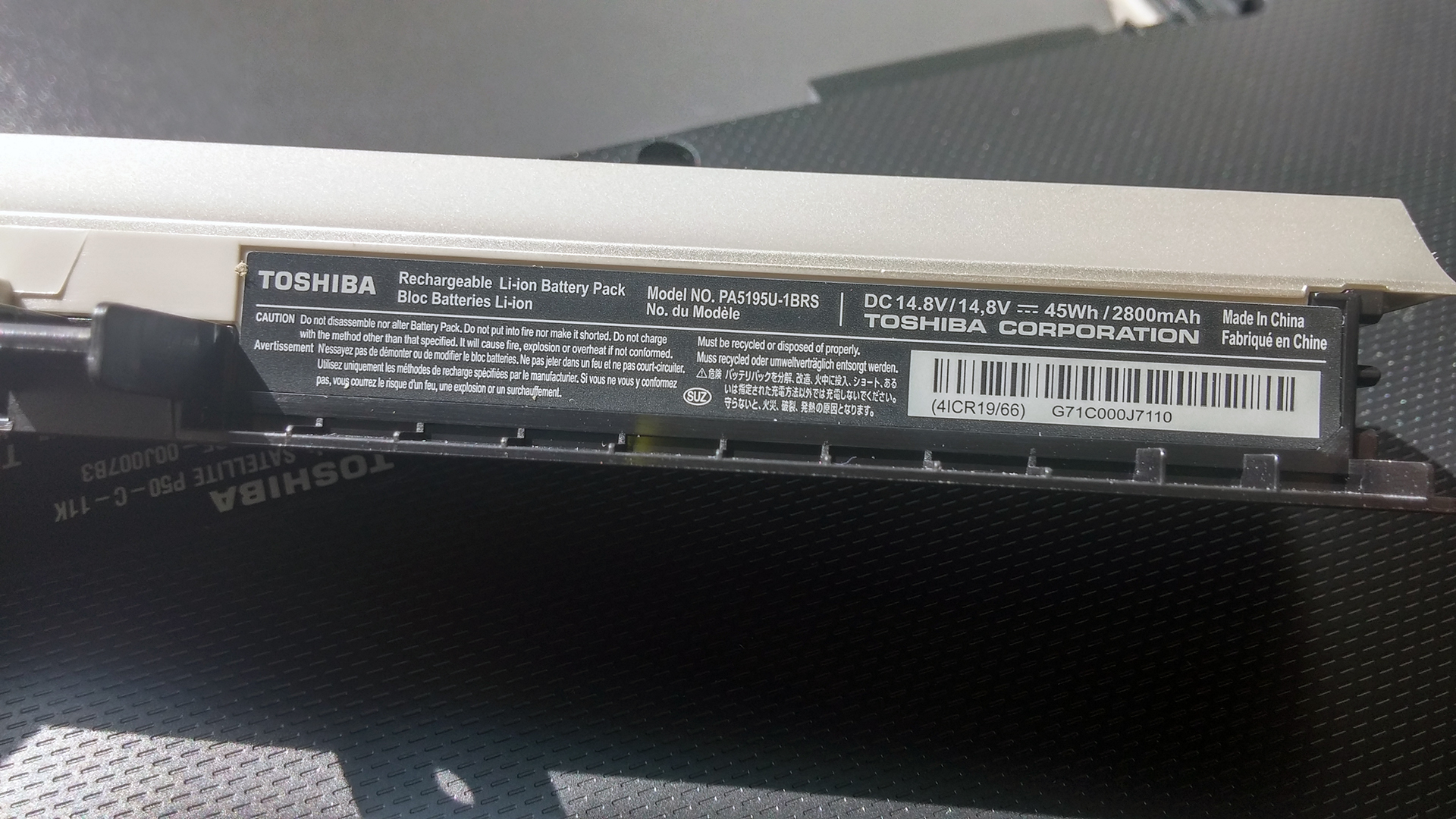
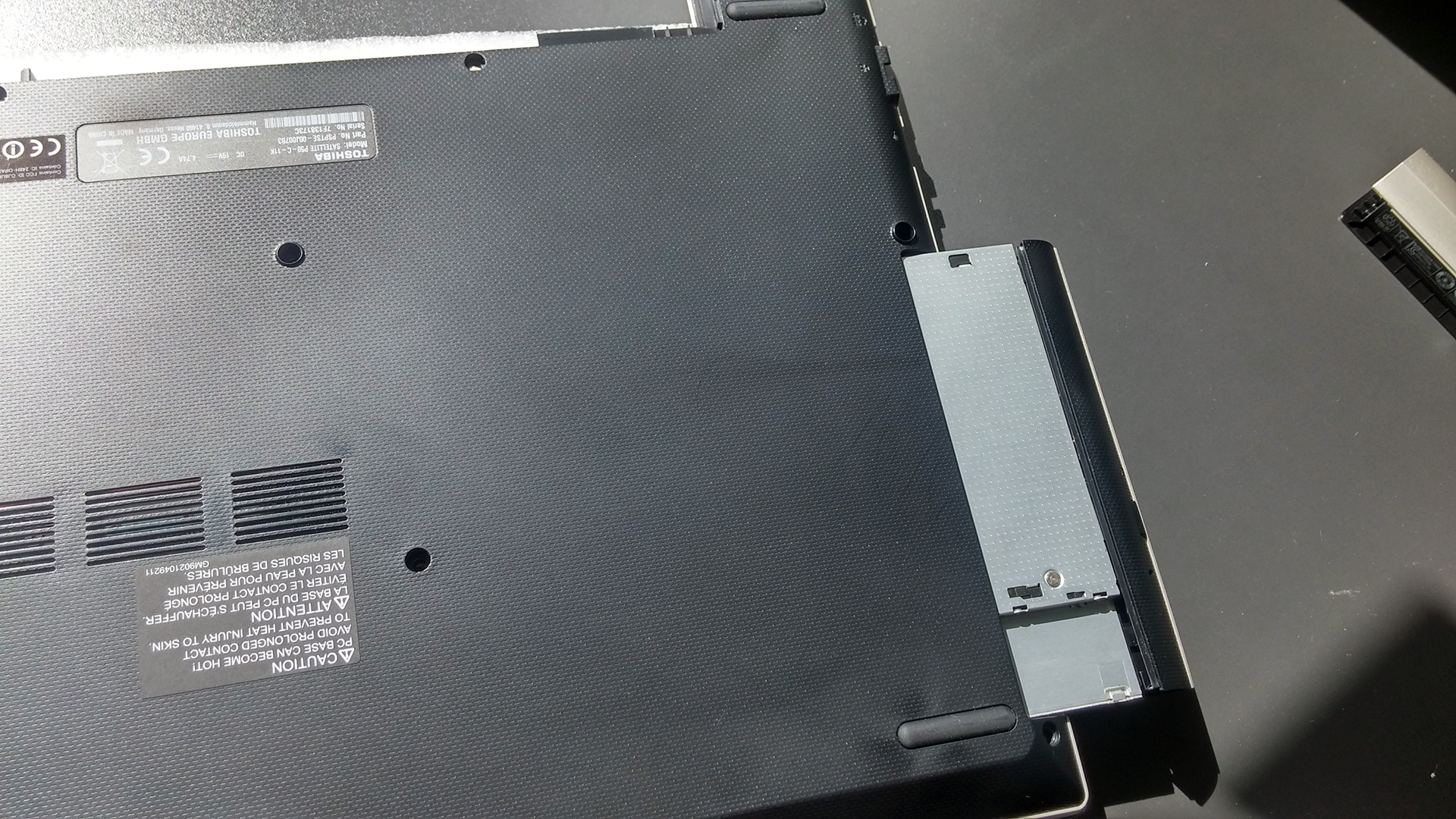
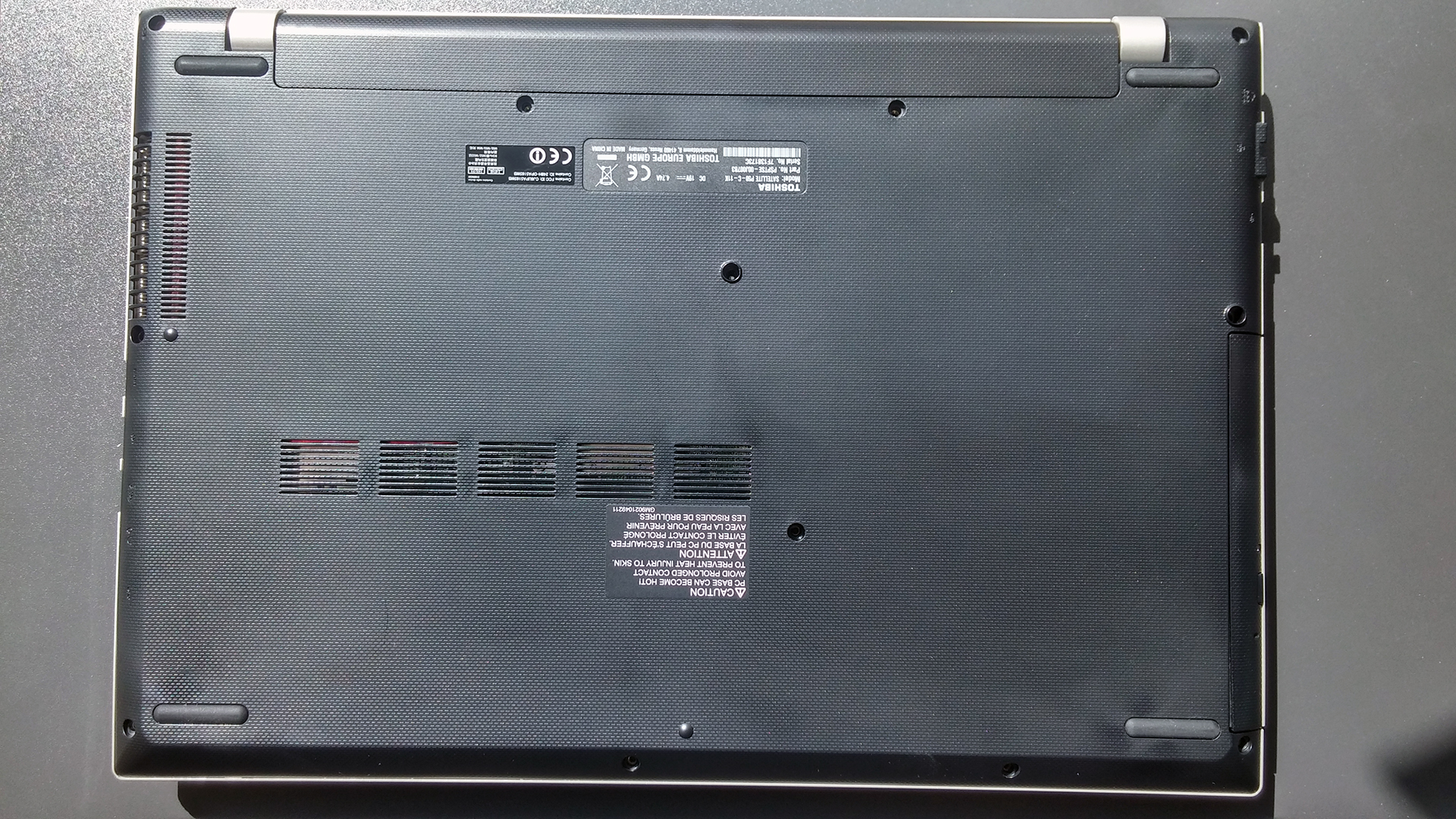
As you can see from the photo above, the battery is manufactured by Toshiba and it’s rated at 45Wh, 2800 mAh. As for the optical drive, only one screw has to be removed. You can also swap the optical drive for a secondary HDD.
2. Accessing the internals and upgrade options
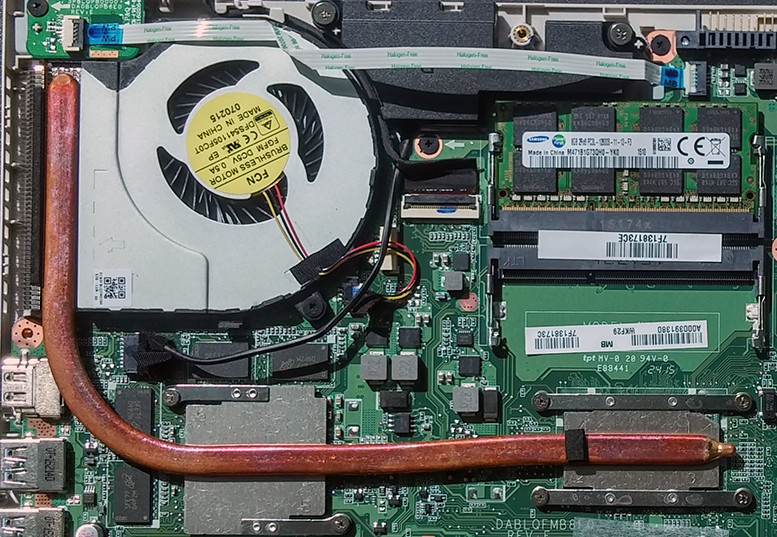
This is done fairly easy. After you’ve removed the battery and the optical drive, proceed with unscrewing the rest of the bolts and the bottom panel will fall off easily. Beneath it you will see the SSHD manufactured by Toshiba with a capacity of 1TB, in our case. You can always swap it for a larger 2.5-inch HDD or SSD since there is no M.2 SATA SSD slot available.


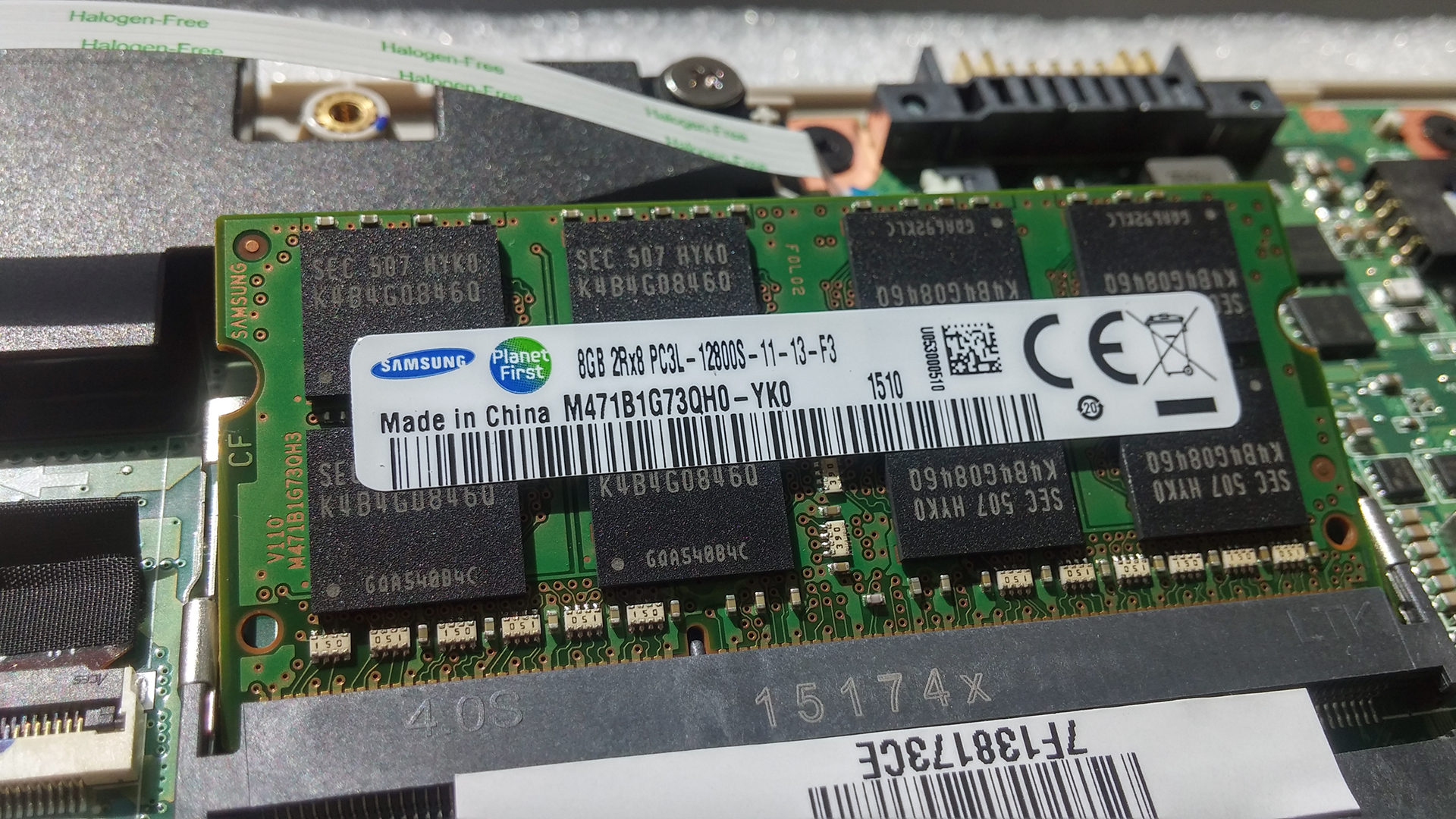
Under one of the cables is hiding the Wi-Fi module from Intel – Wireless-AC 3160. Next to it are the two RAM slots with one of them being occupied with an 8GB RAM chip by Samsung.
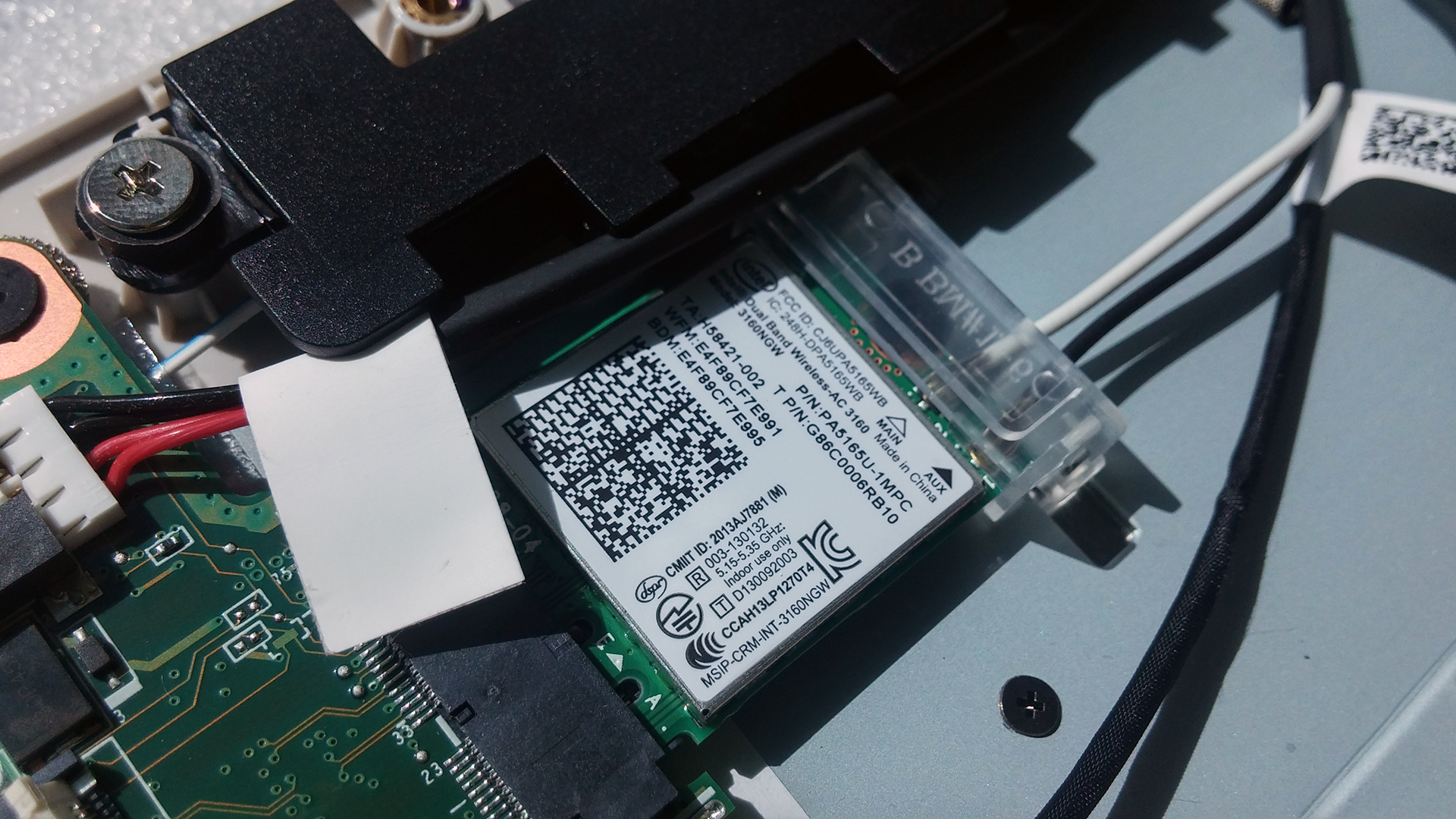
We would like to note that the cooling system doesn’t seem to be very promising with only one heat pipe connecting the CPU and the GPU through only one fan. However, the CPU and the GPU have low TDP so we can assume that the cooling solution will be sufficient. In any case, we will make sure to check that out in our full review.
You can check the current price of Toshiba Satellite P50C here: http://amzn.to/1gwvoCf
 Author: Rossen Pandev

![[Juin 2026] Les marques d’ordinateurs portables les plus vendues sur Amazon Global – La domination sans égale d’Apple en termes de volume de ventes et de chiffre d’affaires](https://laptopmedia.com/wp-content/uploads/2026/07/GLOBAL-Best-Brands-400x225.jpg)
![[Juin 2026] Amazon Global : le top 10 des ordinateurs portables les plus vendus – Le nouveau MacBook Neo d’Apple s’empare de la première place et redéfinit le marché grâce à son prix abordable](https://laptopmedia.com/wp-content/uploads/2026/07/Best-Selling-Laptops-GLOBAL-Top-10-400x225.jpg)
![[Juin 2026] Amazon Global : le top 10 des ordinateurs portables de jeu les plus vendus – Le Nitro V 16S AI d’Acer domine les ventes, tandis qu’ASUS arrive en tête en termes de chiffre d’affaires global](https://laptopmedia.com/wp-content/uploads/2026/07/Best-Selling-Gaming-Laptops-GLOBAL-Top-10-400x225.jpg)
![[Juin 2026] Classement mondial des cartes graphiques pour ordinateurs portables les plus vendues sur Amazon – La NVIDIA RTX 5060 est la carte graphique dédiée la plus vendue](https://laptopmedia.com/wp-content/uploads/2026/07/Best-Selling-GPUs-GLOBAL-Top-10-400x225.jpg)
![[Juin 2026] Classement mondial des processeurs d’ordinateurs portables les plus vendus sur Amazon : l’Apple M5 domine, tandis que l’AMD Ryzen 7 260 s’impose dans le segment haut de gamme](https://laptopmedia.com/wp-content/uploads/2026/07/Best-Selling-CPUs-GLOBAL-Top-10-400x225.jpg)

Any chance you can supply me with the partnumber for that optical drive? I’m looking to build one into my P50-C and Toshiba is reluctant to supply me with the right spare.
Cheers,
Cees
Hi Cees, do you already know the partnumber of a opticaldrive (dvd or bluray)?
And a company who sells such a drive?
thanks…..
i bought that product 1 week ago and the fan started rattling. i opened the case and couldn’t find a way to detach upper part of the fan. can you add some information for fan cleaning?
please can some one help me can i upgrade the graphic card with an external adaptor?
can you use a external GPU with the toshiba satellite p50 a 12f