Top 5 reasons to BUY or NOT to buy the Lenovo ThinkPad X13 Yoga
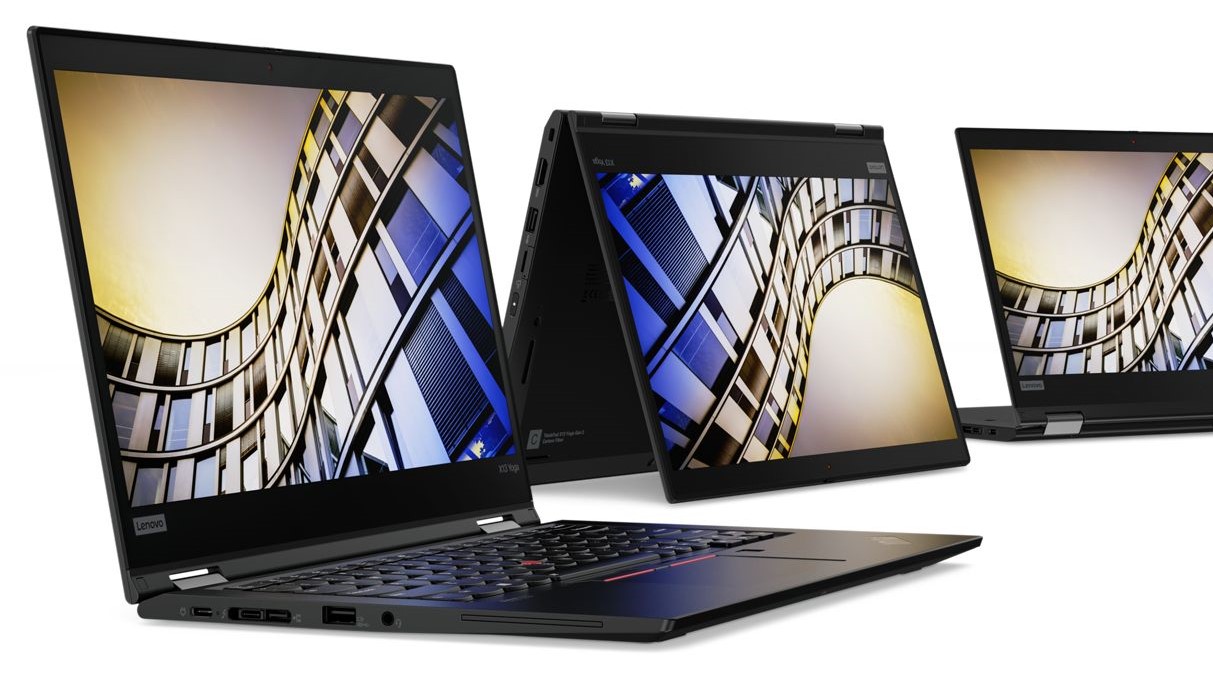 ThinkPad has been one of the most popular business laptop brands in the world, offering supreme build quality that is paired up with great performance.
The Lenovo ThinkPad X13 Yoga, while not being Lenovo’s flagship still has that flagship price tag and brings premium features to the table. The device is also versatile enough to be used for professional work, due to its display.
Today we are presenting you our Top 5 picks about the Lenovo ThinkPad X13 Yoga.
Here you can read our in-depth review of the Lenovo ThinkPad X13 Yoga: https://laptopmedia.com/review/lenovo-thinkpad-x13-yoga-review-a-business-laptop-with-accurate-colors-and-a-lot-of-ports/
Here you can check the current prices and configurations of the Lenovo ThinkPad X13 Yoga: https://laptopmedia.com/series/lenovo-thinkpad-x13-yoga-gen-1/
4 reasons to BUY the Lenovo ThinkPad X13 Yoga
1. The Design and build quality
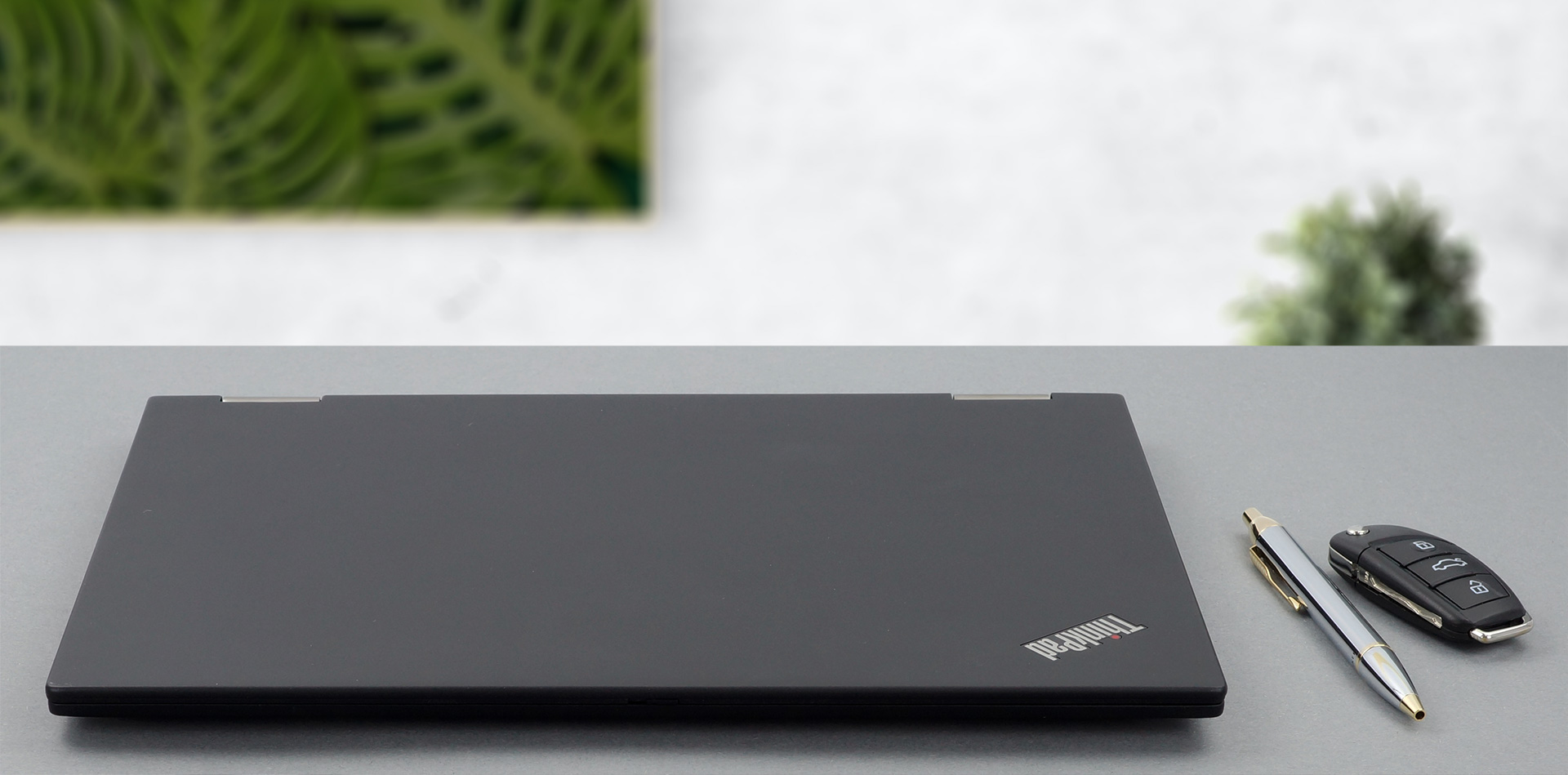
As this laptop is on the more premium side, we expect, and we get premium materials and great build quality. The device has a very slim profile of 15.9mm and weighs only 1.25 kg, due to its complicated build. The chassis is made out of magnesium alloy, making the laptop a lot tougher than its weight would suggest. As for the other parts of the body, such as the lid and the bottom panel, they are built off Carbon fiber hybrid polymer plus 55% glass fiber content.
2. The Display
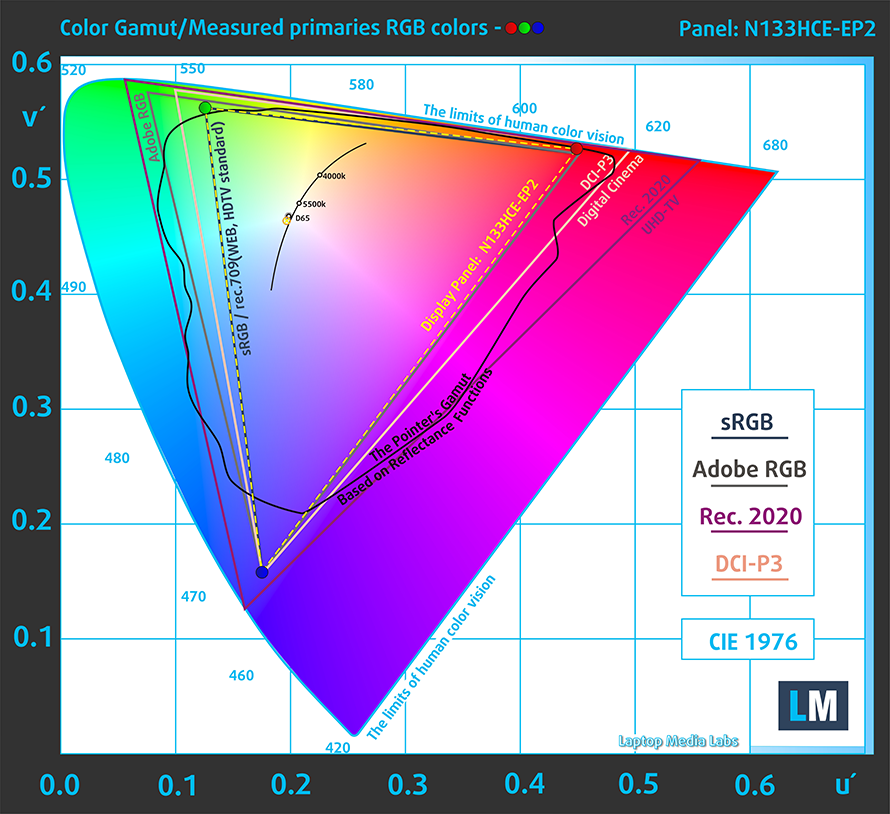
Moving over to the display, the Full HD IPS panel of the Lenovo ThinkPad X13 Yoga has comfortable viewing angles and a good contrast ratio. Moreover, it covers 98% of the sRGB color gamut and its backlight remains flicker-free above 78 nits.
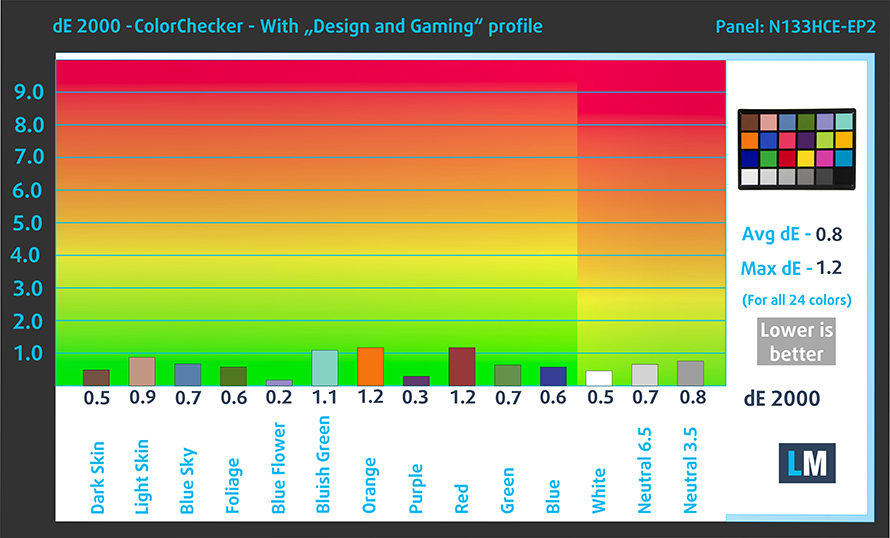
Continuing with the color accuracy of the display, we tested it using the 24 most commonly used colors. We have the results below, both with factory settings (left) and with our Gaming and Web design profile applied (right).
With an average dE value of 0.8, which puts the display within the standard, the laptop can for sure be used for professional and creative work, such as design, video editing, and e-commerce.

Buy our profiles
Since our profiles are tailored for each individual display model, this article and its respective profile package are meant for Lenovo ThinkPad X13 Yoga configurations with 13.3″ Innolux N133HCE-EP2 (FHD, 1920 × 1080) IPS panel.
*Should you have problems with downloading the purchased file, try using a different browser to open the link you’ll receive via e-mail. If the download target is a .php file instead of an archive, change the file extension to .zip or contact us at [email protected].
Read more about the profiles HERE.
En plus de recevoir des profils efficaces et respectueux de la santé, en achetant les produits de LaptopMedia, vous soutenez également le développement de nos laboratoires, où nous testons des appareils afin de produire les critiques les plus objectives possibles.

Travail de bureau
Office Work devrait être utilisé principalement par les utilisateurs qui passent la plupart de leur temps à regarder des textes, des tableaux ou simplement à naviguer. Ce profil vise à offrir une meilleure distinction et clarté en maintenant une courbe gamma plate (2.20), une température de couleur native et des couleurs fidèles à la perception.

Design et Gaming
Ce profil s'adresse aux designers qui travaillent avec les couleurs de manière professionnelle, ainsi qu'aux jeux et aux films. Design and Gaming pousse les dalles d'affichage à leurs limites, les rendant aussi précises que possible dans la norme sRGB IEC61966-2-1 pour le Web et la TVHD, au point blanc D65.

Health-Guard
Health-Guard élimine la Modulation de Largeur d'Impulsion (PWM) nocive et réduit la lumière bleue négative qui affecte nos yeux et notre corps. Comme il est adapté à chaque dalle, il parvient à conserver des couleurs fidèles à la perception. Health-Guard simule le papier, ce qui réduit considérablement la pression sur les yeux.
Obtenez les 3 profils avec 33% de réduction

3. The Battery life
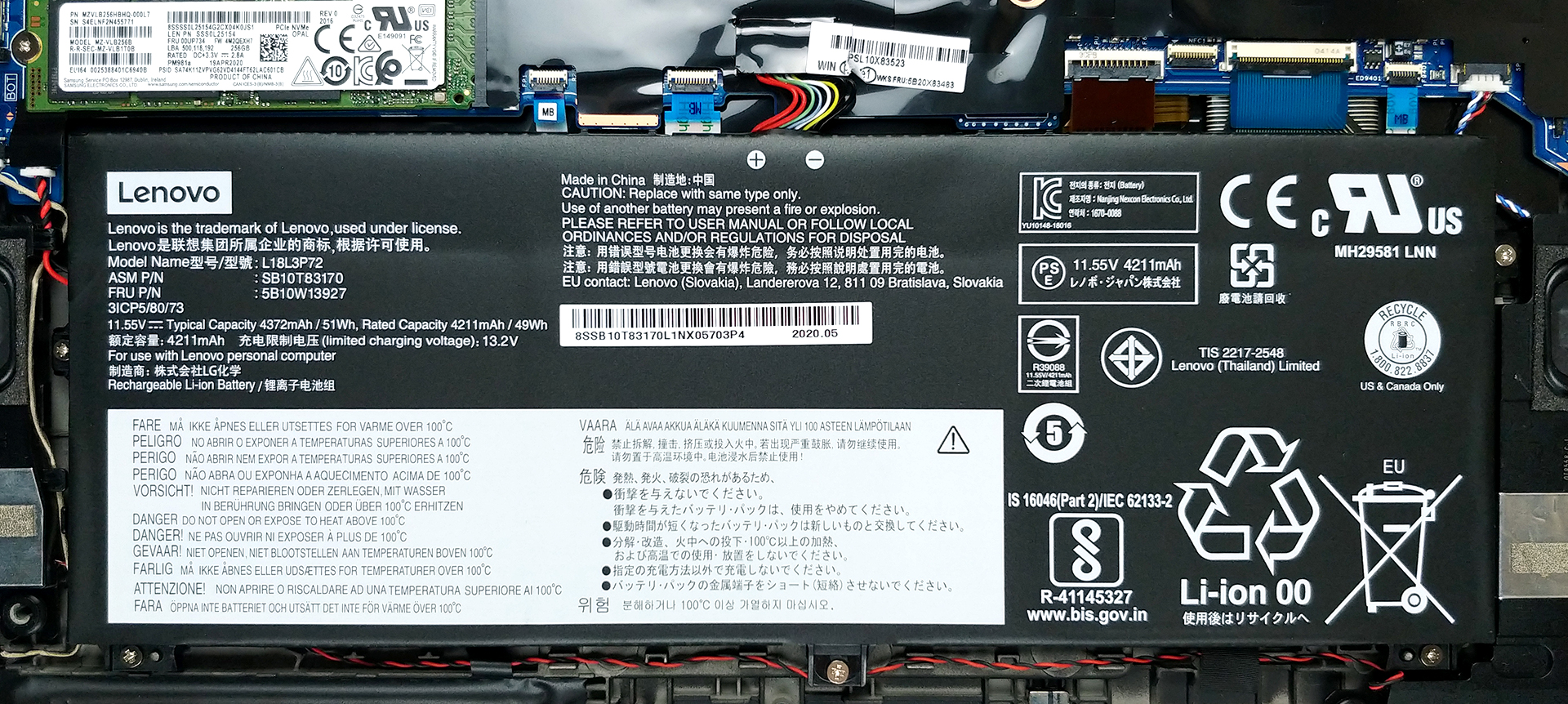
Continuing on with the battery life, the laptop’s relatively small 51Wh unit produced great results. The device lasted through 11 hours and 40 minutes of Web browsing and 11 hours and 29 minutes of video playback in our battery life test. The way we measure the battery life is with the Windows Better performance setting turned on, screen brightness adjusted to 120 nits, and all other programs turned off except for the one we are testing the notebook with. This ensures that the laptop can last you through a whole day of work, without needing a charger.
4. The Features
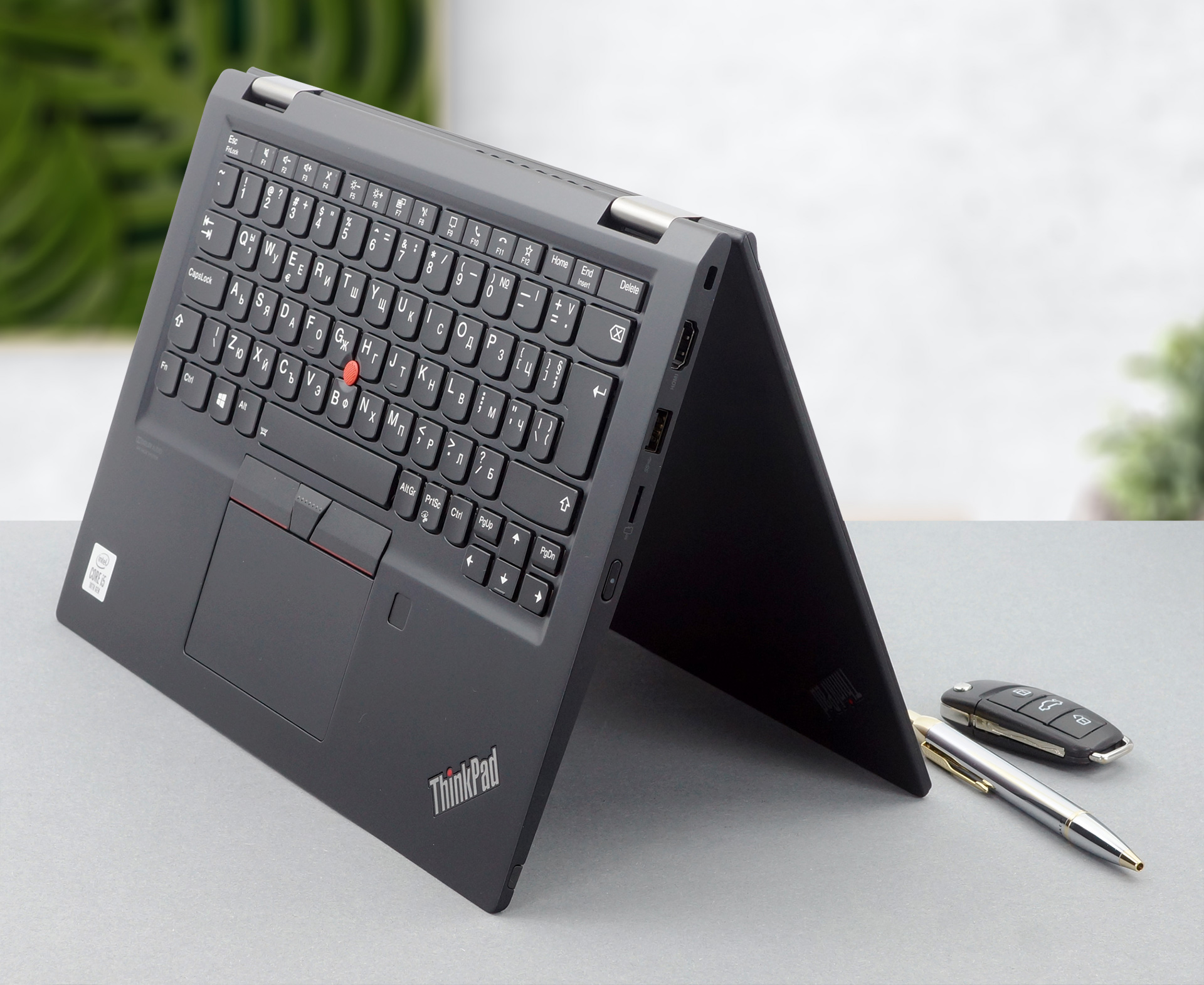
As with any other premium device, this one doesn’t skip out on features. The I/O, which is some of the best that we have seen, includes a Thunderbolt 3 connector and a MicroSD card reader. The device comes with a stylus pen included in the box, which when paired with the 360-degree hinge, makes it a very versatile creative tool. The added dual-biometric authentication, thanks to the fingerprint reader and the IR face recognition sensor, makes the convertible, a very secure one.
1 reason NOT to buy the Lenovo ThinkPad X13 Yoga
1. The Upgradability
As no device is perfect, we have to tell you what isn’t great about this one either, which is the upgradability. Once you remove the 8 Phillips head screws and pop the bottom panel, you can access the internals, and here you see the soldered RAM, which means that you are stuck with either 8GB or 16GB. Not all is lost though, as there is one M.2 PCIe x4 drive, for future storage expansion.
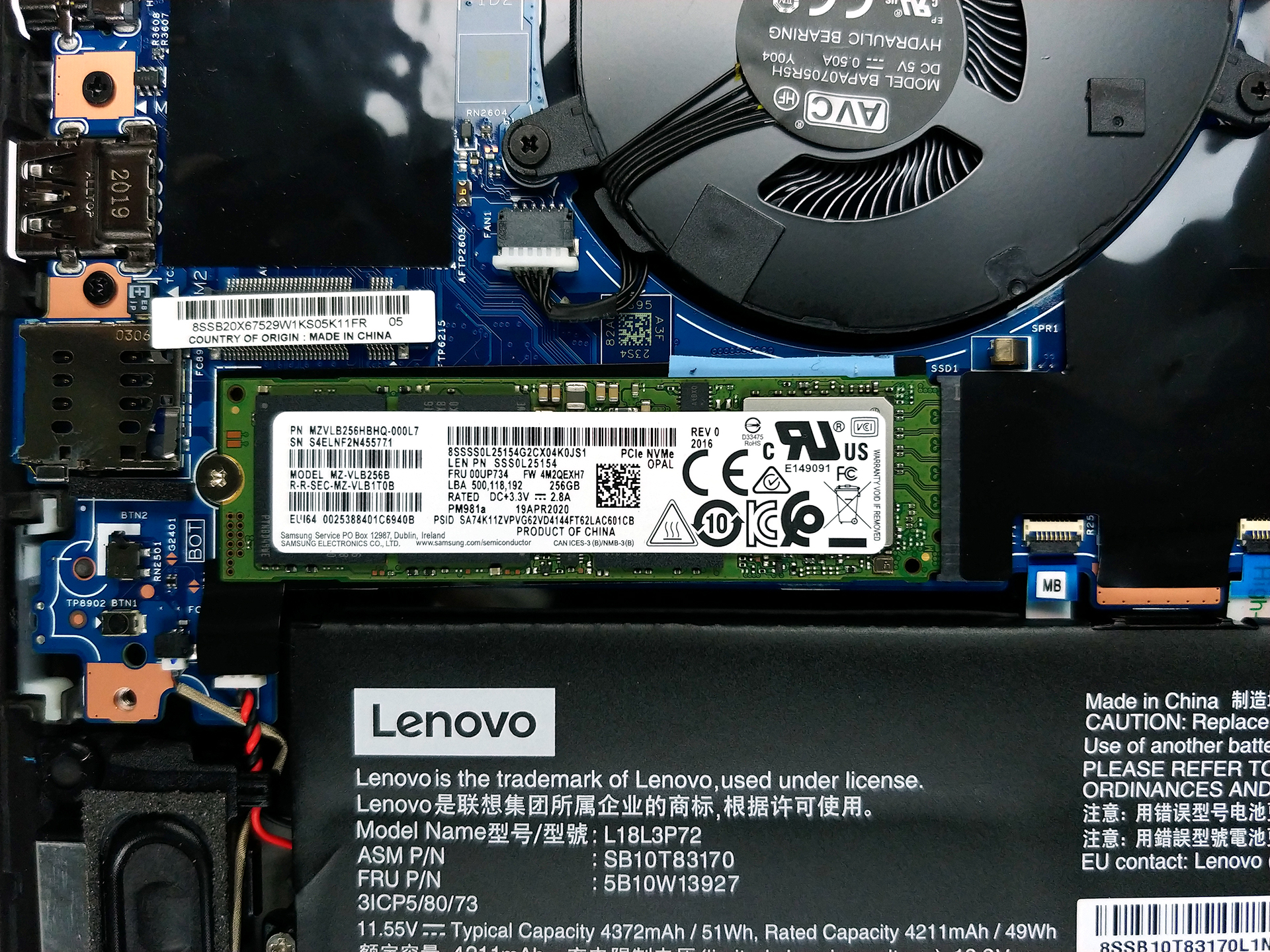
If you are afraid or it is your first time opening a laptop, we have a detailed teardown video which you can check out below.
 Author: Severin Kolakov

![[Juin 2026] Les marques d’ordinateurs portables les plus vendues sur Amazon Global – La domination sans égale d’Apple en termes de volume de ventes et de chiffre d’affaires](https://laptopmedia.com/wp-content/uploads/2026/07/GLOBAL-Best-Brands-400x225.jpg)
![[Juin 2026] Amazon Global : le top 10 des ordinateurs portables les plus vendus – Le nouveau MacBook Neo d’Apple s’empare de la première place et redéfinit le marché grâce à son prix abordable](https://laptopmedia.com/wp-content/uploads/2026/07/Best-Selling-Laptops-GLOBAL-Top-10-400x225.jpg)
![[Juin 2026] Amazon Global : le top 10 des ordinateurs portables de jeu les plus vendus – Le Nitro V 16S AI d’Acer domine les ventes, tandis qu’ASUS arrive en tête en termes de chiffre d’affaires global](https://laptopmedia.com/wp-content/uploads/2026/07/Best-Selling-Gaming-Laptops-GLOBAL-Top-10-400x225.jpg)
![[Juin 2026] Classement mondial des cartes graphiques pour ordinateurs portables les plus vendues sur Amazon – La NVIDIA RTX 5060 est la carte graphique dédiée la plus vendue](https://laptopmedia.com/wp-content/uploads/2026/07/Best-Selling-GPUs-GLOBAL-Top-10-400x225.jpg)
![[Juin 2026] Classement mondial des processeurs d’ordinateurs portables les plus vendus sur Amazon : l’Apple M5 domine, tandis que l’AMD Ryzen 7 260 s’impose dans le segment haut de gamme](https://laptopmedia.com/wp-content/uploads/2026/07/Best-Selling-CPUs-GLOBAL-Top-10-400x225.jpg)
