ASUS X543 - Specs
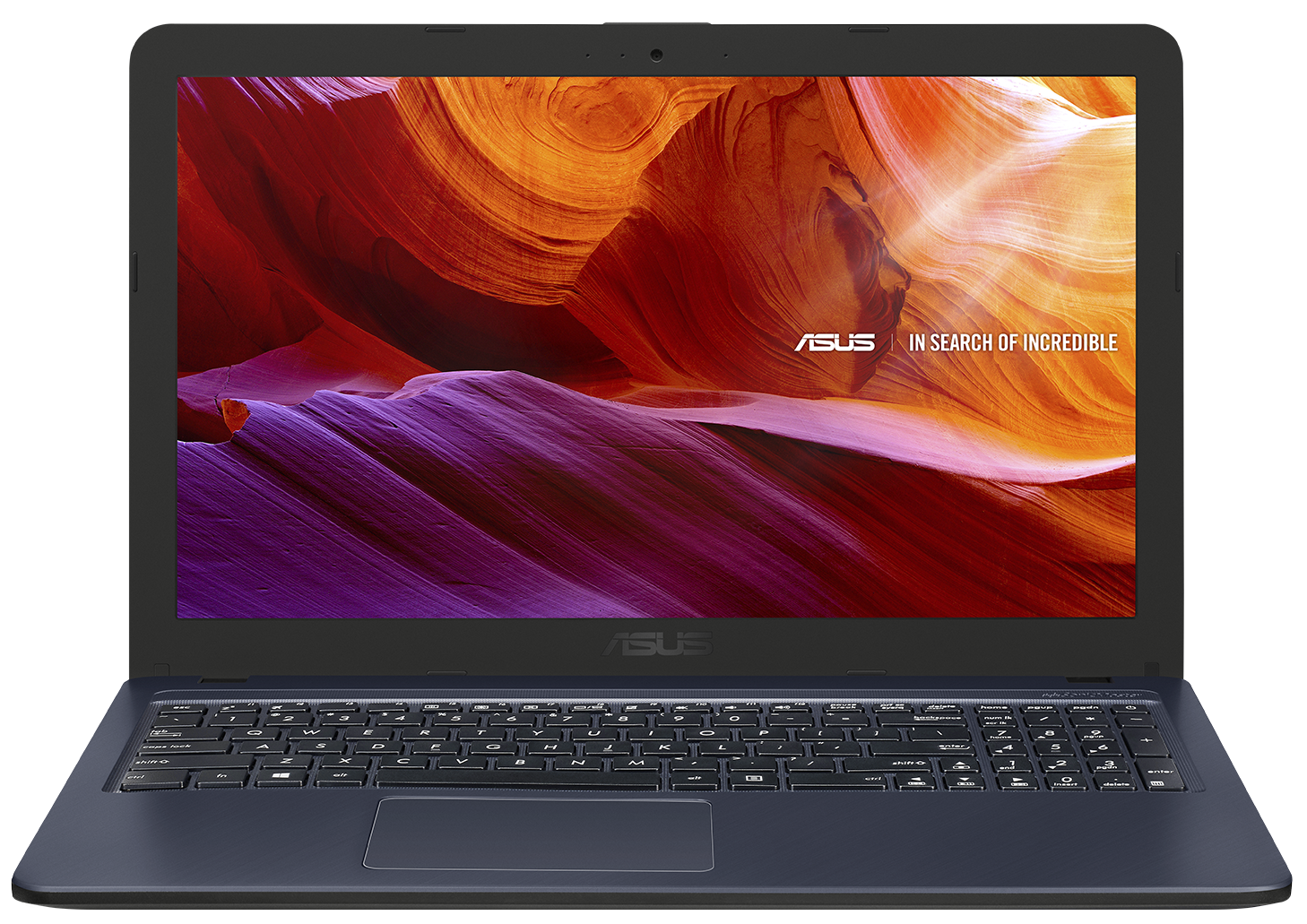
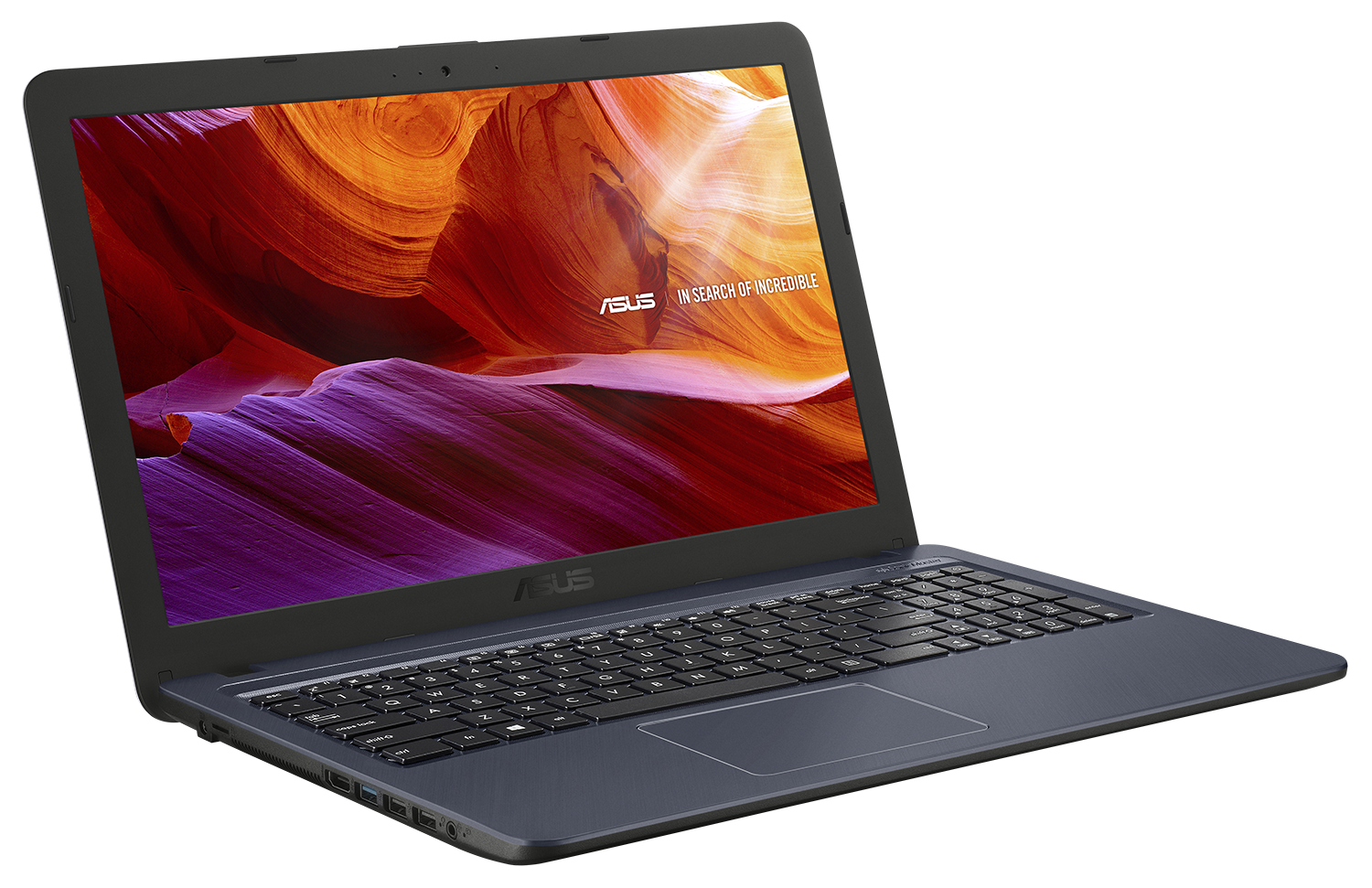
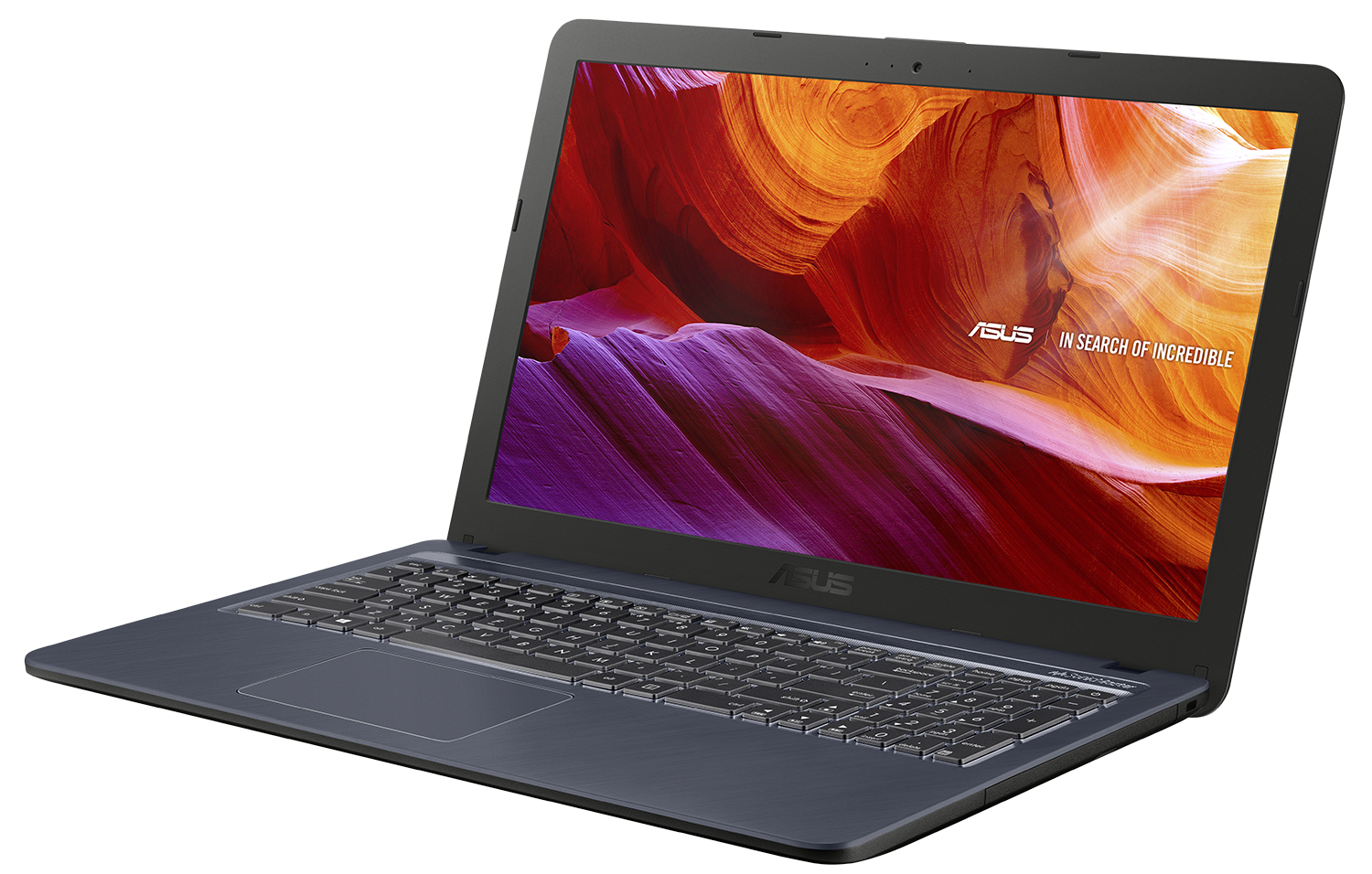
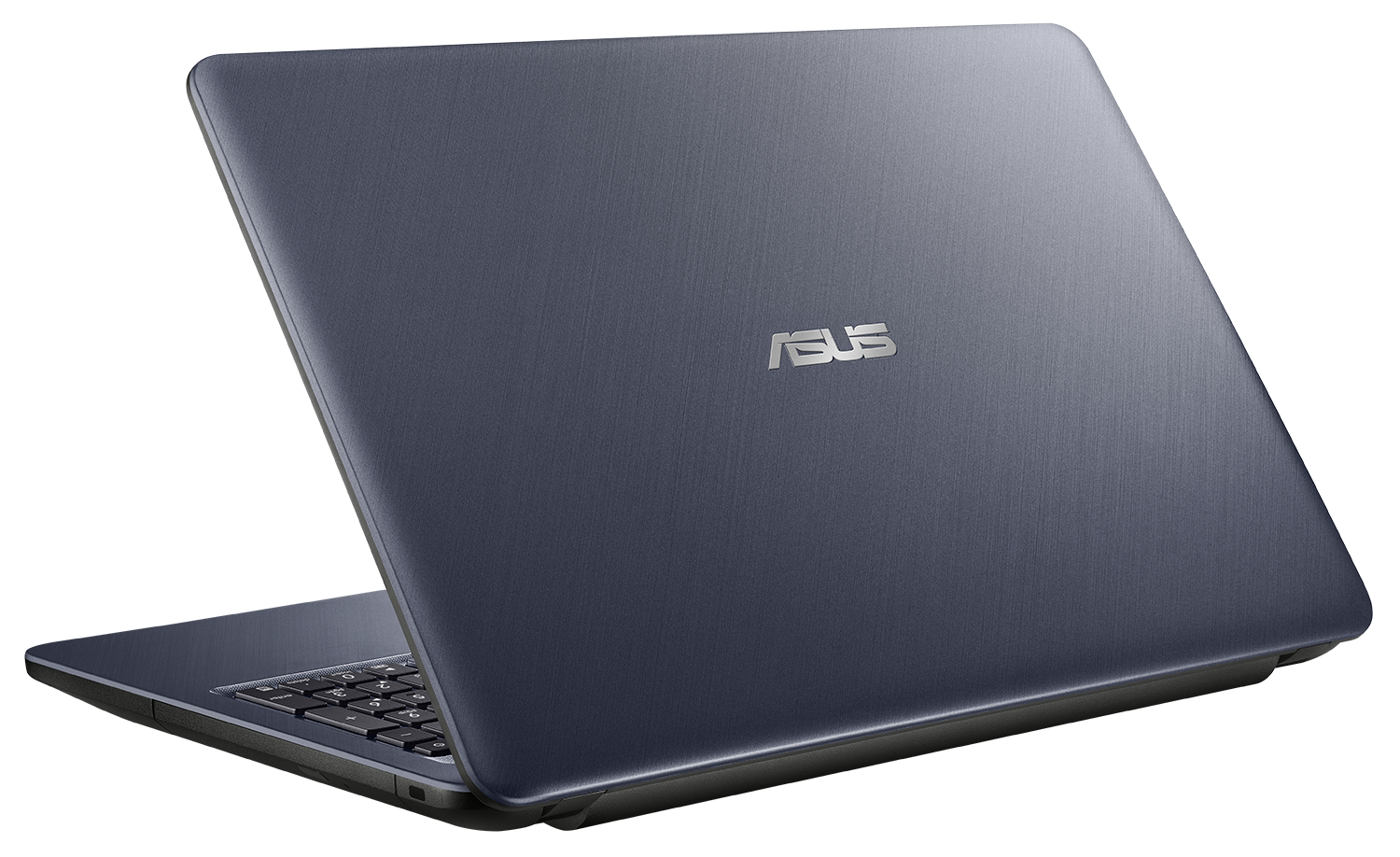
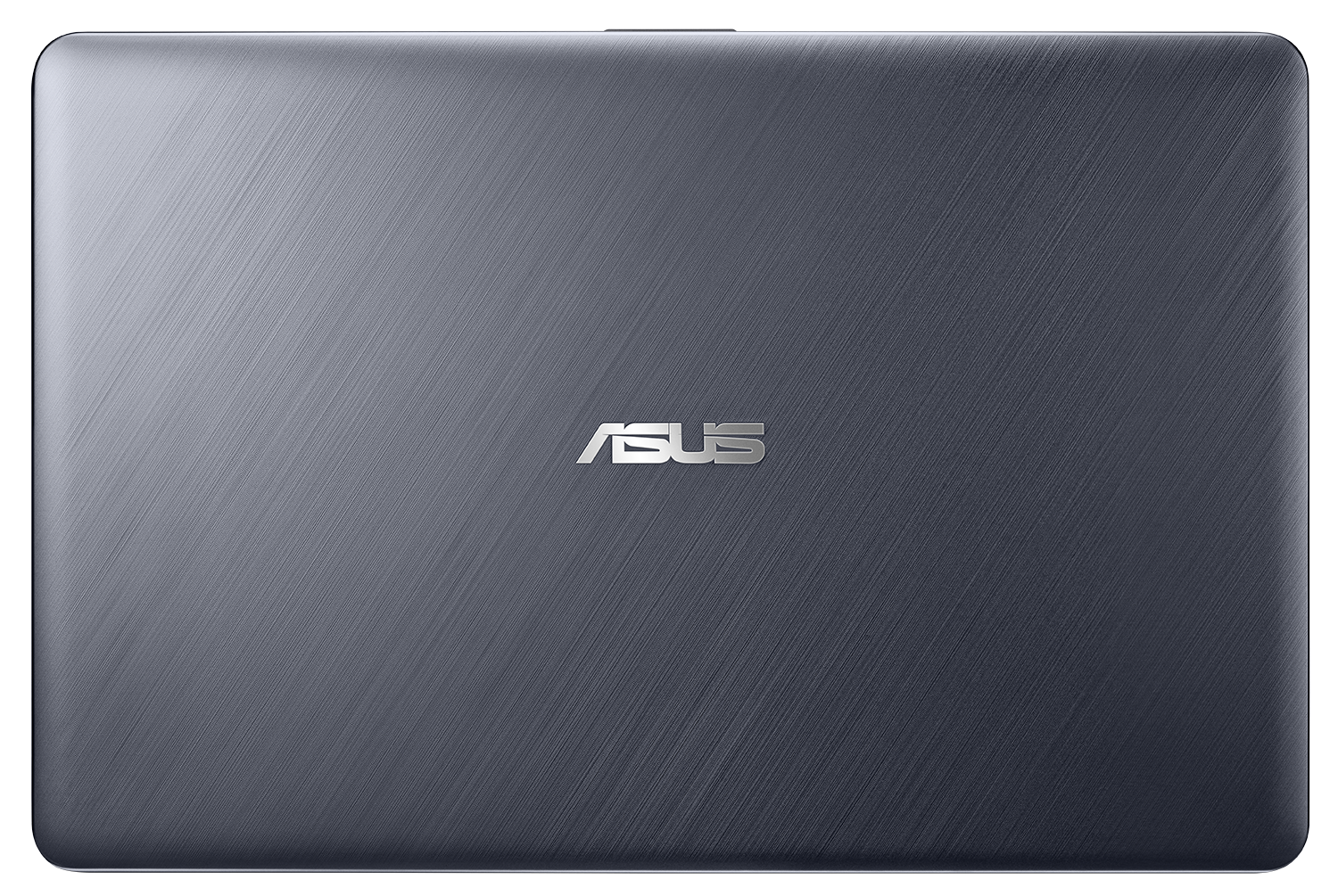
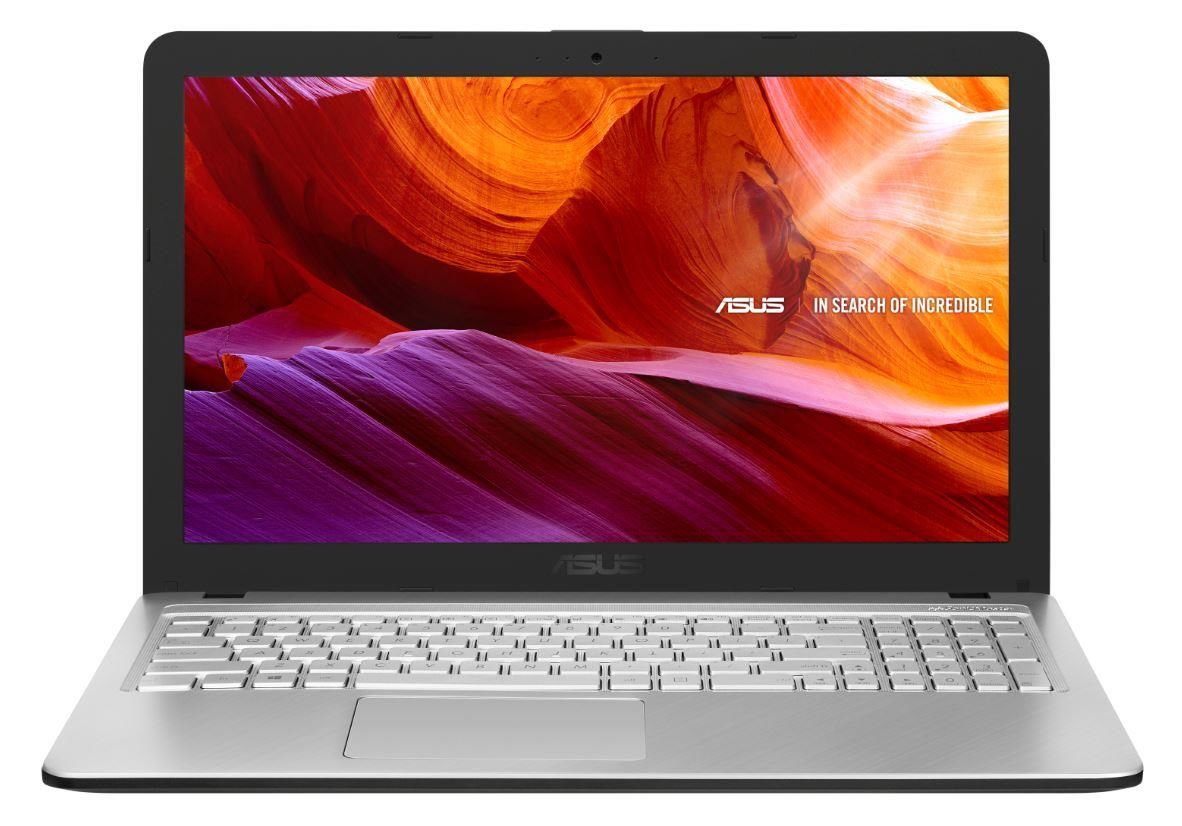
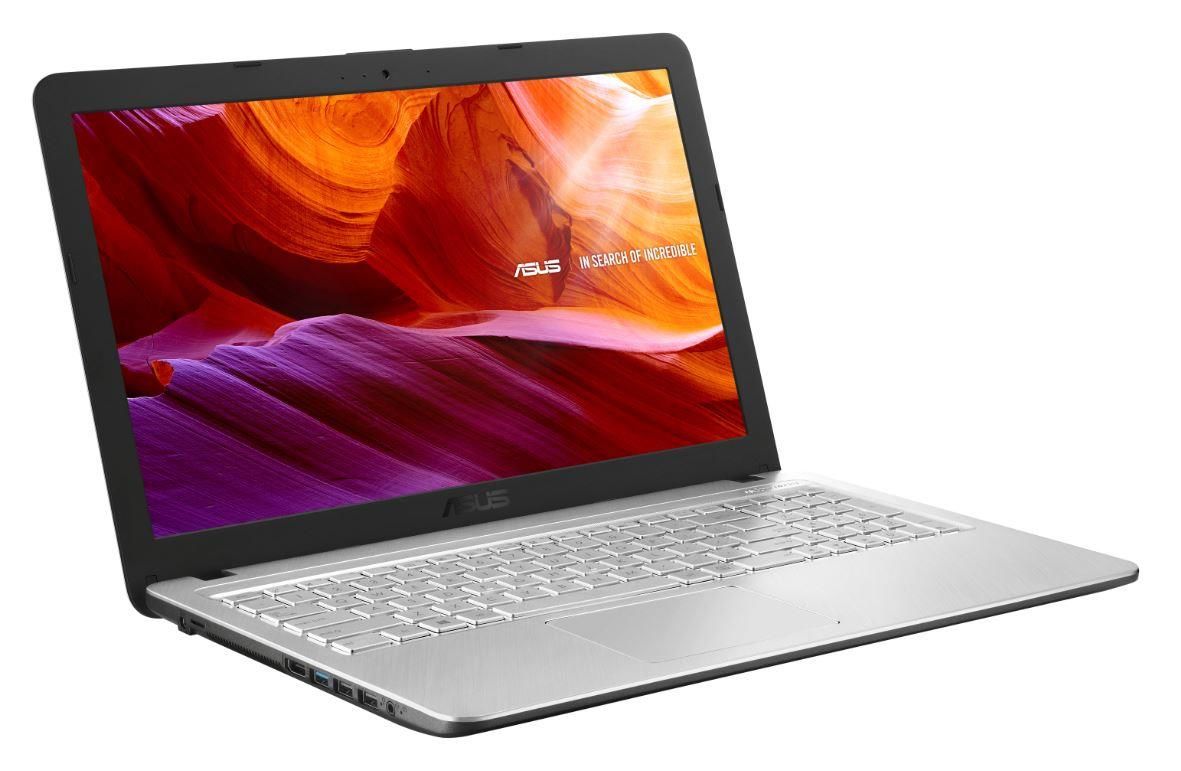

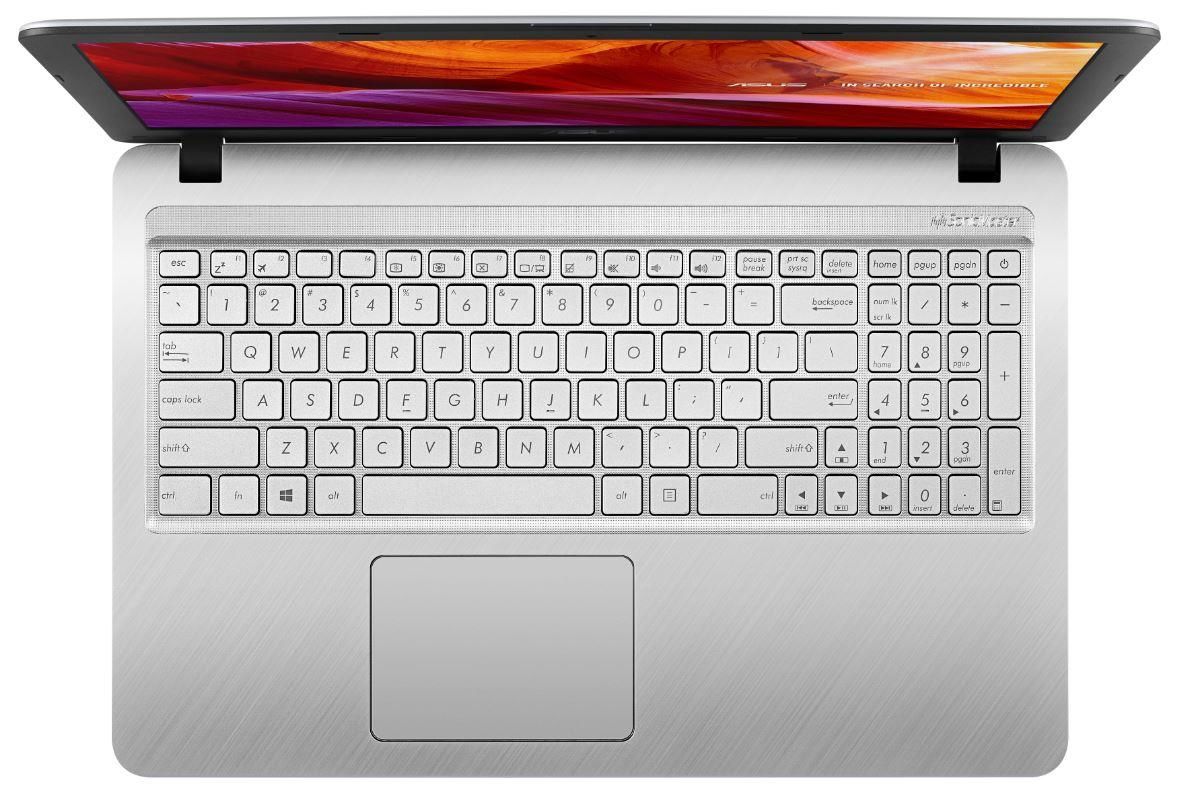
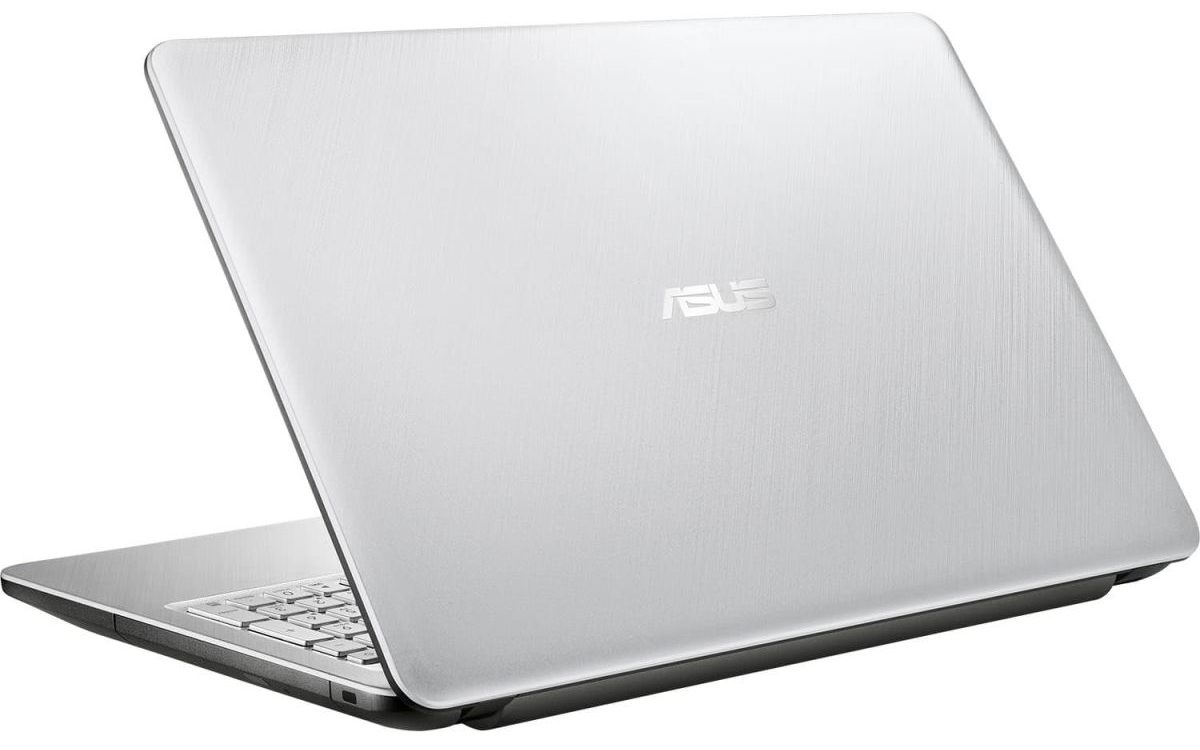

- GPU
- NVIDIA GeForce MX110 (2GB GDDR5) #336 dans le Top GPU Intel UHD Graphics 620 #343 dans le Top GPU Intel UHD Graphics 605 #366 dans le Top GPU Intel UHD Graphics 600 #367 dans le Top GPU Intel HD Graphics 620 #352 dans le Top GPU AMD Radeon R5 (Stoney Ridge) #360 dans le Top GPUIntel HD Graphics (Cherry Trail) AMD Radeon R4

- HDD/SSD
- jusqu'à 1000GB SSD + jusqu'à 1000GB HDD
- RAM
- up to 12GB
- OS
- Windows 10 Home, Linux, No OS
- Batterie
- 33Wh, 3-cell
- Matériau du corps
- Plastic / Polycarbonate
- Dimensions
- 381 x 251 x 27.2 mm (15.00" x 9.88" x 1.07")
- Poids
- 1.90 kg (4.2 lbs)
- Ports et connectivité
- 2x USB Type-A
- 2.0
- 1x USB Type-A
- 3.2 Gen 1 (5 Gbps)
- HDMI
- Lecteur de cartes
- microSD
- Wi-Fi
- 802.11ac
- Bluetooth
- 4.2
- Prise audio
- 3.5 mm combo
- Caractéristiques
- Lecteur d'empreintes
- Webcam
- VGA
- Clavier rétroéclairé
- Microphone
- Analog
- Haut-parleurs
- 2x 2W, ASUS SonicMaster Technology
- Lecteur optique
- Emplacement de sécurité
Tout ASUS X543 configurations
Achetez nos profils pour BOE NT156FHM-N41 / 15.6”, Full HD (1920 x 1080), TN
En plus de recevoir des profils efficaces et respectueux de la santé, en achetant les produits de LaptopMedia, vous soutenez également le développement de nos laboratoires, où nous testons des appareils afin de produire les critiques les plus objectives possibles.

Office Work / Web Design
If your field is office work or web design, or you just want your monitor's color set to be as accurate as possible for the Internet color space, this profile will prove to be useful.

Gaming and Movie Nights
We developed this profile especially for games and movies. It makes fine nuances in dark scenes easier to discern during long sessions in front of the display.

Health-Guard
This profile reduces the negative impact of Pulse-Width Modulation (PWM) and the Blue Light spectrum, while keeping colors perceptually accurate for this panel.
Obtenez les 3 profils avec 33% de réduction

Performance CPU
Vous trouverez ici la différence de prix/performance entre tous les CPU qui entrent dans la ASUS X543 Séries.
Les résultats proviennent du test CPU Cinebench R23 (plus le score est élevé, mieux c'est).
Performance GPU
Vous trouverez ici la différence de prix/performance entre tous les GPU qui entrent dans la ASUS X543 Séries.
Les résultats proviennent de 3DMark Time Spy (Graphics). Un score plus élevé est meilleur.
ASUS X543 critique approfondie
Nowadays, it's easier than ever to get an everyday notebook for a very symbolic price. Yes, many of the gaming and ultra-secure business laptops may set you back a couple of thousand bucks (sometimes even more), but what if you need a device for your daily computing needs? Nothing too fancy - browse the Web, watch a movie or your favorite TV series, or just text your friends.Ultimately, this means you don't need super-powerful hardware - a simple Pentium Silver N5000 with its integrated graphics card would do the job. And while our unit is equipped with just 4GB of RAM, we strongly sugges[...]
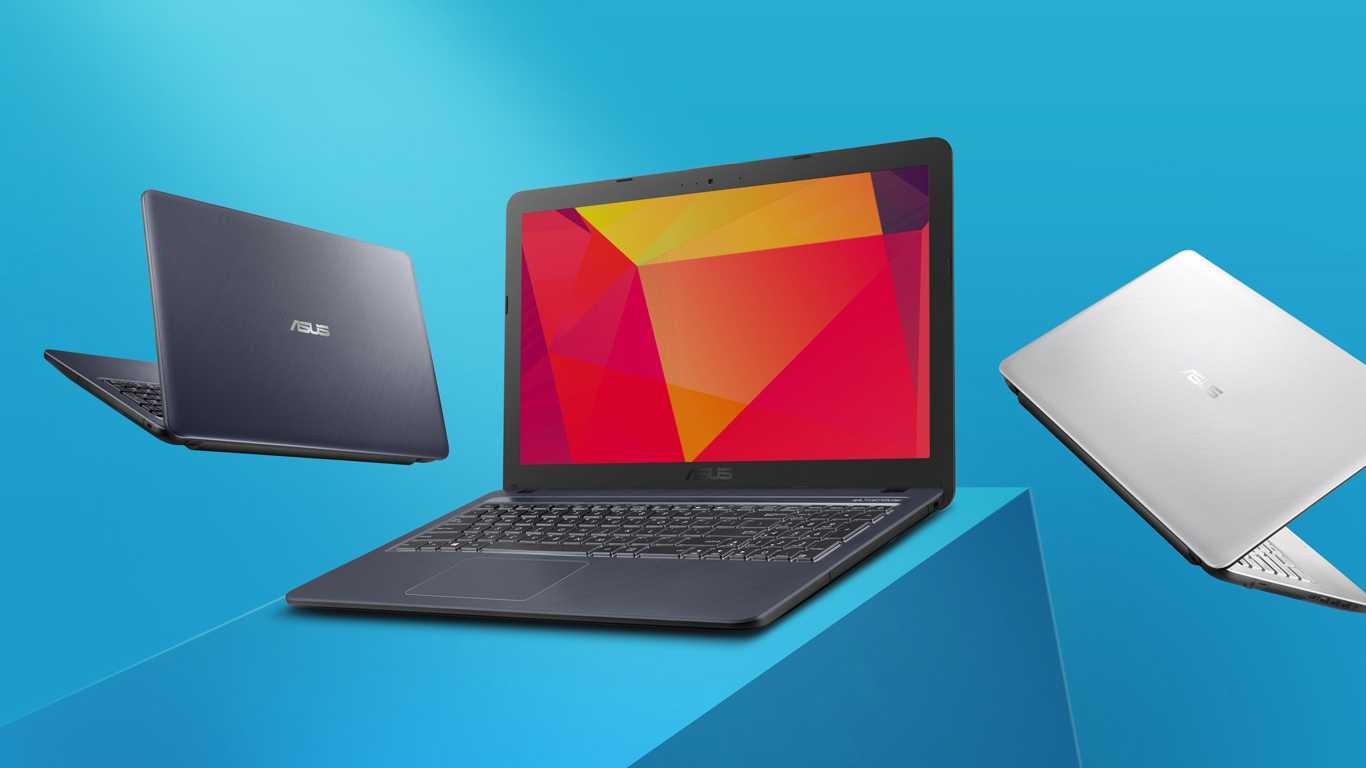
Pour
- Extremely low price
- Decent keyboard
- Three USB ports (one 3.0) and a MicroSD card reader
- Extremely efficient hardware
- Full HD resolution and quick response times (BOE NT156FHM-N41)
Cons
- Dated design (yet somewhat stylish)
- Covers only 50% of sRGB (BOE NT156FHM-N41)
- Poor viewing angles and contrast ratio (BOE NT156FHM-N41)
- Lacks a USB Type-C port
- Uses PWM for all brightness levels, except the maximum (although the high frequency makes it far less harmful) (BOE NT156FHM-N41)


![[Septembre 2026] Les marques d’ordinateurs portables les plus vendues sur Amazon Global – Apple domine le marché avec plus de 70 % de part de chiffre d’affaires](https://laptopmedia.com/wp-content/uploads/2026/10/GLOBAL-Best-Brands-400x225.jpg)
![[Septembre 2026] Amazon Global : le top 10 des ordinateurs portables les plus vendus – Le MacBook Neo d’Apple s’empare de la première place alors que les appareils d’entrée de gamme et haut de gamme dominent le marché](https://laptopmedia.com/wp-content/uploads/2026/10/Best-Selling-Laptops-GLOBAL-Top-10-400x225.jpg)
![[Septembre 2026] Amazon Global : le top 10 des ordinateurs portables de jeu les plus vendus – L’ASUS ROG Strix G16 domine le marché avec des ventes unitaires record](https://laptopmedia.com/wp-content/uploads/2026/10/Best-Selling-Gaming-Laptops-GLOBAL-Top-10-400x225.jpg)
![[Septembre 2026] Classement mondial des cartes graphiques pour ordinateurs portables les plus vendues sur Amazon : la puce M5 d’Apple écrase NVIDIA sur le segment des ordinateurs portables haut de gamme, mais la RTX 5060 est la seule carte graphique dédiée à figurer dans le top 10](https://laptopmedia.com/wp-content/uploads/2026/10/Best-Selling-GPUs-GLOBAL-Top-10-400x225.jpg)
![[Septembre 2026] Classement mondial des processeurs d’ordinateurs portables les plus vendus sur Amazon : le M5 d’Apple écrase Intel alors que le marché haut de gamme devient une course à un seul concurrent](https://laptopmedia.com/wp-content/uploads/2026/10/Best-Selling-CPUs-GLOBAL-Top-10-400x225.jpg)
