February 01, 2024
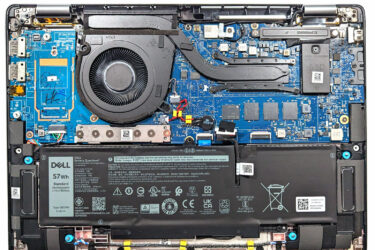
0How to open Dell Latitude 14 7440 – disassembly and upgrade options
Step 1: Opening the Dell Latitude 14 7440 Prepare a clean, soft surface to place the laptop on to avoid scratching its surface. Locate and undo the 8 captive Phillips-head screws on the bottom of…
February 01, 2024
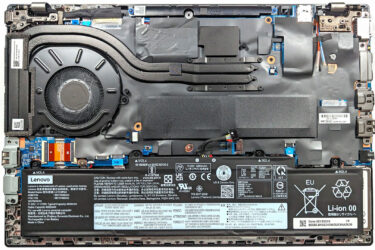
0How to open Lenovo ThinkPad L14 Gen 4 (Intel) – disassembly and upgrade options
Step 1: Opening the Laptop Ensure the Lenovo ThinkPad L14 Gen 4 (Intel) is powered off and placed on a soft, clean surface to prevent scratches or damage. Remove the 11 Phillips-head screws from the…
February 01, 2024
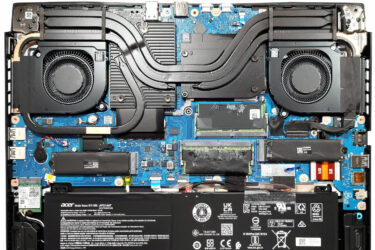
0How to open Acer Nitro 16 (AN16-72) – disassembly and upgrade options
Step 1: Opening the Laptop Turn off the Acer Nitro 16 (AN16-72) and place it on a soft surface to prevent scratches. Remove the 11 Phillips-head screws from the bottom panel of the laptop. Carefully…
February 01, 2024
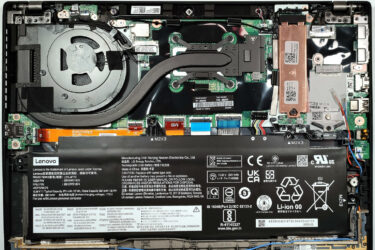
0How to open Lenovo ThinkPad T14s Gen 4 – disassembly and upgrade options
Step 1: Accessing the Internal Components Ensure the Lenovo ThinkPad T14s Gen 4 is powered off and placed on a soft, clean surface to prevent scratches or damage. Remove the 5 captive Phillips-head screws from…
February 01, 2024
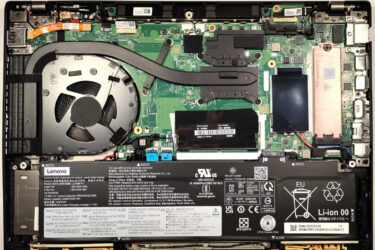
0How to open Lenovo ThinkPad T14 Gen 4 – disassembly and upgrade options
Step 1: Accessing the Internal Components Ensure the Lenovo ThinkPad T14 Gen 4 is powered off and placed on a soft, clean surface to prevent scratches or damage. Unscrew the 7 captive Phillips-head screws from…
February 01, 2024
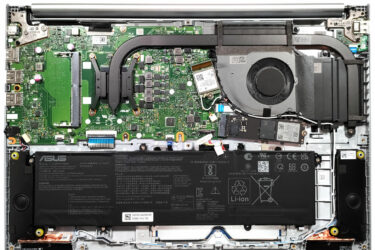
0How to open ASUS Vivobook 16 (M1605) – disassembly and upgrade options
Opening the Notebook Ensure the device is powered off and unplugged from any power source. Remove the 10 Phillips-head screws from the bottom panel. Gently lift the bottom panel near one of the top two…
February 01, 2024
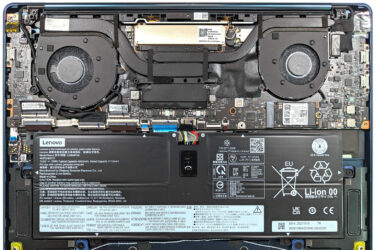
0How to open Lenovo Yoga 9i (14, Gen 9) – disassembly and upgrade options
Accessing the Internals Power off the device and disconnect all cables. Remove the four Torx-head screws and three Phillips-head screws. The Phillips-head screws are located beneath the back rubber foot, which can be removed with…
February 01, 2024
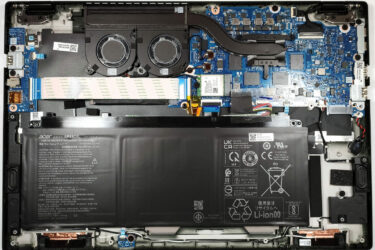
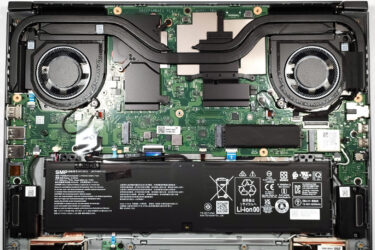
0How to open Acer Swift Edge (SFE16-43) – disassembly and upgrade options
Removing the Bottom Plate Turn off the device and unplug all connected peripherals. Remove the 10 Torx-head screws securing the bottom panel. Using a plastic tool, carefully pry up the bottom panel starting from one…
February 01, 2024
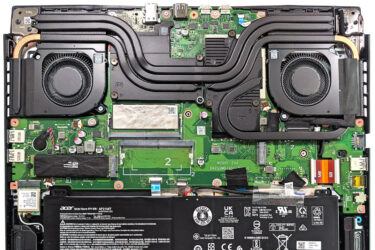
0How to open Acer Swift Edge (SFX16-61G) – disassembly and upgrade options
Removing the Bottom Panel Ensure the laptop is turned off and all peripherals are disconnected. Remove the 11 Torx-head screws securing the bottom panel. Gently pry up the bottom panel using a plastic tool, starting…
February 01, 2024
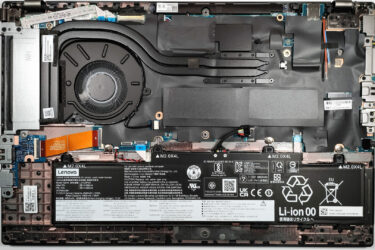
1How to open Acer Nitro 16 (AN16-41) – disassembly and upgrade options
Step 1: Accessing the Internals Ensure the Acer Nitro 16 (AN16-41) is powered off and placed on a soft, clean surface to prevent scratches or damage. Remove the 11 Phillips-head screws from the bottom of…
January 01, 2024
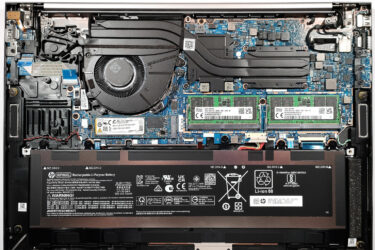
0How to open Lenovo ThinkPad L15 Gen 4 (Intel) – disassembly and upgrade options
Opening the Laptop Undo the 10 Phillips-head screws securing the bottom panel of the laptop. Eject the SIM card tray using a SIM eject tool or a small pin. Use a plastic pry tool to…
January 01, 2024
0How to open HP ZBook Firefly 16 G10 – disassembly and upgrade options
Opening the Laptop Undo the 5 captive Phillips-head screws on the bottom panel of the laptop. Pry the bottom panel starting from one of the top corners, near the hinge, using a plastic pry tool.…
January 01, 2024
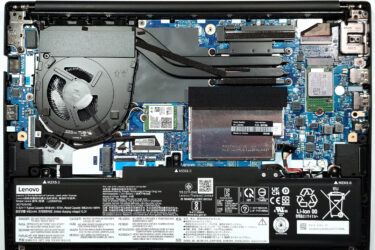
0How to open Lenovo ThinkPad E14 Gen 5 (Intel) – disassembly and upgrade options
Opening the Laptop Undo the 7 captive Phillips-head screws on the bottom panel of the laptop. Use a plastic pry tool to gently separate the bottom panel from the chassis, starting from one of the…
January 01, 2024
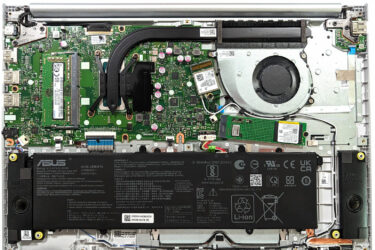
0How to open ASUS Vivobook 16X OLED (K3604) – disassembly and upgrade options
Step 1: Accessing the Internal Components Power off the ASUS Vivobook 16X OLED (K3604) and place it on a soft, clean surface to prevent any damage. Remove the 10 Phillips-head screws securing the bottom panel…
January 01, 2024
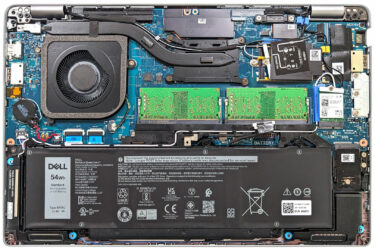
0How to open Dell Latitude 14 5440 – disassembly and upgrade options
Step 1: Accessing the Internal Components Ensure the Dell Latitude 14 5440 is powered off and placed on a soft, clean surface to avoid damage. Undo the 8 captive Phillips-head screws securing the bottom panel.…

January 01, 2024
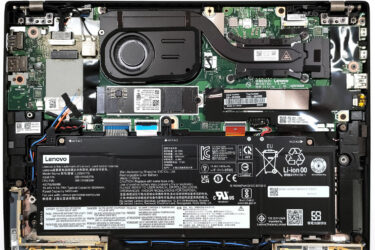
0How to open Lenovo ThinkPad P1 Gen 6 – disassembly and upgrade options
Step 1: Accessing the Internal Components Power off the Lenovo ThinkPad P1 Gen 6 and place it on a soft, clean surface to avoid damage. Undo the 7 captive Phillips-head screws on the back of…
January 01, 2024
0How to open Lenovo ThinkPad X13 Gen 4 (Intel) – disassembly and upgrade options
Step 1: Accessing the Internal Components Ensure the Lenovo ThinkPad X13 Gen 4 (Intel) is powered off and placed on a safe, soft surface to prevent damage. Undo the 5 captive Phillips-head screws on the…
January 01, 2024
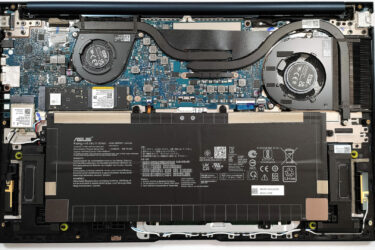
1How to open ASUS Zenbook 15 OLED (UM3504) – disassembly and upgrade options
Step 1: Accessing the Internal Components Ensure the ASUS Zenbook 15 OLED (UM3504) is powered off and placed on a soft, clean surface to avoid damage. Remove the 7 Torx-head screws from the laptop’s back,…
January 01, 2024
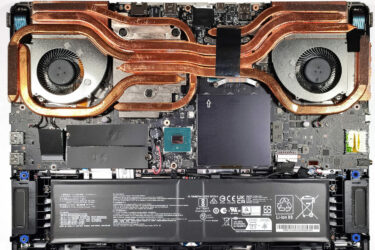
0How to open MSI Vector GP78 HX (13V) – disassembly and upgrade options
Opening the Laptop Undo the 13 Phillips-head screws securing the bottom panel of the laptop. Flip the laptop to remove the back plastic shroud behind the lid, starting from one of the sides close to…
January 01, 2024
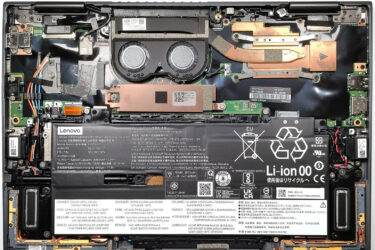
1How to open Lenovo ThinkPad X1 Yoga Gen 8 – disassembly and upgrade options
Opening the Laptop Undo the 5 captive Phillips-head screws securing the bottom panel of the laptop. Use a plastic pry tool to gently separate the bottom panel from the chassis, starting from one of the…



![[September 2026] Best-Selling Laptop Brands on Amazon Global – Apple Dominates the Market with Over 70% Revenue Share](https://laptopmedia.com/wp-content/uploads/2026/10/GLOBAL-Best-Brands-400x225.jpg)
![[September 2026] Amazon Global: Top 10 Best-Selling Laptops – Apple’s MacBook Neo Claims the #1 Spot as Budget and Premium Devices Dominate](https://laptopmedia.com/wp-content/uploads/2026/10/Best-Selling-Laptops-GLOBAL-Top-10-400x225.jpg)
![[September 2026] Amazon Global: Top 10 Best-Selling Gaming Laptops – ASUS ROG Strix G16 Dominates the Market with Record-Breaking Unit Sales](https://laptopmedia.com/wp-content/uploads/2026/10/Best-Selling-Gaming-Laptops-GLOBAL-Top-10-400x225.jpg)
![[September 2026] Global Ranking of Best-Selling Laptop GPUs on Amazon – Apple’s M5 Chip Obliterates NVIDIA in Premium Laptops, But the RTX 5060 Is the Only Dedicated GPU to Crack the Top 10](https://laptopmedia.com/wp-content/uploads/2026/10/Best-Selling-GPUs-GLOBAL-Top-10-400x225.jpg)
