Published:
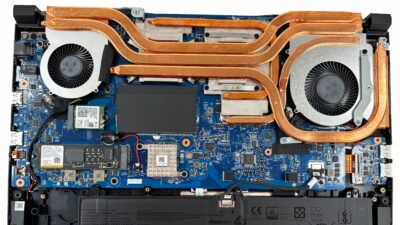
1How to open MSI Katana 15 HX B14W – disassembly and upgrade options
Before you start: Power the laptop off, unplug the charger and peripherals, and hold the power button for a few seconds to discharge residual power. Work on a clean, non-conductive surface and use ESD…
Published:
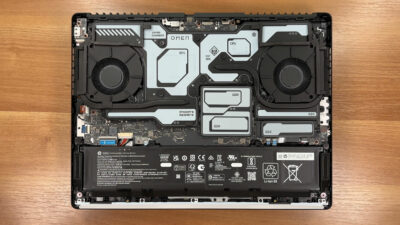
0How to open HP OMEN MAX 16 (AMD, 16-ak0000) – disassembly and upgrade options
Before you start: Power the laptop off, unplug the charger and peripherals, and hold the power button for a few seconds to discharge residual power. Work on a clean, non-conductive surface and use ESD…
Published:
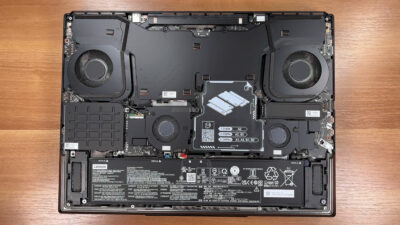
0How to open Lenovo Legion 9i (18″, Gen 10) – disassembly and upgrade options
Before you start: Power the laptop off, unplug the charger and peripherals, and hold the power button for a few seconds to discharge residual power. Work on a clean, non-conductive surface and use ESD…
Published:
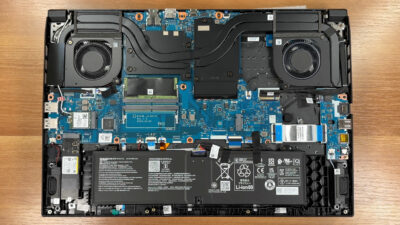
0How to open Acer Nitro V 17 AI (ANV17-41) – disassembly and upgrade options
Before you start: Shut the laptop down, unplug the charger and all peripherals, and hold the power button for a few seconds to discharge residual power. Work on a clean, non-conductive surface and, if…
Published:
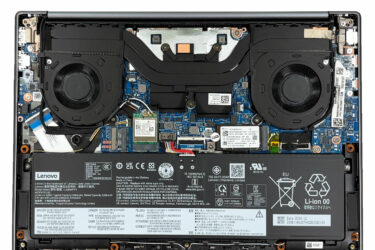
0How to open Lenovo IdeaPad Pro 5 14″ Gen 10 (14AKP10) – disassembly and upgrade options
Before you start: Shut the laptop down, unplug the charger and peripherals, and hold the power button for a few seconds to discharge residual power. Work on a clean, non-conductive surface and, if possible,…
Published:
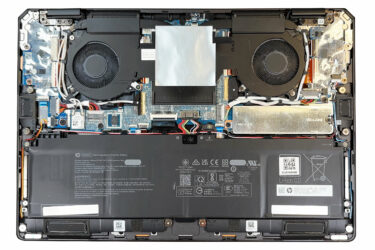
0How to open HP OmniBook Ultra Flip 2-in-1 Laptop (14t-fh000) – disassembly and upgrade options
Before you start: Shut the laptop down, unplug the charger and peripherals, and hold the power button for a few seconds to discharge residual power. Work on a clean, non-conductive surface and, if possible,…
Published:
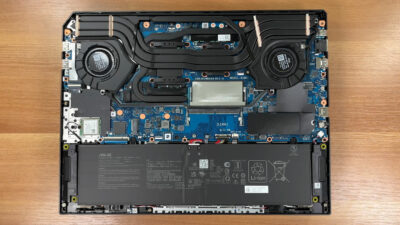
2How to open ASUS TUF Gaming A16 (FA608, 2025) – disassembly and upgrade options
Before you start: Shut the laptop down completely, disconnect the charger and all peripherals, and hold the power button for a few seconds to discharge residual power. Work on a clean, non-conductive surface and,…
Published:
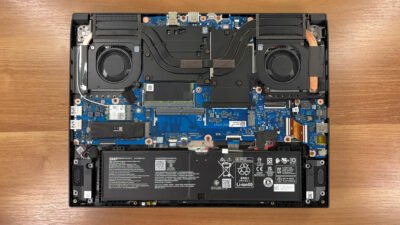
0How to open Acer Nitro V 16 (ANV16-72) – disassembly and upgrade options
Before you start: Power the laptop off completely, disconnect the charger and all peripherals, and hold the power button for a few seconds to discharge residual power. Work on a clean, non-conductive surface and,…
Published:
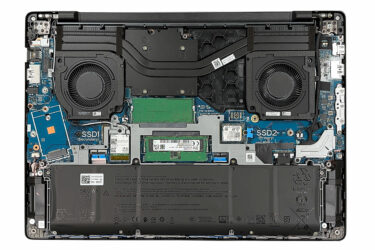
1How to open Dell Pro Max 16 (MC16250) – disassembly and upgrade options
Before you start: Shut the laptop down completely, disconnect the charger and all peripherals, and hold the power button for a few seconds to discharge residual power. Work on a clean, non-conductive surface and,…
Published:
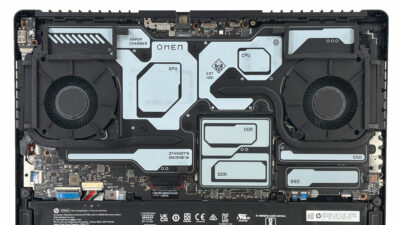
0How to open HP OMEN MAX 16 (Intel, 16-ah0000) – disassembly and upgrade options
Before you start: Shut the laptop down, disconnect the charger and all peripherals, and hold the power button for a few seconds to discharge residual power. Work on a clean, non-conductive surface and, if…
Published:
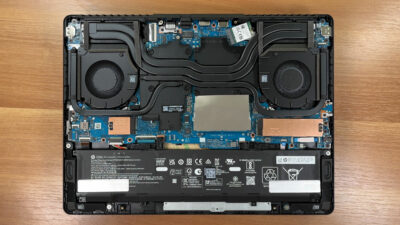
0How to open HP OMEN 16 (16-ap0000) – disassembly and upgrade options
Before you start: Shut the laptop down completely, disconnect the charger and all peripherals, and hold the power button for a few seconds to discharge residual power. Work on a clean, non-conductive surface and,…
Published:
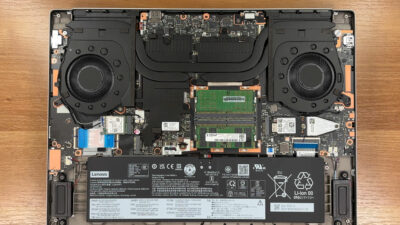
0How to open Lenovo Legion 7i (16”, Gen 10 / 16IAX10) – disassembly and upgrade options
Before you start: Shut the laptop down completely, unplug the charger and all peripherals, and hold the power button for a few seconds to discharge residual power. Work on a clean, non-conductive surface and,…
Published:
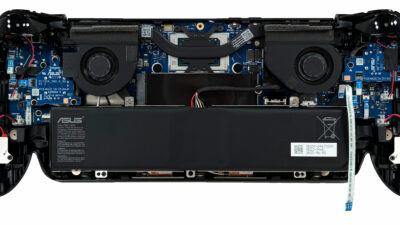
0How to open ASUS ROG Xbox Ally X (2025) – disassembly and upgrade options
Before you start: Power the device off completely, disconnect the charger and any accessories, and hold the power button for a few seconds to discharge residual power. Work on a clean, soft surface to…
Published:
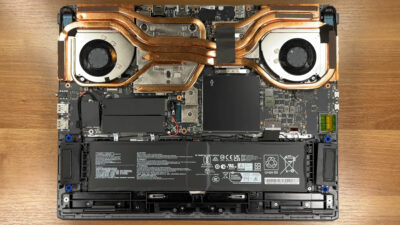
0How to open MSI Vector 17 HX AI A2XW – disassembly and upgrade options
Before you start: Shut the laptop down, unplug the charger and all peripherals, and press and hold the power button for a few seconds to discharge any residual power. How to open the bottom panel…
Published:
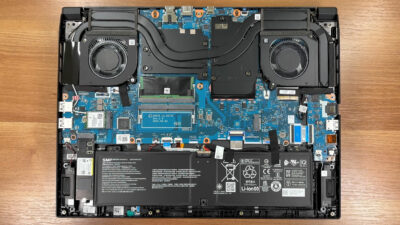
0How to open Acer Nitro V 16 AI (ANV16-42) – disassembly and upgrade options
How to open the bottom panel Shut down the laptop completely and unplug the charger and all peripherals. Place the notebook upside down on a soft, clean surface to avoid scratches. Undo the ten bottom…
Published:
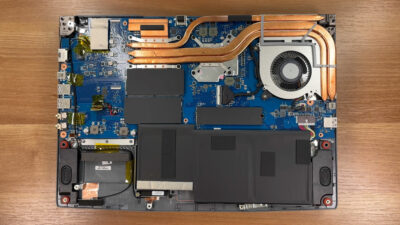
0How to open MSI Thin A15 B7V – disassembly and upgrade options
How to open the bottom panel Shut down the laptop completely and unplug the charger and all peripherals. Place the notebook upside down on a soft, clean surface to avoid scratching the lid. Undo the…
Published:
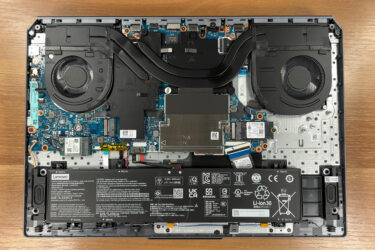
0How to open Lenovo LOQ 17IRX10 (17″, Gen 10) – disassembly and upgrade options
How to open the bottom panel Power off the laptop and unplug the charger. Press and hold the power button for a few seconds to discharge any residual electricity. Turn the device upside down on…
Published:
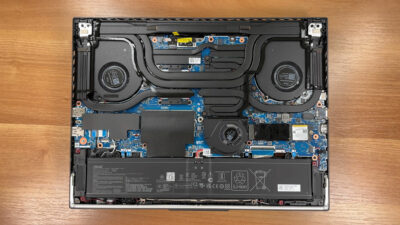
0How to open ASUS ROG Strix G16 G614 (2025) – disassembly and upgrade options
How to open the bottom panel Shut down the laptop completely and unplug the charger and all peripherals. Place the device upside down on a soft, clean surface to avoid scratching the lid. Undo the…
Published:
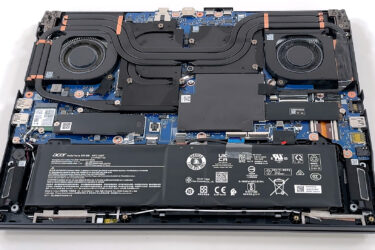
0How to open Acer Predator Helios Neo 16 AI (PHN16-73) – disassembly and upgrade options
Opening the device Hint: Use a Torx T6 screwdriver and a plastic pry tool to avoid scratching the chassis. Remove the ten Torx T6 screws from the bottom panel. Release the clips around the perimeter…
Published:
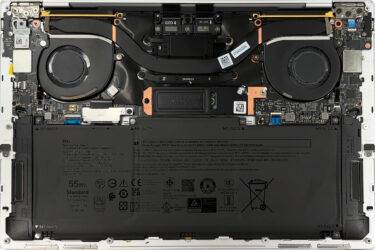
0How to open Dell XPS 13 9350 (Core Ultra) – disassembly and upgrade options
Opening the Dell XPS 13 9350 (Core Ultra) Hint: Use a Torx T5 screwdriver for the bottom screws and a plastic tool to prevent scratches. Remove the six Torx T5 screws from the bottom cover.…




