How to open MSI Katana 15 (B13V) – disassembly and upgrade options
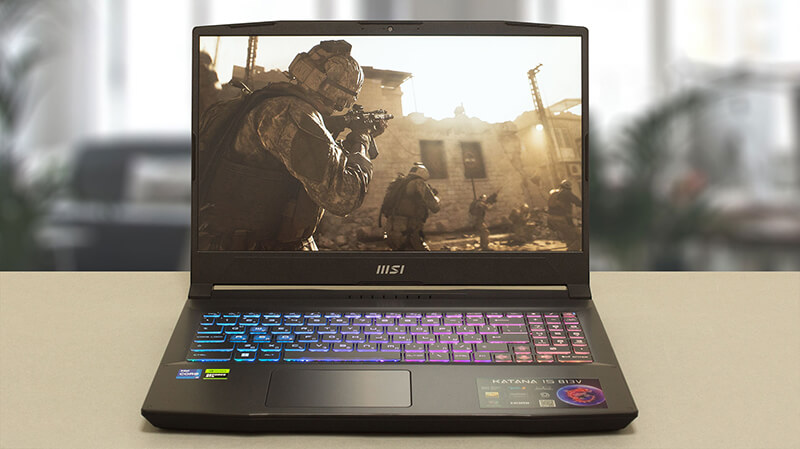
MSI Katana 15 (B13V) is now part of a higher class of gaming notebooks. Not only because of its price but also due to the great features it incorporates.
Check out all MSI Katana 15 (B13V) prices and configurations in our Specs System, or read more in our In-Depth review.
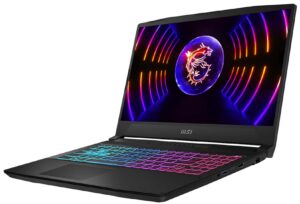
1. Remove the bottom plate
To open this device, you need to undo 13 Phillips-head screws. Then, pry the bottom panel with a plastic tool, starting from the front two corners.
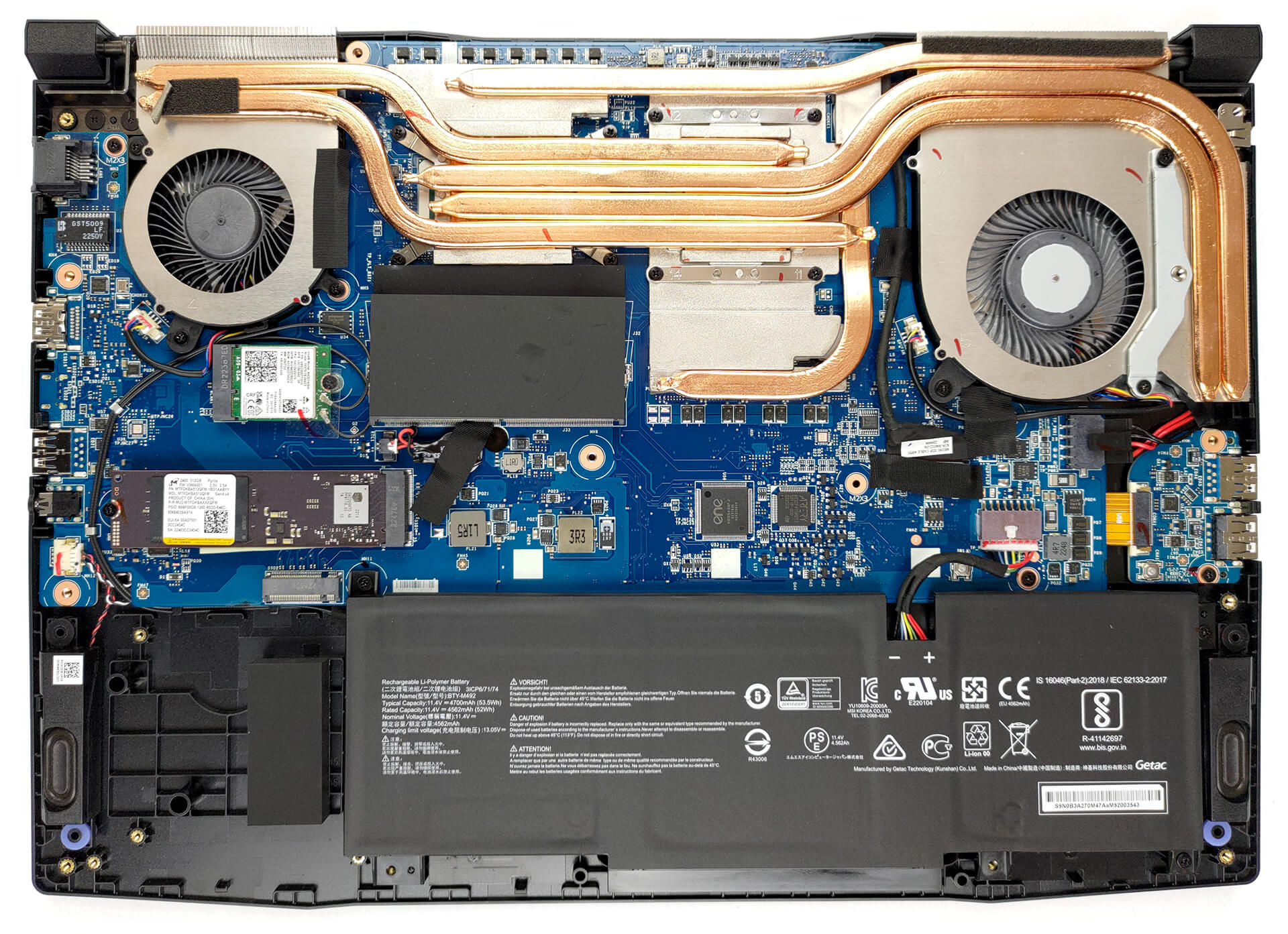
2. Remove the battery
Inside, we find a 53.5Wh battery pack. It got us through 6 hours and 30 minutes of Web browsing, or 5 hours of video playback. To remove the battery, unplug it from the motherboard, and undo the 3 Phillips-head screws keeping it in place.

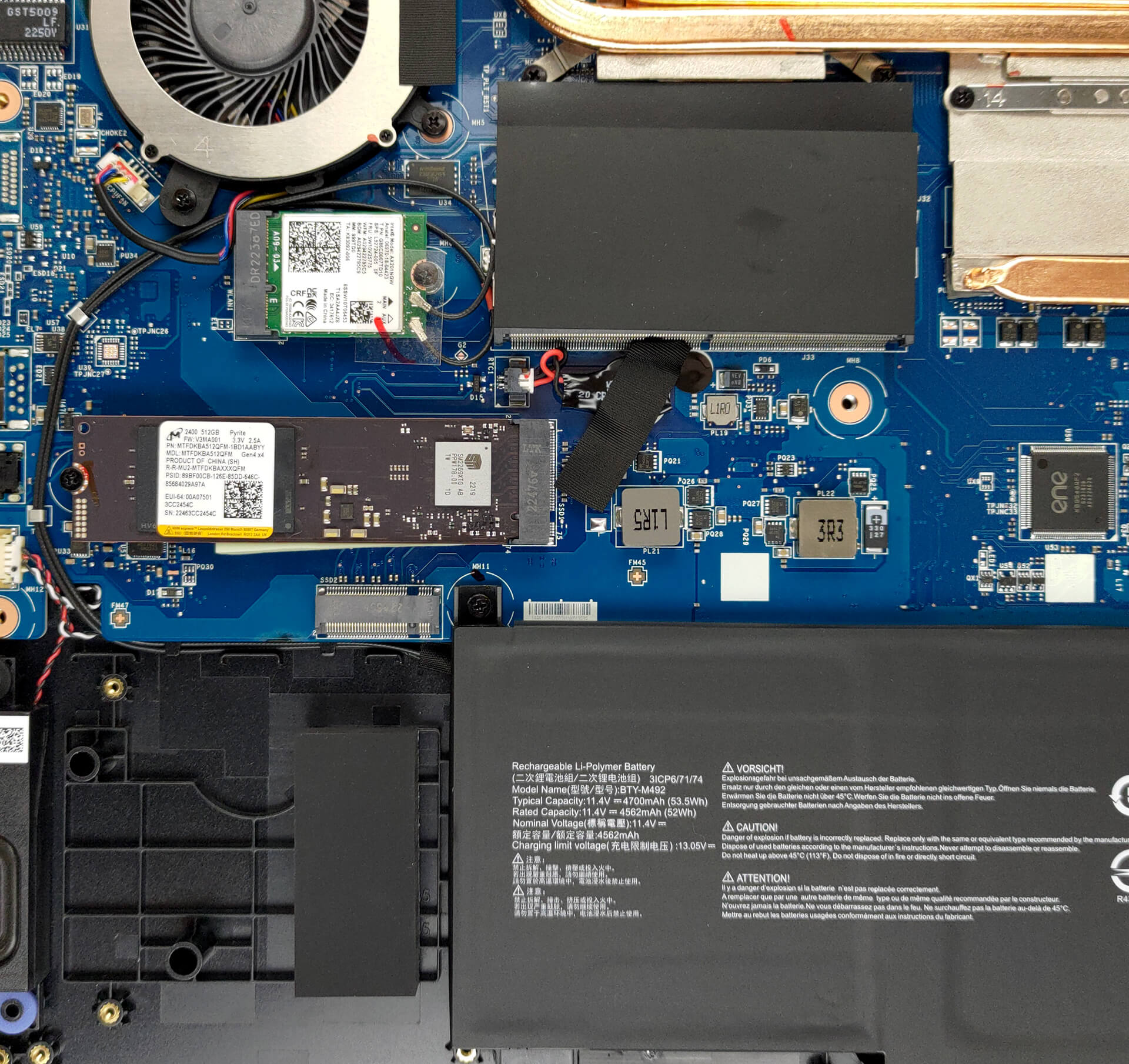
3. Upgrade memory and storage
Thankfully, there are two SODIMM slots, which work with DDR5 RAM, ticking at 5200MHz. The maximum supported capacity is 64GB. Storage-wise, there are also two ports. They fit M.2 PCIe x4 Gen 4 SSDs.
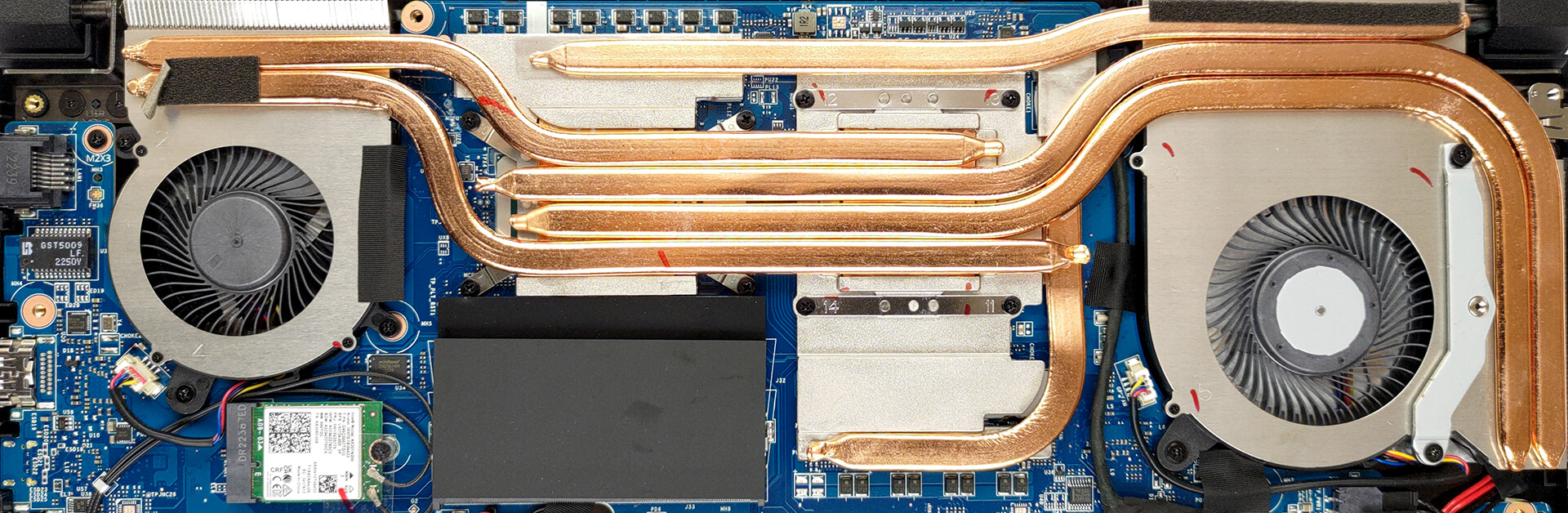
4. Cooling system
Four heat pipes are shared between the CPU and the GPU. Two more take care of the graphics memory and the VRMs. In addition, you get three heat sinks and two fans.
Check out all MSI Katana 15 (B13V) prices and configurations in our Specs System, or read more in our In-Depth review.
MSI Katana 15 (B12Ux / B12Vx / B13Ux / B13Vx) σε βάθος αξιολόγηση
From all of the gibberish on MSI's official Website, we learn one thing - the Katana is no longer called the GF66. Instead, it follows its weapon cousin - the Sword, in adopting the simpler "15" moniker. This will make the two devices ever so harder to differentiate. However, we are here for only one of them today - the MSI Katana 15 (B13V).It comes with a 13th Gen Intel processor. While it is the somewhat crippled Core i7-13620H, we have high expectations for its gaming performance. Consisting of 6 P-cores and 4 E-cores, it should be a rather efficient unit.On the graphics side, you [...]
Πλεονεκτήματα
- Pretty good gaming performance
- 2x M.2 PCIe x4 Gen 4 slots, 2x DDR5 RAM SODIMM slots in dual channel
- 144Hz refresh rate (AUO B156HAN08.4 (AUOAF90))
- No PWM (AUO B156HAN08.4 (AUOAF90))
- MUX Switch
- Great keyboard
Μειονεκτήματα
- No SD card
- No Thunderbolt 4
- Covers only 53% of sRGB (AUO B156HAN08.4 (AUOAF90))
- All-plastic build
- Keyboard gets pretty warm during gaming
- Gets more and more expensive
 Author: Alex Iliev

![[Αύγουστος 2026] Παγκόσμια κατάταξη των πιο δημοφιλών GPU για φορητούς υπολογιστές στο Amazon – Η Apple κυριαρχεί, ενώ η RTX 5060 της NVIDIA βρίσκεται στην κορυφή της κατάταξης των ειδικών καρτών](https://laptopmedia.com/wp-content/uploads/2026/09/Best-Selling-GPUs-GLOBAL-Top-10-400x225.jpg)
![[Αύγουστος 2026] Παγκόσμια κατάταξη των πιο δημοφιλών επεξεργαστών φορητών υπολογιστών στο Amazon – Η Apple κυριαρχεί τόσο στην κατηγορία των οικονομικών όσο και στην κατηγορία των premium μοντέλων: Οι A18 Pro και M5 συντρίβουν την Intel και την AMD τον Αύγουστο του 2026](https://laptopmedia.com/wp-content/uploads/2026/09/Best-Selling-CPUs-GLOBAL-Top-10-400x225.jpg)
![[Αύγουστος 2026] Amazon Global: Οι 10 φορητοί υπολογιστές με τις μεγαλύτερες πωλήσεις – Το Apple MacBook Neo κυριαρχεί στις λίστες, ενώ οι οικονομικοί και μεσαίας κατηγορίας φορητοί υπολογιστές με Windows ανταγωνίζονται για τον όγκο πωλήσεων](https://laptopmedia.com/wp-content/uploads/2026/09/Best-Selling-Laptops-GLOBAL-Top-10-400x225.jpg)
![[Αύγουστος 2026] Οι μάρκες φορητών υπολογιστών με τις μεγαλύτερες πωλήσεις στο Amazon Global – Η Apple κυριαρχεί σε έσοδα, ενώ η HP πρωτοστατεί στην ποικιλία μοντέλων](https://laptopmedia.com/wp-content/uploads/2026/09/GLOBAL-Best-Brands-400x225.jpg)
![[Αύγουστος 2026] Amazon Global: Οι 10 πιο δημοφιλείς φορητοί υπολογιστές για παιχνίδια – Ο HP Victus 15 κατακτά την πρώτη θέση, ενώ τα οικονομικά μοντέλα κυριαρχούν στις λίστες](https://laptopmedia.com/wp-content/uploads/2026/09/Best-Selling-Gaming-Laptops-GLOBAL-Top-10-400x225.jpg)
