How to open the HP ProBook 450 G10 – disassembly and upgrade options
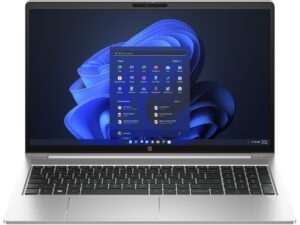
1. Unscrewing the Back Panel
To begin disassembling the HP ProBook 450 G10, first undo the five Phillips-head screws on the back. You will need a Phillips-head screwdriver for this task.

2. Removing the Back Panel
Once the screws are undone, use a plastic pry tool to detach the bottom panel. Start from the gap at the back for an easier and safer removal.
Caution: Be careful during this process to avoid damaging the device.
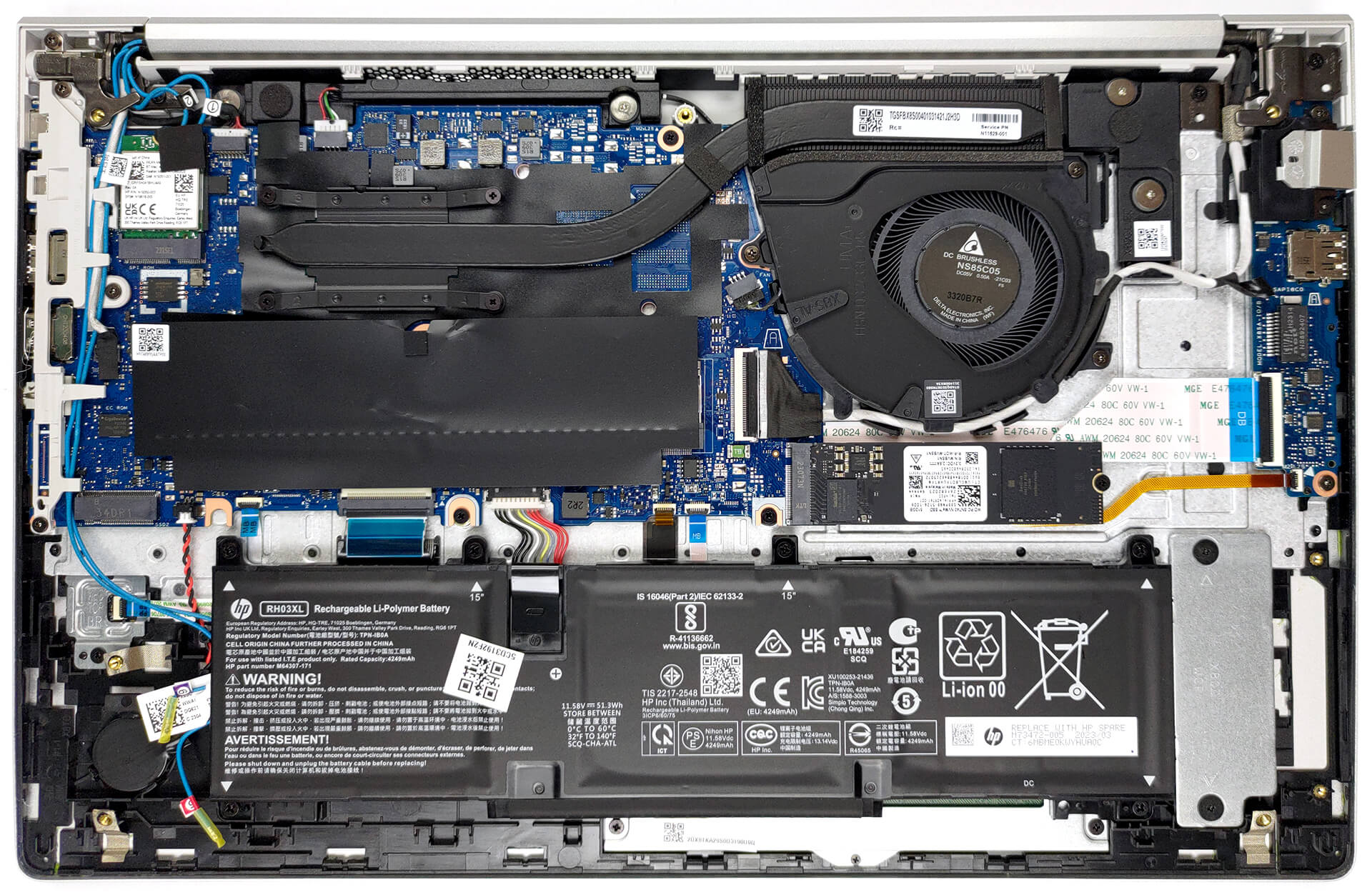
3. Disconnecting the Battery
The laptop comes with a 51.3Wh battery pack. To remove it, unplug it from the motherboard and undo the six Phillips-head screws that secure it to the chassis.
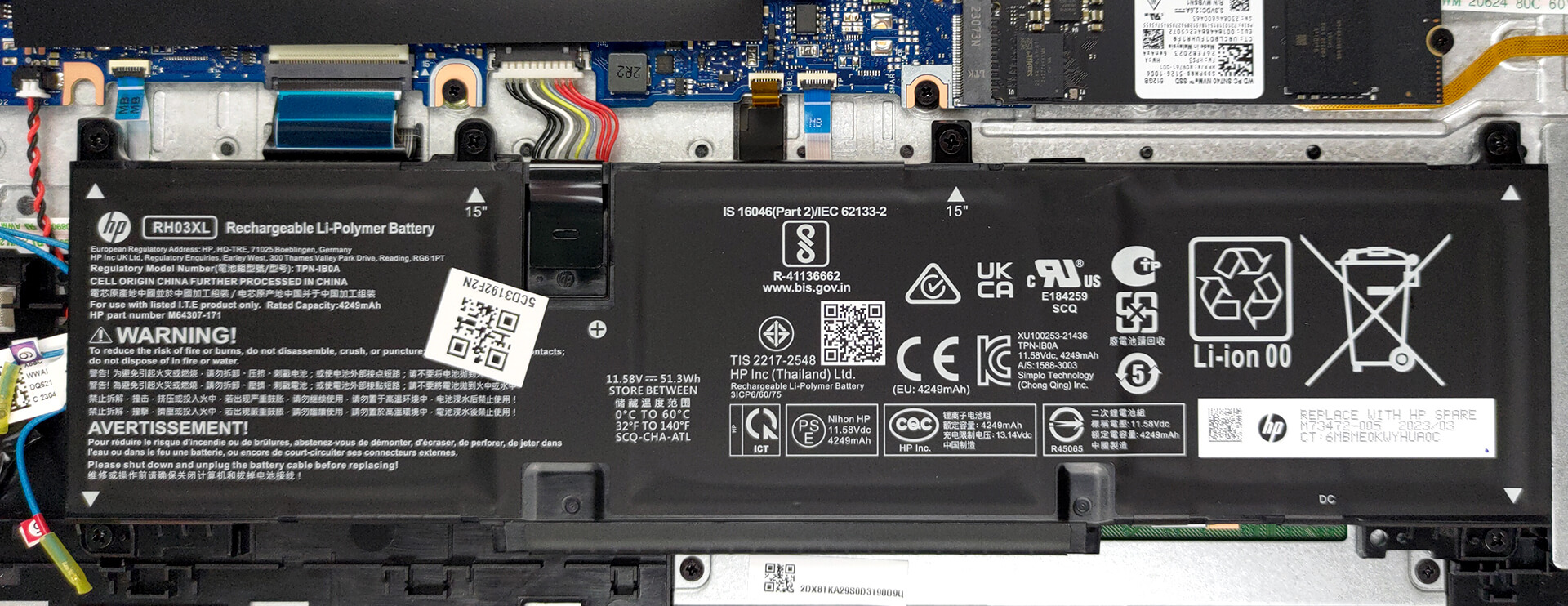
4. Assessing the RAM
The HP ProBook 450 G10 has two SODIMM slots that support DDR4 memory in dual-channel mode. This provides opportunities for memory upgrades, enhancing performance.
You can buy DDR4 RAM modules here: Αγοράστε από το Amazon.com (#CommissionsEarned)
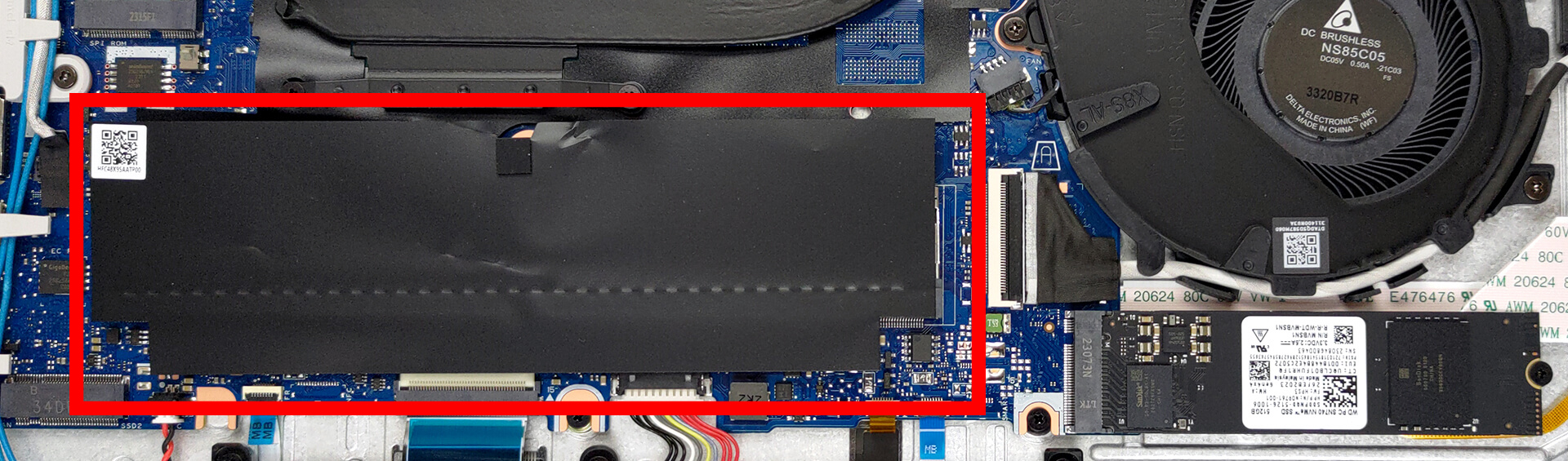
5. Upgrading the Storage
Regarding storage, there are two M.2 PCIe x4 slots. One of these slots supports Gen 4 SSDs, providing the opportunity for significant storage expansion.
You can buy Gen 4 M.2 SSD modules here: Αγοράστε από το Amazon.com (#CommissionsEarned)
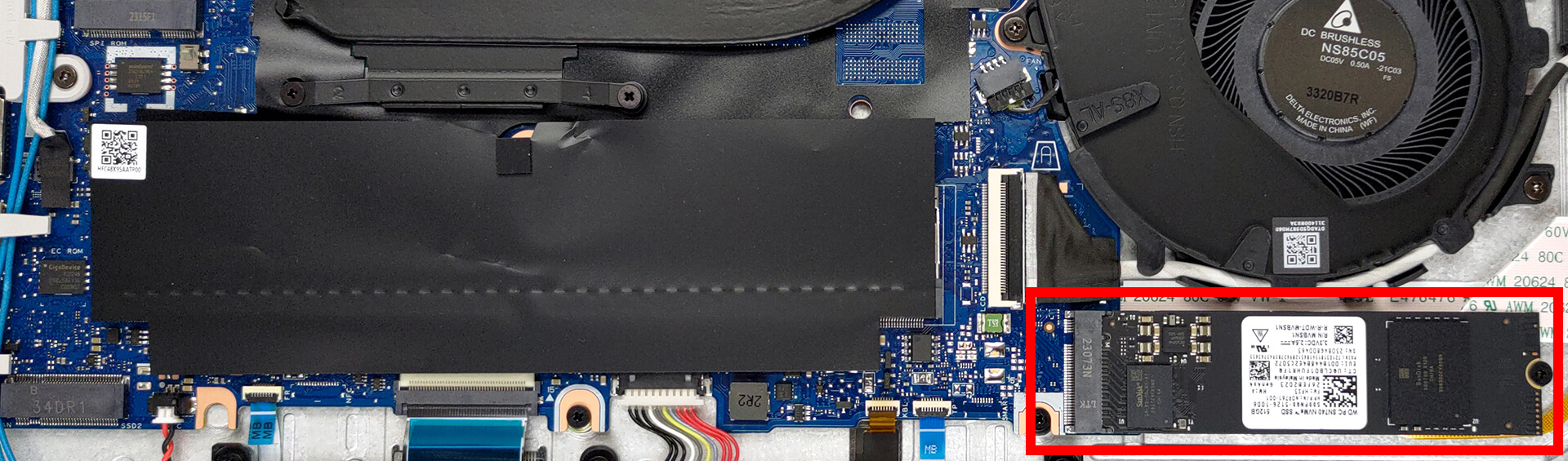
6. Understanding the Cooling System
The laptop features a simple cooling setup with only one heat pipe, one heat sink, and a single fan.
Note: Regular maintenance and cleaning of the cooling system can help maintain the laptop’s performance and prolong its lifespan.

HP ProBook 450 G10 σε βάθος αξιολόγηση
HP has been producing one of the most stable and cost-efficient business notebooks on the market - the ProBook 400 series. Today, we mark the debut of the 10th generation of this product with the HP ProBook 450 G10.Considering the changes seen up and down the field, it might seem a little disappointing that this machine did not get a design revamp. To be honest, though, the old one had nothing wrong with it, so we should cut HP some slack.Ultimately, this means that the G10 is a minor refresh over the G9, with the most prominent change being the switch to Raptor Lake CPUs. With that s[...]
Πλεονεκτήματα
- Its keyboard is backlit, spill-resistant, and great for typing
- Optional fingerprint reader and IR face recognition
- Good contrast ratio and comfortable viewing angles (AUO AUO3DA3)
- 2x SODIMM + optional two M.2 PCIe slots for storage
- Doesn't use PWM (AUO AUO3DA3)
- 2x Thunderbolt 4
- Extremely quiet during load
- Good battery life
Μειονεκτήματα
- Covers only 54% of sRGB (AUO AUO3DA3)
- Lacks an SD card reader
 Author: Severin Kolakov

![[Ιούνιος 2026] Οι μάρκες φορητών υπολογιστών με τις μεγαλύτερες πωλήσεις στο Amazon Global – Η ασύγκριτη κυριαρχία της Apple σε αριθμό μονάδων και έσοδα](https://laptopmedia.com/wp-content/uploads/2026/07/GLOBAL-Best-Brands-400x225.jpg)
![[Ιούνιος 2026] Amazon Global: Οι 10 πιο δημοφιλείς φορητοί υπολογιστές – Το νέο MacBook Neo της Apple κατακτά την πρώτη θέση, αναδιαμορφώνοντας την αγορά χάρη στην προσιτή τιμή του](https://laptopmedia.com/wp-content/uploads/2026/07/Best-Selling-Laptops-GLOBAL-Top-10-400x225.jpg)
![[Ιούνιος 2026] Amazon Global: Οι 10 πιο δημοφιλείς φορητοί υπολογιστές για παιχνίδια – Το Nitro V 16S AI της Acer κυριαρχεί στις πωλήσεις, ενώ η ASUS προηγείται σε συνολικά έσοδα](https://laptopmedia.com/wp-content/uploads/2026/07/Best-Selling-Gaming-Laptops-GLOBAL-Top-10-400x225.jpg)
![[Ιούνιος 2026] Παγκόσμια κατάταξη των πιο δημοφιλών GPU για φορητούς υπολογιστές στο Amazon – Η NVIDIA RTX 5060 είναι η πιο δημοφιλής ειδική GPU](https://laptopmedia.com/wp-content/uploads/2026/07/Best-Selling-GPUs-GLOBAL-Top-10-400x225.jpg)
![[Ιούνιος 2026] Παγκόσμια κατάταξη των πιο δημοφιλών επεξεργαστών για φορητούς υπολογιστές στο Amazon – Ο Apple M5 κυριαρχεί, ενώ ο AMD Ryzen 7 260 καταλαμβάνει σημαντικό μερίδιο στην κατηγορία premium](https://laptopmedia.com/wp-content/uploads/2026/07/Best-Selling-CPUs-GLOBAL-Top-10-400x225.jpg)
