Inside ASUS VivoBook 15 F512 (X512) – disassembly and upgrade options
The VivoBook F512 (X512) is a revolutionary budget laptop. It has some interesting innovations in it and some expected cost-cutting measurements. Let’s get inside of it.
Check out all ASUS VivoBook F512 (X512) prices and configurations in our Specs System, or read our In-Depth review.
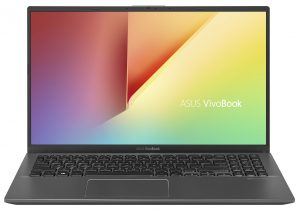
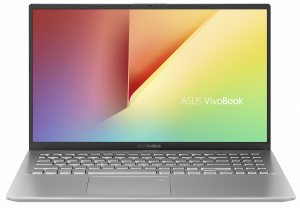
1. Remove the bottom plate
The bottom panel is fixed in place by 10 Phillips-head screws. Bear in mind that the clips of the chassis are pretty tight and you need some patience when prying it up.
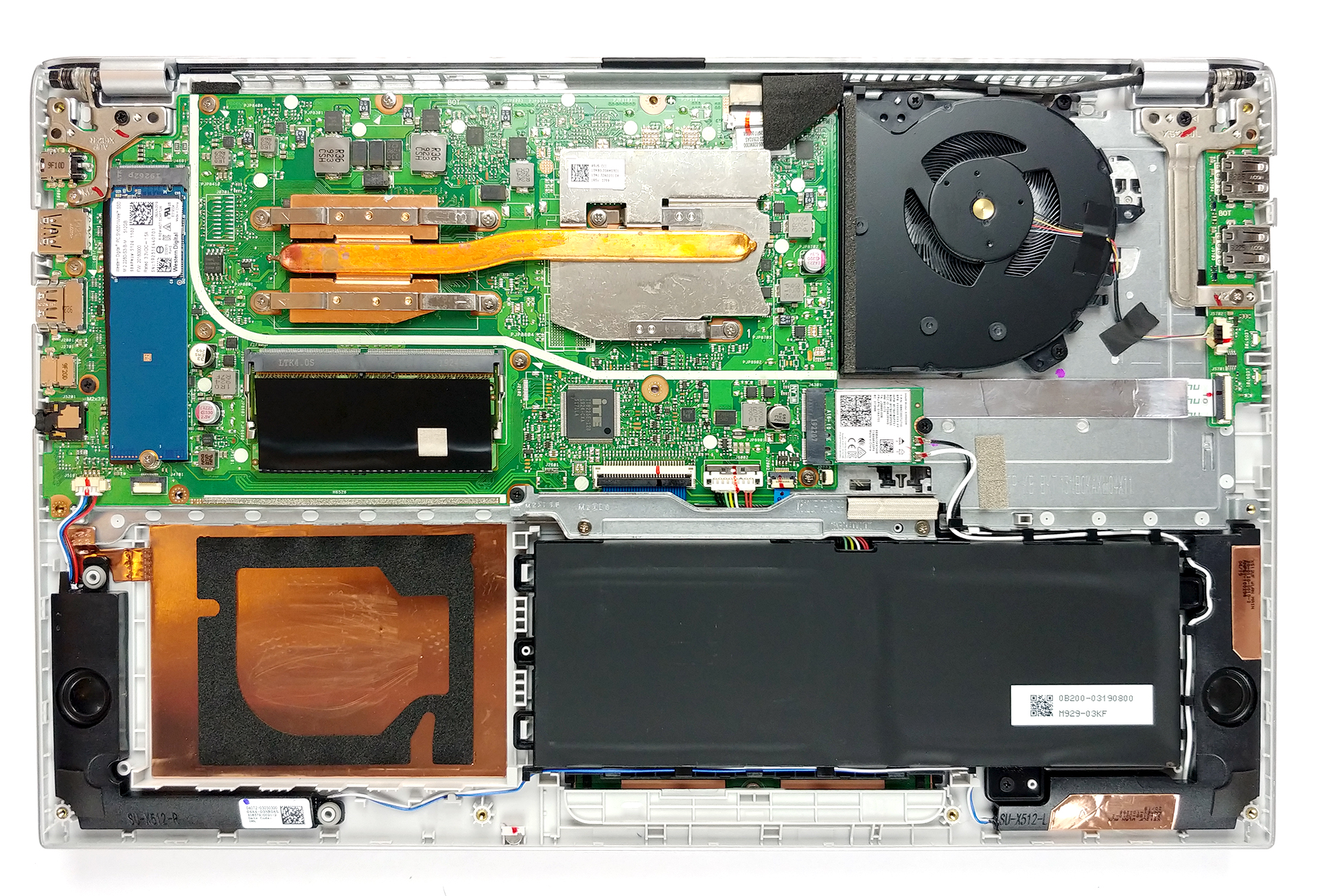
2. Battery
As always, the first thing you need to do before upgrading is to unplug the battery connector, so no current is going through the motherboard. The battery itself is a 37Wh unit and is held in place by a metal bracket that you need to remove before you are able to take the battery off.
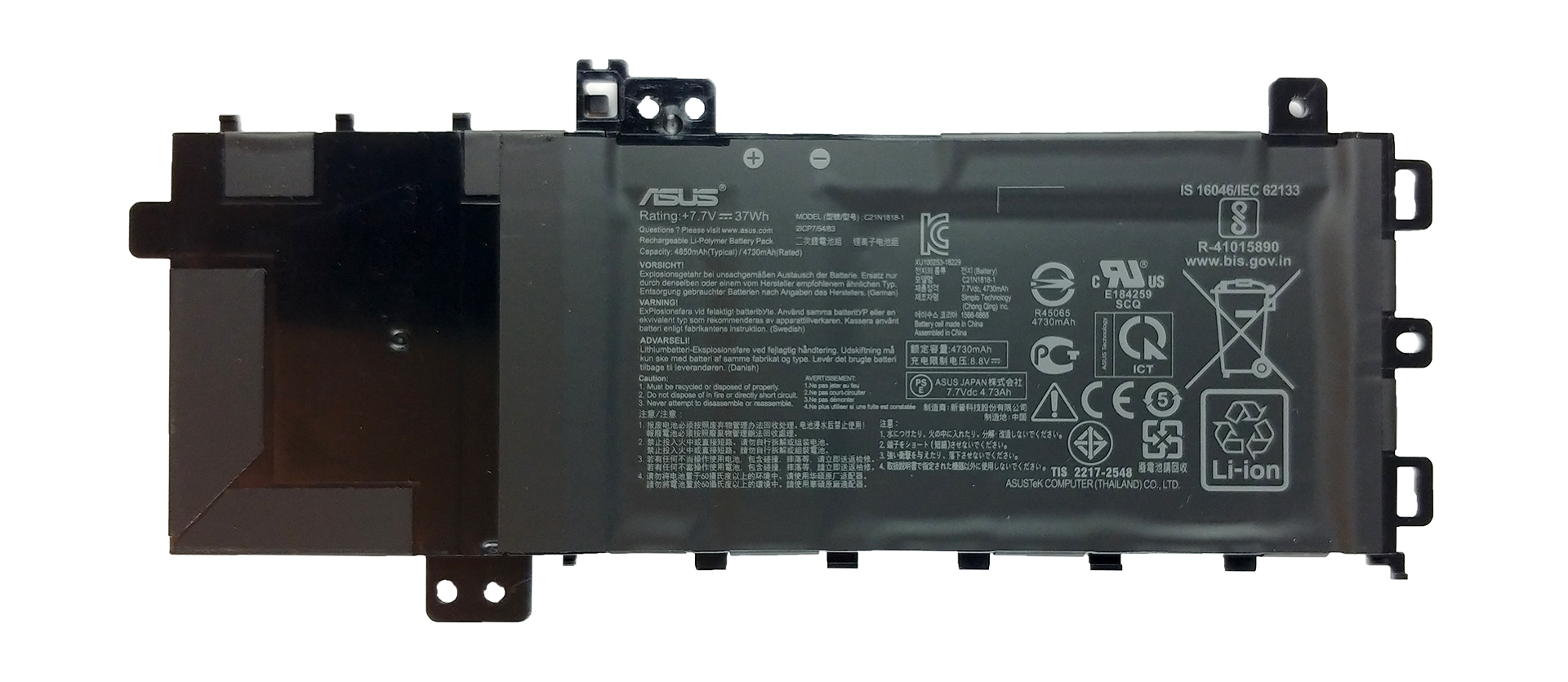
3. Memory and storage
Traditionally, this is the only upgradable section of a laptop. In the case with the VivoBook F512 (X512), there is only one RAM DIMM for upgrading as there are 4GB of memory soldered to the motherboard. Additionally, the laptop is equipped with an M.2 NVMe slot.

4. Cooling solution
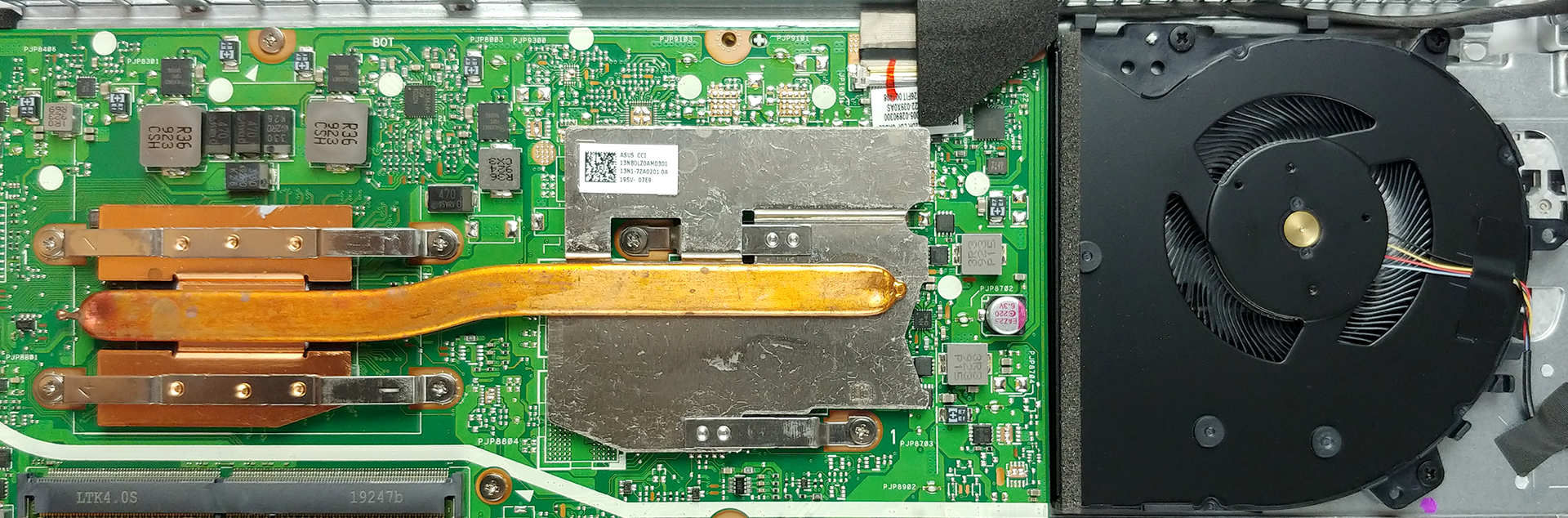
In the cooling segment, we saw the actual innovation, if we may say. The laptop now has something like a heat spreader, that is placed (wait for it) on the place where the GPU would sit, should the laptop have one. In addition to that, there is a heat pipe that connects it to the CPU and a fan that blows towards it. Interestingly, the bottom panel is designed in such a way that it channels the air towards the heat spreader.
Check out all ASUS VivoBook F512 (X512) prices and configurations in our Specs System, or read our In-Depth review.
 Author: Alex Iliev

![[Ιούνιος 2026] Οι μάρκες φορητών υπολογιστών με τις μεγαλύτερες πωλήσεις στο Amazon Global – Η ασύγκριτη κυριαρχία της Apple σε αριθμό μονάδων και έσοδα](https://laptopmedia.com/wp-content/uploads/2026/07/GLOBAL-Best-Brands-400x225.jpg)
![[Ιούνιος 2026] Amazon Global: Οι 10 πιο δημοφιλείς φορητοί υπολογιστές – Το νέο MacBook Neo της Apple κατακτά την πρώτη θέση, αναδιαμορφώνοντας την αγορά χάρη στην προσιτή τιμή του](https://laptopmedia.com/wp-content/uploads/2026/07/Best-Selling-Laptops-GLOBAL-Top-10-400x225.jpg)
![[Ιούνιος 2026] Amazon Global: Οι 10 πιο δημοφιλείς φορητοί υπολογιστές για παιχνίδια – Το Nitro V 16S AI της Acer κυριαρχεί στις πωλήσεις, ενώ η ASUS προηγείται σε συνολικά έσοδα](https://laptopmedia.com/wp-content/uploads/2026/07/Best-Selling-Gaming-Laptops-GLOBAL-Top-10-400x225.jpg)
![[Ιούνιος 2026] Παγκόσμια κατάταξη των πιο δημοφιλών GPU για φορητούς υπολογιστές στο Amazon – Η NVIDIA RTX 5060 είναι η πιο δημοφιλής ειδική GPU](https://laptopmedia.com/wp-content/uploads/2026/07/Best-Selling-GPUs-GLOBAL-Top-10-400x225.jpg)
![[Ιούνιος 2026] Παγκόσμια κατάταξη των πιο δημοφιλών επεξεργαστών για φορητούς υπολογιστές στο Amazon – Ο Apple M5 κυριαρχεί, ενώ ο AMD Ryzen 7 260 καταλαμβάνει σημαντικό μερίδιο στην κατηγορία premium](https://laptopmedia.com/wp-content/uploads/2026/07/Best-Selling-CPUs-GLOBAL-Top-10-400x225.jpg)

great article. well done.
I have this laptop. The cooling solution is not a inovation: it is a problem. How dumb ASUS have to be to not know that a physically connected heatpipe to the fan expelling air was a much better solution? The laptop heats up a lot, even doing light work. Tipically the side of the laptop where the heatsink is locatted is much hotter than the side where is the fan wich shows that the heat is not properly taken out. Also tho make things worst, the bottom of the laptop almost have no holes to let the hot air exit.… Διαβάστε περισσότερα »
Have same laptop. No problem with heat, i don´t know what are you doing when your notebook heats. This is a basic home/office device, with basic graphic acceleration , for basic game run. Don´t expect too much more.
i have this same laptop i love i do think they messed up with the lid covering the vents up the i am think there is a fan with heat pips connected i am sure there is a was to swap out fans and heat sink and get one hole part playing games like resident evil i could tell with vents being blocked the laptop does jump to all most 100c cooling pad with high cfm maybe mod the bottom with roto tool make it look clean and top it off with some liquid metal compound it would be cooler
I have I3 model of this laptop and it also have same design as you said.
I can feel the heat on right side of my laptop base and fan is on left side
I have this model:https://www.lojaasus.com.br/notebook-asus-vivobook-x512fj-ej551t-cinza-escuro.html Same heating problem on the right side of the laptop, over the palm rest with an Intel I7 and Nvidia GPU. The HDD, which is a WD WD10SPZX-80Z10T2, is located right below the palm rest. Could this heat issue somewhow be solved by removing it and placing a M2 NVME SSD? I hear the M2 SSDs cause heat as well, so that might not be effective. Also, I have created power plans with 99% and 20% of the processor maximum clock, but that made almost no difference.Today I’m planning to disable (or uninstall?) the onboard NVIDIA… Διαβάστε περισσότερα »
I have the AMD version of this laptop and have never dealt with any overheating.
But I also use it properly. In other words, I gave a small table for it to sit on while ai use it.
I have a question, i think my laptop’s speakers are damaged, can anyone tell how much would it cost to replace it?
maybe they aren’t, does it still happen if you disconnect the power adapter and leave it in battery only? I have a crackling sound in mine that happens in AC mode
What is that other M.2 on the right side? It is so small
The one below the fan? That’s the wireless card.
is this laptop support nvme
yeah that laptop comes with nvme m.2 ssd
Which type of ram should I install in it nd which how much 4gb or gb
Not worth it. My laptop is dead now I need a new motherboard for this.
The Intel AX201 wifi card works great on the F512JA the original intel wifi5 card 9462 has a throughput of 433/433 Mbps install the AX201 for a Gbps wifi6 boost. I am currently on a 1.2 Gbps connection and hit 1.6 Gbps peaks. purchased off of eBay for $9 is a very good investment.
I hate this laptop. Bought it during the first part of pandemic lockdown. The fan emits this high frequency noise that gives me headaches. Whenever I’m watching movies and it’s a silent moment—you can hear it —it’s so terrible and I haven’t the money to just go out and buy another one. The chick at Best Buy says” Oh we dont service them in house with our Geek squad anymore—we have to send it out for 6 weeks” I hate this laptop! But I hate Best Buy even more. I should have known better.
Can you upgrade the graphics on this laptop?
Nope,sorry. There are few laptops with even theoretically-upgradable graphics. (It’s usually not worth it, even in these cases.) Those laptops have a discrete GPU installed as an MXM module. (A removable package, as opposed to one permanently soldered to the motherboard like you find in other laptops.) But this VivoBook doesn’t have any separate GPU at all, it uses the integrated graphics processor in the main CPU. There’s nowhere to install an upgrade. Edit: Maybe I spoke too soon, apparently some VivoBook models do have a separate GPU, in which case it might be upgradable. But if you had a… Διαβάστε περισσότερα »
At how many MHz does the Ram memory that is installed on the board work (the one that can be removed)