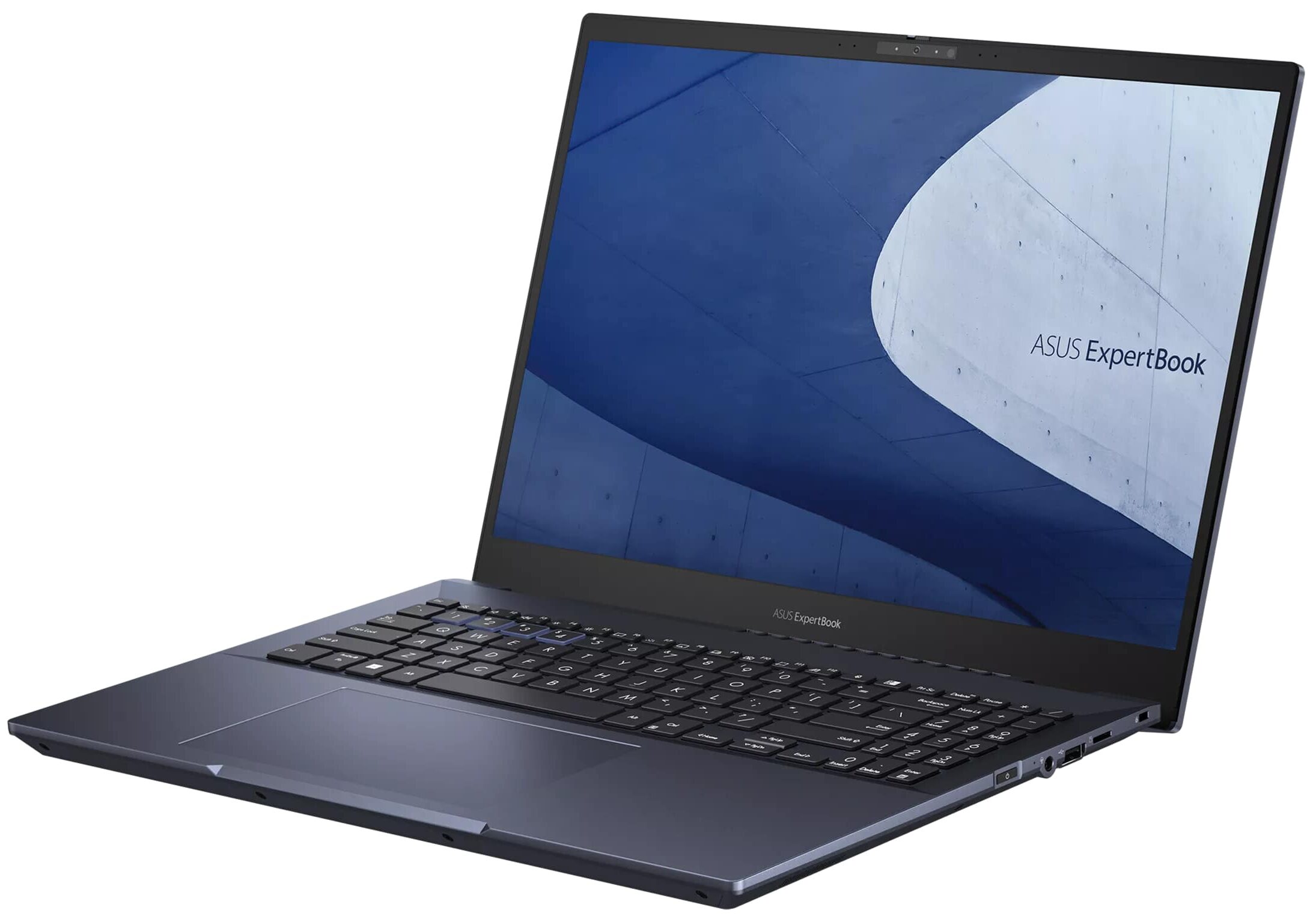
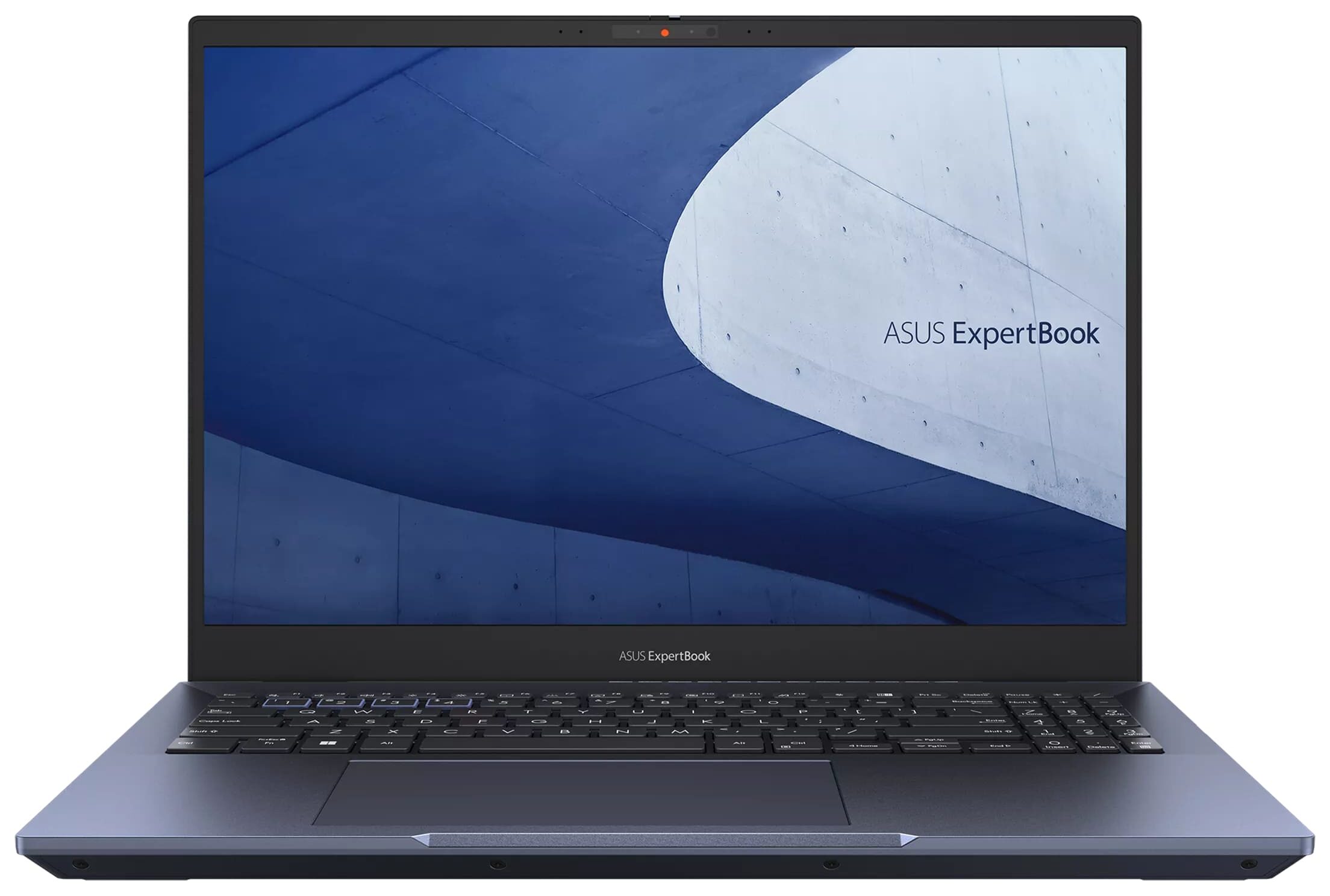
ASUS ExpertBook B5


- Ημερομηνία Δημοσίευσης: 10 Mar 2023
- Intel Core i7-1260P
- Intel Arc A350M
- 16.0”, WQUXGA (3840 x 2400), OLED
- 1000GB SSD
- 1x 8GB DDR5+ 1x 16GB DDR5
- 1.40 kg (3.1 lbs)
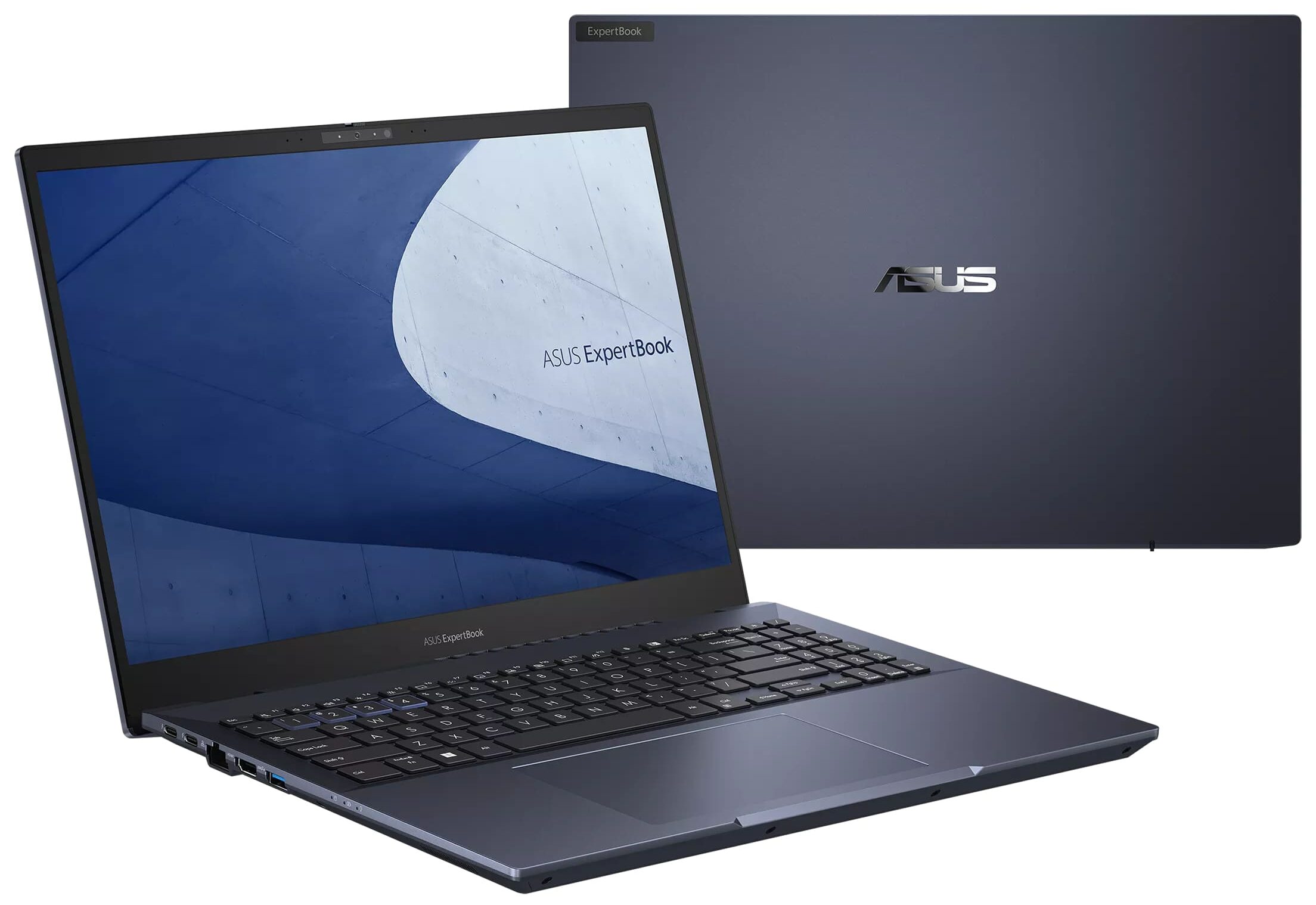
ASUS ExpertBook B5 OLED (B5602, 12th Gen Intel) σε βάθος αξιολόγηση
You all know ASUS as a leading brand in the world of laptops. However, not too many of you are familiar with the ExpertBook family of devices. Essentially, this is the manufacturer's response to Lenovo's ThinkPads and Dell's Latitudes. However, since the subbrand is considerably younger, you will [...]
Διαβάστε την πλήρη αξιολόγηση

Προδιαγραφές

- HDD/SSD
- 1TB SSD
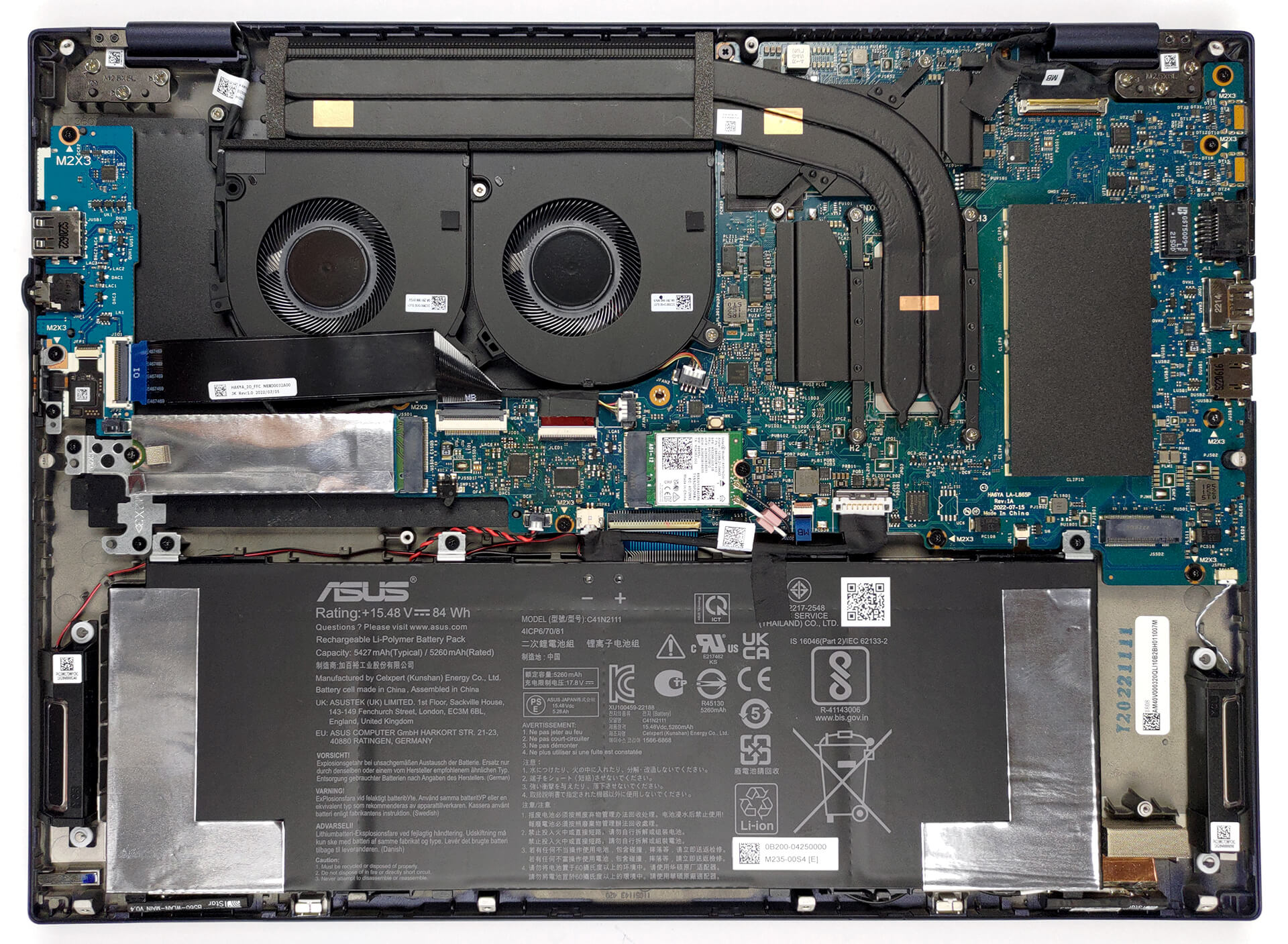
- Υποδοχή M.2
- 2x 2280 PCIe NVMe 4.0 x4 Δείτε τη φωτογραφία
- RAM
- 1x 8GB DDR5+ 1x 16GB DDR5
- OS
- Windows 11 Pro
- Διαστάσεις
- 358.2 x 261.2 x19.9 mm (14.10" x 10.28" x 0.78")
- Βάρος
- 1.40 kg (3.1 lbs)
- Θύρες και συνδεσιμότητα
- 1x USB Type-A
- 2.0
- 1x USB Type-A
- 3.2 Gen 2 (10 Gbps)
- 2x USB Type-C
- Thunderbolt 4, Power Delivery (PD), DisplayPort
- HDMI
- 2.0b
- Αναγνώστης καρτών
- microSD
- Ethernet LAN
- 10, 100, 1000 Mbit/s
- Wi-Fi
- 802.11ax
- Bluetooth
- 5.1
- Audio jack
- 3.5mm Combo Jack
- Χαρακτηριστικά
- Αναγνώστης δακτυλικών αποτυπωμάτων
- Κάμερα web
- HD / FHD with IR fuction, with privacy shutter, support for Windows Hello
- Φωτιζόμενο πληκτρολόγιο
- Μικρόφωνο
- Array Microphone with Cortana Support
- Ηχεία
- Stereo Speakers, Smart Amp Technology, Dolby Atmos
- Οπτικός δίσκος
- Υποδοχή κλειδαριάς ασφαλείας
- Kensington Lock
Φορητότητα
Αξιολόγηση
ASUS ExpertBook B5 σε βάθος αξιολόγηση
You all know ASUS as a leading brand in the world of laptops. However, not too many of you are familiar with the ExpertBook family of devices. Essentially, this is the manufacturer's response to Lenovo's ThinkPads and Dell's Latitudes.However, since the subbrand is considerably younger, you will notice a fresh point of view. Today, we have the ASUS ExpertBook B5 OLED (B5602). The first thing you need to know is made obvious by the name of the machine - it comes with an OLED panel.Although it may sound casual, this is a 4K OLED display with an alleged full DCI-P3 color coverage. This is legitimately a pro-grade panel. Besides that, our configuration is part of the series that include the 12th Gen Intel P-series of CPUs.As a result, you can expect plenty of power and very good e[...]
Διαβάστε την πλήρη αξιολόγησηΠλεονεκτήματα
- Comfortable keyboard
- Very light magnesium-aluminum chassis
- 100% sRGB and DCI-P3 coverage + HDR support
- High resolution and 16:10 aspect ratio + fast pixel response times
- Virtually infinite contrast ratio
- 1x SODIMM + 2x M.2 PCIe x4 Gen 4 with RAID mode support
- IR face recognition + fingerprint reader
- 2x Thunderbolt 4 + MicroSD card slot
- Very cool and quiet even under extreme workload
- Good battery life
Μειονεκτήματα
- Very high glare from the glossy screen
- Intel Arc GPU is not something to write home about
Επιλογές αποσυναρμολόγησης, συντήρησης και αναβάθμισης
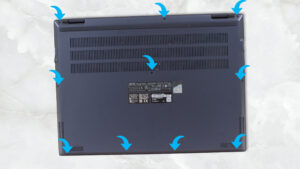
1. Unscrewing the Back Panel To start, undo the 10 Phillips-head screws on the back of the ASUS ExpertBook B5 OLED (B5602) laptop using an appropriate screwdriver. These screws are holding the back panel in place.Hint: Use a magnetized screwdriver to easily handle the small screws.2. Removing the Back Panel Once the screws are out, use a plastic tool to pry the bottom panel off. It's best to start from the hinge gaps to avoid damaging the laptop's chassis or internal components.Caution: Be gentle during this step to avoid causing any damage.3. Disconnecting the Bat[...]
Διαβάστε περισσότερα