Acer Nitro 17 (AN17-71) review – the gap between the Predator and Nitro series is only cosmetic
Disassembly, Upgrade options, and Maintenance
To access this notebook’s internals, you need to undo a total of 11 Phillips-head screws. Then, pry the bottom panel with a plastic tool, and lift it away from the chassis.
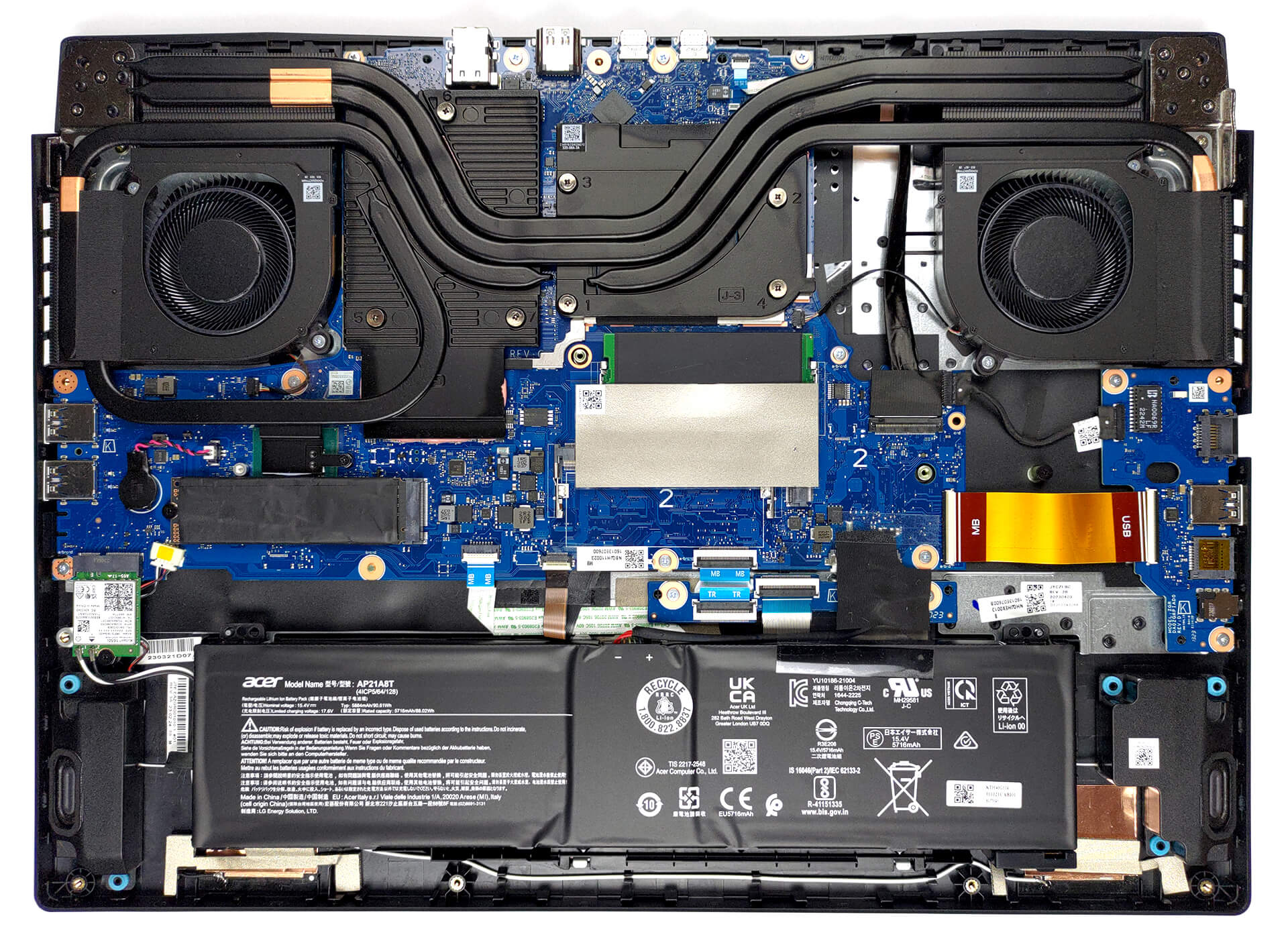
Inside, you get a 90.6Wh battery pack. It lasts for 7 hours of Web browsing, or 6 hours and 30 minutes of video playback. To take it out, just unplug the battery connector, and lift the unit away from the device.

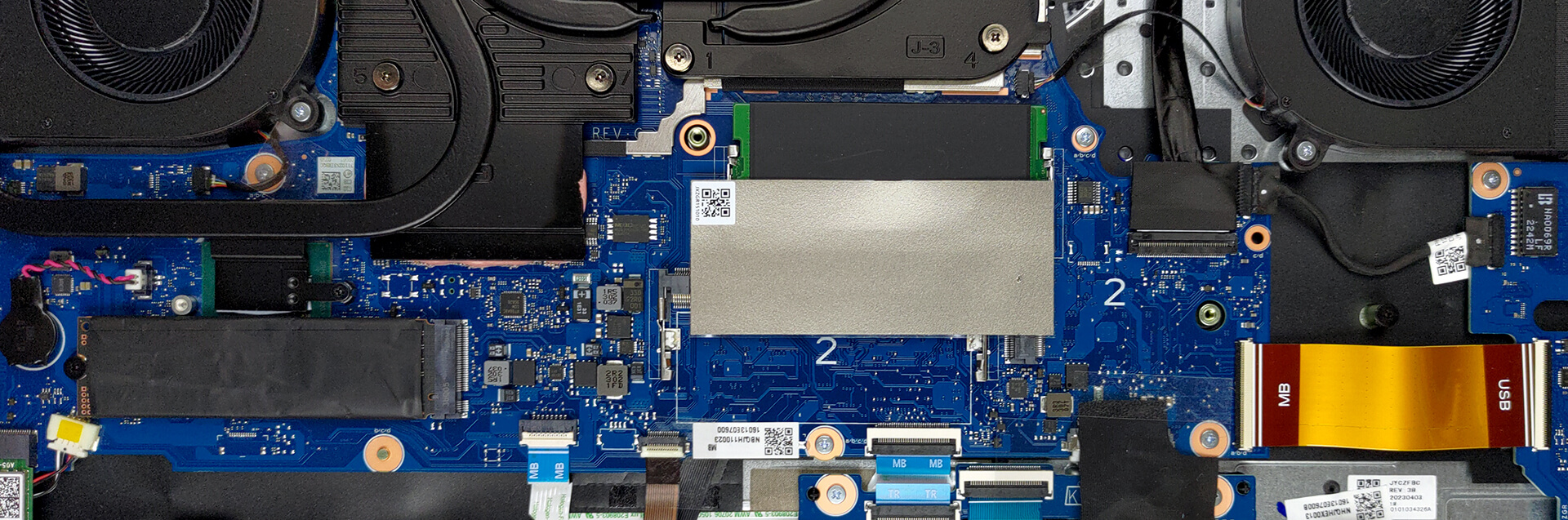
In terms of memory, there are two SODIMM slots. They work with DDR5 RAM, and according to Acer, the maximum supported memory is 32GB. As for storage, you get two M.2 PCIe x4 slots, which support Gen 4 SSDs.
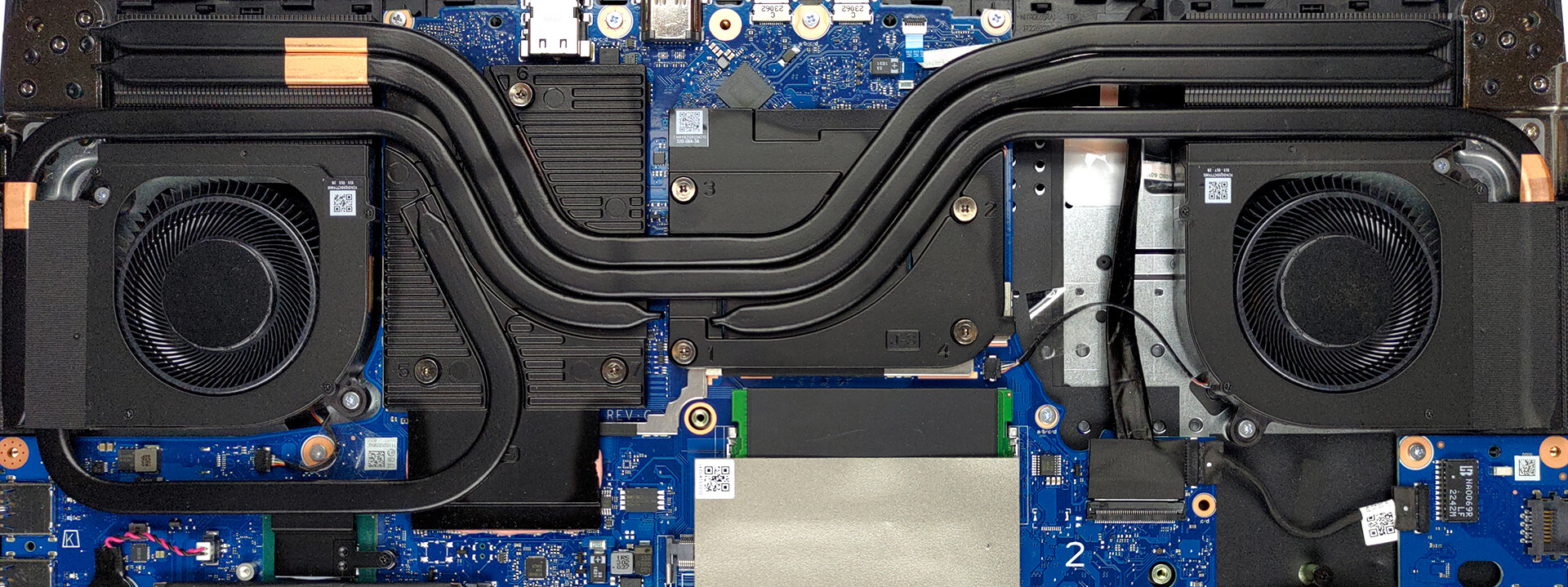
Cooling-wise, there are two heat pipes, shared between the CPU and the GPU. The processor gets an additional heat pipe, while the graphics card features two more. Moreover, there are four heat sinks, and two fans, blowing the heat away from the machine.
 Author: Alex Iliev
 Author: eng. Kroum NikolovHead of Engineering at LaptopMedia.com, inventor and innovator with 40+ years of experience in electronics and high technology.

![[Αύγουστος 2026] Amazon Global: Οι 10 φορητοί υπολογιστές με τις μεγαλύτερες πωλήσεις – Το Apple MacBook Neo κυριαρχεί στις λίστες, ενώ οι οικονομικοί και μεσαίας κατηγορίας φορητοί υπολογιστές με Windows ανταγωνίζονται για τον όγκο πωλήσεων](https://laptopmedia.com/wp-content/uploads/2026/09/Best-Selling-Laptops-GLOBAL-Top-10-400x225.jpg)
![[Αύγουστος 2026] Οι μάρκες φορητών υπολογιστών με τις μεγαλύτερες πωλήσεις στο Amazon Global – Η Apple κυριαρχεί σε έσοδα, ενώ η HP πρωτοστατεί στην ποικιλία μοντέλων](https://laptopmedia.com/wp-content/uploads/2026/09/GLOBAL-Best-Brands-400x225.jpg)
![[Αύγουστος 2026] Amazon Global: Οι 10 πιο δημοφιλείς φορητοί υπολογιστές για παιχνίδια – Ο HP Victus 15 κατακτά την πρώτη θέση, ενώ τα οικονομικά μοντέλα κυριαρχούν στις λίστες](https://laptopmedia.com/wp-content/uploads/2026/09/Best-Selling-Gaming-Laptops-GLOBAL-Top-10-400x225.jpg)
![[August 2026] Best-Selling Laptop Brands on Amazon Japan – Apple Dominates Market Share and Revenue Led by Strong Unit Sales](https://laptopmedia.com/wp-content/uploads/2026/09/CO.JP-Best-Brands-1-400x225.jpg)
![[August 2026] Best-Selling Laptop Brands on Amazon USA – Apple Dominates Market Revenue and Volume Despite Lower Model Diversity](https://laptopmedia.com/wp-content/uploads/2026/09/COM-Best-Brands-1-400x225.jpg)

Hi, I have this laptop and on battery it shows no more than 4 hours(browsing at 30% brightness) from the store told me that it is normal for that laptop, but in yours review you are saying that the battery lasts over 7 hours. Do you think there is a problem with the battery? Also CPU idle temperatures are normal, 40 – 45 C, but Intel XTU power limit throttling turns on very often(for a few seconds ‘YES’ and then ‘NO’ for a few seconds), when I’m playing games the temperatures are also good(around 60 C), but the power limit… Διαβάστε περισσότερα »
I’ve seen these with 96gb ram