Dell G16 7630 review – its CPU boosts up to 200W
Design and construction
Right off the bat, we can tell that this notebook is very heavy. Indeed, it is a 16-incher, but the 2.87 kg of heft is never too little. On the other hand, the product has a profile of 20.2-24.9mm, which is not too thick. In addition to that, the lid is super thin.
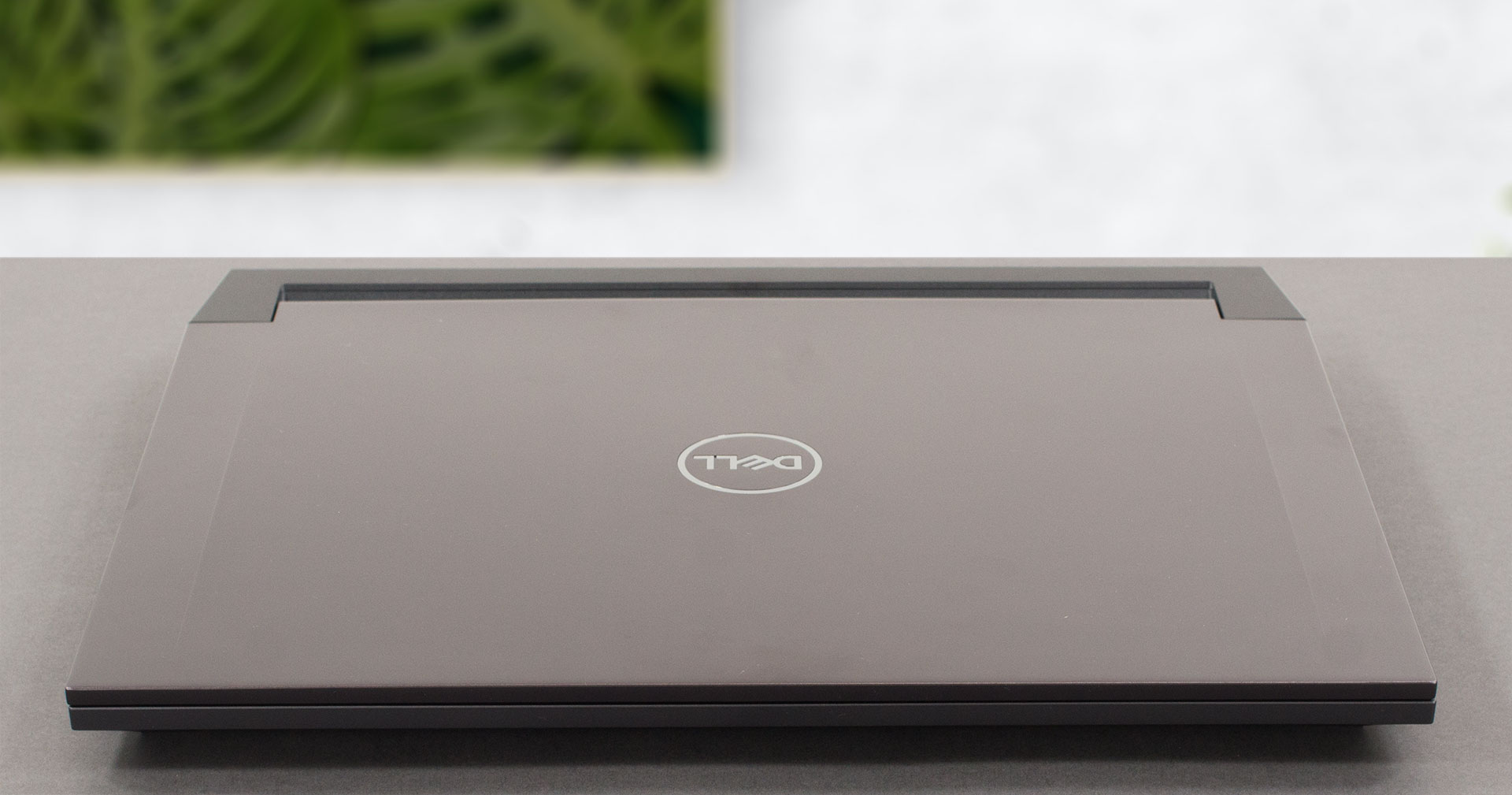
Both the lid and the base are made out of metal, with a lot of different plastic components found here and there (like the shrouds on top of the heat sinks). The thin lid is a bit prone to flex, but the chassis is considerably stronger.
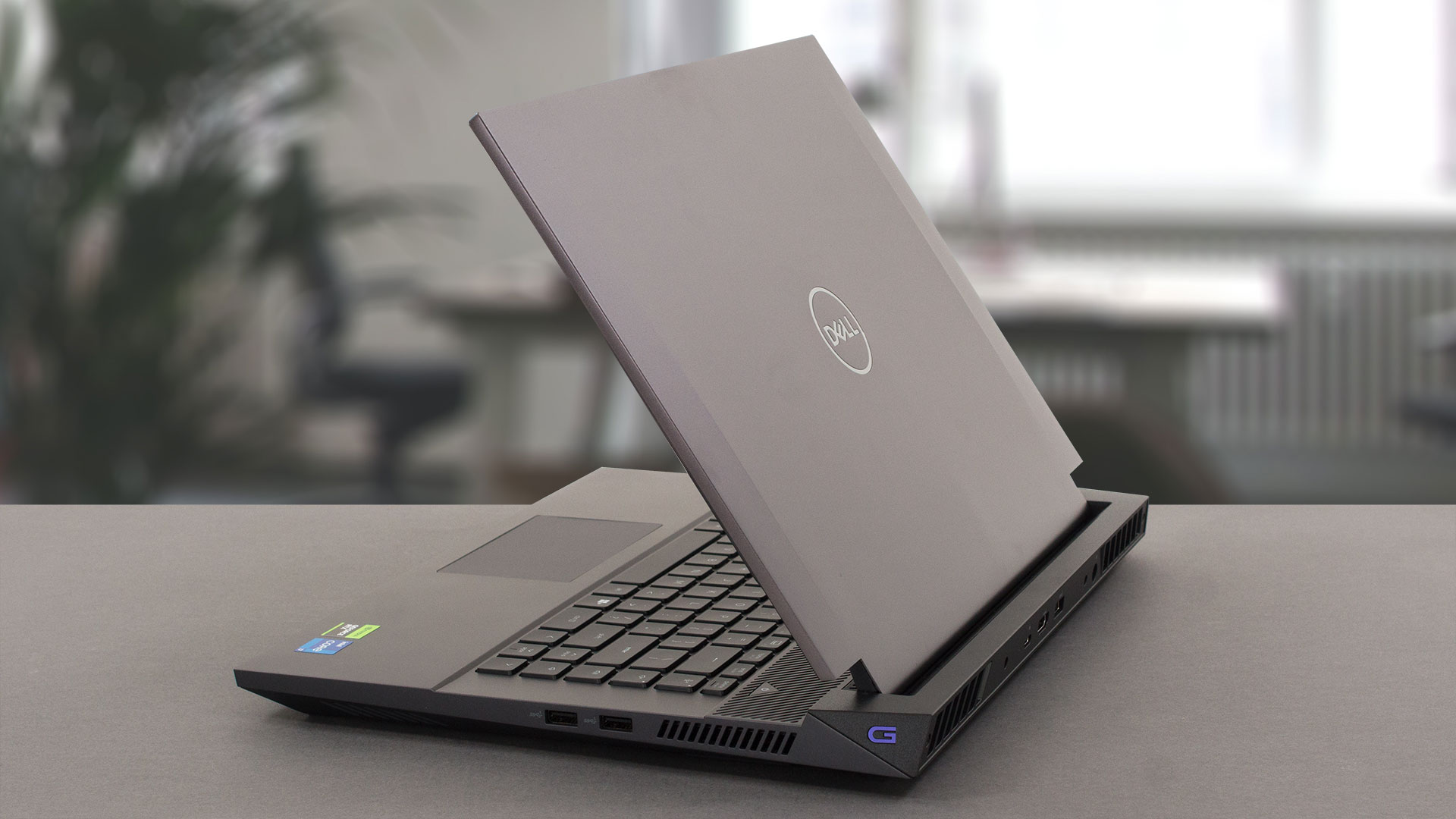
Thankfully, you can effortlessly open the lid with one hand. This reveals super thin bezels all around it with one exception – the hinge cover is ultimately attached to the bottom bezel, which makes it appear extremely bulky. On the other hand, the top one features an HD Web camera that shoots at 30fps.
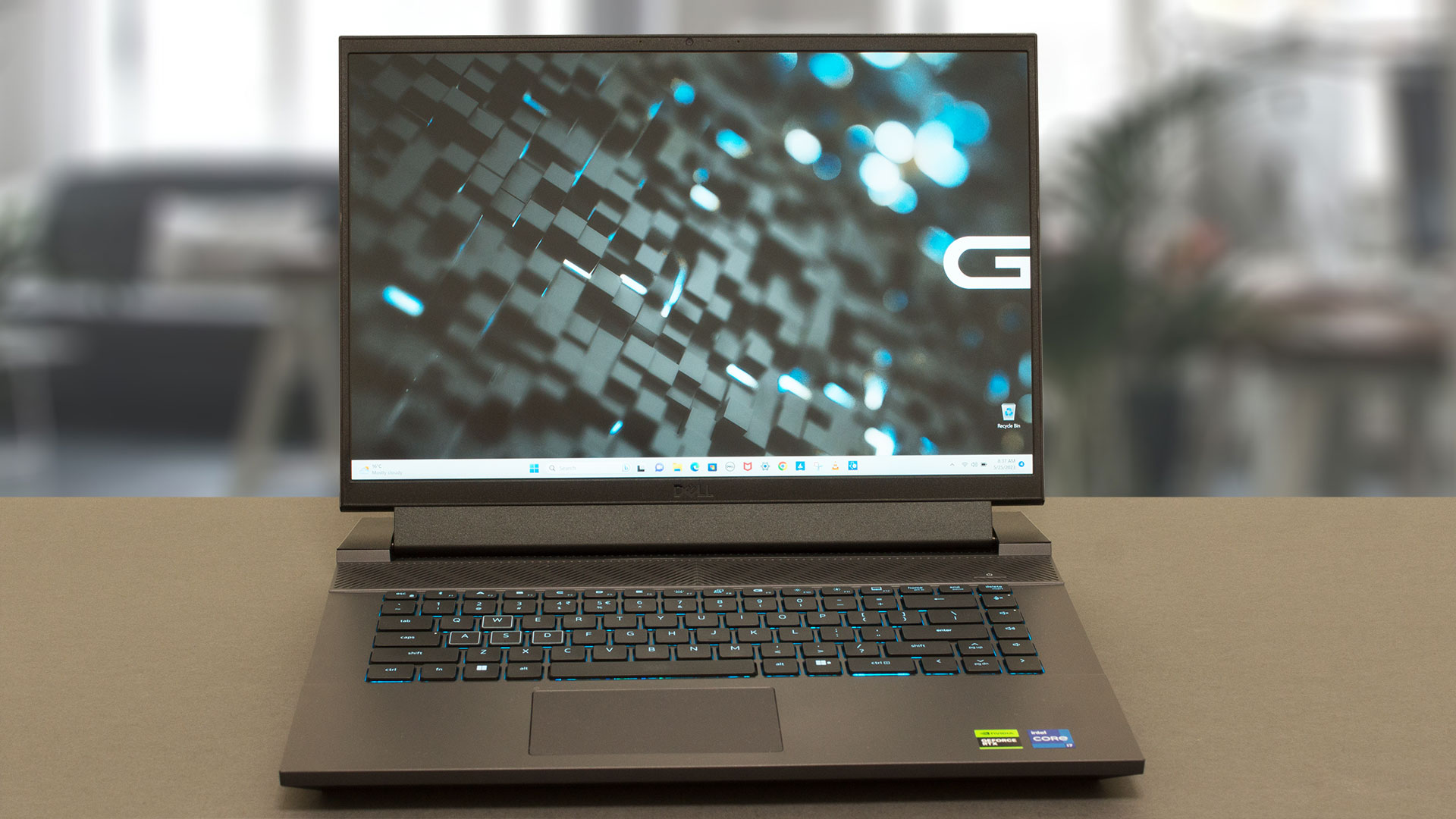
Moving to the base, we see the keyboard. It sports a 1-zone RGB backlight and no NumberPad. However, you get a column of media buttons and large Arrow keys. In general, the keyboard feels great for typing with its long key travel and clicky feedback. Gaming on it is comfortable too. Not to mention the “G” shortcut, which maxes out the performance and the fans seconds after you press it.
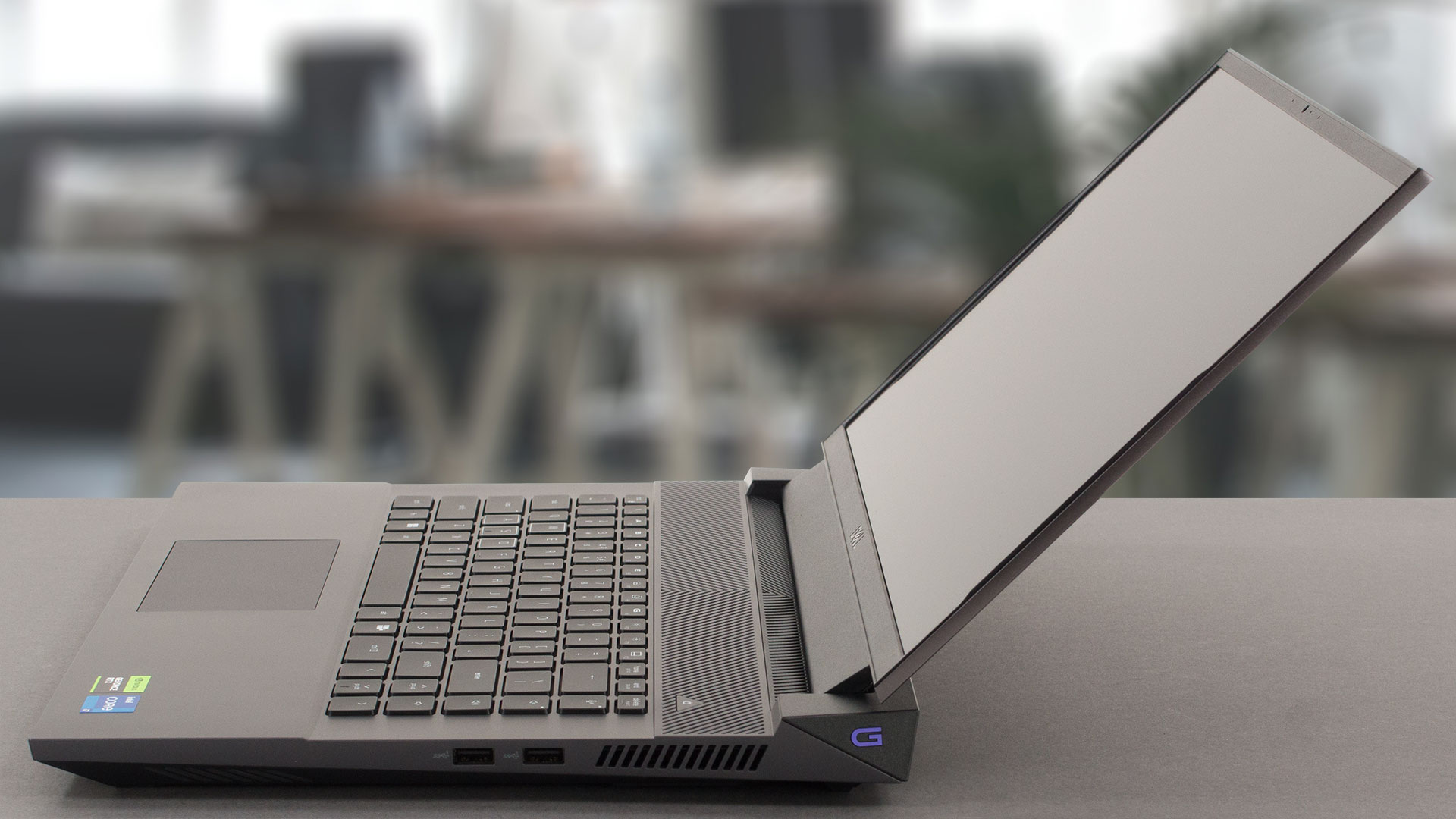
On the other hand, the touchpad is one of the smallest units out there. Its surface is also not the best when it comes to tracking and gliding, while the response time is pretty fast (which is good). By the way, there is a ventilation grill above the keyboard, which should supply plenty of cool air to the fans.

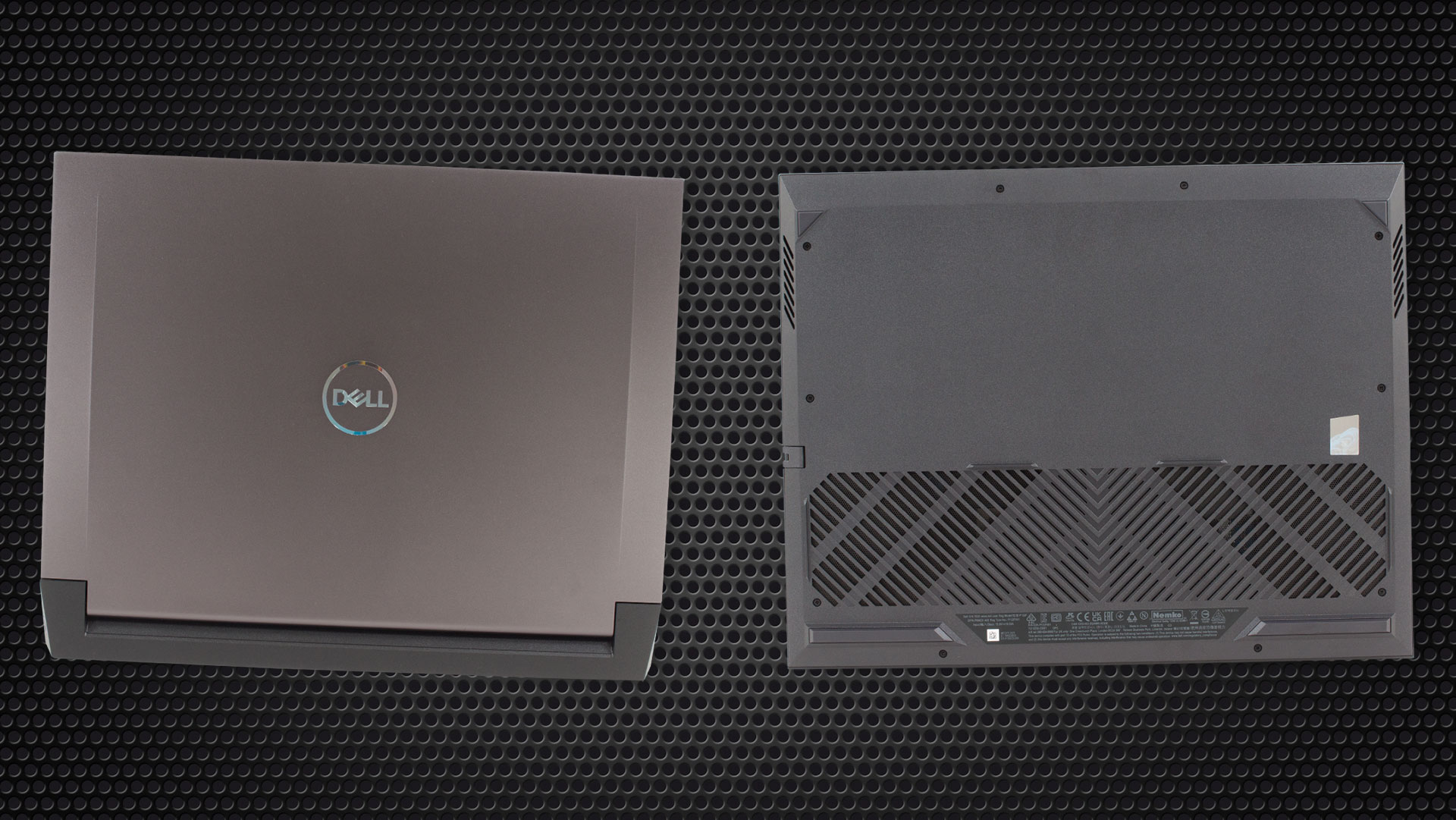
Turn the laptop upside down, and you will see the two speaker cutouts as well as other cooling vents. Hot air is then exhausted through four vents – two on the back, and one on each side of the notebook.
Ports
On the left side, there is a LAN port and an Audio jack. Then, on the right, you get two USB Type-A 3.2 (Gen. 1) ports. Lastly, look at the backside to find a USB Type-C 3.2 (Gen. 2) port with DisplayPort 1.4 capability (or the Thunderbolt 4 port if you get the RTX 4070 model), an HDMI 2.1 connector, a USB Type-A 3.2 (Gen. 1) port, and the power plug.



 Author: Alex Iliev
 Author: eng. Kroum NikolovHead of Engineering at LaptopMedia.com, inventor and innovator with 40+ years of experience in electronics and high technology.

![[Αύγουστος 2026] Παγκόσμια κατάταξη των πιο δημοφιλών GPU για φορητούς υπολογιστές στο Amazon – Η Apple κυριαρχεί, ενώ η RTX 5060 της NVIDIA βρίσκεται στην κορυφή της κατάταξης των ειδικών καρτών](https://laptopmedia.com/wp-content/uploads/2026/09/Best-Selling-GPUs-GLOBAL-Top-10-400x225.jpg)
![[Αύγουστος 2026] Παγκόσμια κατάταξη των πιο δημοφιλών επεξεργαστών φορητών υπολογιστών στο Amazon – Η Apple κυριαρχεί τόσο στην κατηγορία των οικονομικών όσο και στην κατηγορία των premium μοντέλων: Οι A18 Pro και M5 συντρίβουν την Intel και την AMD τον Αύγουστο του 2026](https://laptopmedia.com/wp-content/uploads/2026/09/Best-Selling-CPUs-GLOBAL-Top-10-400x225.jpg)
![[Αύγουστος 2026] Amazon Global: Οι 10 φορητοί υπολογιστές με τις μεγαλύτερες πωλήσεις – Το Apple MacBook Neo κυριαρχεί στις λίστες, ενώ οι οικονομικοί και μεσαίας κατηγορίας φορητοί υπολογιστές με Windows ανταγωνίζονται για τον όγκο πωλήσεων](https://laptopmedia.com/wp-content/uploads/2026/09/Best-Selling-Laptops-GLOBAL-Top-10-400x225.jpg)
![[Αύγουστος 2026] Οι μάρκες φορητών υπολογιστών με τις μεγαλύτερες πωλήσεις στο Amazon Global – Η Apple κυριαρχεί σε έσοδα, ενώ η HP πρωτοστατεί στην ποικιλία μοντέλων](https://laptopmedia.com/wp-content/uploads/2026/09/GLOBAL-Best-Brands-400x225.jpg)
![[Αύγουστος 2026] Amazon Global: Οι 10 πιο δημοφιλείς φορητοί υπολογιστές για παιχνίδια – Ο HP Victus 15 κατακτά την πρώτη θέση, ενώ τα οικονομικά μοντέλα κυριαρχούν στις λίστες](https://laptopmedia.com/wp-content/uploads/2026/09/Best-Selling-Gaming-Laptops-GLOBAL-Top-10-400x225.jpg)

This difference in the clocks/power ratio between the G16 and other models with the same CPU is related to the variation in chip quality.
This tested G16 i7 apparently did badly in the silicon lottery.
i agree, we need more sample
good
nice
GPU option is the RTX 4070
I love my Dell 2023 G16. I have the 13650HX and the 4050 GPU for $1199. I have a 13900k and 4090 for video editing videos on my desktop, but I needed a laptop for editing while on vacation and traveling this summer. I would have bought the 4070 variant, but it wasn’t available for another few weeks and I needed something now. After placing my order through Dell.com, I hopped onto Amazon and ordered a WD Black SN850X 2TB and 64GB of Crucial ram for a total of $300 in upgrades. The G16 isn’t thin or light, but it… Διαβάστε περισσότερα »
Hey Ryan,
Whats your battery life look like if you just find yourself web browsing/ basic tasks?
Thanks
theres zero heat pipes
For what test it’s CPU reach upto 190W? Mine doesn’t reach that wattage.