Lenovo ThinkBook 16 Gen 4+ review – near silent business laptop with metal build and good battery life
Temperatures and comfort, Battery Life
Max CPU load
In this test we use 100% on the CPU cores, monitoring their frequencies and chip temperature. The first column shows a computer’s reaction to a short load (2-10 seconds), the second column simulates a serious task (between 15 and 30 seconds), and the third column is a good indicator of how good the laptop is for long loads such as video rendering.
Average P-core frequency; Average E-core frequency; CPU temp.; Package Power
| Intel Core i7-1255U (15W TDP) | 0:02 – 0:10 sec | 0:15 – 0:30 sec | 10:00 – 15:00 min |
|---|---|---|---|
| Lenovo ThinkBook 16 Gen 4+ | 3.58 GHz @ 2.67 GHz @ 63°C @ 47W | 3.56 GHz @ 2.67 GHz @ 71°C @ 46W | 3.30 GHz @ 2.45 GHz @ 65°C @ 37W |
| Microsoft Surface Laptop 5 (15″) | 3.49 GHz @ 2.83 GHz @ 65°C @ 46W | 2.26 GHz @ 2.76 GHz @ 78°C @ 44W | 1.28 GHz @ 2.54 GHz @ 71°C @ 22W |
| HP EliteBook 1040 G9 | 3.58 GHz @ 2.65 GHz @ 73°C @ 44W | 3.39 GHz @ 2.54 GHz @ 90°C @ 41W | 1.92 GHz @ 1.60 GHz @ 54°C @ 15W |
| Acer Aspire 5 (A517-53G) | 3.43 GHz @ 2.61 GHz @ 64°C @ 46W | 3.21 GHz @ 2.49 GHz @ 68°C @ 41W | 2.68 GHz @ 2.18 GHz @ 62°C @ 28W |
| HP EliteBook 830 G9 | 3.77 GHz @ 2.77 GHz @ 74°C @ 46W | 3.22 GHz @ 1.84 GHz @ 82°C @ 36W | 2.61 GHz @ 1.84 GHz @ 64°C @ 22W |
| HP Spectre x360 14 (14-ef0000) | 3.55 GHz @ 2.74 GHz @ 88°C @ 43W | 3.20 GHz @ 2.50 GHz @ 90°C @ 35W | 3.03 GHz @ 2.42 GHz @ 90°C @ 32W |
| Lenovo ThinkBook 13x Gen 2 | 2.90 GHz @ 2.30 GHz @ 61°C @ 30W | 2.86 GHz @ 2.29 GHz @ 70°C @ 30W | 2.34 GHz @ 2.06 GHz @ 65°C @ 23W |
| HP Elite Dragonfly G3 | 3.46 GHz @ 2.65 GHz @ 88°C @ 42W | 2.70 GHz @ 2.06 GHz @ 84°C @ 26W | 2.38 GHz @ 1.71 GHz @ 72°C @ 20W |
| Lenovo V15 Gen 3 | 3.75 GHz @ 2.84 GHz @ 82°C @ 51W | 2.69 GHz @ 2.02 GHz @ 76°C @ 31W | 2.18 GHz @ 1.69 GHz @ 61°C @ 19W |
| Acer Aspire 3 (A317-54) | 3.58 GHz @ 2.68 GHz @ 70°C @ 43W | 3.53 GHz @ 2.47 GHz @ 74°C @ 37W | 2.92 GHz @ 2.26 GHz @ 69°C @ 28W |
| HP EliteBook 860 G9 | 3.23 GHz @ 2.57 GHz @ 85°C @ 41W | 3.09 GHz @ 2.46 GHz @ 86°C @ 38W | 1.82 GHz @ 1.58 GHz @ 57°C @ 16W |
| HP 15 (15-dw4000) | 3.19 GHz @ 2.42 GHz @ 69°C @ 40W | 1.90 GHz @ 1.49 GHz @ 57°C @ 17W | 1.91 GHz @ 1.49 GHz @ 56°C @ 17W |
| Lenovo ThinkPad E15 Gen 4 | 3.44 GHz @ 2.63 GHz @ 78°C @ 43W | 2.98 GHz @ 2.24 GHz @ 75°C @ 36W | 2.15 GHz @ 1.57 GHz @ 70°C @ 23W |
| MSI Modern 15 (B12M) | 3.63 GHz @ 2.68 GHz @ 78°C @ 44W | 3.63 GHz @ 2.65 GHz @ 86°C @ 44W | 3.26 GHz @ 2.40 GHz @ 85°C @ 35W |
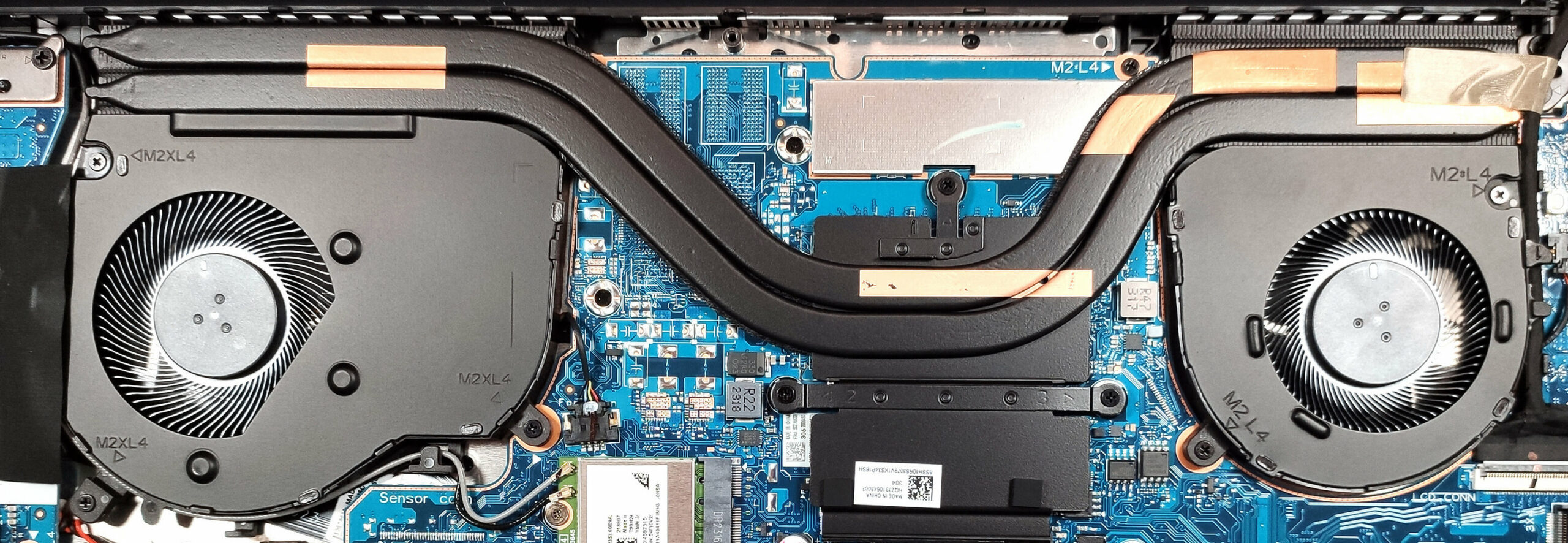
The cooling system of this machine is definitely capable. The Core i5-1255U can maintain ~3.60GHz P core clock and ~2.70GHz E core clock in short and medium-long tasks. The CPU power limit and the temperature of the chip are also good. In long periods of 100% stress, the i7 chip can sustain 3.30GHz performance core frequency and we got 2.45GHz for the efficient core which is a great result. We are positively surprised by the 65°C processor temperature and the 37W limit. In this case, the Lenovo ThinkBook 16 Gen 4+ can give the MSI Modern 15 (B12M) a run for its money.
Gaming comfort
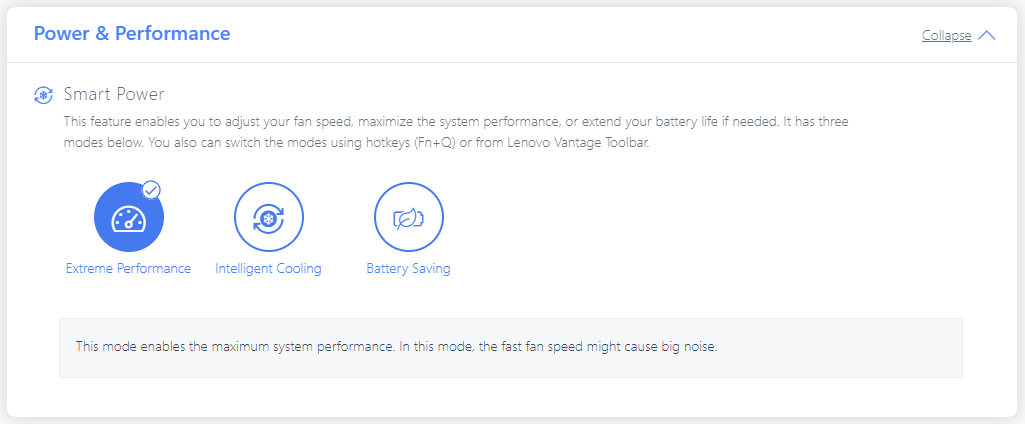
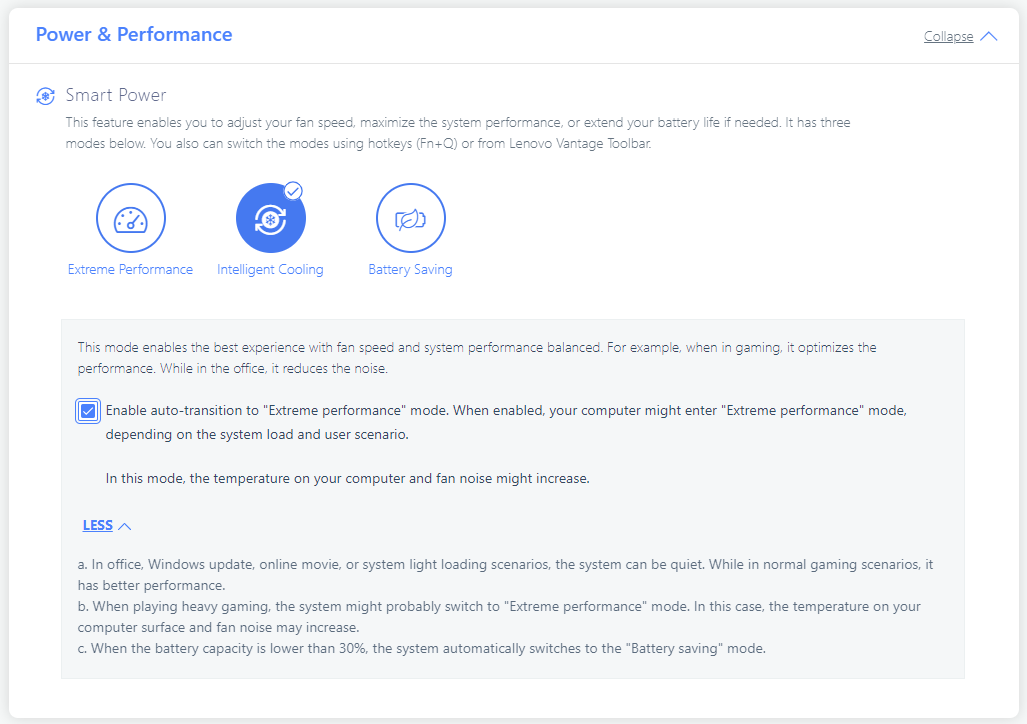
No matter the high CPU clock under any kind of usage, the two fans are near silent even in “Extreme Performance” mode. You can also use the “Intelligent Cooling” preset and tick the automatic transition to “Extreme Performance”. This leads to even lower noise levels during light loads and you don’t lose power in heavy 3D Rendering scenarios for example.
The thermals on the outside are in check. The hotspot is located in the central part of the keyboard but it doesn’t feel hot at all. The temperatures of the WASD zone and the two palm rest areas are low enough for comfortable usage.
Battery
Now, we conduct the battery tests with Windows Better performance setting turned on, screen brightness adjusted to 120 nits and all other programs turned off except for the one we are testing the notebook with. Our notebook has a 57Wh battery. It lasts for 12 hours and 30 minutes of Web browsing or 8 hours and 20 minutes of video playback. That’s a great score given the modest capacity and the high CPU clocks.
Φωτεινότητα: 180 nits; Λειτουργία οθόνης: SDR
Χρόνος μέχρι την πλήρη εκφόρτιση: Υψηλότερο είναι καλύτερο

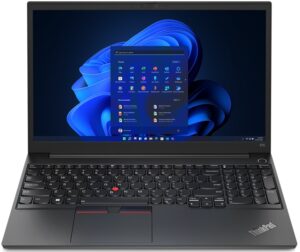
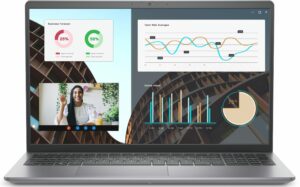
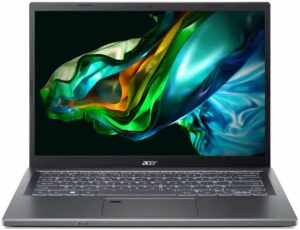
Για την προσομοίωση πραγματικών συνθηκών, χρησιμοποιήσαμε το δικό μας σενάριο για αυτόματη περιήγηση στο διαδίκτυο σε πάνω από 70 ιστότοπους.
 Author: Nikolay Palaozov
 Author: eng. Kroum NikolovHead of Engineering at LaptopMedia.com, inventor and innovator with 40+ years of experience in electronics and high technology.

![[Αύγουστος 2026] Παγκόσμια κατάταξη των πιο δημοφιλών GPU για φορητούς υπολογιστές στο Amazon – Η Apple κυριαρχεί, ενώ η RTX 5060 της NVIDIA βρίσκεται στην κορυφή της κατάταξης των ειδικών καρτών](https://laptopmedia.com/wp-content/uploads/2026/09/Best-Selling-GPUs-GLOBAL-Top-10-400x225.jpg)
![[Αύγουστος 2026] Παγκόσμια κατάταξη των πιο δημοφιλών επεξεργαστών φορητών υπολογιστών στο Amazon – Η Apple κυριαρχεί τόσο στην κατηγορία των οικονομικών όσο και στην κατηγορία των premium μοντέλων: Οι A18 Pro και M5 συντρίβουν την Intel και την AMD τον Αύγουστο του 2026](https://laptopmedia.com/wp-content/uploads/2026/09/Best-Selling-CPUs-GLOBAL-Top-10-400x225.jpg)
![[Αύγουστος 2026] Amazon Global: Οι 10 φορητοί υπολογιστές με τις μεγαλύτερες πωλήσεις – Το Apple MacBook Neo κυριαρχεί στις λίστες, ενώ οι οικονομικοί και μεσαίας κατηγορίας φορητοί υπολογιστές με Windows ανταγωνίζονται για τον όγκο πωλήσεων](https://laptopmedia.com/wp-content/uploads/2026/09/Best-Selling-Laptops-GLOBAL-Top-10-400x225.jpg)
![[Αύγουστος 2026] Οι μάρκες φορητών υπολογιστών με τις μεγαλύτερες πωλήσεις στο Amazon Global – Η Apple κυριαρχεί σε έσοδα, ενώ η HP πρωτοστατεί στην ποικιλία μοντέλων](https://laptopmedia.com/wp-content/uploads/2026/09/GLOBAL-Best-Brands-400x225.jpg)
![[Αύγουστος 2026] Amazon Global: Οι 10 πιο δημοφιλείς φορητοί υπολογιστές για παιχνίδια – Ο HP Victus 15 κατακτά την πρώτη θέση, ενώ τα οικονομικά μοντέλα κυριαρχούν στις λίστες](https://laptopmedia.com/wp-content/uploads/2026/09/Best-Selling-Gaming-Laptops-GLOBAL-Top-10-400x225.jpg)
