MSI Katana 17 (B12V) review – affordable notebook with a MUX switch
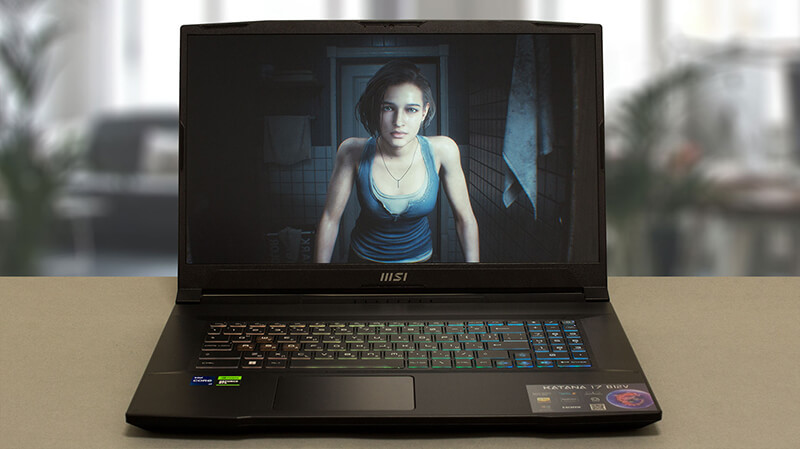 MSI Katana’s super budget characteristics are now part of history. The manufacturer has somewhat successfully converted the machine from an affordable to a mid-range product. While the main contributor to this is really NVIDIA, we have a thing or two to say about MSI’s own participation.
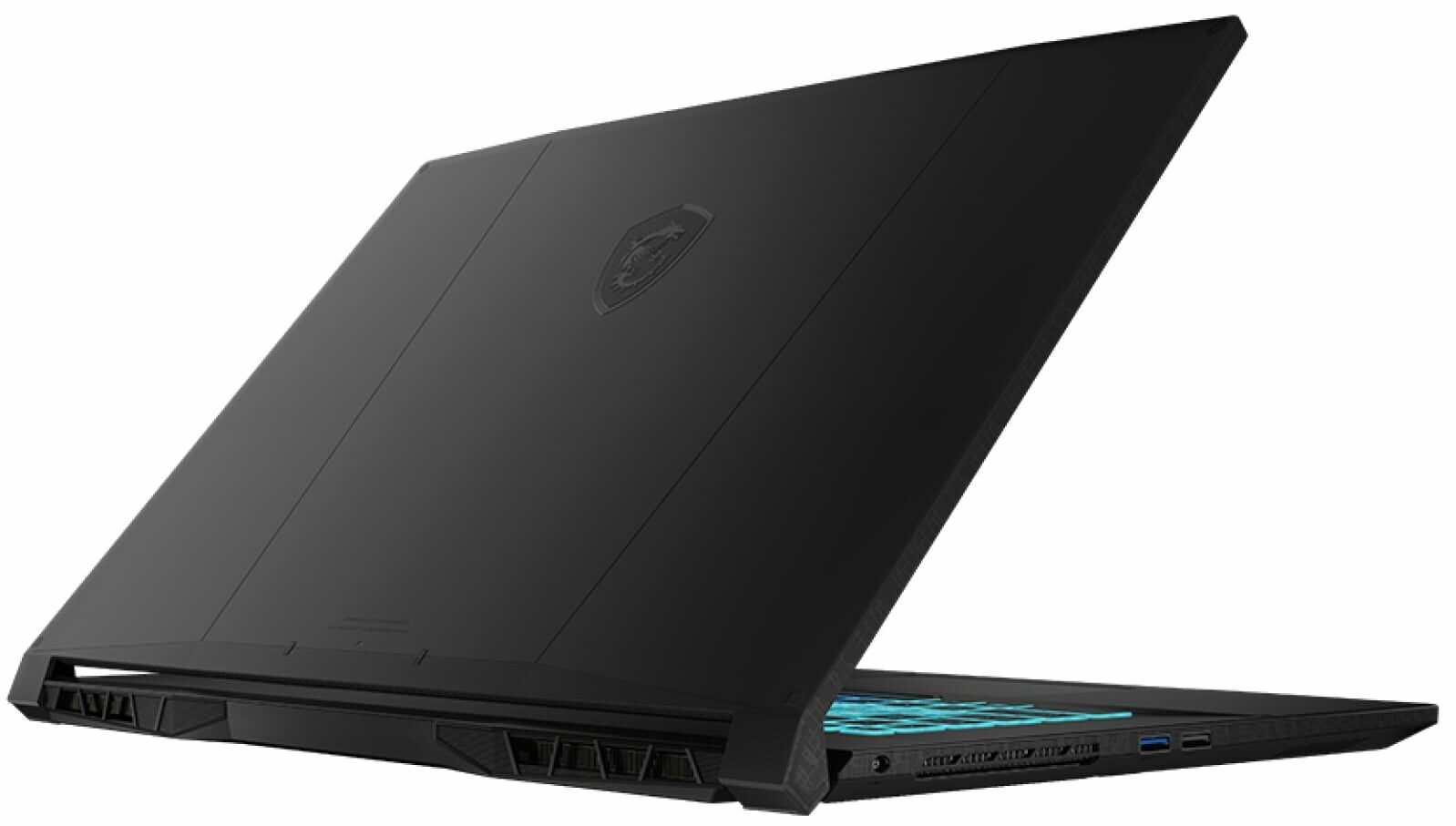
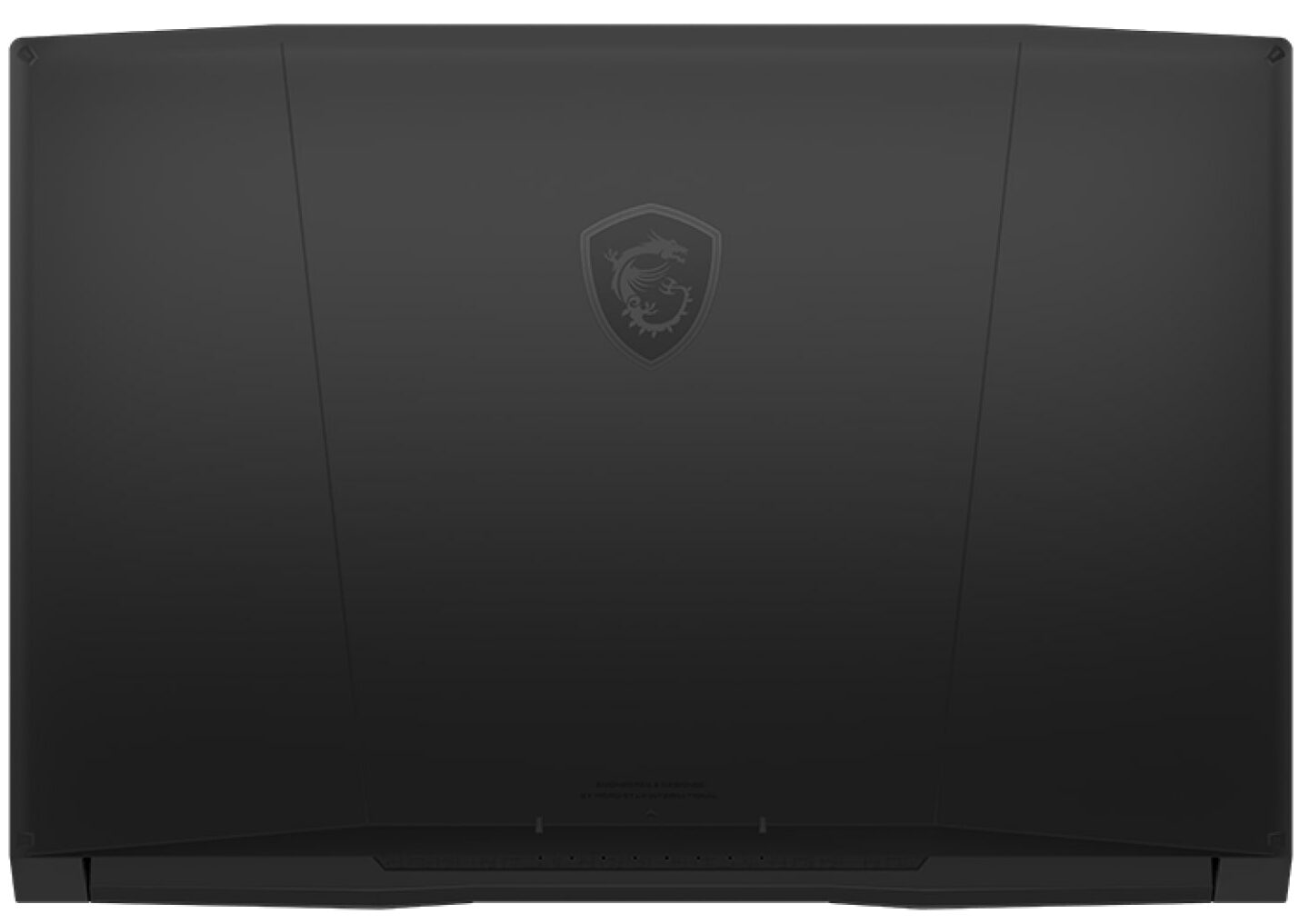
Today, our office smells like a freshly-baked MSI Katana 17 (B12V). Intuitively, the (B12V) part of the name indicates that it has a 12th Gen Intel processor. This means that some cost-cutting is becoming evident only by looking at the specs sheet.
In addition to that, the Katana 17 (B12V) can be maxed out with the Intel Core i7-12650H. This is a CPU, that has a lower E-core count. At the end of the day, this provides less computational performance, but also generates less heat, without harming the gaming performance.
As a typical gaming notebook, it provides you with a 144Hz refresh rate. Later in the review, you will learn its color coverage, pixel response time, and more.
You can check the prices and configurations in our Specs System: https://laptopmedia.com/series/msi-katana-17-b12ux-b12vx-b13ux-b13vx/
Contents
Specs, Drivers, What’s in the box
MSI Katana 17 (B12Ux / B12Vx / B13Ux / B13Vx) - Προδιαγραφές
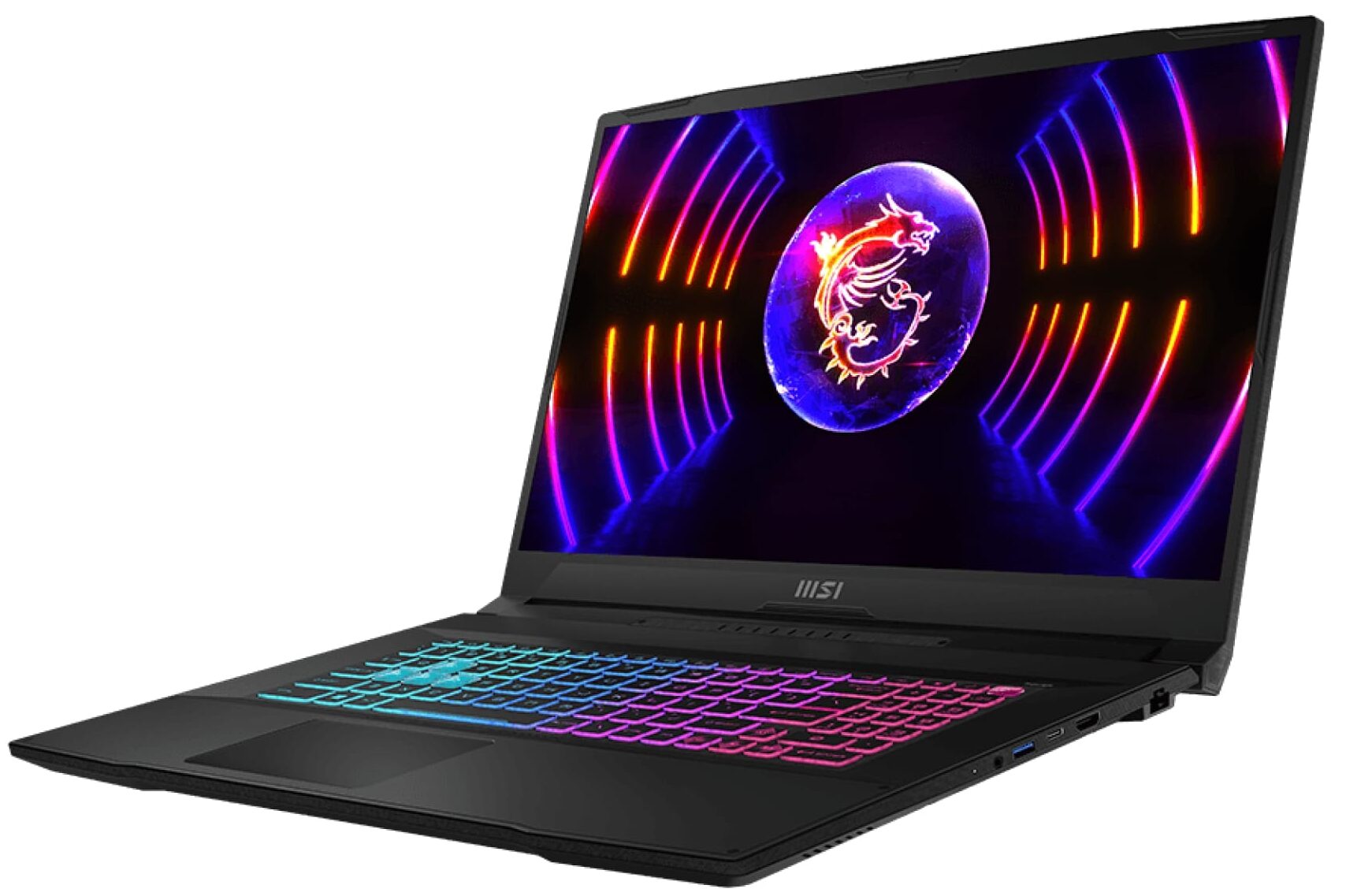
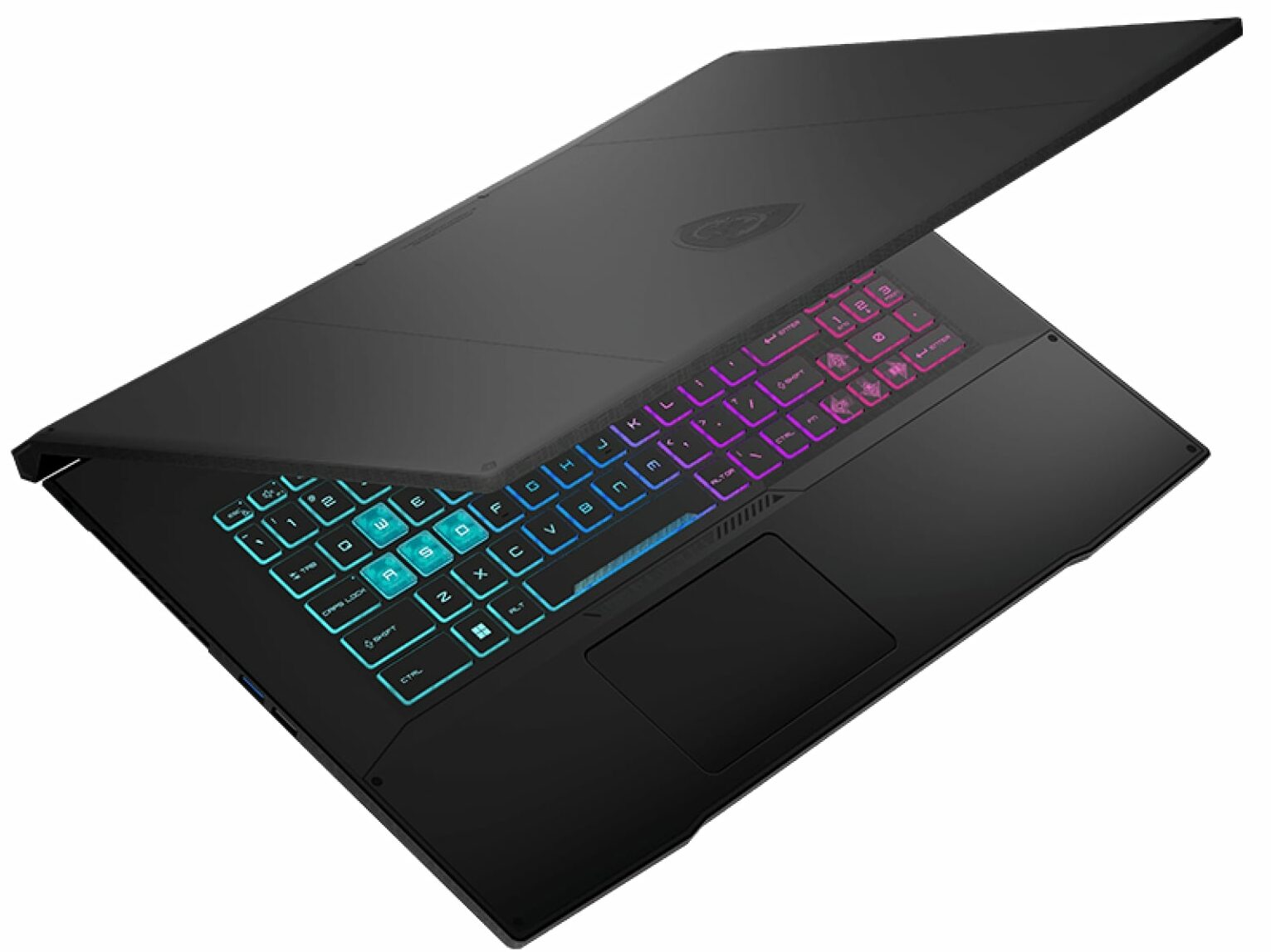

- GPU
- NVIDIA GeForce RTX 4070 (Laptop, 105W) #60 στις Κορυφαίες GPU NVIDIA GeForce RTX 4060 (Laptop, 105W) #82 στις Κορυφαίες GPU NVIDIA GeForce RTX 4050 (Laptop, 105W) #102 στις Κορυφαίες GPU NVIDIA GeForce RTX 3050 (Laptop, 75W, 6GB) #165 στις Κορυφαίες GPU NVIDIA GeForce RTX 2050 (Laptop) #204 στις Κορυφαίες GPU
- AUO B173HAN04.9 (AUO978F)

- HDD/SSD
- έως 8000GB SSD
- Υποδοχή M.2
- 1x 2280 PCIe NVMe 4.0 x4 + 1x M.2 PCIe x4 Δείτε τη φωτογραφία
- RAM
- up to 64GB
- OS
- Windows 11 Pro, Windows 11 Home, DOS, Windows 10 Pro, Windows 10 Home, No OS, Windows 11
- Μπαταρία
- 53.5Wh, 3-cell, 53.5Wh, 3-cell
- Υλικό Σώματος
- Plastic / Polycarbonate
- Διαστάσεις
- 398 x 273 x 25.2 mm (15.67" x 10.75" x 0.99")
- Βάρος
- 2.60 kg (5.7 lbs)
- Θύρες και συνδεσιμότητα
- 1x USB Type-A
- 2.0
- 2x USB Type-A
- 3.2 Gen 1 (5 Gbps)
- 1x USB Type-C
- 3.2 Gen 1 (5 Gbps), DisplayPort
- HDMI
- 2.1 (8K@60Hz / 4K@120Hz)
- Αναγνώστης καρτών
- Ethernet LAN
- 10, 100, 1000 Mbit/s
- Wi-Fi
- 802.11ax
- Bluetooth
- 5.2
- Υποδοχή ήχου
- 3.5mm Combo Jack
- Χαρακτηριστικά
- Αναγνώστης δακτυλικών αποτυπωμάτων
- Κάμερα web
- HD
- Φωτιζόμενο πληκτρολόγιο
- optional
- Μικρόφωνο
- Ηχεία
- 2x 2W Stereo Speakers, Nahimic Audio
- Οπτικός δίσκος
- Υποδοχή κλειδαριάς ασφαλείας
Όλα MSI Katana 17 (B12Ux / B12Vx / B13Ux / B13Vx) διαμορφώσεις
Drivers
All drivers and utilities for this notebook can be found here: https://www.msi.com/Laptop/Katana-17-B12VX/support?sub_product=Katana-17-B12VFK
What’s in the box?
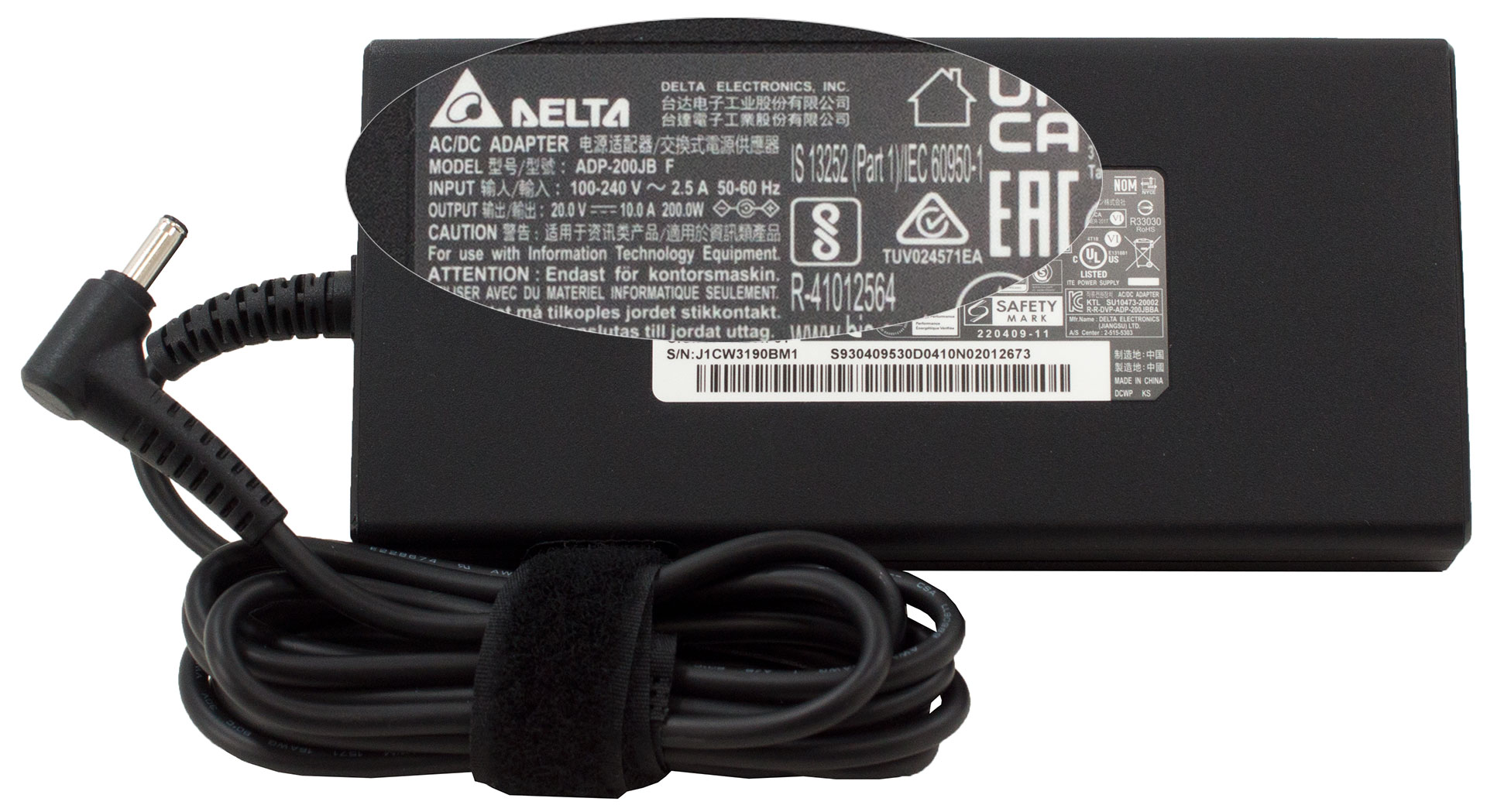
Inside the package, there is some paperwork, as well as a 200W charger.
 Author: Alex Iliev
 Author: eng. Kroum NikolovHead of Engineering at LaptopMedia.com, inventor and innovator with 40+ years of experience in electronics and high technology.

![[Αύγουστος 2026] Παγκόσμια κατάταξη των πιο δημοφιλών GPU για φορητούς υπολογιστές στο Amazon – Η Apple κυριαρχεί, ενώ η RTX 5060 της NVIDIA βρίσκεται στην κορυφή της κατάταξης των ειδικών καρτών](https://laptopmedia.com/wp-content/uploads/2026/09/Best-Selling-GPUs-GLOBAL-Top-10-400x225.jpg)
![[Αύγουστος 2026] Παγκόσμια κατάταξη των πιο δημοφιλών επεξεργαστών φορητών υπολογιστών στο Amazon – Η Apple κυριαρχεί τόσο στην κατηγορία των οικονομικών όσο και στην κατηγορία των premium μοντέλων: Οι A18 Pro και M5 συντρίβουν την Intel και την AMD τον Αύγουστο του 2026](https://laptopmedia.com/wp-content/uploads/2026/09/Best-Selling-CPUs-GLOBAL-Top-10-400x225.jpg)
![[Αύγουστος 2026] Amazon Global: Οι 10 φορητοί υπολογιστές με τις μεγαλύτερες πωλήσεις – Το Apple MacBook Neo κυριαρχεί στις λίστες, ενώ οι οικονομικοί και μεσαίας κατηγορίας φορητοί υπολογιστές με Windows ανταγωνίζονται για τον όγκο πωλήσεων](https://laptopmedia.com/wp-content/uploads/2026/09/Best-Selling-Laptops-GLOBAL-Top-10-400x225.jpg)
![[Αύγουστος 2026] Οι μάρκες φορητών υπολογιστών με τις μεγαλύτερες πωλήσεις στο Amazon Global – Η Apple κυριαρχεί σε έσοδα, ενώ η HP πρωτοστατεί στην ποικιλία μοντέλων](https://laptopmedia.com/wp-content/uploads/2026/09/GLOBAL-Best-Brands-400x225.jpg)
![[Αύγουστος 2026] Amazon Global: Οι 10 πιο δημοφιλείς φορητοί υπολογιστές για παιχνίδια – Ο HP Victus 15 κατακτά την πρώτη θέση, ενώ τα οικονομικά μοντέλα κυριαρχούν στις λίστες](https://laptopmedia.com/wp-content/uploads/2026/09/Best-Selling-Gaming-Laptops-GLOBAL-Top-10-400x225.jpg)

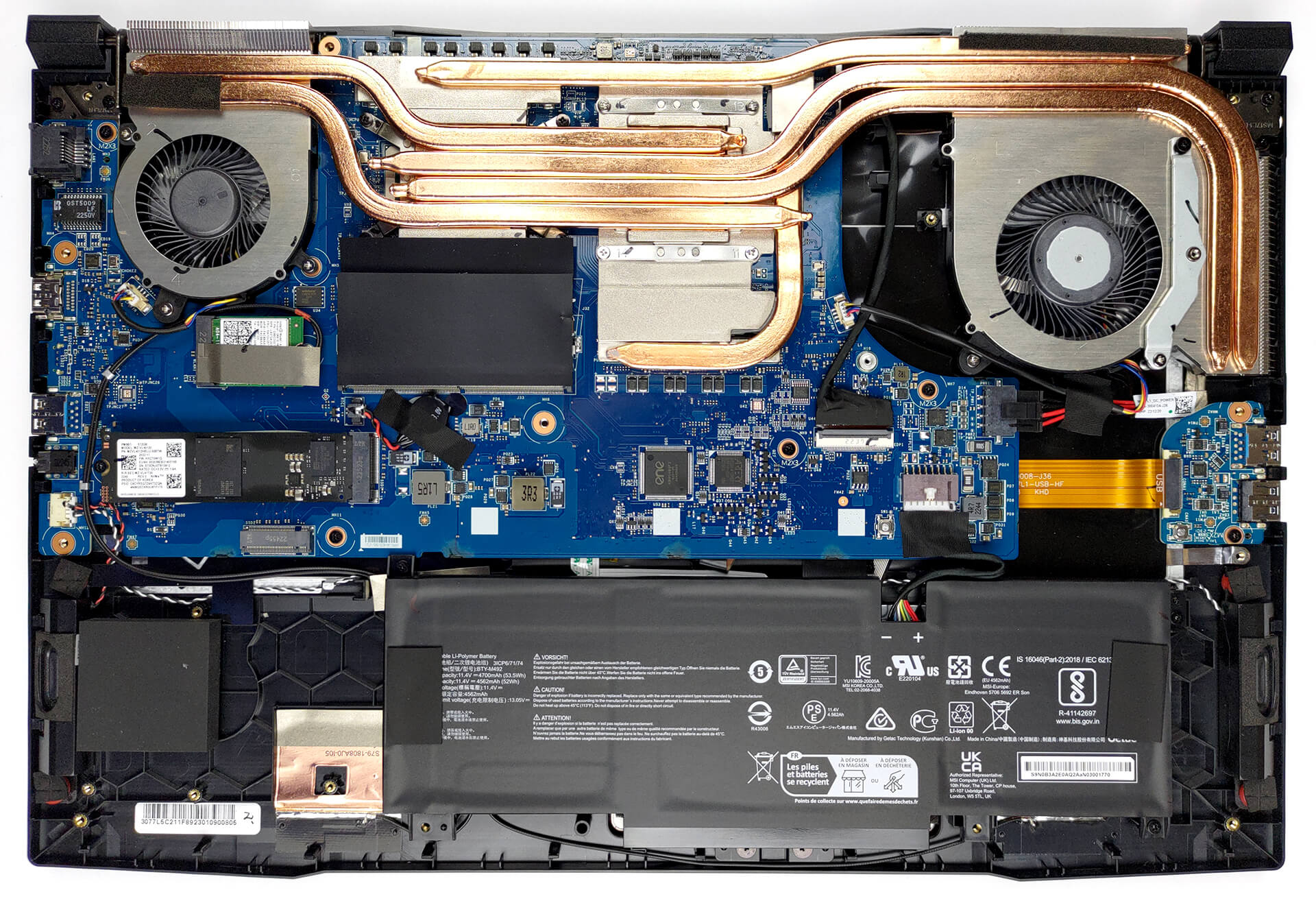
Où se procurer le support de fixation pour un second SSD ? Merci
Il faut en faire la demande auprès du support MSI ils appellent ça un kit upgrade for SSD
Je l’ai créé moi-même avec une plaque d’alu 1mm coupée à la bonne taille, percée et SSD vissé dessus. Car la fixation du SSD arrive entre 2 trous vides et le support MSI ne répond pas par rapport à ce 2ème port SSD inutilisable en l’état.