MSI Stealth 16 Studio (A13V) review – it has the power and it has the bling
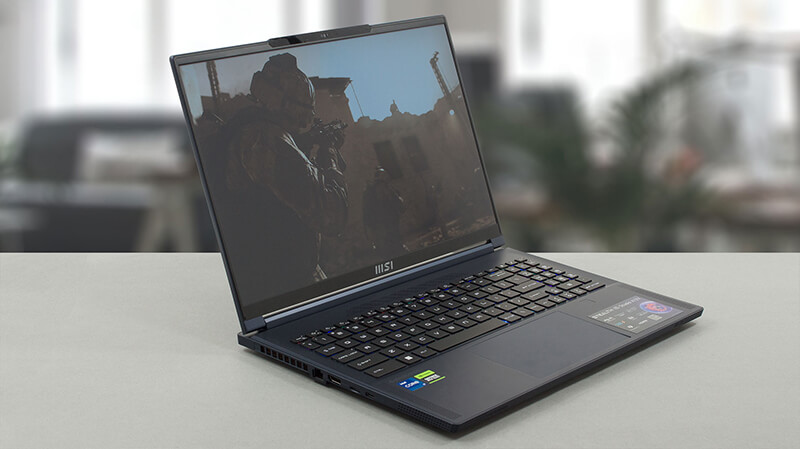 Ah, the thin line between gaming and business computers. In the past, devices from either field could not be mistaken for the other – gaming notebooks were thick, heavy, and aggressive, while business laptops appeared stylish and generally neutral.
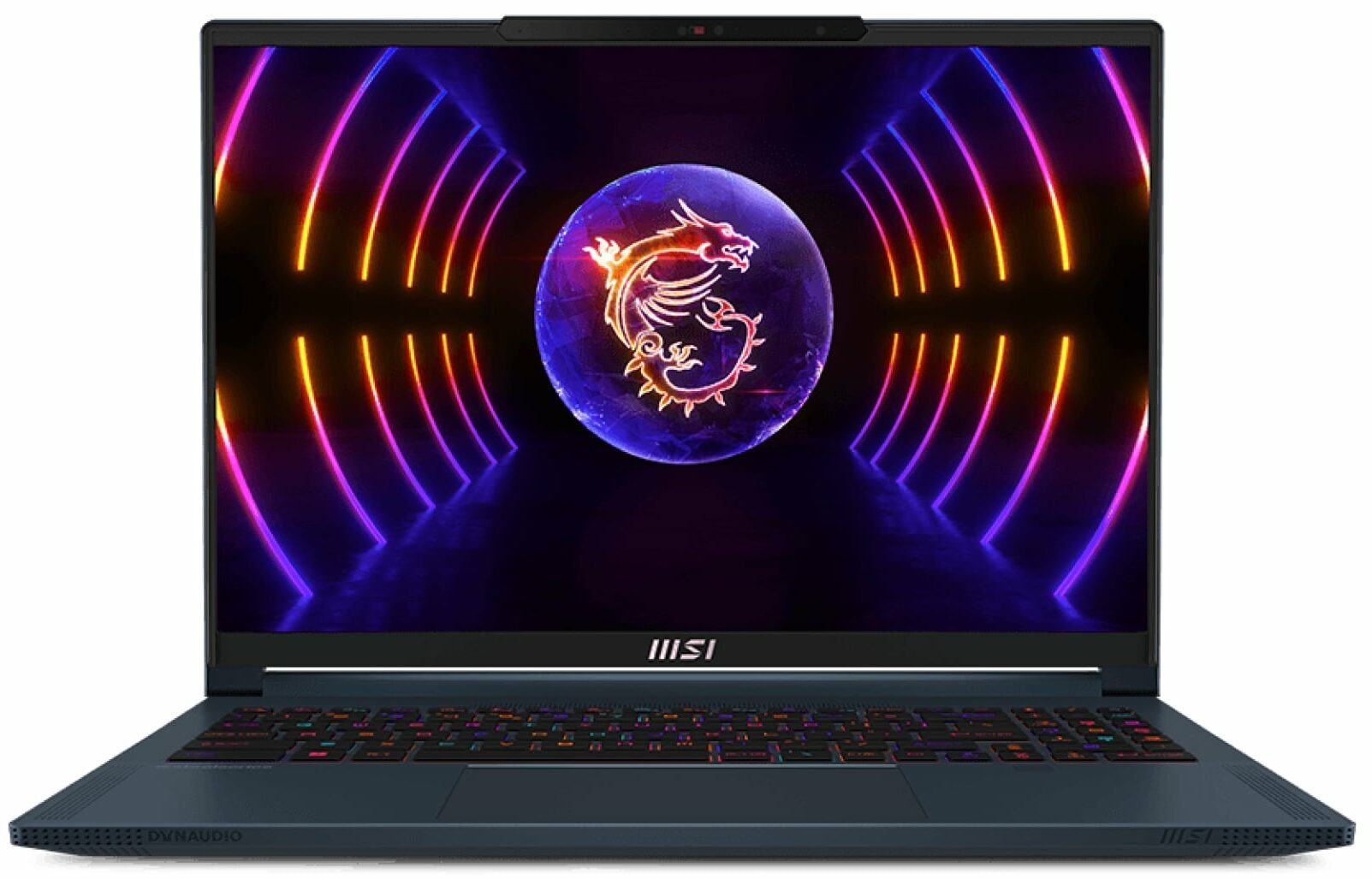
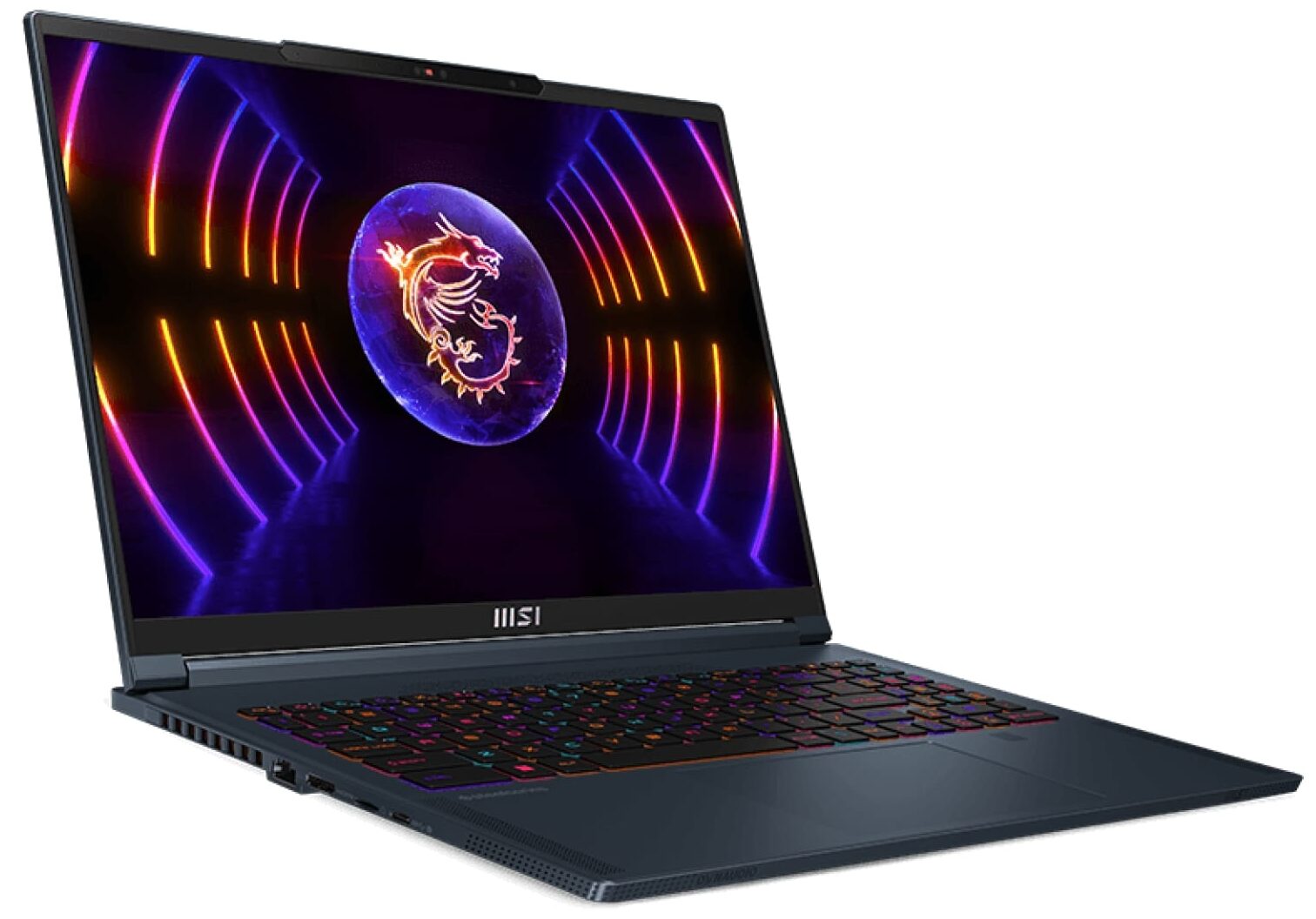
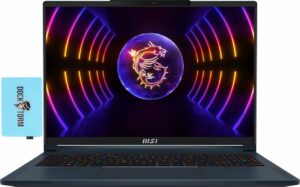
Enter the MSI Stealth 16 Studio (A13V). It is a device that looks like it’s breaking the Matrix. It is thin, light, and very good-looking. But these are definitely its most important characteristics.
What sets the expectations higher is the hardware. It sports Intel’s latest and greatest – 13th Gen CPUs with 45W TDP, as well as NVIDIA’s RTX 4000 graphics cards. Well, the top-of-the-line option is not among the most powerful offerings from Team Green. However, the 105W RTX 4070 is more than good for any AAA title on the market. At least as of the time of writing this review.
Frankly, we shouldn’t ignore the “Studio” in this laptop’s name. MSI surely didn’t as it supplied the machine with NVIDIA’s Studio drivers accordingly. Moreover, the display options here are absolutely spectacular. You can choose from a 1080p, 1440p, and a 4K unit with 165Hz, 240Hz, and 120Hz refresh rates respectively. Furthermore, all of them are IPS units.
The last bit might be a bit disappointing for some users, who want to have OLED panels. However, in our experience, IPS units are offering a more accurate color representation, which is essential for the purpose of this device.
You can check the prices and configurations in our Specs System: https://laptopmedia.com/series/msi-stealth-16-studio-a13vx/

Contents
Specs, Drivers, What’s in the box
MSI Stealth 16 Studio (A13Vx) - Προδιαγραφές
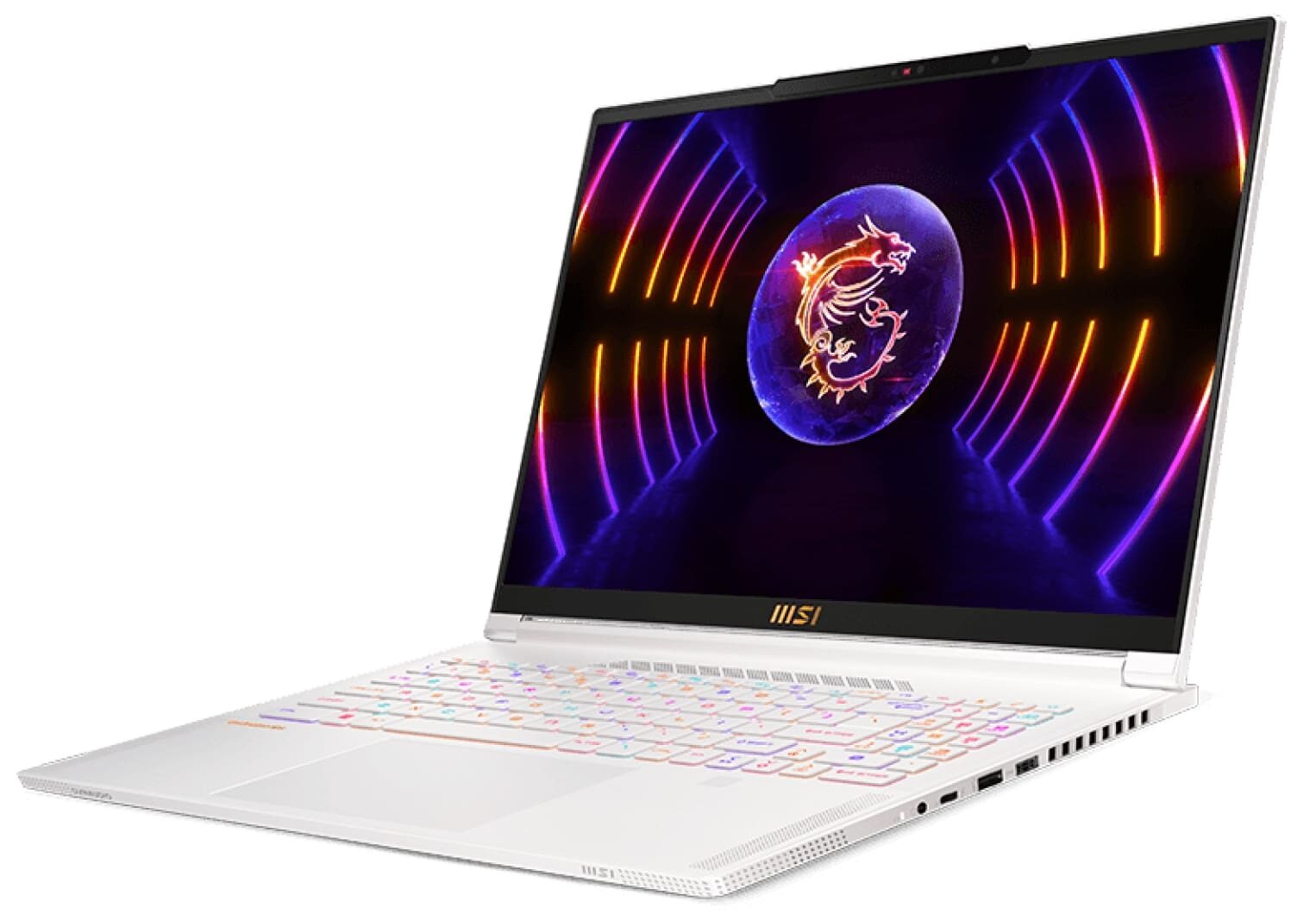
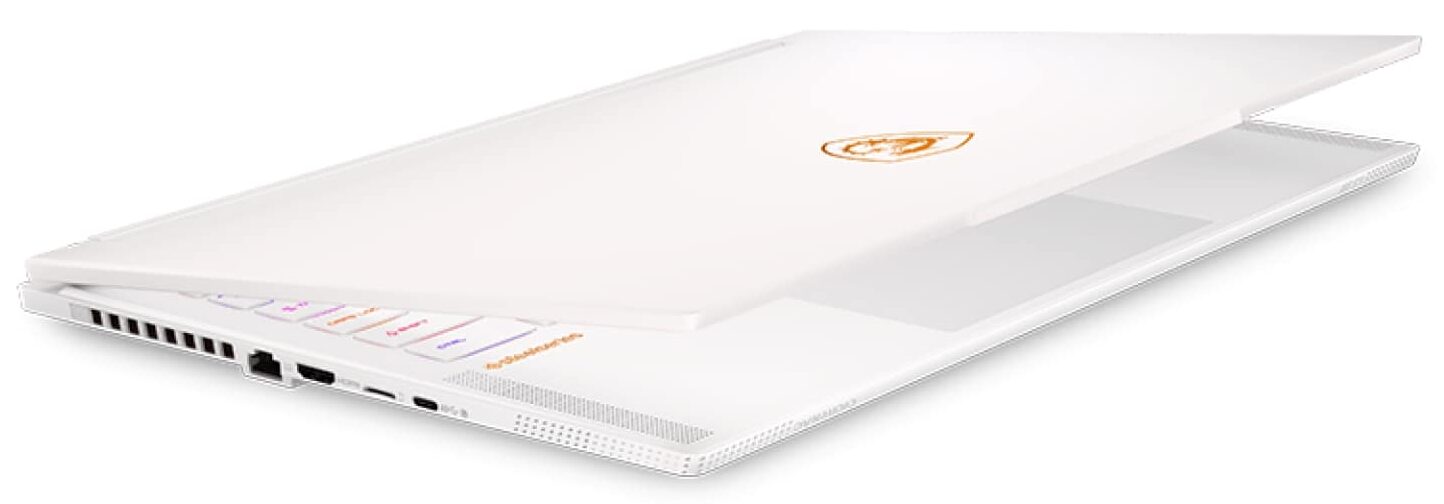
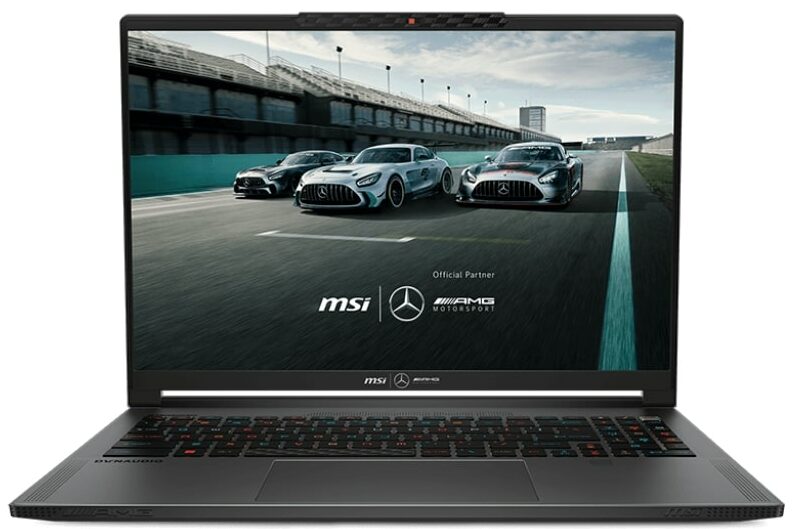
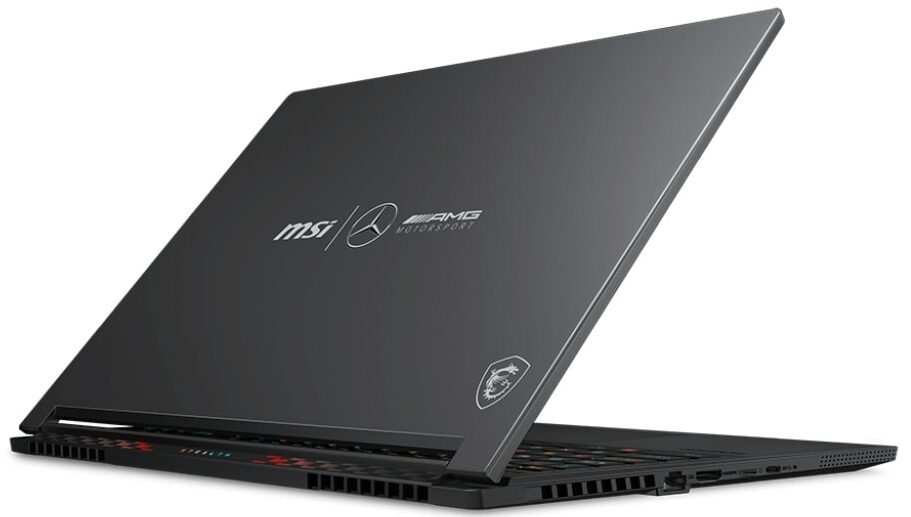
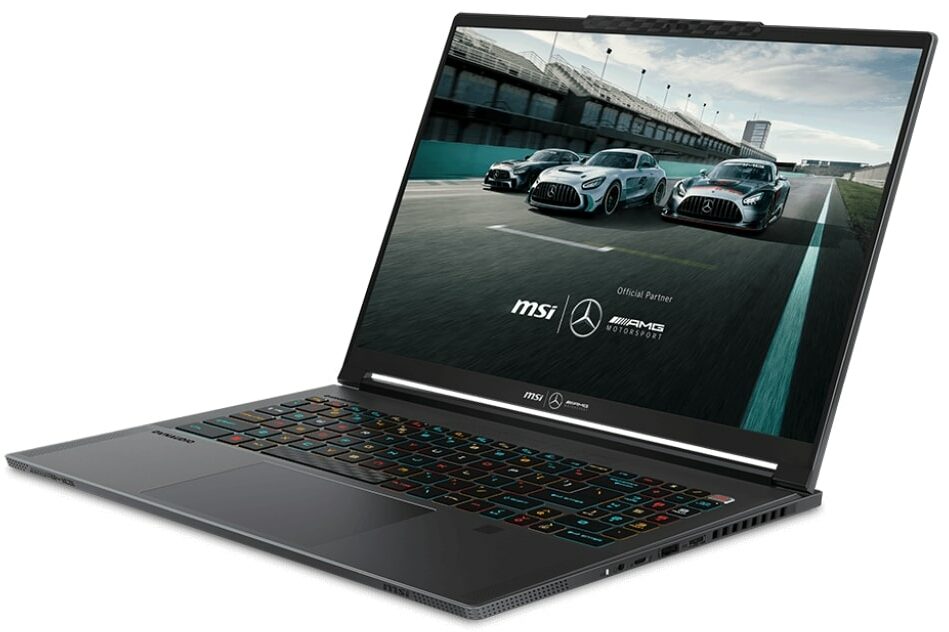
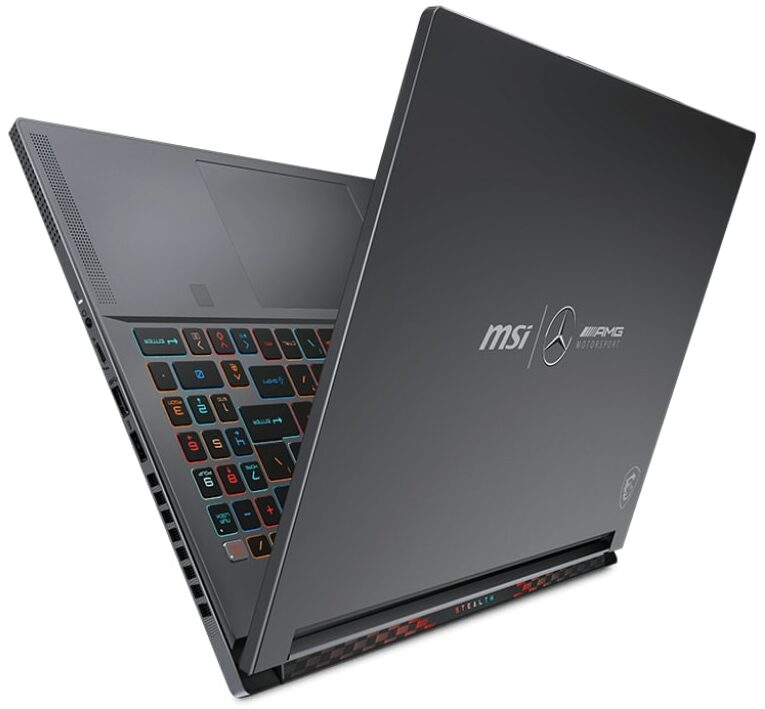
- AUO B160QAN02.3 (AUO26A9)

- HDD/SSD
- έως 8000GB SSD
- Υποδοχή M.2
- 2x 2280 PCIe NVMe 4.0 x4 Δείτε τη φωτογραφία
- RAM
- up to 96GB
- OS
- No OS, Windows 11 Pro, Windows 11 Home, Windows 11, DOS
- Μπαταρία
- 99.9Wh, 4-cell, 99.9Wh, 4-cel
- Υλικό Σώματος
- Aluminum, Magnesium alloy
- Διαστάσεις
- 355.8 x 259.7 x 19.95 mm (14.01" x 10.22" x 0.79")
- Βάρος
- 1.99 kg (4.4 lbs)
- Θύρες και συνδεσιμότητα
- 1x USB Type-A
- 3.2 Gen 2 (10 Gbps)
- 1x USB Type-C
- 3.2 Gen 2 (10 Gbps), DisplayPort
- 1x USB Type-C
- Thunderbolt 4, Power Delivery (PD), DisplayPort
- HDMI
- 2.1
- Αναγνώστης καρτών
- microSD
- Ethernet LAN
- 10, 100, 1000, 2500 Mbit/s
- Wi-Fi
- 802.11ax
- Bluetooth
- 5.3
- Υποδοχή ήχου
- 3.5mm Combo Jack
- Χαρακτηριστικά
- Αναγνώστης δακτυλικών αποτυπωμάτων
- optional
- Κάμερα web
- FHD IR
- Φωτιζόμενο πληκτρολόγιο
- Μικρόφωνο
- Ηχεία
- 2x 2W Speakers + 4x 2W Woofers, Dynaudio
- Οπτικός δίσκος
- Υποδοχή κλειδαριάς ασφαλείας
Όλα MSI Stealth 16 Studio (A13Vx) διαμορφώσεις




Drivers
All drivers and utilities for this notebook can be found here: https://www.msi.com/Laptop/Stealth-16-Studio-A13VX/support?sub_product=Stealth-16Studio-A13VG#driver
What’s in the box?
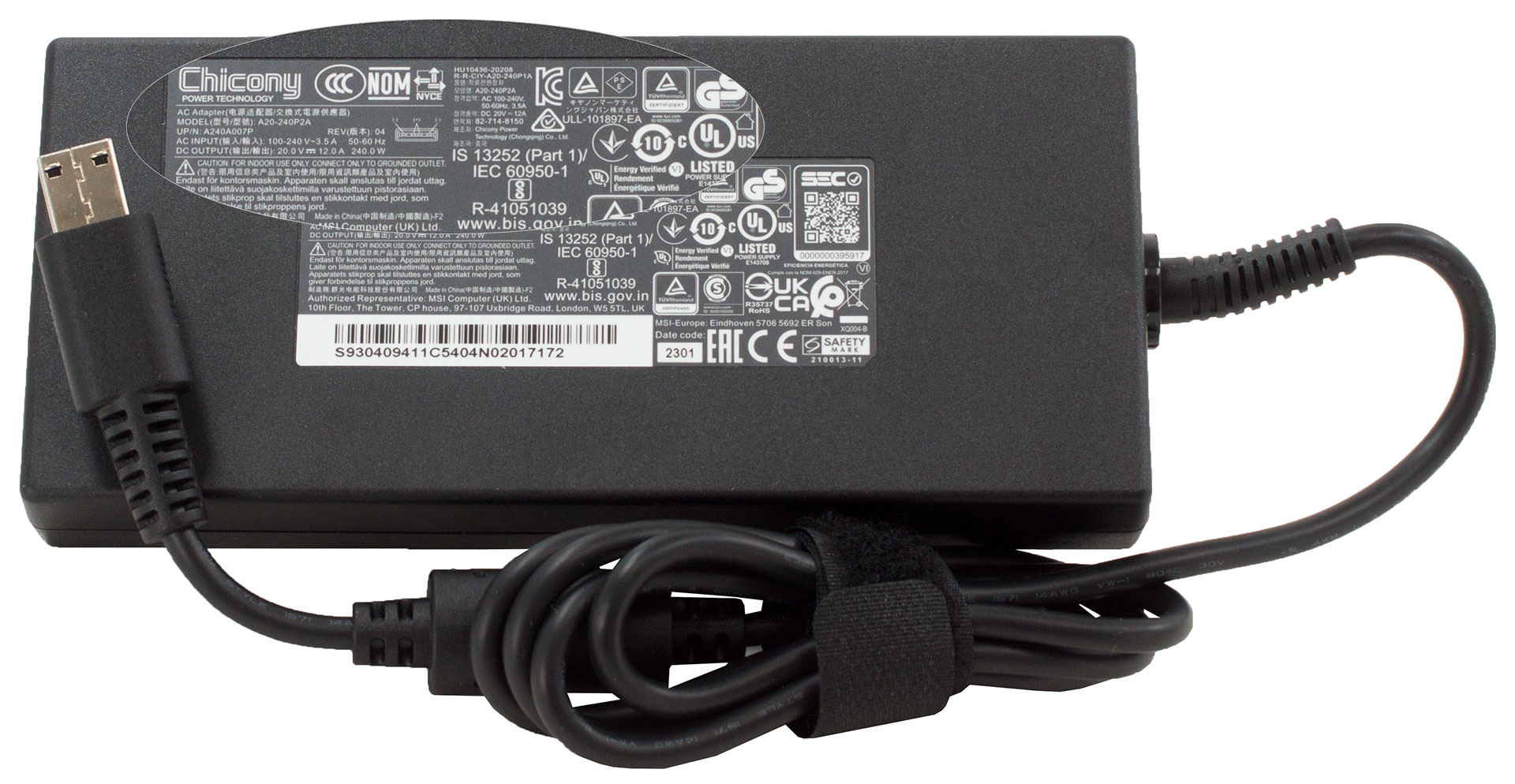
Inside the package, you will find a couple of manuals neatly tucked away in a little plastic bag. In addition, you get a 240W charger, which should be enough to power the 105W GPU inside.
 Author: Alex Iliev
 Author: eng. Kroum NikolovHead of Engineering at LaptopMedia.com, inventor and innovator with 40+ years of experience in electronics and high technology.

![[Αύγουστος 2026] Amazon Global: Οι 10 φορητοί υπολογιστές με τις μεγαλύτερες πωλήσεις – Το Apple MacBook Neo κυριαρχεί στις λίστες, ενώ οι οικονομικοί και μεσαίας κατηγορίας φορητοί υπολογιστές με Windows ανταγωνίζονται για τον όγκο πωλήσεων](https://laptopmedia.com/wp-content/uploads/2026/09/Best-Selling-Laptops-GLOBAL-Top-10-400x225.jpg)
![[Αύγουστος 2026] Οι μάρκες φορητών υπολογιστών με τις μεγαλύτερες πωλήσεις στο Amazon Global – Η Apple κυριαρχεί σε έσοδα, ενώ η HP πρωτοστατεί στην ποικιλία μοντέλων](https://laptopmedia.com/wp-content/uploads/2026/09/GLOBAL-Best-Brands-400x225.jpg)
![[Αύγουστος 2026] Amazon Global: Οι 10 πιο δημοφιλείς φορητοί υπολογιστές για παιχνίδια – Ο HP Victus 15 κατακτά την πρώτη θέση, ενώ τα οικονομικά μοντέλα κυριαρχούν στις λίστες](https://laptopmedia.com/wp-content/uploads/2026/09/Best-Selling-Gaming-Laptops-GLOBAL-Top-10-400x225.jpg)
![[August 2026] Best-Selling Laptop Brands on Amazon Japan – Apple Dominates Market Share and Revenue Led by Strong Unit Sales](https://laptopmedia.com/wp-content/uploads/2026/09/CO.JP-Best-Brands-1-400x225.jpg)
![[August 2026] Best-Selling Laptop Brands on Amazon USA – Apple Dominates Market Revenue and Volume Despite Lower Model Diversity](https://laptopmedia.com/wp-content/uploads/2026/09/COM-Best-Brands-1-400x225.jpg)

Una pregunta: cómo se puede activar la pantalla a 60hz?
Nvidia panel.
Hi, could you please help me. do set the GPU to hybrid mode or only integrated mode. I simply cant replicate the 9 hours of web browsing