How to open ASUS ROG Strix SCAR 17 G733 (2023) – disassembly and upgrade options
#CommissionsEarned
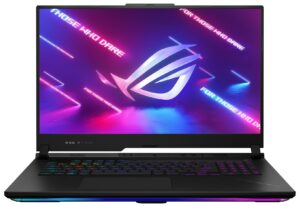
Step 1: Accessing the Internal Components
- Turn off your ASUS ROG Strix SCAR 17 G733 (2023) and place it on a soft, clean surface to prevent any damage.
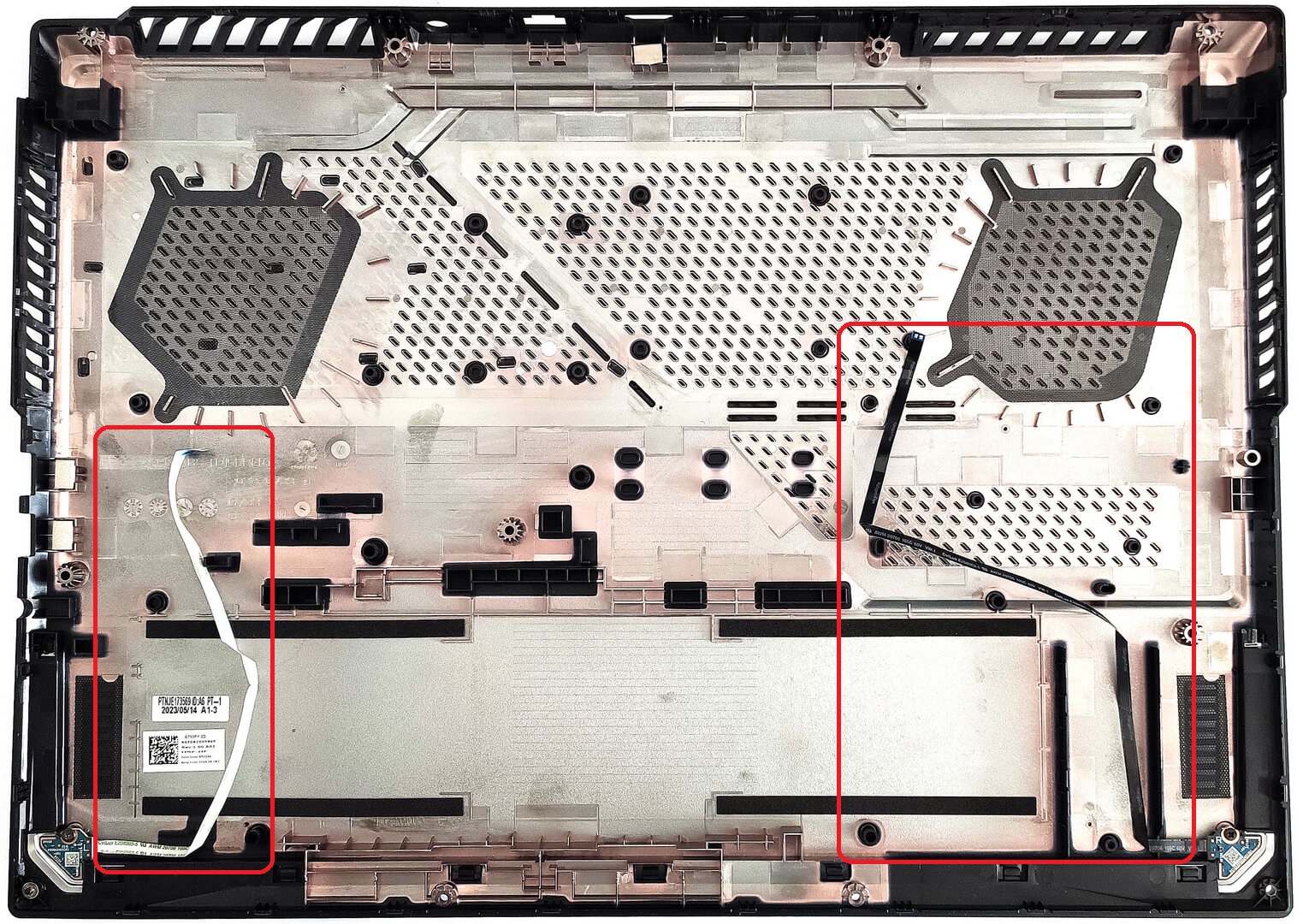
- Undo the 11 Philips-head screws securing the bottom panel. Note that the bottom right screw is captive, which will slightly lift the plate, allowing you to start popping the panel off from there.
- Begin at the front, then work your way around the sides and back to remove the panel.
Hint: The captive screw helps to start the disassembly process without the need for additional tools.

Step 2: Disconnecting the Battery and RGB Stripes
- Gently raise the panel from the front side.
- Detach the battery connector from the mainboard.
- Carefully pull out the two thin flat ribbon connectors powering the front RGB stripe.
Caution: Be extra careful with the ribbon connectors to avoid tearing them.
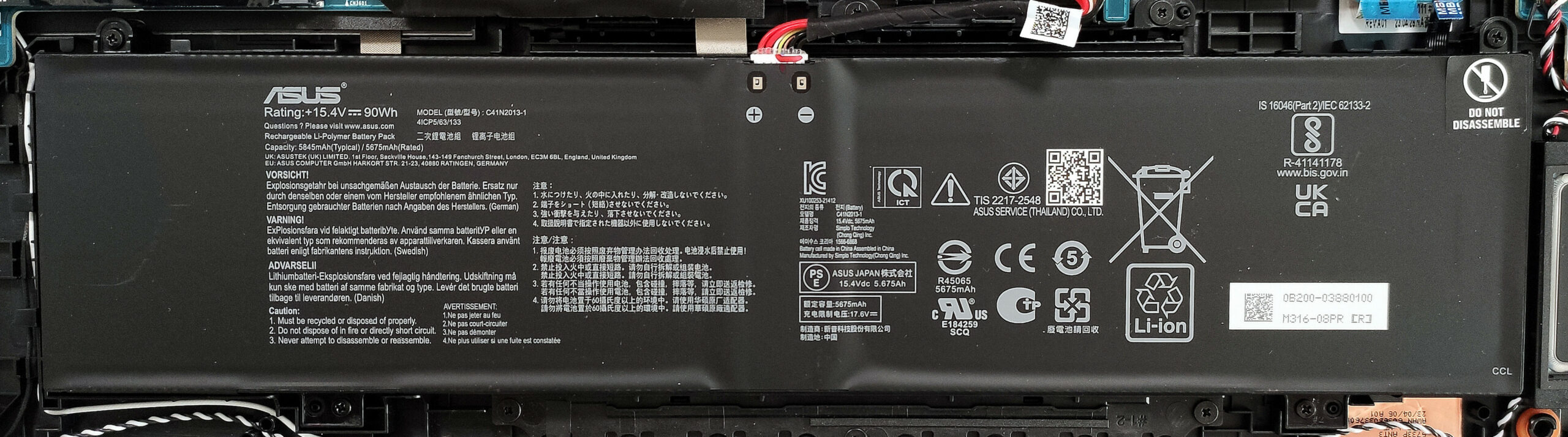
Step 3: Removing the Battery
- If the battery connector is already detached, proceed to remove the four Philips-head screws fixing the battery to the chassis.
- Lift the 90Wh battery away from the chassis.
More info: The battery supports up to 7 hours and 42 minutes of web browsing, or 4 hours of video playback.
Step 4: Upgrading Memory
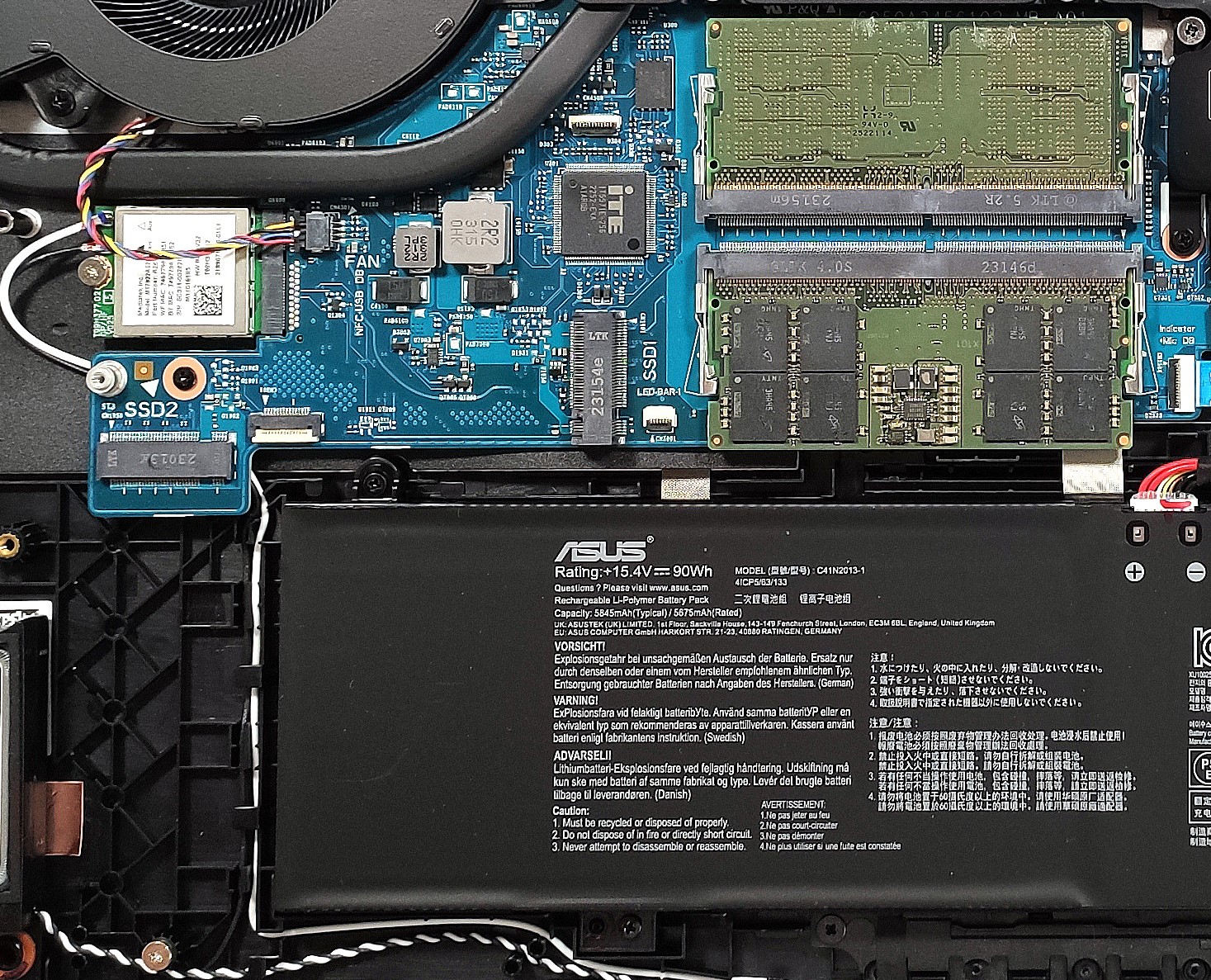
- Locate the two SODIMM slots for memory upgrades.
- Upgrade or install DDR5-4800MHz RAM sticks to achieve up to 96GB in dual-channel mode.
You can buy DDR5 RAM modules here: Vásárolj az Amazon.com-ról (#CommissionsEarned)
Step 5: Upgrading Storage
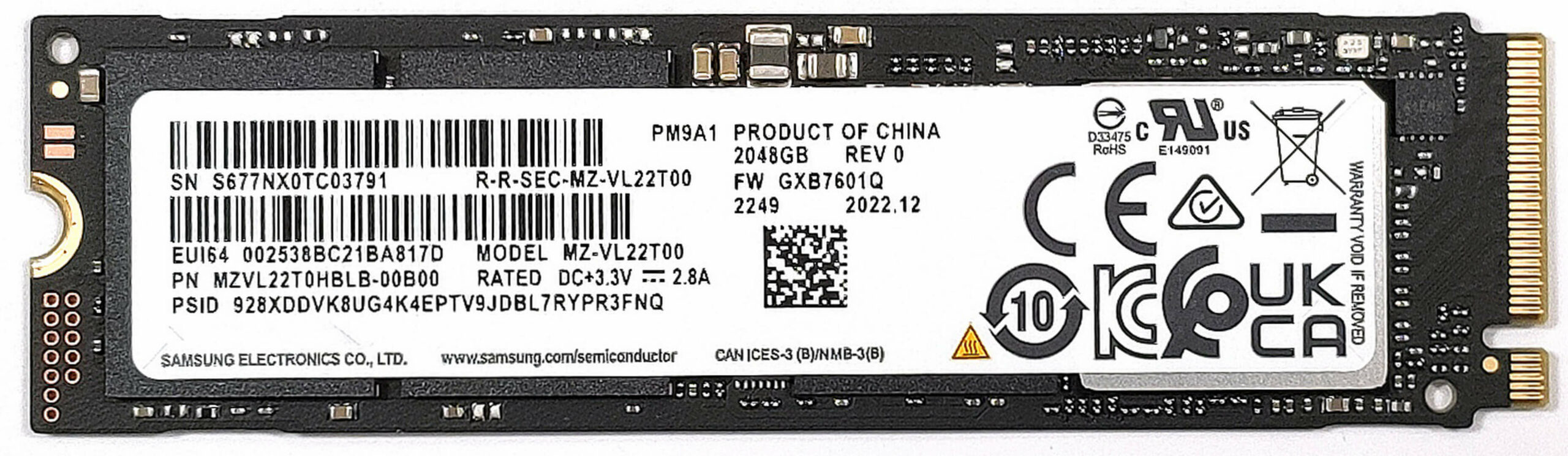
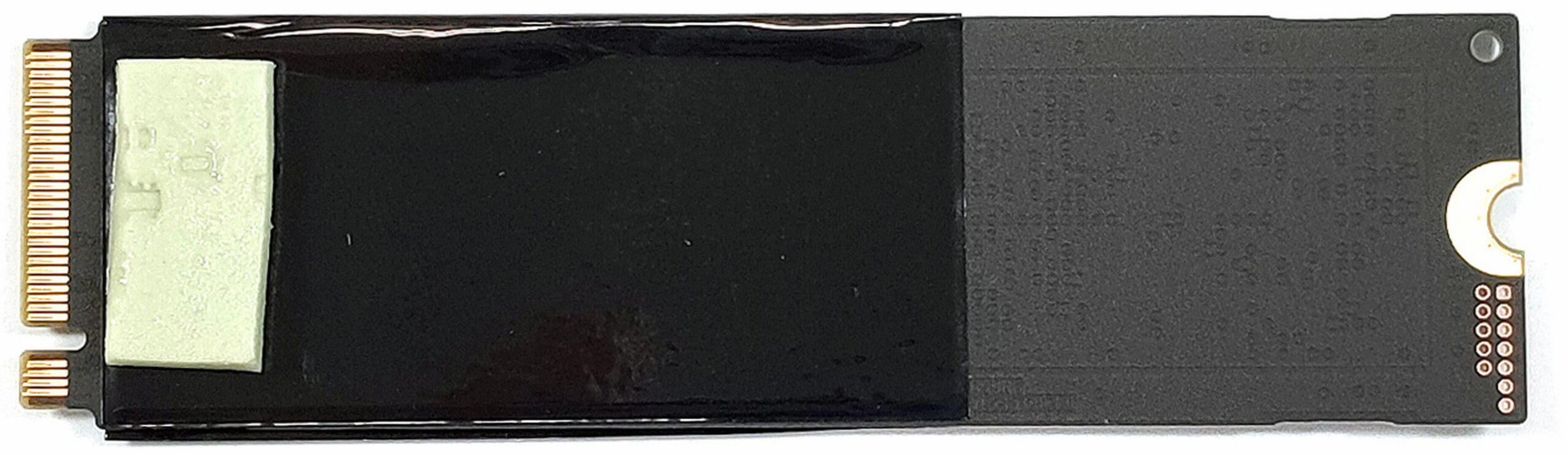
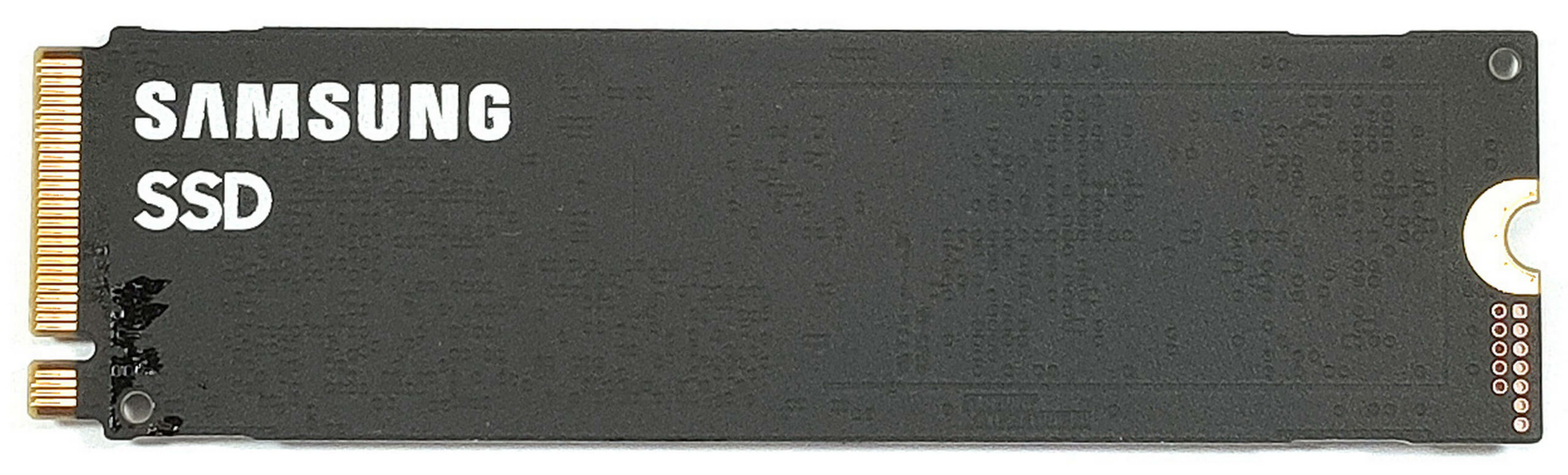
- Find the two M.2 slots compatible with Gen 4 SSDs on the motherboard.
- Install or upgrade the NVMe SSDs, ensuring the pre-applied thermal pads are properly positioned below.
You can buy Gen 4 M.2 SSD modules here: Vásárolj az Amazon.com-ról (#CommissionsEarned)
Step 6: Examining the Cooling System
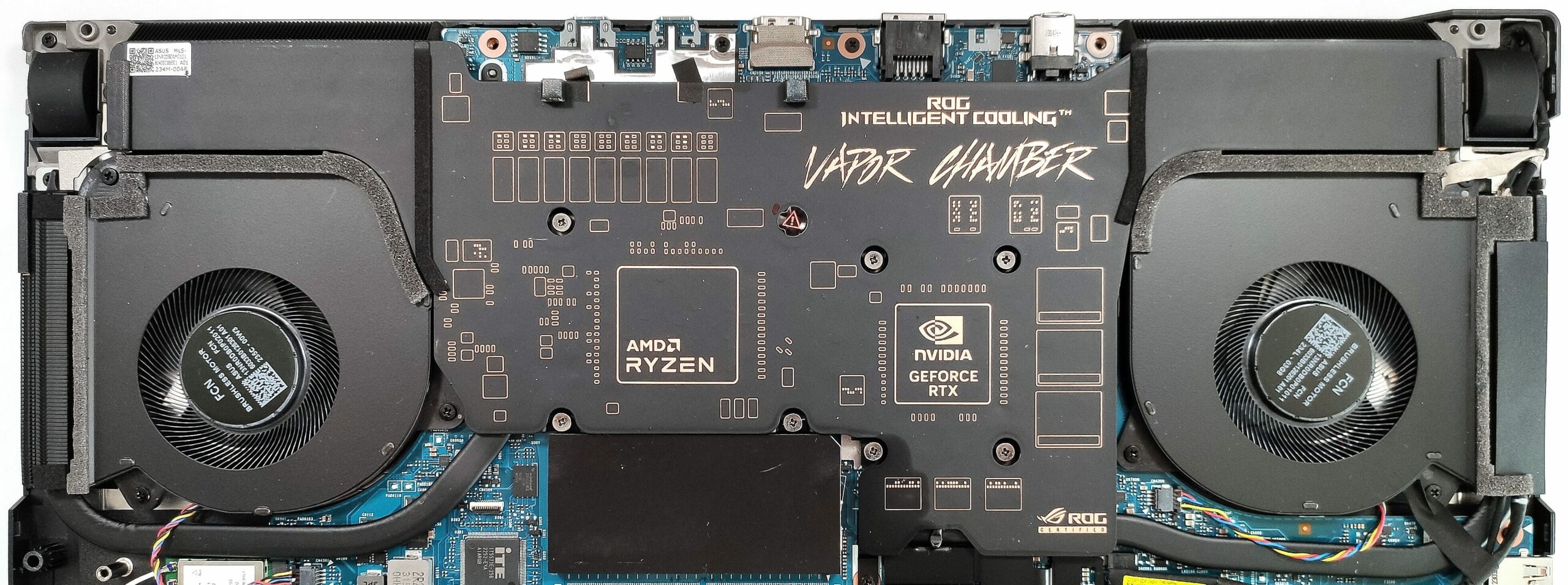
- Inspect the massive vapor chamber cooling solution, including the Arc Flow fans, two heat pipes, and four heat sinks.
- Note the application of liquid metal on both CPU and GPU chips for enhanced thermal conductivity.
More info: The cooling system is designed to efficiently manage heat, ensuring optimal performance during intensive gaming sessions.
#CommissionsEarned
 Author: Anna Iorgova
Feliratkozás
0 Comments


![[2026. június] Az Amazon Global legkelendőbb laptopmárkái – az Apple páratlan dominanciája az eladott darabszám és a bevétel tekintetében](https://laptopmedia.com/wp-content/uploads/2026/07/GLOBAL-Best-Brands-400x225.jpg)
![[2026. június] Amazon Global: A 10 legkelendőbb laptop – Az Apple új MacBook Neo-ja az első helyre tör, és megfizethető árával újjáformálja a piacot](https://laptopmedia.com/wp-content/uploads/2026/07/Best-Selling-Laptops-GLOBAL-Top-10-400x225.jpg)
![[2026. június] Amazon Global: A 10 legkelendőbb játékos laptop – az Acer Nitro V 16S AI vezeti az eladási listát, míg az ASUS az összbevétel tekintetében áll az élen](https://laptopmedia.com/wp-content/uploads/2026/07/Best-Selling-Gaming-Laptops-GLOBAL-Top-10-400x225.jpg)
![[2026. június] Az Amazonon legkelendőbb laptop-grafikus kártyák globális ranglistája – az NVIDIA RTX 5060 a legkelendőbb dedikált grafikus kártya](https://laptopmedia.com/wp-content/uploads/2026/07/Best-Selling-GPUs-GLOBAL-Top-10-400x225.jpg)
![[2026. június] Az Amazonon legkelendőbb laptop-processzorok globális rangsora – az Apple M5 vezet, az AMD Ryzen 7 260 pedig jelentős részesedést szerez a prémium szegmensben](https://laptopmedia.com/wp-content/uploads/2026/07/Best-Selling-CPUs-GLOBAL-Top-10-400x225.jpg)
