How to open ASUS Zenbook Pro 15 Flip OLED (UP6502) – disassembly and upgrade options
Here, the upgrade options look a bit disappointing. Regardless, we’re going to show you how to get inside your device.
Check out all ASUS Zenbook Pro 15 Flip OLED (UP6502) prices and configurations in our Specs System, or read more in our In-Depth review.
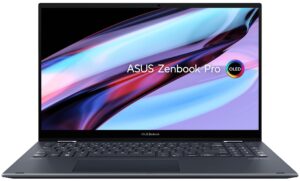
1. Remove the bottom plate
To access this notebook’s internals, you first need to remove the back rubber feet. Then, undo the two Phillips-head screws you’ll find there, as well as the 11 other Torx-head screws.
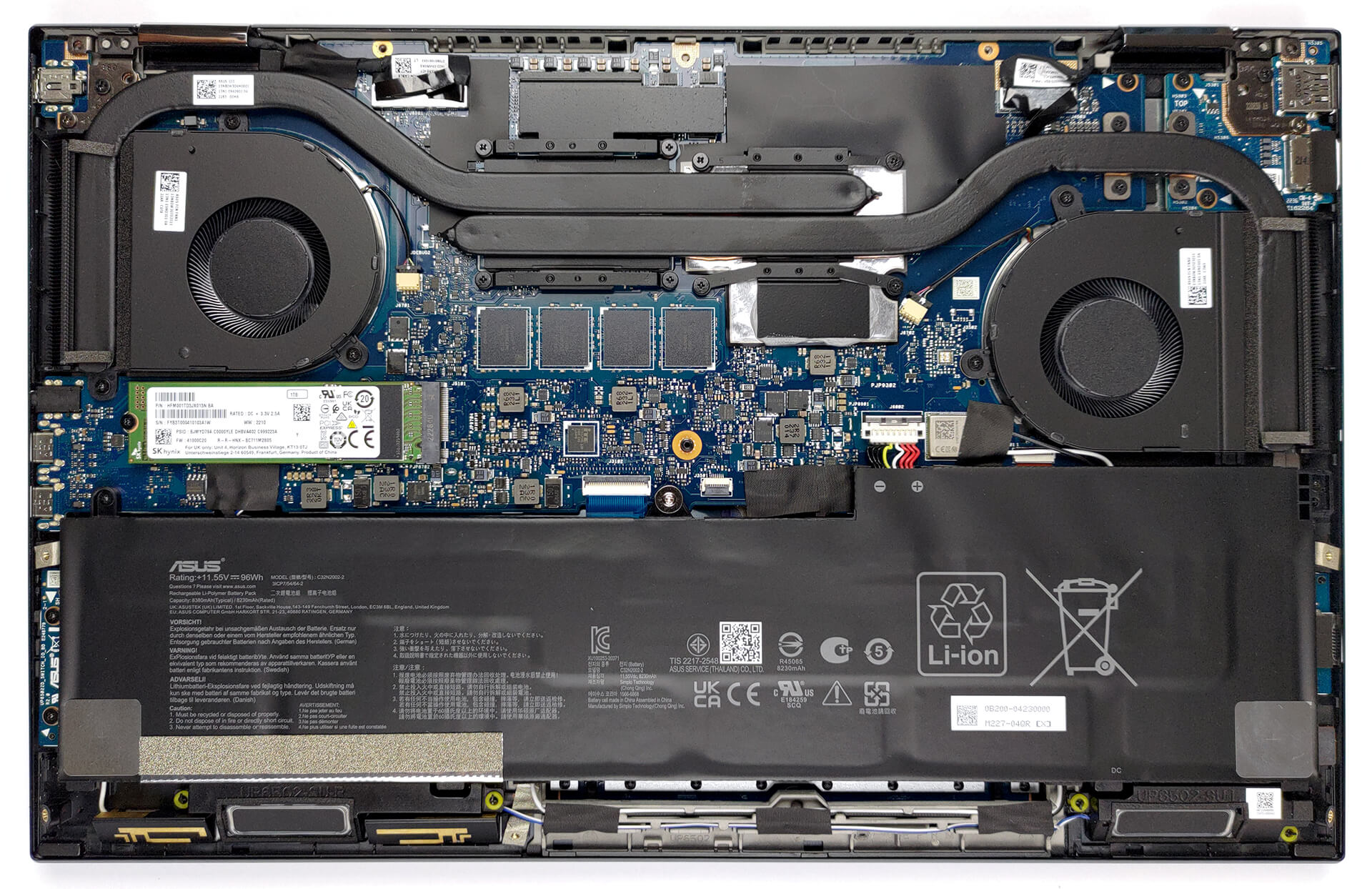
2. Remove the battery
Inside, we find a huge 96Wh battery pack. To take it out, unplug the battery connector, and undo the three Phillips-head screws securing it in place.

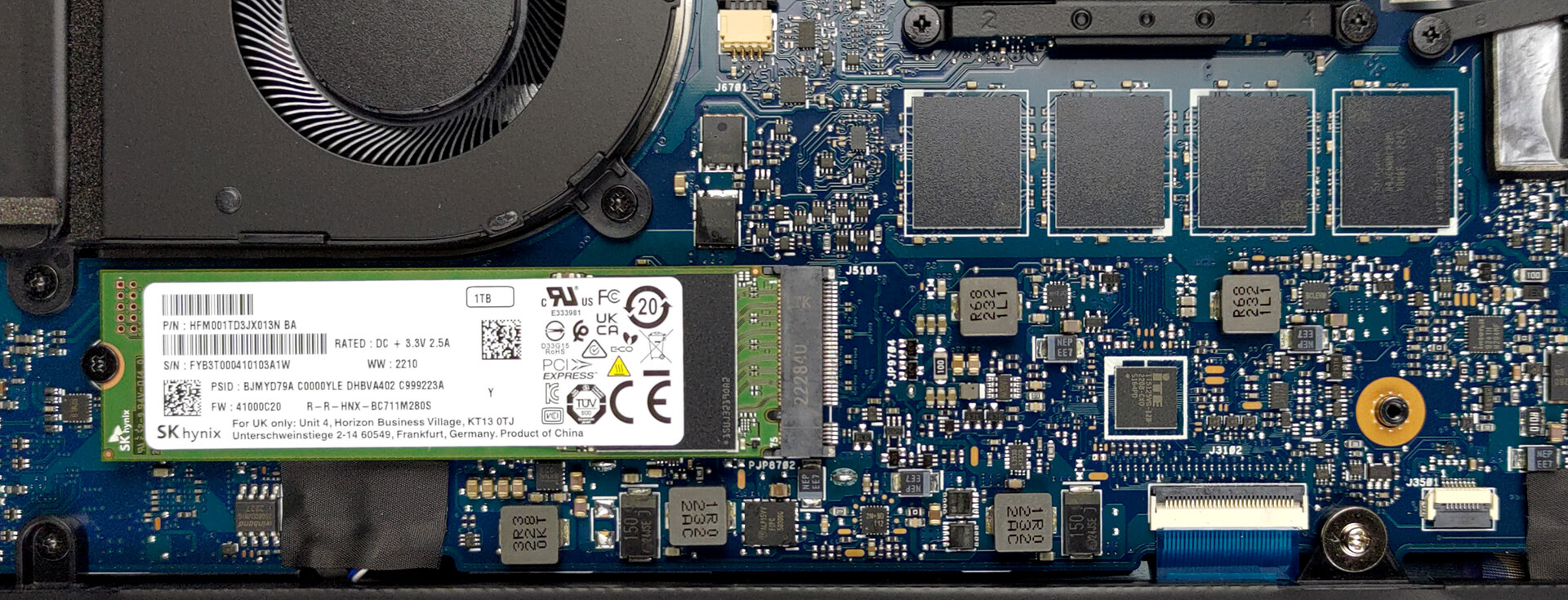
3. Upgrade memory and storage
For better or for worse, the memory of this device is soldered to the motherboard. It totals 16GB of LPDDR5 RAM. Storage-wise, there is one M.2 PCIe x4 slot.
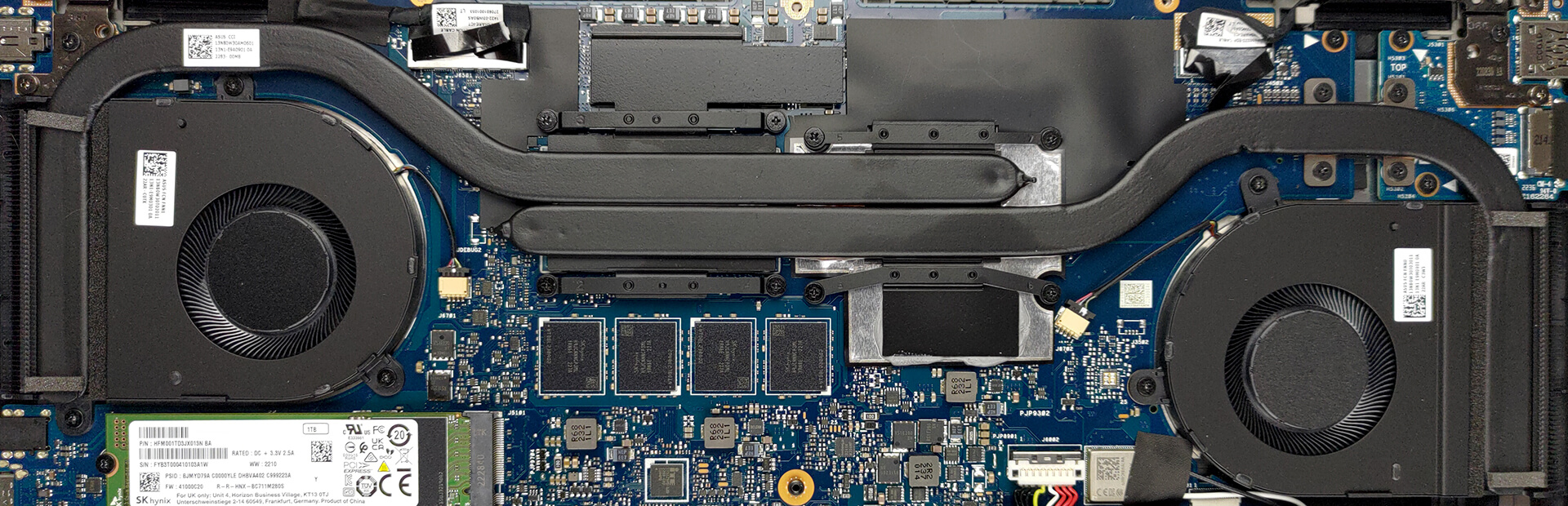
4. Cooling system
Its cooling comprises two long heat pipes, two heat sinks, and two fans. In addition, both the VRMs and the graphics memory are cooled by metal heat spreaders.
Check out all ASUS Zenbook Pro 15 Flip OLED (UP6502) prices and configurations in our Specs System, or read more in our In-Depth review.
ASUS Zenbook Pro 15 Flip OLED (UP6502, 12th Gen Intel) részletes értékelés
Convertible laptops offer a lot more flexibility than their clamshell cousins. However, this comes with many possible setbacks, which have to be addressed by manufacturers. And devices such as the Zenbook Pro 15 Flip OLED (UP6502) need to be perfect because every aspect of their existence will be put under scrutiny.It has been created to satisfy the needs of business people, data analysts, and even graphics designers. Intuitively, every convertible laptop there is, can be linked to graphics design, or photo refinement.In particular, the Zenbook Pro 15 Flip OLED (UP6502) comes with som[...]
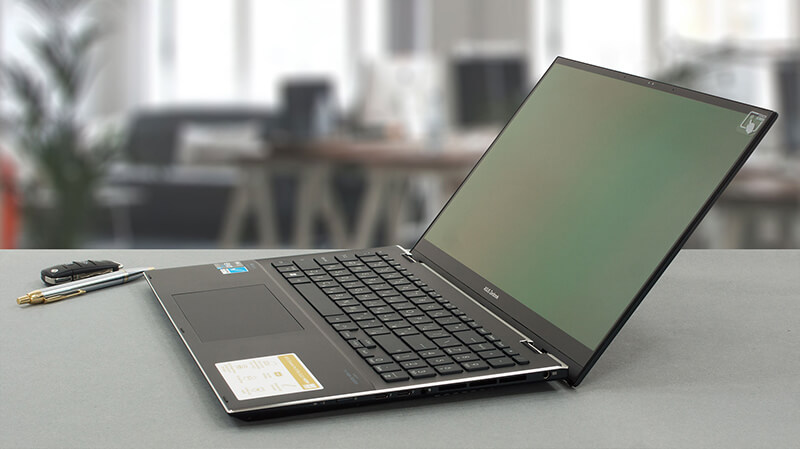
Előnyök
- Excellent build quality
- 100% sRGB and DCI-P3 coverage + accurate colors (Samsung ATNA56AC01-0 (INTC_HE))
- 120Hz refresh rate and quick pixel response times (Samsung ATNA56AC01-0 (INTC_HE))
- Great keyboard
- Stylus inside the box
- Decent battery life
- 2x Thunderbolt 4 + IR face recognition
Hátrányok
- Soldered memory
- Disappointing dedicated GPU
 Author: Alex Iliev

![[2026. június] Az Amazon Global legkelendőbb laptopmárkái – az Apple páratlan dominanciája az eladott darabszám és a bevétel tekintetében](https://laptopmedia.com/wp-content/uploads/2026/07/GLOBAL-Best-Brands-400x225.jpg)
![[2026. június] Amazon Global: A 10 legkelendőbb laptop – Az Apple új MacBook Neo-ja az első helyre tör, és megfizethető árával újjáformálja a piacot](https://laptopmedia.com/wp-content/uploads/2026/07/Best-Selling-Laptops-GLOBAL-Top-10-400x225.jpg)
![[2026. június] Amazon Global: A 10 legkelendőbb játékos laptop – az Acer Nitro V 16S AI vezeti az eladási listát, míg az ASUS az összbevétel tekintetében áll az élen](https://laptopmedia.com/wp-content/uploads/2026/07/Best-Selling-Gaming-Laptops-GLOBAL-Top-10-400x225.jpg)
![[2026. június] Az Amazonon legkelendőbb laptop-grafikus kártyák globális ranglistája – az NVIDIA RTX 5060 a legkelendőbb dedikált grafikus kártya](https://laptopmedia.com/wp-content/uploads/2026/07/Best-Selling-GPUs-GLOBAL-Top-10-400x225.jpg)
![[2026. június] Az Amazonon legkelendőbb laptop-processzorok globális rangsora – az Apple M5 vezet, az AMD Ryzen 7 260 pedig jelentős részesedést szerez a prémium szegmensben](https://laptopmedia.com/wp-content/uploads/2026/07/Best-Selling-CPUs-GLOBAL-Top-10-400x225.jpg)
