How to open ASUS Zenbook S 13 OLED (UM5302) – disassembly and upgrade options
As with almost every ultrabook out there, the Zenbook S 13 OLED (UM5302) is quite limited in terms of upgradeability.
Check out all ASUS Zenbook S 13 OLED (UM5302) prices and configurations in our Specs System, or read more in our In-Depth review.
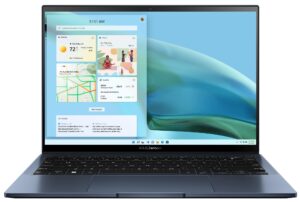
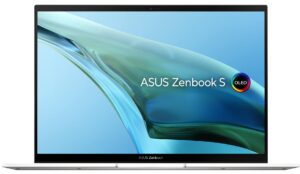
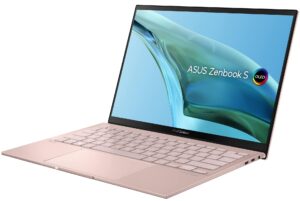
1. Remove the bottom plate
To access this laptop’s internals, you need to remove the back rubber feet. Then, undo all 9 Torx-head screws you see, and pry the bottom panel with a plastic tool.
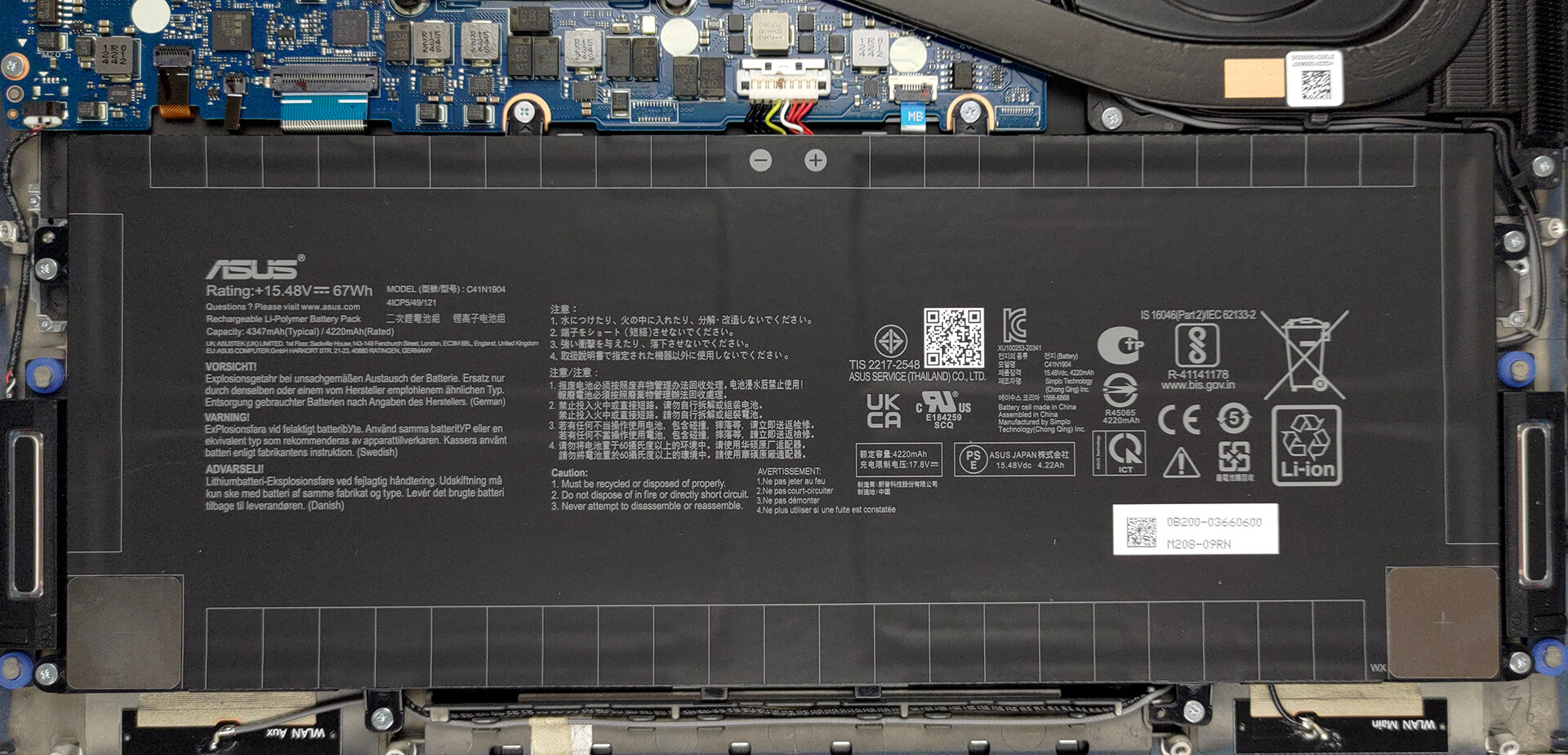
2. Remove the battery
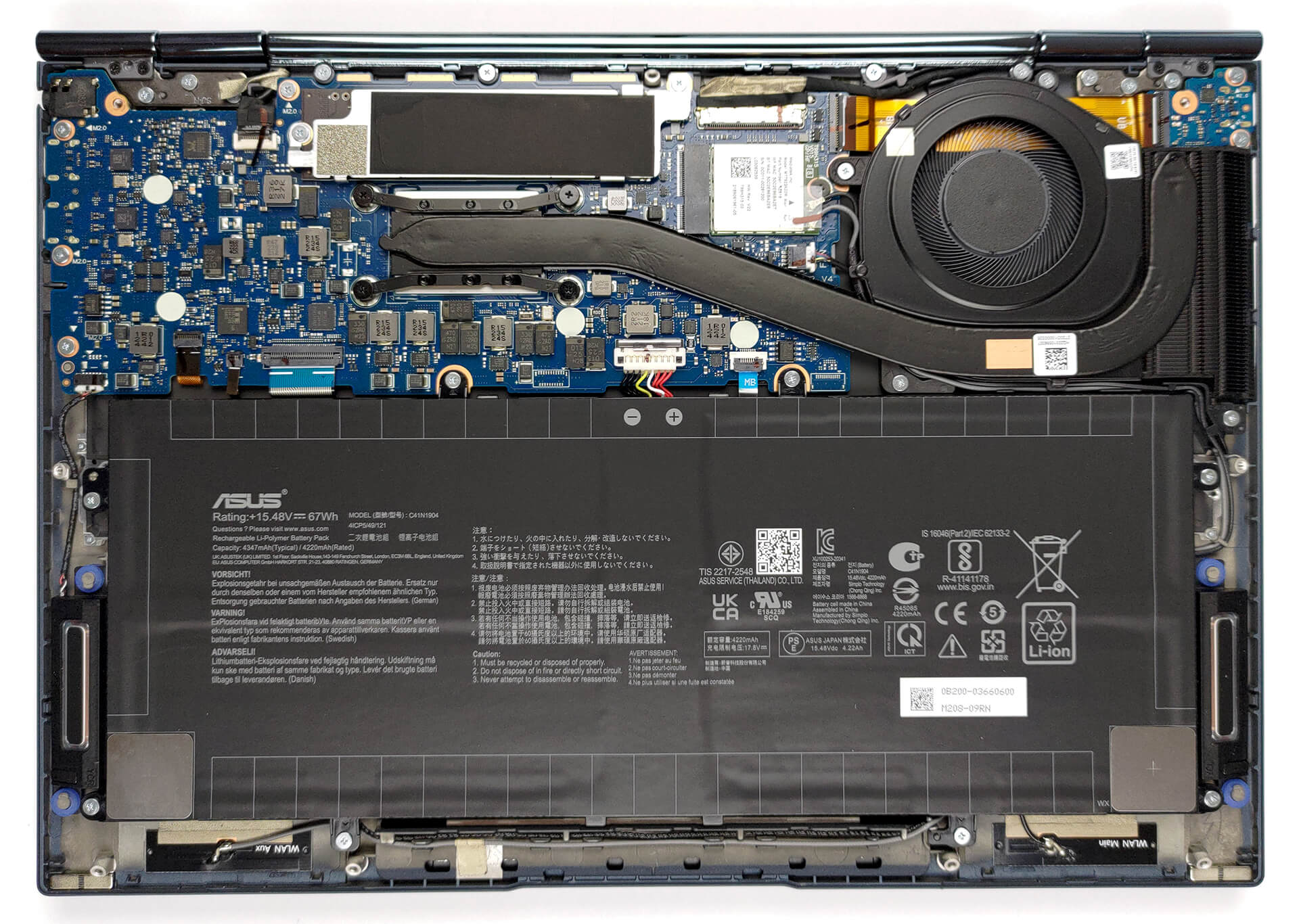
Here, we find a 67Wh battery pack. To take it out, unplug the battery from the motherboard, and undo all 8 Phillips-head screws keeping it in place.
3. Upgrade memory and storage
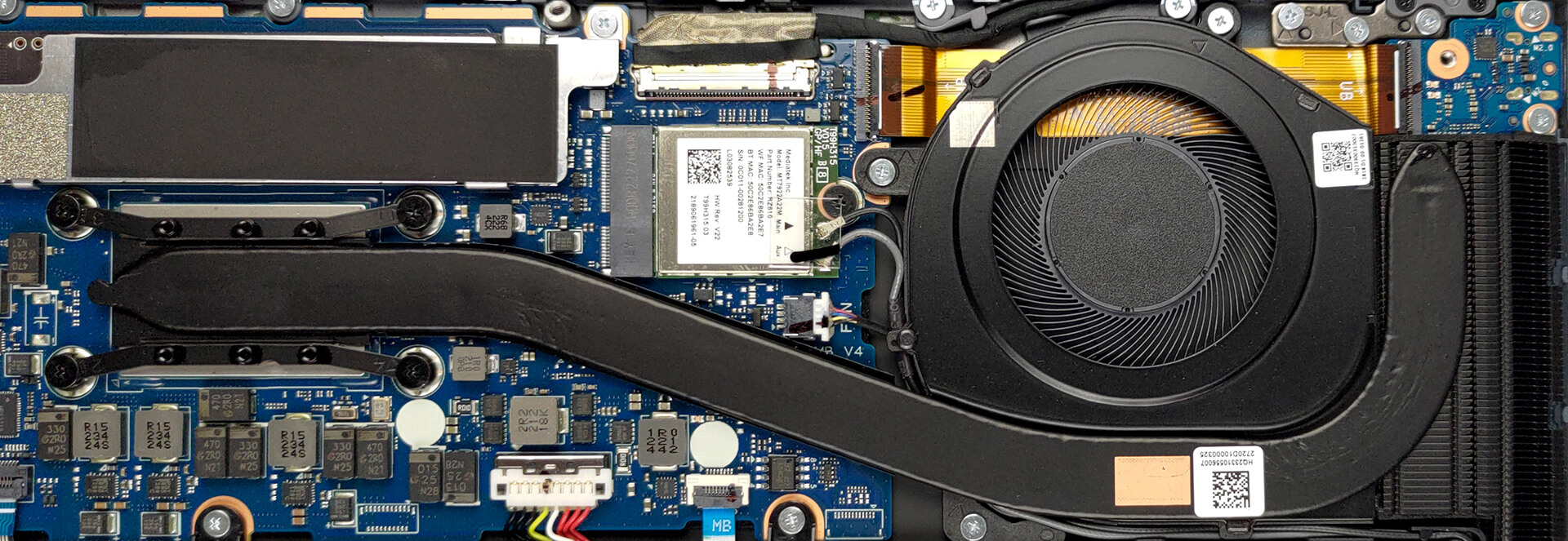
This device comes with either 8 or 16GB of LPDDR5 RAM soldered to the motherboard. Unfortunately, an upgrade is not possible. As for the storage, there is one M.2 PCIe x4 slot, which supports Gen 4 SSDs. To remove it, locate the two screws that secure its metal cover.

4. Cooling system
The cooling comprises one heat pipe, a side-mounted heat sink, and a fan.
Check out all ASUS Zenbook S 13 OLED (UM5302) prices and configurations in our Specs System, or read more in our In-Depth review.
ASUS Zenbook S 13 OLED (UM5302, AMD Ryzen 6000 Series) részletes értékelés
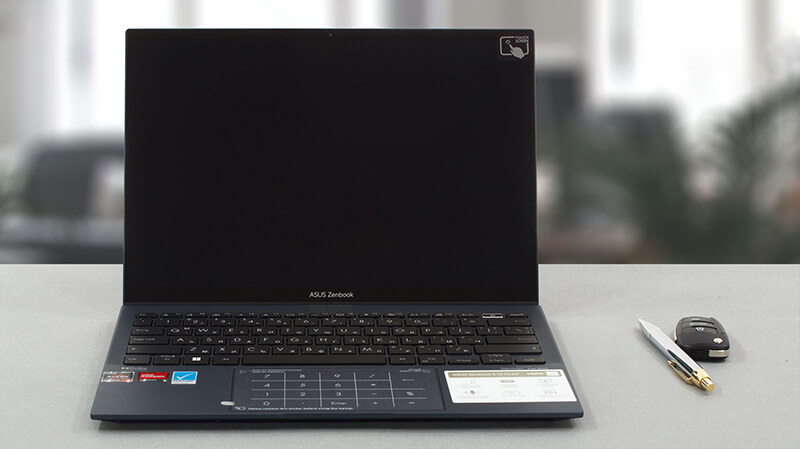
ASUS is the manufacturer of one of the best ultrabooks on the market. Today, we have the Zenbook S 13 OLED (UM5302), which aims to battle with the Lenovo Yoga 7 Carbon, and the Dell XPS 13 9320 Plus.But what does that mean? Who is it made for? Well, this device is aimed at young professionals who travel a lot and concentrate on office tasks. Now, if we consider the hardware it comes with, we will see that it can do more than just ordinary Word and Excel.The Ryzen 7 6800U is an incredibly powerful mobile CPU. It obliterates two-year-old desktop CPUs, so it is no surprise that the lapto[...]
Előnyök
- Long battery life
- Rigid magnesium-aluminum chassis
- Extremely thin and light device
- 100% sRGB and DCI-P3 coverage plus accurate color representation (Samsung ATNA33AA03-0 (SDC4172))
- PWM is treated by first-party software (Samsung ATNA33AA03-0 (SDC4172))
- OLED provides True Blacks and crazy fast pixel response times (Samsung ATNA33AA03-0 (SDC4172))
- Charges via Type-C
- Gen 4 SSD support
- Fingerprint reader
Hátrányok
- Needs a dongle to expand the I/O
- Soldered memory
 Author: Alex Iliev

![[2026. június] Az Amazon Global legkelendőbb laptopmárkái – az Apple páratlan dominanciája az eladott darabszám és a bevétel tekintetében](https://laptopmedia.com/wp-content/uploads/2026/07/GLOBAL-Best-Brands-400x225.jpg)
![[2026. június] Amazon Global: A 10 legkelendőbb laptop – Az Apple új MacBook Neo-ja az első helyre tör, és megfizethető árával újjáformálja a piacot](https://laptopmedia.com/wp-content/uploads/2026/07/Best-Selling-Laptops-GLOBAL-Top-10-400x225.jpg)
![[2026. június] Amazon Global: A 10 legkelendőbb játékos laptop – az Acer Nitro V 16S AI vezeti az eladási listát, míg az ASUS az összbevétel tekintetében áll az élen](https://laptopmedia.com/wp-content/uploads/2026/07/Best-Selling-Gaming-Laptops-GLOBAL-Top-10-400x225.jpg)
![[2026. június] Az Amazonon legkelendőbb laptop-grafikus kártyák globális ranglistája – az NVIDIA RTX 5060 a legkelendőbb dedikált grafikus kártya](https://laptopmedia.com/wp-content/uploads/2026/07/Best-Selling-GPUs-GLOBAL-Top-10-400x225.jpg)
![[2026. június] Az Amazonon legkelendőbb laptop-processzorok globális rangsora – az Apple M5 vezet, az AMD Ryzen 7 260 pedig jelentős részesedést szerez a prémium szegmensben](https://laptopmedia.com/wp-content/uploads/2026/07/Best-Selling-CPUs-GLOBAL-Top-10-400x225.jpg)
