Inside Acer Aspire 7 (A715-42G) – disassembly and upgrade options
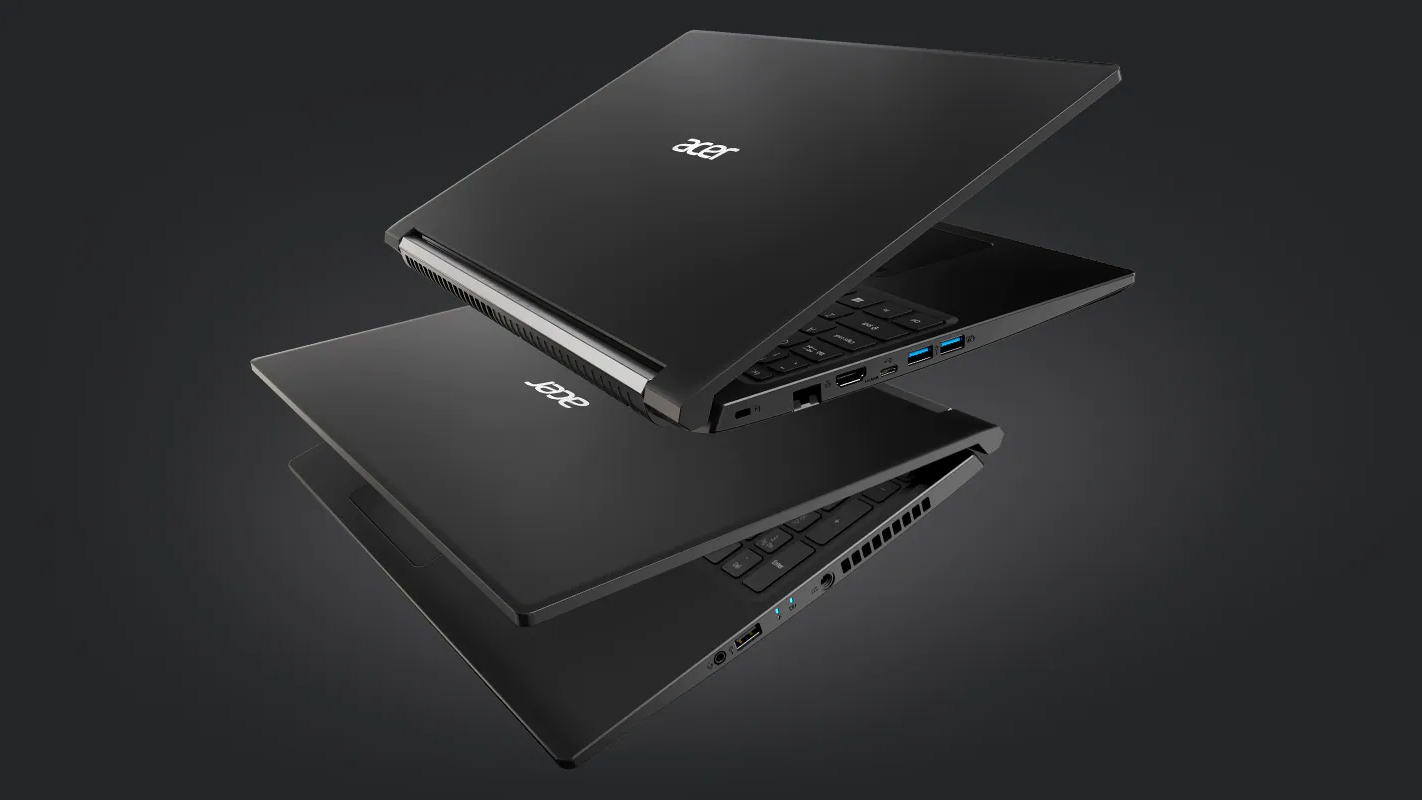
The Aspire 7 (A715-42G) is a pretty interesting device, which combines a ULV processor with a full-blown graphics card.
Check out all Acer Aspire 7 (A715-42G) prices and configurations in our Specs System or read more in our In-Depth review.
1. Remove the bottom plate and battery
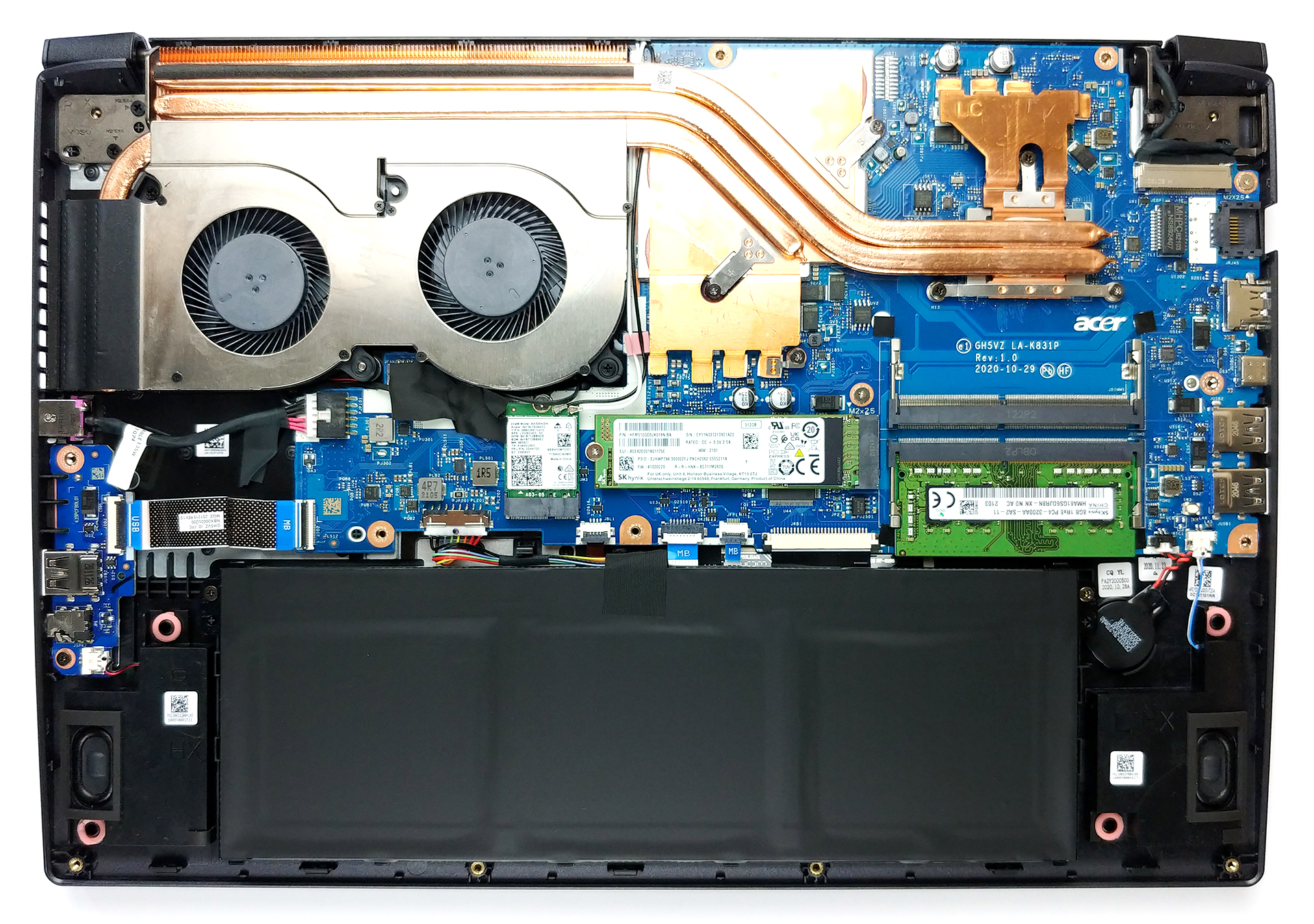
To get this notebook disassembled, you will need to remove the bottom panel. This happens by undoing 13 Phillips-head screws and prying the panel with a plastic tool.
2. Battery
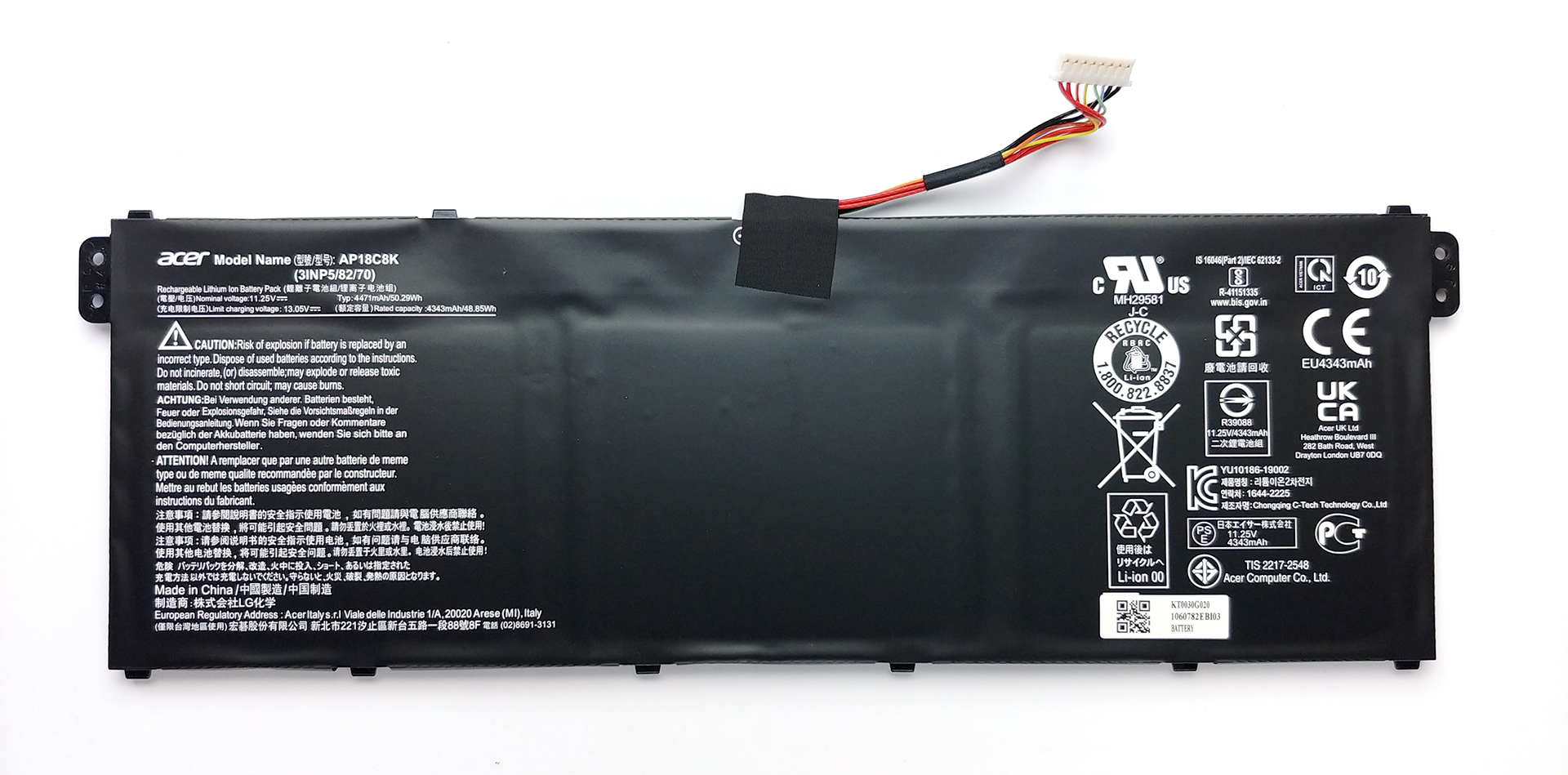
The battery pack has a capacity of 50.3Wh, and it is the first thing you need to unplug before you proceed with the teardown.
3. Мemory and storage
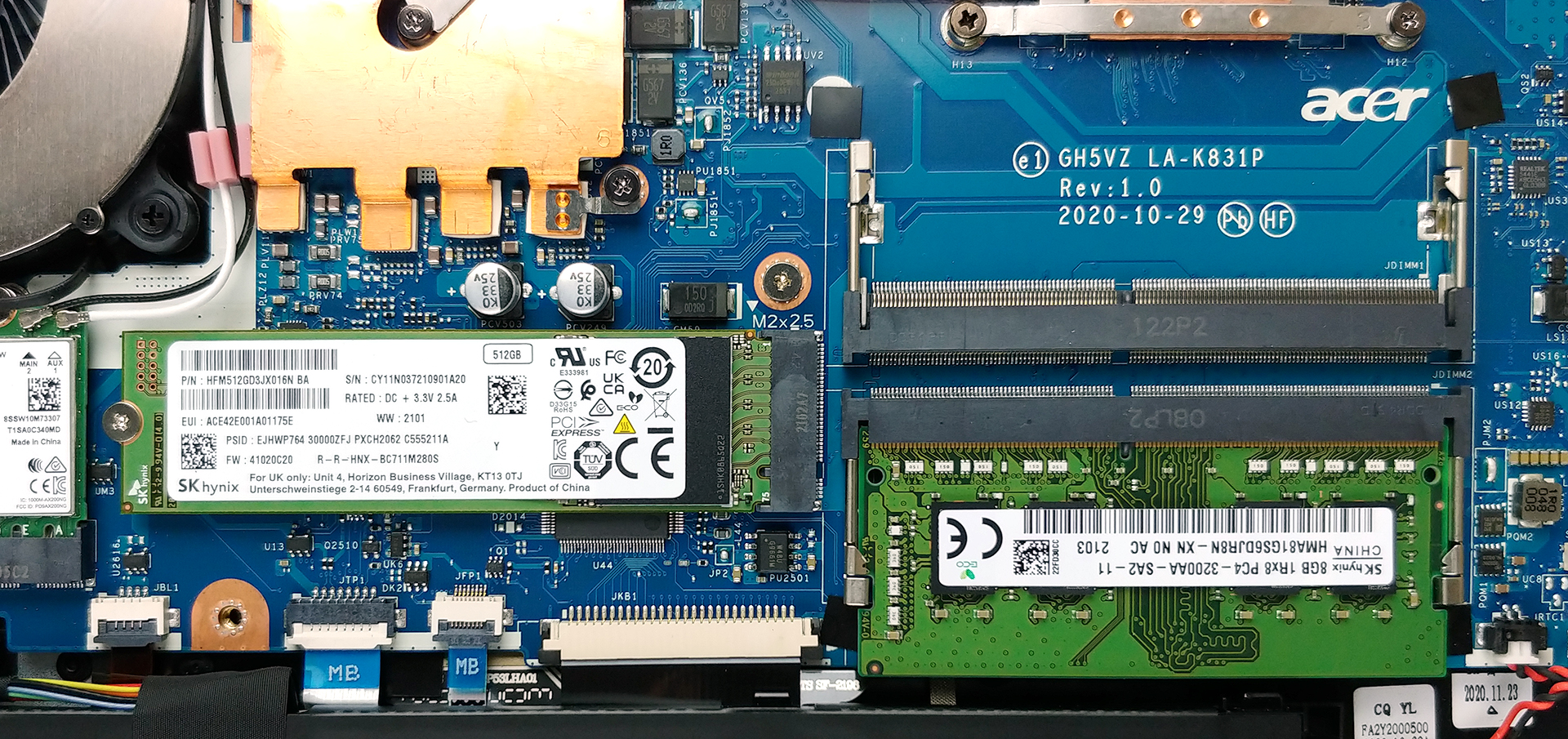
Thankfully, there are two RAM SODIMM slots, which support up to 32GB of DDR4 memory in dual-channel mode. Storage-wise, there is one M.2 PCIe x4 slot.
4. Cooling system
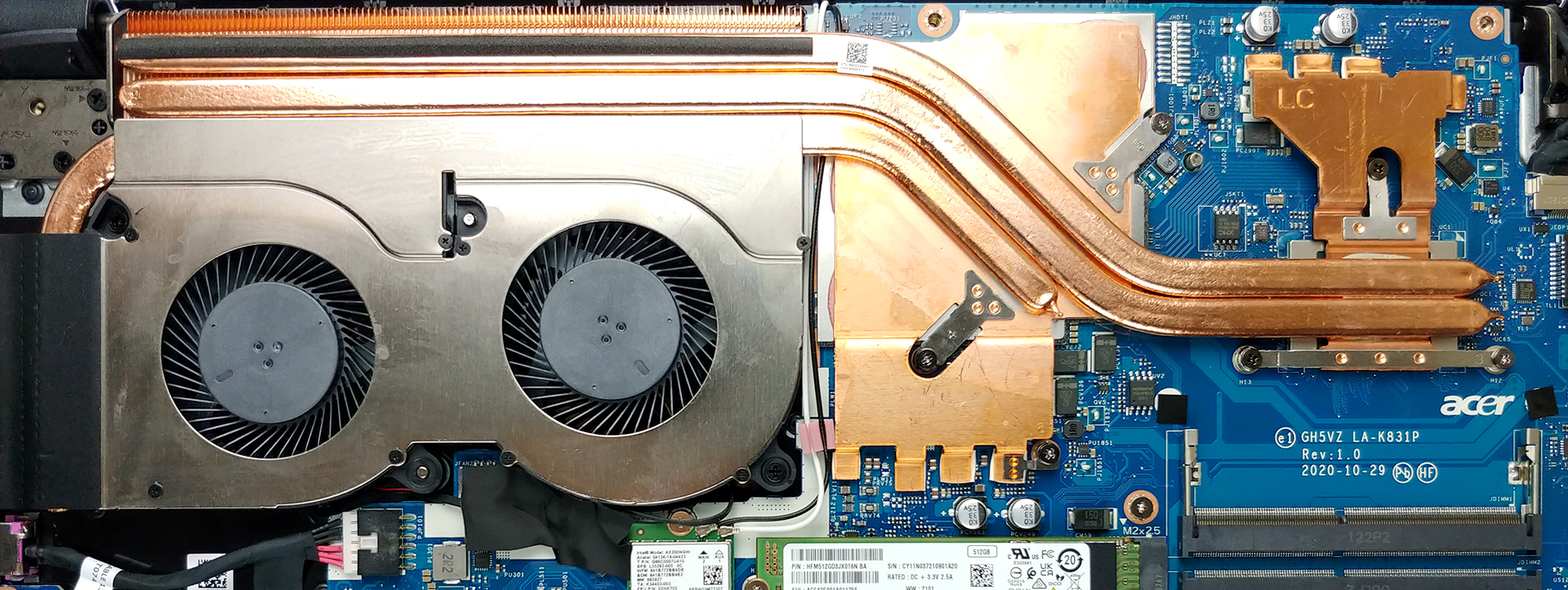
Given the fact that this laptop has a low-voltage processor, we are happy to see that the cooling solution consists of three heat pipes. Two of them are common for the CPU and the GPU, with the third one dedicated to the graphics card. Also, you can see that the VRMs and the graphics memory are also actively cooled. Interestingly, we see a very long heat spreader, supported by a smaller one, which only has the GPU heat pipe connected to it.
Check out all Acer Aspire 7 (A715-42G) prices and configurations in our Specs System or read more in our In-Depth review.
Acer Aspire 7 (A715-42G) részletes értékelés
Acer is amongst the top brands on the market. However, they still stay behind the likes of Lenovo, HP, and Dell when it comes to market share, so they need to step their game up. Recently, they did well to improve their Predator gaming series to a new fresh look. Then, the Swift and Spin series followed, but as with the other manufacturers, there is one thing that sells best - budget laptops. As such, the Aspire subbrand is arguably the most important one in Acer's portfolio.But what if you want a budget notebook that has the power to perform more than just daily tasks. You might want to [...]
Előnyök
- Great cooling, which provides more performance than we expected
- Wi-Fi 6 + 2x SODIMM slots
- Good battery life
- PWM-free display (AUO B156HAN02.1 (AUODF87))
- Adequate pricing
Hátrányok
- No Thunderbolt connection or SD card reader
- Covers only 51% of the sRGB color gamut (AUO B156HAN02.1 (AUODF87))
- All-plastic build (although it doesn't feel cheap)
 Author: Alex Iliev

![[2026. június] Az Amazon Global legkelendőbb laptopmárkái – az Apple páratlan dominanciája az eladott darabszám és a bevétel tekintetében](https://laptopmedia.com/wp-content/uploads/2026/07/GLOBAL-Best-Brands-400x225.jpg)
![[2026. június] Amazon Global: A 10 legkelendőbb laptop – Az Apple új MacBook Neo-ja az első helyre tör, és megfizethető árával újjáformálja a piacot](https://laptopmedia.com/wp-content/uploads/2026/07/Best-Selling-Laptops-GLOBAL-Top-10-400x225.jpg)
![[2026. június] Amazon Global: A 10 legkelendőbb játékos laptop – az Acer Nitro V 16S AI vezeti az eladási listát, míg az ASUS az összbevétel tekintetében áll az élen](https://laptopmedia.com/wp-content/uploads/2026/07/Best-Selling-Gaming-Laptops-GLOBAL-Top-10-400x225.jpg)
![[2026. június] Az Amazonon legkelendőbb laptop-grafikus kártyák globális ranglistája – az NVIDIA RTX 5060 a legkelendőbb dedikált grafikus kártya](https://laptopmedia.com/wp-content/uploads/2026/07/Best-Selling-GPUs-GLOBAL-Top-10-400x225.jpg)
![[2026. június] Az Amazonon legkelendőbb laptop-processzorok globális rangsora – az Apple M5 vezet, az AMD Ryzen 7 260 pedig jelentős részesedést szerez a prémium szegmensben](https://laptopmedia.com/wp-content/uploads/2026/07/Best-Selling-CPUs-GLOBAL-Top-10-400x225.jpg)
