Inside ASUS W202 – disassembly and upgrade options
The ASUS W202 is a super-compact device that is inexpensive and it comes with low-end hardware. In this article, we’ll show you how to open it.
Check out all ASUS W202 prices and configurations in our Specs System or read more in our In-Depth review.
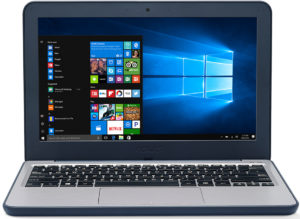
1. Remove the bottom plate
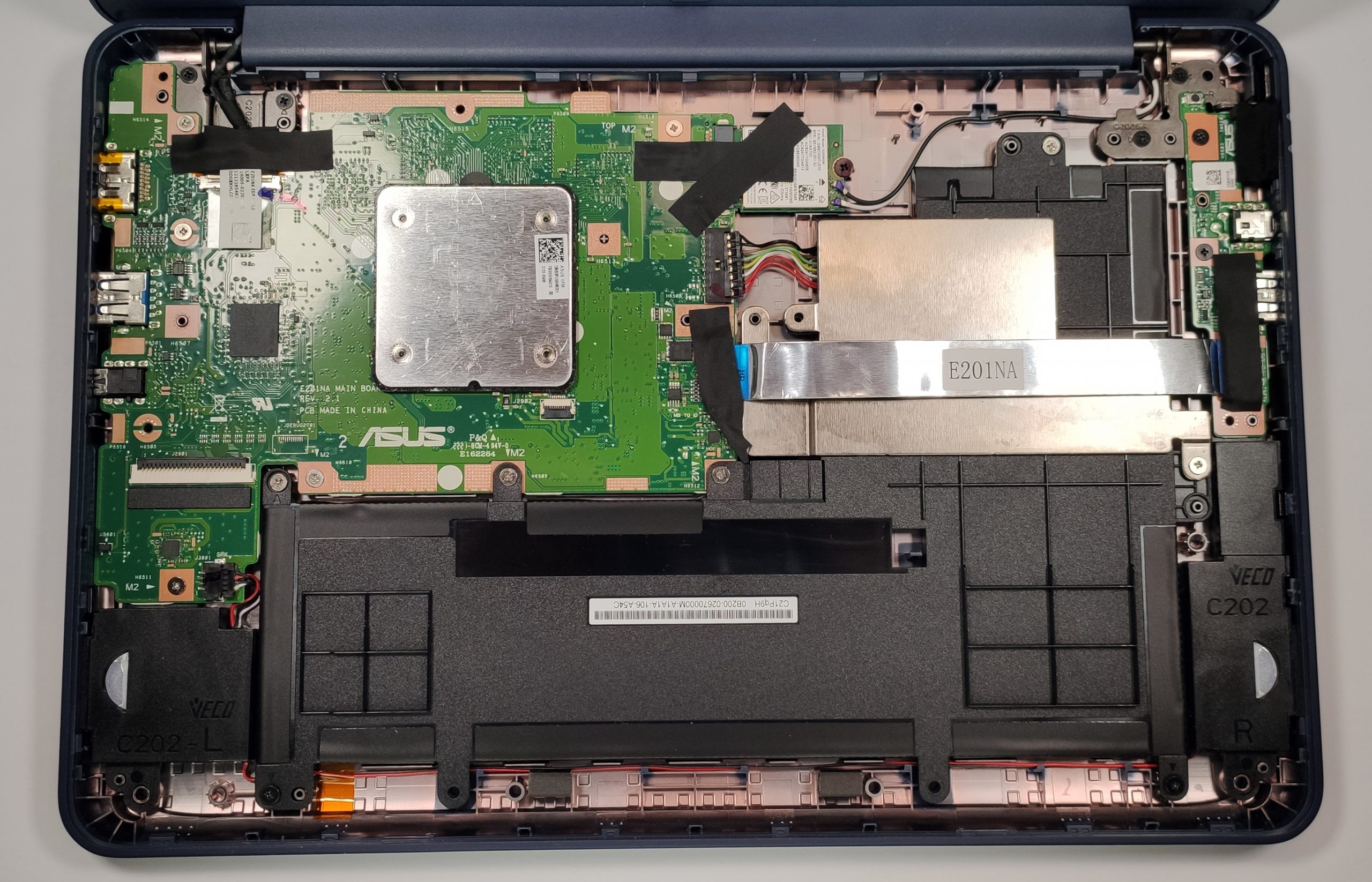
To disassemble the device, you have to undo 10 Phillips-head screws that are placed on the backplate and after that, you can pop the upper plate of the laptop with a plastic pry tool. Then, you can easily remove it, but don’t forget to unplug the ribbon cable of the keyboard from the motherboard.
2. Battery
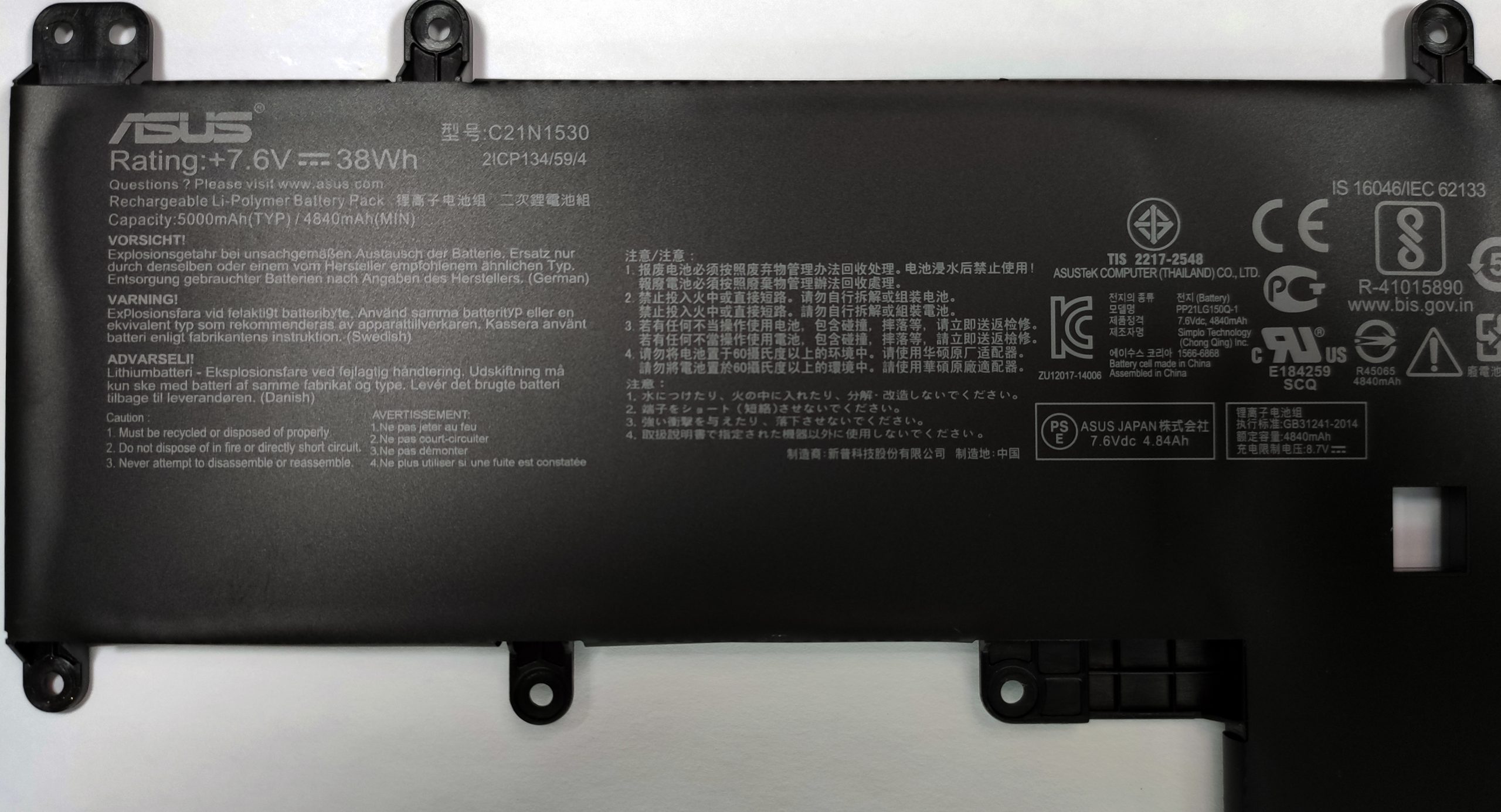
Actually, a 38Wh battery unit doesn’t sound bad at all for such a small and inexpensive device.
3. Memory and storage
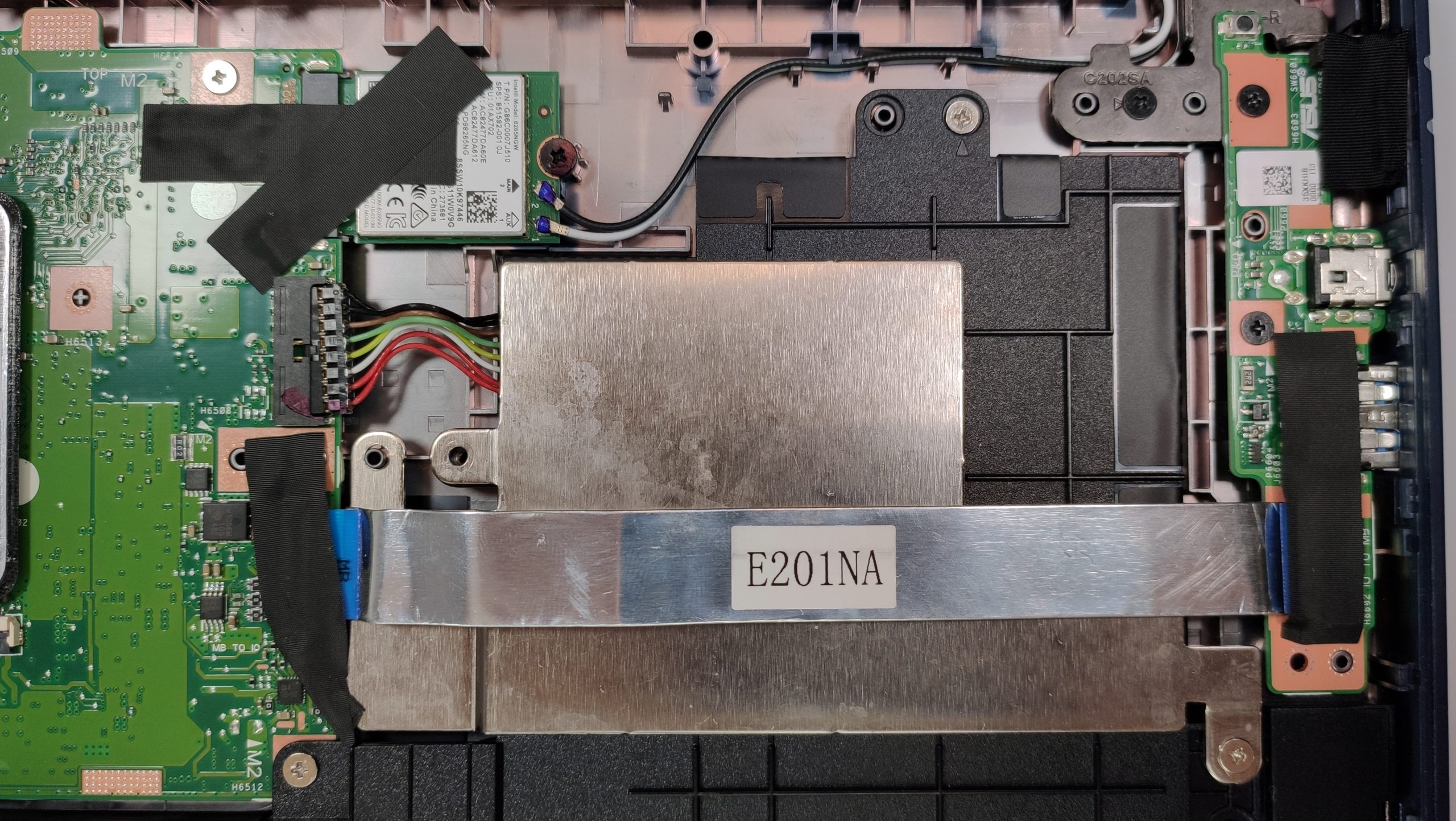
Unfortunately, the laptop comes with soldered 4GB of RAM and that’s all – there isn’t another offer with a bigger RAM capacity and you’ll be stuck with this amount of memory forever. As you may already guess, an additional SODIMM slot is a mirage and there isn’t an M.2 port or even a regular SATA port. At least you have some “freedom” here – the device can be picked with either 64GB or 128GB of eMMC 5.1 storage. If you need more, you can use an SD card (wow) or you can hook up an external HDD or SSD to one of the USB ports.
4. Cooling system
In terms of cooling, ASUS uses a simple passive solution which is really modest but it’s fine for a machine with a dual-core CPU.
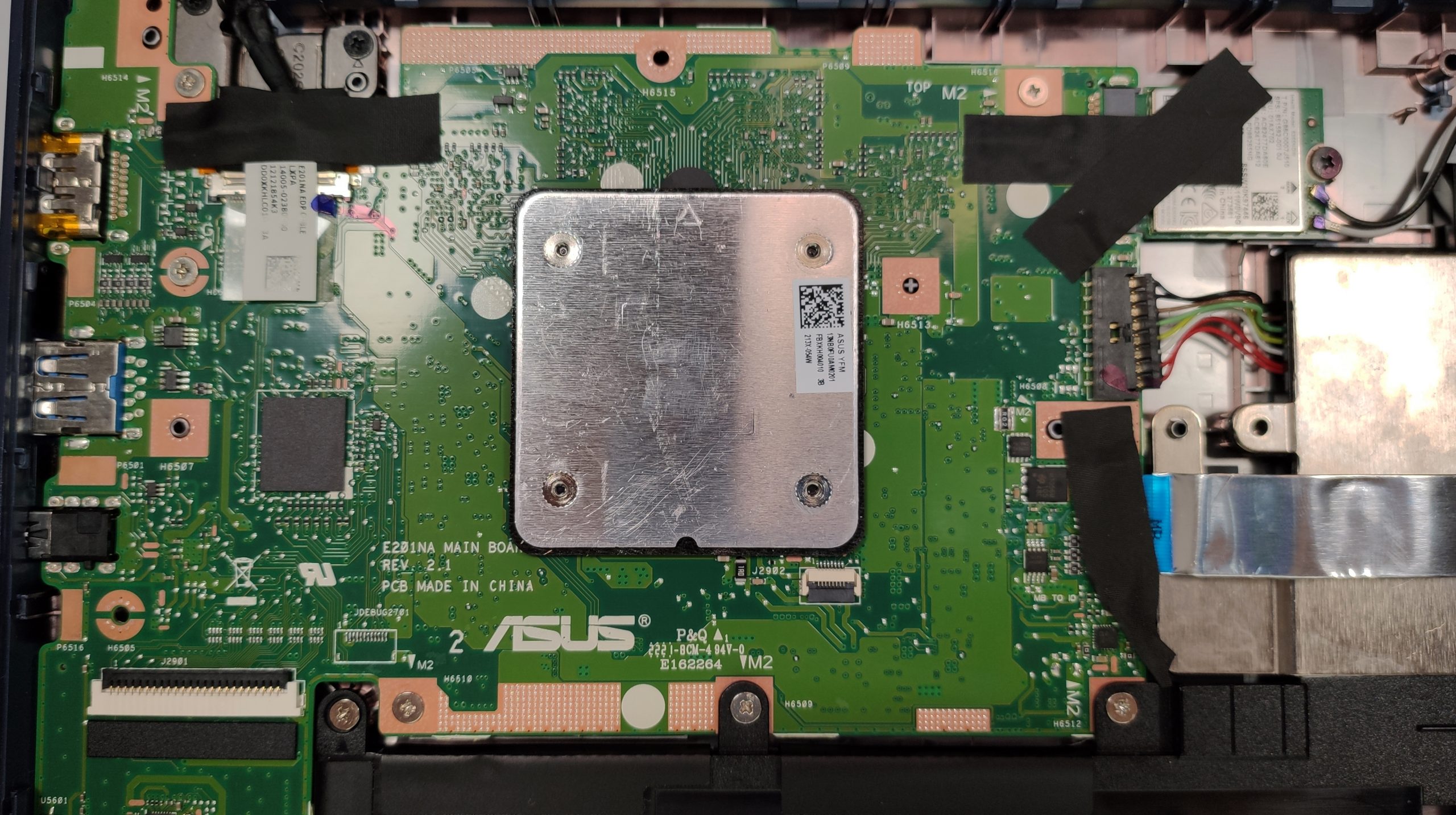
Check out all ASUS W202 prices and configurations in our Specs System or read more in our In-Depth review.
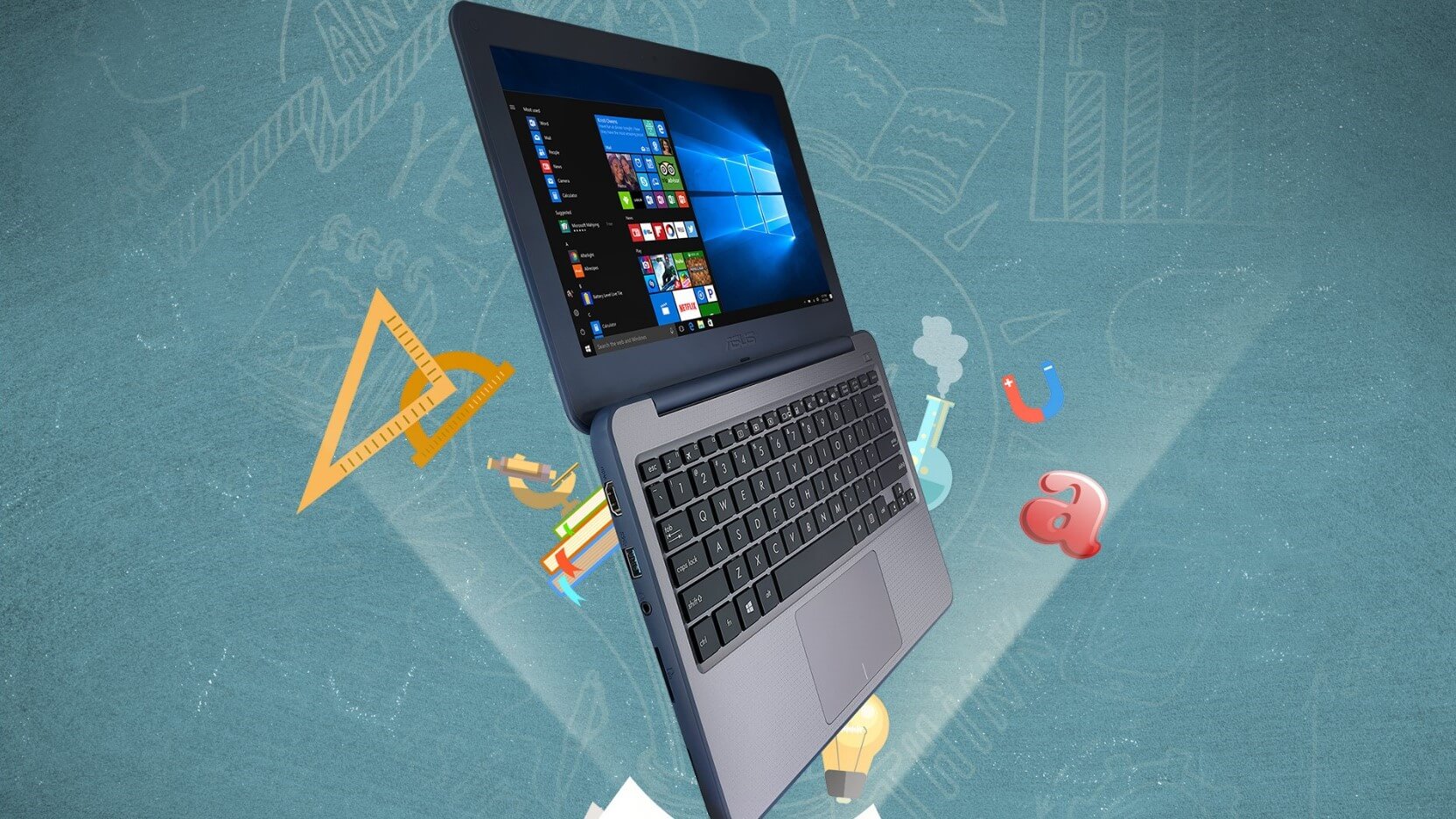
ASUS VivoBook W202 részletes értékelés
Have you ever wondered if you utilize the full potential of your PC when you're just using it for Web browsing, watching videos, and other light daily tasks? In this scenario, a modern entry-level CPU with 8GB RAM and a SATA SSD should be okay for a normal experience.Sometimes people are willing to sacrifice some performance when they need a laptop for specific needs - if you want to buy a notebook for a kid, a gaming device is an overkill if it's going to be used in school. If your budget is super low and you have to get an inexpensive device for your children, in most cases a laptop with[...]
Előnyök
- Low price
- Small, compact, and light
- SD card slot
- Spill-resistant keyboard
- Rubberized edges
- Feels super sturdy when the lid is closed
- No aggressive PWM
Hátrányok
- Bad performance
- Soldered memory
- The area around the keyboard is a bit bendable
- Narrow viewing angles and low contrast ratio
- Low sRGB coverage
- The eMMC 5.1 storage is too slow for a Windows laptop
 Author: Nikolay Palaozov

![[2026. június] Az Amazon Global legkelendőbb laptopmárkái – az Apple páratlan dominanciája az eladott darabszám és a bevétel tekintetében](https://laptopmedia.com/wp-content/uploads/2026/07/GLOBAL-Best-Brands-400x225.jpg)
![[2026. június] Amazon Global: A 10 legkelendőbb laptop – Az Apple új MacBook Neo-ja az első helyre tör, és megfizethető árával újjáformálja a piacot](https://laptopmedia.com/wp-content/uploads/2026/07/Best-Selling-Laptops-GLOBAL-Top-10-400x225.jpg)
![[2026. június] Amazon Global: A 10 legkelendőbb játékos laptop – az Acer Nitro V 16S AI vezeti az eladási listát, míg az ASUS az összbevétel tekintetében áll az élen](https://laptopmedia.com/wp-content/uploads/2026/07/Best-Selling-Gaming-Laptops-GLOBAL-Top-10-400x225.jpg)
![[2026. június] Az Amazonon legkelendőbb laptop-grafikus kártyák globális ranglistája – az NVIDIA RTX 5060 a legkelendőbb dedikált grafikus kártya](https://laptopmedia.com/wp-content/uploads/2026/07/Best-Selling-GPUs-GLOBAL-Top-10-400x225.jpg)
![[2026. június] Az Amazonon legkelendőbb laptop-processzorok globális rangsora – az Apple M5 vezet, az AMD Ryzen 7 260 pedig jelentős részesedést szerez a prémium szegmensben](https://laptopmedia.com/wp-content/uploads/2026/07/Best-Selling-CPUs-GLOBAL-Top-10-400x225.jpg)

But all in all its a good machine