Inside Dell Inspiron 5551 (15 5000) – disassembly, internal photos and upgrade options
Having a budget notebook always backfires at some point and often it’s the upgrade options that are the culprit. With the new ultra-budget model from Dell (Inspiron 5551), the company is keeping it simple and relatively easy. The upgrade options aren’t much but are easy to perform, yet the same cannot be said when it comes to “spring cleaning”. Find out more below.
1. Removing the service cover
Two screws keep the main service cover in place. Underneath you will find the usual upgradable hardware such as HDD and RAM. However, when it comes to the RAM upgrade, you are presented with only one slot, so you can either have 4GB or 8GB. There’s also the Wi-Fi module, model number Wireless-AC 3160, manufactured by Intel. The 500GB HDD is made by Western Digital.
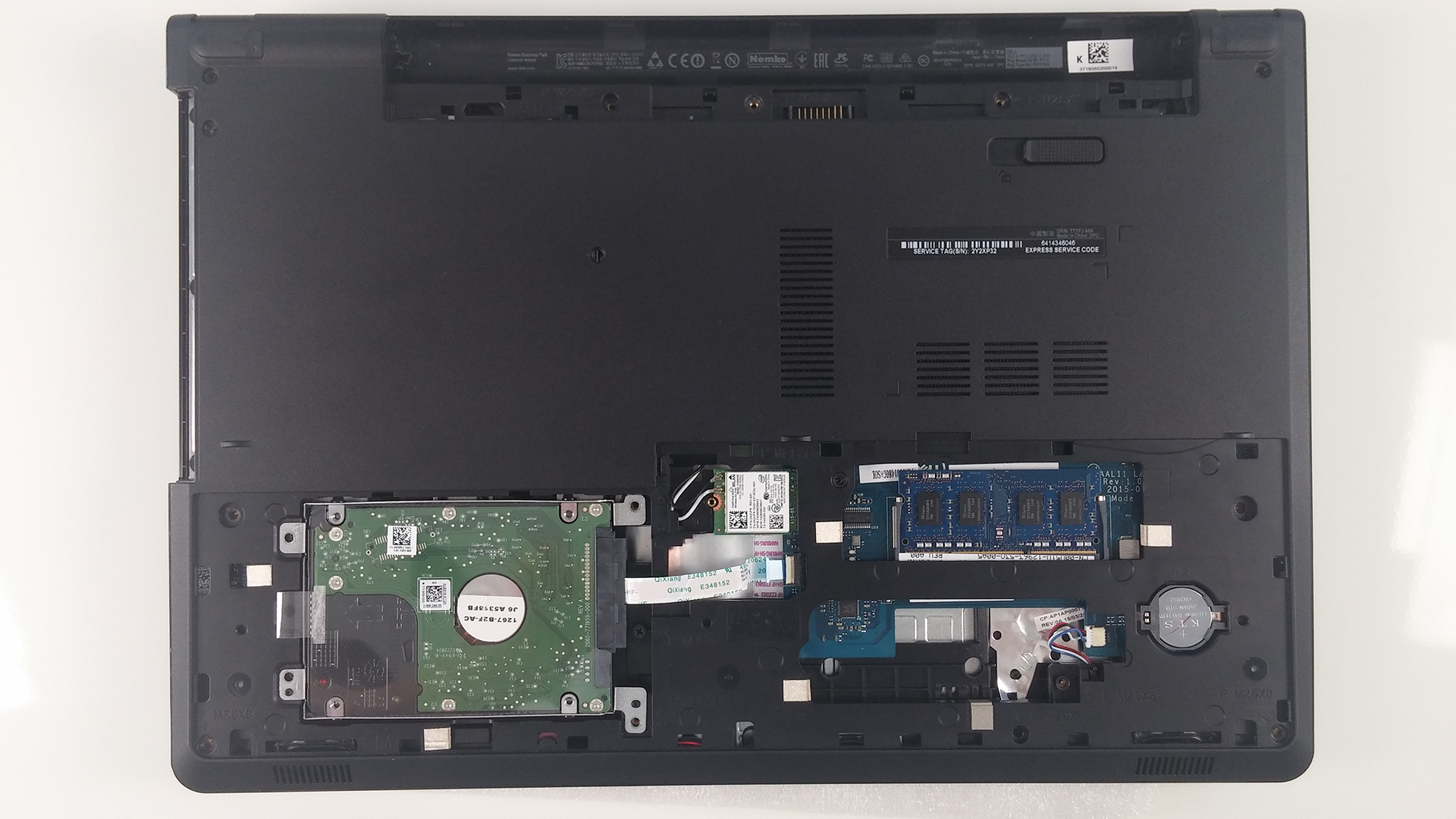
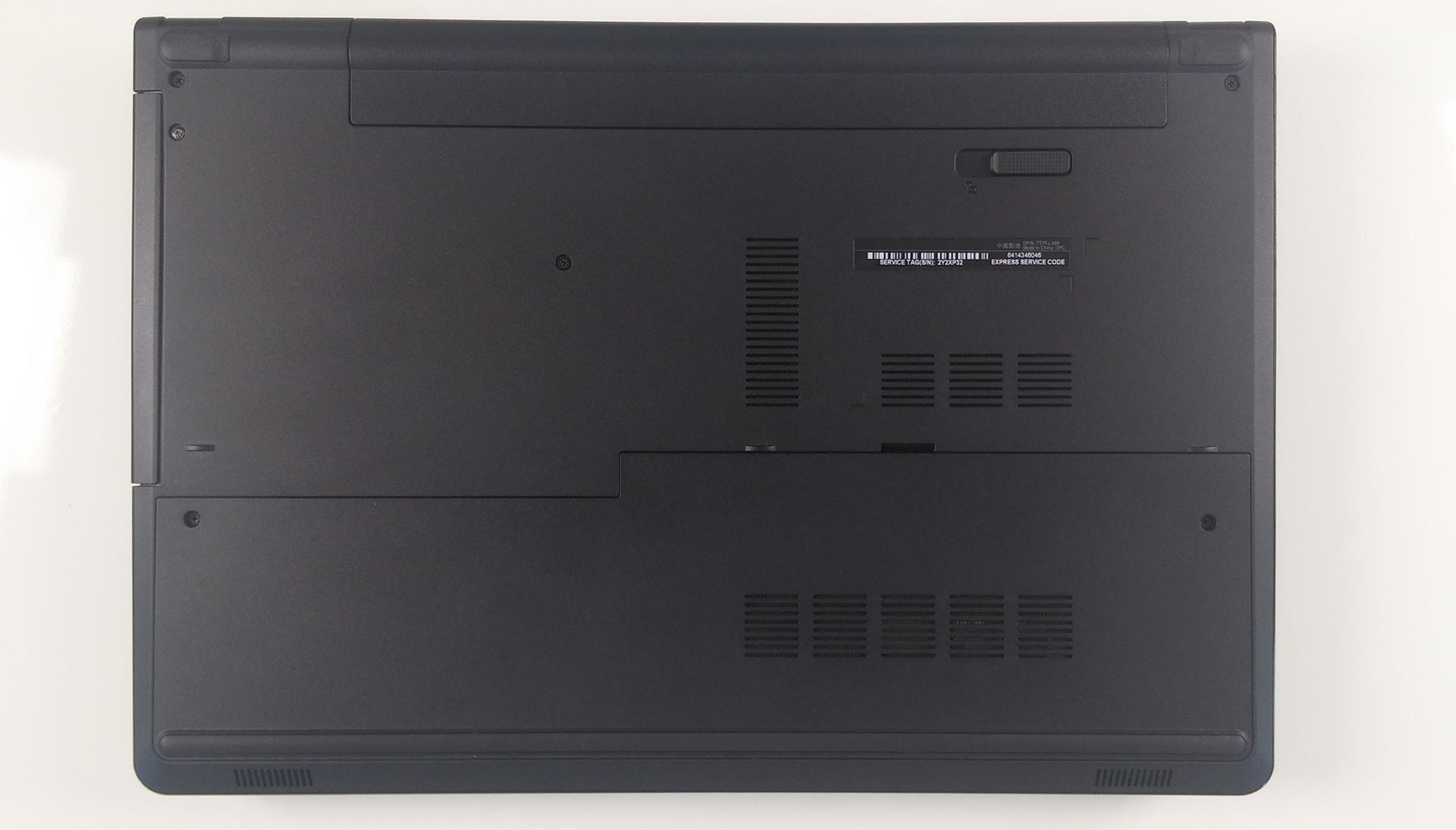
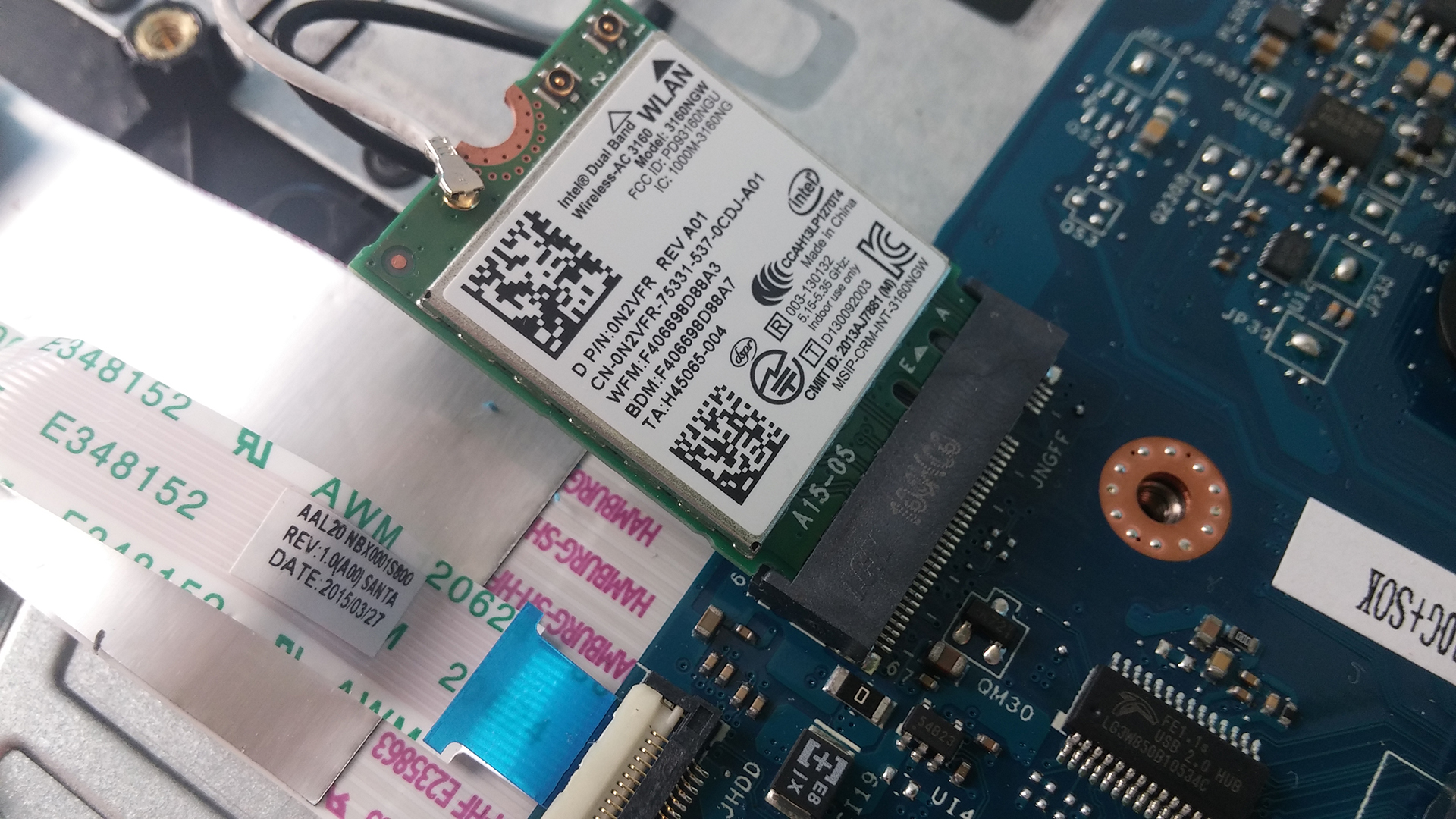
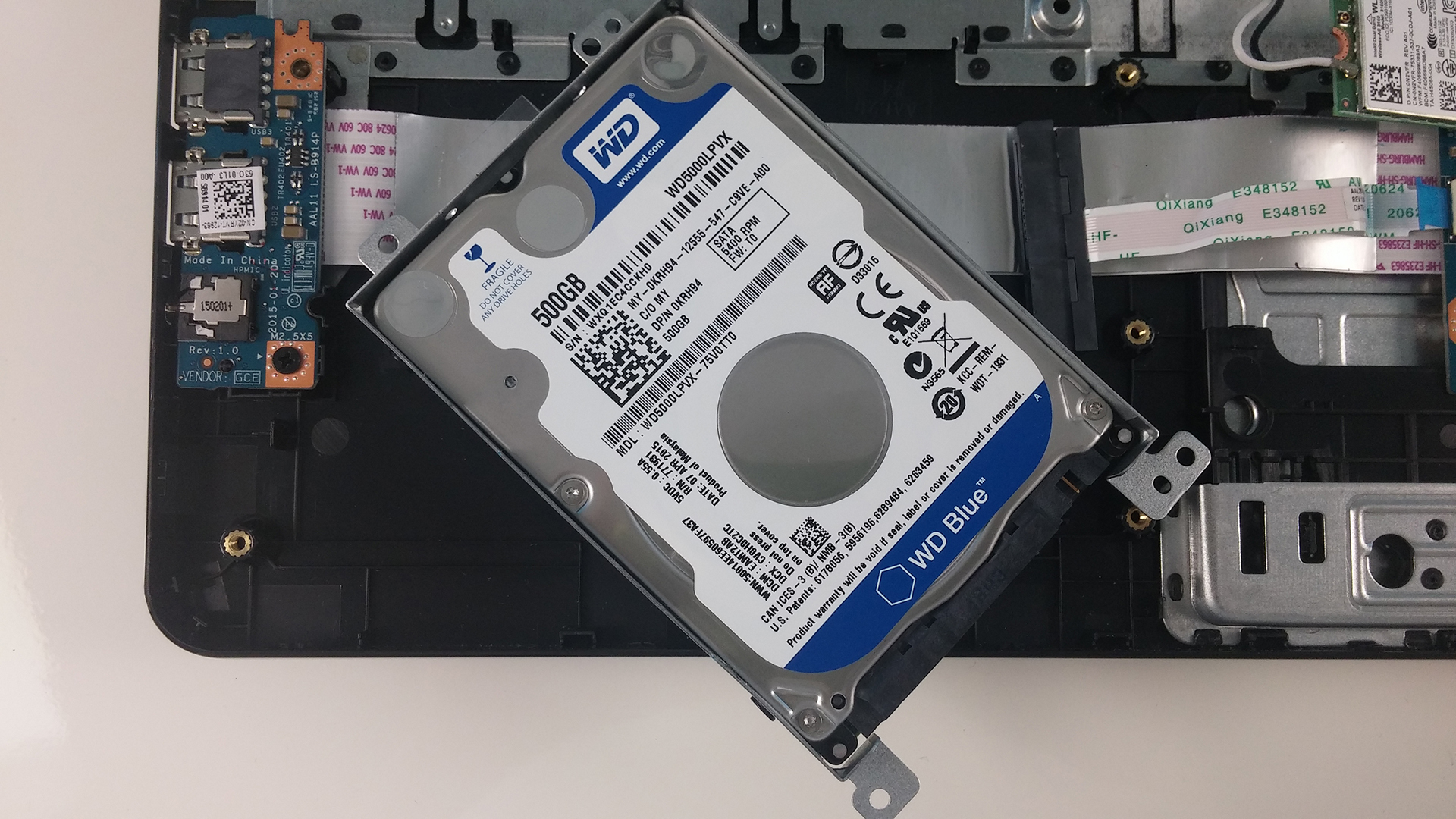
No M.2 SATA slot was found during the disassembly, but this doesn’t come as a surprise given the price of the machine. After all, you can always swap your optical drive for an additional 2.5″ HDD or SSD.
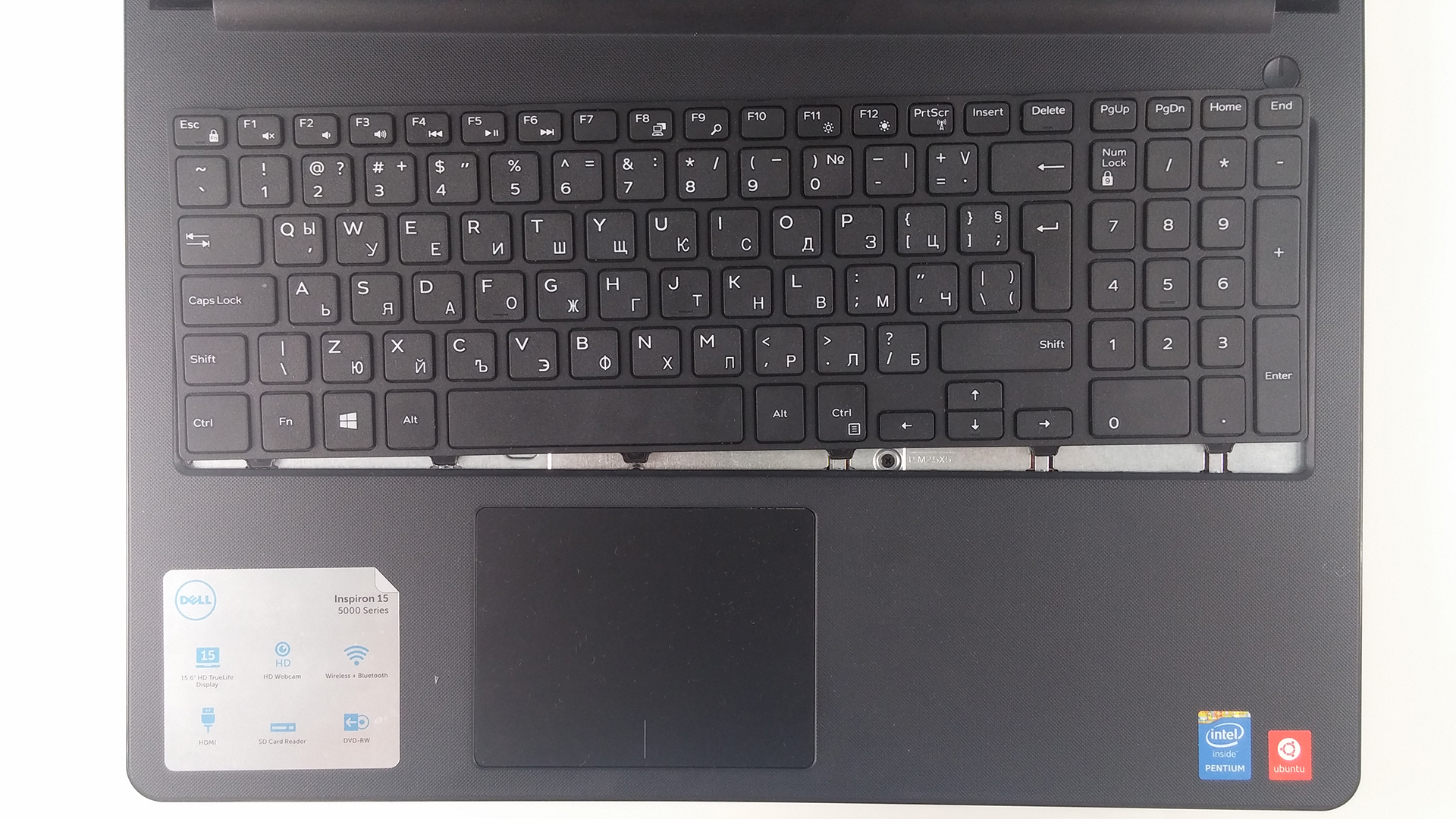
2. Removing the keyboard
For you to access all internals, you will need to pop out the keyboard first with the help of a thin plastic tool (or a credit card, for example). Look for the little holes on the upper edge of the keyboard. Beneath the keyboard itself there are several bolts that need to be unscrewed.
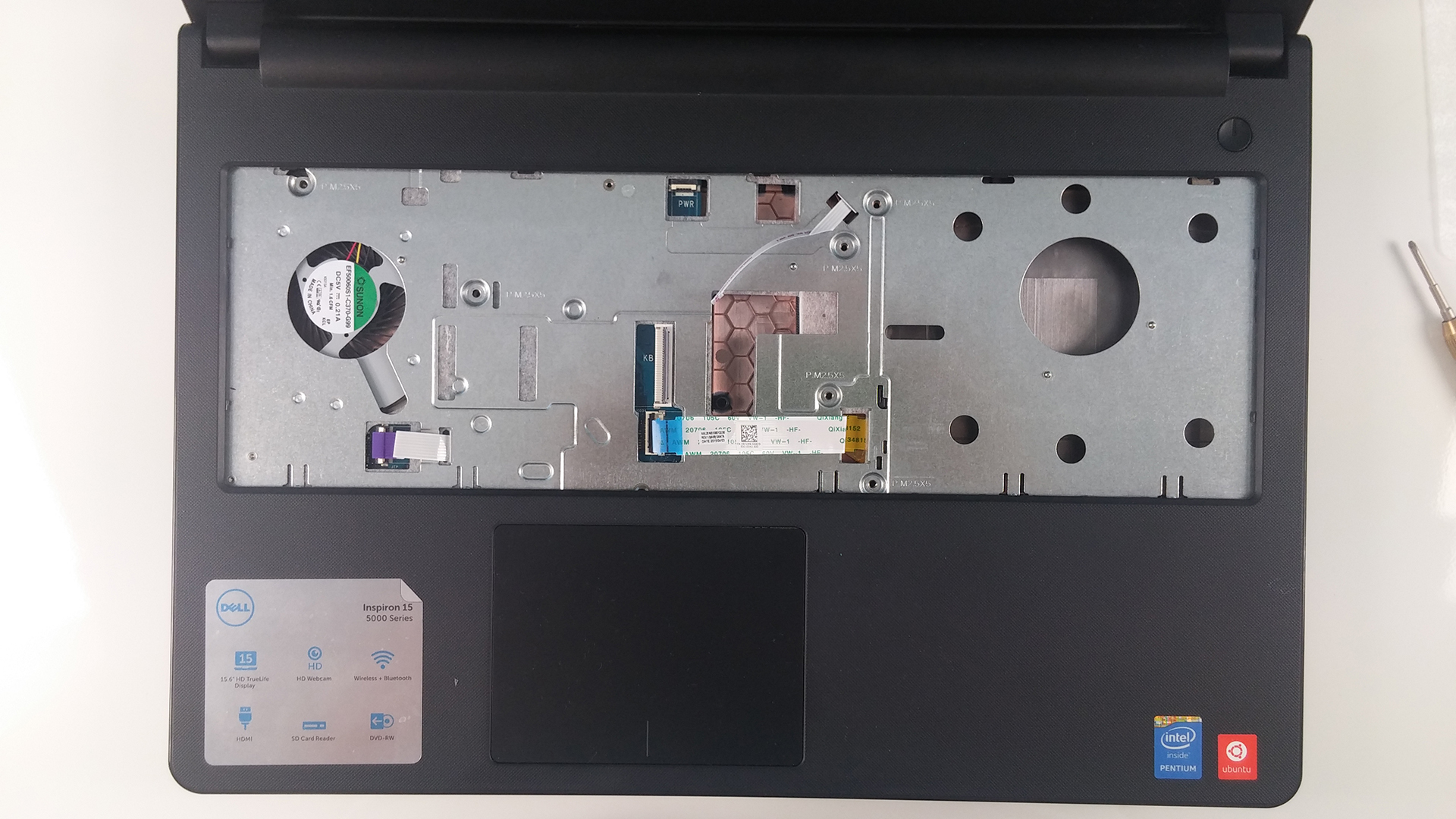
3. Removing the bottom part of the chassis
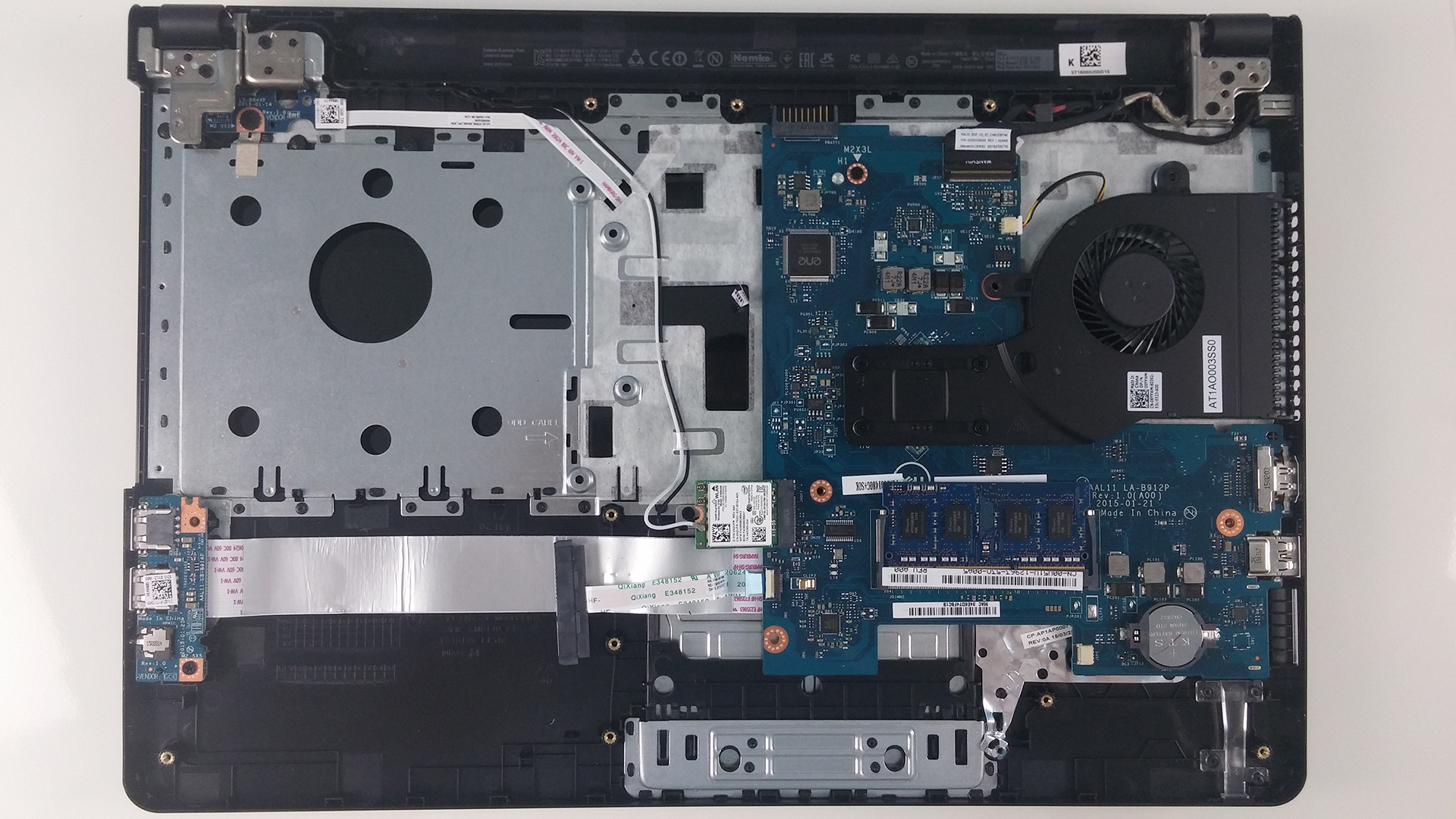
After the keyboard has been removed, continue with the back panel, but keep in mind that there are some cables that need to be detached and screws to be removed. Popping out the back panel is a hard task, so the plastic tool is a necessity here. Once removed, another upgrade option is available – you can swap your optical drive for another HDD or SSD.
 Author: Rossen Pandev

![[2026. június] Az Amazon Global legkelendőbb laptopmárkái – az Apple páratlan dominanciája az eladott darabszám és a bevétel tekintetében](https://laptopmedia.com/wp-content/uploads/2026/07/GLOBAL-Best-Brands-400x225.jpg)
![[2026. június] Amazon Global: A 10 legkelendőbb laptop – Az Apple új MacBook Neo-ja az első helyre tör, és megfizethető árával újjáformálja a piacot](https://laptopmedia.com/wp-content/uploads/2026/07/Best-Selling-Laptops-GLOBAL-Top-10-400x225.jpg)
![[2026. június] Amazon Global: A 10 legkelendőbb játékos laptop – az Acer Nitro V 16S AI vezeti az eladási listát, míg az ASUS az összbevétel tekintetében áll az élen](https://laptopmedia.com/wp-content/uploads/2026/07/Best-Selling-Gaming-Laptops-GLOBAL-Top-10-400x225.jpg)
![[2026. június] Az Amazonon legkelendőbb laptop-grafikus kártyák globális ranglistája – az NVIDIA RTX 5060 a legkelendőbb dedikált grafikus kártya](https://laptopmedia.com/wp-content/uploads/2026/07/Best-Selling-GPUs-GLOBAL-Top-10-400x225.jpg)
![[2026. június] Az Amazonon legkelendőbb laptop-processzorok globális rangsora – az Apple M5 vezet, az AMD Ryzen 7 260 pedig jelentős részesedést szerez a prémium szegmensben](https://laptopmedia.com/wp-content/uploads/2026/07/Best-Selling-CPUs-GLOBAL-Top-10-400x225.jpg)
