Inside Dell Latitude 15 7530 – disassembly and upgrade options
To be frank, we were not very impressed by what we saw on the inside of this laptop. Neither the cooling is great, nor do you get a ton of upgrade options.
Check out all Dell Latitude 15 7530 prices and configurations in our Specs System or read more in our In-Depth review.
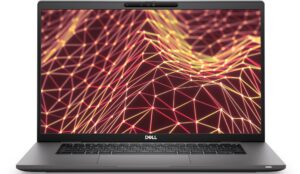
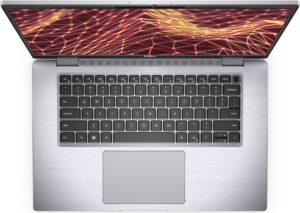
1. Remove the bottom plate
To access this notebook’s internals, you need to undo 8 captive Phillips-head screws. Then, pry the bottom panel with a plastic tool and lift it away from the chassis.

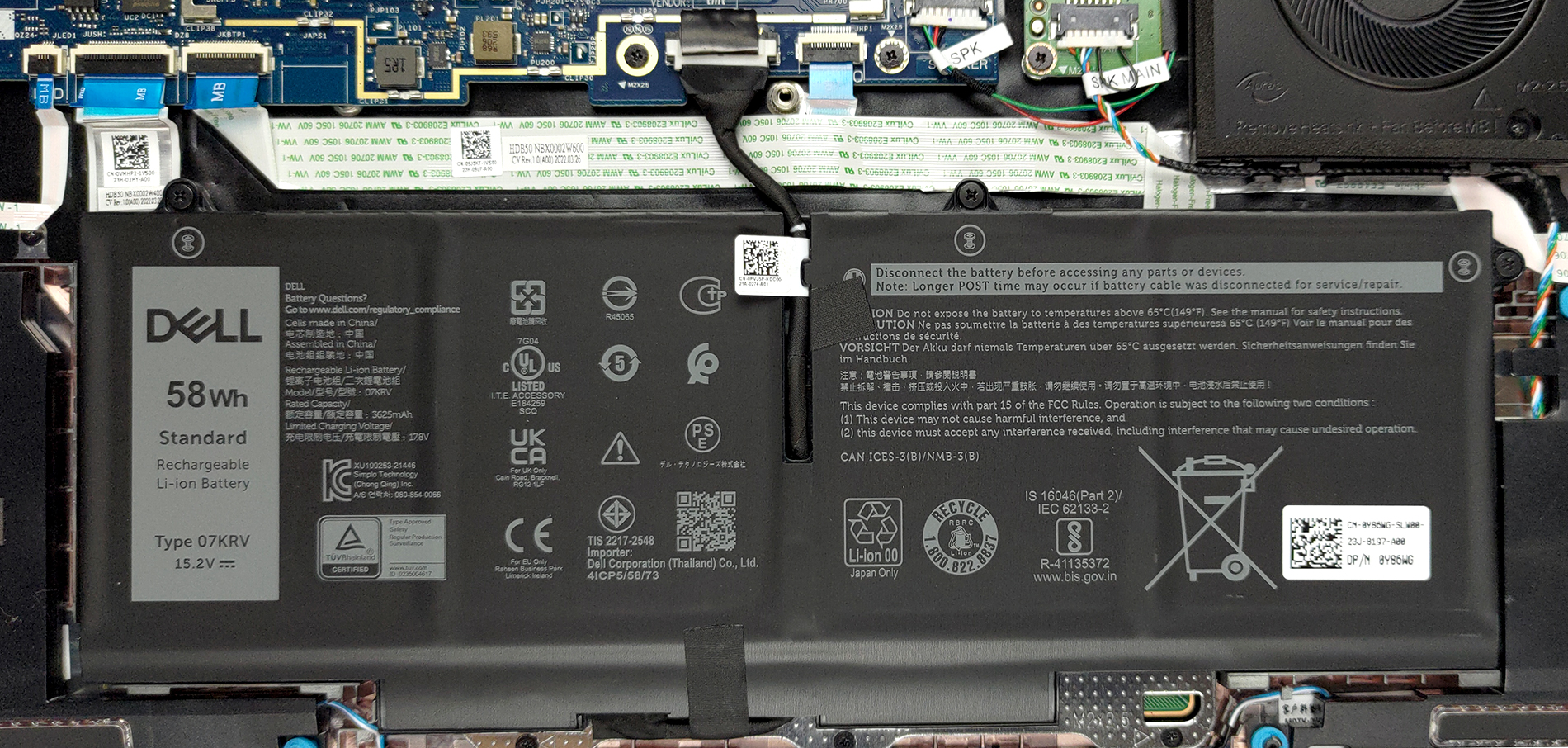
2. Battery
Battery-wise, there are two options. We got the bigger one, which has a capacity of 58Wh. It lasts for 10 hours and 30 minutes of Web browsing, or more than 7 hours of video playback. To take it out, just unplug the connector from the motherboard, and undo the three Phillips-head screws securing it in place.
3. Memory and storage
Interestingly, the U15 version of the laptop comes with DDR4 RAM, while the P28 model features LPDDR5 memory. Nevertheless, both options can be configured with a maximum of 32GB. Storage-wise, there is one M.2 PCIe x4 slot, which supports Gen 4 drives.
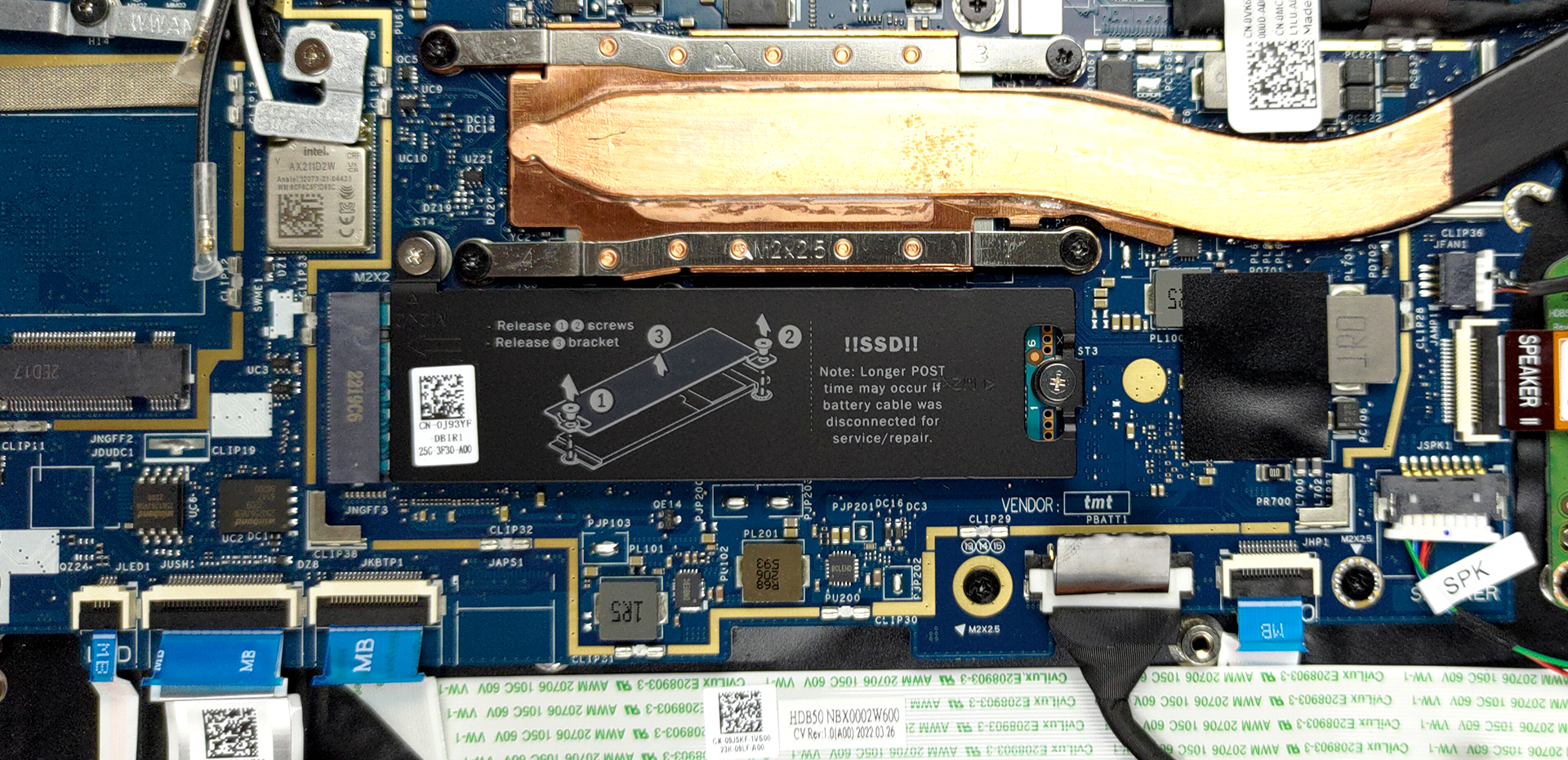
4. Cooling system
The cooling here features a single heat pipe, which has an incredibly slim profile. It connects to a side-mounted heat sink, where the fan blows the heat away from the device.
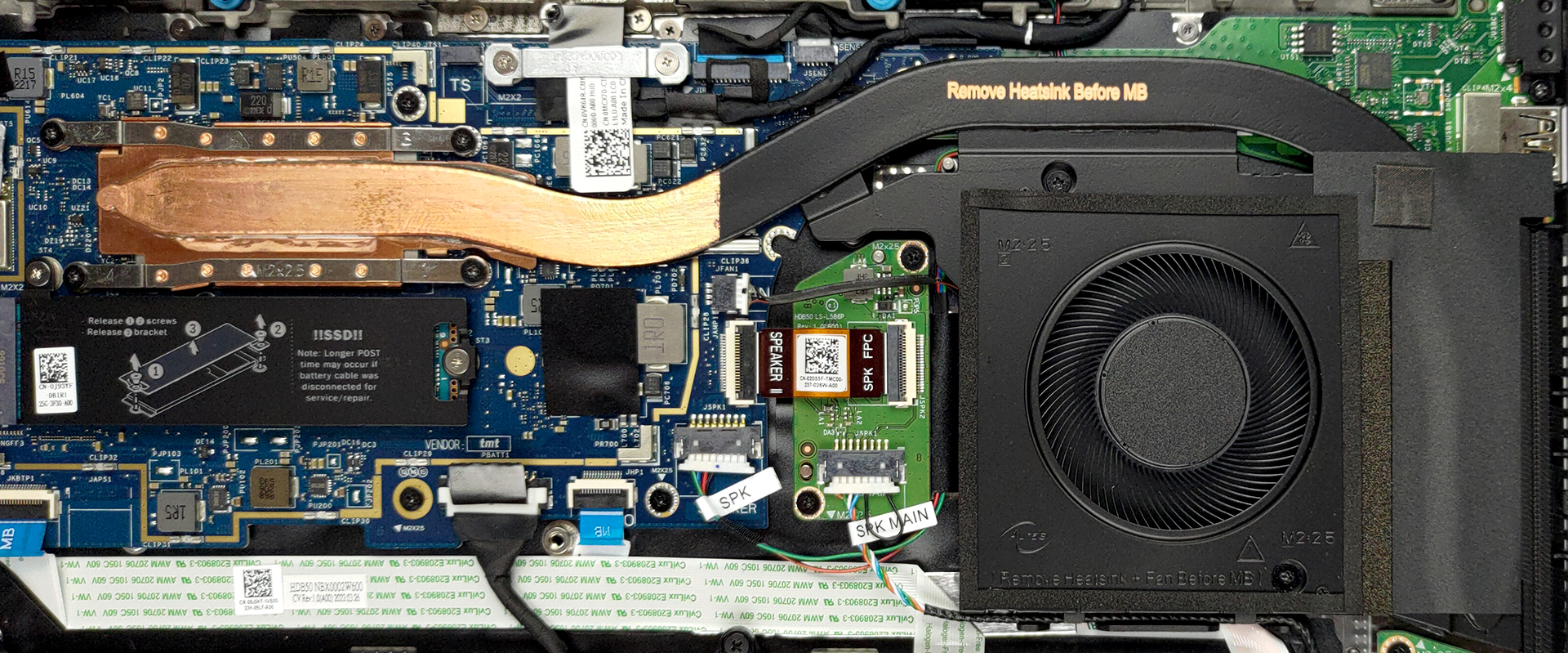
Check out all Dell Latitude 15 7530 prices and configurations in our Specs System or read more in our In-Depth review.
Dell Latitude 15 7530 (U15) részletes értékelés
Dell makes so many laptops that it's sometimes hard to keep track of them. Well, the Latitude 15 7000 lineup is a rare exclusion from the rulebook. It offers you a surprisingly big customization choice, while still remaining largely dull in terms of other features (more on that later).So what can you choose from? Well, you can pick between the 15W and 28W processors from Intel's almighty Alder Lake architecture. What is more interesting is that Dell actually offers different series for either option. Even the measurements of the laptops are different.Good news! There is no TN option o[...]
Előnyök
- Thin and light design
- A bunch of privacy and security features
- Dual Thunderbolt 4 support
- Optional LTE card
- No PWM (AUO MCX7D-B156HAN (AUO4599))
- Choice between aluminum and carbon for the body
- Abundance of ports
Hátrányok
- Quite expensive
- Soldered memory
- 54% of sRGB coverage (AUO MCX7D-B156HAN (AUO4599))
- Gets pretty warm during extreme workload
 Author: Alex Iliev

![[2026. június] Az Amazon Global legkelendőbb laptopmárkái – az Apple páratlan dominanciája az eladott darabszám és a bevétel tekintetében](https://laptopmedia.com/wp-content/uploads/2026/07/GLOBAL-Best-Brands-400x225.jpg)
![[2026. június] Amazon Global: A 10 legkelendőbb laptop – Az Apple új MacBook Neo-ja az első helyre tör, és megfizethető árával újjáformálja a piacot](https://laptopmedia.com/wp-content/uploads/2026/07/Best-Selling-Laptops-GLOBAL-Top-10-400x225.jpg)
![[2026. június] Amazon Global: A 10 legkelendőbb játékos laptop – az Acer Nitro V 16S AI vezeti az eladási listát, míg az ASUS az összbevétel tekintetében áll az élen](https://laptopmedia.com/wp-content/uploads/2026/07/Best-Selling-Gaming-Laptops-GLOBAL-Top-10-400x225.jpg)
![[2026. június] Az Amazonon legkelendőbb laptop-grafikus kártyák globális ranglistája – az NVIDIA RTX 5060 a legkelendőbb dedikált grafikus kártya](https://laptopmedia.com/wp-content/uploads/2026/07/Best-Selling-GPUs-GLOBAL-Top-10-400x225.jpg)
![[2026. június] Az Amazonon legkelendőbb laptop-processzorok globális rangsora – az Apple M5 vezet, az AMD Ryzen 7 260 pedig jelentős részesedést szerez a prémium szegmensben](https://laptopmedia.com/wp-content/uploads/2026/07/Best-Selling-CPUs-GLOBAL-Top-10-400x225.jpg)
