Inside HP Pavilion 14 (14-dv0000) – disassembly and upgrade options
The good thing about most budget-centric 14-inch notebooks is that they provide you with decent options for future expansions. In this case, Pavilion 14 (14-dv0000) is not an exception.
Check out all HP Pavilion 14 (14-dv0000) prices and configurations in our Specs System or read more in our In-Depth review.
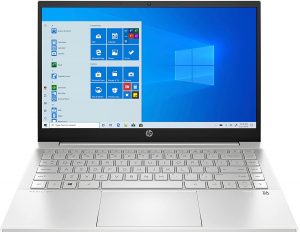


1. Remove the bottom plate
To access this notebook’s internals, you first have to remove the two rubber feet. Then, undo the six Phillips-head screws you see. After that, pry the bottom panel with a plastic tool, starting from the back.
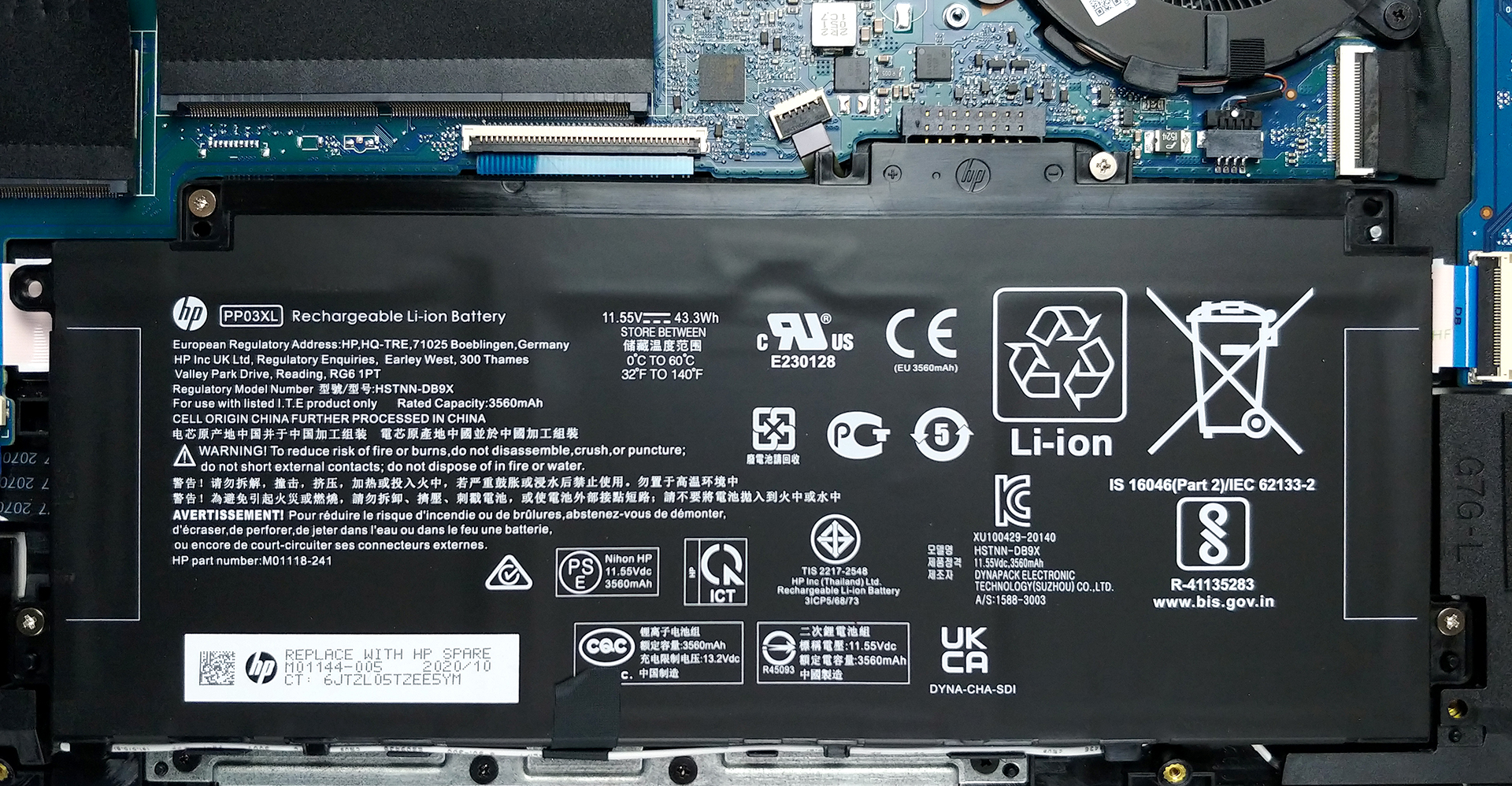
2. Battery
Before you move on, unplug the 43.3Wh battery pack.
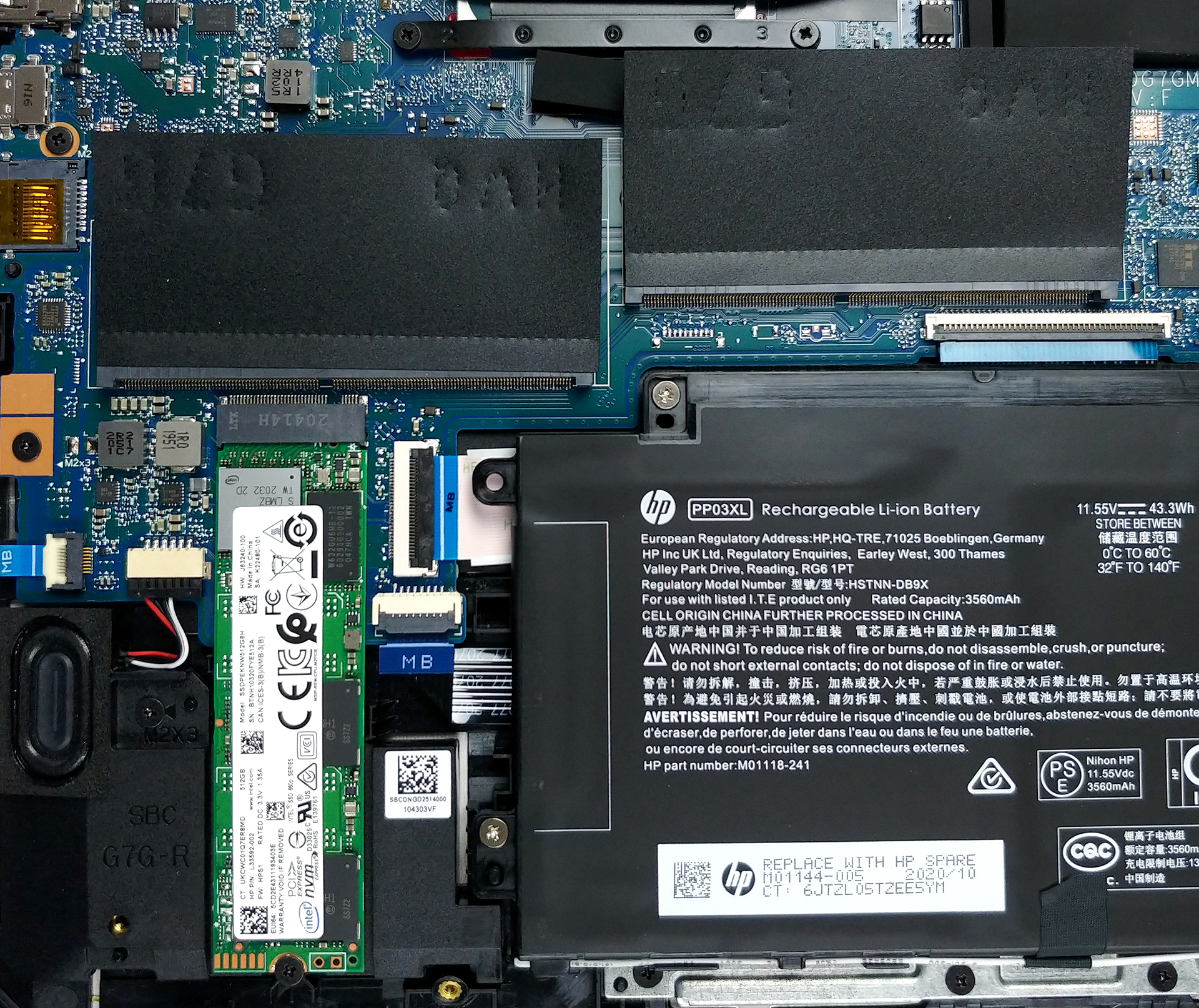
3. Мemory and storage
Thankfully, there are two RAM SODIMM slots, which work in dual-channel mode. Although HP states that the maximum capacity this laptop supports is 16GB, we are pretty confident, it will also run 32GB. As for the storage, there is one M.2 NVMe slot.
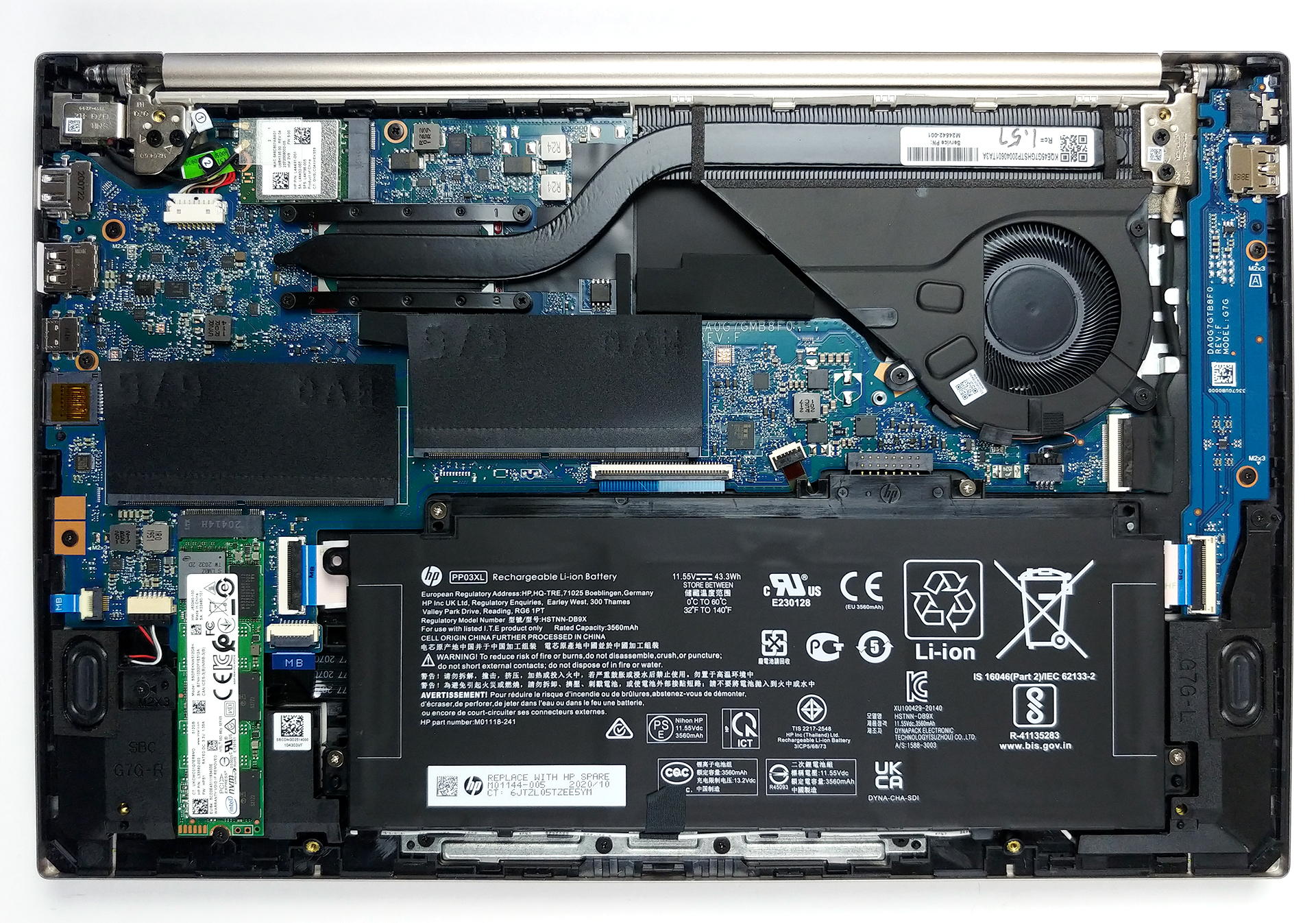
4. Cooling system
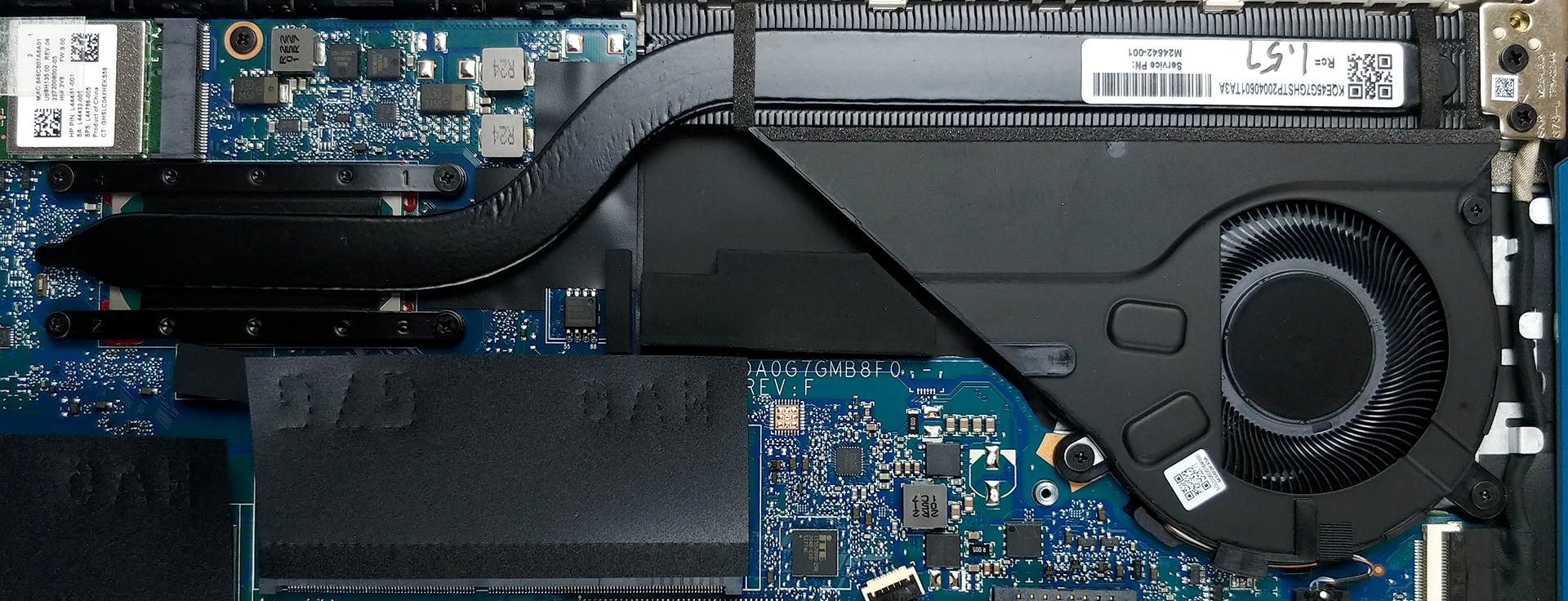
Last, but not least, the cooling solution comprises a single heat pipe, and a very long heat spreader, which will hopefully provide a big enough cooling capacity.
Check out all HP Pavilion 14 (14-dv0000) prices and configurations in our Specs System or read more in our In-Depth review.
HP Pavilion 14 (14-dv0000, dv1000) részletes értékelés
Unsurprisingly, we found the Pavilion 14 (14-dv0000) in the "laptops for school" section on HP's Web page. However, this notebook can be used in a wide variety of scenarios with the most popular one being as an everyday device. It packs the punch thanks to the Tiger Lake processors of Intel, which may actually mean that you can not only use it for work and projects, but also for entertainment, including some mild gaming.Yes, the integrated graphics in the high-end CPUs are good enough on paper, but you can also configure it with up to the GeForce MX450 - NVIDIA's current top-tier energy-e[...]
Előnyök
- Doesn't use PWM for brightness adjustment (AUO JM7T2-B133HAN)
- Wi-Fi 6 support, fingerprint reader, and MicroSD card slot
- Comfortable keyboard
- Decent hardware options
- 2x RAM SODIMM slots, 1x M.2 NVMe slot
Hátrányok
- Covers only 54% of sRGB colors (AUO JM7T2-B133HAN)
- Lacks Thunderbolt connectivity
- Not the best battery life in the class
 Author: Alex Iliev

![[2026. június] Az Amazon Global legkelendőbb laptopmárkái – az Apple páratlan dominanciája az eladott darabszám és a bevétel tekintetében](https://laptopmedia.com/wp-content/uploads/2026/07/GLOBAL-Best-Brands-400x225.jpg)
![[2026. június] Amazon Global: A 10 legkelendőbb laptop – Az Apple új MacBook Neo-ja az első helyre tör, és megfizethető árával újjáformálja a piacot](https://laptopmedia.com/wp-content/uploads/2026/07/Best-Selling-Laptops-GLOBAL-Top-10-400x225.jpg)
![[2026. június] Amazon Global: A 10 legkelendőbb játékos laptop – az Acer Nitro V 16S AI vezeti az eladási listát, míg az ASUS az összbevétel tekintetében áll az élen](https://laptopmedia.com/wp-content/uploads/2026/07/Best-Selling-Gaming-Laptops-GLOBAL-Top-10-400x225.jpg)
![[2026. június] Az Amazonon legkelendőbb laptop-grafikus kártyák globális ranglistája – az NVIDIA RTX 5060 a legkelendőbb dedikált grafikus kártya](https://laptopmedia.com/wp-content/uploads/2026/07/Best-Selling-GPUs-GLOBAL-Top-10-400x225.jpg)
![[2026. június] Az Amazonon legkelendőbb laptop-processzorok globális rangsora – az Apple M5 vezet, az AMD Ryzen 7 260 pedig jelentős részesedést szerez a prémium szegmensben](https://laptopmedia.com/wp-content/uploads/2026/07/Best-Selling-CPUs-GLOBAL-Top-10-400x225.jpg)
