Lenovo Yoga Slim 7i Pro X (14″) – Top 5 Pros and Cons
 Recent smaller laptops have been getting quite powerful, as even the 14-inch devices can pride themselves on discrete graphics, thanks to NVIDIA offering lower TGP versions of their most popular RTX 30-series lineup. This is how we end up with the thin & light Lenovo Yoga Slim 7i Pro X (14″), which packs a 55W RTX 3050.
However, the CPU selection is a bit weird, as Intel has a fantastic family of 28W processors which have shown to be able to perform extremely well even in smaller devices. Instead, Lenovo went to the big leagues and picked up the Core i5-12500H and the Core i7-12700H.
Today we present you with LaptopMedia’s top 5 picks about the Lenovo Yoga Slim 7i Pro X (14″).
Lenovo Yoga Slim 7i Pro X (14″): Full Specs / In-depth Review
4 reasons to BUY the Lenovo Yoga Slim 7i Pro X (14″)
1. Design and build quality
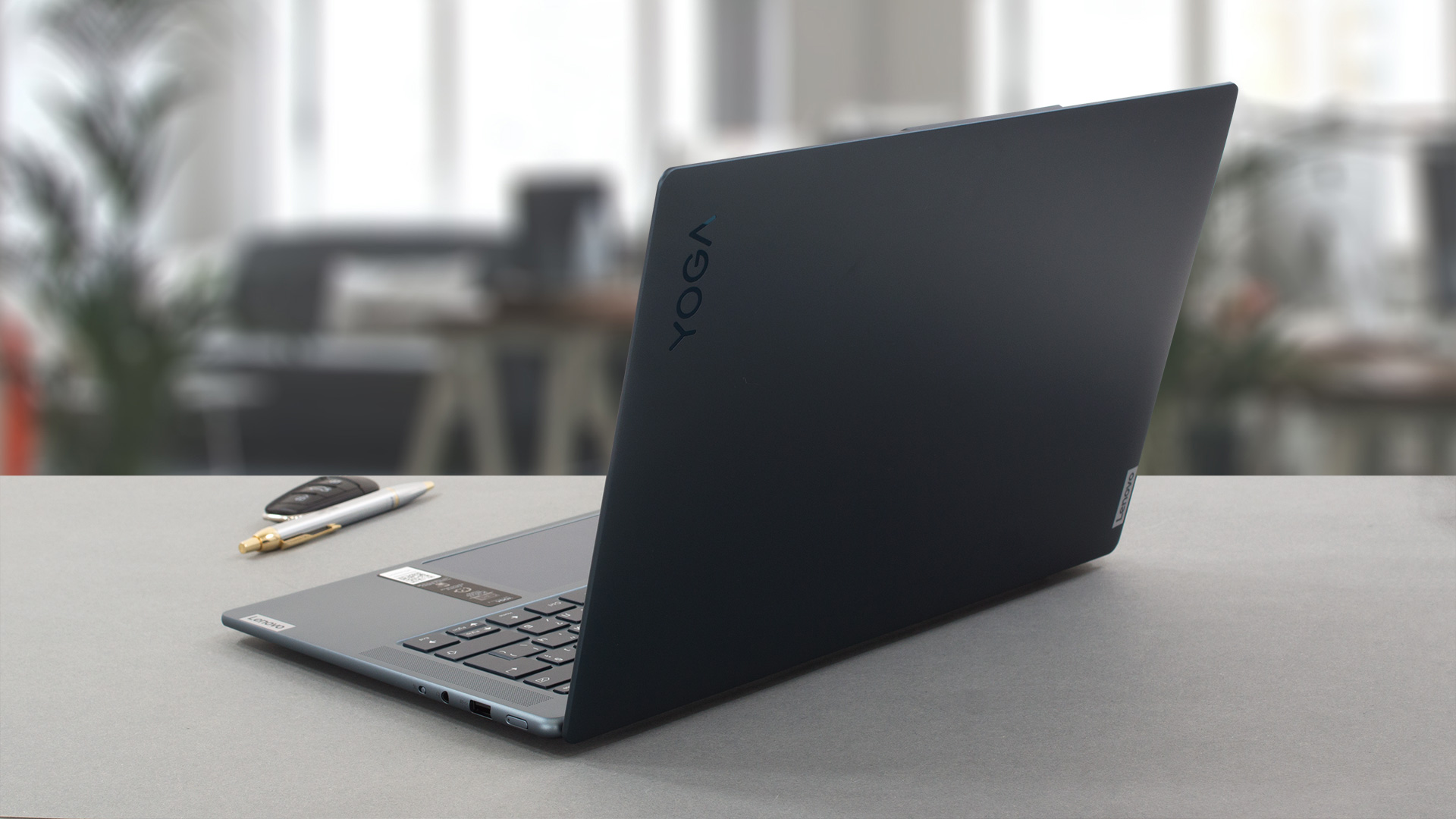
The Yoga Slim 7i Pro X comes with a fully aluminum chassis. It comes in as a pretty strong challenger to any MacBook that Apple can offer, as the laptop brings amazing durability. Both the lid and the base are flex-free, while the laptop as a whole weighs only 1.45 kg and has a profile of 15.9 mm. In terms of the design, we see rounded edges and corners, which is definitely an interesting option.
2. Display quality
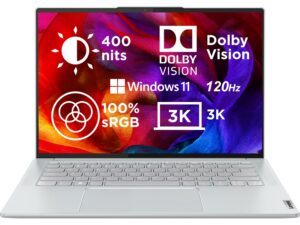
The display on the front is crazy good, sporting a 16:10 aspect ratio, a 3K resolution, and a 120Hz refresh rate. It gets quite bright, reaching 415 nits, while the contrast ratio is high as well, at 1720:1. You will be able to do a lot of color work on it, including video editing, image editing, and graphic design, thanks to the 94% sRGB coverage and excellent color accuracy with our Design and Gaming profile.
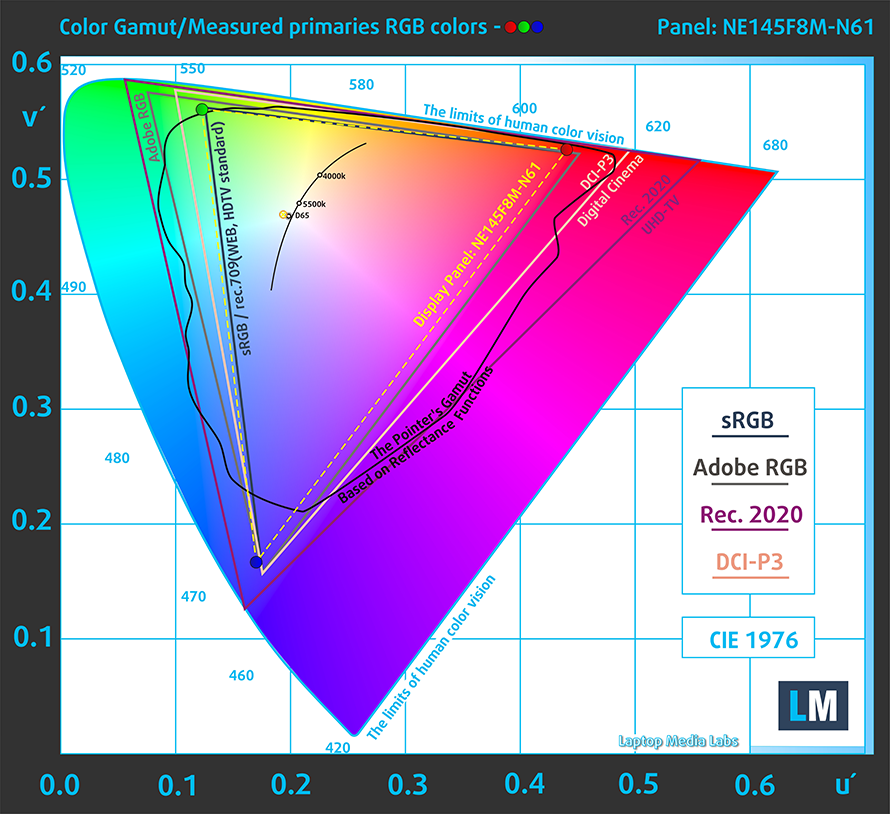
Here are the test results with the stock settings (left) and with our profile applied (right). As you can see, our profile lowers the dE value down to 0.8 which is more than acceptable for any type of professional work.


Buy our profiles
Since our profiles are tailored for each individual display model, this article and its respective profile package are meant for Lenovo Yoga Slim 7i Pro X (14″) configurations with 14.5″ BOE NE145F8M-N61 (BOEAA8) (3072 x 1920) IPS.
*Should you have problems with downloading the purchased file, try using a different browser to open the link you’ll receive via e-mail. If the download target is a .php file instead of an archive, change the file extension to .zip or contact us at [email protected].
Read more about the profiles HERE.
A hatékony és egészségbarát profilok mellett a LaptopMedia termékeinek megvásárlásával laboratóriumaink fejlesztését is támogatja, ahol eszközöket tesztelünk a lehető legobjektívebb értékelések elkészítése érdekében.

Irodai Munka
Az Irodai Munka profilt elsősorban azoknak a felhasználóknak ajánljuk, akik idejük nagy részét szövegek, táblázatok nézegetésével vagy böngészéssel töltik. Ez a profil jobb megkülönböztethetőséget és tisztaságot biztosít egyenletes gamma-görbe (2.20), natív színhőmérséklet és érzékelhetően pontos színek mellett.

Dizájn és Játék
Ez a profil a színekkel hivatásszerűen dolgozó tervezőknek, valamint játékokhoz és filmekhez készült. A Dizájn és Játék a kijelzőpaneleket a határaikra juttatja, a lehető legpontosabbá téve őket az sRGB IEC61966-2-1 szabvány szerint a webre és a HDTV-re, D65 fehérpont mellett.

Health-Guard
A Health-Guard kiküszöböli a káros impulzusszélesség-modulációt (PWM) és csökkenti a negatív kék fényt, amely hatással van a szemünkre és a testünkre. Mivel minden panelhez egyedileg van szabva, a színeket érzékelhetően pontosan tartja. A Health-Guard a papírt szimulálja, így a szemre nehezedő nyomás jelentősen csökken.
Szerezze meg mind a 3 profilt 33% kedvezménnyel

3. Battery life
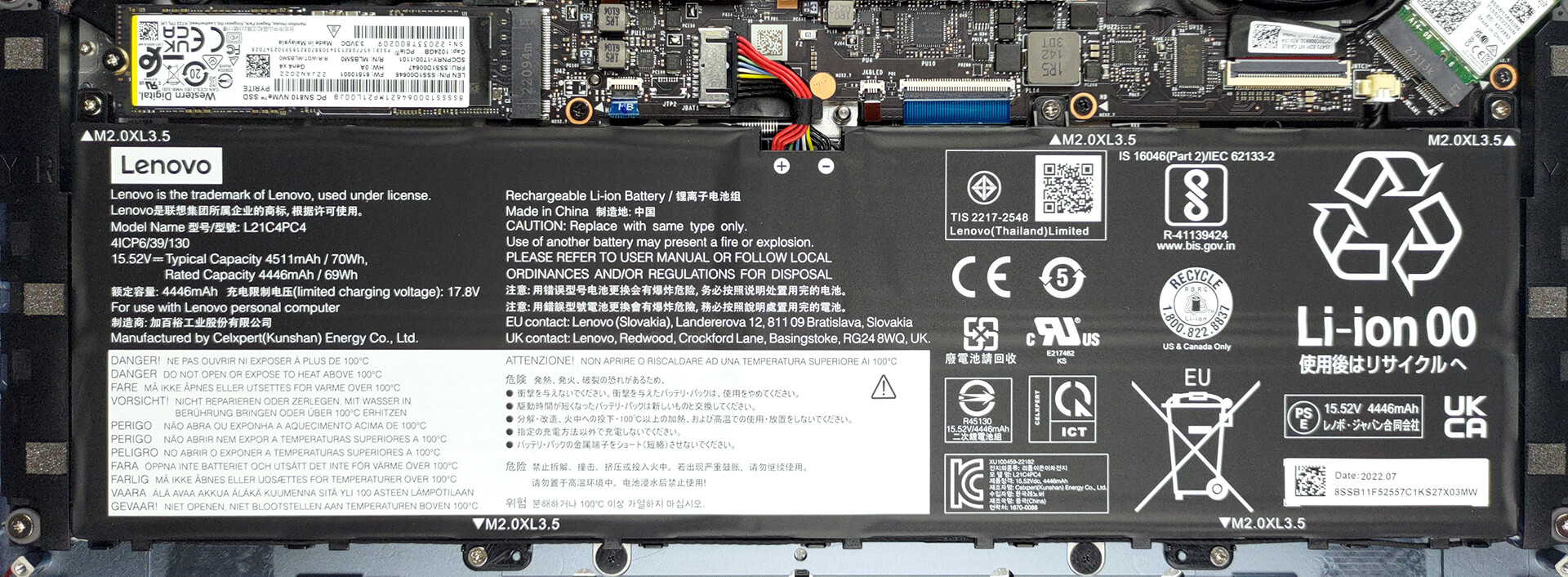
The Yoga Slim 7i Pro X comes with a 70Wh battery pack, which lasts for 8 hours and 53 minutes of Web browsing, or 6 hours and 58 minutes of video playback. This is with the Windows Better performance setting turned on, screen brightness adjusted to 120 nits, and all other programs turned off except for the one we are testing the notebook with.
4. I/O
The laptop presents a quality port selection, with an HDMI 2.1 port and two Thunderbolt 4 ports on the left, and a Type-A 3.2 (Gen. 1) port, an audio jack, and an E-shutter button on the right.


1 reason NOT to buy the Lenovo Yoga Slim 7i Pro X (14″)
1. Upgradeability
Nowadays, smaller laptops quickly opt into using soldered RAM, and this one is the same. You get up to 32GB of LPDDR5 memory that runs at 6000MHz. In terms of storage, we find a single M.2 slot for Gen 4 SSDs.

Here is our detailed teardown video, which shows exactly how to get access inside the Yoga Slim 7i Pro X.
All Lenovo Yoga Slim 7i Pro X (14″) configurations:
 Author: Severin Kolakov

![[2026. június] Az Amazon Global legkelendőbb laptopmárkái – az Apple páratlan dominanciája az eladott darabszám és a bevétel tekintetében](https://laptopmedia.com/wp-content/uploads/2026/07/GLOBAL-Best-Brands-400x225.jpg)
![[2026. június] Amazon Global: A 10 legkelendőbb laptop – Az Apple új MacBook Neo-ja az első helyre tör, és megfizethető árával újjáformálja a piacot](https://laptopmedia.com/wp-content/uploads/2026/07/Best-Selling-Laptops-GLOBAL-Top-10-400x225.jpg)
![[2026. június] Amazon Global: A 10 legkelendőbb játékos laptop – az Acer Nitro V 16S AI vezeti az eladási listát, míg az ASUS az összbevétel tekintetében áll az élen](https://laptopmedia.com/wp-content/uploads/2026/07/Best-Selling-Gaming-Laptops-GLOBAL-Top-10-400x225.jpg)
![[2026. június] Az Amazonon legkelendőbb laptop-grafikus kártyák globális ranglistája – az NVIDIA RTX 5060 a legkelendőbb dedikált grafikus kártya](https://laptopmedia.com/wp-content/uploads/2026/07/Best-Selling-GPUs-GLOBAL-Top-10-400x225.jpg)
![[2026. június] Az Amazonon legkelendőbb laptop-processzorok globális rangsora – az Apple M5 vezet, az AMD Ryzen 7 260 pedig jelentős részesedést szerez a prémium szegmensben](https://laptopmedia.com/wp-content/uploads/2026/07/Best-Selling-CPUs-GLOBAL-Top-10-400x225.jpg)
