Top 5 reasons so BUY or NOT to buy the HP Spectre x360 13 (13-aw2000)
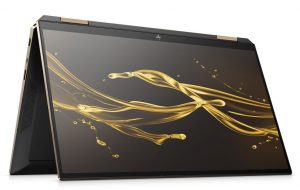
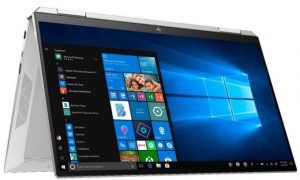
 The Spectre x360 is an interesting convertible, which brings some upgrades in the hardware front while coming with a jaw-dropping design that even HP haters would appreciate. The previous device was probably the best convertible that your money can buy, so let’s see if they can repeat the same success in 2021.
The new 13-aw2000 is packing the goodies that Intel brings with its new Tiger Lake architecture, as well as its SureView technology, which is just ingenious and has probably stopped a lot of corporate secrets from being seen by people that shouldn’t.
Today, we present you with LaptopMedia’s top 5 picks about the HP Spectre x360 13 (13-aw2000).
HP Spectre x360 13 (13-aw2000): Full Specs / In-depth Review


4 reasons to BUY the HP Spectre x360 13 (13-aw2000)
1. Design and build quality
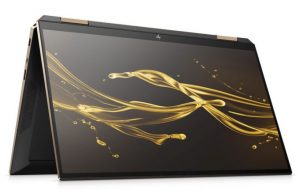
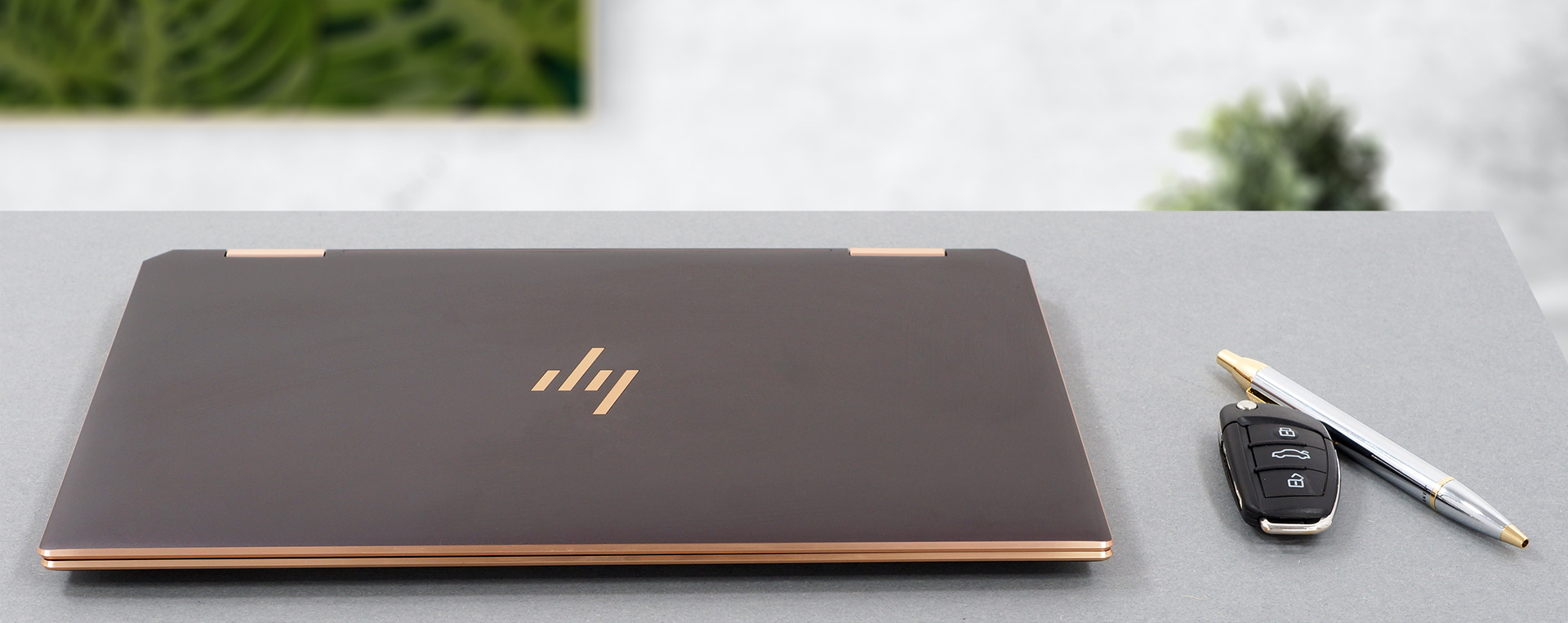
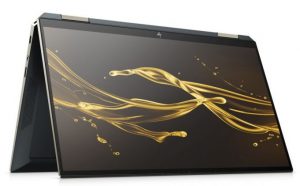
The laptop is entirely made out of aluminum, giving it the necessary sturdiness and rigidity. However, the base is prone to some twisting. The display has a glass cover, which gives the lid even more support. The aluminum body gives the laptop a cool-to-the-touch feeling and an anodized finish. The body also has chamfered edges and what looks like a copper finish, giving it an even more stylish look. The HP logo is greatly placed on the lid and has the same copper finish. Other than that, you get an HP logo on the bottom bezel and a Spectre wordmark on the 360-degree hinges, which on this device are quite stiff and don’t allow the lid to be opened with a single hand.
2. Input devices
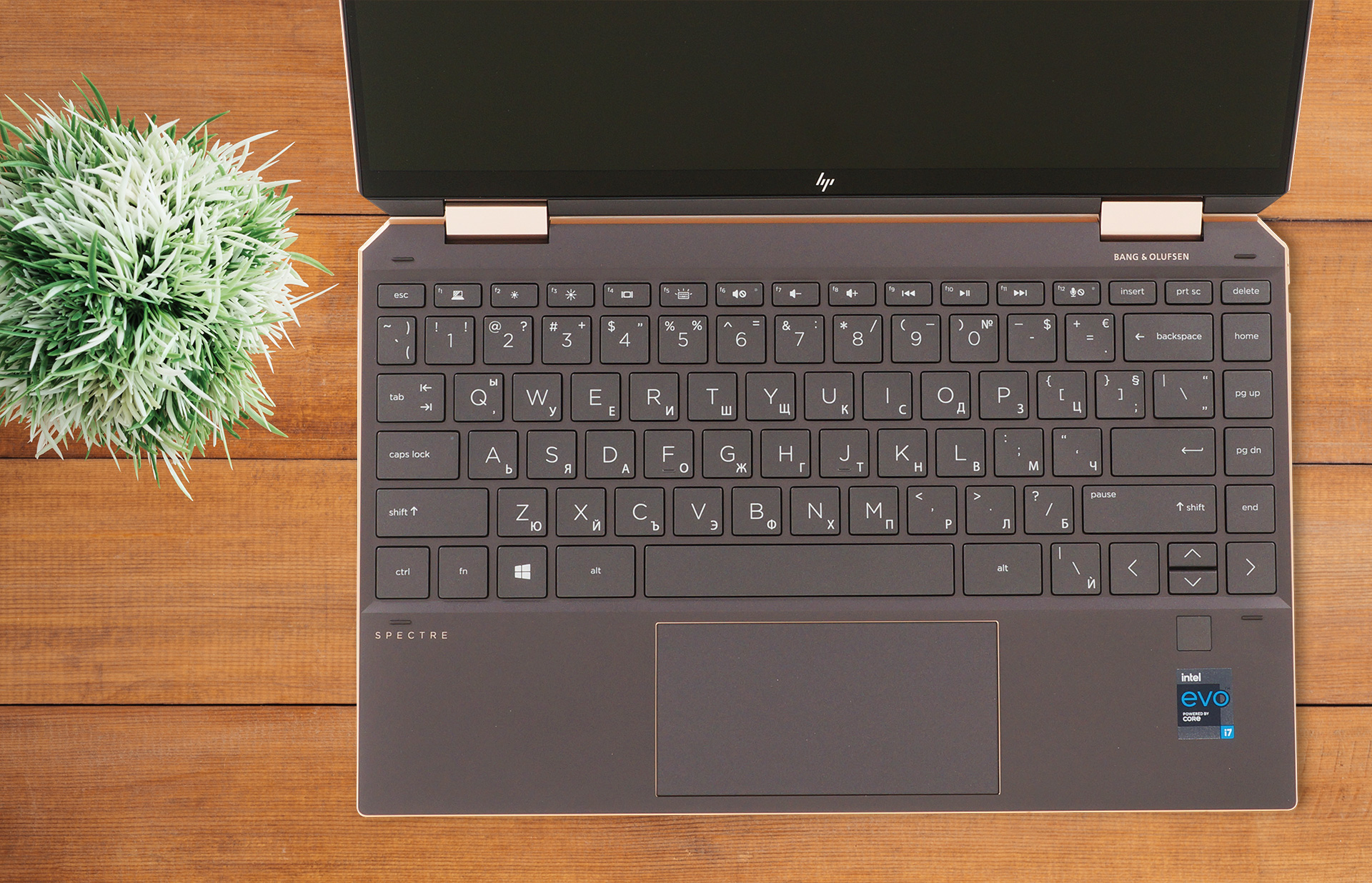
The keyboard and touchpad combo is on a great level here. The keyboard has big keys, which are easily pressed. The key travel is long enough, considering the 13-inch form factor, and the feedback is clicky and quiet at the same time, so you get the best of both worlds. Below the keyboard, you can see a huge touchpad with a glass surface, which allows for very smooth gliding and accurate tracking. Near the keyboard, there is also a fingerprint reader.
3. Battery life
The laptop has the same sized battery as the previous Spectre x360 13 of 60 Wh. In our battery tests, it lasts for 19 hours and 5 minutes of Web browsing, and 12 hours and 2 minutes of video playback, which is considerably more than what last year’s device put out. You can compare the results of the two laptops here.
In case you don’t know, we perform all of our tests with the Windows Better performance setting turned on, screen brightness adjusted to 120 nits, and all other programs turned off except for the one we are testing the notebook with.
Fényerő: 180 nit; Megjelenítési mód: SDR
Teljes lemerülési idő: A magasabb érték a jobb
A valós körülmények szimulálása érdekében saját szkriptünket használtuk több mint 70 webhely automatikus böngészéséhez.
4. Display
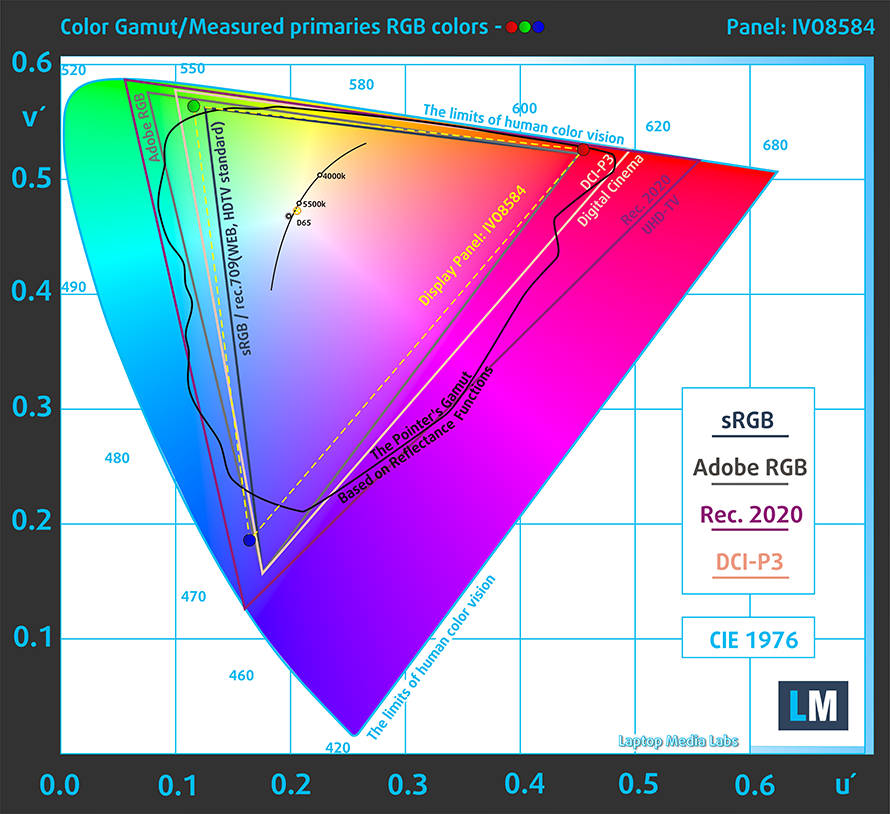
Our laptop had a 13.3-inch Full HD IPS panel. There are two other screens of the same size, one of which also has a Full HD resolution, while using an OLED panel. However, the best display that you can get is the one with a 4K resolution and an OLED panel. Now, to go back to the display that we tested, it had comfortable viewing angles, a maximum brightness of 857 nits, which is one of the highest that we have seen, a contrast ratio of 2100:1, and a 92% sRGB coverage. However, the panel uses aggressive PWM at all brightness levels, so prolonged exposure isn’t ideal for your eyes. Thankfully, our Health-Guard profile eliminates this issue.
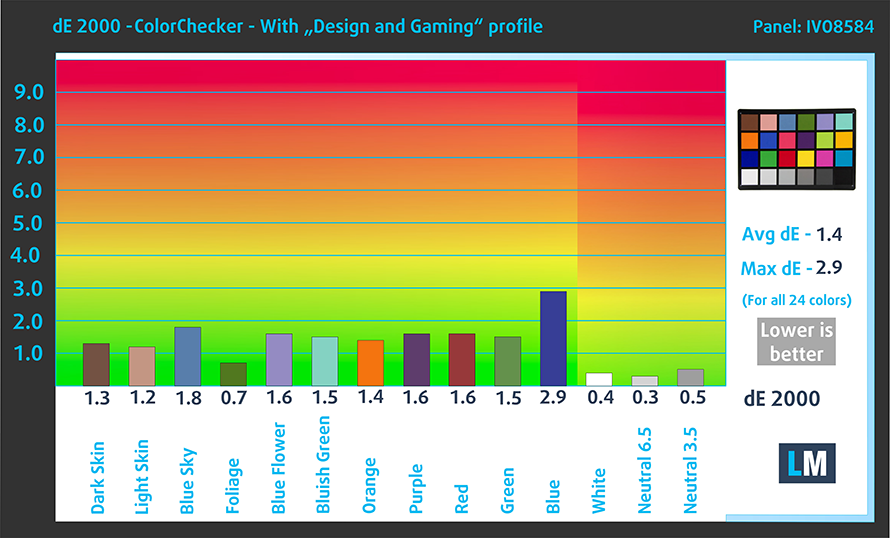
As for the color accuracy, we tested it both with the factory settings (left) and with our Design and Gaming profile (right). Our profile brought the dE value down to 1.4, which is close to the standard, meaning that you can use it for professional color-sensitive work.

Buy our profiles
Since our profiles are tailored for each display model, this article and its respective profile package are meant for HP Spectre x360 13 (13-aw2000) configurations with 13.3″ IVO M133NVFD R2 (IVO8584) (FHD, 1920 × 1080) IPS panel.
*Should you have problems with downloading the purchased file, try using a different browser to open the link you’ll receive via e-mail. If the download target is a .php file instead of an archive, change the file extension to .zip or contact us at [email protected].
Read more about the profiles HERE.
A hatékony és egészségbarát profilok mellett a LaptopMedia termékeinek megvásárlásával laboratóriumaink fejlesztését is támogatja, ahol eszközöket tesztelünk a lehető legobjektívebb értékelések elkészítése érdekében.

Irodai Munka
Az Irodai Munka profilt elsősorban azoknak a felhasználóknak ajánljuk, akik idejük nagy részét szövegek, táblázatok nézegetésével vagy böngészéssel töltik. Ez a profil jobb megkülönböztethetőséget és tisztaságot biztosít egyenletes gamma-görbe (2.20), natív színhőmérséklet és érzékelhetően pontos színek mellett.

Dizájn és Játék
Ez a profil a színekkel hivatásszerűen dolgozó tervezőknek, valamint játékokhoz és filmekhez készült. A Dizájn és Játék a kijelzőpaneleket a határaikra juttatja, a lehető legpontosabbá téve őket az sRGB IEC61966-2-1 szabvány szerint a webre és a HDTV-re, D65 fehérpont mellett.

Health-Guard
A Health-Guard kiküszöböli a káros impulzusszélesség-modulációt (PWM) és csökkenti a negatív kék fényt, amely hatással van a szemünkre és a testünkre. Mivel minden panelhez egyedileg van szabva, a színeket érzékelhetően pontosan tartja. A Health-Guard a papírt szimulálja, így a szemre nehezedő nyomás jelentősen csökken.
Szerezze meg mind a 3 profilt 33% kedvezménnyel

1 reason NOT to buy the HP Spectre X360 13 (13-aw2000)
1. Upgradeability
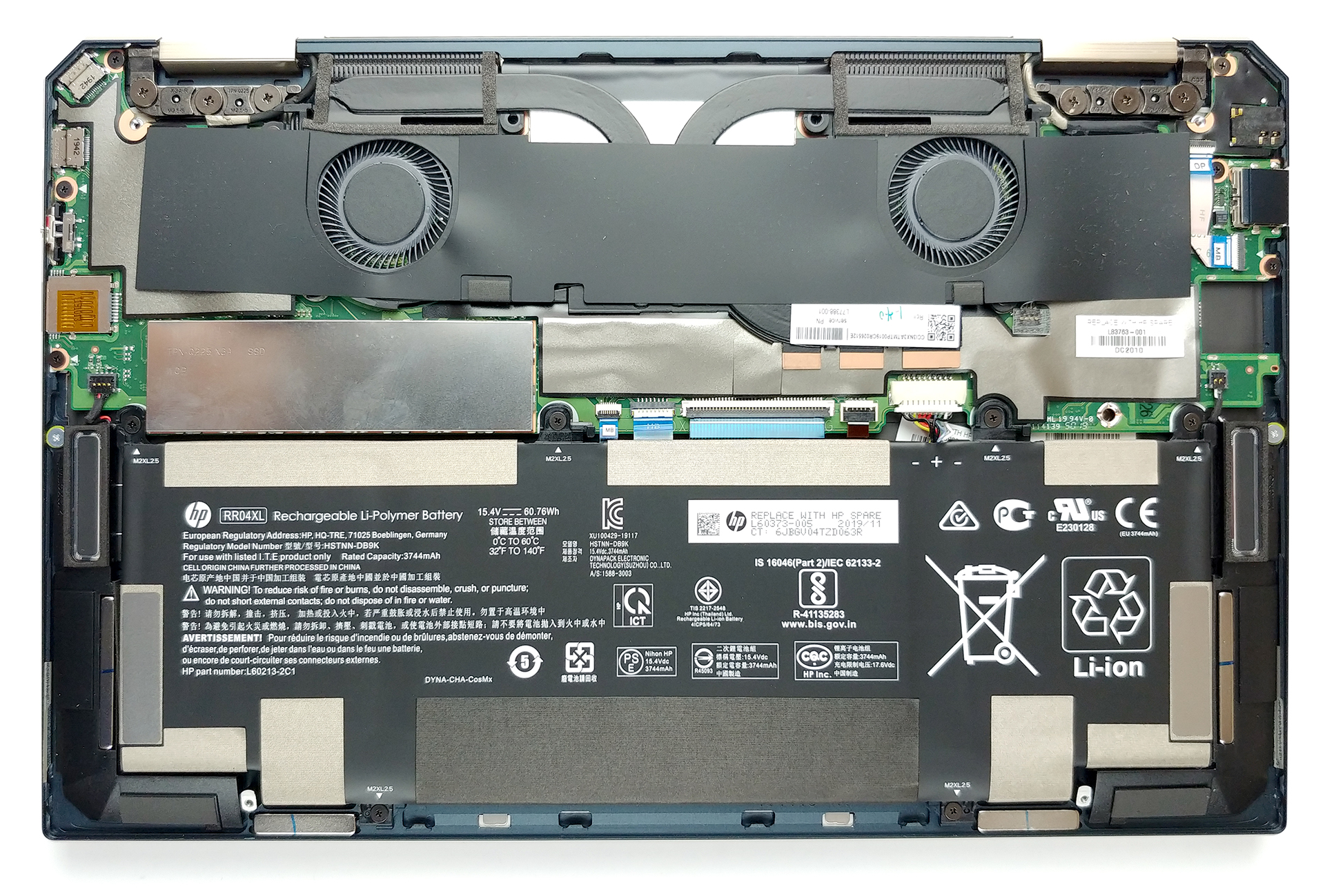
The laptop lacks any RAM slots, so you’re stuck with whatever configuration you purchase it in the first place. There is one PCIe x4 drive slot, so at least the storage is upgradeable.
All HP Spectre X360 13 (13-aw2000) configurations:
 Author: Severin Kolakov

![[2026. június] Az Amazon Global legkelendőbb laptopmárkái – az Apple páratlan dominanciája az eladott darabszám és a bevétel tekintetében](https://laptopmedia.com/wp-content/uploads/2026/07/GLOBAL-Best-Brands-400x225.jpg)
![[2026. június] Amazon Global: A 10 legkelendőbb laptop – Az Apple új MacBook Neo-ja az első helyre tör, és megfizethető árával újjáformálja a piacot](https://laptopmedia.com/wp-content/uploads/2026/07/Best-Selling-Laptops-GLOBAL-Top-10-400x225.jpg)
![[2026. június] Amazon Global: A 10 legkelendőbb játékos laptop – az Acer Nitro V 16S AI vezeti az eladási listát, míg az ASUS az összbevétel tekintetében áll az élen](https://laptopmedia.com/wp-content/uploads/2026/07/Best-Selling-Gaming-Laptops-GLOBAL-Top-10-400x225.jpg)
![[2026. június] Az Amazonon legkelendőbb laptop-grafikus kártyák globális ranglistája – az NVIDIA RTX 5060 a legkelendőbb dedikált grafikus kártya](https://laptopmedia.com/wp-content/uploads/2026/07/Best-Selling-GPUs-GLOBAL-Top-10-400x225.jpg)
![[2026. június] Az Amazonon legkelendőbb laptop-processzorok globális rangsora – az Apple M5 vezet, az AMD Ryzen 7 260 pedig jelentős részesedést szerez a prémium szegmensben](https://laptopmedia.com/wp-content/uploads/2026/07/Best-Selling-CPUs-GLOBAL-Top-10-400x225.jpg)
