ASUS ROG Strix SCAR 17 G733 (2023) review – gaming powerhouse with fast display and great hardware
Temperatures and comfort, Battery Life
Max CPU load
In this test we use 100% on the CPU cores, monitoring their frequencies and chip temperature. The first column shows a computer’s reaction to a short load (2-10 seconds), the second column simulates a serious task (between 15 and 30 seconds), and the third column is a good indicator of how good the laptop is for long loads such as video rendering.
Average core frequency (base frequency + X); CPU temp.
| AMD Ryzen 9 7945HX (55W TDP) | 0:02 – 0:10 sec | 0:15 – 0:30 sec | 10:00 – 15:00 min |
|---|---|---|---|
| ASUS ROG Strix SCAR 17 G733 (2023) | 4.35 GHz @ 69°C @ 125W | 4.31 GHz @ 77°C @ 124W | 4.10 GHz @ 80°C @ 117W |
| ASUS ROG Zephyrus Duo 16 (GX650, 2023) | 4.32 GHz @ 75°C @ 120W | 4.35 GHz @ 87°C @ 122W | 4.21 GHz @ 98°C @ 118W |
The Ryzen 9 7945HX inside the ASUS ROG Strix SCAR 17 G733 (2023) can maintain almost the same clock in short and medium loads as the ASUS ROG Zephyrus Duo 16 (GX650, 2023). In longer stress, the G733 sibling can sustain a bit lower frequency but the CPU temperature is way lower which is very good. Considering the 2.50 GHz base clock of the processor, the results are great.
Real-life gaming
| NVIDIA GeForce RTX 4090 | GPU frequency/ Core temp (after 2 min) | GPU frequency/ Core temp (after 30 min) |
|---|---|---|
| ASUS ROG Strix SCAR 17 G733 (2023) | 1871 MHz @ 70°C @ 172W | 1881 MHz @ 74°C @ 172W |
The mobile GeForce RTX 4090 can maintain 1881 MHz and 172W TGP which is super close to the official value of 175W (150W+25W Dynamic Boost). The GPU core temperature is also under control.
Comfort during full load
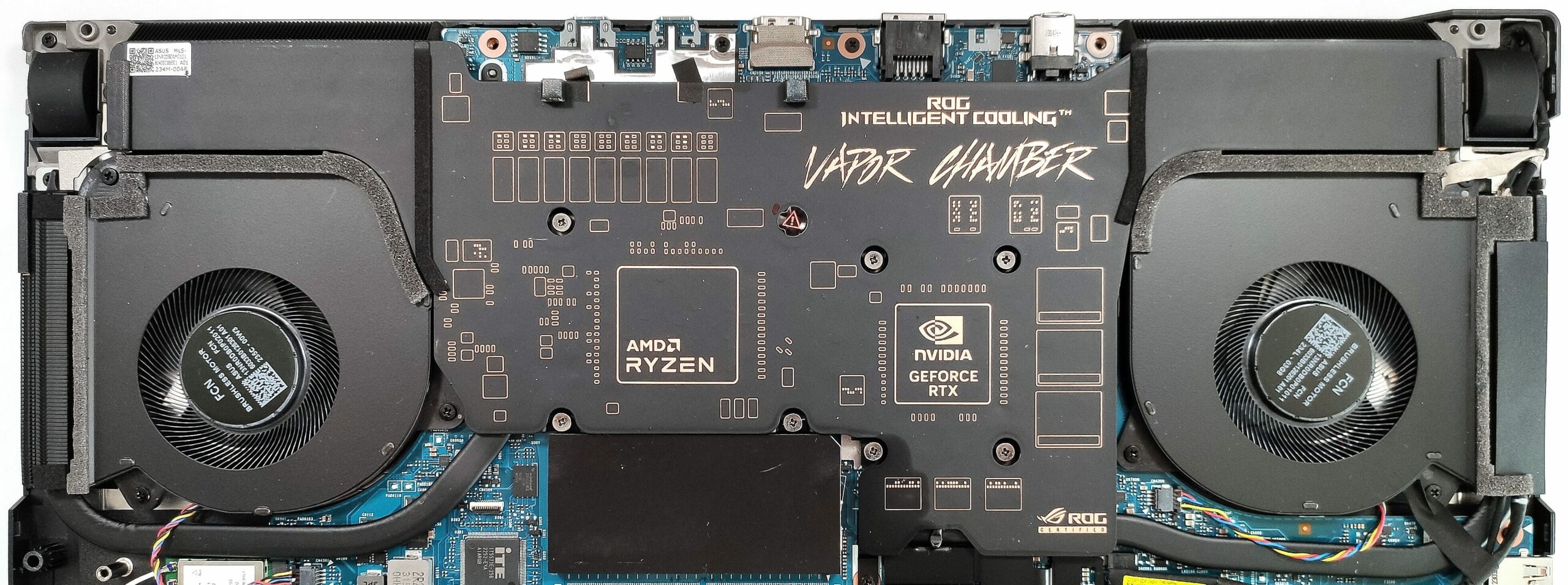
The two fans are loud in “Turbo mode”. If you want to decrease the noise under heavy loads, you can use the “Performance” preset. On the outside, the hotspot is in the middle of the keyboard, but it doesn’t feel hot to the touch.
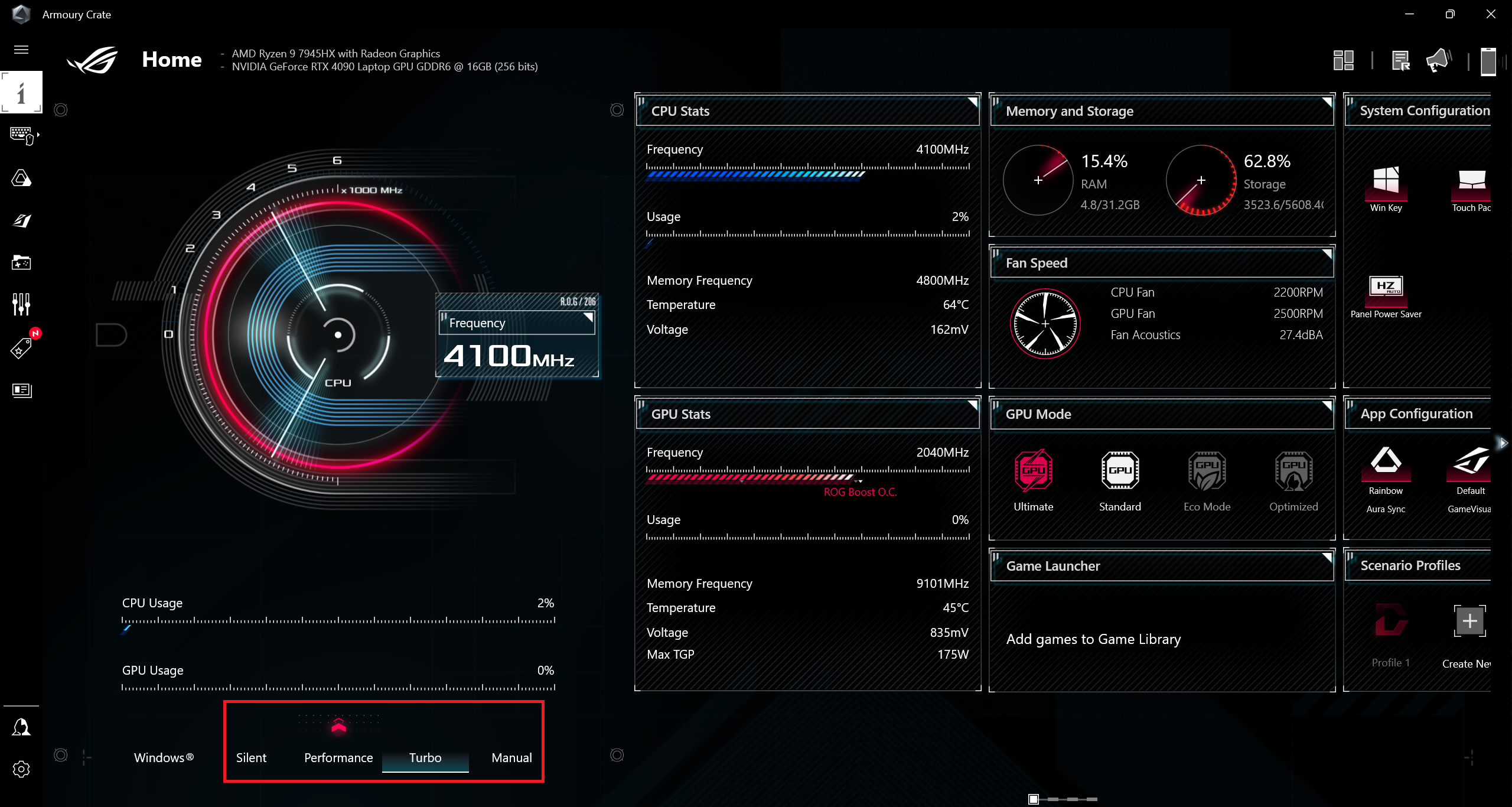
Let’s check the fan speed in different scenarios. In idle, the fans aren’t spinning during light usage in “Silent” mode. You can hear a very slight noise in “Performance”, while in “Turbo”, the noise is clearly audible.
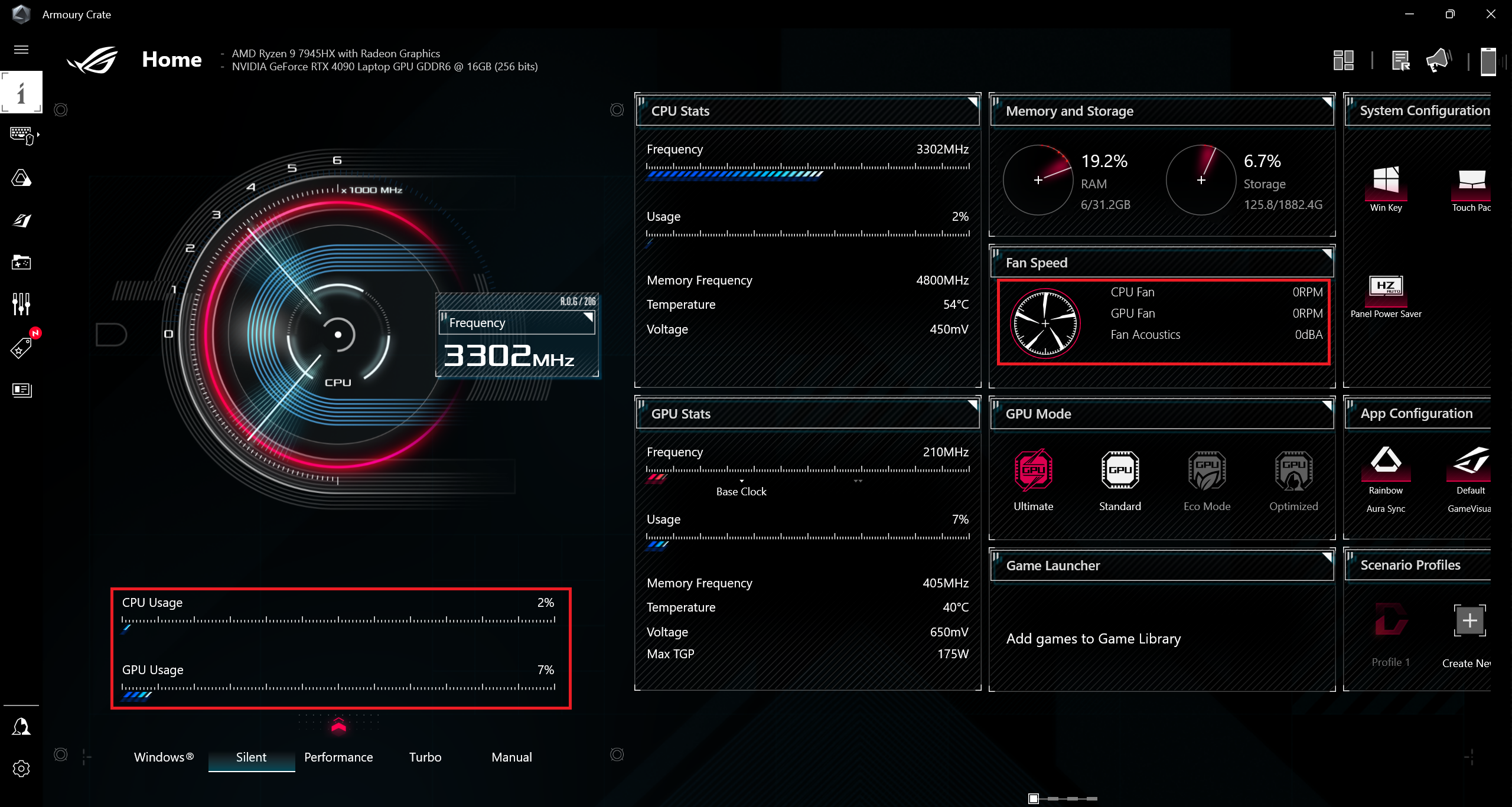 Idle-Silent
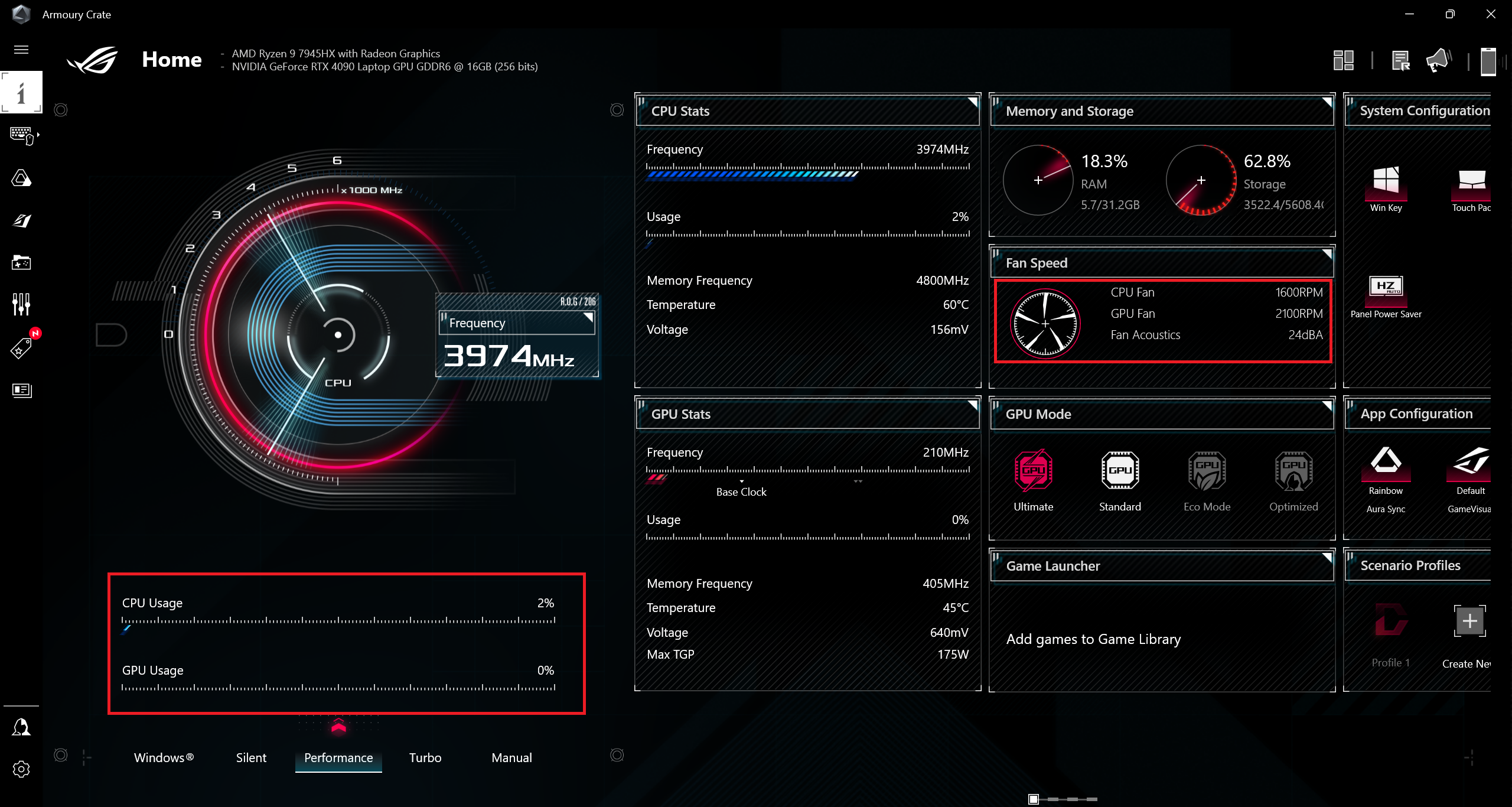 Idle-Performance
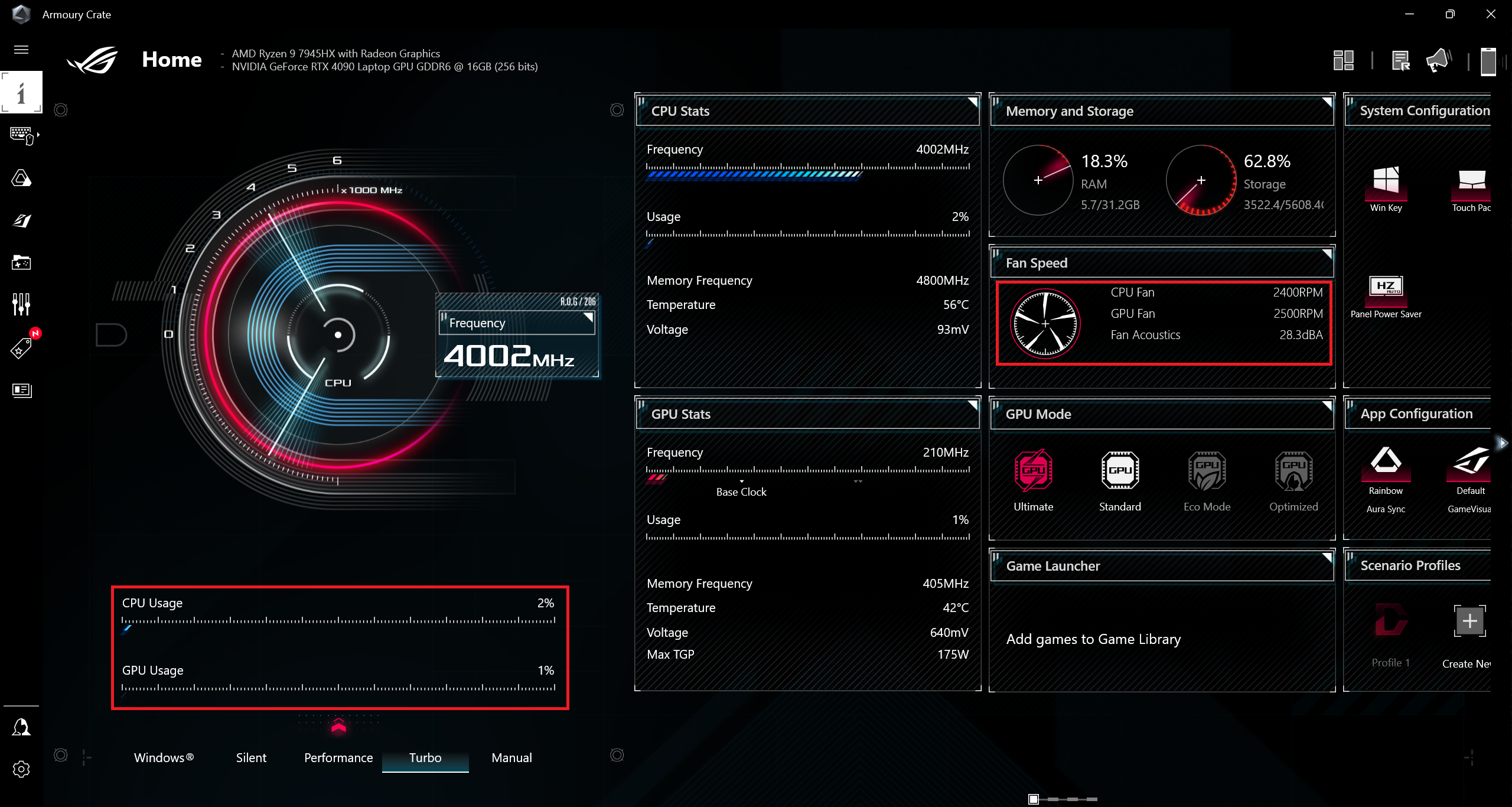 Idle-Turbo
When the CPU is stressed at 100%, the rotation speed of the fans is 4600-4800 RPM in “Turbo” mode and yes, that’s loud. If you want to hear less noise, you can select the “Performance” preset if you don’t mind a bit lower processor clock. Interestingly, the CPU frequency isn’t bad either in “Silent”, while the fans are much quieter.
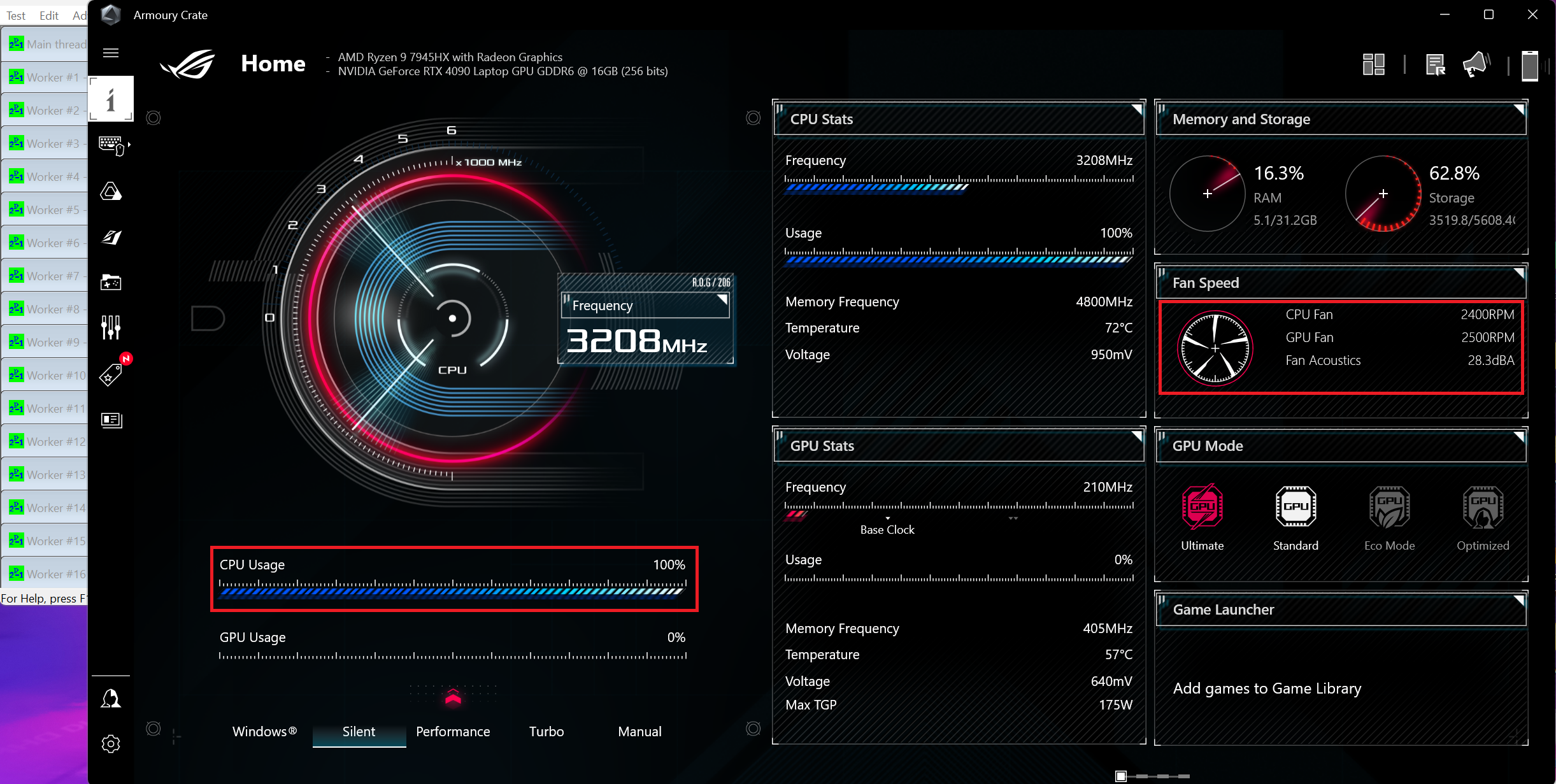 100% CPU Load-Silent
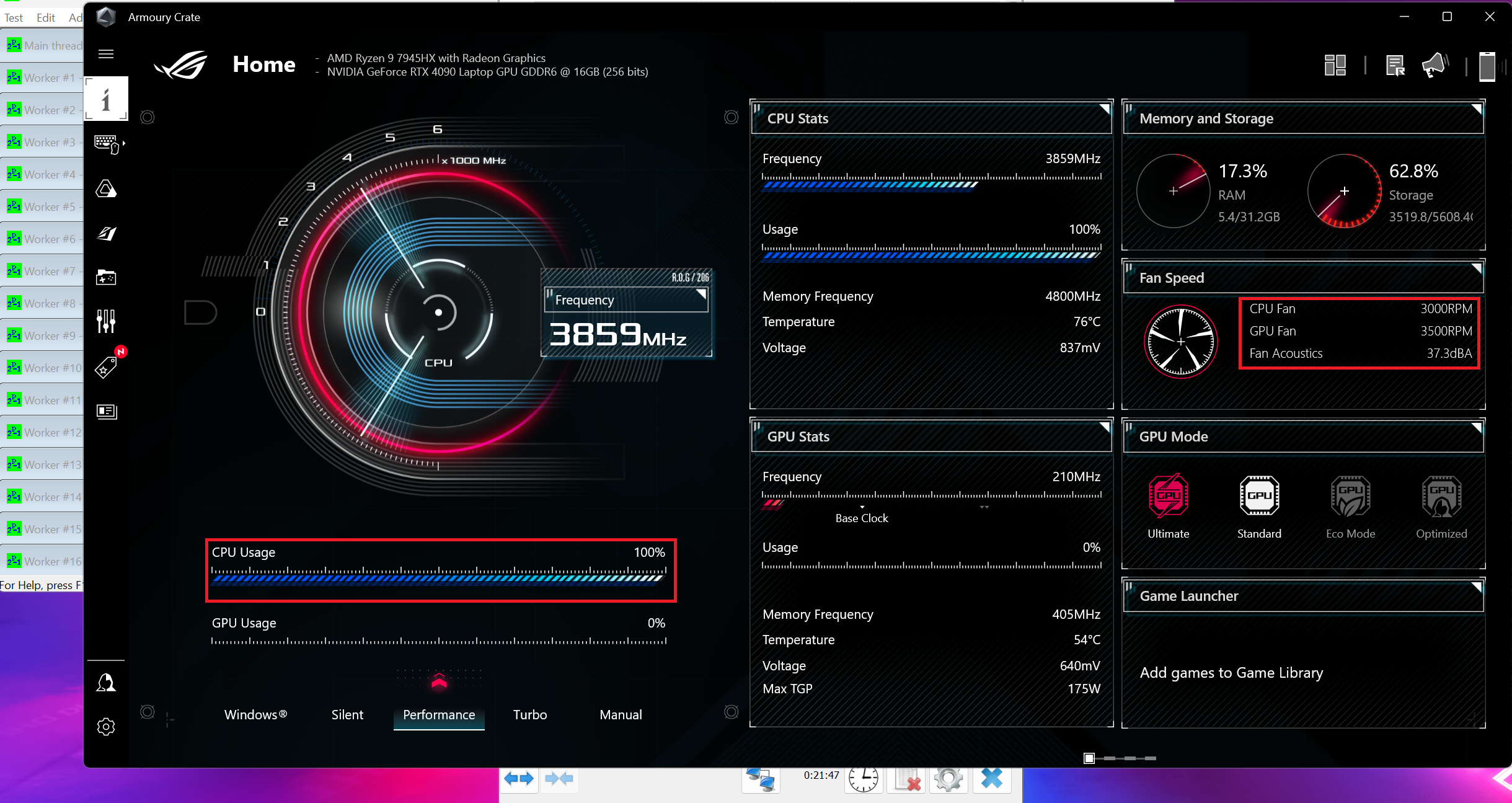 100% CPU Load-Performance
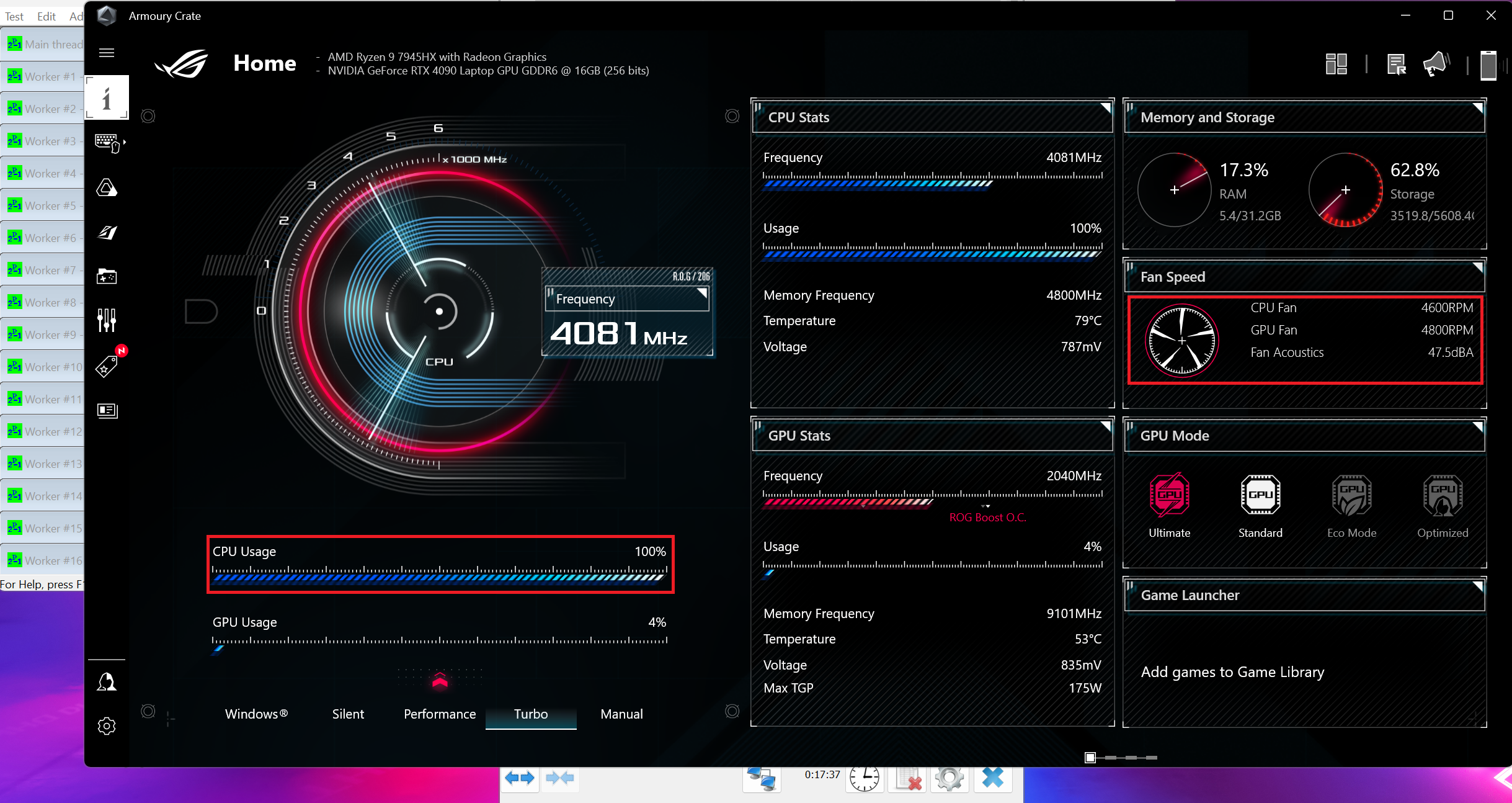 100% CPU Load-Turbo
Curiously, while gaming in “Silent” mode, the GPU TGP is around 56W, and the core clock is close to 2000 MHz (more than 100 MHz higher compared to “Turbo”). Because of that, the GPU voltage is raised to 0.825V (and we got 0.775V for the other two modes) while the memory clock is set as low as 202 MHz! That’s a clever idea because the core clock matters the most for gaming.
The “Performance” mode is the perfect combination of acceptable noise levels and power since the TGP here is ~162W. In “Turbo”, you can rely on the full GPU might (ergo, 175W) but the fans are rotating with 4600-4800 RPM (that’s noisy).
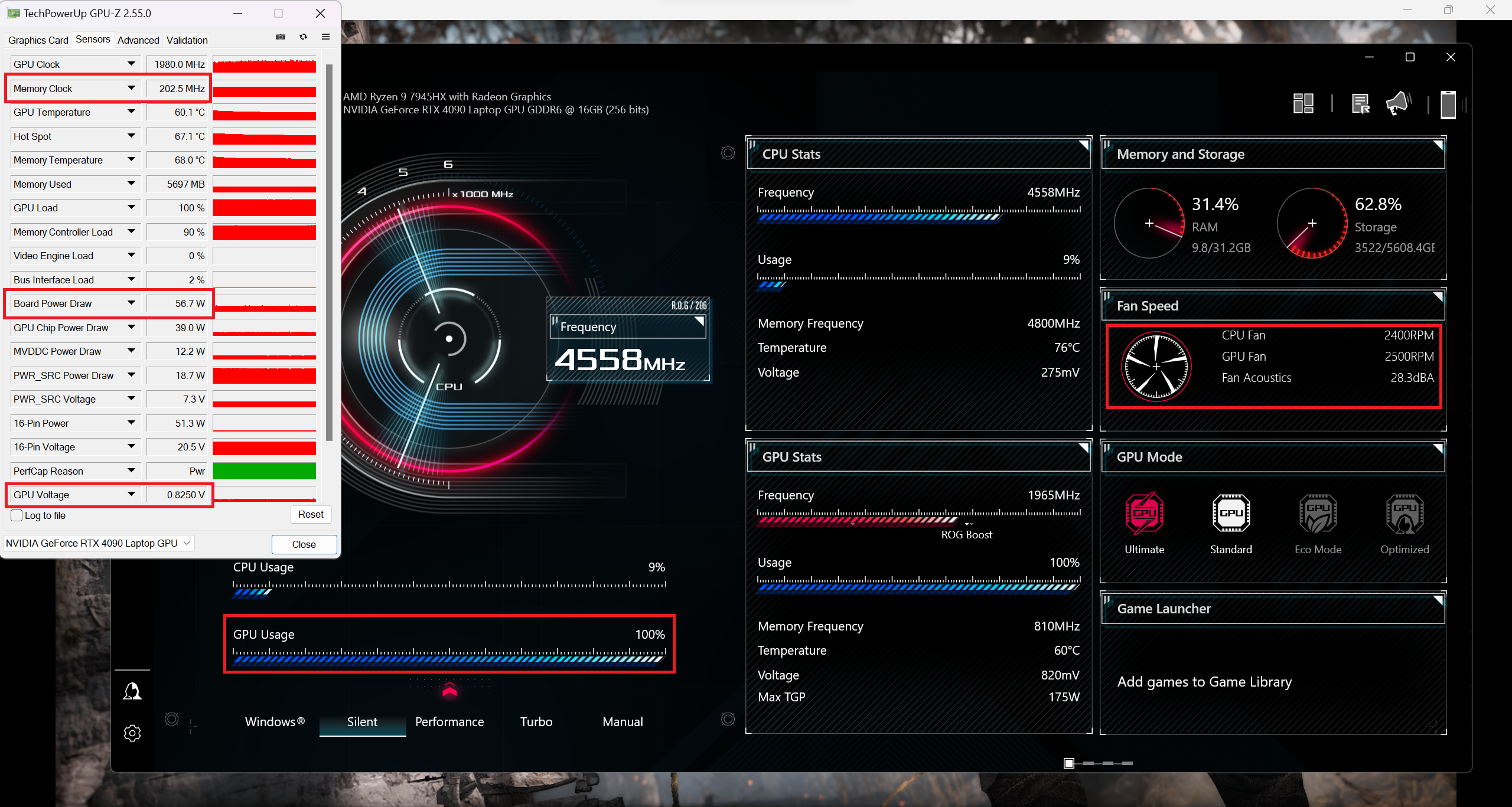 Gaming-Silent
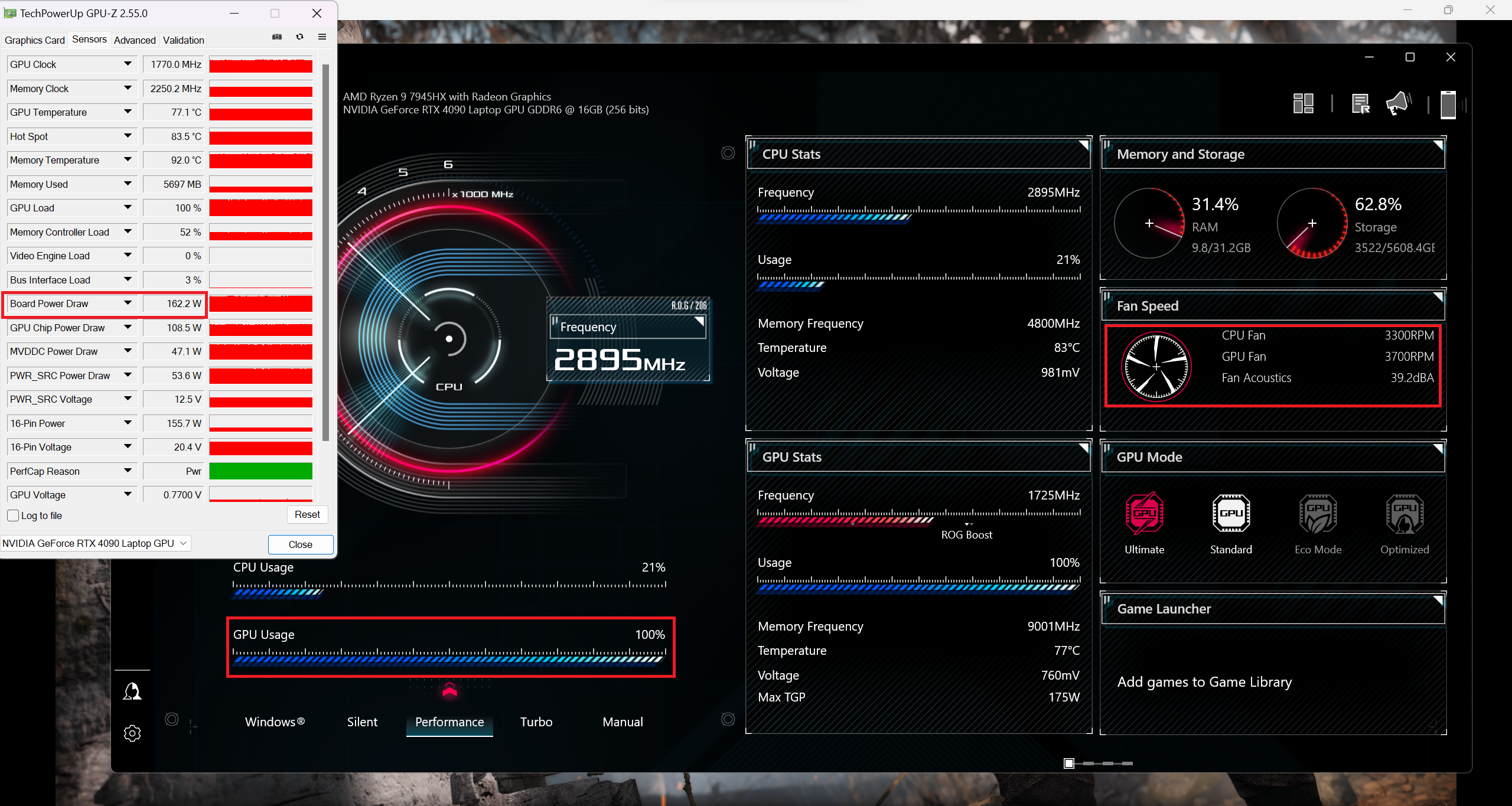 Gaming-Performance
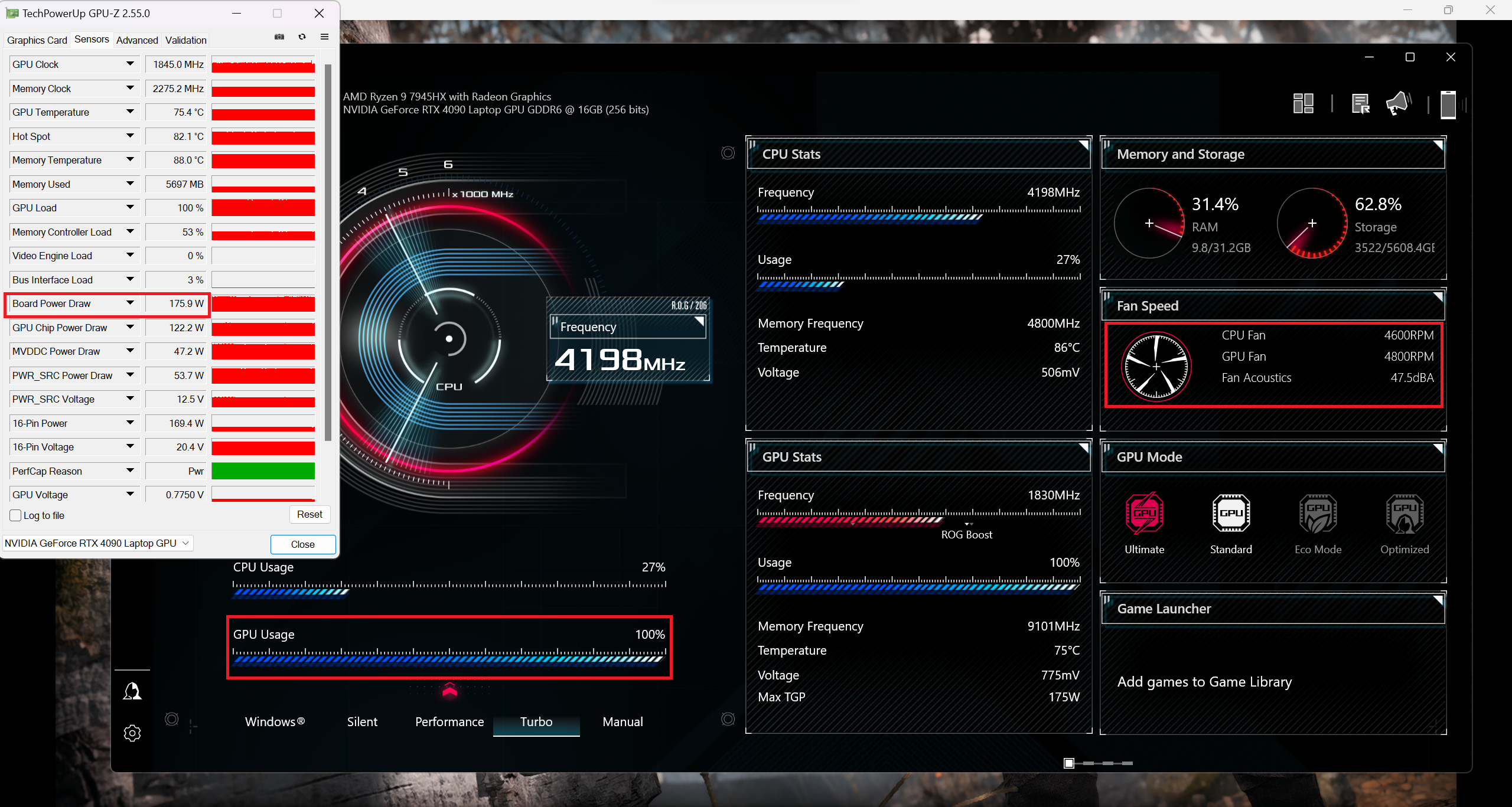 Gaming-Turbo
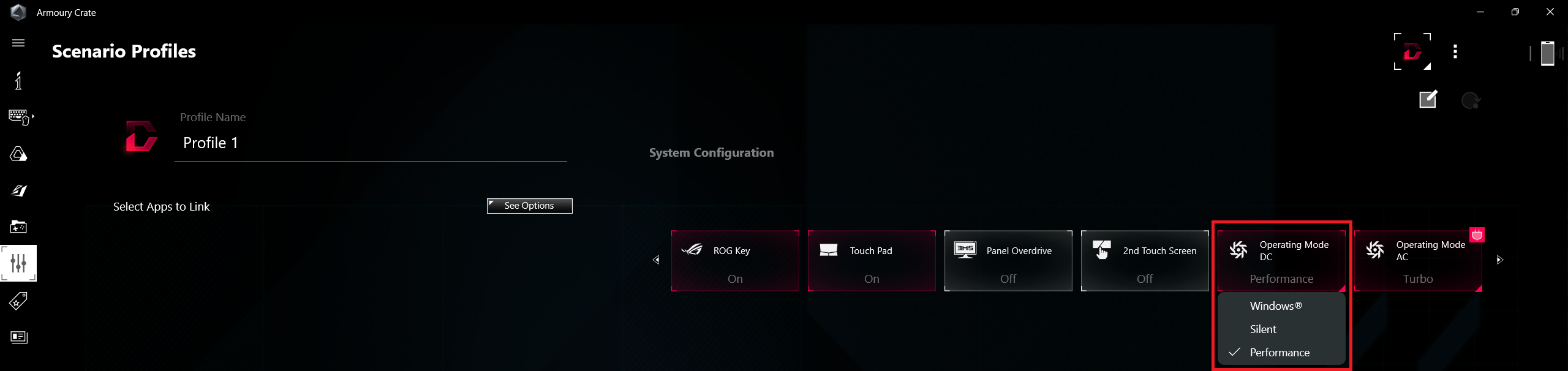
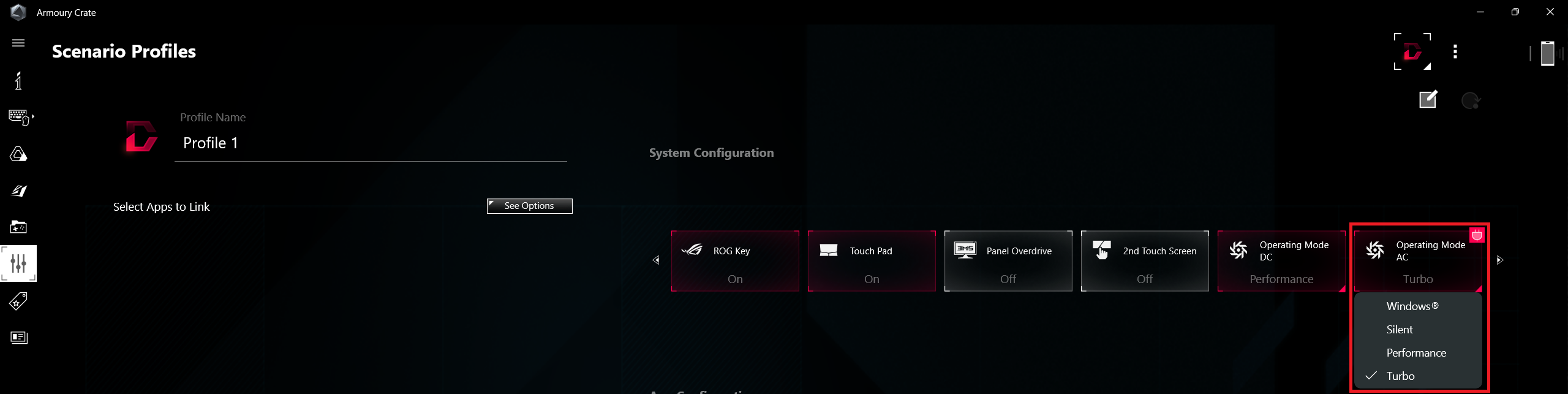
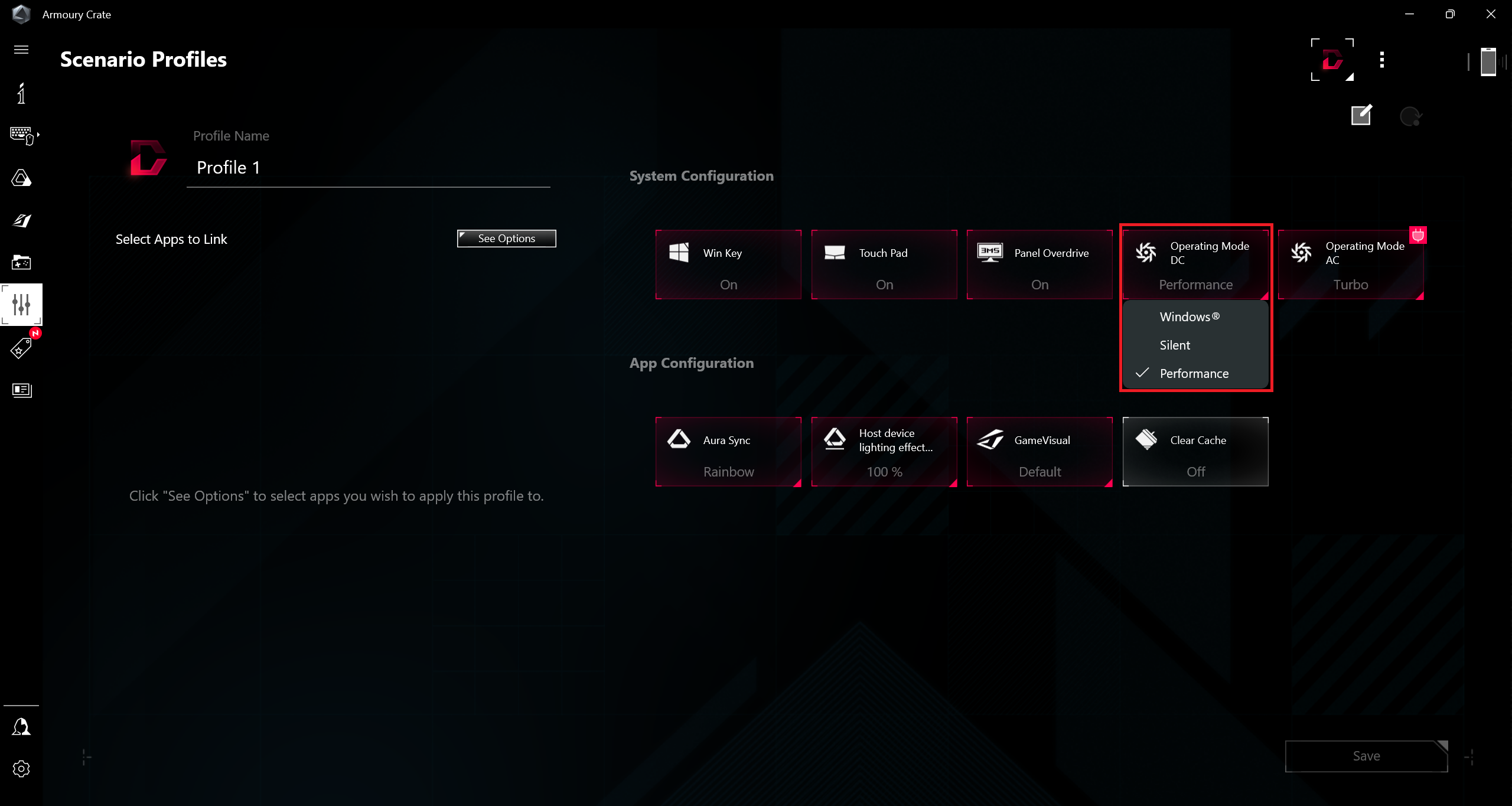
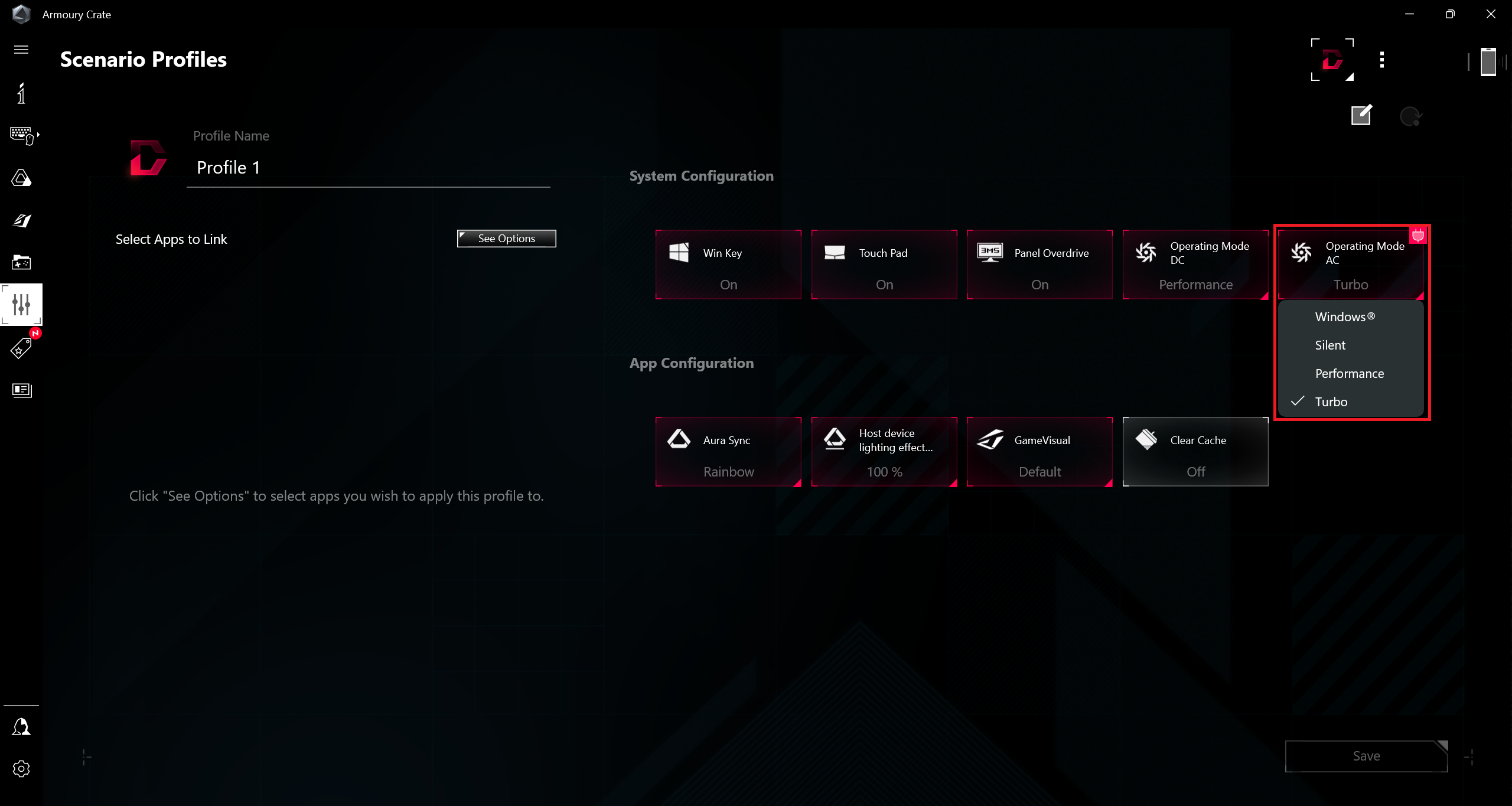
You can also set different fan modes for DC and AC usage.
Battery
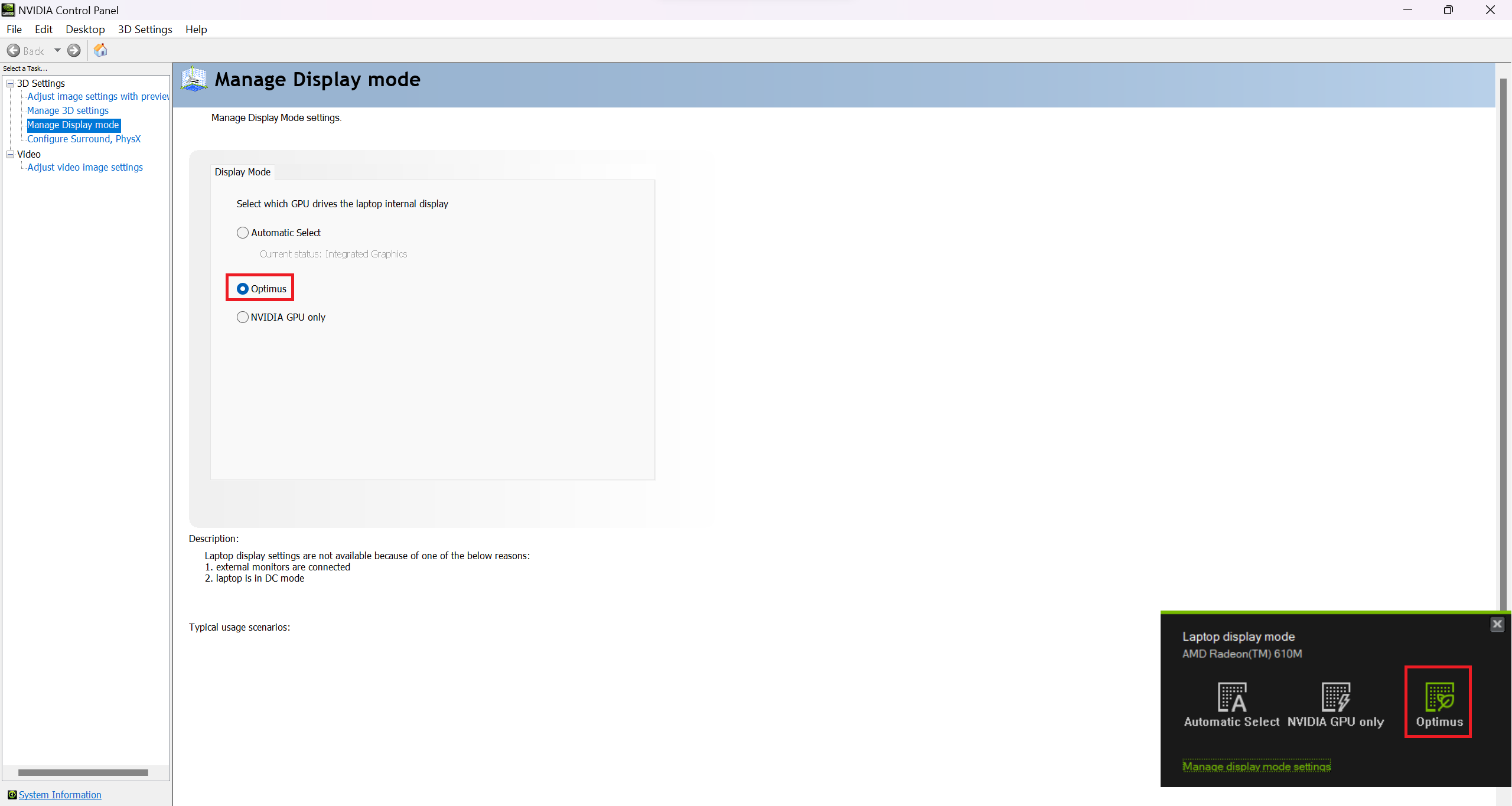
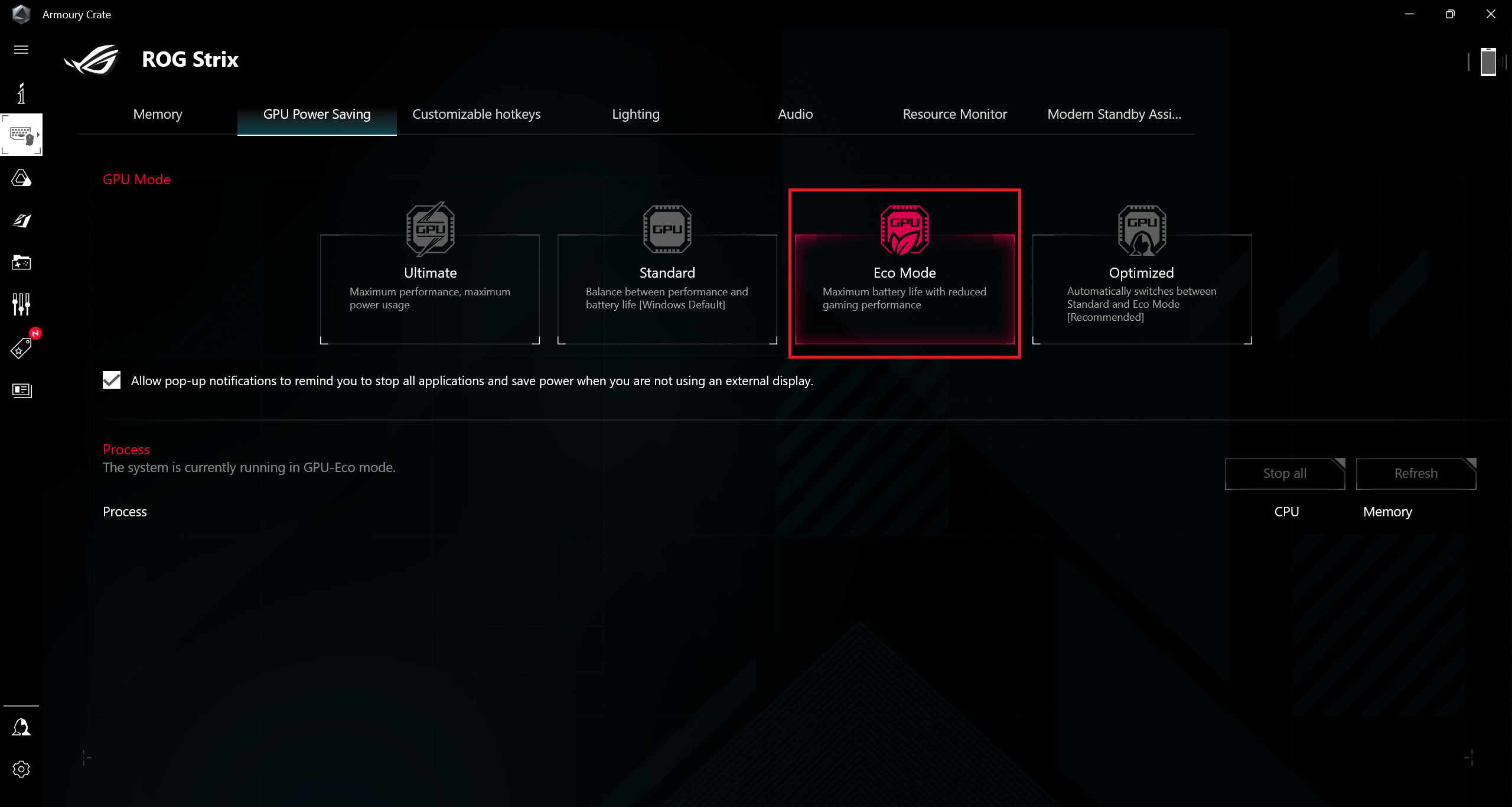
Now, we conduct the battery tests with the Windows Better performance setting turned on, screen brightness adjusted to 120 nits and all other programs turned off except for the one we are testing the notebook with. This notebook’s 90Wh battery lasts for 7 hours and 42 minutes of Web browsing, or 4 hours of video playback. To achieve this, you have to select “Optimus” mode in the NVIDIA Control Panel and apply the “Eco” mode (iGPU-only) in the Armoury Crate app.
Fényerő: 180 nit; Megjelenítési mód: SDR
Teljes lemerülési idő: A magasabb érték a jobb


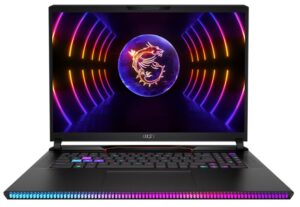
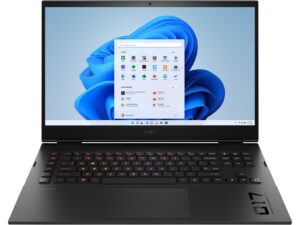
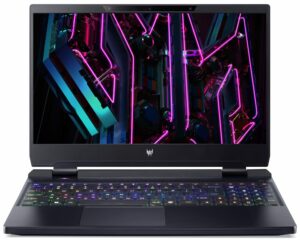
A valós körülmények szimulálása érdekében saját szkriptünket használtuk több mint 70 webhely automatikus böngészéséhez.
 Author: Nikolay Palaozov
 Author: eng. Kroum NikolovHead of Engineering at LaptopMedia.com, inventor and innovator with 40+ years of experience in electronics and high technology.

![[2026. június] Az Amazon Global legkelendőbb laptopmárkái – az Apple páratlan dominanciája az eladott darabszám és a bevétel tekintetében](https://laptopmedia.com/wp-content/uploads/2026/07/GLOBAL-Best-Brands-400x225.jpg)
![[2026. június] Amazon Global: A 10 legkelendőbb laptop – Az Apple új MacBook Neo-ja az első helyre tör, és megfizethető árával újjáformálja a piacot](https://laptopmedia.com/wp-content/uploads/2026/07/Best-Selling-Laptops-GLOBAL-Top-10-400x225.jpg)
![[2026. június] Amazon Global: A 10 legkelendőbb játékos laptop – az Acer Nitro V 16S AI vezeti az eladási listát, míg az ASUS az összbevétel tekintetében áll az élen](https://laptopmedia.com/wp-content/uploads/2026/07/Best-Selling-Gaming-Laptops-GLOBAL-Top-10-400x225.jpg)
![[2026. június] Az Amazonon legkelendőbb laptop-grafikus kártyák globális ranglistája – az NVIDIA RTX 5060 a legkelendőbb dedikált grafikus kártya](https://laptopmedia.com/wp-content/uploads/2026/07/Best-Selling-GPUs-GLOBAL-Top-10-400x225.jpg)
![[2026. június] Az Amazonon legkelendőbb laptop-processzorok globális rangsora – az Apple M5 vezet, az AMD Ryzen 7 260 pedig jelentős részesedést szerez a prémium szegmensben](https://laptopmedia.com/wp-content/uploads/2026/07/Best-Selling-CPUs-GLOBAL-Top-10-400x225.jpg)