Lenovo IdeaPad Pro 5i (14, Gen 8) review – its cooling and display are very good
Temperatures and comfort, Battery Life
Max CPU load
In this test we use 100% on the CPU cores, monitoring their frequencies and chip temperature. The first column shows a computer’s reaction to a short load (2-10 seconds), the second column simulates a serious task (between 15 and 30 seconds), and the third column is a good indicator of how good the laptop is for long loads such as video rendering.
Average P-core frequency; Average E-core frequency; CPU temp.; Package Power
| Intel Core i5-13500H (45W TDP) | 0:02 – 0:10 sec | 0:15 – 0:30 sec | 10:00 – 15:00 min |
|---|---|---|---|
| Lenovo IdeaPad Pro 5i (14″, Gen 8) | 3.70 GHz @ 2.82 GHz @ 83°C @ 76W | 3.40 GHz @ 2.65 GHz @ 86°C @ 61W | 3.25 GHz @ 2.46 GHz @ 85°C @ 55W |
| Lenovo Legion Slim 5i Gen 8 (16″ Intel, 2023) | 3.62 GHz @ 3.22 GHz @ 90°C @ 95W | 2.98 GHz @ 3.19 GHz @ 92°C @ 97W | 3.58 GHz @ 3.10 GHz @ 92°C @ 96W |
| Lenovo LOQ (15″ Intel, 2023) | 3.66 GHz @ 2.76 GHz @ 83°C @ 94W | 3.95 GHz @ 3.03 GHz @ 85°C @ 91W | 1.63 GHz @ 3.28 GHz @ 82°C @ 70W |
The 45W Core i5-13500H is the base CPU for this laptop. It performs well thanks to the capable cooling system. During any kind of load, we can see very high P core clocks and good E core frequencies. The temperatures are a bit higher but that’s okay for a laptop that has a sub-16mm profile.
Real-life gaming
| NVIDIA GeForce RTX 3050 6GB | GPU frequency/ Core temp (after 2 min) | GPU frequency/ Core temp (after 30 min) |
|---|---|---|
| Lenovo IdeaPad Pro 5i (14″, Gen 8) | 1444 MHz @ 72°C @ 56W | 1502 MHz @ 72°C @ 60W |
| Acer Nitro V 15 (ANV15-51) | 1819 MHz @ 63°C @ 63W | 1816 MHz @ 64°C @ 63W |
The GPU has no problems maintaining the 60W TGP after 30 minutes of gaming. On the other hand, the Acer Nitro V 15 (ANV15-51) can sustain more than 300 MHz higher core clock.
Comfort during full load
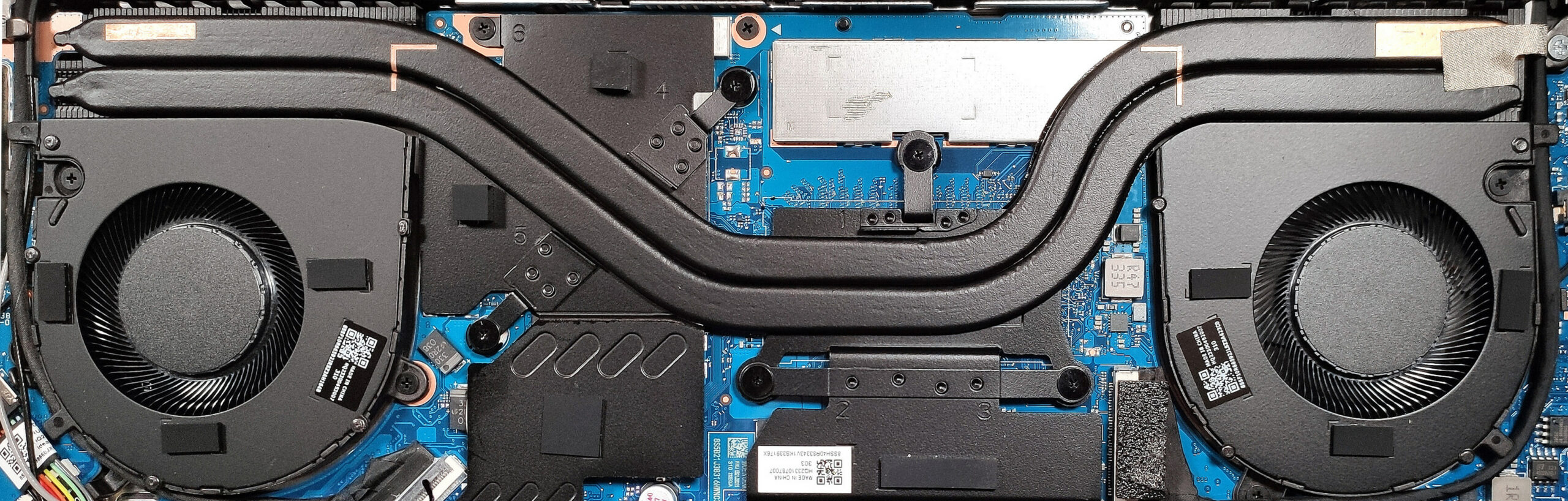
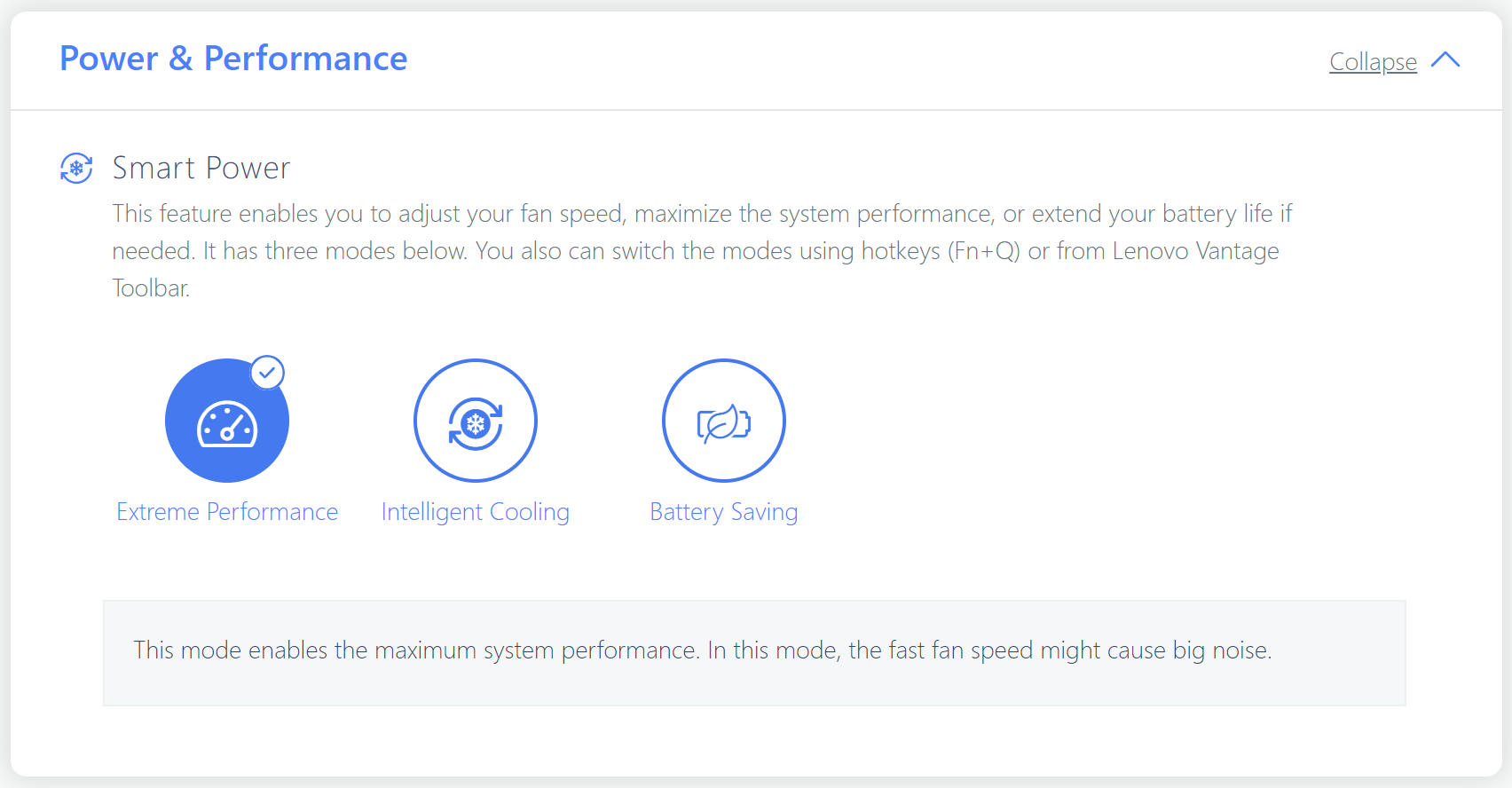
During heavy loads, the whole base feels warm, but not too hot. The two fans are audible, but they aren’t noisy. If you want to lower the fan RPM, you can select the “Intelligent Cooling” or the “Battery Saving” mode.
Battery
Now, we conduct the battery tests with the Windows Better performance setting turned on, screen brightness adjusted to 120 nits, and all other programs turned off except for the one we are testing the notebook with. The battery unit is a 75Wh model that lasts for 14 hours and 17 minutes of Web browsing or 11 hours and 7 minutes of video playback. To achieve that, you have to select the “UMA Graphics” in the BIOS in order to use the iGPU. Then, select the “Intelligent Cooling” mode in the BIOS or in the Lenovo vantage app, and apply the “Balanced” preset in the Windows “Power & Battery” menu.


Fényerő: 180 nit; Megjelenítési mód: SDR
Teljes lemerülési idő: A magasabb érték a jobb

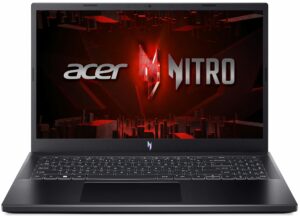
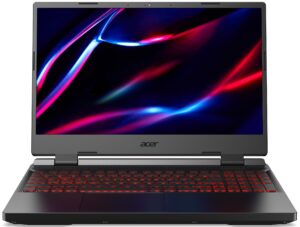
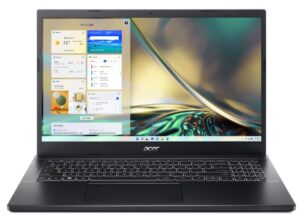
A valós körülmények szimulálása érdekében saját szkriptünket használtuk több mint 70 webhely automatikus böngészéséhez.
 Author: Nikolay Palaozov
 Author: eng. Kroum NikolovHead of Engineering at LaptopMedia.com, inventor and innovator with 40+ years of experience in electronics and high technology.

![[2026. június] Az Amazon Global legkelendőbb laptopmárkái – az Apple páratlan dominanciája az eladott darabszám és a bevétel tekintetében](https://laptopmedia.com/wp-content/uploads/2026/07/GLOBAL-Best-Brands-400x225.jpg)
![[2026. június] Amazon Global: A 10 legkelendőbb laptop – Az Apple új MacBook Neo-ja az első helyre tör, és megfizethető árával újjáformálja a piacot](https://laptopmedia.com/wp-content/uploads/2026/07/Best-Selling-Laptops-GLOBAL-Top-10-400x225.jpg)
![[2026. június] Amazon Global: A 10 legkelendőbb játékos laptop – az Acer Nitro V 16S AI vezeti az eladási listát, míg az ASUS az összbevétel tekintetében áll az élen](https://laptopmedia.com/wp-content/uploads/2026/07/Best-Selling-Gaming-Laptops-GLOBAL-Top-10-400x225.jpg)
![[2026. június] Az Amazonon legkelendőbb laptop-grafikus kártyák globális ranglistája – az NVIDIA RTX 5060 a legkelendőbb dedikált grafikus kártya](https://laptopmedia.com/wp-content/uploads/2026/07/Best-Selling-GPUs-GLOBAL-Top-10-400x225.jpg)
![[2026. június] Az Amazonon legkelendőbb laptop-processzorok globális rangsora – az Apple M5 vezet, az AMD Ryzen 7 260 pedig jelentős részesedést szerez a prémium szegmensben](https://laptopmedia.com/wp-content/uploads/2026/07/Best-Selling-CPUs-GLOBAL-Top-10-400x225.jpg)
