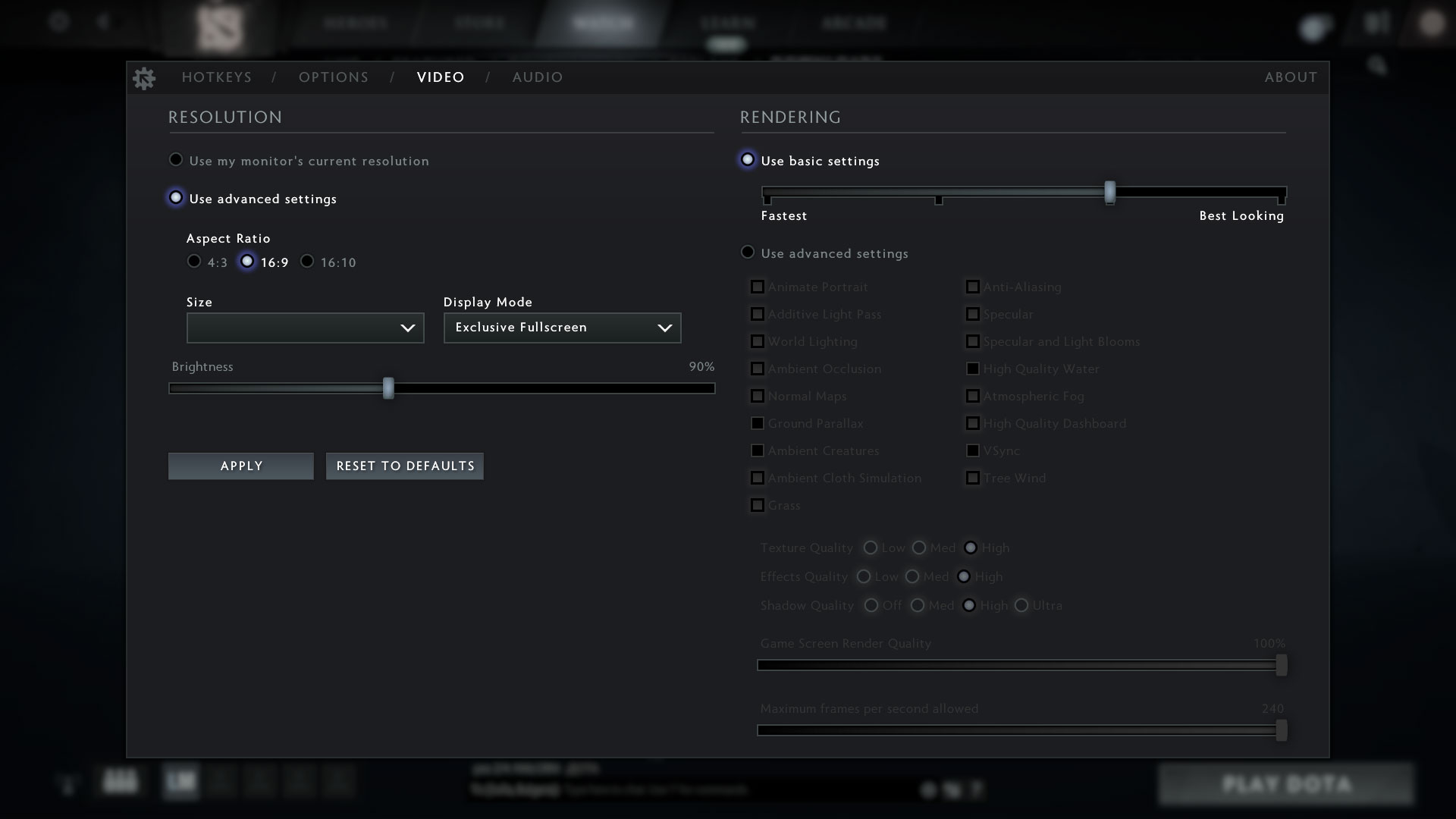
Lenovo ThinkPad X1 Carbon Gen 11 review – it’s ultra-light and the battery life is outstanding
Performance: CPU, GPU, Gaming Tests
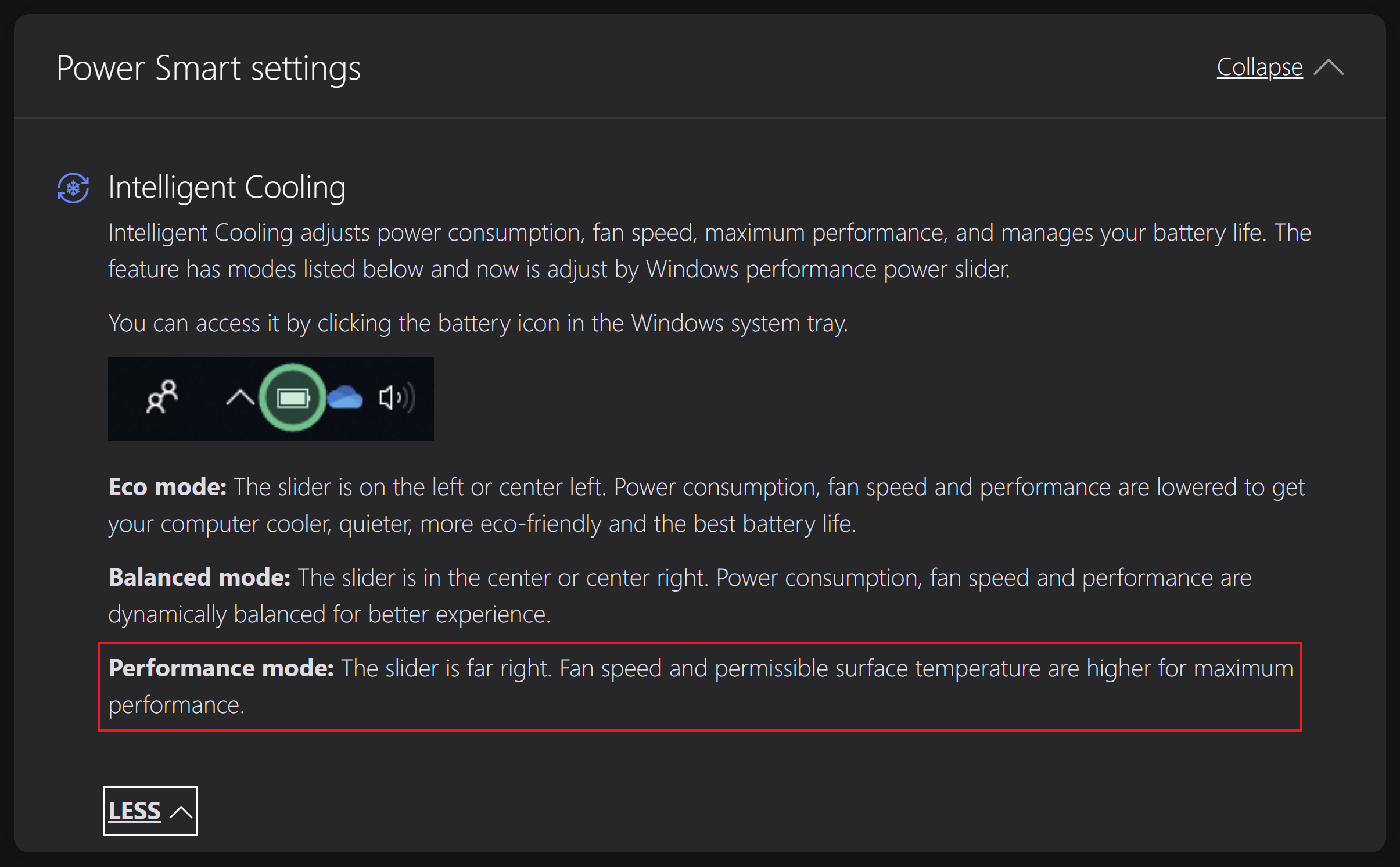
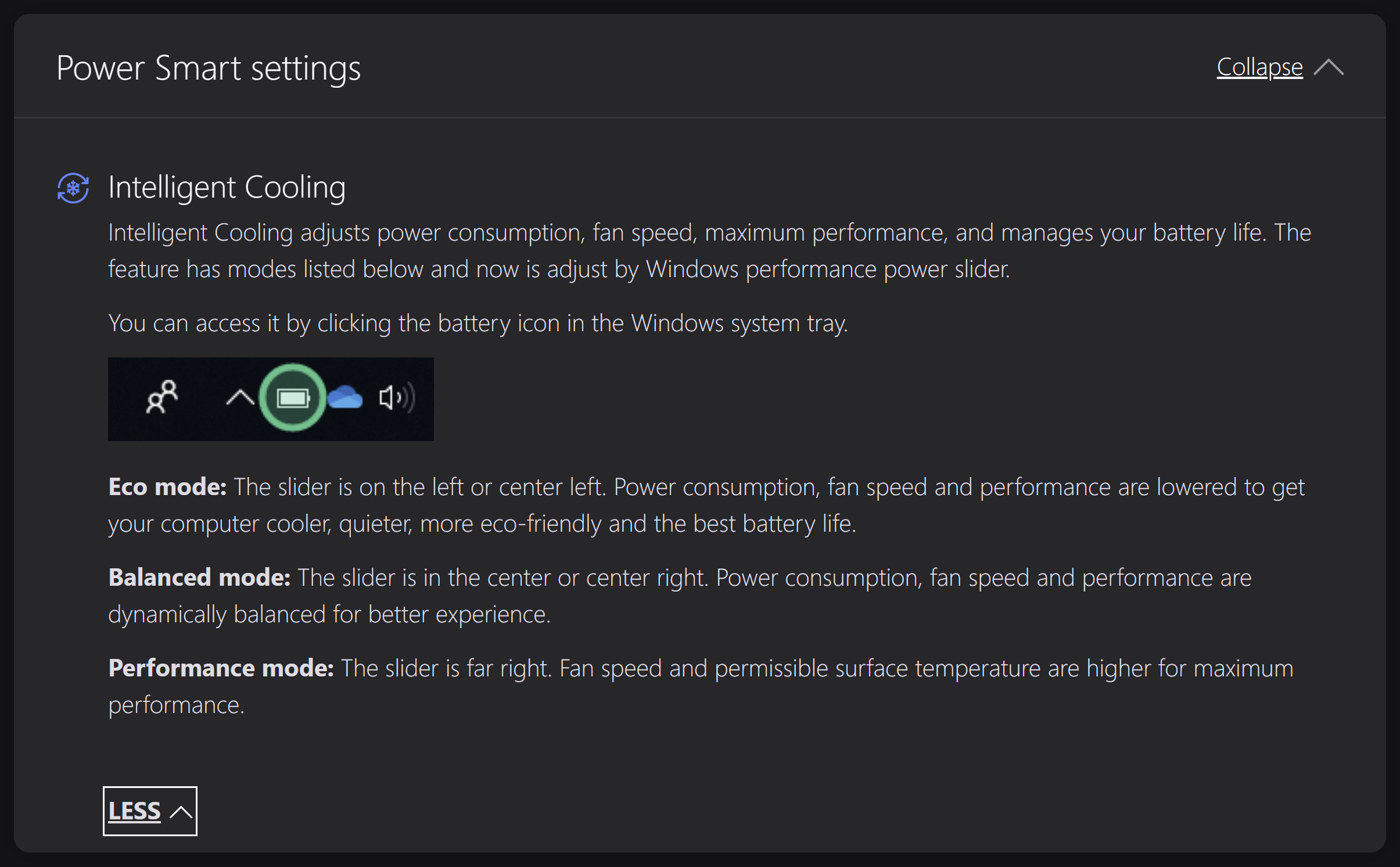
All benchmarks and tests were conducted with the “Best Performance” mode activated (the presets are integrated into the Windows Power mode menu).

CPU options
CPU-wise, you can choose among four 15W Raptor Lake U and three 28W Raptor Lake P chips. This includes the Core i5-1335U, Core i5-1345U, Core i7-1355U, Core i7-1365U, Core i5-1340P, Core i7-1360P, and Core i7-1370P.
Itt a CPU teljesítményét értékeljük egy valós 3D renderelési feladattal, felmérve, hogy képes-e hatékonyan kezelni az összetett számítási és renderelési terheléseket.
Az eredmények a Cinebench 2024 Multi-Core tesztből származnak (a magasabb érték a jobb).
GPU options
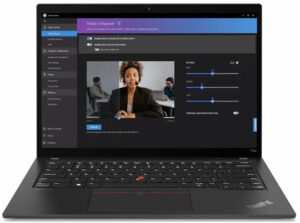
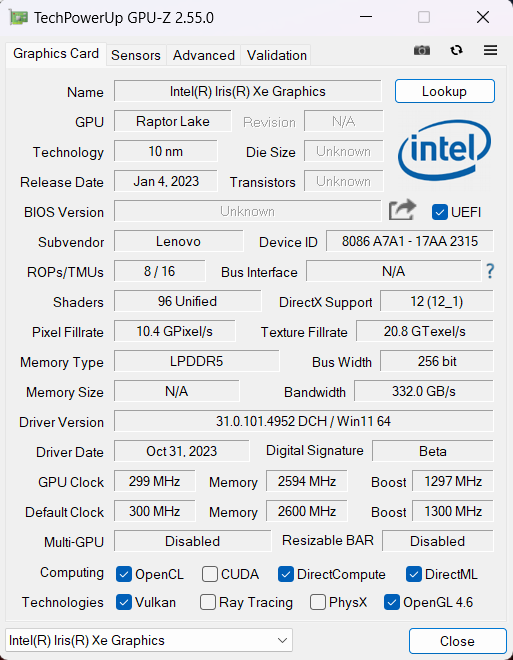
In terms of graphics, you can rely on what is inside the CPU – ergo, the iGPU.
Az eredmények a 3DMark Time Spy (Graphics) tesztből származnak. A magasabb érték a jobb.
Az eredmények a 3DMark Fire Strike (Graphics) benchmarkból származnak (minél magasabb a pontszám, annál jobb).
Az eredmények a 3DMark Wild Life Extreme Unlimited tesztből származnak. A magasabb érték a jobb.
Az eredmények az Unigine Superposition benchmarkból származnak (minél magasabb a pontszám, annál jobb).
Lenovo ThinkPad X1 Carbon (11th Gen, 2023) GPU változatok
Itt láthat egy hozzávetőleges összehasonlítást a GPU-k között, amelyek a piacon lévő Lenovo ThinkPad X1 Carbon (11th Gen, 2023) modellekben találhatók. Így eldöntheti, melyik Lenovo ThinkPad X1 Carbon (11th Gen, 2023) modell kínálja a legjobb ár-érték arányt.
Megjegyzés: A diagram a legolcsóbb különböző GPU konfigurációkat mutatja, ezért érdemes ellenőrizni a laptopok egyéb specifikációit is, ha a laptop nevére / GPU-ra kattint.
Az eredmények a 3DMark Time Spy (Graphics) tesztből származnak. A magasabb érték a jobb.
Az eredmények a 3DMark: Fire Strike (Graphics) benchmarkból származnak (minél magasabb a pontszám, annál jobb).
Az eredmények a 3DMark: Wild Life (Grafika) benchmarkból származnak (minél magasabb a pontszám, annál jobb)
Az eredmények az Unigine Superposition benchmarkból származnak (minél magasabb a pontszám, annál jobb).
Gaming tests

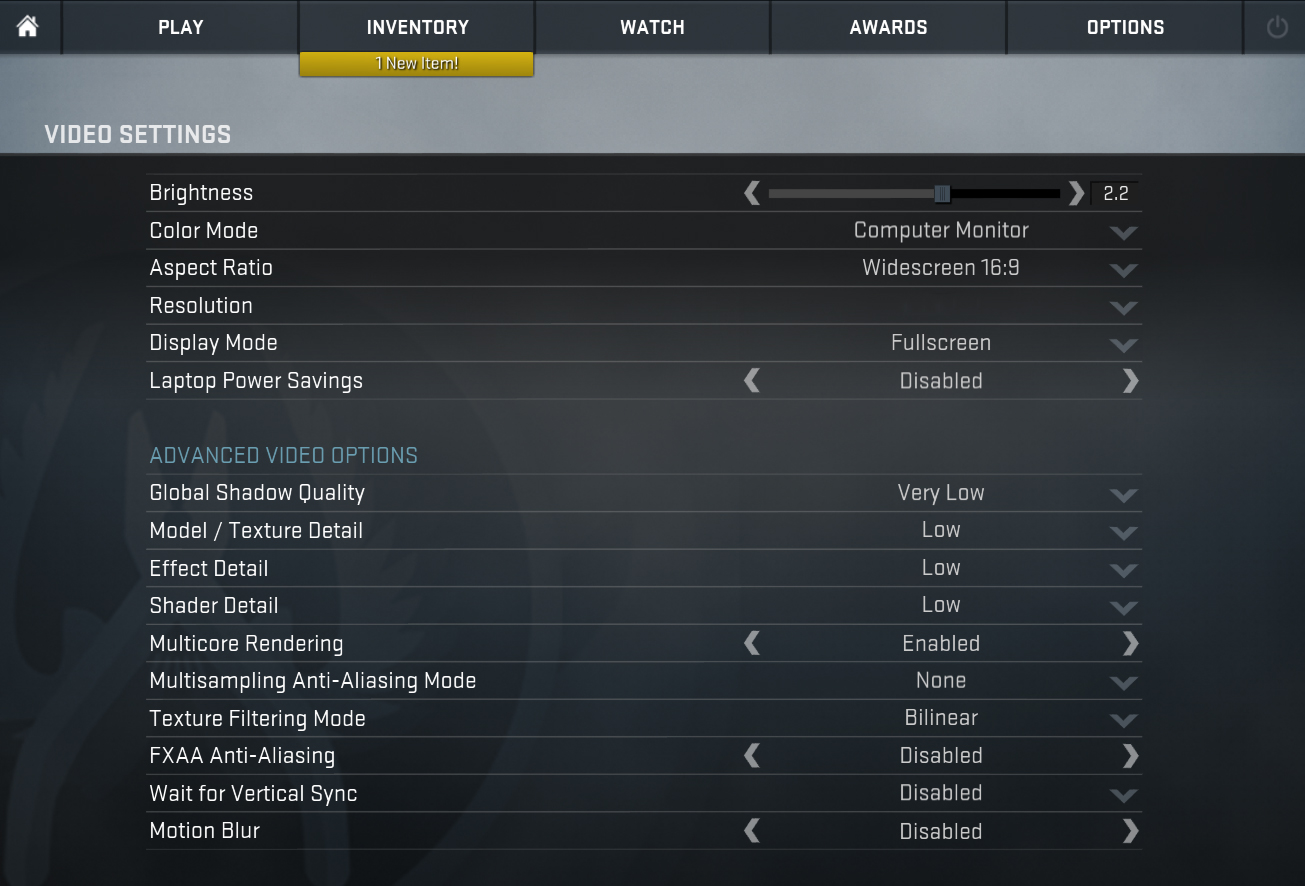
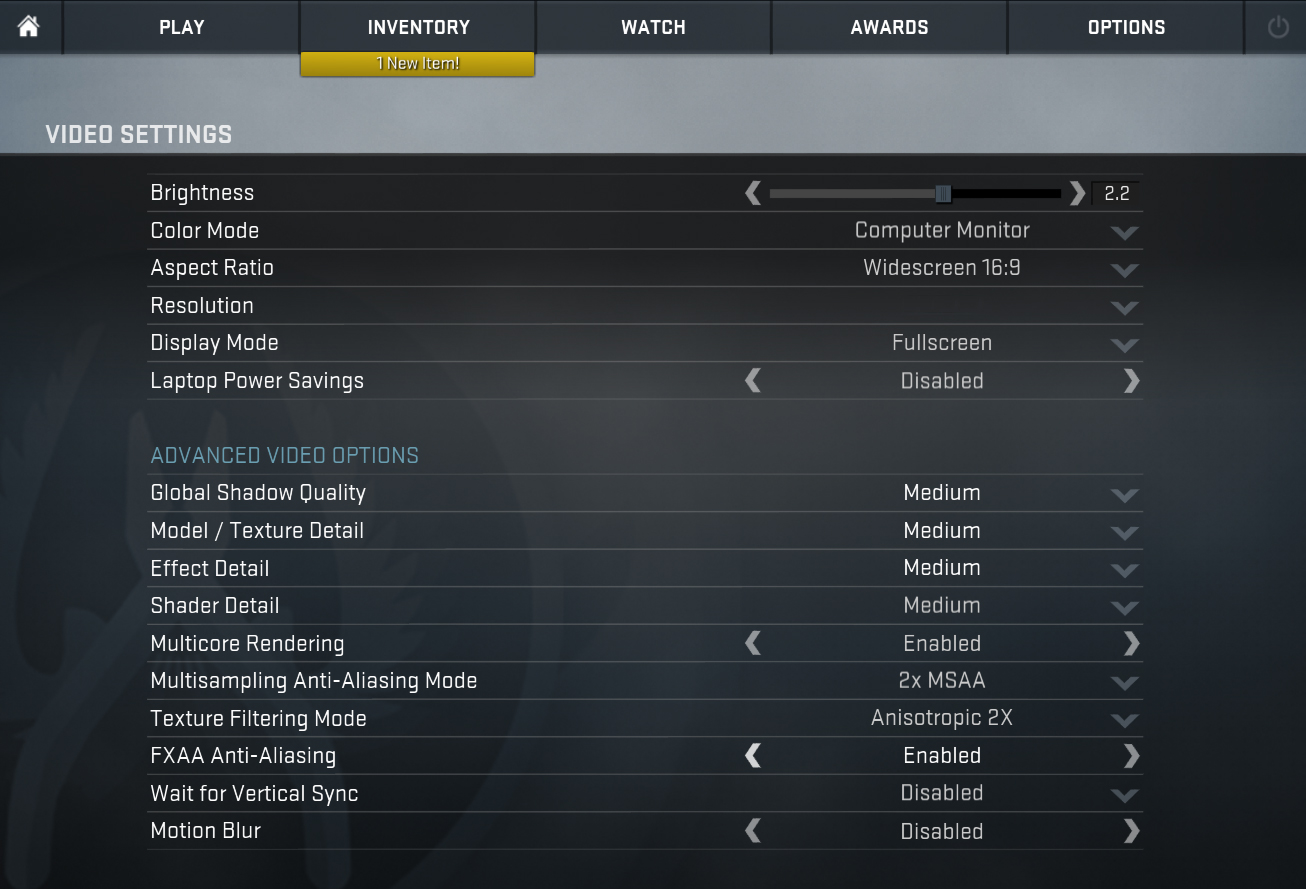
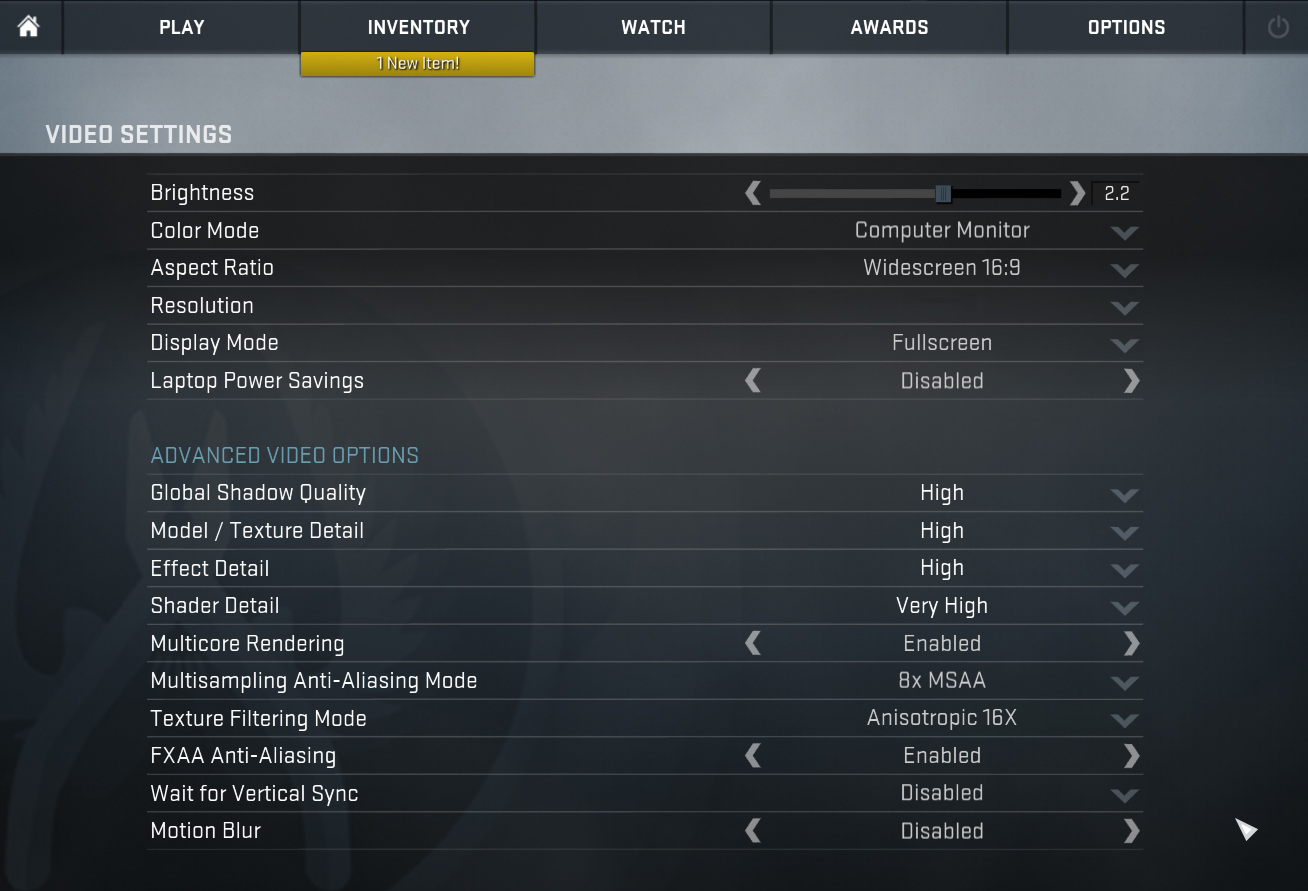
| CS:GO | HD 1080p, Low (Check settings) | HD 1080p, Medium (Check settings) | HD 1080p, MAX (Check settings) |
|---|---|---|---|
| Average FPS | 135 fps | 107 fps | 68 fps |

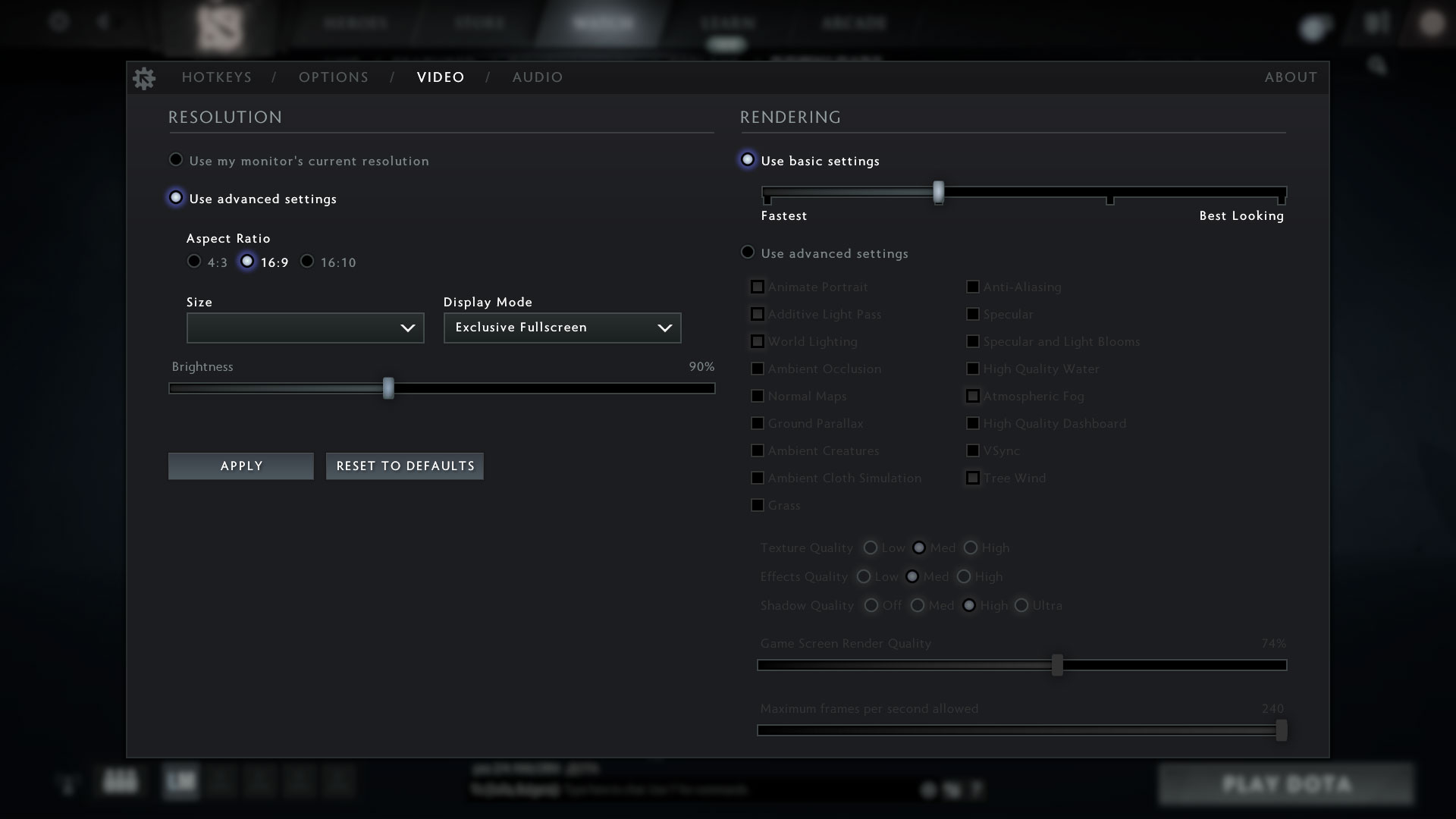
| DOTA 2 | HD 1080p, Low (Check settings) | HD 1080p, Normal (Check settings) | HD 1080p, High (Check settings) |
|---|---|---|---|
| Average FPS | 117 fps | 74 fps | 47 fps |
Max CPU load
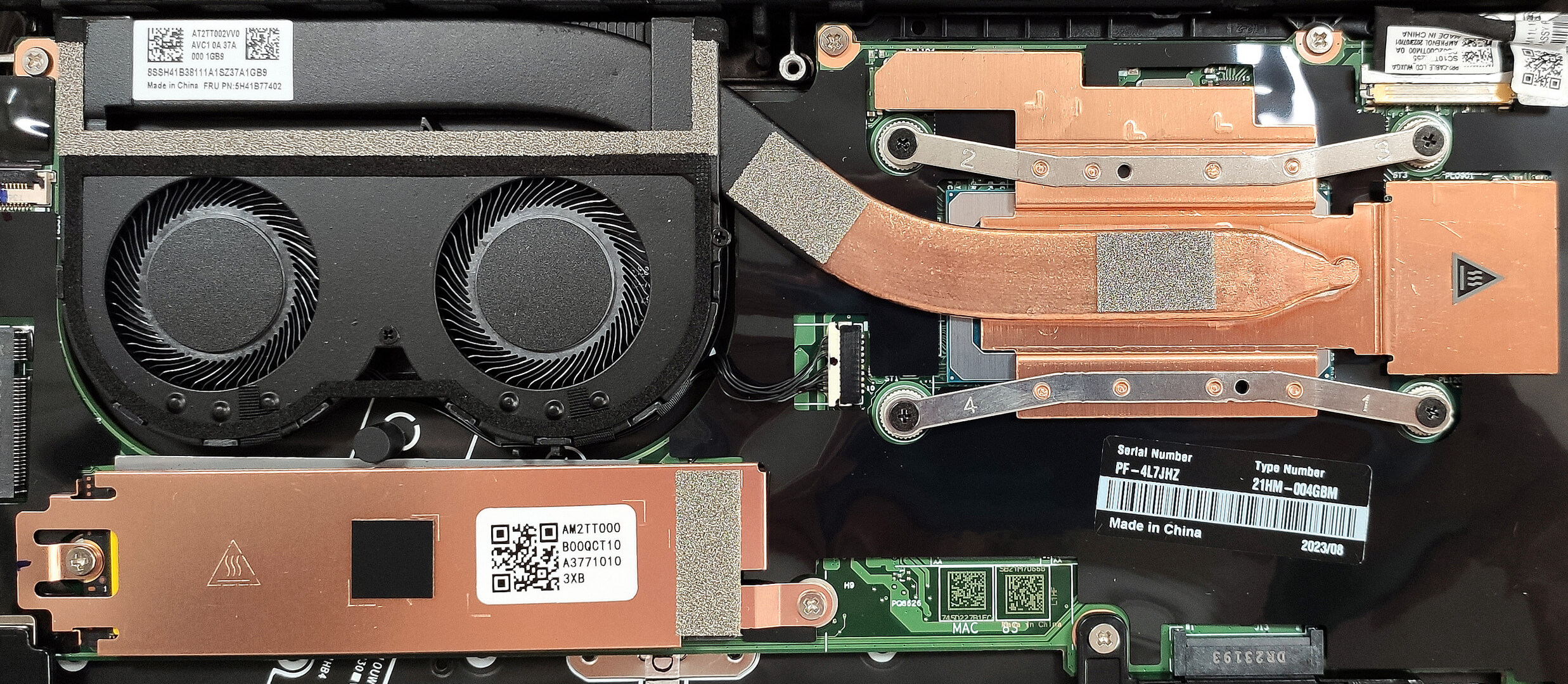
In this test we use 100% on the CPU cores, monitoring their frequencies and chip temperature. The first column shows a computer’s reaction to a short load (2-10 seconds), the second column simulates a serious task (between 15 and 30 seconds), and the third column is a good indicator of how good the laptop is for long loads such as video rendering.
Average P-core frequency; Average E-core frequency; CPU temp.; Package Power
| Intel Core i7-1355U (15W TDP) | 0:02 – 0:10 sec | 0:15 – 0:30 sec | 10:00 – 15:00 min |
|---|---|---|---|
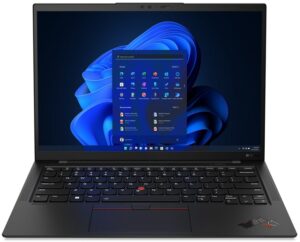
| Lenovo ThinkPad X1 Carbon Gen 11 | 3.66 GHz @ 2.80 GHz @ 94°C @ 49W | 3.23 GHz @ 2.50 GHz @ 97°C @ 38W | 2.00 GHz @ 1.55 GHz @ 72°C @ 19W |
| Lenovo ThinkPad X1 Yoga Gen 8 | 3.67 GHz @ 2.81 GHz @ 82°C @ 49W | 3.32 GHz @ 2.53 GHz @ 94°C @ 39W | 2.17 GHz @ 1.64 GHz @ 76°C @ 20W |
| Lenovo ThinkPad E14 Gen 5 | 3.49 GHz @ 2.65 GHz @ 69°C @ 42W | 3.28 GHz @ 2.46 GHz @ 82°C @ 38W | 2.20 GHz @ 1.62 GHz @ 77°C @ 23W |
| HP ZBook Firefly 16 G10 | 3.85 GHz @ 2.89 GHz @ 67°C @ 50W | 3.32 GHz @ 2.48 GHz @ 75°C @ 37W | 2.14 GHz @ 1.44 GHz @ 66°C @ 17W |
| Lenovo ThinkPad L15 Gen 4 (Intel) | 3.34 GHz @ 2.54 GHz @ 86°C @ 39W | 3.16 GHz @ 2.45 GHz @ 93°C @ 35W | 2.38 GHz @ 1.77 GHz @ 77°C @ 20W |
| Lenovo ThinkPad T14s Gen 4 | 3.78 GHz @ 2.93 GHz @ 82°C @ 48W | 3.45 GHz @ 2.71 GHz @ 90°C @ 41W | 2.52 GHz @ 1.87 GHz @ 78°C @ 22W |
| Lenovo ThinkPad T14 Gen 4 | 3.83 GHz @ 2.89 GHz @ 78°C @ 51W | 3.7 GHz @ 2.82 GHz @ 93°C @ 49W | 2.38 GHz @ 1.75 GHz @ 64°C @ 21W |
| Acer Aspire 5 (A514-56M) | 3.82 GHz @ 2.82 GHz @ 64°C @ 55W | 2.18 GHz @ 2.26 GHz @ 65°C @ 37W | 1.43 GHz @ 1.98 GHz @ 60°C @ 28W |
| Dell Vostro 15 3530 | 2.06 GHz @ 2.70 GHz @ 94°C @ 40W | 1.56 GHz @ 2.22 GHz @ 96°C @ 26W | 2.06 GHz @ 2.25 GHz @ 95°C @ 26W |
| Lenovo Yoga Book 9 (13IRU8) | 2.23 GHz @ 2.58 GHz @ 76°C @ 40W | 2.13 GHz @ 2.42 GHz @ 85°C @ 35W | 1.64 GHz @ 2.03 GHz @ 77°C @ 24W |
| ASUS Zenbook S 13 OLED (UX5304) | 3.46 GHz @ 2.47 GHz @ 80°C @ 41W | 3.06 GHz @ 2.24 GHz @ 91°C @ 31W | 2.36 GHz @ 1.68 GHz @ 75°C @ 21W |
Here, the Core i7-1355U can sustain a bit higher clocks in short and medium loads compared to the ThinkPad E14 Gen 5. Not bad for an ultra-light device. Still, the temperatures in this scenario are high which is kind of expected. The frequencies in longer load look normal and the temperature drops down to 72°C.
Comfort during full load
Just like many other new Lenovo laptops, the performance presets are integrated into the Windows default power modes. Under heavy CPU stress, the fans aren’t noisy, they are almost quiet. In this case, you can feel some heat under your finger on the left side of the keyboard but thermals are okay for normal usage. That’s possible because of the inlet keycaps so the cooling system can suck air through the keyboard deck.

Interestingly, the fans aren’t spinning in idle or in light loads until the CPU reaches the 50°C mark. When the processor is working hard, the fans’ speed is ~6300 RPM but the noise levels are low. This speaks of good fan quality.
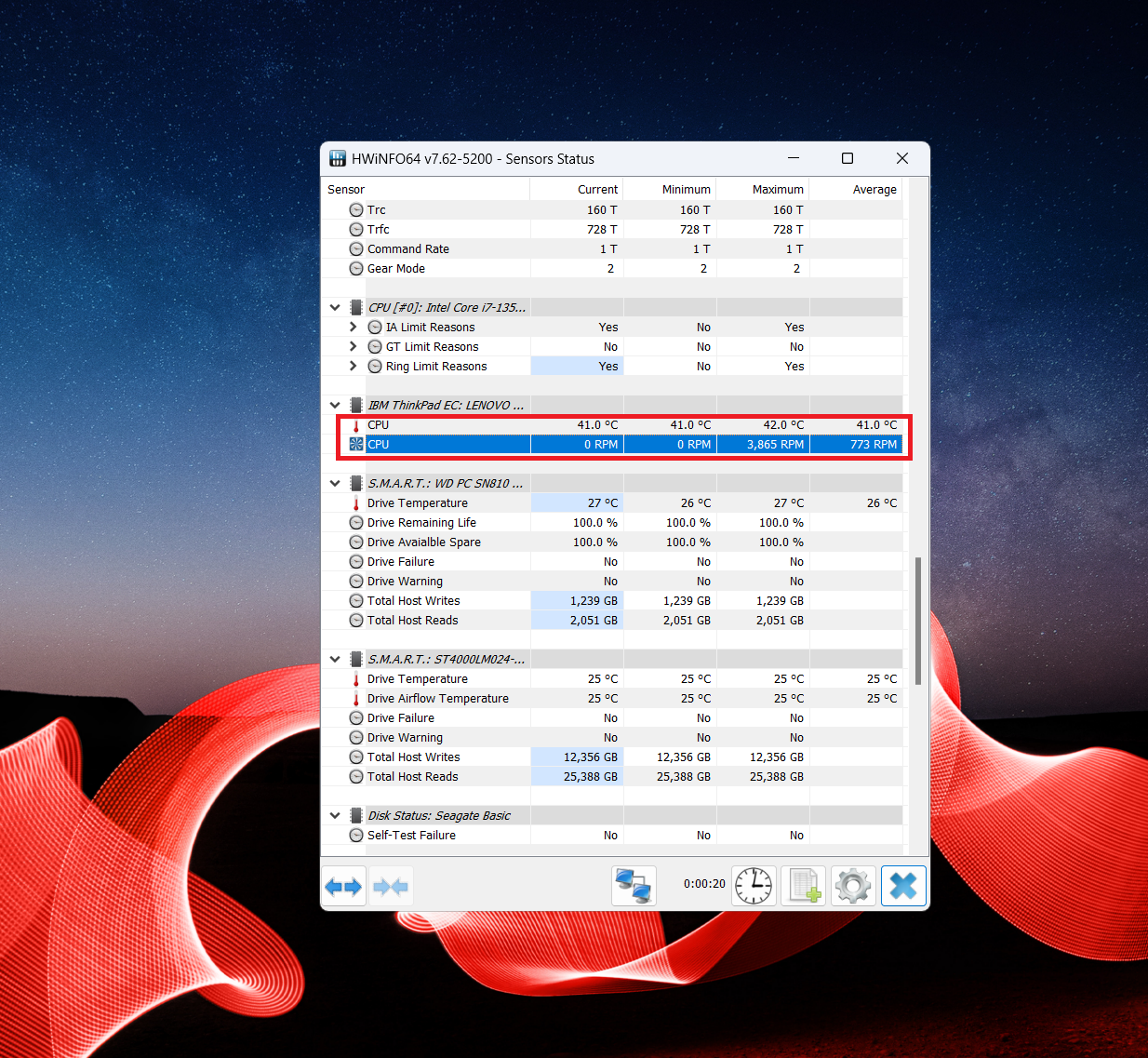 Idle
Idle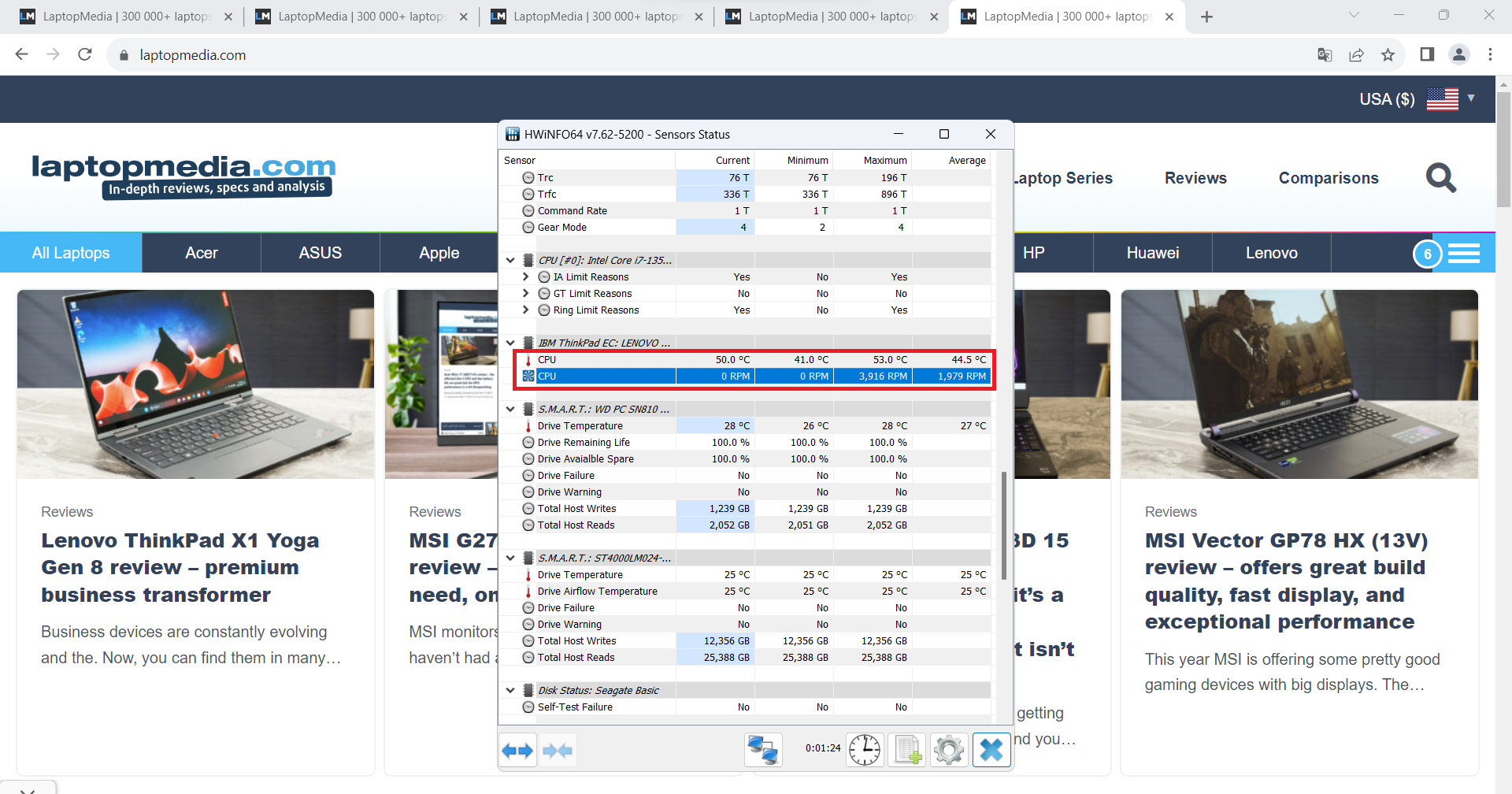 Web browsing fan off
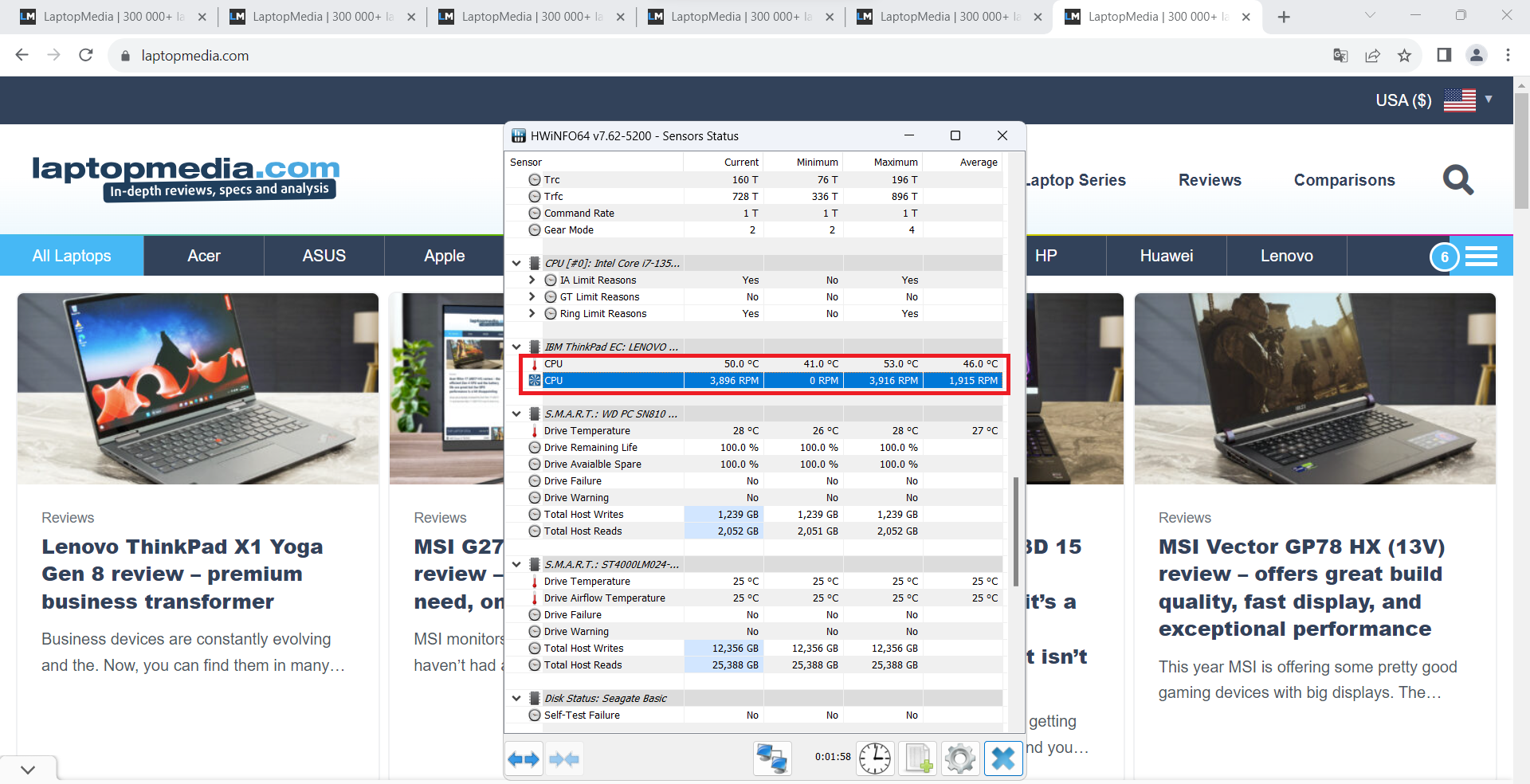 Web browsing fan on
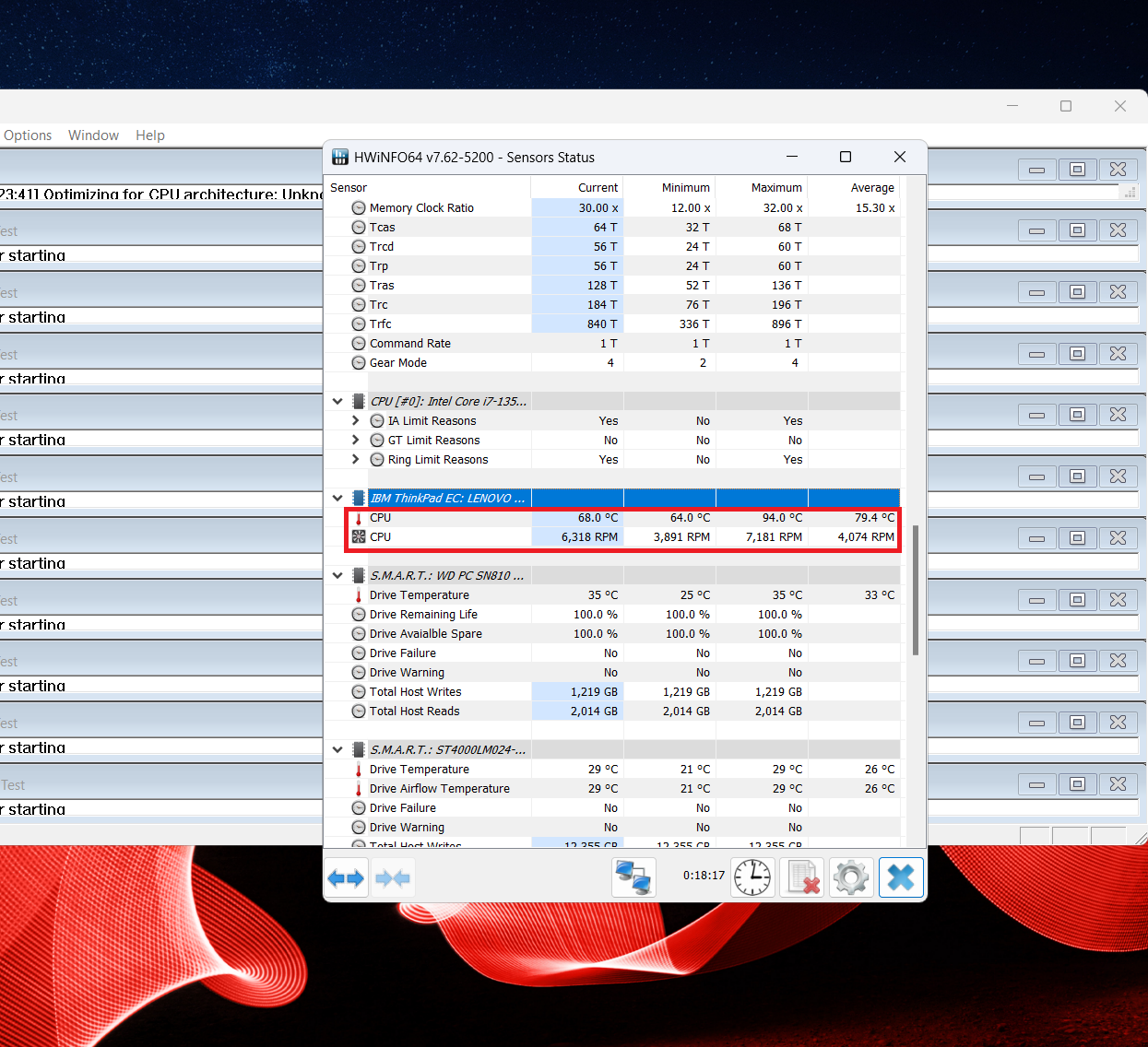 Max CPU load
Battery
Now, we conduct the battery tests with the Windows Better performance setting turned on, screen brightness adjusted to 120 nits and all other programs turned off except for the one we are testing the notebook with. The 57Wh battery unit lasts for 25 hours of Web browsing or 20 hours of video playback. Great!
Fényerő: 180 nit; Megjelenítési mód: SDR
Teljes lemerülési idő: A magasabb érték a jobb
A valós körülmények szimulálása érdekében saját szkriptünket használtuk több mint 70 webhely automatikus böngészéséhez.
 Author: Nikolay Palaozov
 Author: eng. Kroum NikolovHead of Engineering at LaptopMedia.com, inventor and innovator with 40+ years of experience in electronics and high technology.

![[2026. június] Az Amazon Global legkelendőbb laptopmárkái – az Apple páratlan dominanciája az eladott darabszám és a bevétel tekintetében](https://laptopmedia.com/wp-content/uploads/2026/07/GLOBAL-Best-Brands-400x225.jpg)
![[2026. június] Amazon Global: A 10 legkelendőbb laptop – Az Apple új MacBook Neo-ja az első helyre tör, és megfizethető árával újjáformálja a piacot](https://laptopmedia.com/wp-content/uploads/2026/07/Best-Selling-Laptops-GLOBAL-Top-10-400x225.jpg)
![[2026. június] Amazon Global: A 10 legkelendőbb játékos laptop – az Acer Nitro V 16S AI vezeti az eladási listát, míg az ASUS az összbevétel tekintetében áll az élen](https://laptopmedia.com/wp-content/uploads/2026/07/Best-Selling-Gaming-Laptops-GLOBAL-Top-10-400x225.jpg)
![[2026. június] Az Amazonon legkelendőbb laptop-grafikus kártyák globális ranglistája – az NVIDIA RTX 5060 a legkelendőbb dedikált grafikus kártya](https://laptopmedia.com/wp-content/uploads/2026/07/Best-Selling-GPUs-GLOBAL-Top-10-400x225.jpg)
![[2026. június] Az Amazonon legkelendőbb laptop-processzorok globális rangsora – az Apple M5 vezet, az AMD Ryzen 7 260 pedig jelentős részesedést szerez a prémium szegmensben](https://laptopmedia.com/wp-content/uploads/2026/07/Best-Selling-CPUs-GLOBAL-Top-10-400x225.jpg)