
Április 22, 2024
2ASUS TUF Gaming F16 FX607 (2024) Is a Hidden Creator King With a Lot of Potential! We Got a dE of 0.9 With Our Display Profiles!
From the first appearance of the TUF Gaming A16 and F16, we knew that there was hidden potential for a gaming/content-creation machine. Now that we’ve had the notebook for a review, we’re here to say…

Április 21, 2024
0ASUS ROG Swift OLED PG27AQDM monitor – Specs, Pros / Cons: Full DCI-P3 coverage and dE of 1.3
An OLED gaming monitor is for sure going to turn heads (the monitor itself can also turn its head thanks to the swivel movement).…

Április 13, 2024
0ASUS TUF Gaming VG27VH1B monitor – Specs, Pros / Cons: Purely For Gaming
The ASUS TUF Gaming VG27VH1B covers a decent chunk of colors, which is great for gaming. After all, while you need your games to…
Április 09, 2024
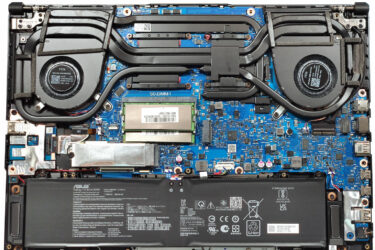
0How to open ASUS TUF Gaming A16 FA607 (2024) – disassembly and upgrade options
Step 1: Accessing the ASUS TUF Gaming A16 FA607 (2024) Internals Ensure the ASUS TUF Gaming A16 FA607 is turned off and placed on a protective surface to prevent scratches. Remove the 12 Philips-head screws…

Április 03, 2024
0How to open ASUS Vivobook S 14 Flip OLED (TP3402) – disassembly and upgrade options
Step 1: Accessing the ASUS Vivobook S 14 Flip OLED (TP3402) Internals Ensure the ASUS Vivobook S 14 Flip OLED is powered off and placed on a soft surface to avoid scratches. Remove the 10…

Február 28, 2024
0ASUS TUF Gaming VG24VQE monitor – Specs, Pros / Cons: Budget Gamers Don’t Need Anything Else!
Curved monitors are becoming more popular, and if you want a more inexpensive option so you can experience it and see…

Február 01, 2024
1How to open ASUS Zenbook 14 (UM3402) – disassembly and upgrade options
Step 1: Accessing the Internal Components Ensure the ASUS Zenbook 14 (UM3402) is powered off and placed on a soft, clean surface to prevent scratches or damage. Remove the 7 Torx-head screws from the bottom…
Február 01, 2024
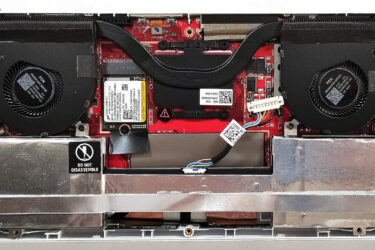
0How to open ASUS ROG Ally (2023) – disassembly and upgrade options
Step 1: Accessing the Internal Components Ensure the ASUS ROG Ally (2023) is powered off and placed on a soft, clean surface to prevent scratches or damage. Remove the six Phillips-head screws from the bottom…
Február 01, 2024
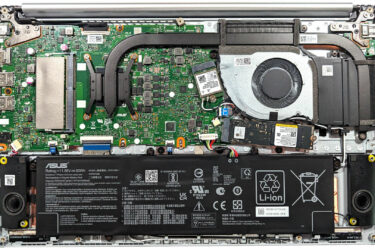
0How to open ASUS Vivobook 15 OLED (M1505) – disassembly and upgrade options
Step 1: Accessing the Internal Components Ensure the ASUS Vivobook 15 OLED (M1505) is powered off and placed on a soft, clean surface to prevent scratches or damage. Remove the 10 Phillips-head screws securing…
Február 01, 2024
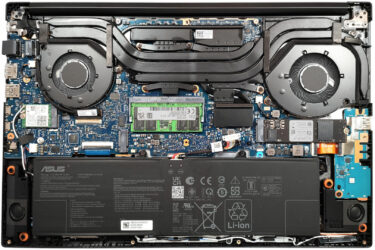
0How to open ASUS Vivobook Pro 15 OLED (N6506) – disassembly and upgrade options
Step 1: Opening the ASUS Vivobook Pro 15 OLED (N6506) Ensure the ASUS Vivobook Pro 15 OLED is turned off and placed on a soft surface to prevent damage. Remove the 10 Torx-head screws securing…
Február 01, 2024
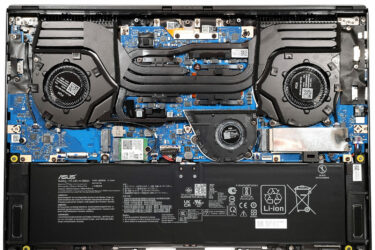
3How to open ASUS ROG Zephyrus G16 GU605 – disassembly and upgrade options
Step 1: Accessing the ASUS ROG Zephyrus G16 GU605 Ensure the ASUS ROG Zephyrus G16 GU605 is powered off and placed on a soft surface to prevent any damage. Remove the 11 Torx-head screws securing…
Február 01, 2024
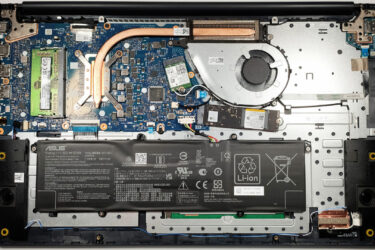
0How to open ASUS Vivobook 17 F1704 (X1704) – disassembly and upgrade options
Step 1: Accessing the Internal Components Ensure the ASUS Vivobook 17 F1704 (X1704) is powered off and placed on a soft, clean surface to prevent scratches or damage. Remove the 11 Phillips-head screws from the…
Február 01, 2024
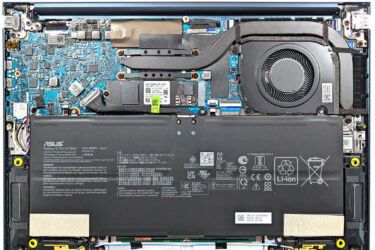
3How to open ASUS Zenbook 14 OLED (UX3405) – disassembly and upgrade options
Step 1: Accessing the Internal Components Ensure the ASUS Zenbook 14 OLED (UX3405) is powered off and placed on a soft, clean surface to prevent scratches or damage. Remove the 7 Torx-head screws from the…
Február 01, 2024
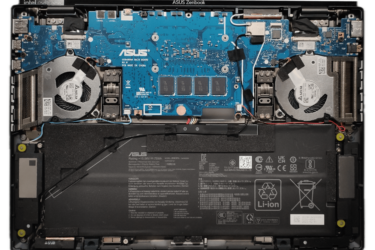
3How to open ASUS Zenbook DUO (UX8406) – disassembly and upgrade options
Step 1: Opening the ASUS Zenbook DUO (UX8406) Power off the ASUS Zenbook DUO (UX8406) and place it on a soft, clean surface to prevent scratches. Remove the 12 Torx-head screws from the laptop’s bottom,…
Február 01, 2024
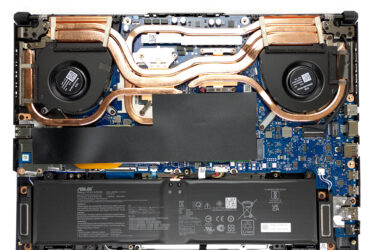
0How to open ASUS TUF Gaming A15 FA507 – disassembly and upgrade options
Step 1: Accessing the Internal Components Ensure the ASUS TUF Gaming A15 FA507 is powered off and placed on a soft, clean surface to prevent scratches or damage. Remove the 12 Phillips-head screws from the…
Február 01, 2024
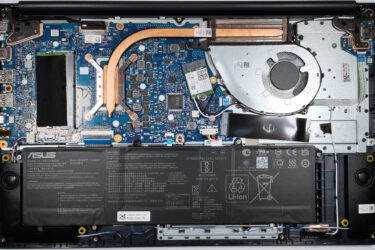
2How to open ASUS Vivobook 15 F1504 (X1504) – disassembly and upgrade options
Step 1: Accessing the Internal Components Ensure the ASUS Vivobook 15 F1504 (X1504) is powered off and placed on a soft, clean surface to prevent scratches or damage. Remove the 10 Phillips-head screws from the…
Február 01, 2024
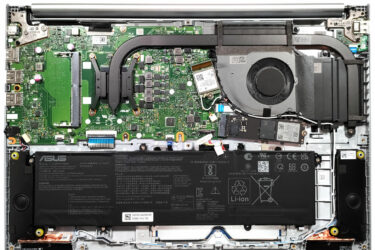
0How to open ASUS Vivobook 16 (M1605) – disassembly and upgrade options
Opening the Notebook Ensure the device is powered off and unplugged from any power source. Remove the 10 Phillips-head screws from the bottom panel. Gently lift the bottom panel near one of the top two…

Január 29, 2024
0Display Profiles for ASUS VZ24EHE – Professional Accuracy with a Budget Monitor?
What we have here is perhaps the lightest and thinnest monitor we’ve seen. Just looking at the ASUS VZ24EHE from…

Január 13, 2024
0Display Profiles for ASUS TUF Gaming VG27AQA1A – Great at everything
Here we have a purebred gaming monitor, which turns out is also excellent for content creation. Thanks to our Display Profiles, the ASUS TUF Gaming…
Január 01, 2024
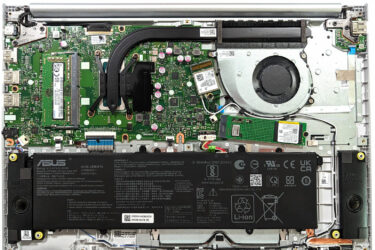
0How to open ASUS Vivobook 16X OLED (K3604) – disassembly and upgrade options
Step 1: Accessing the Internal Components Power off the ASUS Vivobook 16X OLED (K3604) and place it on a soft, clean surface to prevent any damage. Remove the 10 Phillips-head screws securing the bottom panel…



![[2026. május] Amazon Global: A 10 legkelendőbb játékos laptop – A kedvező árú ASUS TUF Gaming A15 uralja a piacot](https://laptopmedia.com/wp-content/uploads/2026/06/Best-Selling-Gaming-Laptops-GLOBAL-Top-10-400x225.jpg)
![[2026. május] Amazon Global: A 10 legkelendőbb laptop – Az Apple megfizethető „MacBook Neo” modellje szerezte meg az első helyet az Air és a Pro modellek erős eladásai mellett](https://laptopmedia.com/wp-content/uploads/2026/06/Best-Selling-Laptops-GLOBAL-Top-10-400x225.jpg)
![[2026. május] Az Amazon Global legkelendőbb laptopmárkái – az Apple vezet az eladott darabszám és a bevétel tekintetében](https://laptopmedia.com/wp-content/uploads/2026/06/GLOBAL-Best-Brands-400x225.jpg)