How to open HP OMEN 16 (16-am0000) – disassembly and upgrade options
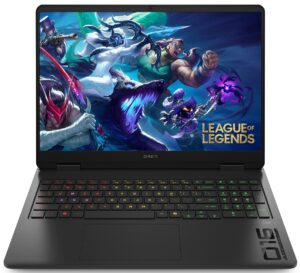
Step 1: Opening the HP OMEN 16 (16-am0000)
- Power off the laptop and place it on a soft, clean surface.
- Undo the 6 screws securing the bottom panel. 4 of them remain captive in the cover.
- Carefully lift the bottom panel away from the chassis.
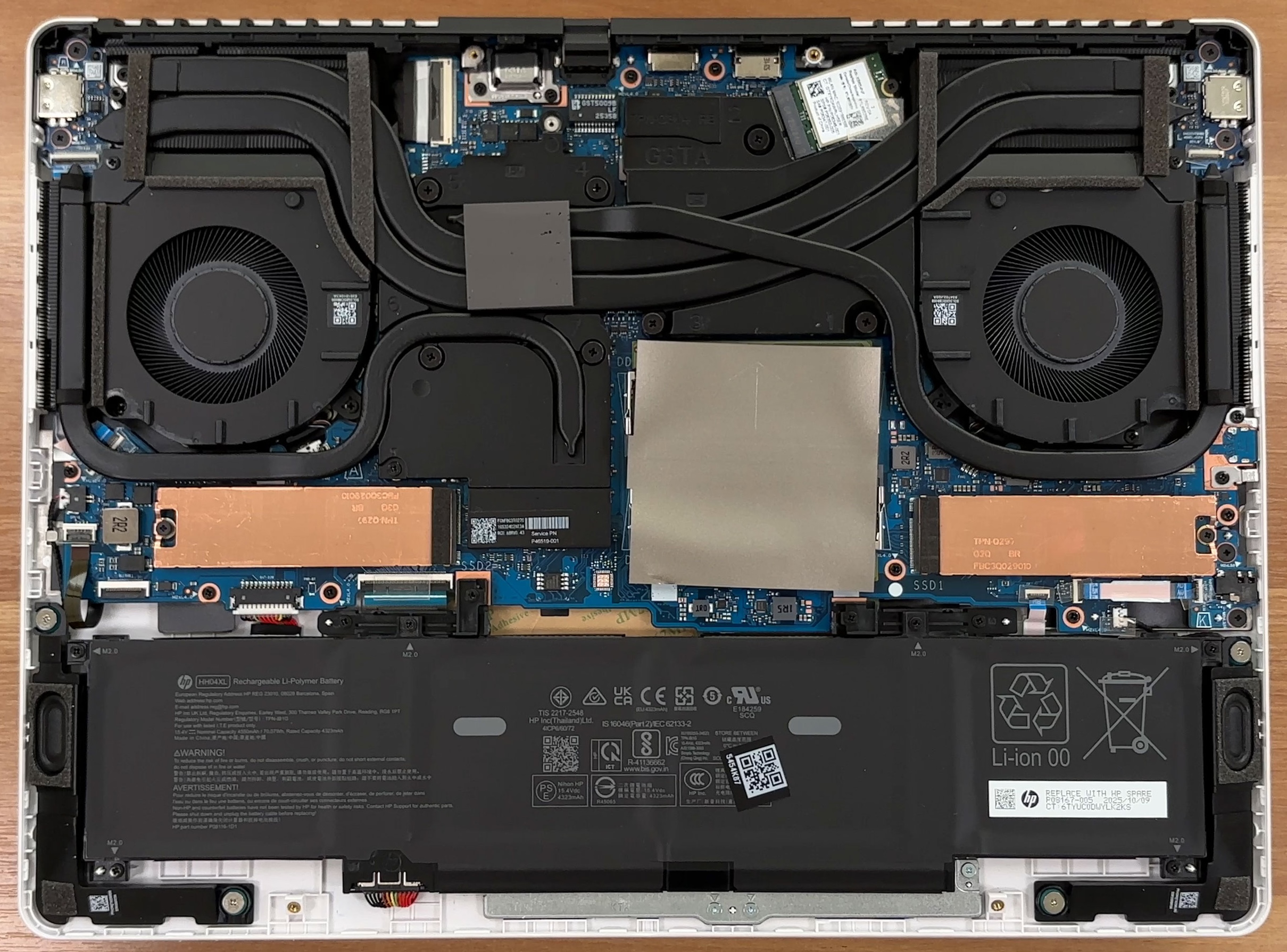
More info: The internal layout is clean and practical, with the battery at the front, the upgradeable components in the middle, and the cooling system covering the top half. There is also an additional thermal pad on the inside of the bottom cover that makes contact with the cooling assembly.
Step 2: Battery Removal
- Disconnect the battery connector from the motherboard before touching any other internal component.
- Undo the 6 Phillips-head screws securing the battery pack.
- Lift the battery out of the chassis.
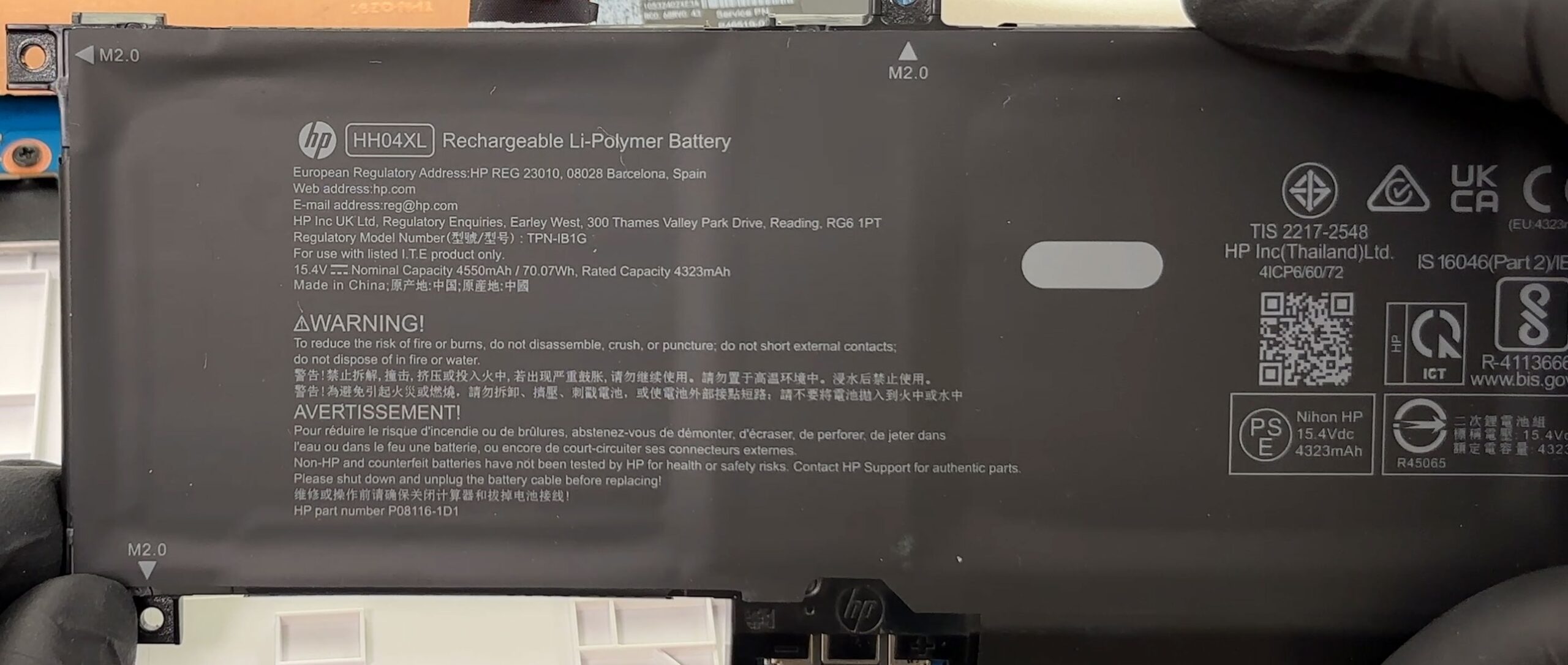
More info: Our unit is equipped with the smaller 70Wh HH04XL battery, while some configurations in the same series come with an 83Wh pack. The battery is fully replaceable, which is a big plus for long-term serviceability.
Memory Upgrade
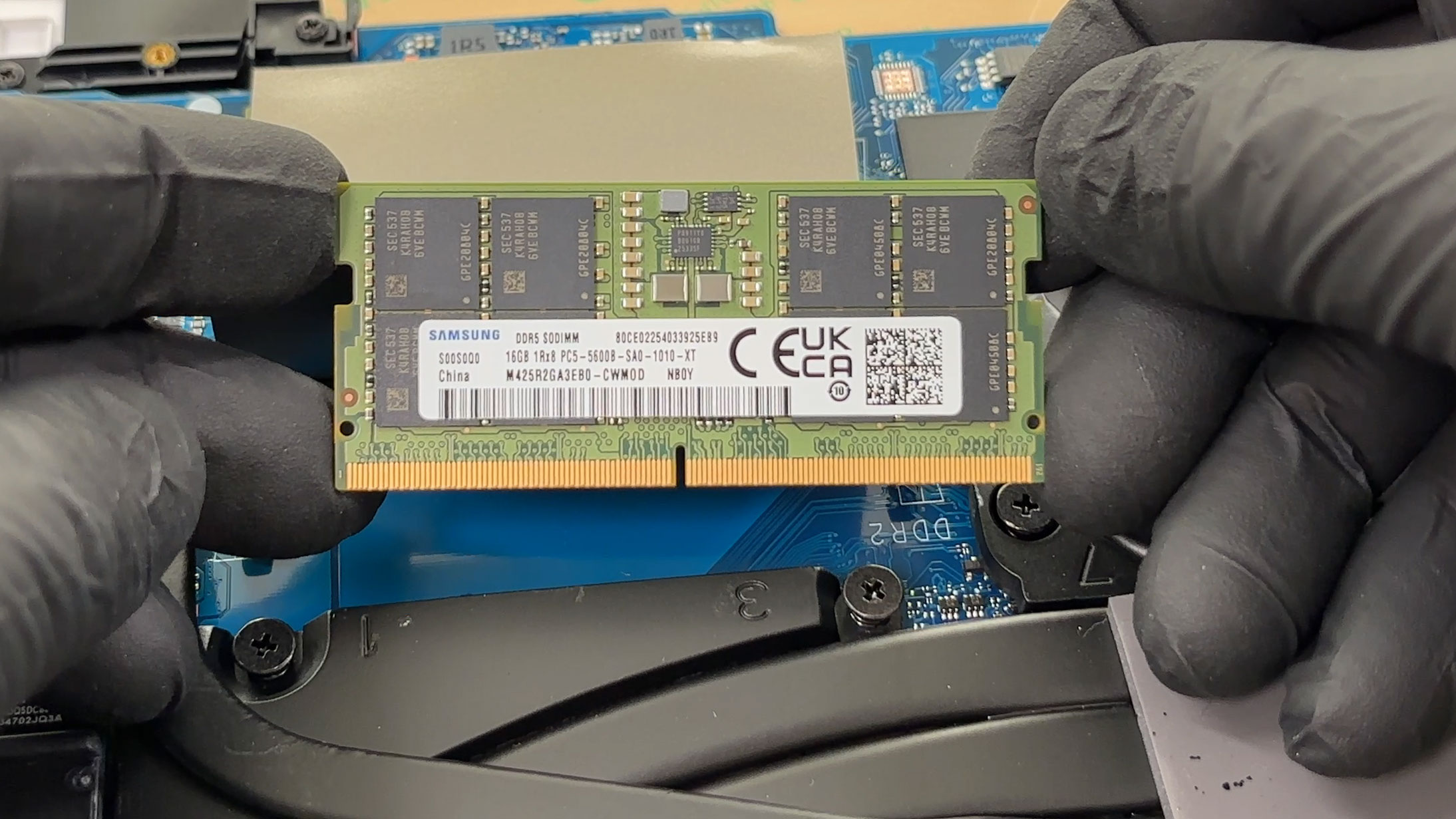
- The memory is located under the metal shield in the center of the motherboard.
- Remove the shield carefully to access the two DDR5 SODIMM slots.
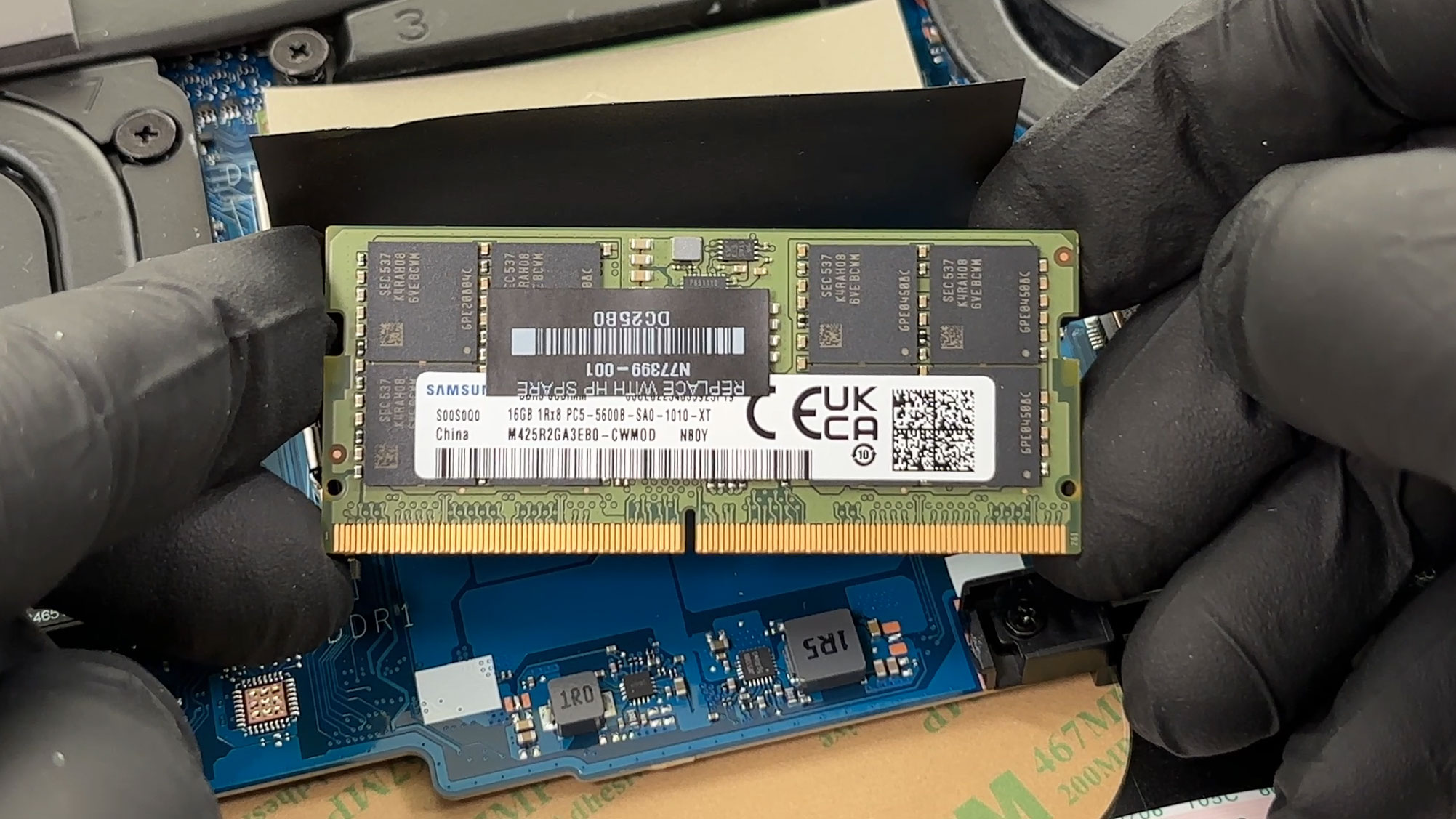
- Our configuration uses two 16GB Samsung DDR5-5600 modules for a total of 32GB.
- HP officially lists 32GB as the maximum supported memory capacity for this model family.
- To replace the memory, insert the new module at an angle and press it down until the side clips lock it in place.
You can buy DDR5 RAM modules here: Buy from Flipkart.com
Storage Upgrade
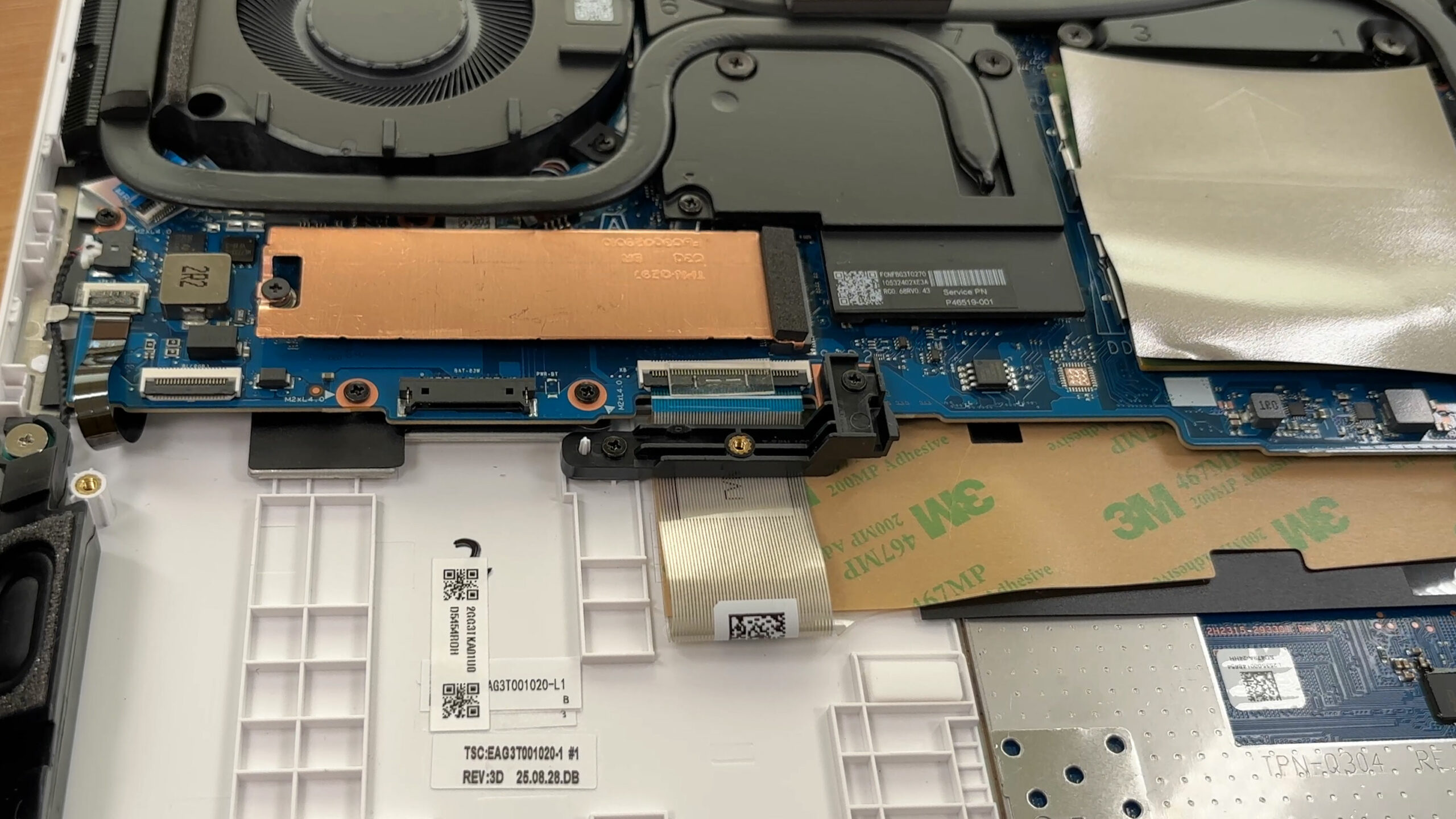
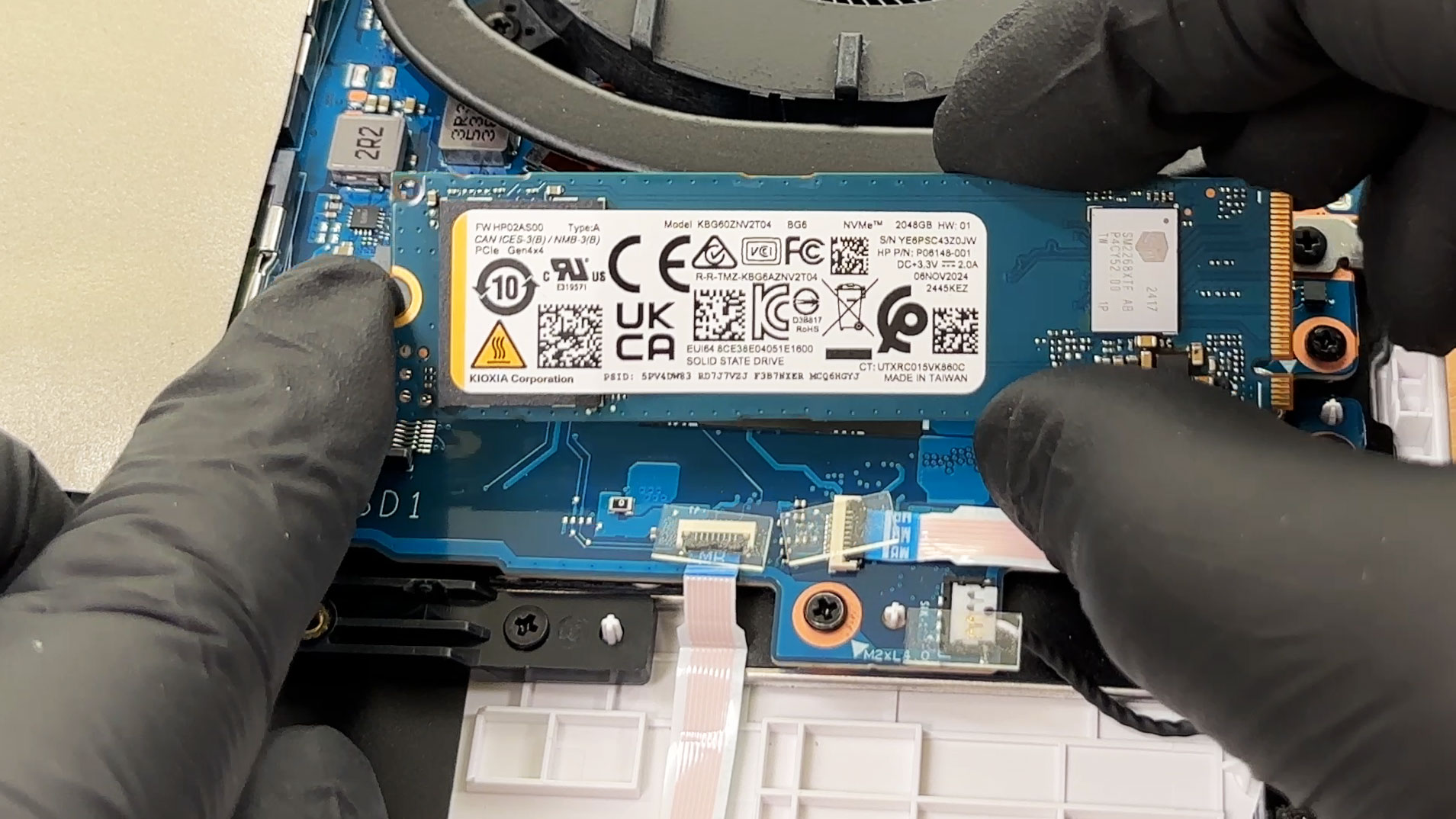
- The laptop offers 2 M.2 slots for PCIe Gen 4 x4 NVMe SSDs.
- Both slots support the standard 2280 form factor.
- Our machine comes with a 2TB Kioxia BG6 drive installed in the primary slot, while the second slot is free for expansion.
- Each slot has shielding, and the installed drive sits under an EMI/RFI cover that also acts as a heat spreader with the help of a thermal pad.
- HP also offers this series with 512GB, 1TB, and dual-512GB storage configurations.
You can buy Gen 4 M.2 SSDs here: Buy from Flipkart.com
Hint: Don’t forget to check out our Top M.2 SSDs Performance Rankings for insights on the best storage options available.
Step 3: Cooling System Overview
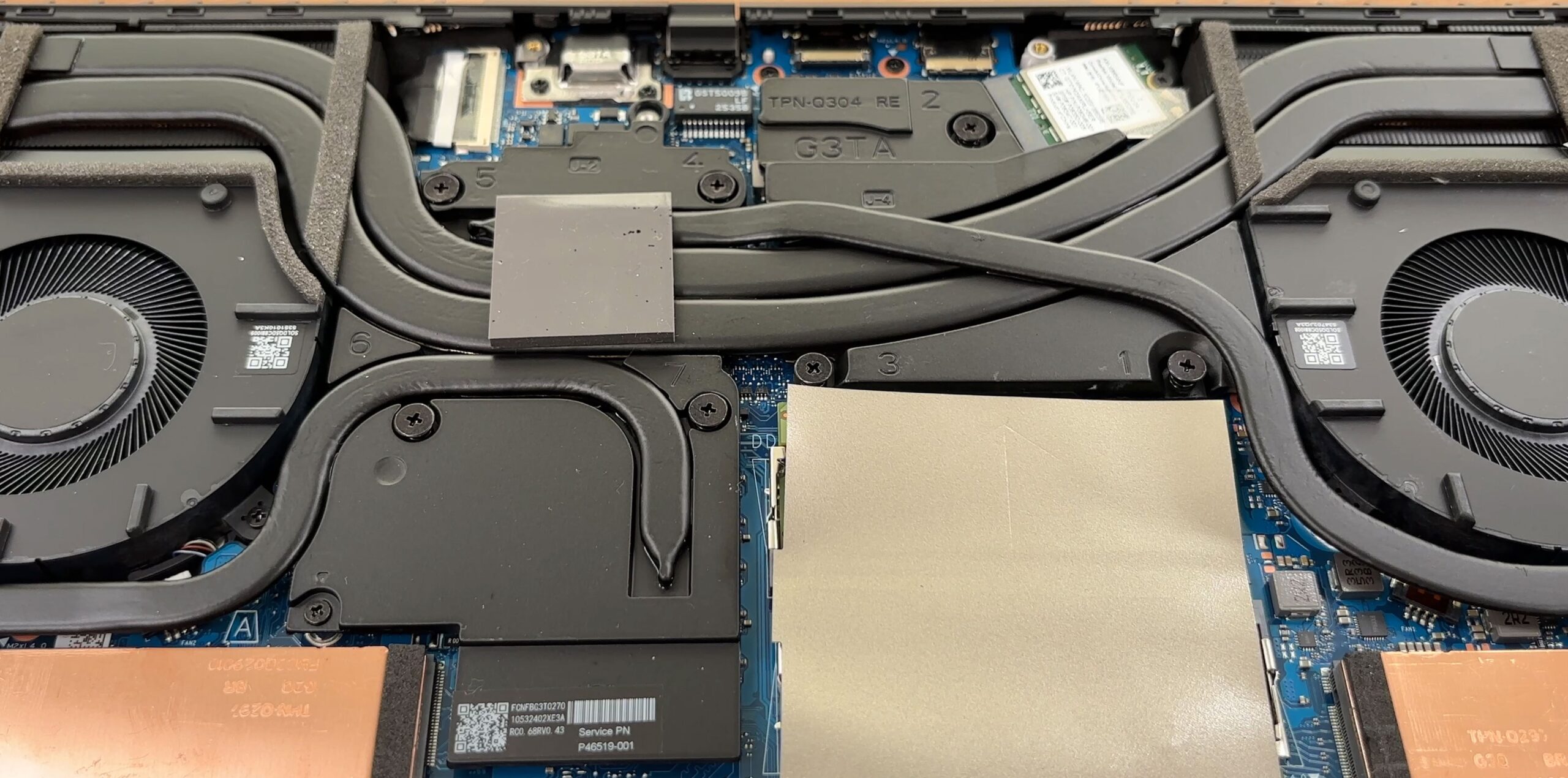
- The cooling solution uses 2 large fans and a substantial heat-pipe network that spans the CPU and the discrete GPU.
- There are separate heatsink sections at both rear corners, which should help the laptop handle longer gaming sessions more effectively.
- HP has clearly allocated plenty of internal space to thermal hardware, which is exactly what you want in a performance-focused 16-inch gaming machine.
More info: The Wi-Fi card is also replaceable. Our unit uses a Realtek RTL8852BE-based module, while other configurations may come with an Intel AX211 card instead. It is placed near the top-right side of the motherboard, close to the cooling assembly, so the antenna leads should be handled carefully during servicing.
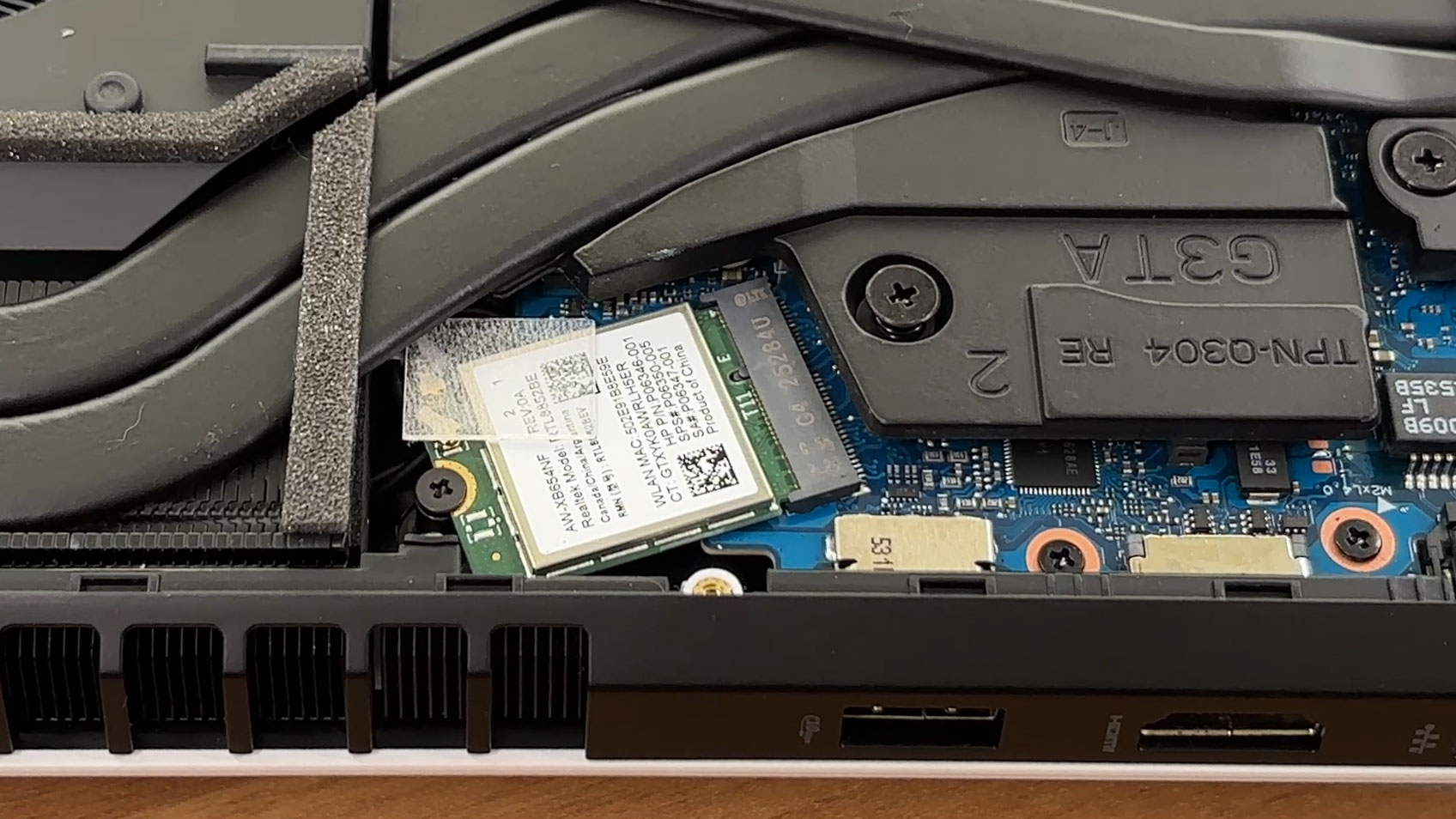
Overall: The internal organization is tidy, and the underside of the touchpad assembly and its ribbon cable routing are easy to inspect once the bottom cover is removed. RAM, both SSD slots, the battery, and the Wi-Fi card are all user-serviceable, which makes the HP OMEN 16 one of the more upgrade-friendly gaming laptops in its class.
HP OMEN 16 (16-am0000, 2025) गहन समीक्षा
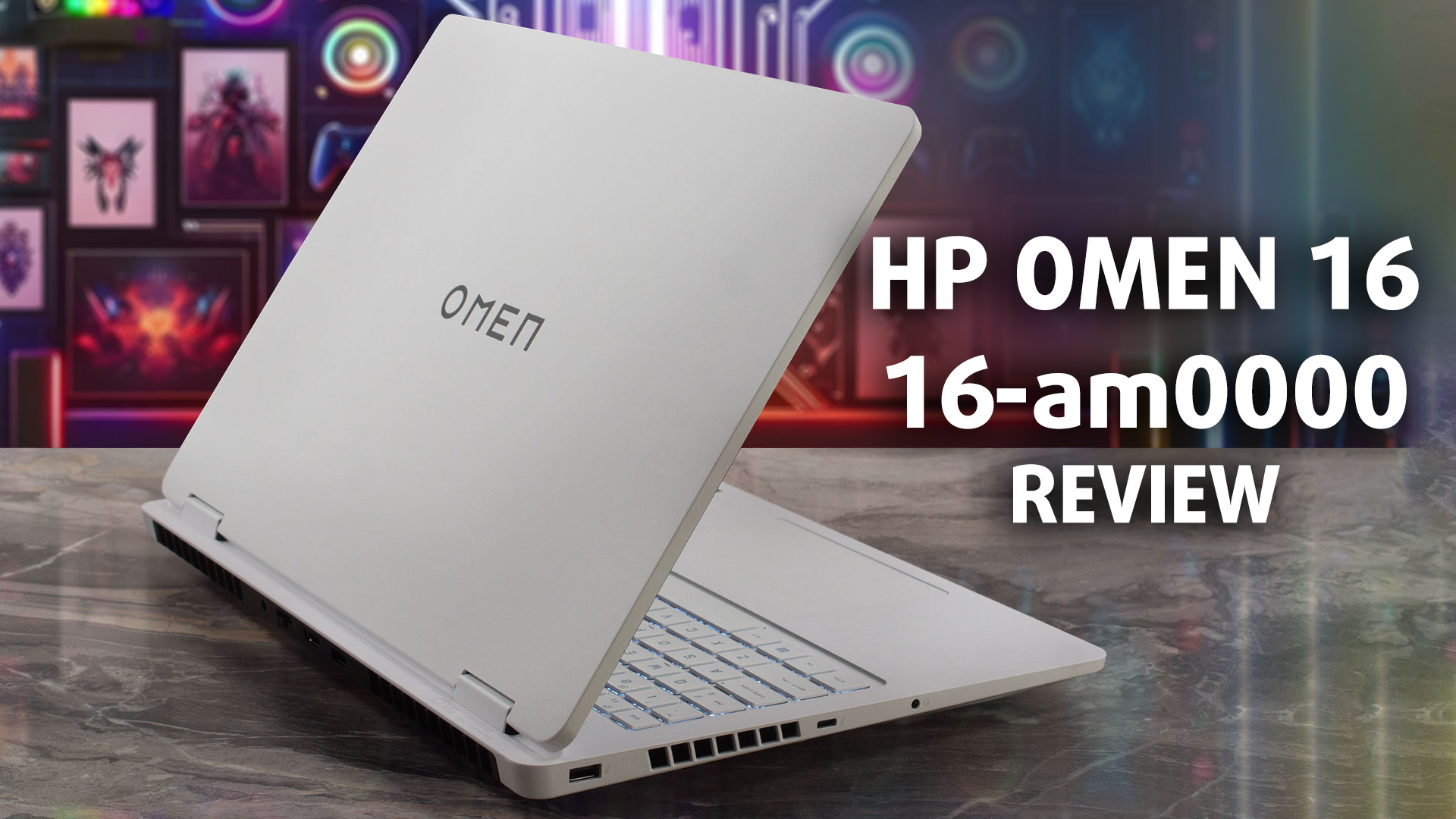
The HP OMEN 16 (16-am0000, 2025) enters the gaming arena quietly. It trades the aggressive, LED-drenched aesthetic of many competitors for a clean, minimalist "Ceramic White" finish that looks just as good in a boardroom as it does on a desk. But don't mistake its subtle design for weakness. Underneath that professional exterior lies a potent combination of an Intel Core 7 processor and an NVIDIA RTX 5070. While it promises high-end gaming performance, our testing revealed its true superpower lies in an unexpected area: astonishing efficiency. Can a laptop this powerful really be an all-da[...]
पक्ष
- Exceptional battery life for a gaming laptop (8.5+ hours)
- Excellent GPU thermal management and performance stability
- Fantastic upgradeability with two RAM and two M.2 2280 slots
- Clean, professional design with a fingerprint-resistant finish
- Practical rear-port layout for cable management
- Physical privacy shutter for the webcam
विपक्ष
- Base model display has very poor color coverage (52% sRGB)
- CPU runs very hot under sustained heavy load
- Half-height up and down arrow keys
- Fans can be audible even at idle
 Author: Dimitar Stalev

![[May 2026] Global Ranking of Best-Selling Laptop GPUs on Amazon – Apple Dominates with 45% Share, Sweeps Top 3 Spots; NVIDIA’s RTX 5060 Leads the Dedicated GPU Pack](https://laptopmedia.com/wp-content/uploads/2026/06/Best-Selling-GPUs-GLOBAL-Top-10-400x225.jpg)
![[May 2026] Global Ranking of Best-Selling Laptop CPUs on Amazon – Apple Crushes Competition with 45.2% Market Share, M5 Dominates](https://laptopmedia.com/wp-content/uploads/2026/06/Best-Selling-CPUs-GLOBAL-Top-10-400x225.jpg)
![[May 2026] Amazon Germany: Top 7 Best-Selling Gaming Laptops – Lenovo Legion 5i Crowned Champion Amidst Fierce Mid-Range Competition](https://laptopmedia.com/wp-content/uploads/2026/06/Best-Selling-Gaming-Laptops-DE-Top-10-1-400x225.jpg)
![[May 2026] Amazon Italy: Top 10 Best-Selling Laptops – Apple MacBook Neo Reigns Supreme, Premium Models Capture Dominant Revenue Share](https://laptopmedia.com/wp-content/uploads/2026/06/Best-Selling-Laptops-IT-Top-10-400x225.jpg)
