ASUS ROG Zephyrus S15 GX502 vs ASUS Zephyrus S GX502 – what’s new?
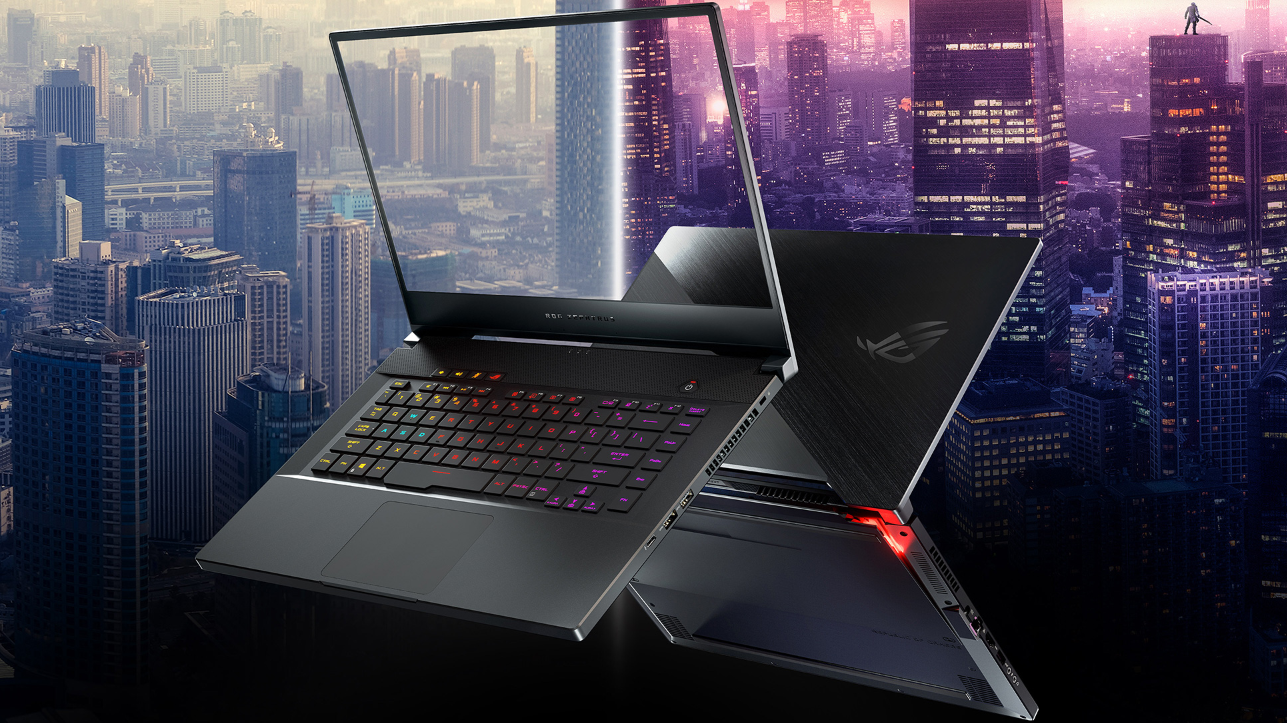 A short while ago, ASUS revealed its latest models from the ROG Zephyrus family – one of which is the ASUS ROG Zephyrus S15 GX502. The fresh device has a magnesium-alloy body and thin bezels, just like its predecessor – the ASUS Zephyrus S GX502. The latter is a great piece of hardware but we can hope that ASUS has fixed the thermal issues with the 2020 version because we were not entirely happy with the temperatures of the 2019 laptop. This year’s notebook comes with newer and faster CPUs and GPUs, as well as some other goodies.
You can check the prices and configurations of the ASUS ROG Zephyrus S15 GX502 devices in our Specs System: https://laptopmedia.com/series/asus-rog-zephyrus-s15-gx502/
You can check the prices and configurations of the ASUS Zephyrus S GX502 devices in our Specs System: https://laptopmedia.com/series/asus-zephyrus-s-gx502/
Contents
Design: almost unchanged
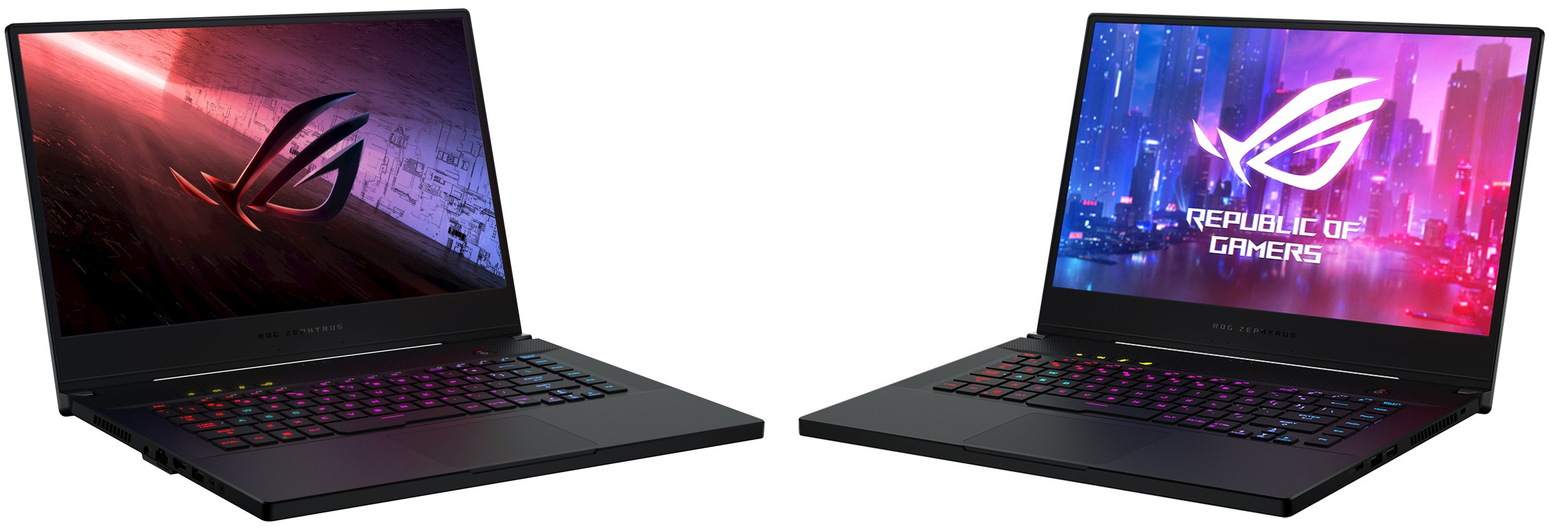
Nothing new in terms of design. The refreshed device looks almost the same as its predecessor – magnesium-alloy body, thin bezels, low weight, and thin profile. Ok, the newer one is just a little bit thicker and heavier but we are talking about minimal differences – 18.9 mm vs 18.8 mm and 2.04 kg vs 2.0 kg, respectively.
ASUS ROG Zephyrus S15 GX502 | ASUS Zephyrus S GX502
Display: 300Hz panel with 3ms response time
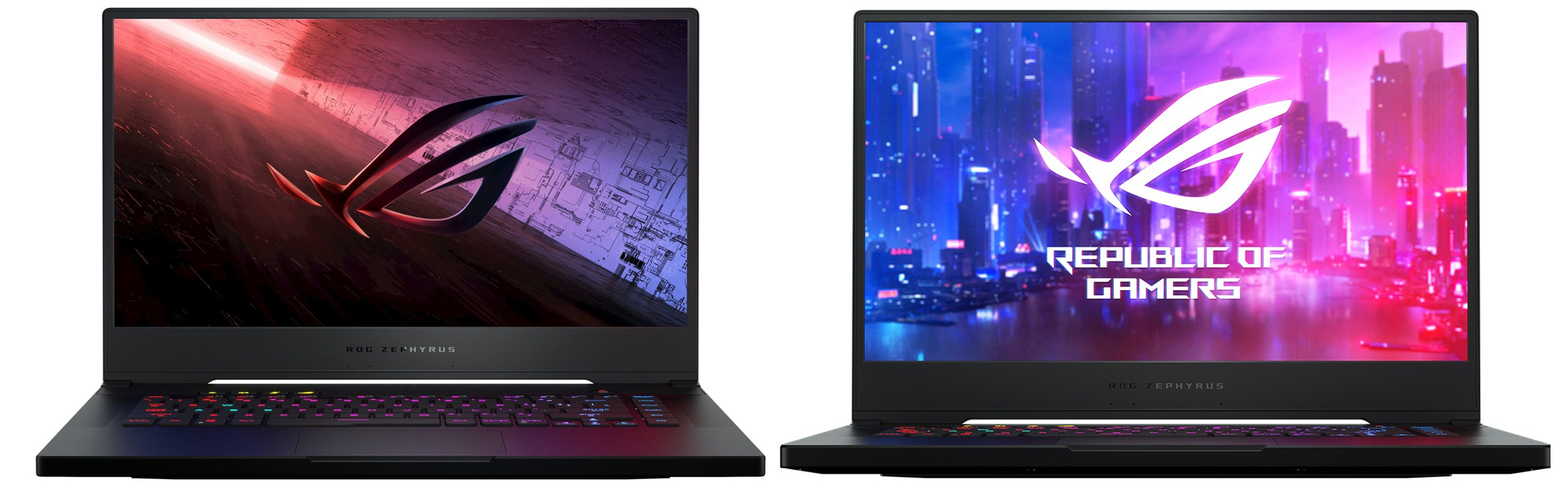
Last year’s device comes with 144Hz and 240Hz panel options but the updated ROG Zephyrus S15 GX502 is configured with a superb 300Hz panel that supposedly has a 3 ms response time. It’s an IPS display so we can expect good viewing angles, plus, there is G-Sync certification, while the colors are Pantone Validated. According to ASUS, it can cover 100% of the sRGB color gamut which sounds nice but we still have to test it.
ASUS ROG Zephyrus S15 GX502 | ASUS Zephyrus S GX502
Hardware: Comet Lake-H and NVIDIA RTX Super
With the newer version of the laptop, you can choose between an interesting selection of processors and graphics cards. For those who need more computing power, there is the Core i7-10875H, which is equipped with 8 cores and 16 threads. However, if you want to shave off some money from the final price, you can get the 6-core Intel Core i7-10750H. It will provide enough headroom for a powerful GPU, and perhaps would be more battery-friendly than its 8-core brother.
As for the GPUs, you can configure the notebook with the refreshed NVIDIA RTX 2080 Super or 2070 Super, both of which offer more CUDA cores than their non-Super siblings.
Connectivity and ports: Thunderbolt support and more
One of the drawbacks of the 2019 device was that it lacks a Thunderbolt connection. ASUS has fixed that in the 2020 machine. Let’s check the ports – one USB 3.2 Gen 2 (Type-C) with Thunderbolt 3 support, a USB 3.2 Gen 2 (Type-A) port, two USB 3.2 Gen 1 (Type-A) ports, an HDMI 2.0b connector, an audio jack (ESS Hi-Fi DAC), a mic-in jack, and an Ethernet port.
Storage and other specs: NVMe and Wi-Fi 6
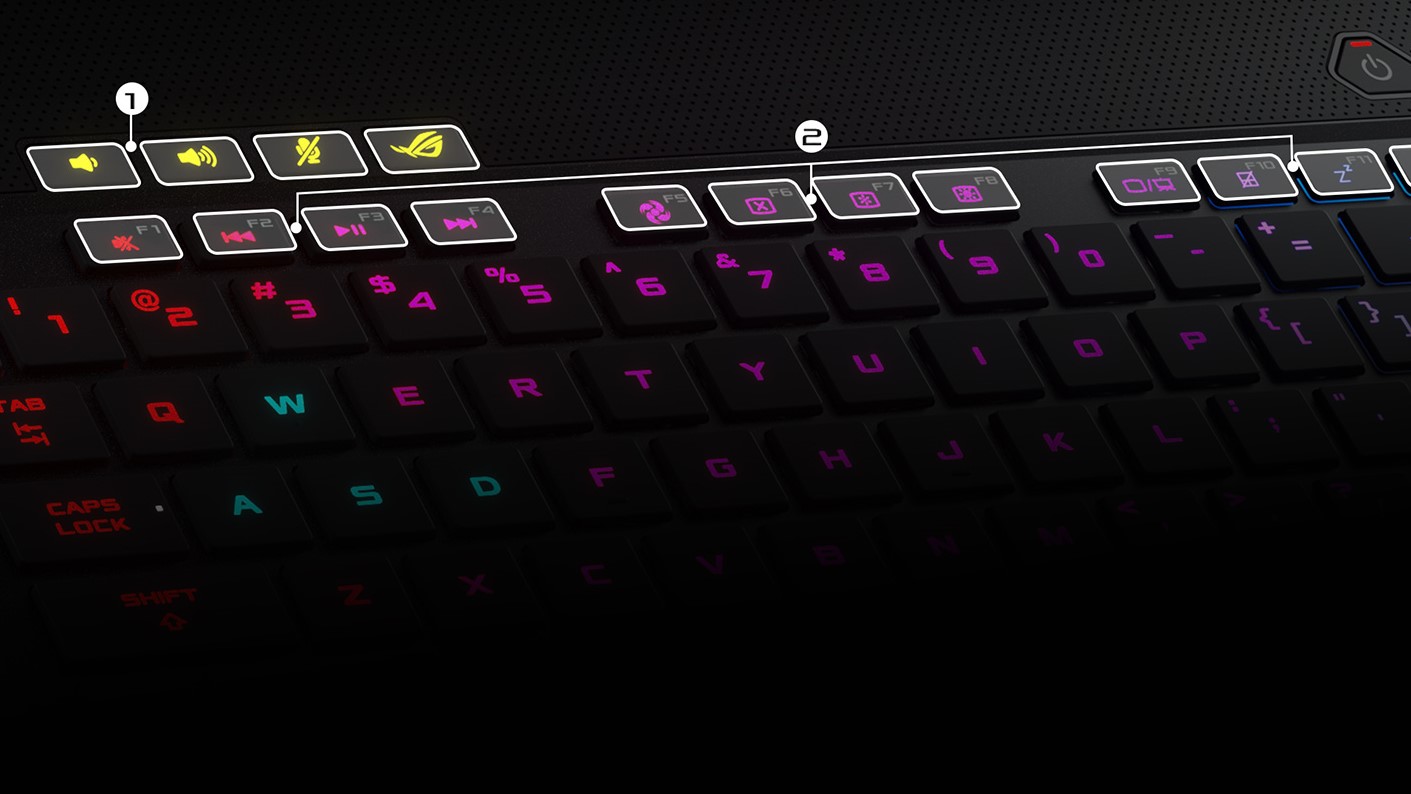
As you may expect, the NVMe support is on board so you can take advantage of high write and read speeds. With Wi-Fi 6 you can download files faster in comparison to the older standard and there is Bluetooth 5.0, as well. The per-key RGB keyboard is here again. It’s AURA compatible, and let’s hope that this one will be more comfortable for gaming because the older version wasn’t that good in this criteria. The battery capacity remains the same – 76Wh.
Specs Comparison
| ASUS ROG Zephyrus S15 GX502 | ASUS Zephyrus S GX502 | |
|---|---|---|
| Display | 15.6″, Full HD, IPS 300Hz | 15.6″, Full HD, IPS 144Hz / 240Hz |
| GPU | up to NVIDIA RTX 2080 Super | NVIDIA GeForce RTX 2070, NVIDIA GeForce RTX 2060 |
| CPU | Intel Core i7-10875H, Intel Core i7-10750H | Intel Core i7-9750H |
| Memory | DDR4 3200Mhz | DDR4 2666Mhz |
| Storage | M.2 NVMe SSD | M.2 NVMe SSD |
| Gigabit WiFi | 802.11ax | 802.11ac |
| Battery | 76Wh | 76Wh |
| Thickness | 18.9 mm | 18.8 mm |
| Weight | 2.04kg | 2.0kg |
| Review | – | Link |
Prices and Configurations
ASUS ROG Zephyrus S15 GX502 configurations:
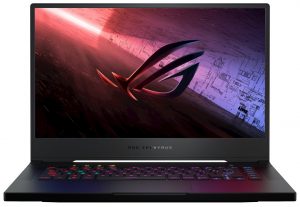
ASUS Zephyrus S GX502 configurations:
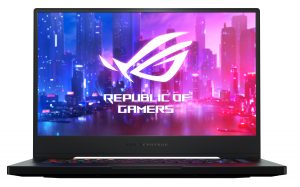

 Author: Nikolay Palaozov

![[June 2026] Best-Selling Laptop Brands on Amazon Global – Apple’s Unrivaled Dominance in Units and Revenue](https://laptopmedia.com/wp-content/uploads/2026/07/GLOBAL-Best-Brands-400x225.jpg)
![[June 2026] Amazon Global: Top 10 Best-Selling Laptops – Apple’s New MacBook Neo Storms to #1, Reshaping the Market with Affordability](https://laptopmedia.com/wp-content/uploads/2026/07/Best-Selling-Laptops-GLOBAL-Top-10-400x225.jpg)
![[June 2026] Amazon Global: Top 10 Best-Selling Gaming Laptops – Acer’s Nitro V 16S AI Dominates Sales, While ASUS Leads Overall Revenue](https://laptopmedia.com/wp-content/uploads/2026/07/Best-Selling-Gaming-Laptops-GLOBAL-Top-10-400x225.jpg)
![[June 2026] Global Ranking of Best-Selling Laptop GPUs on Amazon – NVIDIA RTX 5060 is the Top-Selling Dedicated GPU](https://laptopmedia.com/wp-content/uploads/2026/07/Best-Selling-GPUs-GLOBAL-Top-10-400x225.jpg)
![[June 2026] Global Ranking of Best-Selling Laptop CPUs on Amazon – Apple M5 Dominates, AMD Ryzen 7 260 Gets Solid Premium Share](https://laptopmedia.com/wp-content/uploads/2026/07/Best-Selling-CPUs-GLOBAL-Top-10-400x225.jpg)

Hi! I would like to know the bulk price for 50 each
Microsoft Surface Pro 7 – 12.3″ – Core i7 1065G7 – 16 GB RAM – 512 GB SSD
Lenovo ThinkPad X1 Carbon (7th Gen) – 14″ – Core i7 10510U – 16 GB RAM – 512 GB SSD