How to open MSI Cyborg 15 (A12V) – disassembly and upgrade options
Two DDR5 RAM slots and one M.2 PCIe x4 storage slot comprise this notebook’s upgrade options. In addition, it is pretty easy to access them.
Check out all MSI Cyborg 15 (A12V) prices and configurations in our Specs System, or read more in our In-Depth review.
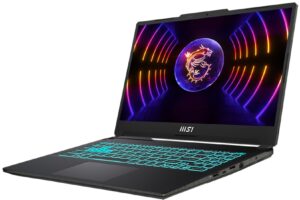
1. Remove the bottom plate
There are 9 Phillips-head screws holding your bottom panel to the chassis. After you undo them, use a plastic pry tool to lift the panel away from the device.
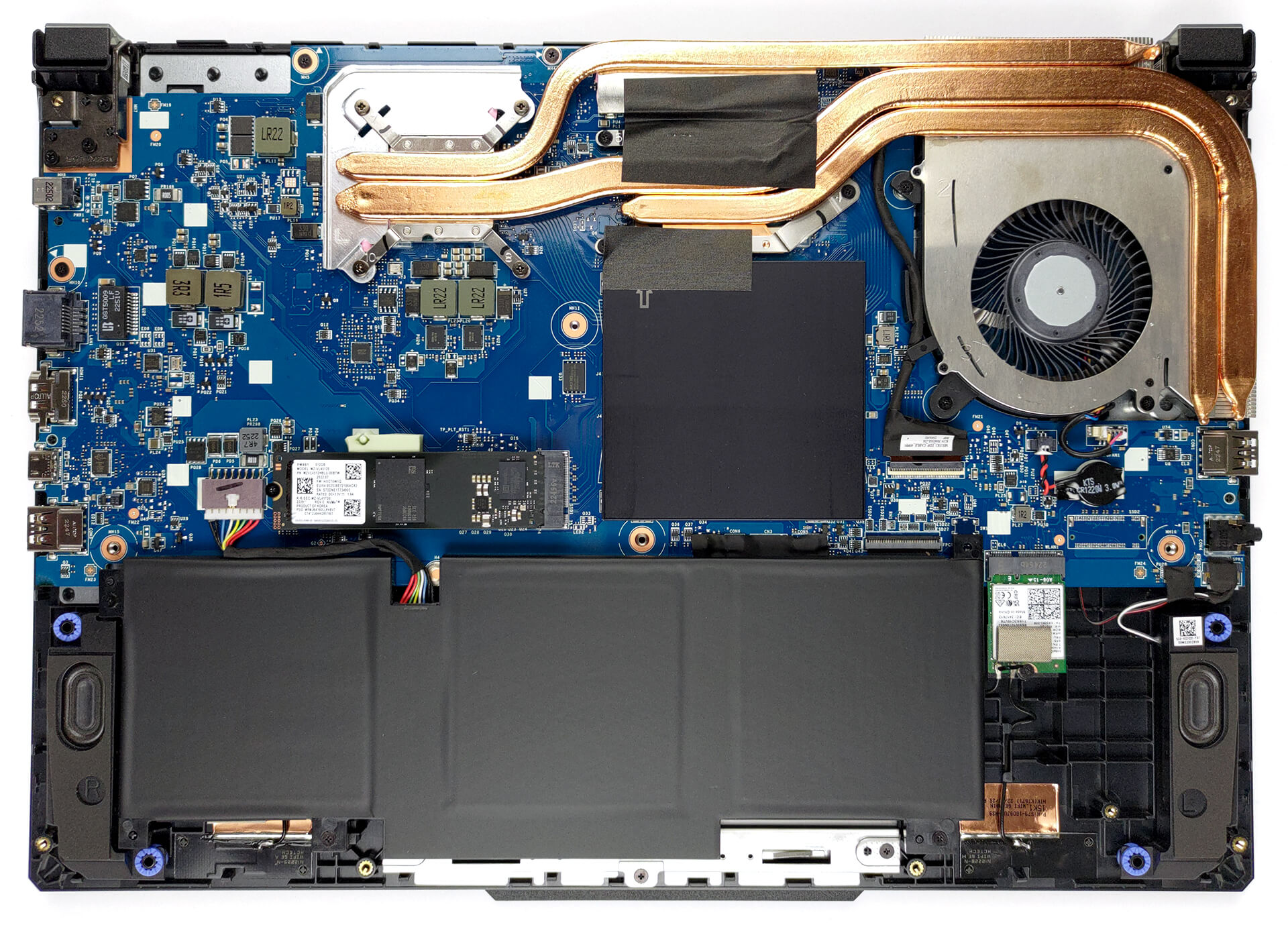
2. Remove the battery
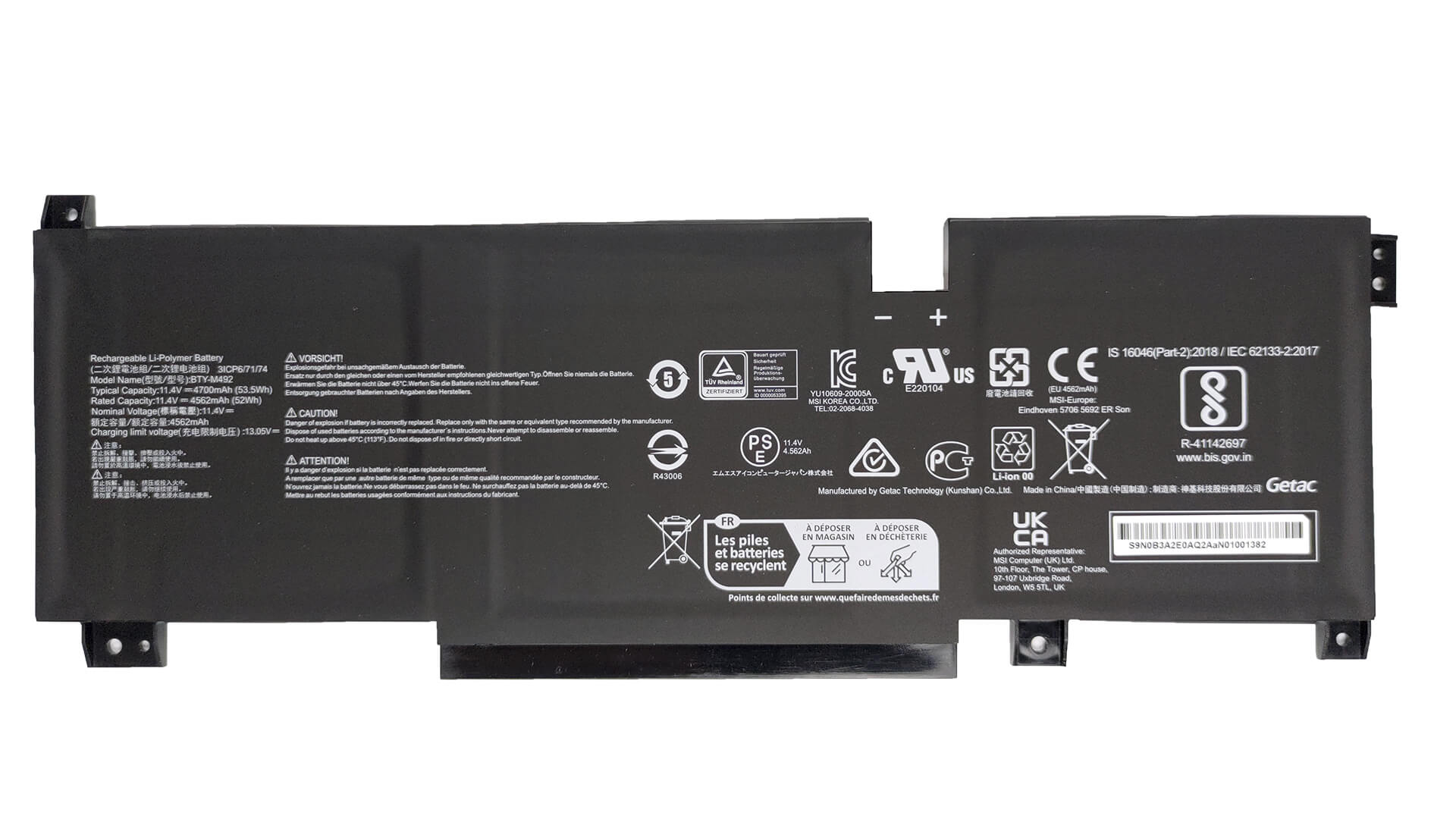
Inside, we find a 53.5Wh battery pack. To remove it, undo the 3 Phillips-head screws securing the battery in place, and unplug the connector from the motherboard.
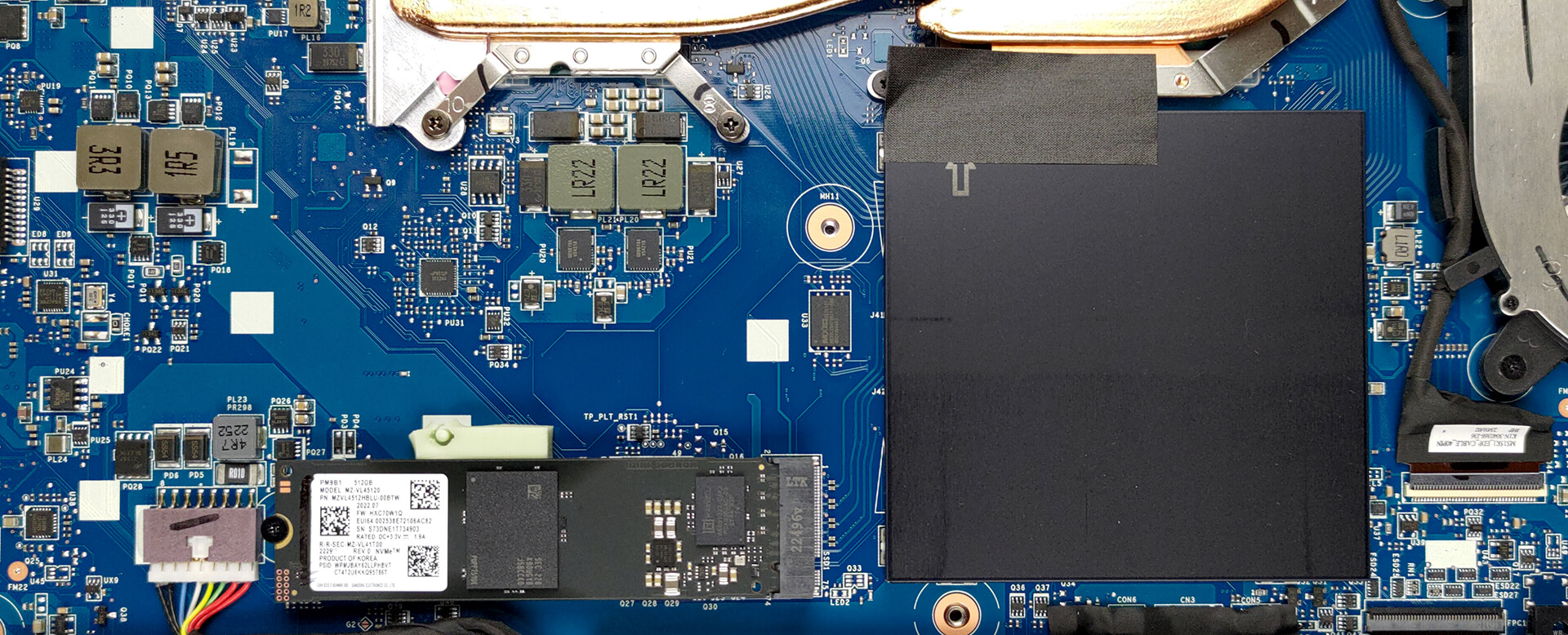
3. Upgrade memory and storage
You will find two SODIMM slots beneath a metal shroud. They support a total of 64GB of DDR5 RAM. Storage-wise, there is one M.2 PCIe x4 slot, which can work with Gen 4 SSDs.
4. Cooling system
In terms of cooling, you get one heat pipe, shared between the CPU and the GPU, with one more dedicated to each of them. In addition, you get two heat sinks, one fan, and some more metal above the graphics memory, and the VRMs.

Check out all MSI Cyborg 15 (A12V) prices and configurations in our Specs System, or read more in our In-Depth review.
MSI Cyborg 15 (A12Ux / A12Vx / A13Ux / A13Vx) गहन समीक्षा
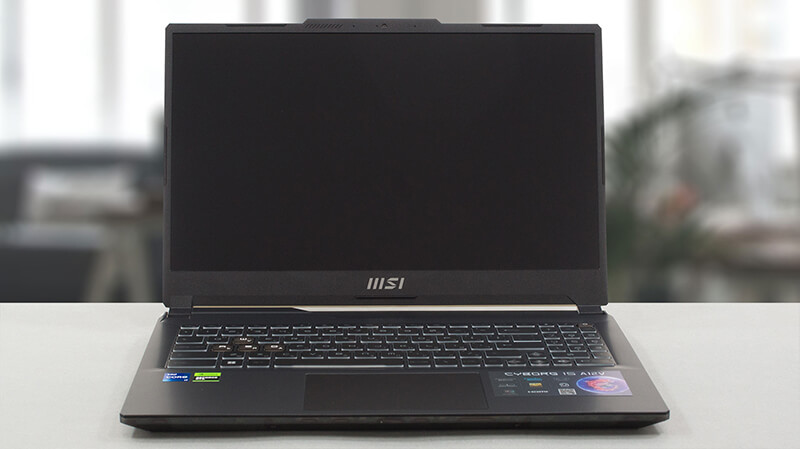
Right from the get-go the MSI seems to overhype their Cyborg 15 (A12V). They say it is "the most ground-breaking gaming laptop". Why? Perhaps because of its translucent body parts that let you see almost nothing on the inside.Or maybe because of the performance, which should not be bad, considering the fact that it features the latest tech from NVIDIA in the form of RTX 4000 GPUs. However, they are working at only 45W of TGP.In addition, the CPUs of choice include the Core i7-12650H, and Core i7-13620H - processors that have half the E-core count of their more powerful cousins. On the[...]
पक्ष
- Pretty good gaming performance
- 1x M.2 PCIe x4 Gen 4 slot, 2x DDR5 RAM SODIMM slots in dual channel
- 144Hz refresh rate (AUO B156HAN15.1 (AUOD0A2))
- No PWM (AUO B156HAN15.1 (AUOD0A2))
- Great keyboard
- Adequate build quality
विपक्ष
- No SD card
- No Thunderbolt 4
- Covers only 54% of sRGB (AUO B156HAN15.1 (AUOD0A2))
- Keyboard gets pretty warm during gaming
 Author: Alex Iliev

![[August 2026] Amazon Italy: Top 10 Best-Selling Laptops – Apple MacBook Neo Claims the Crown as Budget and Mid-Range Windows Machines Dominate Volume](https://laptopmedia.com/wp-content/uploads/2026/09/Best-Selling-Laptops-IT-Top-10-400x225.jpg)
![[August 2026] Amazon Italy: Top 7 Best-Selling Gaming Laptops – ASUS V16 Claims the #1 Spot Amid Strong Mid-Range Demand](https://laptopmedia.com/wp-content/uploads/2026/09/Best-Selling-Gaming-Laptops-IT-Top-10-400x225.jpg)
![[August 2026] Best-Selling Laptop Brands on Amazon Italy – Lenovo Dominates Market Share and Revenue Leadership](https://laptopmedia.com/wp-content/uploads/2026/09/IT-Best-Brands-400x225.jpg)
![[August 2026] Amazon India: Top 10 Best-Selling Laptops – Apple MacBook Neo Dominates the Charts with Massive Sales Lead](https://laptopmedia.com/wp-content/uploads/2026/09/Best-Selling-Laptops-IN-Top-10-400x225.jpg)
![[August 2026] Amazon India: Top 10 Best-Selling Gaming Laptops – HP Victus 15 Dominates the Market with Massive Unit Lead](https://laptopmedia.com/wp-content/uploads/2026/09/Best-Selling-Gaming-Laptops-IN-Top-10-400x225.jpg)

can i add ssd sata in this laptop
Came here to check this exact thing. Cant find any reliable info on this
No
There is no space for a sata port. The lower right side beside the speaker there is a space for a second NVME port where I guess other versions with this motherboard will have.