Inside Acer Aspire E15 (E5-573) – disassembly, internal photos and upgrade options
We already did a full review of the model and if you still haven’t read it, follow this link. The only missing part of the puzzle, however, is the disassembly guide, so here we are. We can’t expect much from the notebook as it falls into the budget class, but let’s see what it has to offer.
You can always check the available configurations and their prices here: http://amzn.to/1P1DHW4
Removing the bottom cover
It’s not that big of a deal, but you have to make sure that you’ve removed the optical drive before doing a full disassembly as three screws are hiding under it.
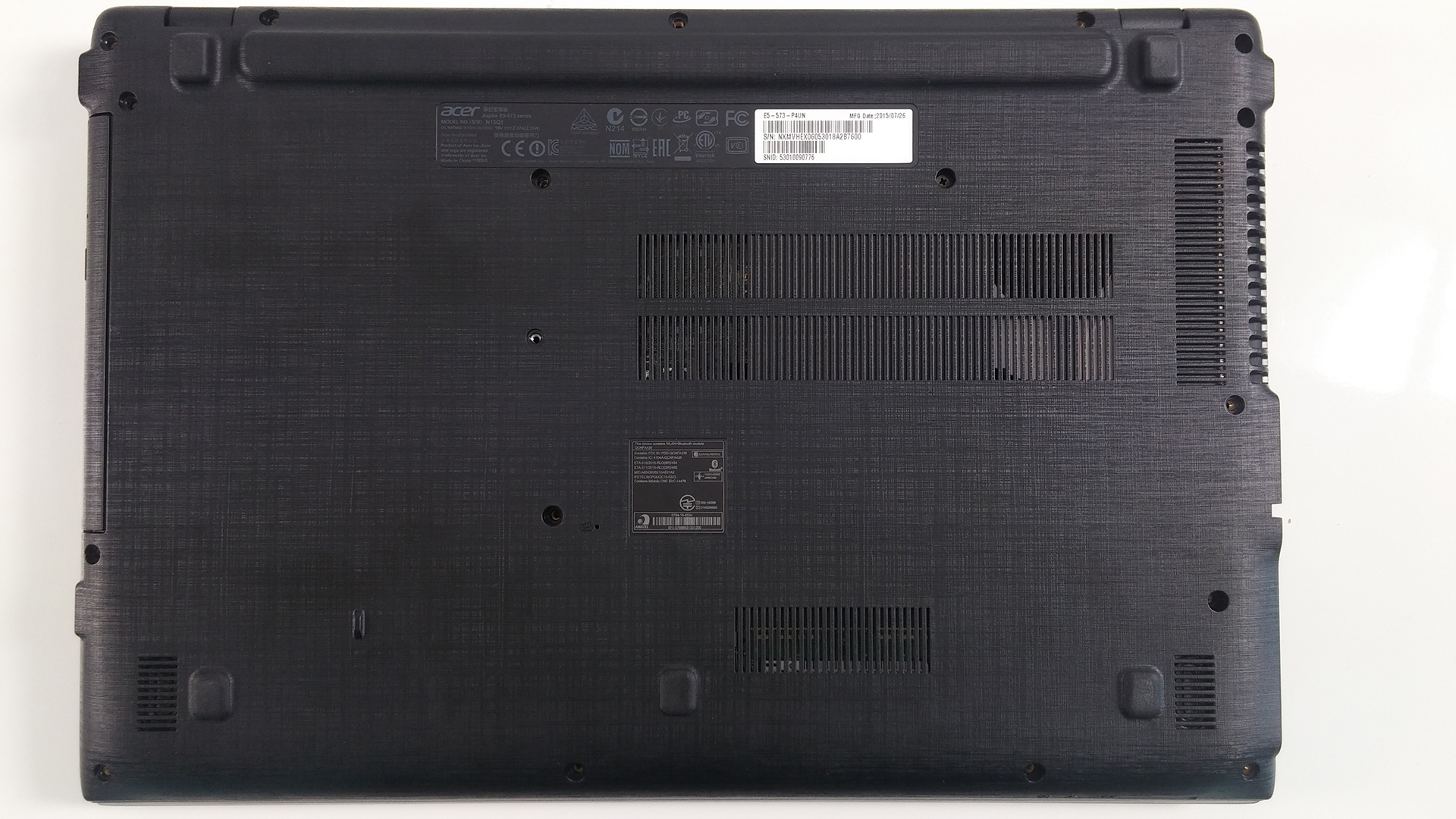

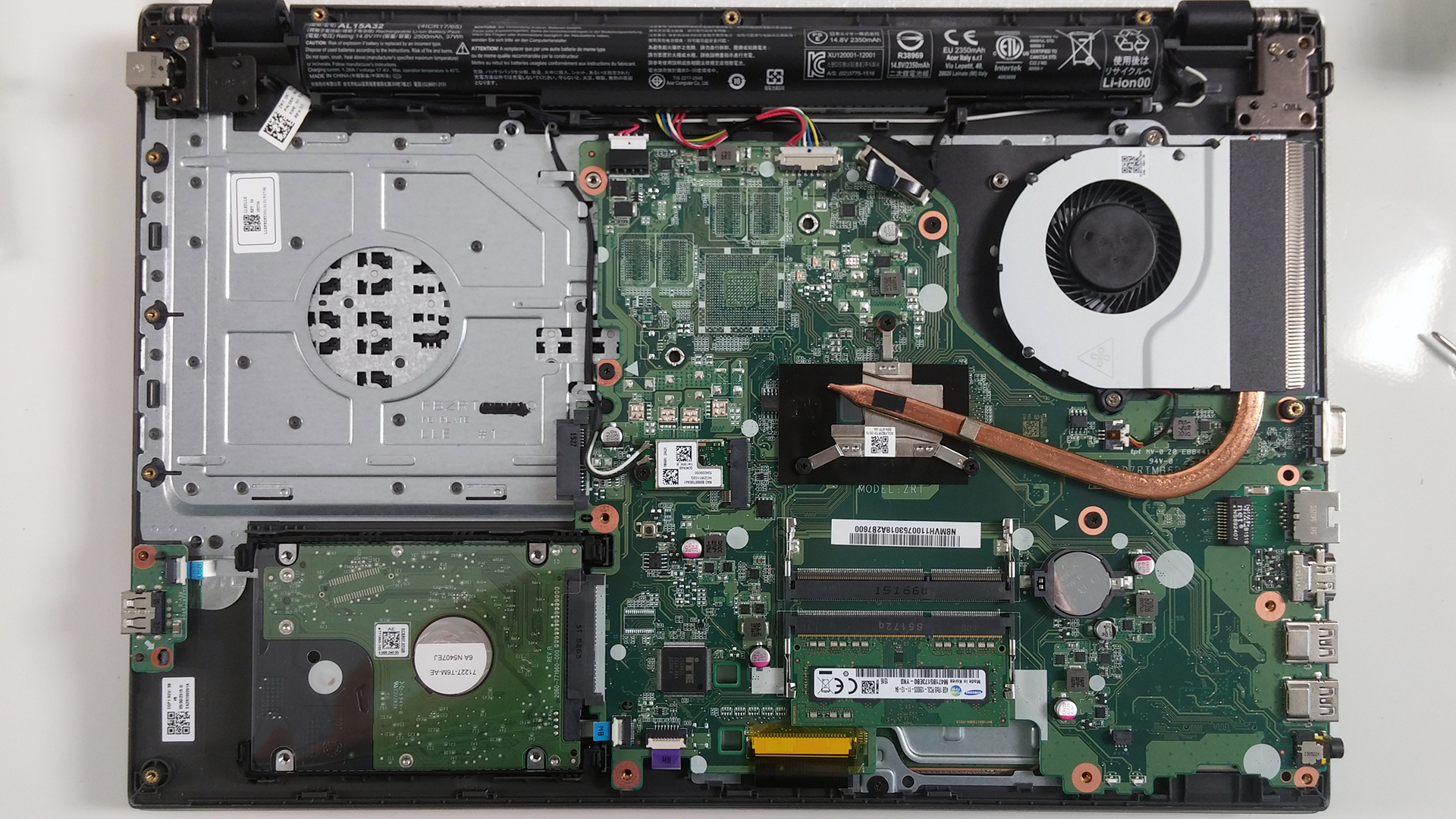
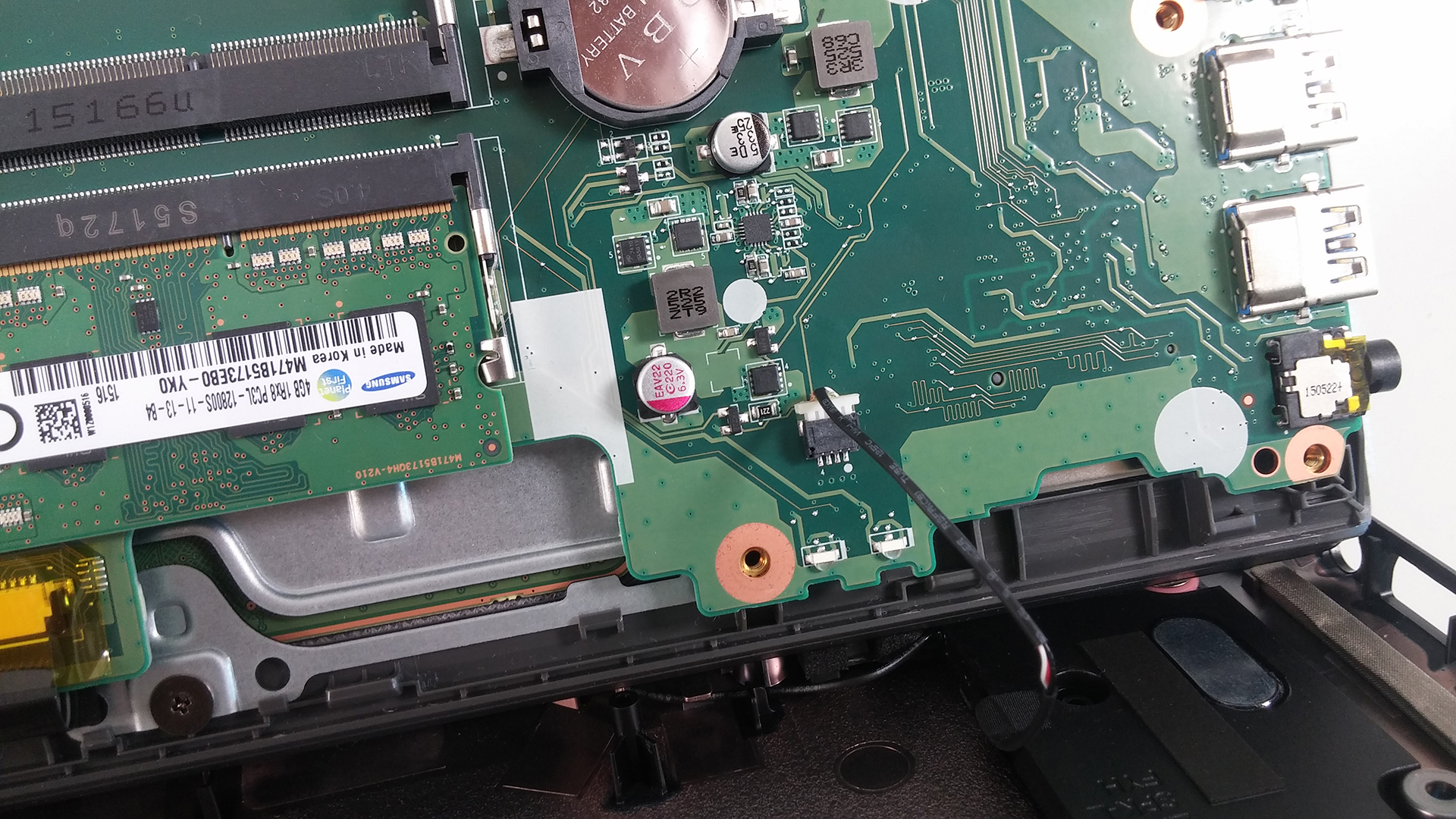
After you’ve unscrewed all the bolts you can proceed with removing the lid, but be careful with the small cable attached to the motherboard. You can see it on the image below.
Upgrade options
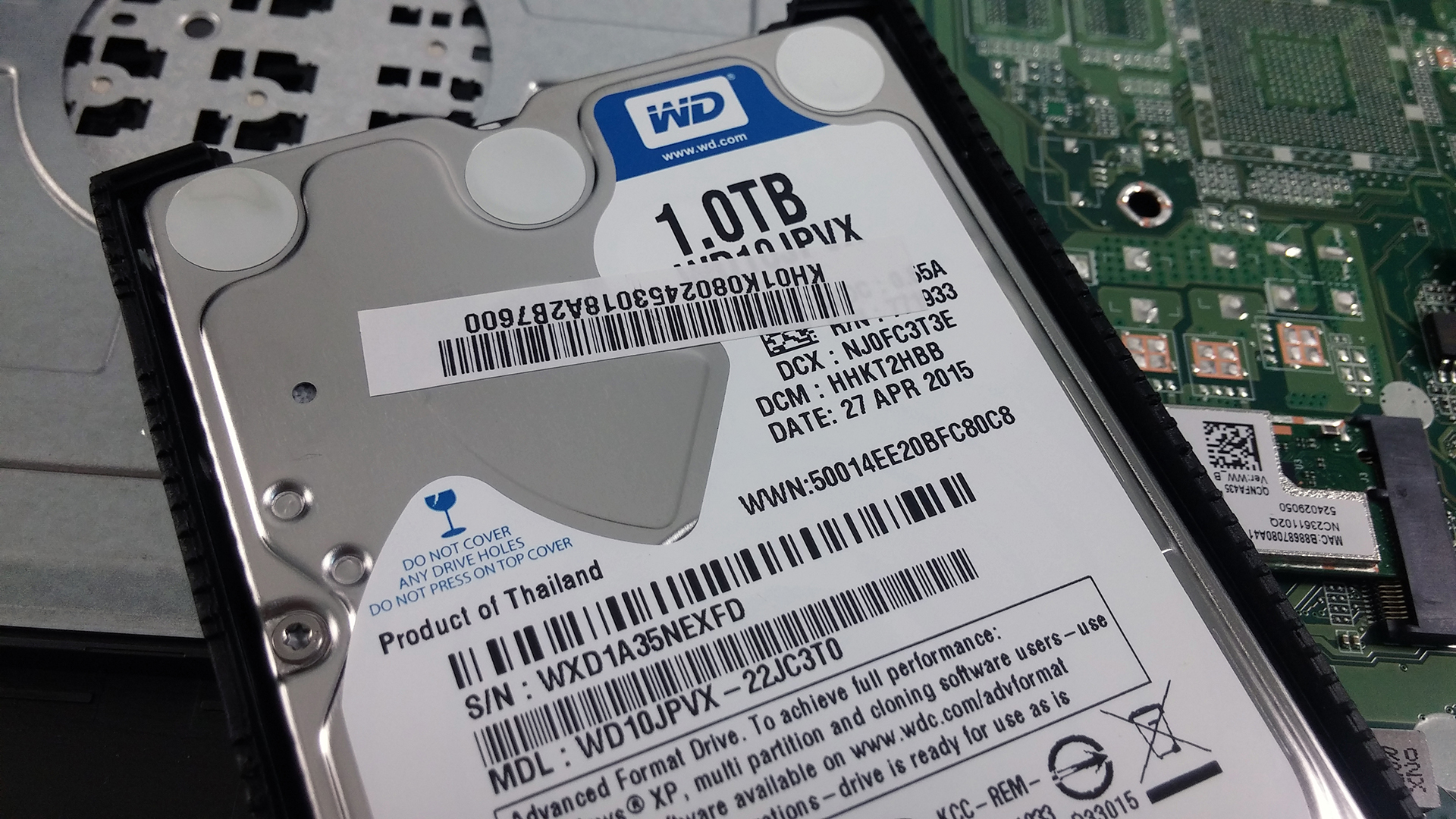
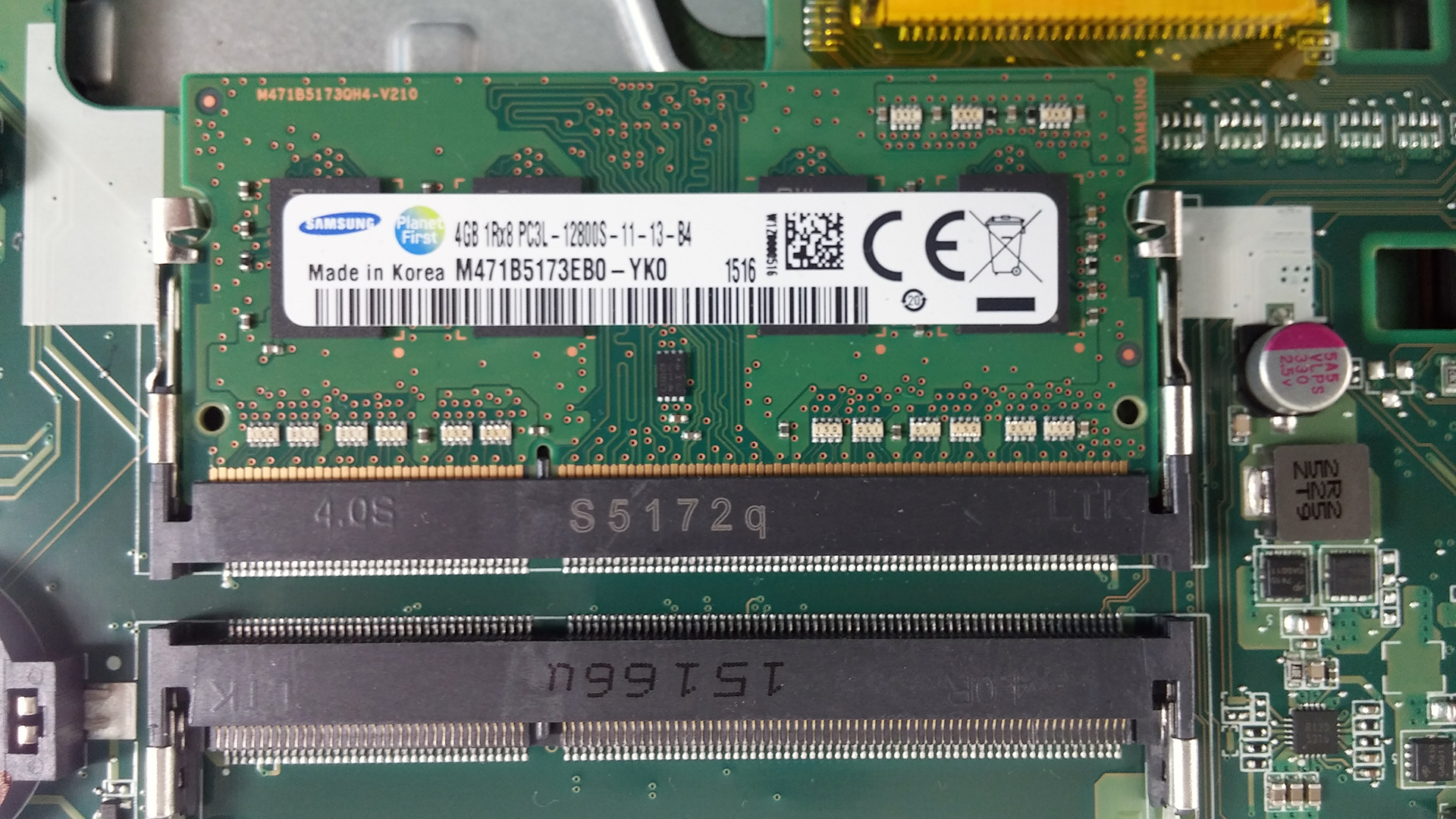
it’s rather unfortunate that you have to remove the whole cover in order to gain access to the RAM, HDD, battery etc. Anyway, you can see that one of the RAM slots is empty while the other one has a 4GB Samsung RAM chip. The HDD in our case is made by Western Digital with 1TB capacity and, of course, there’s no M.2 SSD slot or any other form factor for that matter. However, you can always swap the optical drive for another 2.5-inch storage device.
Also, the battery used inside is with model number AL15A32 rated at 2500 mAh (37Wh) if you ever need to replace it.

 Author: Rossen Pandev

![[June 2026] Best-Selling Laptop Brands on Amazon Global – Apple’s Unrivaled Dominance in Units and Revenue](https://laptopmedia.com/wp-content/uploads/2026/07/GLOBAL-Best-Brands-400x225.jpg)
![[June 2026] Amazon Global: Top 10 Best-Selling Laptops – Apple’s New MacBook Neo Storms to #1, Reshaping the Market with Affordability](https://laptopmedia.com/wp-content/uploads/2026/07/Best-Selling-Laptops-GLOBAL-Top-10-400x225.jpg)
![[June 2026] Amazon Global: Top 10 Best-Selling Gaming Laptops – Acer’s Nitro V 16S AI Dominates Sales, While ASUS Leads Overall Revenue](https://laptopmedia.com/wp-content/uploads/2026/07/Best-Selling-Gaming-Laptops-GLOBAL-Top-10-400x225.jpg)
![[June 2026] Global Ranking of Best-Selling Laptop GPUs on Amazon – NVIDIA RTX 5060 is the Top-Selling Dedicated GPU](https://laptopmedia.com/wp-content/uploads/2026/07/Best-Selling-GPUs-GLOBAL-Top-10-400x225.jpg)
![[June 2026] Global Ranking of Best-Selling Laptop CPUs on Amazon – Apple M5 Dominates, AMD Ryzen 7 260 Gets Solid Premium Share](https://laptopmedia.com/wp-content/uploads/2026/07/Best-Selling-CPUs-GLOBAL-Top-10-400x225.jpg)

If I want to replace keyboard in this model i have to remove motherboard first?
Naturally you have to.
upto how much gb we can extend RAM? for acer aspire e15
according to their website, it has 2 dimm slots. and can take upto 8gb each slot. totalling 16gb
16gb
What speed is the RAM?
what kind of ram does it take? anyone know a site to order it from?
So dimm ddr3 laptop ram go to Amazon or eBay
DDR4-2133, LPDDR3-1866, DDR3L-1600
Beware if you change it to DDR3 not DDR3L, see http://www.tomsguide.com/answers/id-2890208/ddr3l-ram-replaced-ddr3-ram-acer-aspire-e15-laptop.html
Where is the wi-fi connection component? Is it possible to replace it?
Yes, it’s possible to replace it. It’s right between the SATA II connector of the optical drive and the heat sink.
Thanks guys! Appreciate the article! I opened up the notebook and added more RAM quite easily.
подскажите а могу я вместо вайфай поставить ссд мсата
I have this laptop with core i3 processor. Can i upgrade it’s processor or not? If yes then is it possible to make it core i5?
How do I get the keyboard out?
Hello I have the same model I would like to know if you have somewhere else or if you can get the video card to change for a better one … I have read in forums that in the model aspire e15 you can use dedicated nvidia cards But they say nothing more than that or which model is compatible or where it is placed
As the other 99% of the notebooks on the market, the GPU can’t be changed.
ok thanks
i like to know about the cpu is it sealed or is it removable ???
I have a problem to reset bios pass on my acer e5 573, even CMOS battery is unplugged for about 5 minutes password still exists, someone can help?
Have backlit keyboard support?
how do you replace Ethernet connection on a E5 575-53VG
If the one ram slot has 4gb and i want to upgrade , so can i put 6gb ram in the 2nd slot which will make it 10gb???