Acer Predator Helios 18 (PH18-72) review – Desktop Performance in a Mini LED Laptop
- 1. परिचय, स्पेक्स, ड्राइवर्स, बॉक्स में क्या है
- 2. Design and construction
- 3. Display quality, Health impact (PWM), Sound
- 4. Buy our profiles
- 5. Performance: CPU, GPU, Gaming Tests
- 6. [eBook Guide + Tools] How to MAX OUT your Laptop
- 7. Temperatures and comfort, Battery Life, Performance presets comparison
- 8. Disassembly, Upgrade options, and Maintenance
- 9. Storage performance
- 10. Verdict
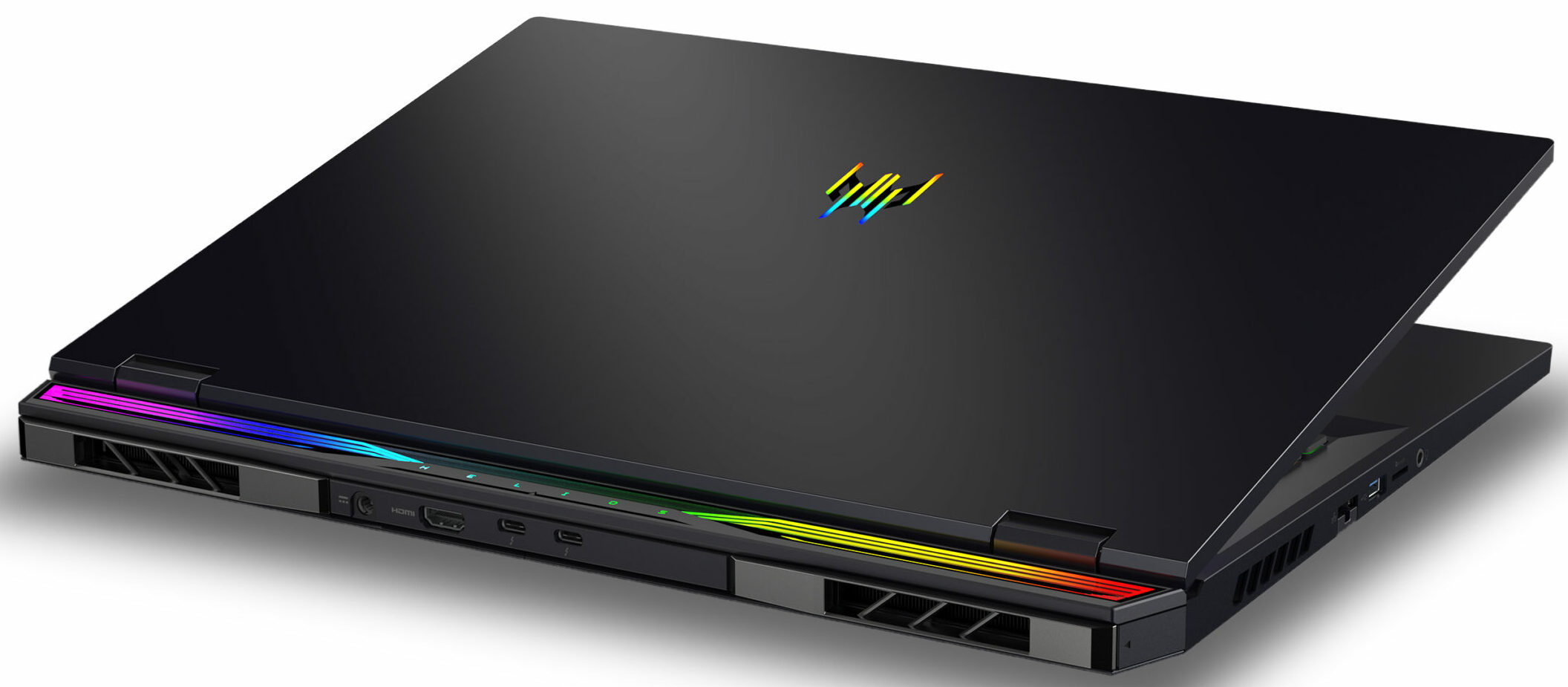
 Not so long ago, the 17.3-inchers were the biggest laptops for gaming (with a few exceptions like the Acer Predator 21X). Now, wealthy gamers and power users can buy big 18″ devices with top-tier hardware. The Acer Predator Helios 18 (PH18-72) is a notebook that is offered with high-end hardware. This includes the Intel Core i9-14900HX (which is the only CPU option) and the 175W GeForce RTX 4080 (Laptop) or RTX 4090 (Laptop). All that is complemented by a 1600p IPS screen that could be a Mini LED variant with 250Hz refresh rate and HDR support or a standard 240Hz panel.
Acer mentions that this machine is meant for enthusiasts, performance seekers, and competitive gamers. That is possible thanks to the great hardware and the big cooling solution. The huge thermal system has two AeroBlade 3D fans and vector heat pipes with wider contact surfaces for better heat transfer.
You can control most functions of the laptop through the PredatorSense app. There, you can switch between the power presets, and you can choose an operation mode for the graphics card like Optimus or dGPU-only. Yep, expectedly, the laptop has all the needed goodies for a top-of-the-line gaming machine such as a MUX switch, Nvidia Advanced Optimus, and G-Sync.
You can also rely on a full-sized keyboard, a huge touchpad, and a very good port selection. The upgradability is also spot-on and you get Wi-Fi 7 for connectivity.
You can check the prices and configurations in our Specs System: https://laptopmedia.com/series/acer-predator-helios-18-ph18-72/

Contents
- Specs, Drivers, What’s in the box
- Design and construction
- Display quality, Health impact (PWM), Sound
- Buy our profiles
- Performance: CPU, GPU, Gaming Tests
- [eBook Guide + Tools] How to MAX OUT your Laptop
- Temperatures and comfort, Battery Life, Performance presets comparison
- Disassembly, Upgrade options, and Maintenance
- Storage performance
- Verdict
Specs, Drivers, What’s in the box
Acer Predator Helios 18 (PH18-72) - स्पेक्स




- HDD/SSD
- तक 16000GB SSD
- M.2 स्लॉट
- 2x 2280 M.2 NVMe PCIe 4.0 x4 फोटो देखें
- RAM
- up to 64GB
- OS
- Windows 11 Pro, Windows 11 Home, No OS, DOS, Windows 11
- बैटरी
- 90Wh, 4-cell
- बॉडी मटीरियल
- Plastic / Polycarbonate, Aluminum
- आयाम
- 404 x 311.6 x 26.9 - 28.9 mm (15.91" x 12.27" x 1.06")
- वजन
- 3.25 kg (7.2 lbs)
- पोर्ट और कनेक्टिविटी
- 1x USB Type-A
- 3.2 Gen 1 (5 Gbps)
- 1x USB Type-A
- 3.2 Gen 2 (10 Gbps)
- 1x USB Type-A
- 3.2 Gen 2 (10 Gbps), Sleep and Charge
- 2x USB Type-C
- 3.2 Gen 2 (10 Gbps), Thunderbolt 4, Power Delivery (PD), DisplayPort
- HDMI
- 2.1
- कार्ड रीडर
- microSD (microSD, microSDHC, microSDXC)
- ईथरनेट लैन
- 10, 100, 1000, 2500 Mbit/s
- वाई-फाई
- 802.11be
- ब्लूटूथ
- 5.4
- ऑडियो जैक
- 3.5mm Combo Jack
- विशेषताएँ
- फिंगरप्रिंट रीडर
- वेब कैमरा
- FHD with Temporal Noise Reduction
- बैकलिट कीबोर्ड
- optional
- माइक्रोफोन
- Dual Microphone with Acer Purified Voice
- स्पीकर
- Speaker System optimized by DTS X:Ultra Audio
- ऑप्टिकल ड्राइव
- सुरक्षा लॉक स्लॉट
- Kensington Lock
सभी Acer Predator Helios 18 (PH18-72) कॉन्फ़िगरेशन
Drivers
All drivers and utilities for this notebook can be found here: https://www.acer.com/us-en/support/product-support/Predator_PH18-72/downloads?suggest=PH18-72;0
What’s in the box?
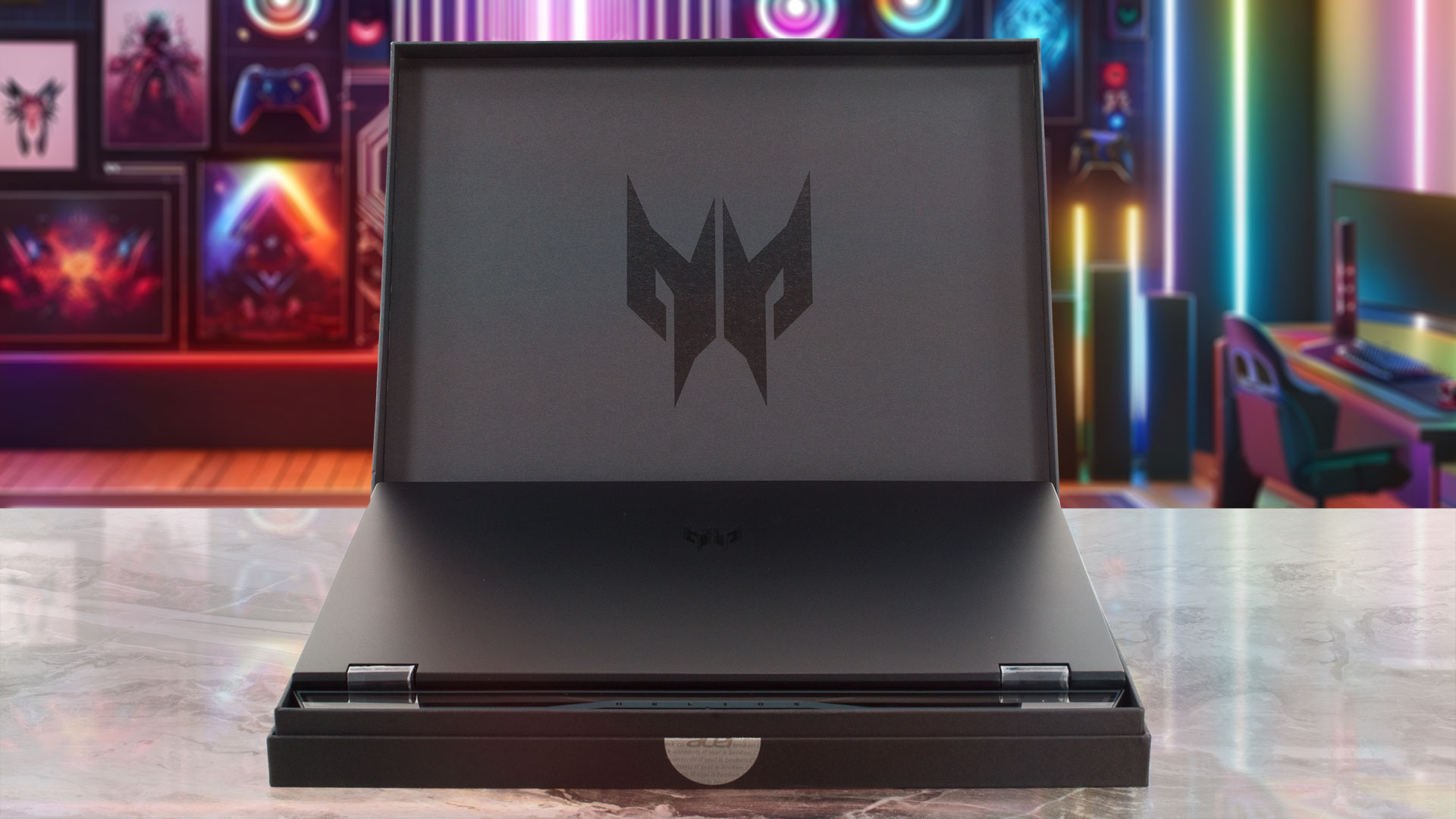
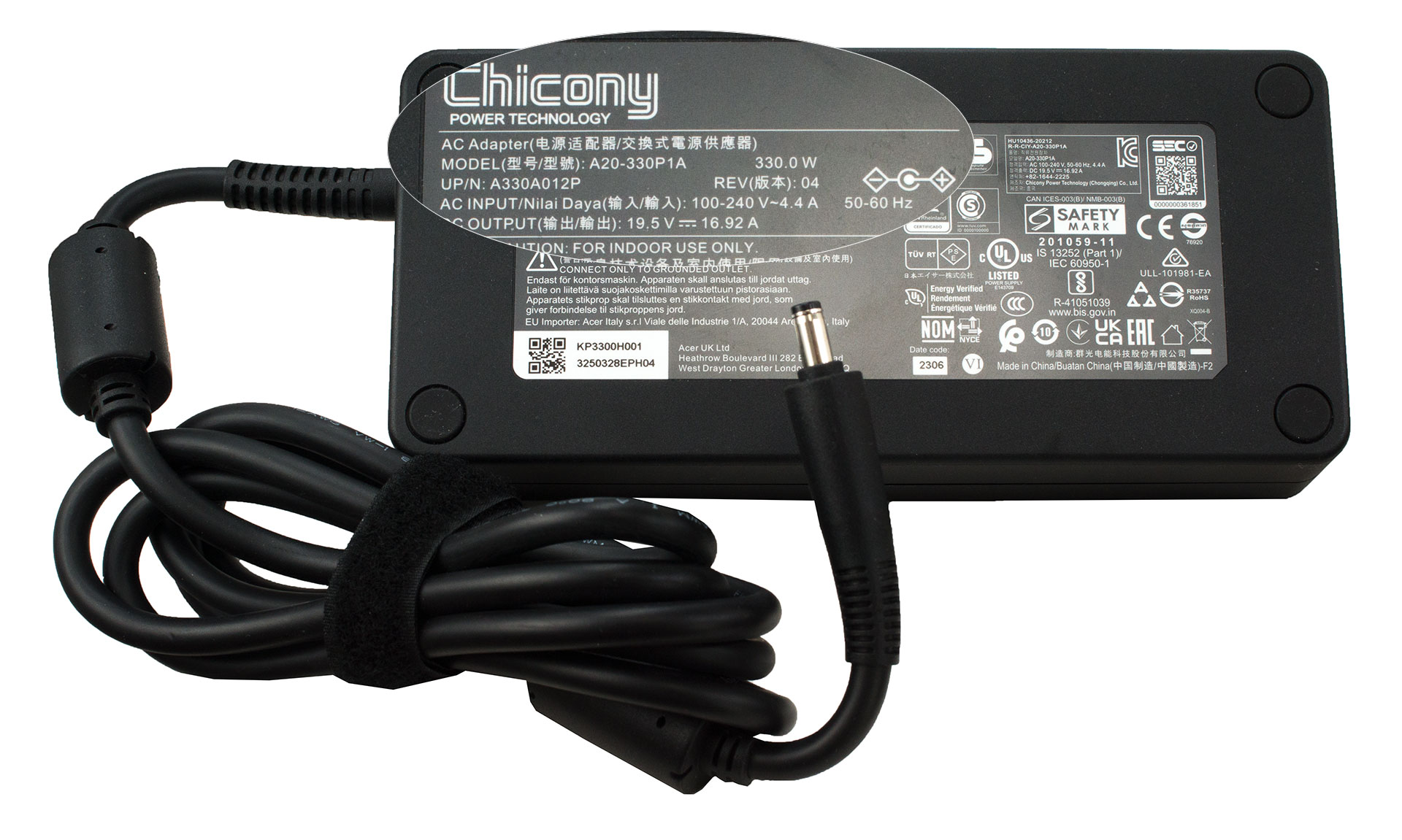
Inside the package, you’ll find a huge 330W barrel plug adapter and the laptop itself hidden in a smaller box for extra protection. Some devices are also bundled with two sets of Predator MagKey 3.0 WASD keycaps (that’s a region-dependent extra).
- 1. परिचय, स्पेक्स, ड्राइवर्स, बॉक्स में क्या है
- 2. Design and construction
- 3. Display quality, Health impact (PWM), Sound
- 4. Buy our profiles
- 5. Performance: CPU, GPU, Gaming Tests
- 6. [eBook Guide + Tools] How to MAX OUT your Laptop
- 7. Temperatures and comfort, Battery Life, Performance presets comparison
- 8. Disassembly, Upgrade options, and Maintenance
- 9. Storage performance
- 10. Verdict
 Author: Nikolay Palaozov
 Author: eng. Kroum NikolovHead of Engineering at LaptopMedia.com, inventor and innovator with 40+ years of experience in electronics and high technology.

![[August 2026] Amazon Global: Top 10 Best-Selling Laptops – Apple MacBook Neo Dominates the Charts as Budget and Mid-Range Windows Portables Fight for Volume](https://laptopmedia.com/wp-content/uploads/2026/09/Best-Selling-Laptops-GLOBAL-Top-10-400x225.jpg)
![[August 2026] Best-Selling Laptop Brands on Amazon Global – Apple Dominates Revenue While HP Leads in Model Variety](https://laptopmedia.com/wp-content/uploads/2026/09/GLOBAL-Best-Brands-400x225.jpg)
![[August 2026] Amazon Global: Top 10 Best-Selling Gaming Laptops – HP Victus 15 Captures the Crown as Budget-Friendly Models Dominate the Charts](https://laptopmedia.com/wp-content/uploads/2026/09/Best-Selling-Gaming-Laptops-GLOBAL-Top-10-400x225.jpg)
![[August 2026] Best-Selling Laptop Brands on Amazon Japan – Apple Dominates Market Share and Revenue Led by Strong Unit Sales](https://laptopmedia.com/wp-content/uploads/2026/09/CO.JP-Best-Brands-1-400x225.jpg)
![[August 2026] Best-Selling Laptop Brands on Amazon USA – Apple Dominates Market Revenue and Volume Despite Lower Model Diversity](https://laptopmedia.com/wp-content/uploads/2026/09/COM-Best-Brands-1-400x225.jpg)

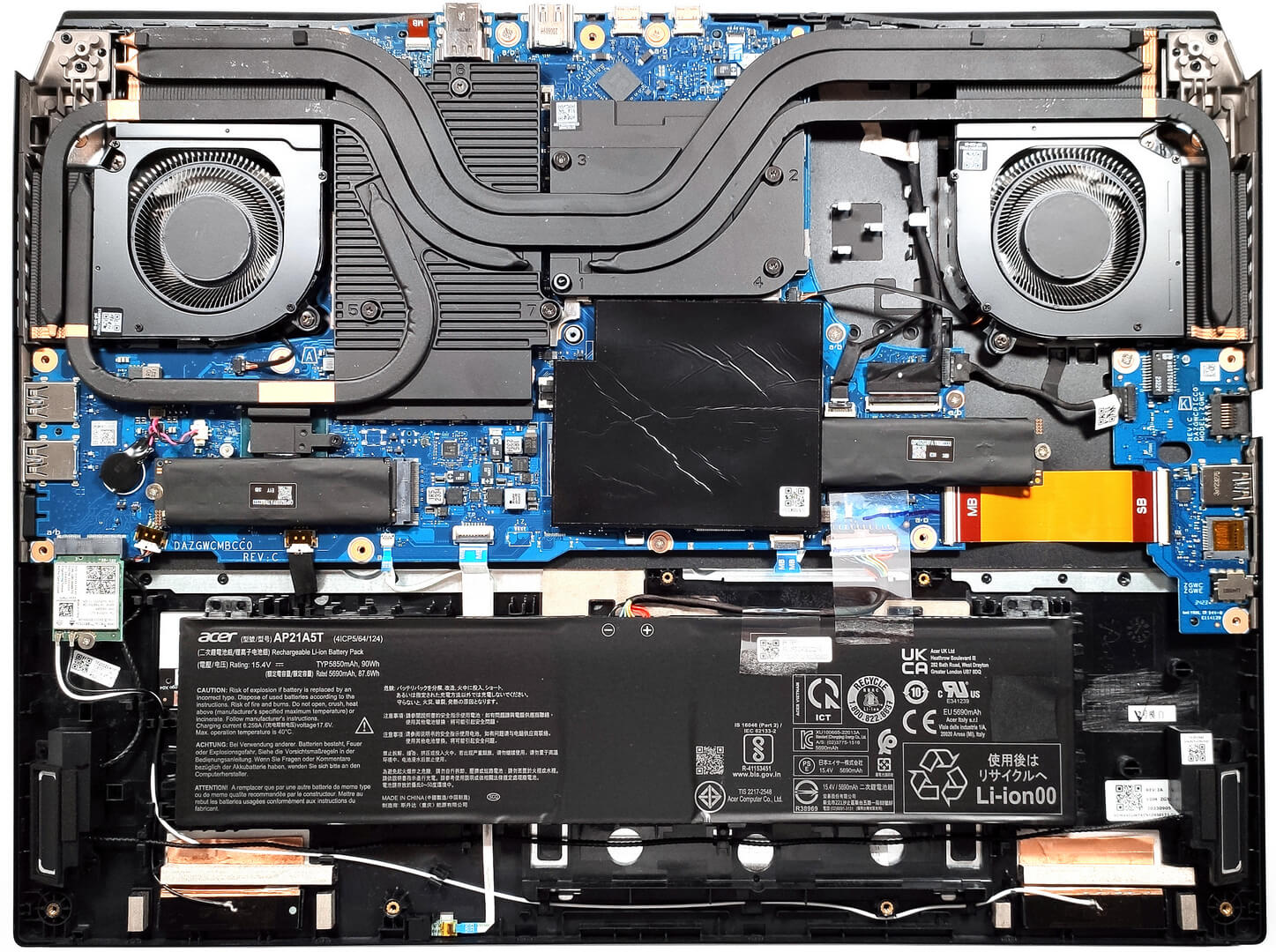
Is this any better than the 4080 i13? Is the cooling system better? Can you undervolt this version?
Could you tell more about RAM thermal pad?
Can thermal pads be reinstalled after being removed from RAM? Or can they not be glued back on effectively?
I would like to buy such thermal pads, but they are hard to come by
What if the lid was left closed, but the laptop didn’t go into sleep mode and got very hot while lying on the bed for 30 minutes? Could this have caused any mechanical damage to the hardware? If so, how can I check this and how can I understand whether there was any damage to the laptop?