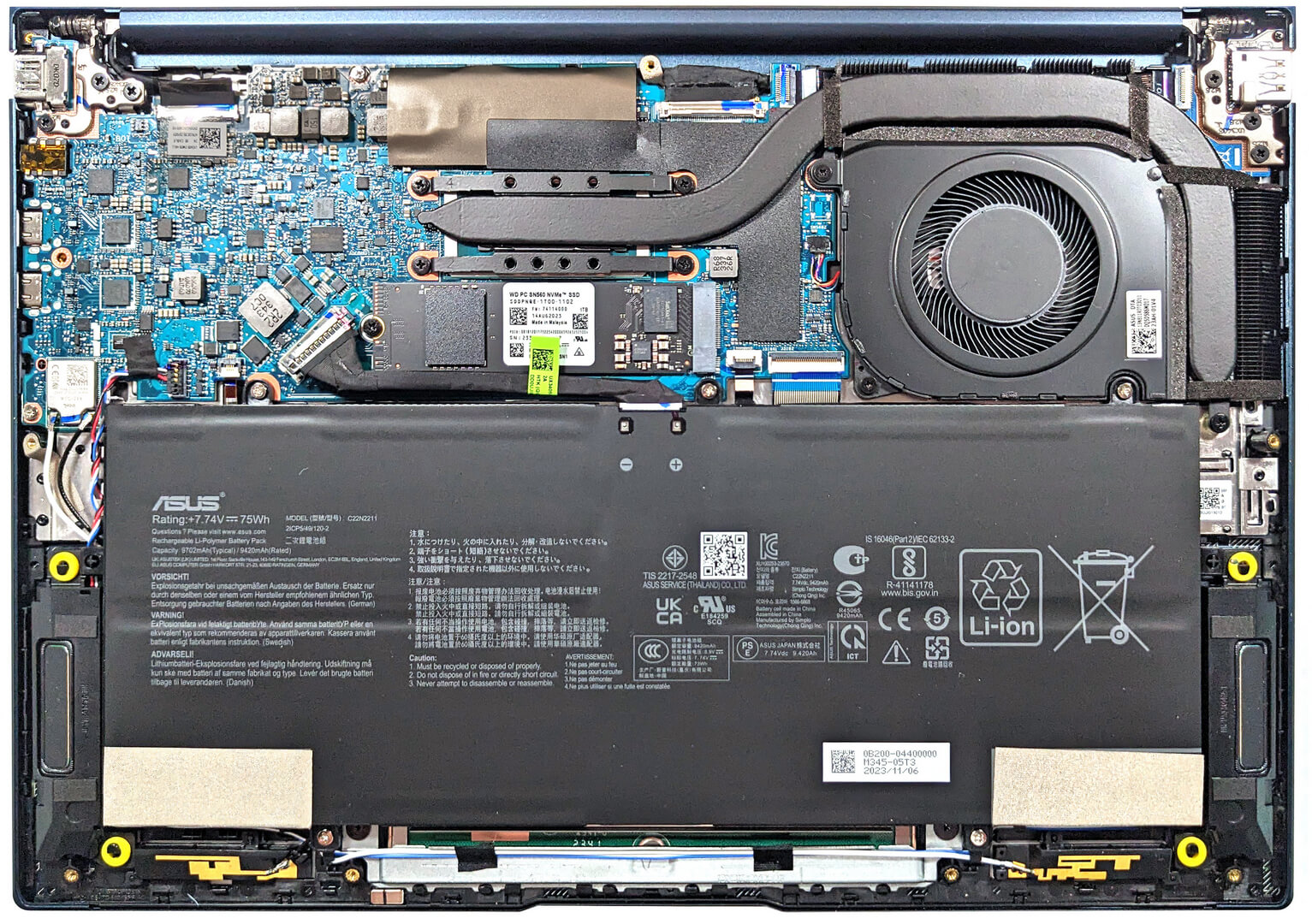
ASUS Zenbook 14 OLED (UX3405) review – premium 14-incher with superb OLED panel and Meteor Lake-H CPU options
 The ASUS Zenbook 14 OLED (UX3405) is a new-gen laptop that is offered with the latest and greatest Intel Meteor Lake-H CPUs with a 7 nm production process. The laptop may be very thin but these processors have a base power of 28W and the max Turbo value is 115W. This may sound like a recipe for disaster when the chip is fitted in a sub 15 mm notebook chassis (just like this Zenbook machine).
There are no IPS / Mini LED displays here. All panel options for the series are based on OLED technology. The default model is a 1200p unit while the other two have a 3K resolution (one of them is a touchscreen). The lack of dGPU choices is something expected but it looks like the all-new Intel Arc (8-Cores) and Intel Arc (7-Cores) are potent enough for more than light gaming. Actually, our laptop has the top iGPU variant and it showed 301 FPS on Low and 109 FPS on Max details in CS:GO. This is a good indicator of how powerful the integrated solution is.
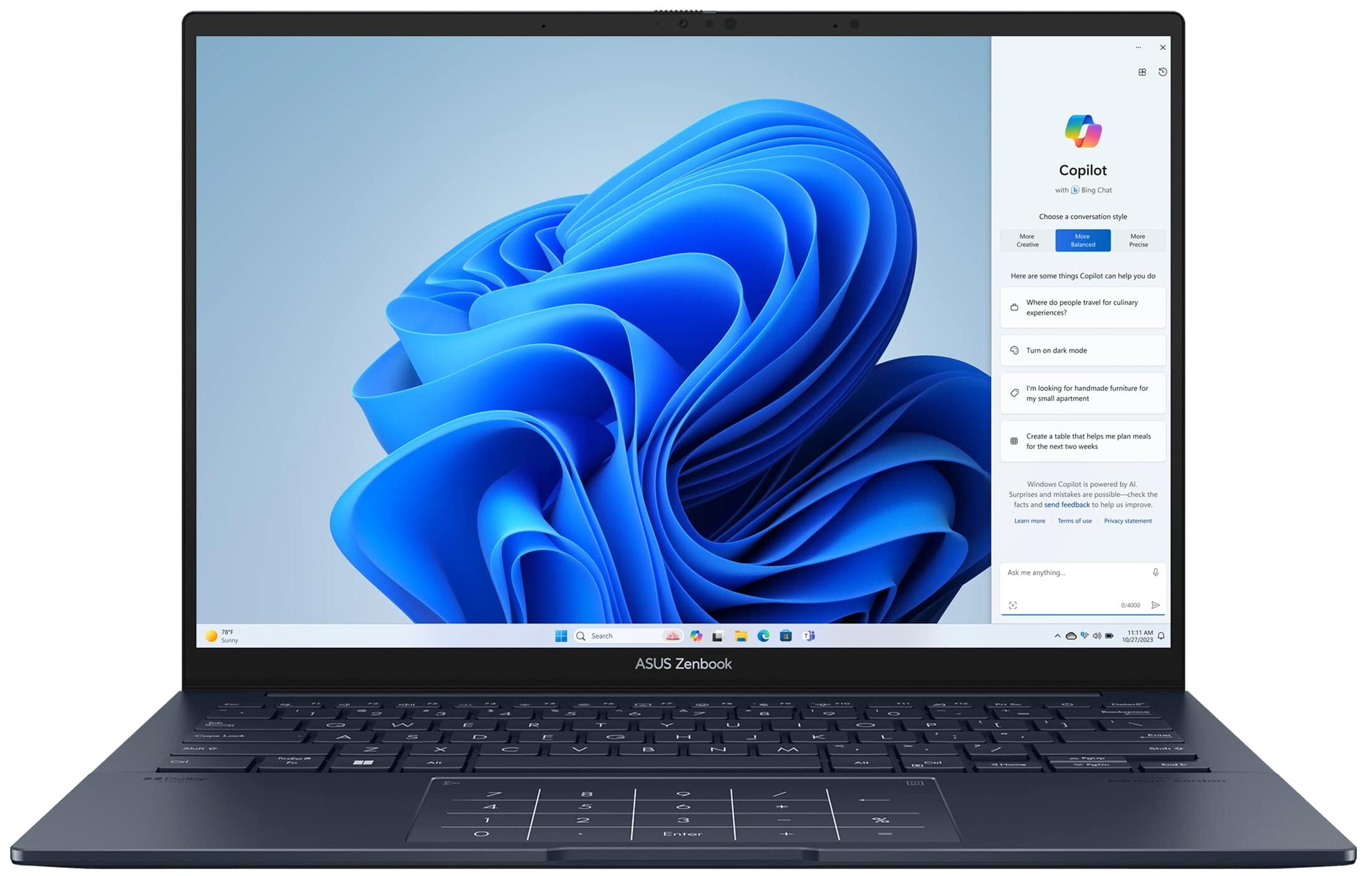
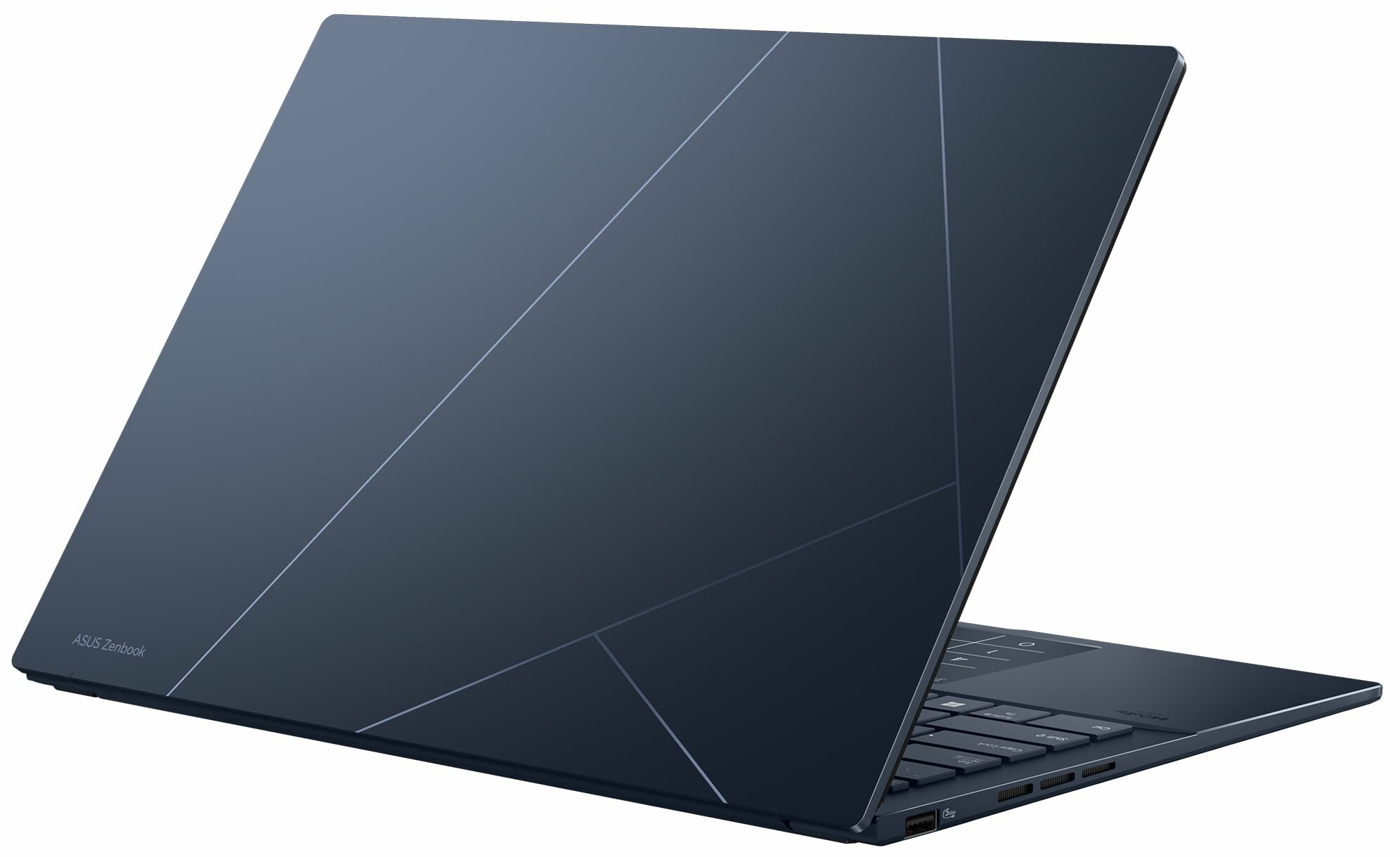
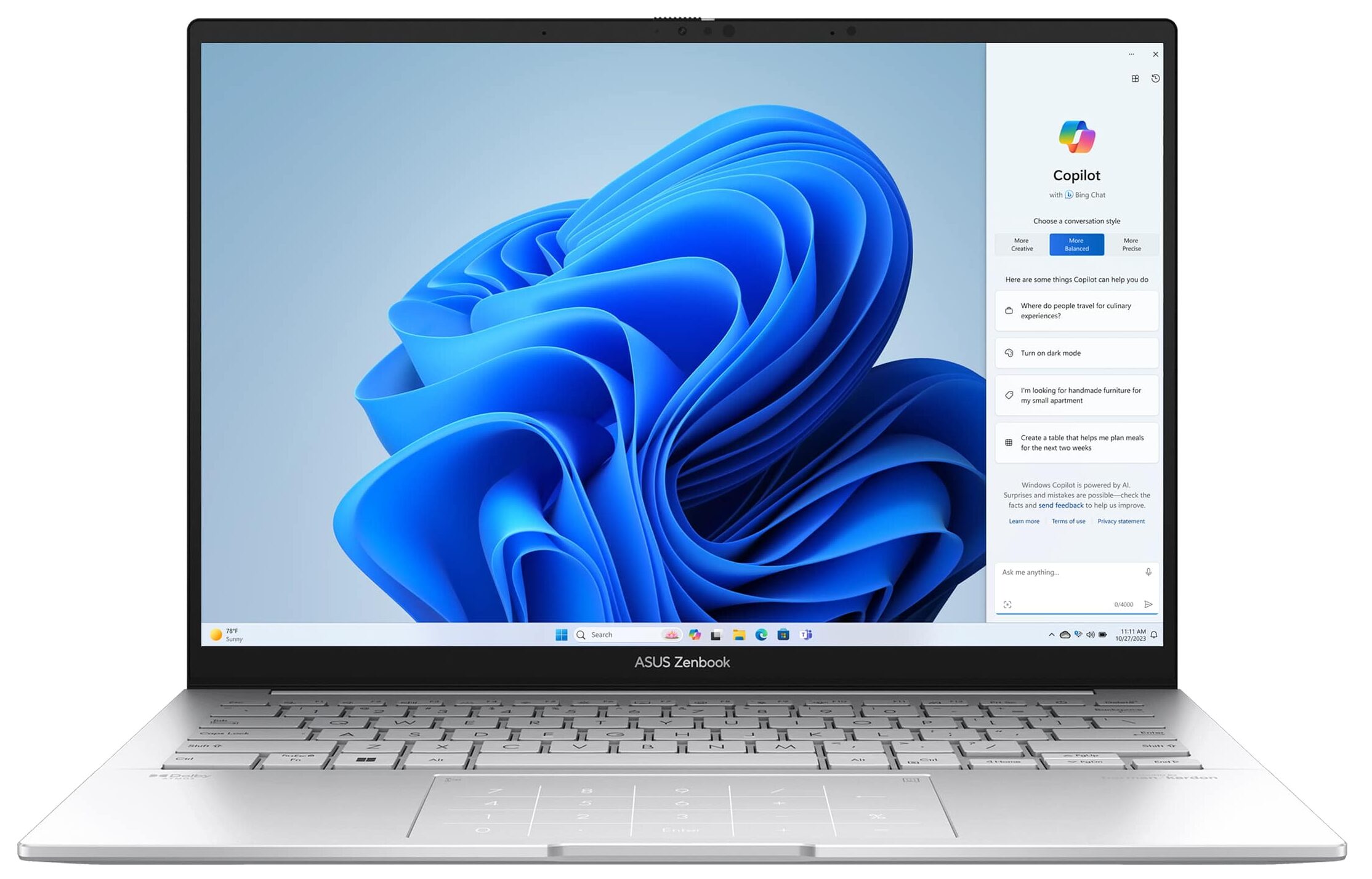
Keep in mind that if you pick a machine that doesn’t have at least 16GB of RAM that works in dual-channel mode, the iGPU will be shown as “Intel Graphics” and its performance will be hindered. The Zenbook 14 OLED (UX3405) boasts a modern I/O and it’s good that it has one Type-A port for better compatibility with older USB devices. The well-known ASUS NumberPad is also here and as always it’s integrated into the touchpad. The laptop boasts Wi-Fi 6E + Bluetooth 5.3 for connectivity and the MIL-STD 810H certifications hint that the chassis rigidness should be at least decent.
You can check the prices and configurations in our Specs System: https://laptopmedia.com/series/asus-zenbook-14-oled-ux3405/

Contents
- Specs, Drivers, What’s in the box
- Design and construction
- Display quality, Health impact (PWM), Sound
- Buy our profiles
- Performance: CPU, GPU, Gaming Tests
- [eBook Guide + Tools] How to MAX OUT your Laptop
- Temperatures and comfort, Battery Life
- Disassembly, Upgrade options, and Maintenance
- Storage performance
- Verdict
Specs, Drivers, What’s in the box
ASUS Zenbook 14 OLED (UX3405) - स्पेक्स





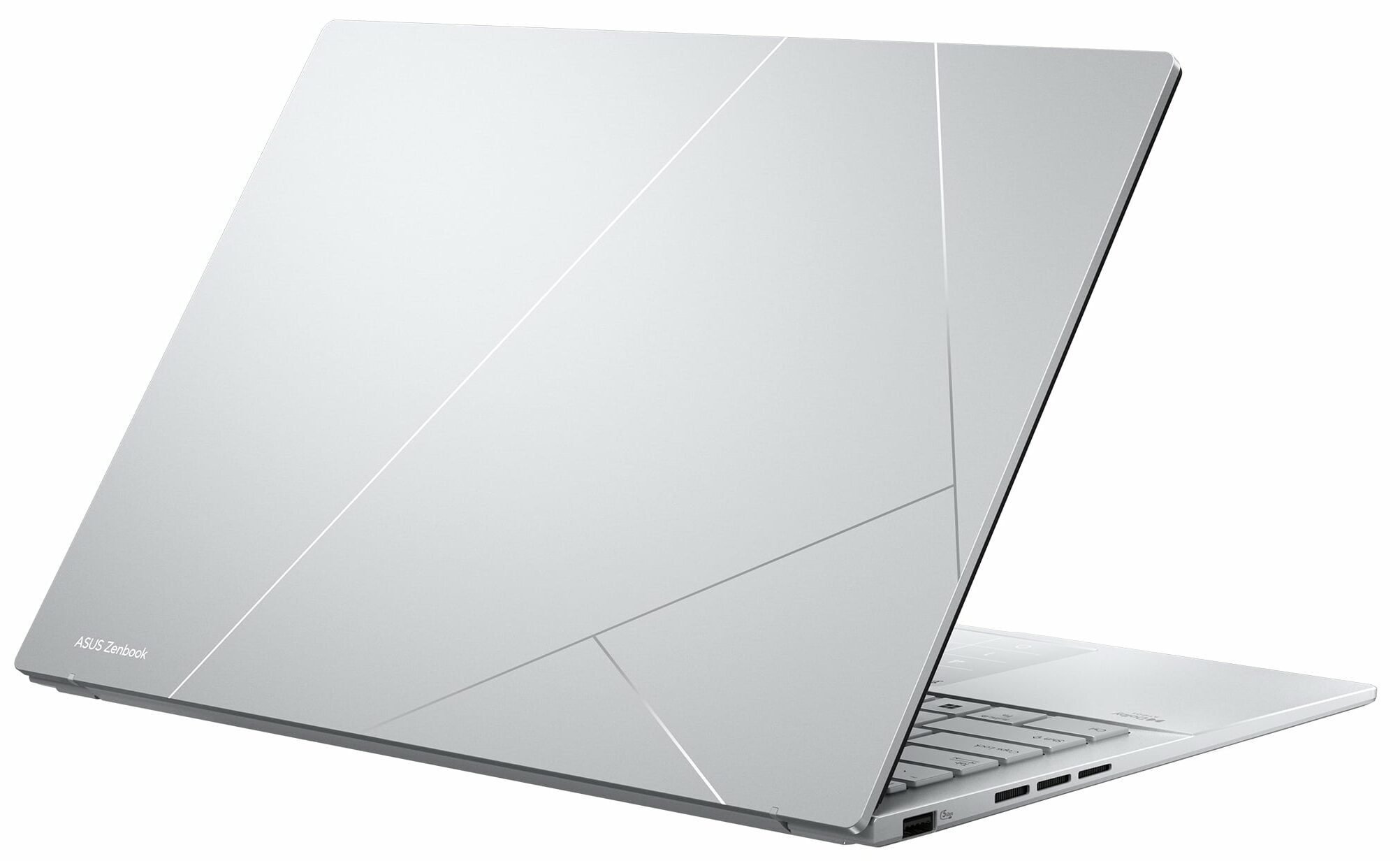


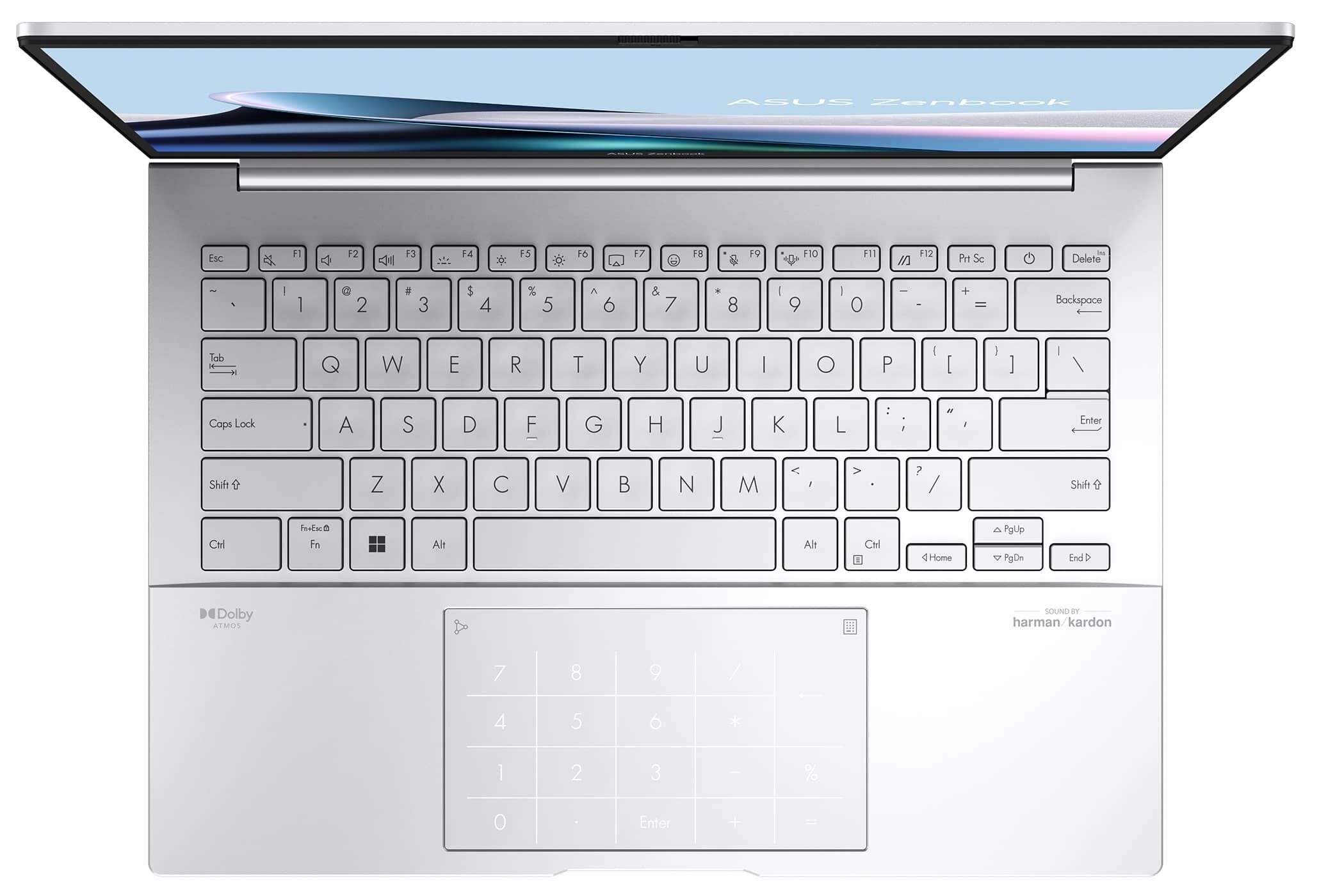
- CPU
- Intel Core Ultra 9 285H #57 शीर्ष CPU में Intel Core Ultra 9 185H #47 शीर्ष CPU में Intel Core Ultra 7 256V #155 शीर्ष CPU में Intel Core Ultra 7 255H #51 शीर्ष CPU में Intel Core Ultra 7 155U #168 शीर्ष CPU में Intel Core Ultra 7 155H #87 शीर्ष CPU में Intel Core Ultra 5 125H #115 शीर्ष CPU मेंIntel Core Ultra 5 225H

- HDD/SSD
- तक 8000GB SSD
- M.2 स्लॉट
- 1x 2280 M.2 NVMe PCIe 4.0 x4 फोटो देखें
- RAM
- up to 32GB
- OS
- Windows 11 Home, Windows 11 Pro, No OS, Windows 10 Pro, Windows 11
- बैटरी
- 75Wh, 4-cell
- बॉडी मटीरियल
- Aluminum
- आयाम
- 312.4 x 220.1 x 14.9 mm (12.30" x 8.67" x 0.59")
- वजन
- 1.20 kg (2.6 lbs)
- पोर्ट और कनेक्टिविटी
- 1x USB Type-A
- 3.2 Gen 1 (5 Gbps)
- 2x USB Type-C
- 4.0, Thunderbolt 4, Power Delivery (PD), DisplayPort
- HDMI
- 2.1
- कार्ड रीडर
- ईथरनेट लैन
- वाई-फाई
- Wi-Fi 6E / Wi-Fi 7
- ब्लूटूथ
- 5.3 / 5.4
- ऑडियो जैक
- 3.5mm Combo Jack
- विशेषताएँ
- फिंगरप्रिंट रीडर
- optional
- वेब कैमरा
- FHD IR with support for Windows Hello, privacy shutter
- बैकलिट कीबोर्ड
- माइक्रोफोन
- Array Microphone
- स्पीकर
- Stereo Speakers, Smart Amp Technology, harman/kardon
- ऑप्टिकल ड्राइव
- सुरक्षा लॉक स्लॉट
सभी ASUS Zenbook 14 OLED (UX3405) कॉन्फ़िगरेशन
Drivers
All drivers and utilities for this notebook can be found here: https://www.asus.com/laptops/for-home/zenbook/asus-zenbook-14-oled-ux3405/helpdesk_download?model2Name=UX3405MA
What’s in the box?
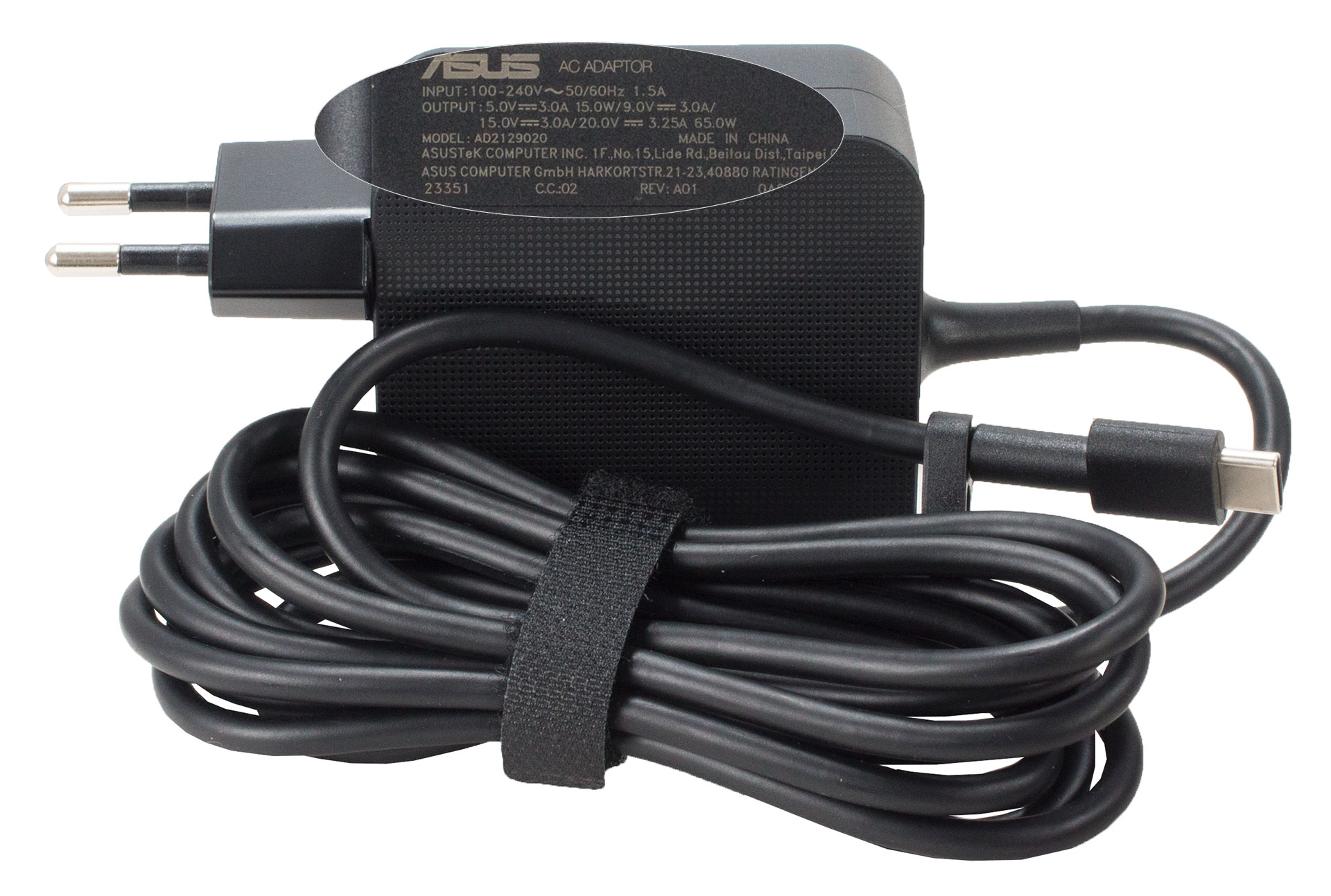
Inside the sturdy box, you’ll find the laptop itself, some manuals, and a compact 65W Type-C charger.
 Author: Nikolay Palaozov
 Author: eng. Kroum NikolovHead of Engineering at LaptopMedia.com, inventor and innovator with 40+ years of experience in electronics and high technology.

![[June 2026] Best-Selling Laptop Brands on Amazon Global – Apple’s Unrivaled Dominance in Units and Revenue](https://laptopmedia.com/wp-content/uploads/2026/07/GLOBAL-Best-Brands-400x225.jpg)
![[June 2026] Amazon Global: Top 10 Best-Selling Laptops – Apple’s New MacBook Neo Storms to #1, Reshaping the Market with Affordability](https://laptopmedia.com/wp-content/uploads/2026/07/Best-Selling-Laptops-GLOBAL-Top-10-400x225.jpg)
![[June 2026] Amazon Global: Top 10 Best-Selling Gaming Laptops – Acer’s Nitro V 16S AI Dominates Sales, While ASUS Leads Overall Revenue](https://laptopmedia.com/wp-content/uploads/2026/07/Best-Selling-Gaming-Laptops-GLOBAL-Top-10-400x225.jpg)
![[June 2026] Global Ranking of Best-Selling Laptop GPUs on Amazon – NVIDIA RTX 5060 is the Top-Selling Dedicated GPU](https://laptopmedia.com/wp-content/uploads/2026/07/Best-Selling-GPUs-GLOBAL-Top-10-400x225.jpg)
![[June 2026] Global Ranking of Best-Selling Laptop CPUs on Amazon – Apple M5 Dominates, AMD Ryzen 7 260 Gets Solid Premium Share](https://laptopmedia.com/wp-content/uploads/2026/07/Best-Selling-CPUs-GLOBAL-Top-10-400x225.jpg)