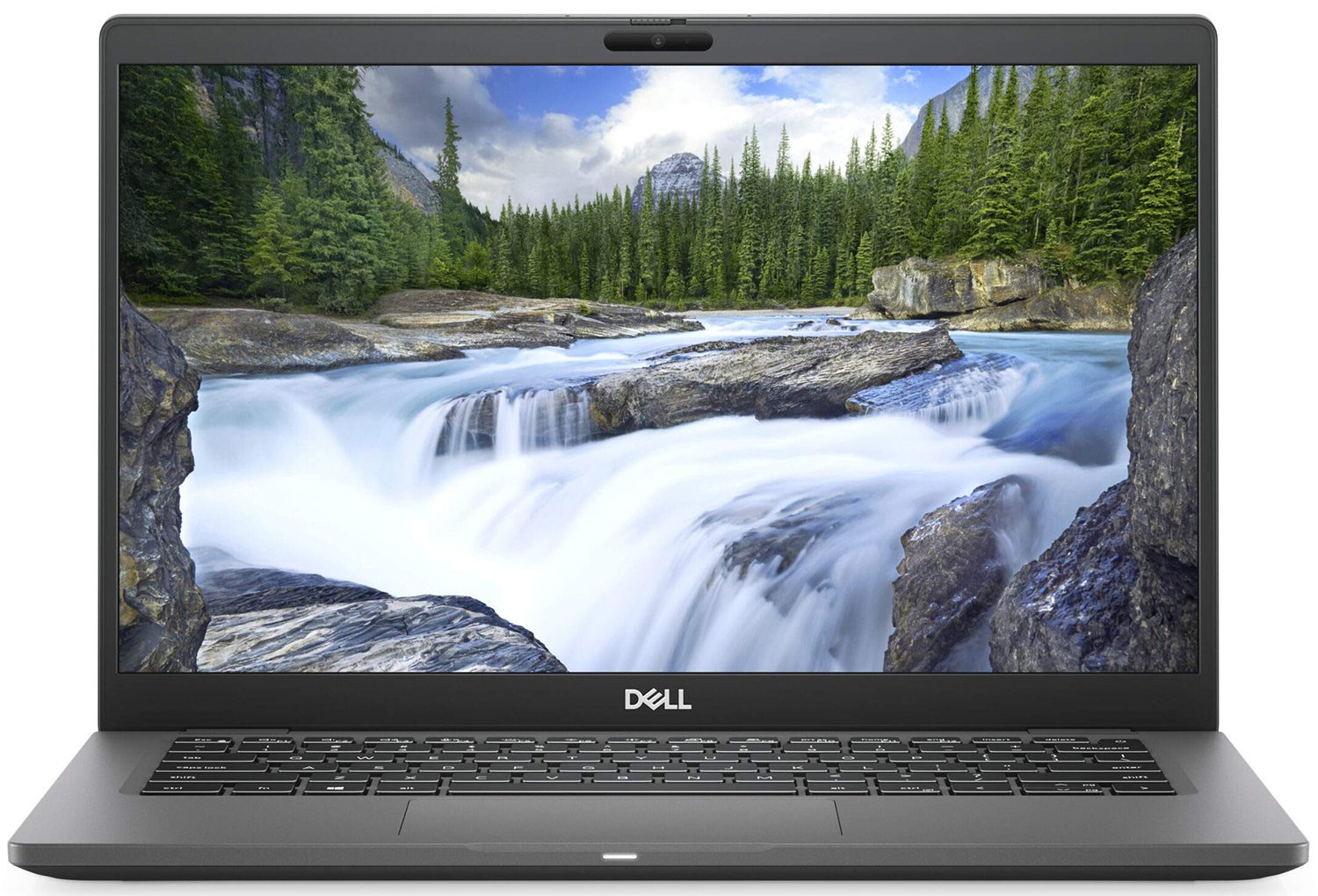
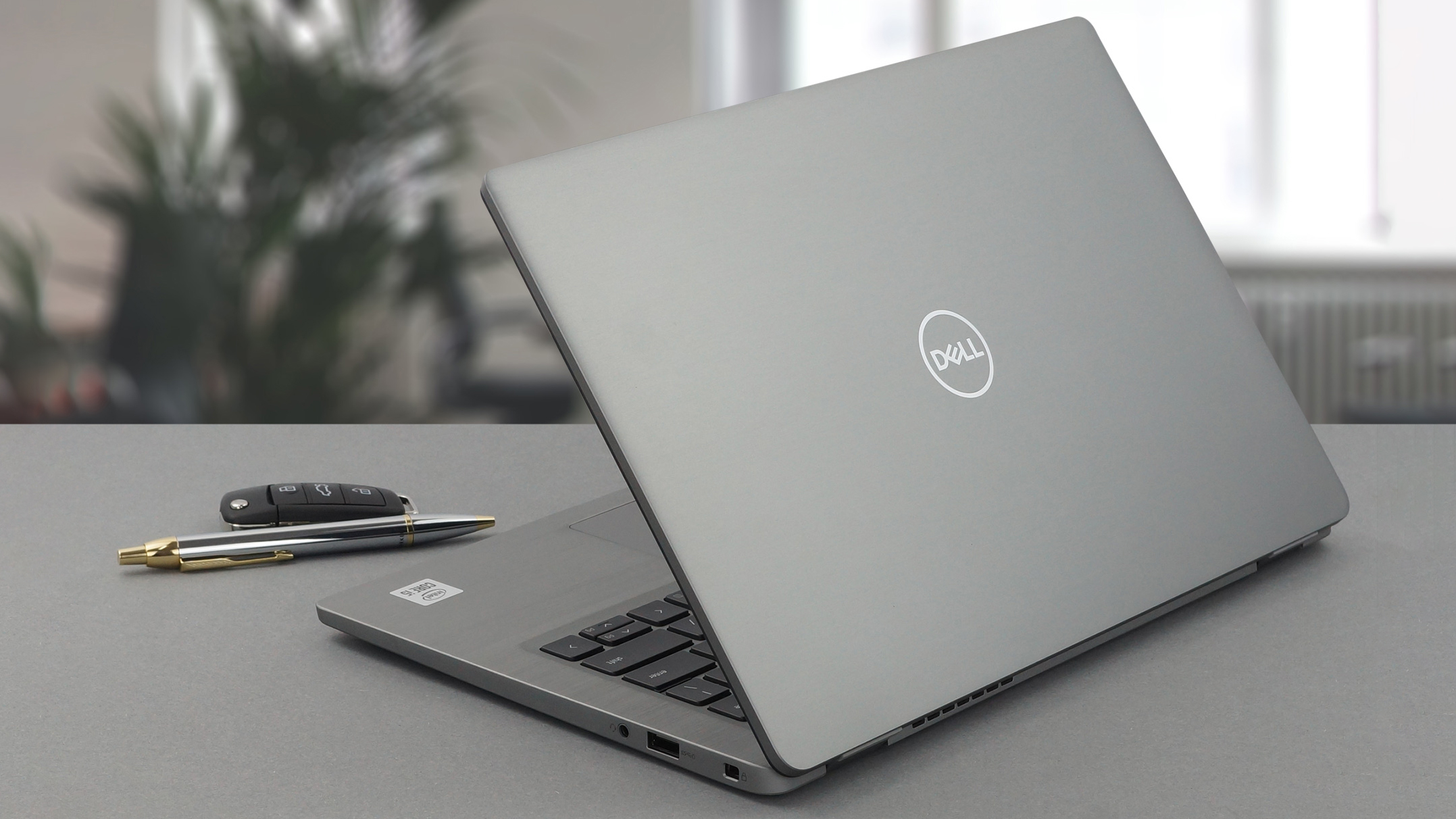
Dell Latitude 13 7310
Dell Latitude 13 7310 - स्पेक्स
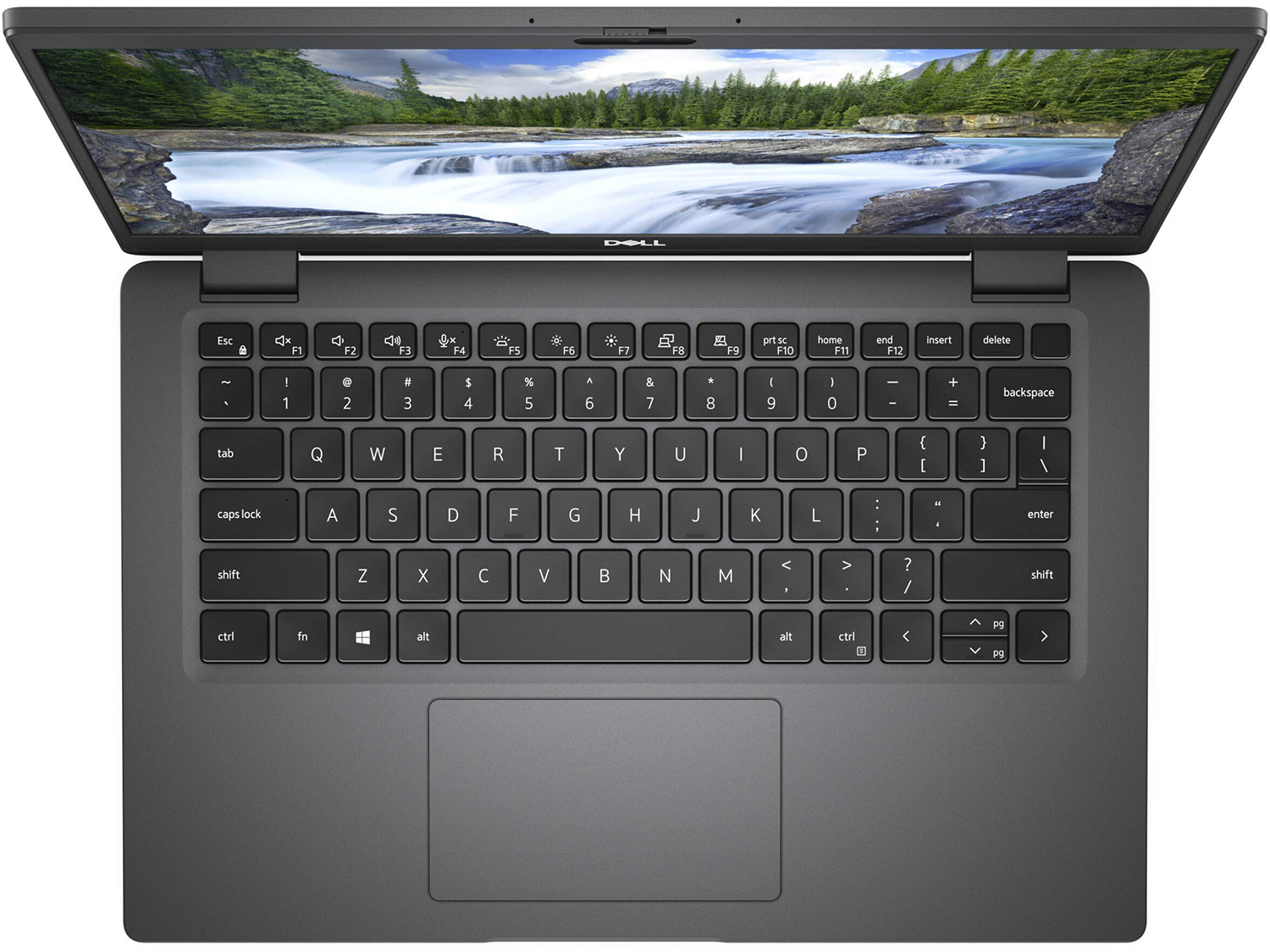
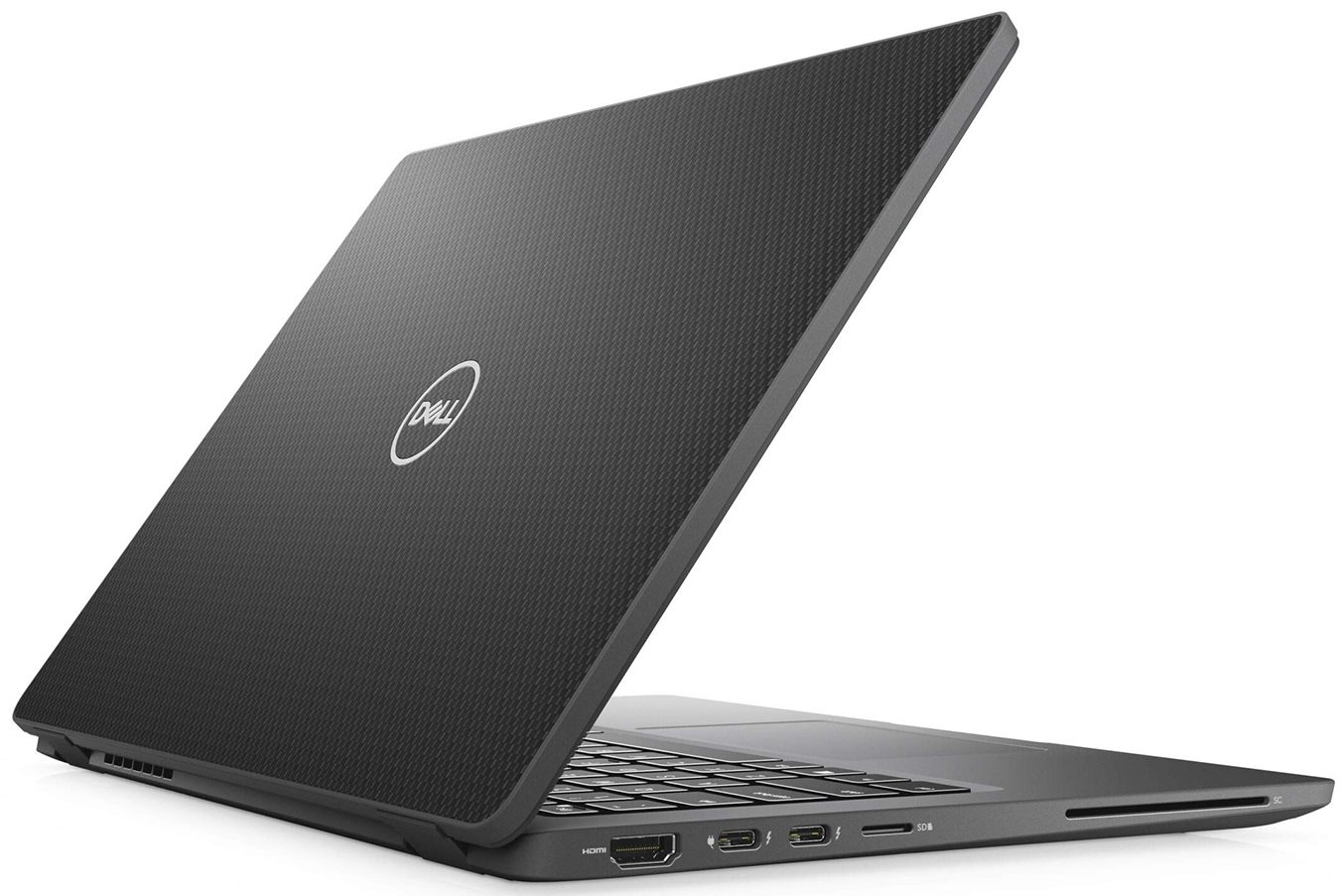
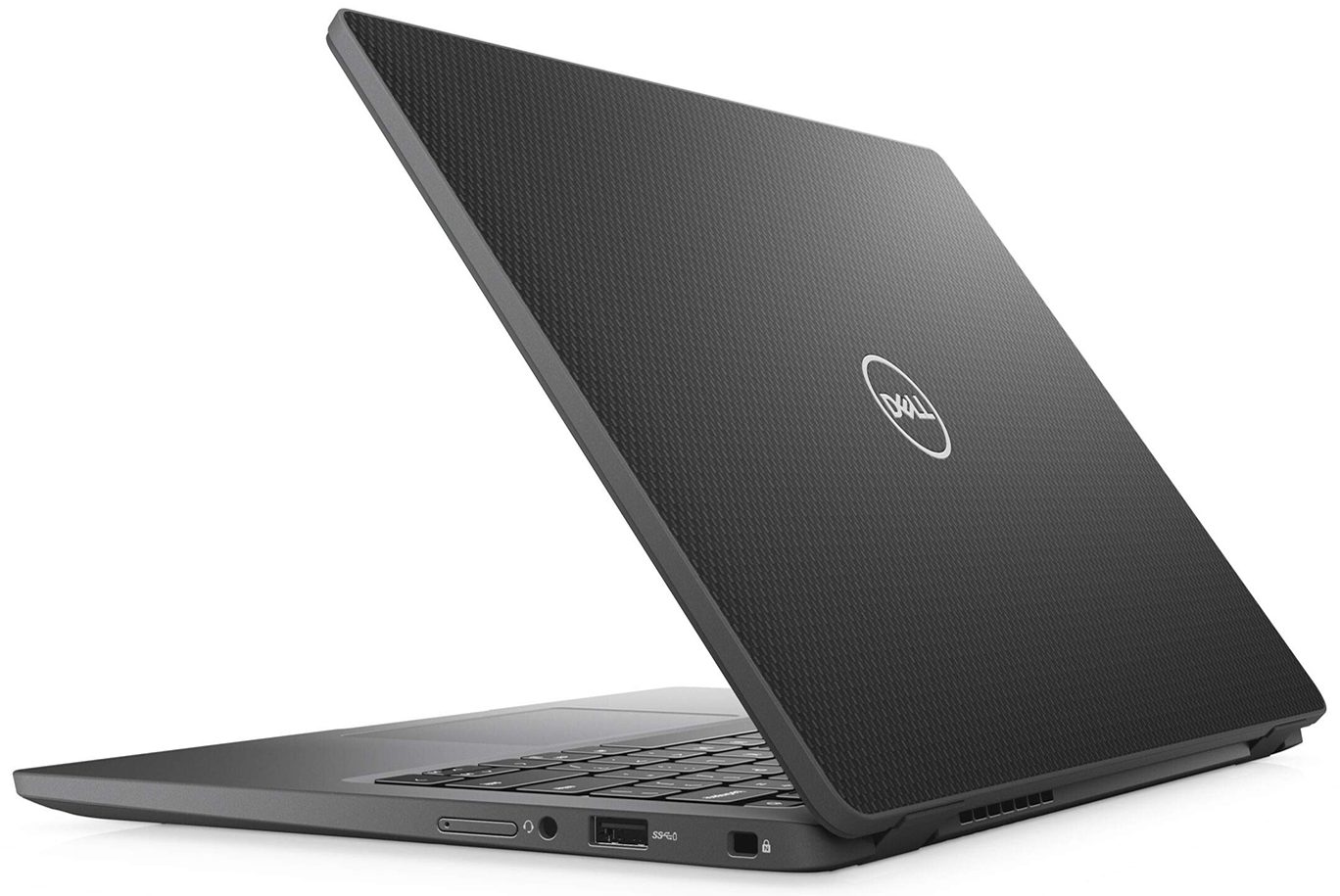

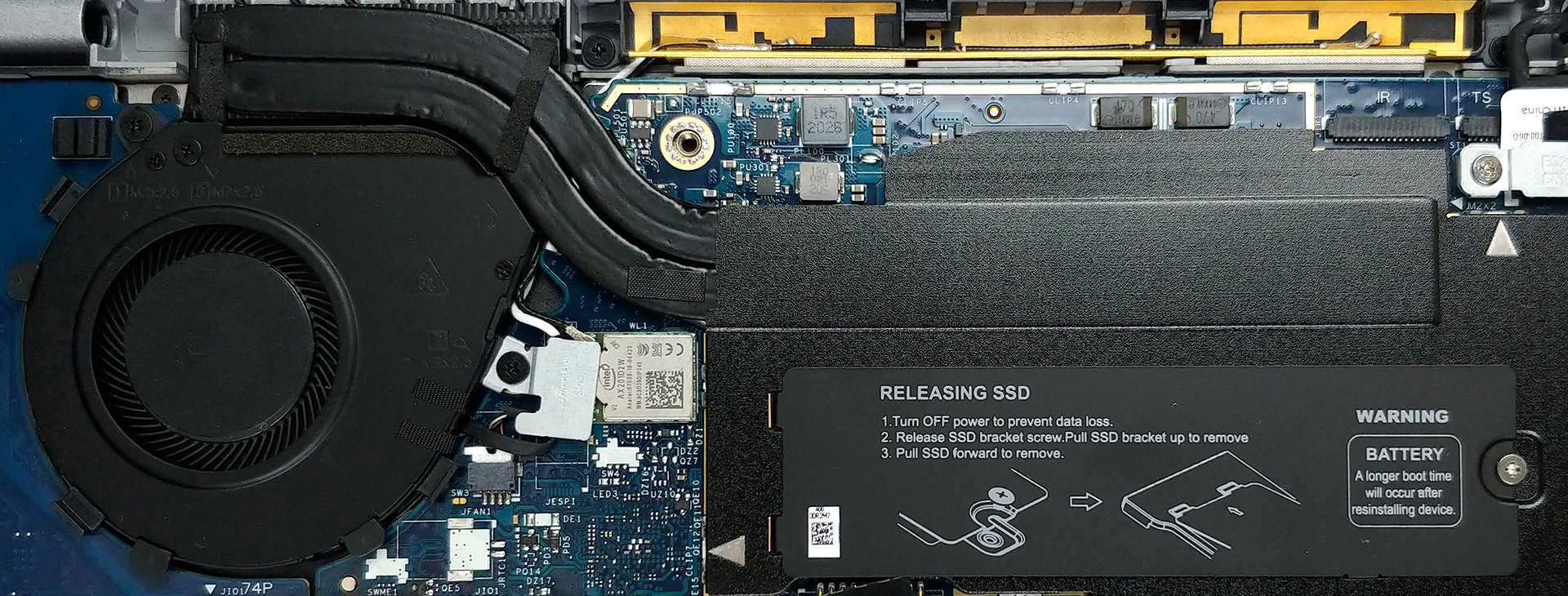
- HDD/SSD
- तक 1000GB SSD
- M.2 स्लॉट
- 1x 2280 PCIe NVMe 3.0 x4 फोटो देखें
- RAM
- up to 32GB
- OS
- Windows 11 Pro, Windows 10 Pro, Windows 10 Home
- बैटरी
- 52Wh, 4-cell
- बॉडी मटीरियल
- Aluminum
- आयाम
- 306.5 x 203.2 x 17.5 ~ 18.2 mm (12.07" x 8.00" x 0.69")
- वजन
- 1.22 kg (2.7 lbs)
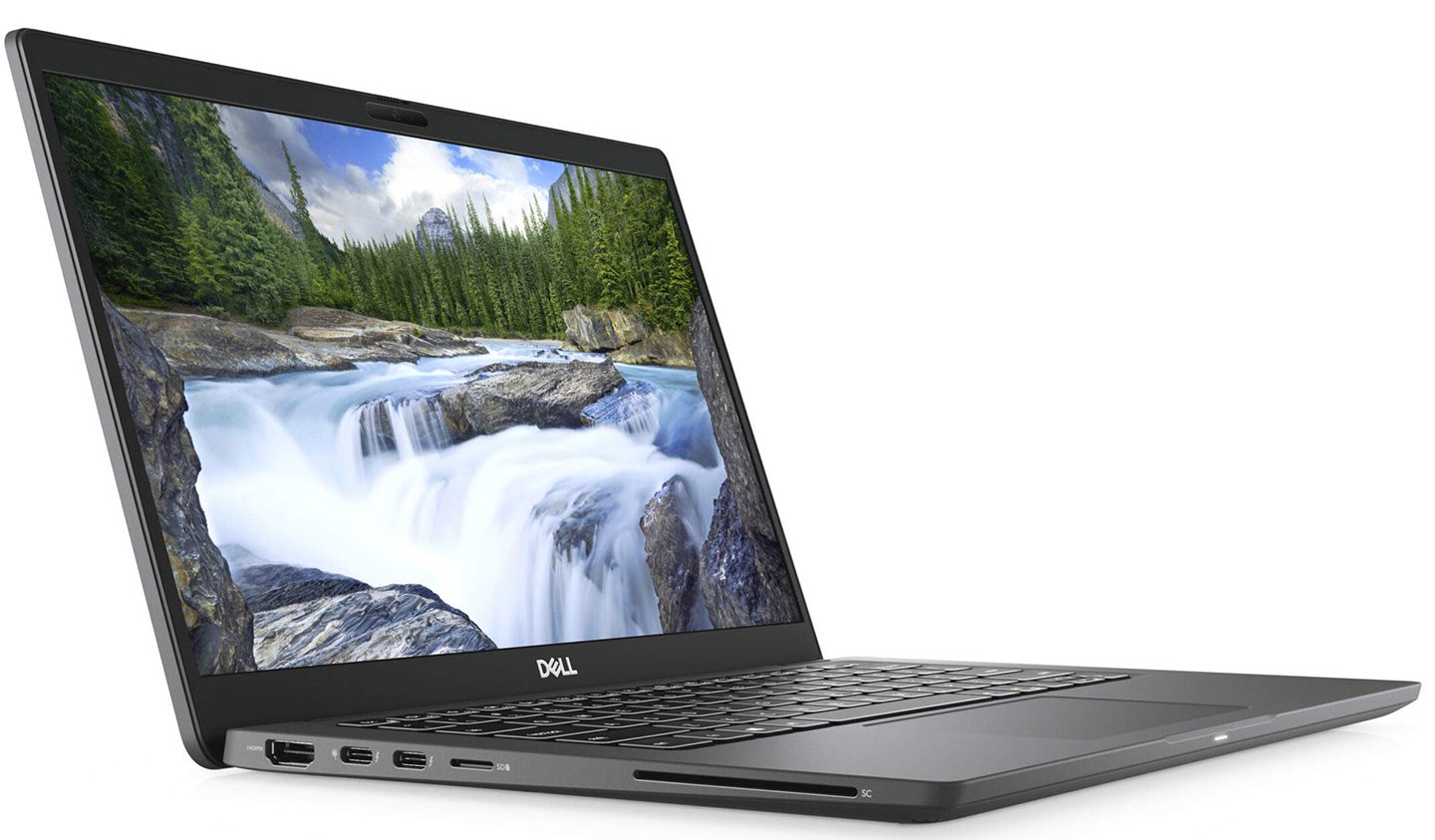
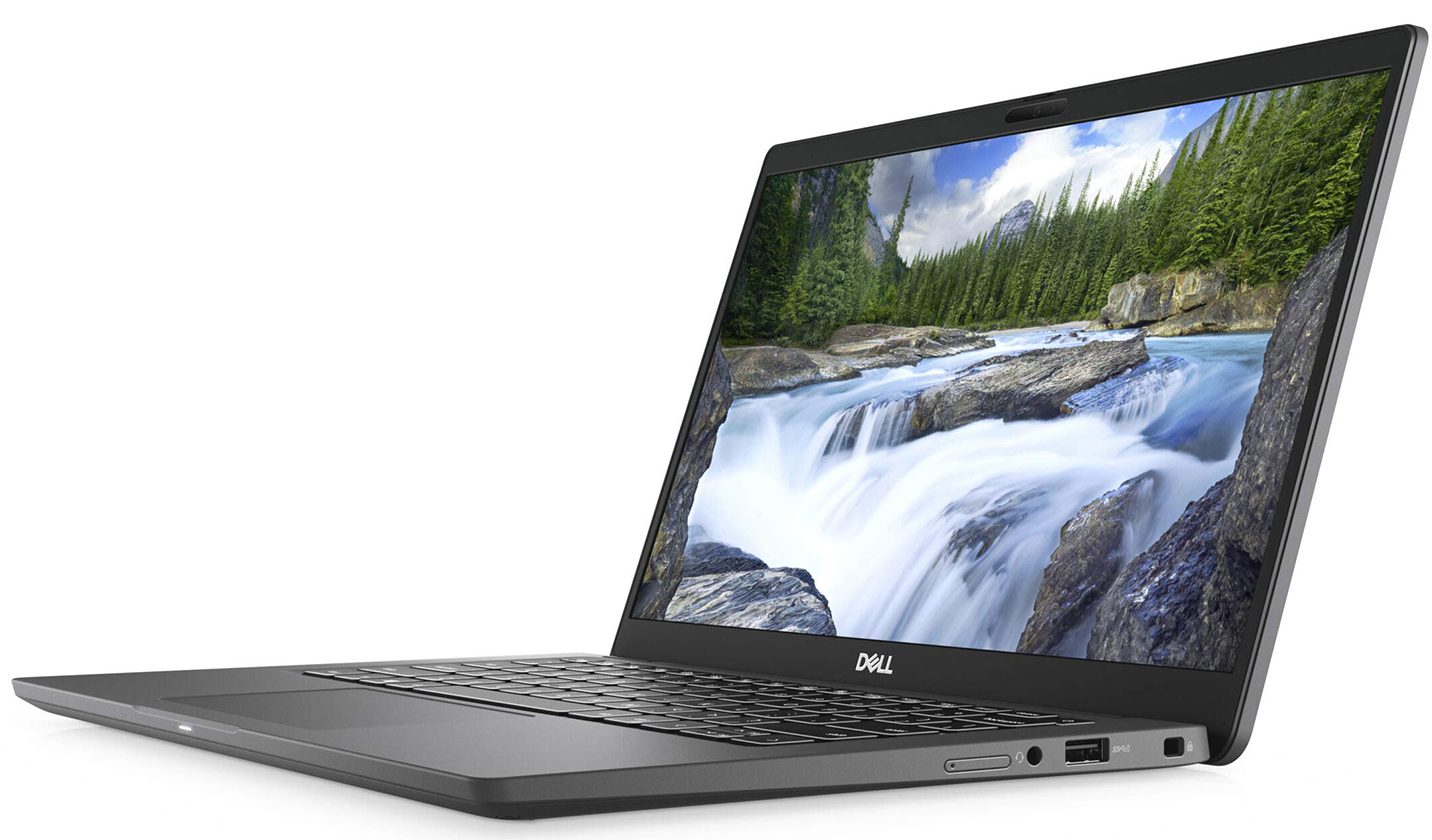
- पोर्ट और कनेक्टिविटी
- 1x USB Type-A
- 3.2 Gen 1 (5 Gbps)
- 2x USB Type-C
- 3.2 Gen 2 (10 Gbps), Thunderbolt 3, Power Delivery (PD), DisplayPort
- HDMI
- 2.0
- कार्ड रीडर
- mSD, mSDHC, mSDXC
- वाई-फाई
- 802.11ax
- ब्लूटूथ
- 5.1
- ऑडियो जैक
- 3.5 Combo Jack
- विशेषताएँ
- फिंगरप्रिंट रीडर
- optional
- वेब कैमरा
- Full HD
- बैकलिट कीबोर्ड
- optional
- माइक्रोफोन
- Dual Array Microphones
- स्पीकर
- 2x 2W, Stereo Speakers
- ऑप्टिकल ड्राइव
- सुरक्षा लॉक स्लॉट
सभी Dell Latitude 13 7310 कॉन्फ़िगरेशन
इसके लिए हमारी प्रोफाइल खरीदें Innolux 133HCG-MF95F (CMN1390) / 13.3”, Full HD (1920 x 1080), IPS
कुशल और स्वास्थ्य के अनुकूल प्रोफाइल प्राप्त करने के अलावा, LaptopMedia के उत्पादों को खरीदकर आप हमारी प्रयोगशालाओं के विकास का भी समर्थन करते हैं, जहाँ हम सबसे वस्तुनिष्ठ समीक्षाएँ प्रस्तुत करने के लिए उपकरणों का परीक्षण करते हैं।

Office Work
Office Work का उपयोग ज्यादातर उन उपयोगकर्ताओं द्वारा किया जाना चाहिए जो अपना अधिकांश समय टेक्स्ट के टुकड़ों, तालिकाओं को देखने या सिर्फ सर्फिंग में बिताते हैं। इस प्रोफ़ाइल का उद्देश्य एक फ्लैट गामा वक्र (2.20), मूल रंग तापमान और अवधारणात्मक रूप से सटीक रंगों को रखकर बेहतर विशिष्टता और स्पष्टता प्रदान करना है।

Design and Gaming
यह प्रोफ़ाइल उन डिजाइनरों के लिए है जो पेशेवर रूप से रंगों के साथ काम करते हैं, और गेम और फिल्मों के लिए भी। Design and Gaming डिस्प्ले पैनल को उनकी सीमा तक ले जाता है, जिससे वे वेब और HDTV के लिए sRGB IEC61966-2-1 मानक में, व्हाइट पॉइंट D65 पर यथासंभव सटीक हो जाते हैं।

Health-Guard
Health-Guard हानिकारक पल्स-विड्थ मॉड्यूलेशन (PWM) को समाप्त करता है और नकारात्मक नीली रोशनी को कम करता है जो हमारी आँखों और शरीर को प्रभावित करती है। चूंकि यह प्रत्येक पैनल के लिए कस्टम अनुरूप है, यह रंगों को अवधारणात्मक रूप से सटीक रखने का प्रबंधन करता है। Health-Guard कागज का अनुकरण करता है जिससे आँखों पर दबाव बहुत कम हो जाता है।
33% छूट के साथ सभी 3 प्रोफाइल प्राप्त करें

CPU प्रदर्शन
यहां आप उन सभी CPU के बीच कीमत/प्रदर्शन का अंतर पा सकते हैं जो इसमें आते हैं Dell Latitude 13 7310 सीरीज.
परिणाम Cinebench R23 CPU टेस्ट से हैं (स्कोर जितना अधिक हो, उतना अच्छा)
Dell Latitude 13 7310 गहन समीक्षा
Even in late 2020, some manufacturers are refusing to equip their devices with the latest and greatest in terms of technology. Dell is one such example, that instead of going for the Tiger Lake, or even the Ice Lake 10nm chips, has chosen the old 14nm architecture of the Comet Lake-U processors from Intel. And the device we have in mind, in this case, is the Latitude 13 7310. A rather expensive business laptop, that has all of the goodies, that come with the Latitude series in terms of security.In fact, the laptop features the EspressSign-in sensor, which detects your presence and unlocks[...]
पक्ष
- Premium build materials (aluminum or carbon fiber)
- Excellent battery life
- PCIe x4 support
- Two Thunderbolt 3 connectors and a MicroSD card reader
- 98% of sRGB coverage and great color accuracy with our Gaming and Web design profile (Innolux 133HCG-MF95F)
- Doesn't use aggressive PWM for brightness adjustment (Innolux 133HCG-MF95F)
विपक्ष
- RAM is soldered to the motherboard
- High deviation in luminance in the top left corner (Innolux 133HCG-MF95F)
- Rather expensive


![[June 2026] Best-Selling Laptop Brands on Amazon Global – Apple’s Unrivaled Dominance in Units and Revenue](https://laptopmedia.com/wp-content/uploads/2026/07/GLOBAL-Best-Brands-400x225.jpg)
![[June 2026] Amazon Global: Top 10 Best-Selling Laptops – Apple’s New MacBook Neo Storms to #1, Reshaping the Market with Affordability](https://laptopmedia.com/wp-content/uploads/2026/07/Best-Selling-Laptops-GLOBAL-Top-10-400x225.jpg)
![[June 2026] Amazon Global: Top 10 Best-Selling Gaming Laptops – Acer’s Nitro V 16S AI Dominates Sales, While ASUS Leads Overall Revenue](https://laptopmedia.com/wp-content/uploads/2026/07/Best-Selling-Gaming-Laptops-GLOBAL-Top-10-400x225.jpg)
![[June 2026] Global Ranking of Best-Selling Laptop GPUs on Amazon – NVIDIA RTX 5060 is the Top-Selling Dedicated GPU](https://laptopmedia.com/wp-content/uploads/2026/07/Best-Selling-GPUs-GLOBAL-Top-10-400x225.jpg)
![[June 2026] Global Ranking of Best-Selling Laptop CPUs on Amazon – Apple M5 Dominates, AMD Ryzen 7 260 Gets Solid Premium Share](https://laptopmedia.com/wp-content/uploads/2026/07/Best-Selling-CPUs-GLOBAL-Top-10-400x225.jpg)