Recensione del Lenovo Yoga Pro 7 (14″, 2023) – sfida il MacBook Pro da 14 pollici
 Di solito, quando si pensa a un notebook Yoga, si immagina un convertibile Lenovo che sicuramente avrà una buona qualità costruttiva. Sebbene l’ultima affermazione sia ancora vera, non molti dispositivi Yoga rimangono convertibili.
Alcuni offrono addirittura prestazioni enormi, impensabili fino a un paio di anni fa. Ebbene, ora il Lenovo Yoga Pro 7 (14″, 2023) è qui per distruggere la necessità di possedere un MacBook Pro 14 (o addirittura un dispositivo di gioco separato).
Oggi abbiamo con noi la versione AMD. Si tratta di Ryzen 5 7535HS o Ryzen 7 7735HS. Queste CPU sono rispettivamente Ryzen 5 6600H e Ryzen 7 6800H rinnovati, con velocità di clock leggermente aumentate.
Inoltre, è possibile configurare la macchina con la RTX 3050. Ma non si tratta di una normale 3050: ha 6 GB di VRAM GDDR6 e un TGP di 63W. Sì, tutto ciò sembra strano, ma fa davvero risaltare il portatile, non è vero? Inoltre, il dispositivo è dotato di driver NVIDIA Studio.
Ma sarebbe un vero concorrente del MacBook Pro 14 se non avesse un display paragonabile? In questo caso, è possibile scegliere tra due opzioni: un’unità da 2,5K 90Hz o un pannello da 3K 120Hz, entrambi con display IPS. Inoltre, quest’ultimo è disponibile anche in una variante touch-screen.
Potete controllare i prezzi e le configurazioni nel nostro sistema di specifiche: https://laptopmedia.com/series/lenovo-yoga-pro-7-14-2023/
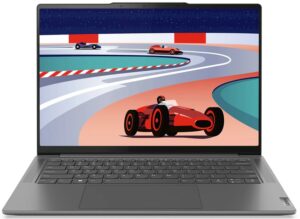
Contents
- Specifiche, Driver, Contenuto della confezione
- Design e costruzione
- Qualità del display, impatto sulla salute (PWM), suono
- Acquista i nostri profili
- Prestazioni: CPU, GPU, Test di gioco
- [Guida eBook + Strumenti] Come MASSIMIZZARE Il Tuo Laptop
- Temperature e comfort, durata della batteria
- Smontaggio, opzioni di aggiornamento e manutenzione
- Il verdetto
Specifiche, Driver, Contenuto della confezione
Lenovo Yoga Pro 7 (14", 14ARP8) - Specifiche
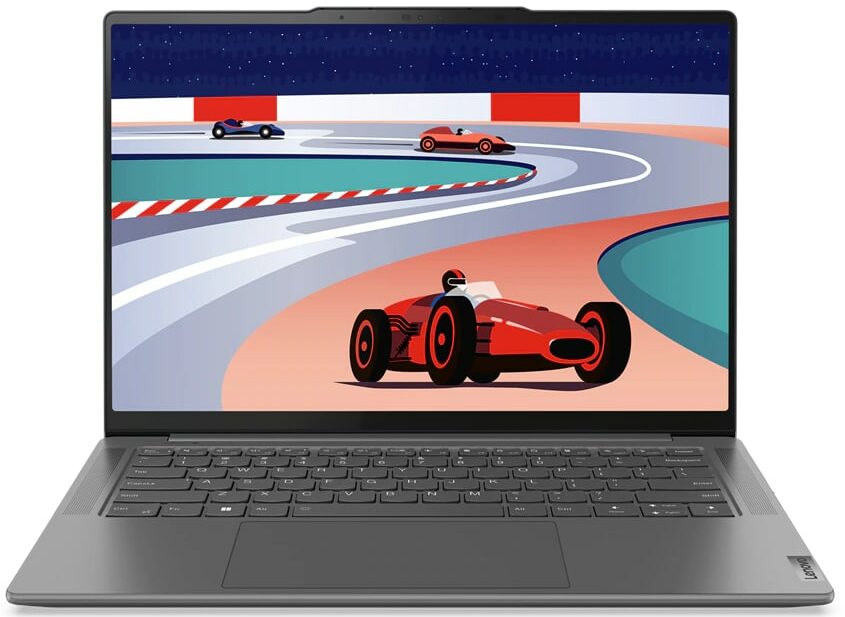
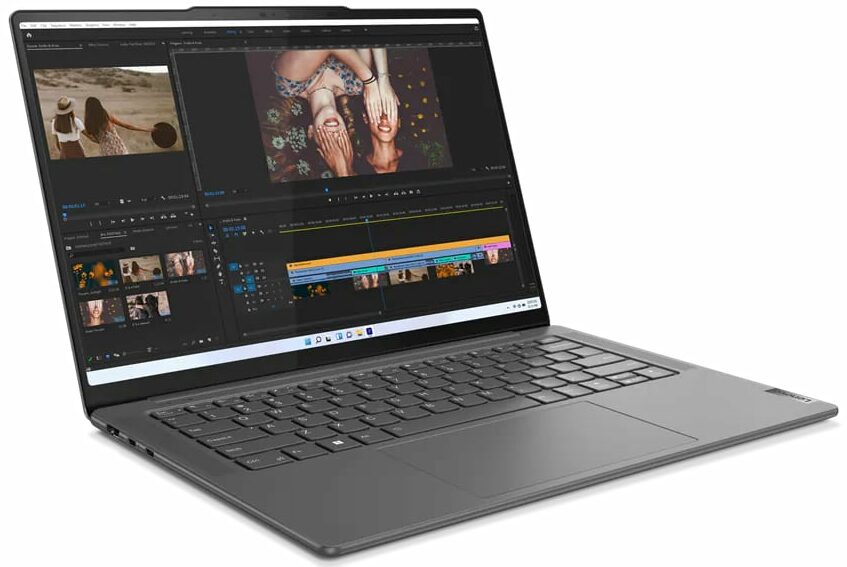

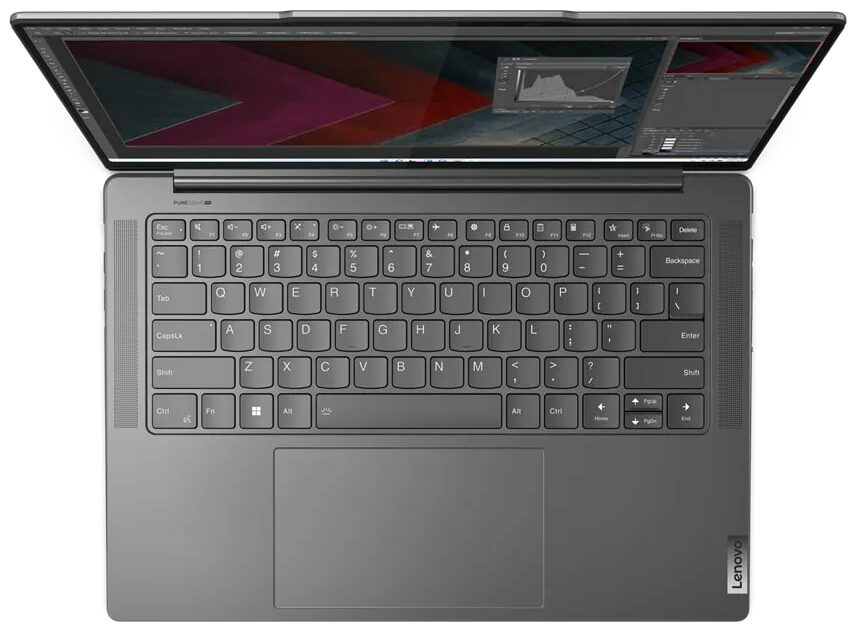
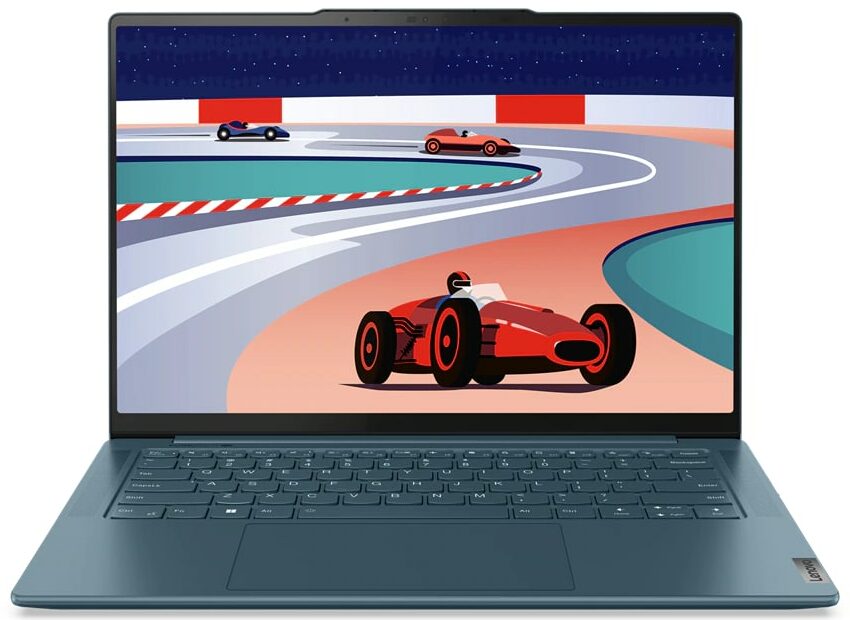
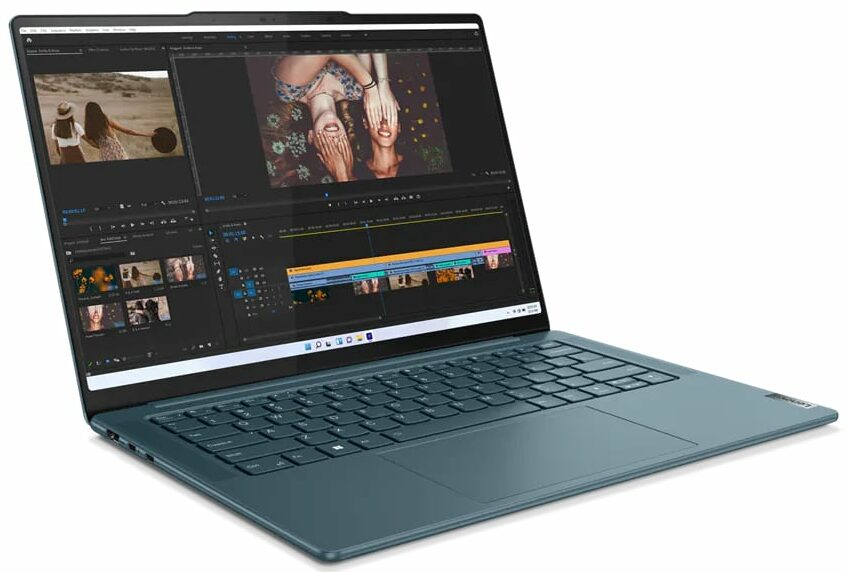



- HDD/SSD
- fino a 1000GB SSD
- Slot M.2
- 1x 2280 PCIe NVMe 4.0 x4 Vedi foto
- RAM
- up to 16GB
- SO
- Windows 11 Home, No OS, Windows 11 Pro
- Batteria
- 73Wh
- Materiale del corpo
- Aluminum
- Dimensioni
- 325.5 x 226.49 x 15.6 mm (12.81" x 8.92" x 0.61")
- Peso
- 1.49 kg (3.3 lbs)
- Porte e connettività
- 1x USB Type-A
- 3.2 Gen 1 (5 Gbps), Sleep and Charge
- 1x USB Type-C
- 3.2 Gen 2 (10 Gbps), Power Delivery (PD), DisplayPort
- 1x USB Type-C
- 4.0, Power Delivery (PD), DisplayPort
- HDMI
- 2.1 (4K@60Hz)
- Lettore di schede
- LAN Ethernet
- Wi-Fi
- 802.11ax
- Bluetooth
- 5.1
- Jack audio
- 3.5mm Combo Jack
- Caratteristiche
- Lettore di impronte digitali
- Webcam
- FHD IR with E-shutter, fixed focus, with ToF sensor
- Tastiera retroilluminata
- optional
- Microfono
- Quad-microphone array with noise-cancelling
- Altoparlanti
- 2x 4W Stereo Speakers, optimized with Dolby Atmos, Amplifier (AMP)
- Unità ottica
- Slot per lucchetto di sicurezza
Tutti Lenovo Yoga Pro 7 (14″, 14ARP8) configurazioni
Driver
Tutti i driver e le utility per questo notebook sono disponibili qui: https://pcsupport.lenovo.com/us/en/products/laptops-and-netbooks/yoga-series/yoga-pro-7-14arp8/downloads/driver-list
Cosa c’è nella confezione?
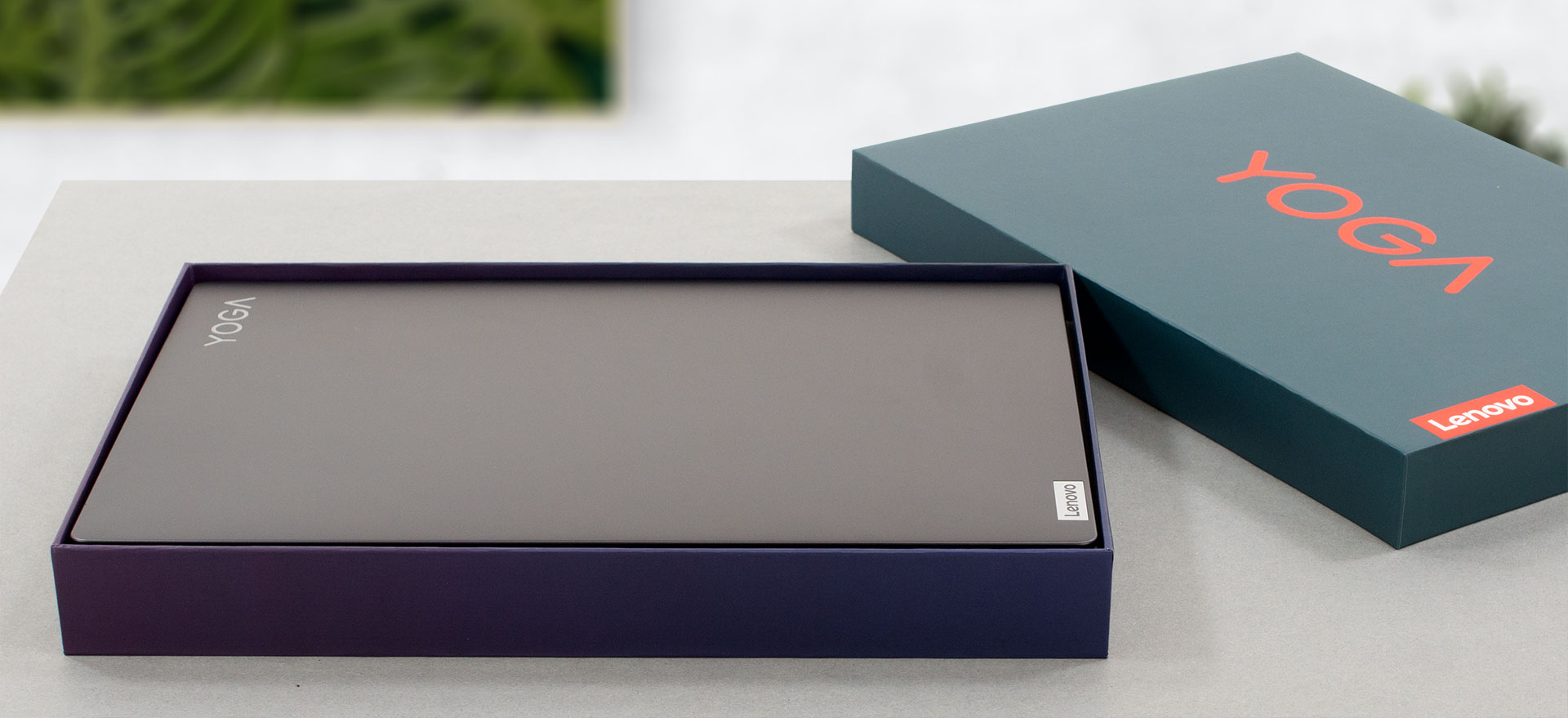
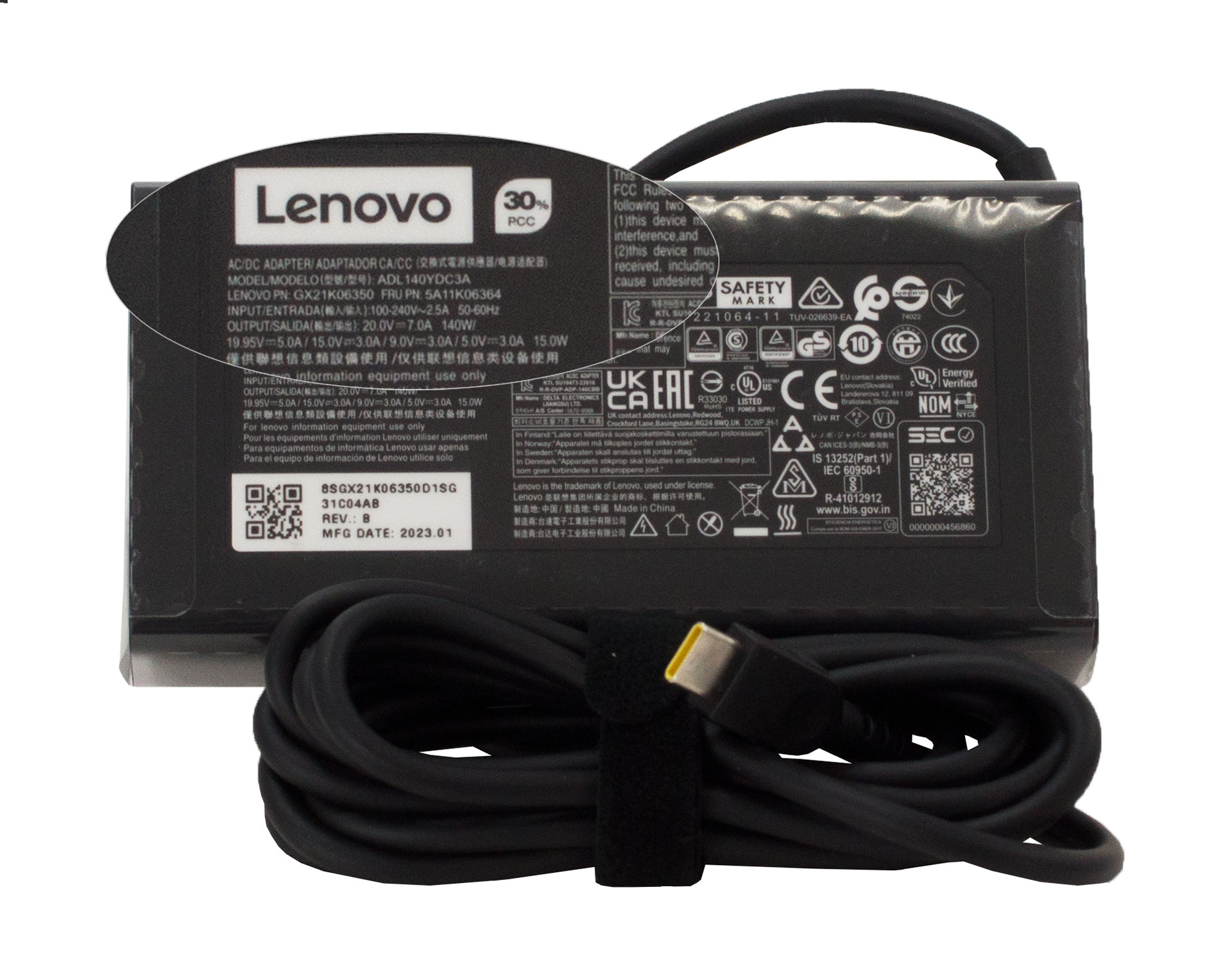
All’interno della confezione sono presenti alcuni manuali cartacei e un caricatore USB Type-C da 140W.
 Author: Alex Iliev
 Author: eng. Kroum NikolovHead of Engineering at LaptopMedia.com, inventor and innovator with 40+ years of experience in electronics and high technology.

![[Agosto 2026] Classifica globale delle GPU per laptop più vendute su Amazon: Apple domina la scena, mentre la RTX 5060 di NVIDIA è in testa alla classifica delle schede dedicate](https://laptopmedia.com/wp-content/uploads/2026/09/Best-Selling-GPUs-GLOBAL-Top-10-400x225.jpg)
![[Agosto 2026] Classifica globale delle CPU per laptop più vendute su Amazon: Apple domina sia nella fascia economica che in quella premium; A18 Pro e M5 sbaragliano Intel e AMD nell’agosto 2026](https://laptopmedia.com/wp-content/uploads/2026/09/Best-Selling-CPUs-GLOBAL-Top-10-400x225.jpg)
![[Agosto 2026] Amazon Global: i 10 laptop più venduti – L’Apple MacBook Neo domina le classifiche mentre i portatili Windows economici e di fascia media si contendono i volumi di vendita](https://laptopmedia.com/wp-content/uploads/2026/09/Best-Selling-Laptops-GLOBAL-Top-10-400x225.jpg)
![[Agosto 2026] Le marche di laptop più vendute su Amazon Global: Apple domina in termini di fatturato, mentre HP è in testa per varietà di modelli](https://laptopmedia.com/wp-content/uploads/2026/09/GLOBAL-Best-Brands-400x225.jpg)
![[Agosto 2026] Amazon Global: i 10 laptop da gaming più venduti – L’HP Victus 15 conquista il primo posto mentre i modelli economici dominano la classifica](https://laptopmedia.com/wp-content/uploads/2026/09/Best-Selling-Gaming-Laptops-GLOBAL-Top-10-400x225.jpg)

Yoga brand outside of the US can either be clamshell or convertible. Currently, to distinguish between the two, the Pro (or Slim Pro) moniker applies to the clamshell version like this one, Yoga Pro 7. In the US it’s just Yoga for convertible and Slim for clamshell period – no need for the confusion like elsewhere.
The US is not the centre of the world. If it’s only like that in the US, then too bad for you, but the rest of us have to deal with how it’s being named so these reviews using the global naming schemes is fundamentally correct.
Soldered ram, so what? Almost every laptop out there has soldered rams these days. 16GB is still more than enough. I never use more than 7GB with heavy work. And who needs an SD card reader these days?
You never talked about upgrade options in the upgrade options section! How large of an m.2 disk will it take?