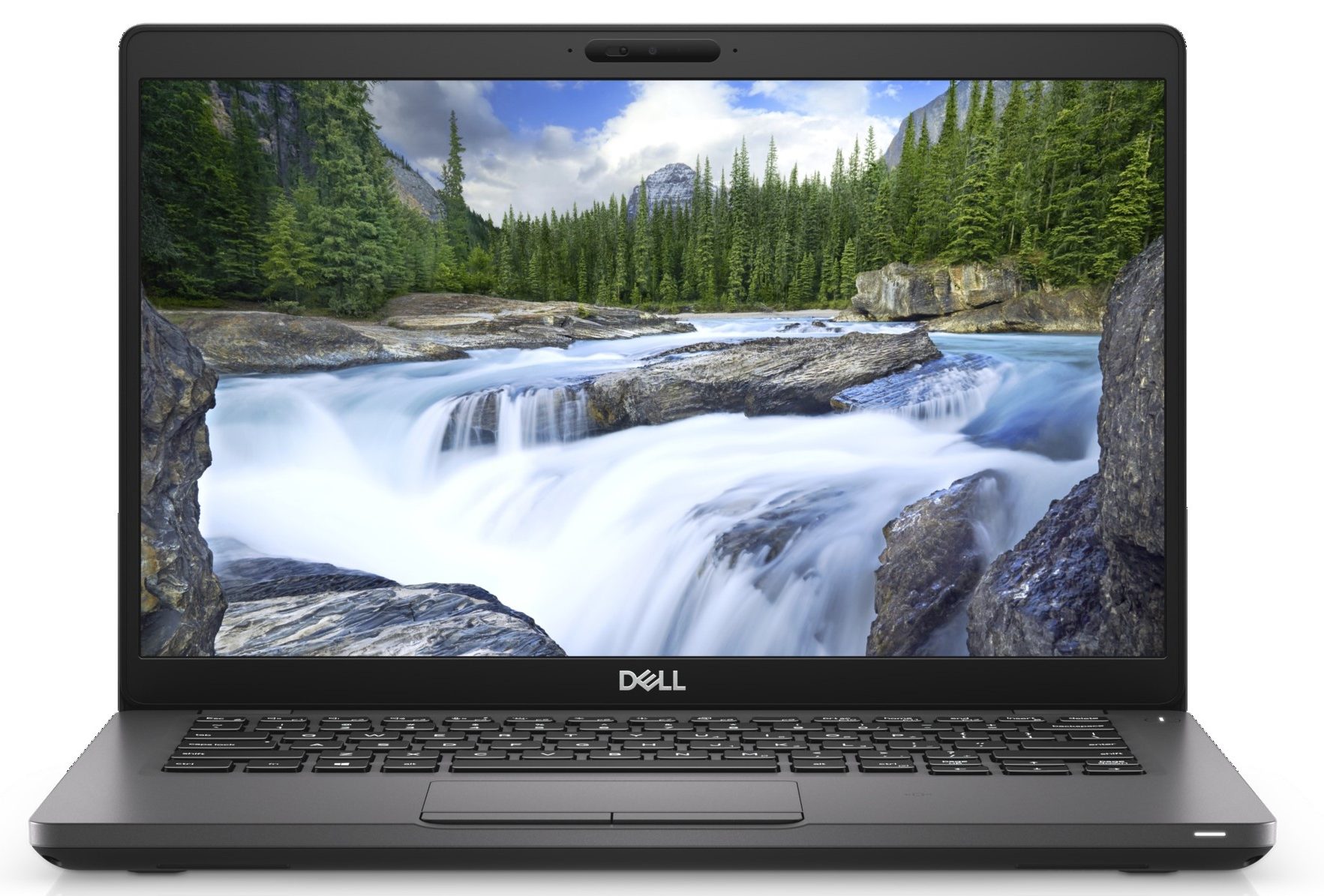
Dell Latitude 14 5401
Dell Latitude 14 5401 - Specifiche
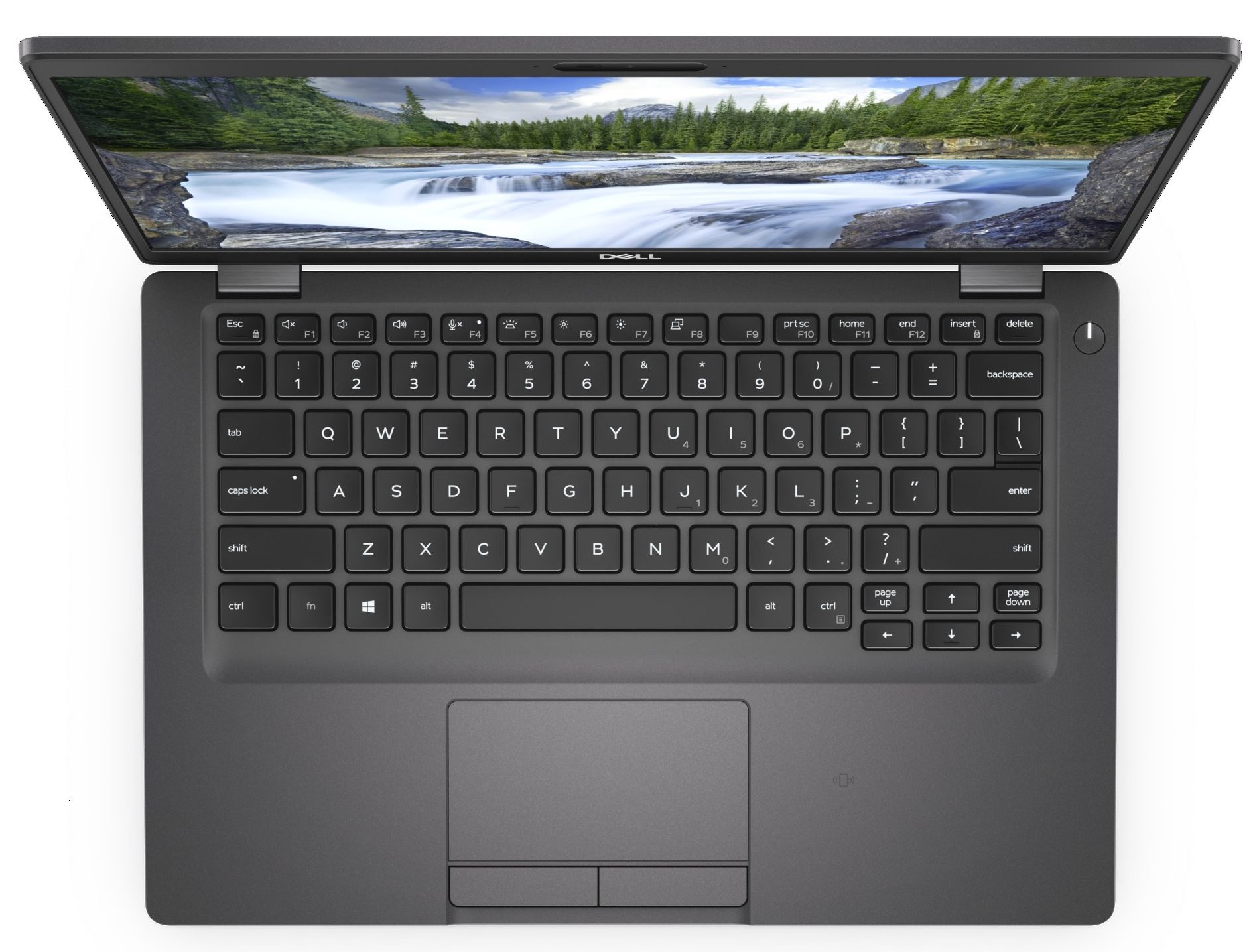
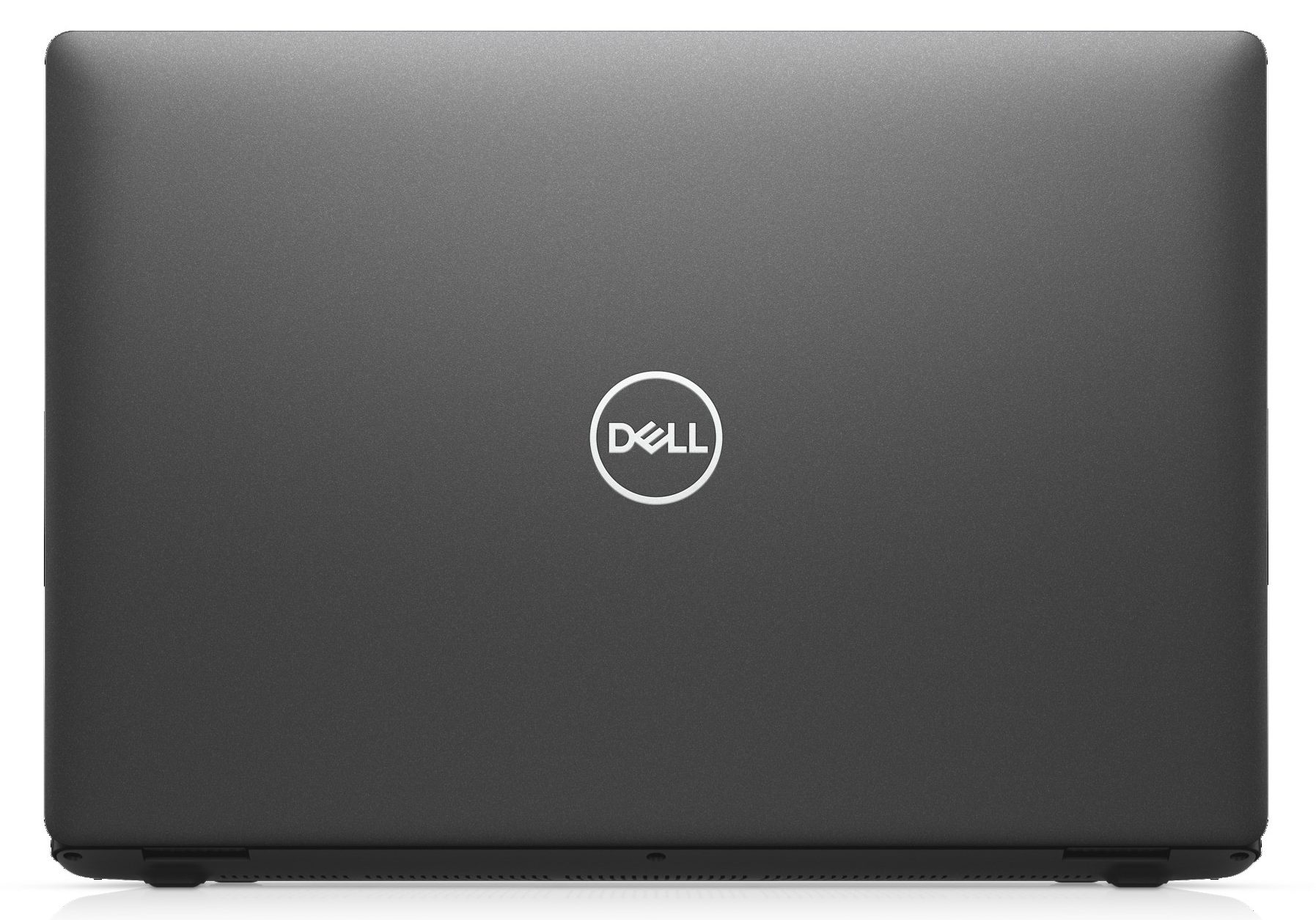

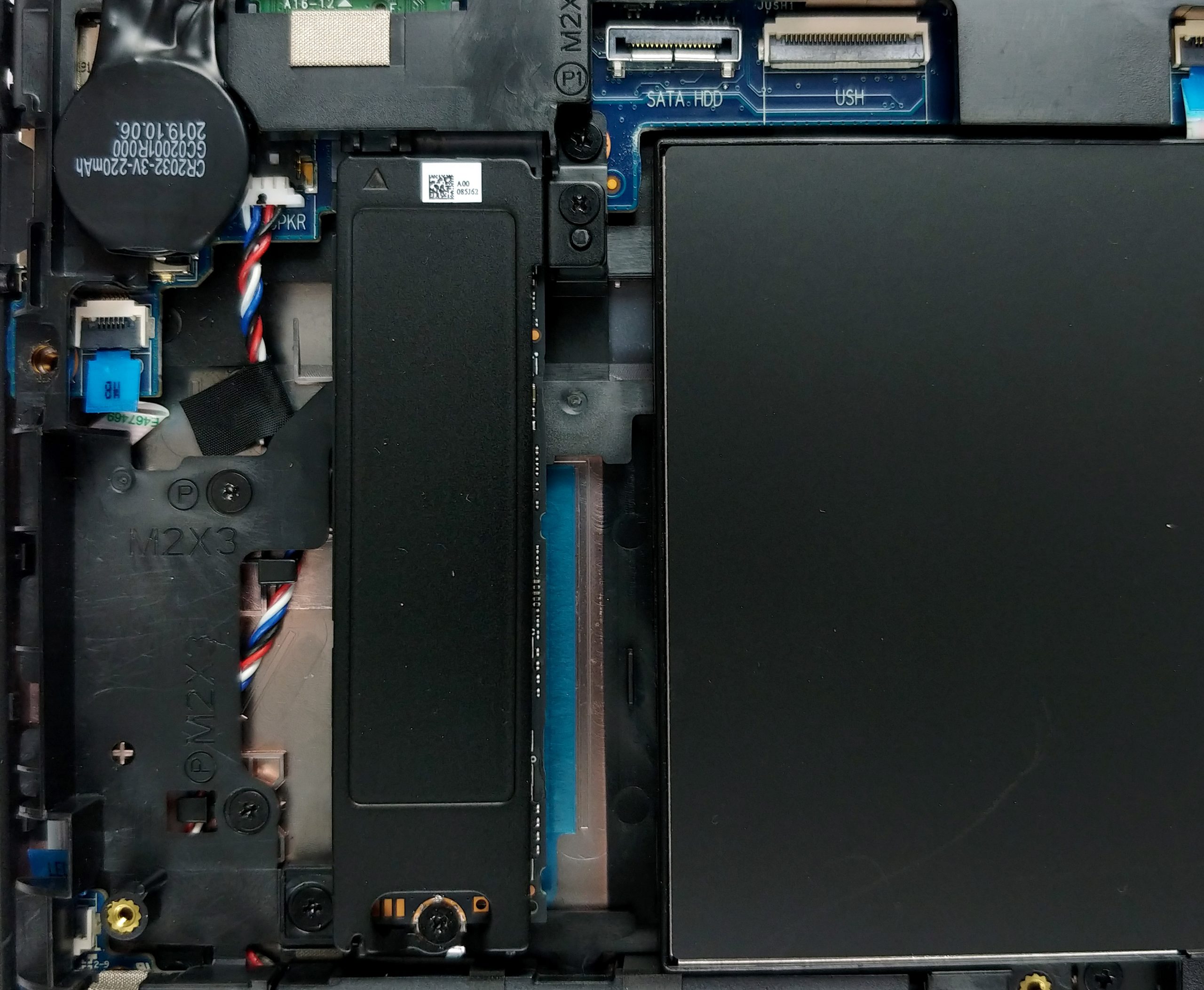
- HDD/SSD
- fino a 2000GB SSD + fino a 500GB HDD
- Slot M.2
- 1x 2280 PCIe NVMe 3.0 x4 Vedi foto
- RAM
- up to 32GB
- SO
- Windows 10 Pro, Windows 10 Home, No OS
- Batteria
- 51Wh, 3-cell, 68Wh, 4-cell
- Materiale del corpo
- Carbon
- Dimensioni
- 323 x 216 x 20 mm (12.72" x 8.50" x 0.79")
- Peso
- 1.53 kg (3.4 lbs)
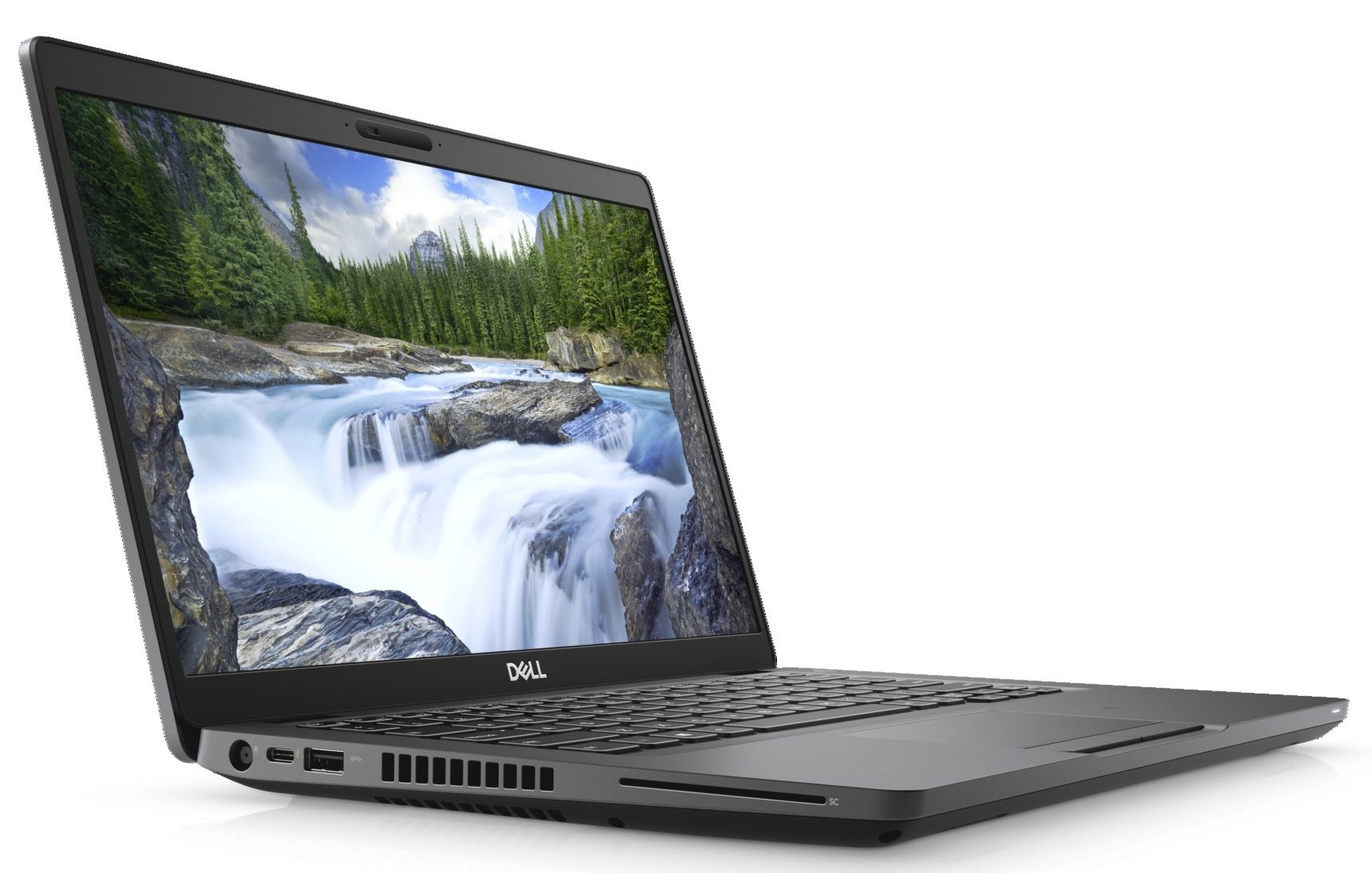
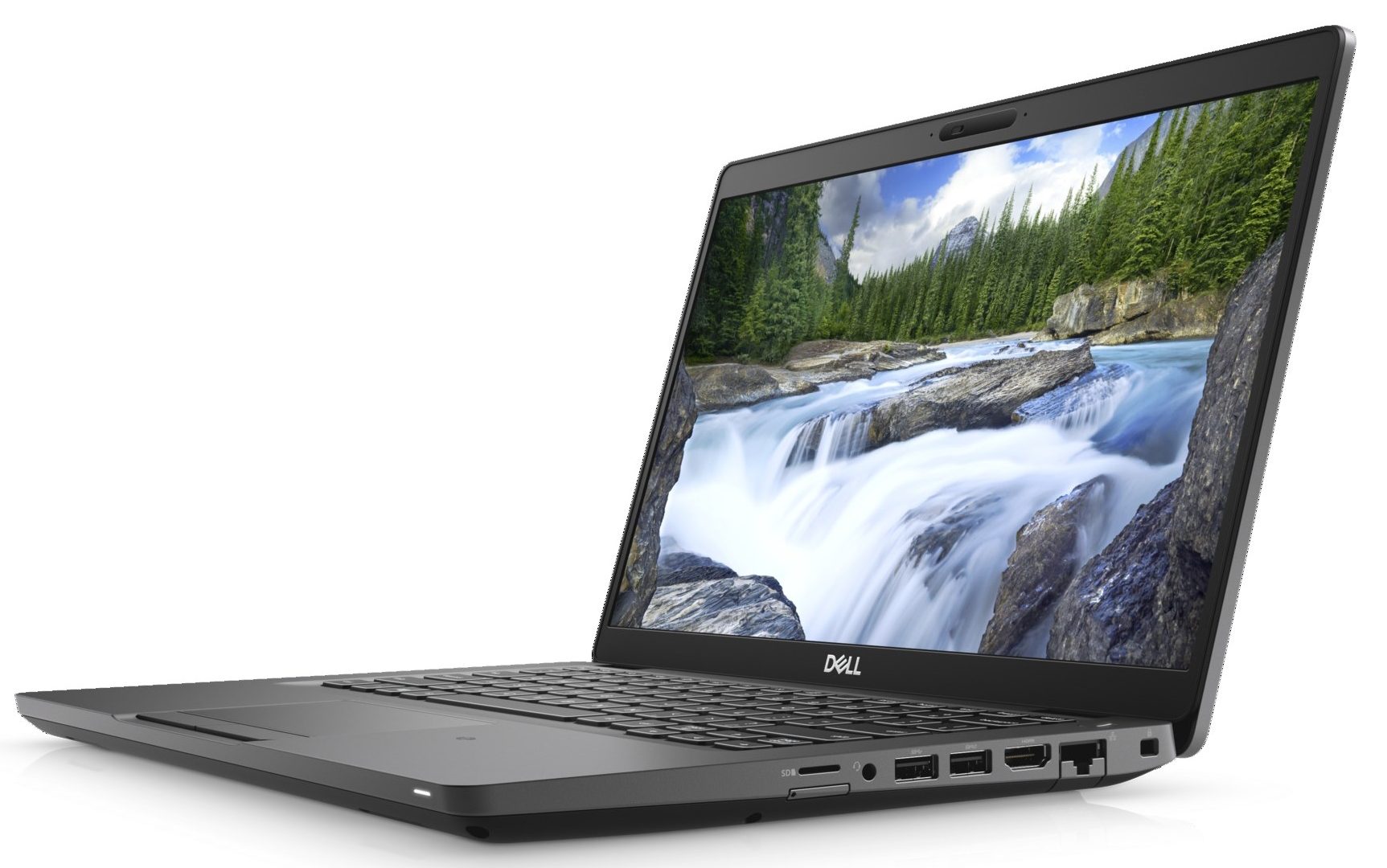
- Porte e connettività
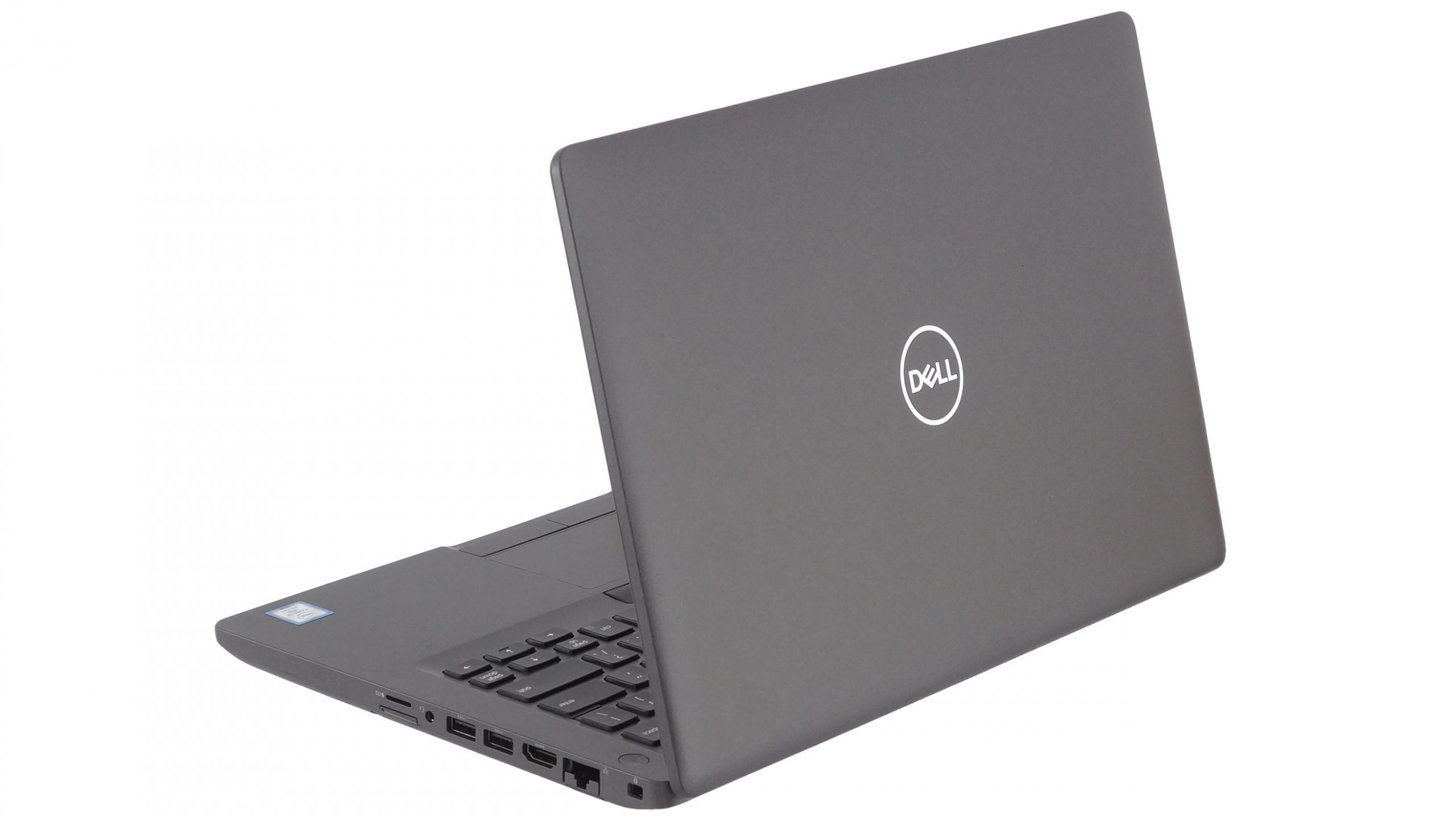
- 2x USB Type-A
- 3.2 Gen 1 (5 Gbps)
- 1x USB Type-A
- 3.2 Gen 1 (5 Gbps), Power Delivery (PD)
- 1x USB Type-C
- 3.2 Gen 2 (10 Gbps), Thunderbolt 3
- HDMI
- 2.0
- Lettore di schede
- Micro SD
- LAN Ethernet
- 10, 100, 1000
- Wi-Fi
- 802.11ac
- Bluetooth
- 5.0
- Jack audio
- 3.5 mm combo
- Caratteristiche
- Lettore di impronte digitali
- optional
- Webcam
- Tastiera retroilluminata
- Microfono
- Altoparlanti
- 2x 2.5W
- Unità ottica
- Slot per lucchetto di sicurezza
- fingerprint reader (optional), backlit keyboard
Tutti Dell Latitude 14 5401 configurazioni
Acquista i nostri profili per BOE NV14N4F-HN4TM (BOE07BB) / 14.0”, Full HD (1920 x 1080), IPS
Oltre a ricevere profili efficienti e salutari, acquistando i prodotti di LaptopMedia sosterrai anche lo sviluppo dei nostri laboratori, dove testiamo i dispositivi per produrre le recensioni più oggettive possibili.

Office Work
Office Work dovrebbe essere usato principalmente da utenti che passano la maggior parte del tempo a guardare testi, tabelle o semplicemente a navigare. Questo profilo mira a fornire una migliore distinzione e chiarezza mantenendo una curva gamma piatta (2.20), una temperatura colore nativa e colori percettivamente accurati.

Design e Gaming
Questo profilo è rivolto ai designer che lavorano con i colori professionalmente, nonché per giochi e film. Design and Gaming porta i pannelli dei display ai loro limiti, rendendoli il più accurati possibile nello standard sRGB IEC61966-2-1 per Web e HDTV, con punto di bianco D65.

Health-Guard
Health-Guard elimina la dannosa Modulazione di Larghezza d'Impulso (PWM) e riduce la Luce Blu negativa che influisce sui nostri occhi e sul nostro corpo. Essendo personalizzato per ogni pannello, riesce a mantenere i colori percettivamente accurati. Health-Guard simula la carta, quindi la pressione sugli occhi è notevolmente ridotta.
Ottieni tutti e 3 i profili con il 33% di sconto

Prestazioni CPU
Qui potete trovare la differenza di prezzo/prestazioni tra tutte le CPU che vengono in Dell Latitude 14 5401 Serie.
I risultati provengono dal test Cinebench 20 Multi-core (più alto è il punteggio, meglio è)
Prestazioni GPU
Qui potete trovare la differenza di prezzo/prestazioni tra tutte le GPU che vengono in Dell Latitude 14 5401 Serie.
I risultati provengono da 3DMark Time Spy (Graphics). Un valore più alto è migliore.
Dell Latitude 14 5401 recensione approfondita
The Latitude 5401 is a very interesting piece of machinery. On the outside, it is very similar (if not the same) as the Latitude 5400. It is a great laptop for business entrepreneurs, so don't forget to pay a visit to our In-depth review. So, take the latter, put an H-series processor inside of the ULV ones and you have the Latitude 5401.Quite straightforward, isn't it? However, how can a business notebook with a 14-inch display handle the six-core behemoth of a CPU - the Core i7-9850H. We shall see later. But first, we have to say that it is quite an expensive device. In a configuration [...]
Pro
- Strong body build of carbon
- Great battery life
- Wide range of connectivity options
- Easy to upgrade
- Beast processor inside
- Fingerprint reader embedded in the power button + IR face recognition (both are optional)
- PCIe x4, Thunderbolt 3 and (optional) LTE support
Contro
- Has a keyboard with a rather small deck
- Uses aggressive PWM to adjust its brightness up the maximum level of brightness (fixed by our Health-Guard profile) (BOE NV14N4F-HN4TM (BOE07BB))
- Covers only 51% of sRGB (BOE NV14N4F-HN4TM (BOE07BB))
- The cooling struggles a lot under heavy load



![[Settembre 2026] Le marche di laptop più vendute su Amazon Global – Apple domina il mercato con una quota di fatturato superiore al 70%](https://laptopmedia.com/wp-content/uploads/2026/10/GLOBAL-Best-Brands-400x225.jpg)
![[Settembre 2026] Amazon Global: i 10 laptop più venduti – Il MacBook Neo di Apple conquista il primo posto, mentre i dispositivi economici e di fascia alta dominano la classifica](https://laptopmedia.com/wp-content/uploads/2026/10/Best-Selling-Laptops-GLOBAL-Top-10-400x225.jpg)
![[Settembre 2026] Amazon Global: i 10 laptop da gaming più venduti – L’ASUS ROG Strix G16 domina il mercato con vendite record](https://laptopmedia.com/wp-content/uploads/2026/10/Best-Selling-Gaming-Laptops-GLOBAL-Top-10-400x225.jpg)
![[Settembre 2026] Classifica globale delle GPU per laptop più vendute su Amazon: il chip M5 di Apple surclassa NVIDIA nella fascia premium, ma la RTX 5060 è l’unica GPU dedicata a entrare nella Top 10](https://laptopmedia.com/wp-content/uploads/2026/10/Best-Selling-GPUs-GLOBAL-Top-10-400x225.jpg)