レノボ IdeaPad Slim 3(16インチ、2023年)レビュー – 手頃な価格で超高性能
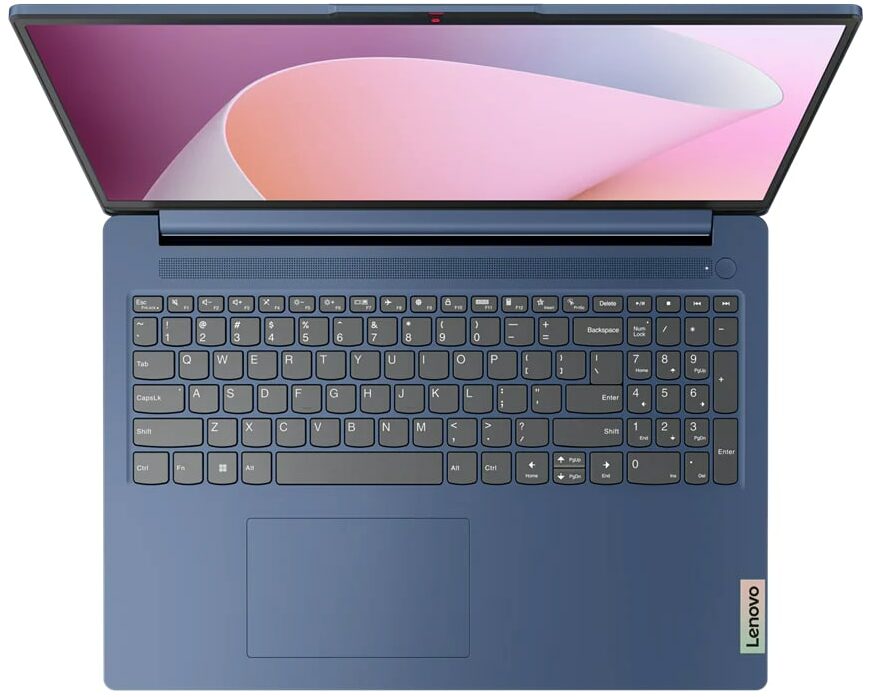
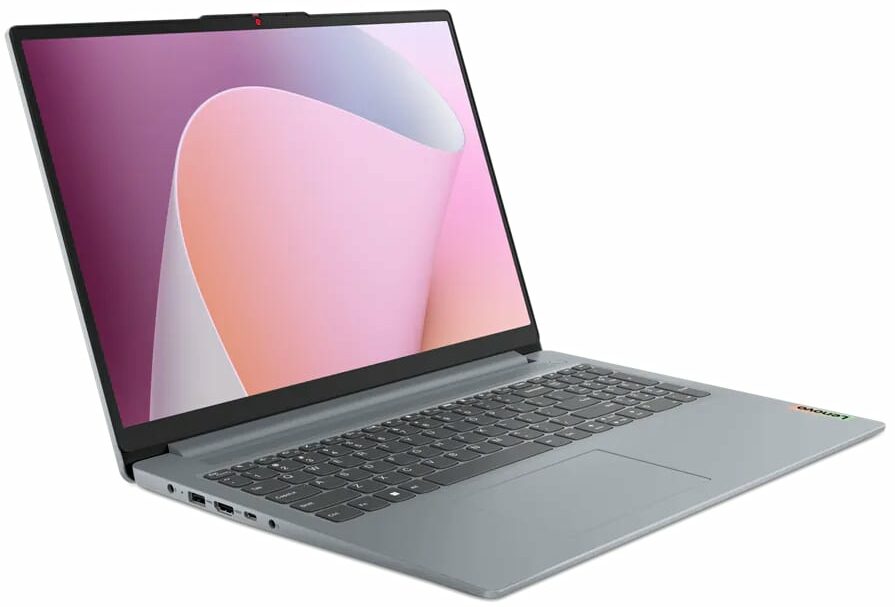
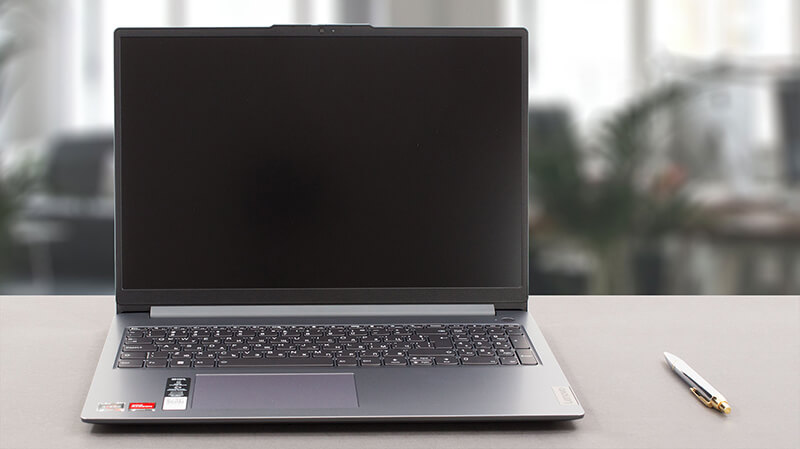 本日は、市場で最も人気のあるノートブックの1つであるLenovo IdeaPad 3のスリムバージョンをご紹介します。正式には、Lenovo IdeaPad Slim 3(16インチ、2023年)、またはLenovo IdeaPad Slim 3 16ABR8(または単にGen 8)と呼ばれています。
実際、「スリム」という名称は、IdeaPad GamingやIdeaPad Flexシリーズとは対照的な、一般的なモデルであることを示している。この構成には、3種類のAMD Ryzenプロセッサー(Ryzen 3 7330U、Ryzen 5 7530U、Ryzen 7 7730U)のいずれかが搭載されている。
これらは5x25Uチップをベースにしており、例えばRyzen 7 7730UはRyzen 7 5825Uを偽装したものだ。つまり、Gen 3 PCIeのサポートとDDR4メモリに「制限」されている。
その一方で、このマシンが本当に効率的で、日々の作業やマルチメディアの消費に十分なパワーを発揮することを期待している。さらに、唯一のディスプレイ・オプションが16インチ1200p IPSパネルであることも嬉しい。
価格と構成はスペック・システムで確認できる: https://laptopmedia.com/series/lenovo-ideapad-slim-3-16-2023/
Contents
スペック, ドライバー, 箱の中身
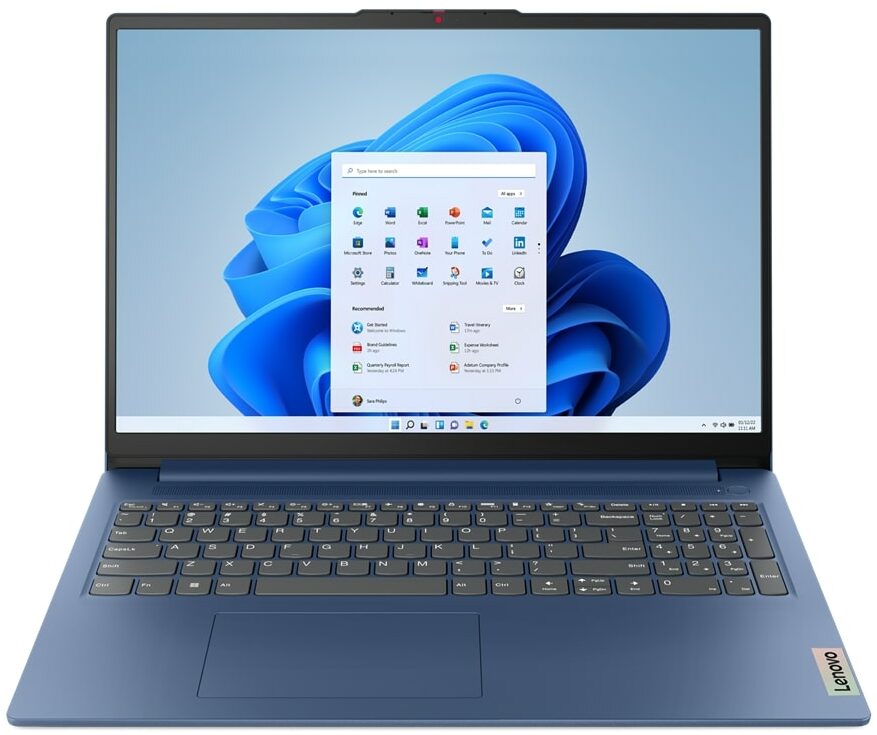
Lenovo IdeaPad Slim 3 (16", 2023) - スペック





- HDD/SSD
- 最大 4000GB SSD
- M.2スロット
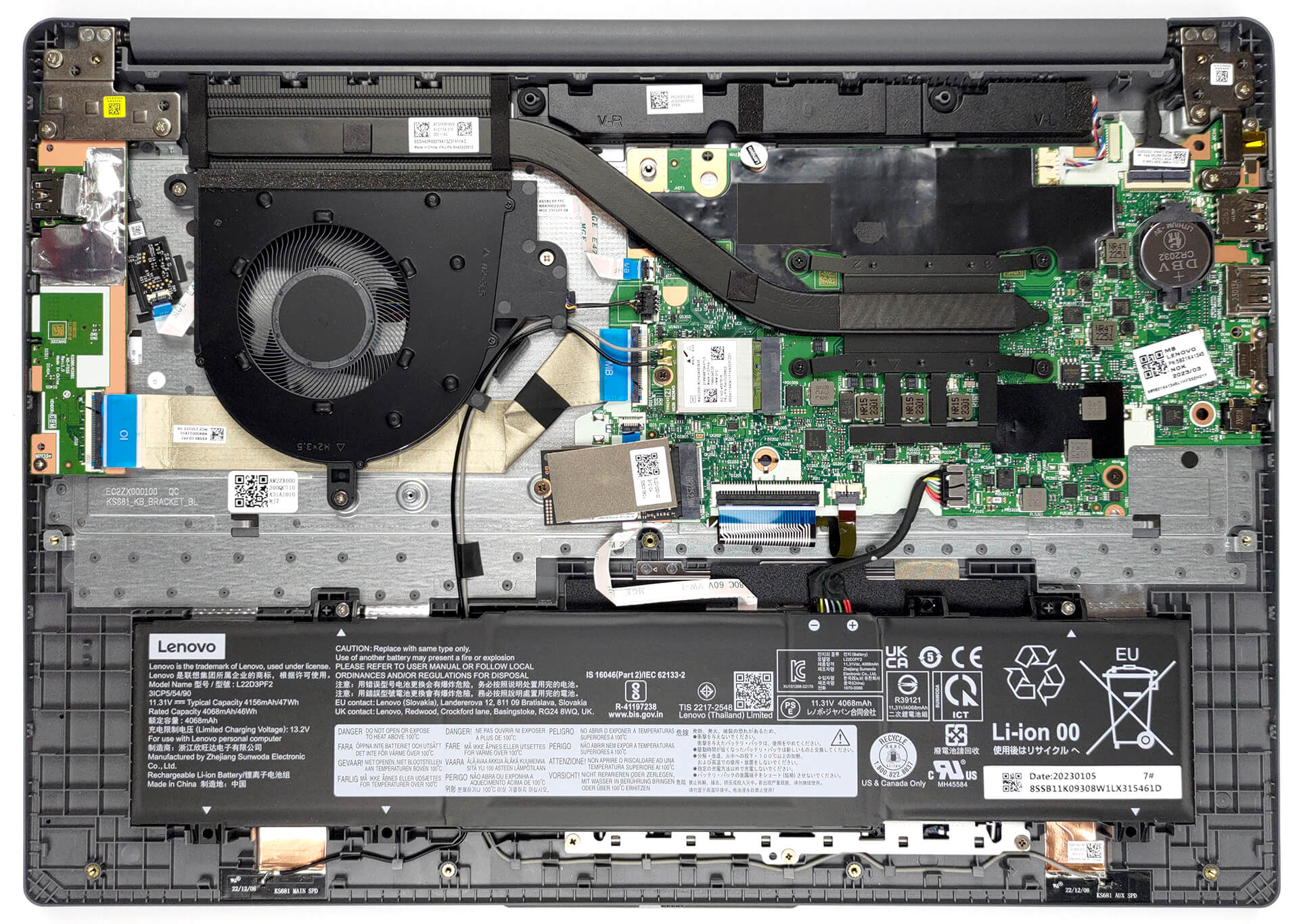
- 1x 2242 M.2 NVMe PCIe 3.0 x4 写真を見る
- RAM
- up to 16GB
- OS
- Windows 11 Home, Windows 11 Pro, Linux, Windows 10 Pro, DOS, Windows 10 Home, No OS
- バッテリー
- 47Wh
- 本体素材
- Plastic / Polycarbonate
- 寸法
- 359.2 x 257 x 17.9 - 18.4 mm (14.14" x 10.12" x 0.70")
- 重量
- 1.74 kg (3.8 lbs)
- ポートと接続性
- 2x USB Type-A
- 3.2 Gen 1 (5 Gbps)
- 1x USB Type-C
- 3.2 Gen 1 (5 Gbps), Power Delivery (PD), DisplayPort
- HDMI
- 1.4
- カードリーダー
- SD (SD, SDHC, SDXC, MMC)
- Ethernet LAN
- Wi-Fi
- 802.11ax
- Bluetooth
- 5.1
- オーディオジャック
- 3.5mm Combo Jack
- 特徴
- 指紋リーダー
- optional
- Webカメラ
- HD / FHD with Privacy Shutter, Fixed Focus
- バックライトキーボード
- optional
- マイク
- Dual-microphone array with noise-cancelling
- スピーカー
- 2x 1.5W User-facing stereo speakers, optimized by Dolby Audio
- 光学ドライブ
- セキュリティロックスロット
すべて Lenovo IdeaPad Slim 3 (16″, 2023) 構成
ドライバ
このノートブックのすべてのドライバとユーティリティはこちらでご覧いただけます: https://pcsupport.lenovo.com/us/en/products/laptops-and-netbooks/ideapad-s-series-netbooks/ideapad-slim-3-16abr8/downloads/driver-list
箱の中身
箱の中にはノートパソコン本体、書類、65W電源アダプターが入っています。

 Author: Alex Iliev
 Author: eng. Kroum NikolovHead of Engineering at LaptopMedia.com, inventor and innovator with 40+ years of experience in electronics and high technology.

![[2026年8月] AmazonにおけるノートPC用GPUの世界販売ランキング ― Appleが首位を独走、NVIDIAのRTX 5060が専用GPU部門で首位を獲得](https://laptopmedia.com/wp-content/uploads/2026/09/Best-Selling-GPUs-GLOBAL-Top-10-400x225.jpg)
![[2026年8月] AmazonにおけるノートPC用CPUの世界売上ランキング ― アップルが低価格帯とハイエンドの両分野を席巻:2026年8月、A18 ProとM5がインテルとAMDを圧倒](https://laptopmedia.com/wp-content/uploads/2026/09/Best-Selling-CPUs-GLOBAL-Top-10-400x225.jpg)
![[2026年8月] Amazon Global:ノートPC売上ランキングトップ10――Appleの「MacBook Neo」がチャートを席巻する一方、低価格帯および中価格帯のWindowsノートPCは販売台数をめぐって熾烈な争いを繰り広げている](https://laptopmedia.com/wp-content/uploads/2026/09/Best-Selling-Laptops-GLOBAL-Top-10-400x225.jpg)
![[2026年8月] Amazonグローバルにおけるノートパソコンのベストセラーブランド――売上高ではAppleが首位、機種の豊富さではHPがトップ](https://laptopmedia.com/wp-content/uploads/2026/09/GLOBAL-Best-Brands-400x225.jpg)
![[2026年8月] Amazon Global:ゲーム用ノートPC売上ランキングトップ10――HP Victus 15が首位を獲得、手頃な価格帯のモデルがランキングを席巻](https://laptopmedia.com/wp-content/uploads/2026/09/Best-Selling-Gaming-Laptops-GLOBAL-Top-10-400x225.jpg)

BUYER BEWARE. The touchpad is placed very far to the left of center and is VERY uncomfortable. I have also had too many times where the cursor scrolls over something and either opens or closes the page. I have adjusted the settings without any help. Very annoying when something you are working on closes or a website closes and you need to try to go back and figure out where you were. I have had this over 6 months and plan on looking for another brand during the after xmas sales. Too bad as this is my 3rd Lenovo laptop… 続きを読む »
If your work is important, turn on the radio mouse and don’t bother with touchpads. especially in the initial series of laptops, where all the components are entry-level. I basically don’t use them, except for rare cases when I find myself somewhere with a laptop without a radio mouse.
It’s much worse that there is no RJ45 here; it’s simply impossible to get a stable and fast network without buying an external usb2lan adapter (with which there are often various problems, unlike built-in rj45). And this is especially strange for a business/office series. And in reality, bringing this port outside costs a penny – +$5. The second significant problem is the poor video ports. Lenovo claims Display Port v1.2 Alt Mode in usb-c is outdated 15 years ago and HDMI 1.4b is 13 years outdated. You will not be able to display HDR images on TV/projectors/monitors from this laptop… 続きを読む »
The third, possible problem – in the review checked the screen panel from BOE, but Lenovo often imstall Innolux n160jce-ell in this series, which may have low-frequency PWM. And Lenovo does not indicate Flicker Free panels for this series in psref, as for other series. Therefore, you need to be careful with this, especially when buying a model without Windows, because if there is no OS included, you can check the flickering only by booting from a WinPE flash drive with pre-integrated video drivers for this series or from some Linux distribution that understands the SoC of this series and… 続きを読む »