Inside ASUS ROG Strix GL702VS – disassembly, internal photos and upgrade options
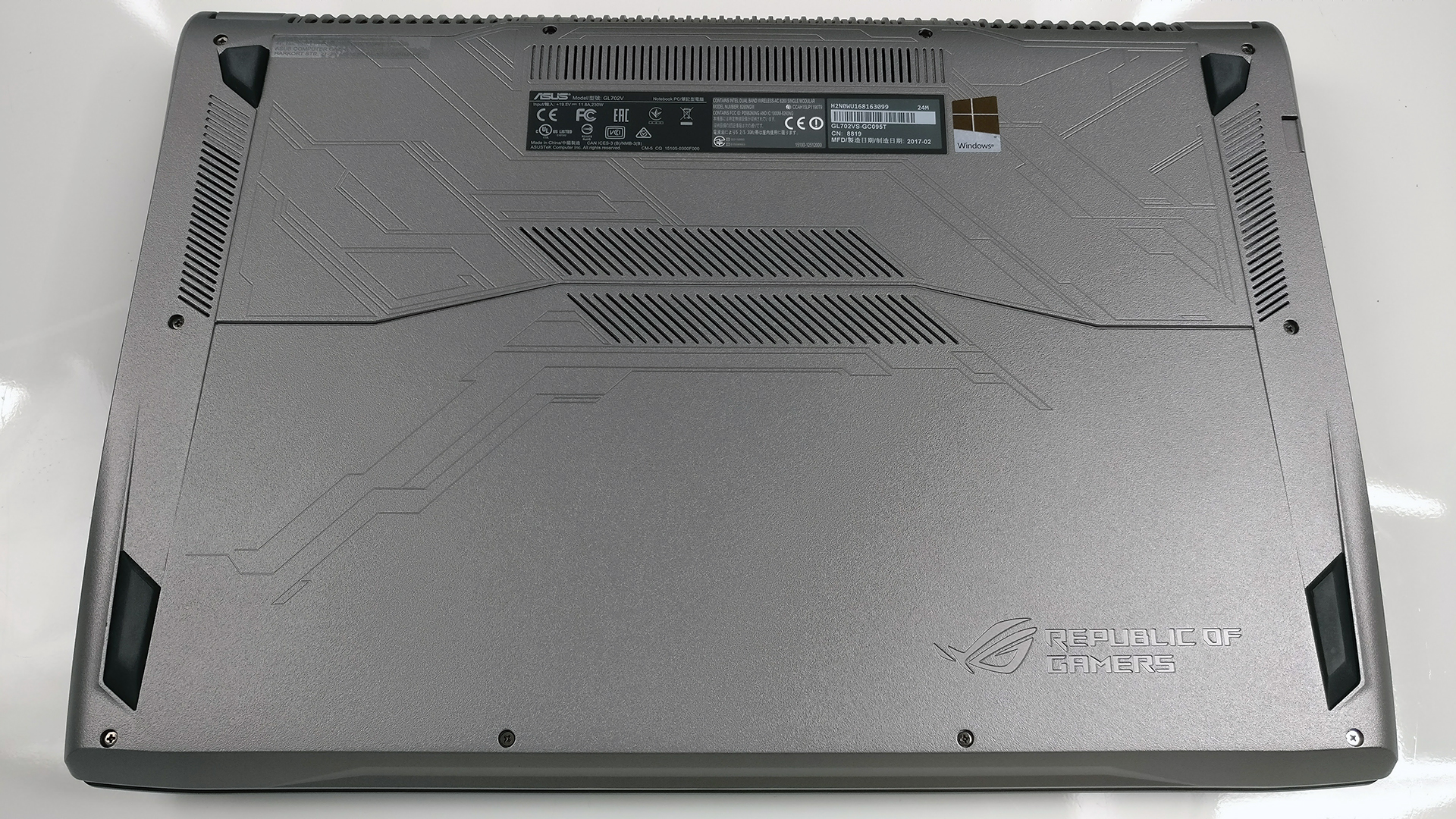
No service lid? Not a problem! The ASUS ROG GL702VS offers easy access to all of the internals even though a dedicated service hatch isn’t available. You can easily take the bottom piece off and continue with your spring cleaning or upgrade.
You can find the available GL702VS configurations here: http://amzn.to/2rU2Nku
1. Removing the bottom piece
Just make sure you’ve removed all the screws around the bottom and then try to gently pry it up. The plate comes off easily.
2. Storage and memory
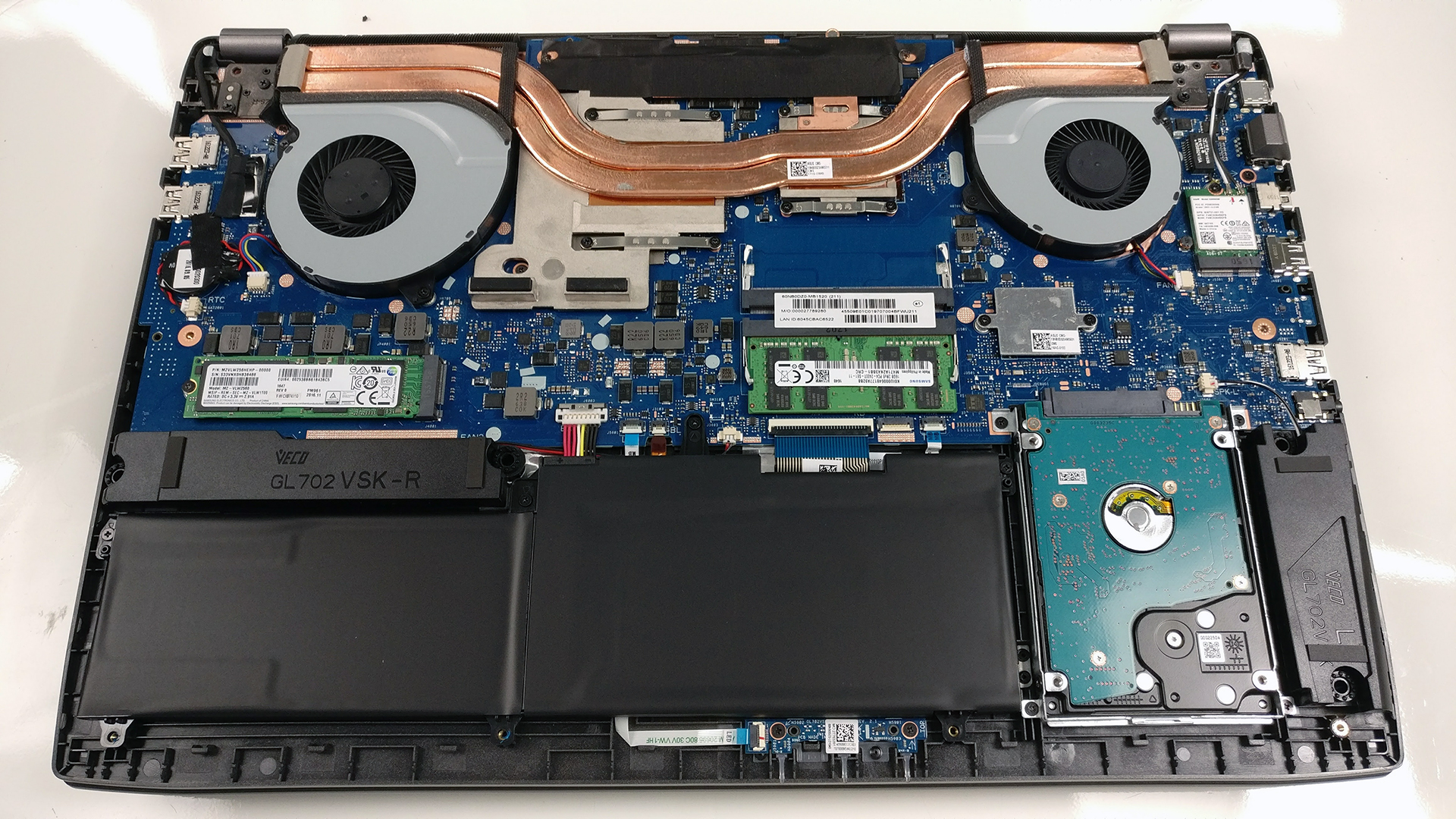
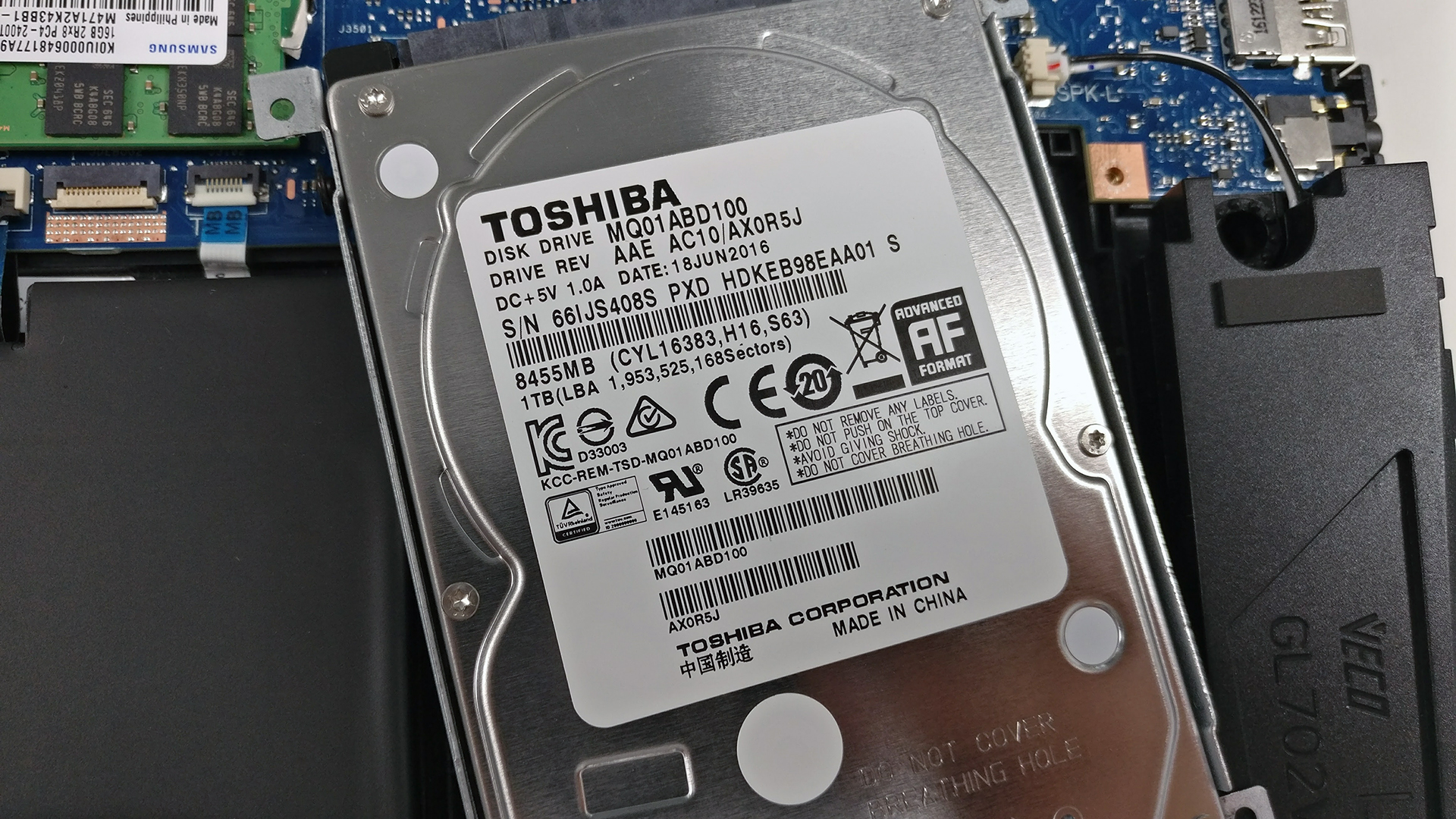
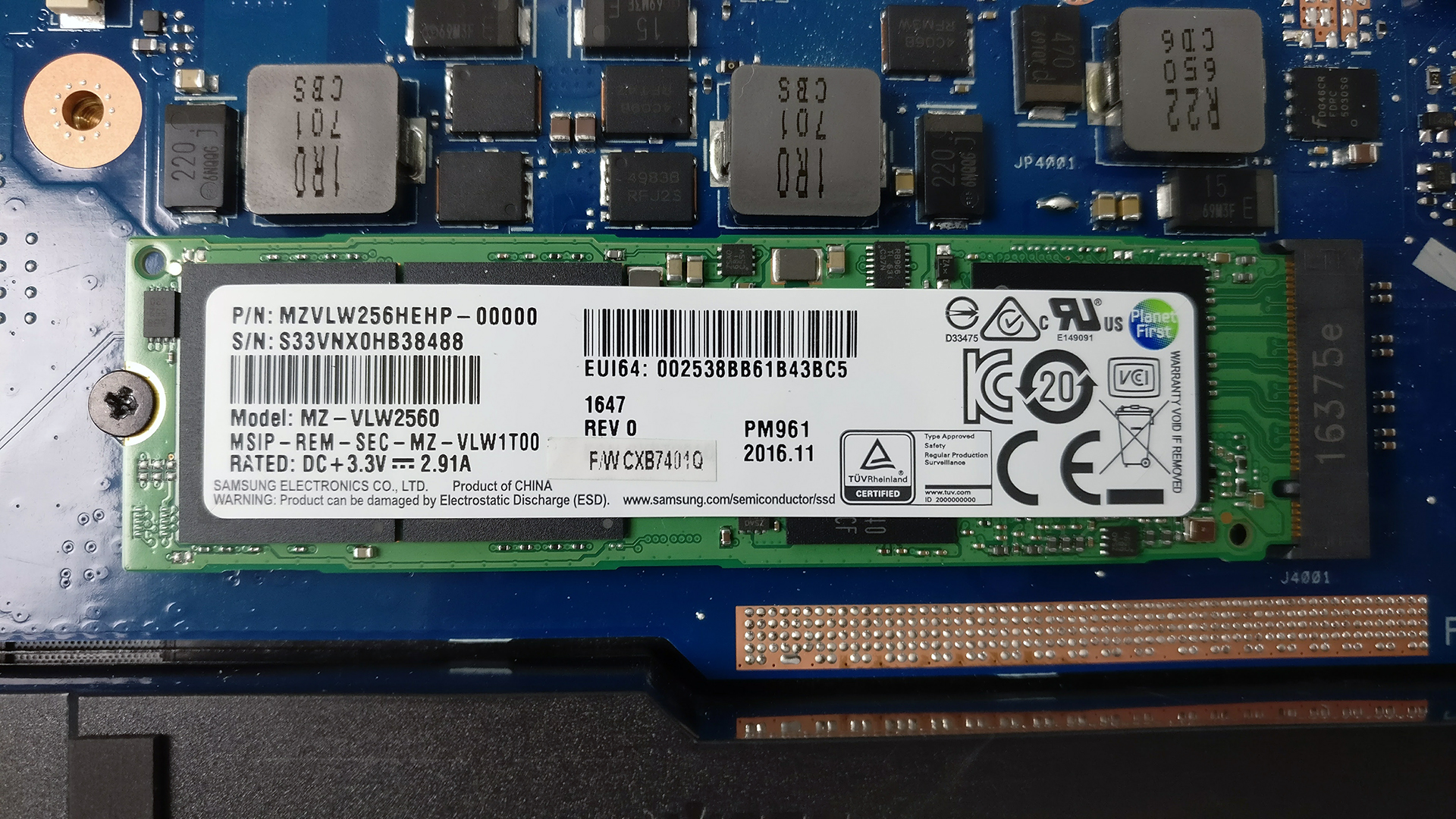
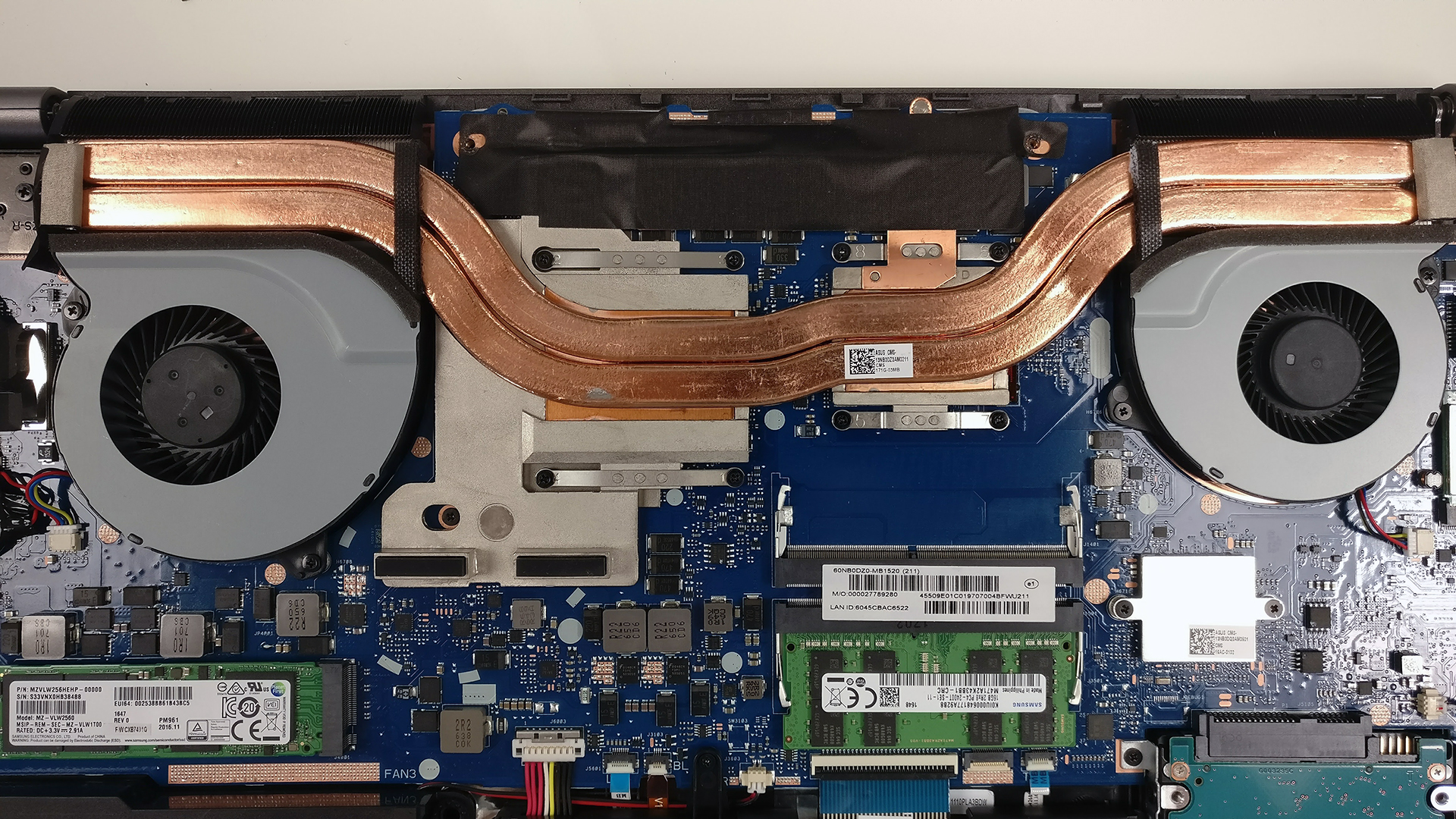
As expected, the laptop comes with a standard 2.5-inch HDD and an M.2 PCIe NVMe SSD coming in 2280 standard. The mechanical drive is manufactured by Toshiba with 1TB capacity while the M.2 SSD is made by Samsung belonging to the PM961 series.
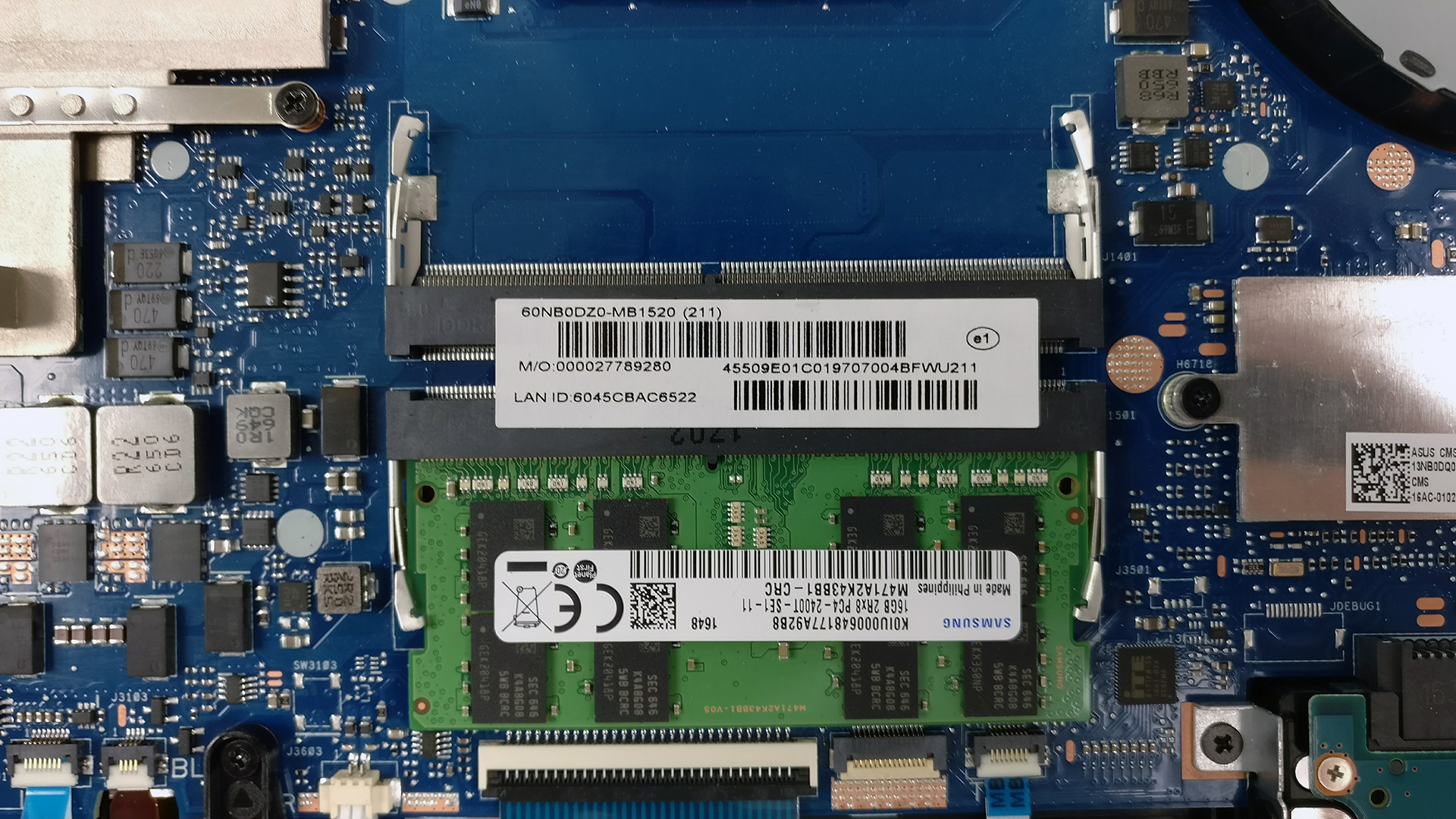
The motherboard holds two RAM slots each supporting up to 16GB of DDR4-2400. Our unit came with a single 16GB DDR4-2400 chip by Samsung.
3. Battery and Wi-Fi
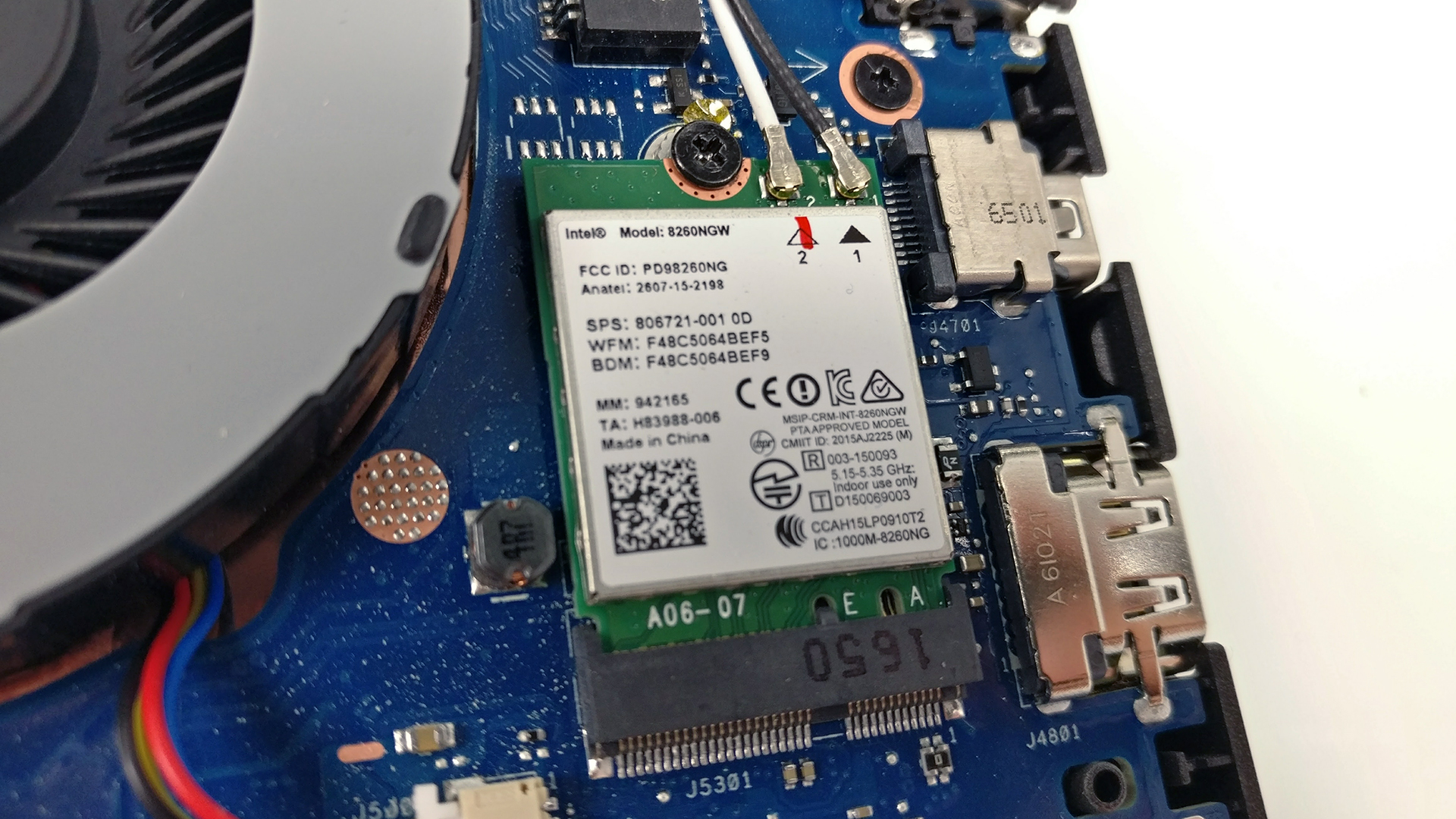
The Wi-Fi card can be found right next to one of the cooling fans and it’s Intel 8260NGW.
And as for the battery, it’s quite big rated at 76Wh and it’s placed under the palm rest area.

4. Cooling system
Although the cooling system seems massive, the small heatsink of the CPU and the absence of more heat pipes to disperse the heat, the system just can’t handle the powerful hardware under heavy workload and we saw significant throttling. Anyway, the cooling design is standard and simple – two separate cooling fans on each side and two big heat pipes going across the CPU and GPU heatsinks.
You can find the available GL702VS configurations here: http://amzn.to/2rU2Nku
And here, you can read the full review of the ASUS ROG Strix GL702VS.
 Author: Rossen Pandev

![[2026年6月] Amazonグローバルにおけるノートパソコンのベストセラーブランド ― 販売台数と売上高の両面で、Appleが圧倒的な優位性を示す](https://laptopmedia.com/wp-content/uploads/2026/07/GLOBAL-Best-Brands-400x225.jpg)
![[2026年6月] アマゾン・グローバル:ノートパソコン売上ランキングトップ10――Appleの新型「MacBook Neo」が1位に躍り出て、手頃な価格帯で市場を再編](https://laptopmedia.com/wp-content/uploads/2026/07/Best-Selling-Laptops-GLOBAL-Top-10-400x225.jpg)
![[2026年6月] アマゾン・グローバル:ゲーム用ノートPC売上ランキングトップ10――エイサーの「Nitro V 16S AI」が販売台数で首位を独占、ASUSが総売上高で首位に立つ](https://laptopmedia.com/wp-content/uploads/2026/07/Best-Selling-Gaming-Laptops-GLOBAL-Top-10-400x225.jpg)
![[2026年6月] AmazonにおけるノートPC用GPUの世界販売ランキング ― NVIDIA RTX 5060が専用GPU部門で首位を獲得](https://laptopmedia.com/wp-content/uploads/2026/07/Best-Selling-GPUs-GLOBAL-Top-10-400x225.jpg)
![[2026年6月] AmazonにおけるノートPC用CPUの世界販売ランキング ― Apple M5が首位を独占、AMD Ryzen 7 260がプレミアム層で堅調なシェアを獲得](https://laptopmedia.com/wp-content/uploads/2026/07/Best-Selling-CPUs-GLOBAL-Top-10-400x225.jpg)

I want to upgrade my RAM on this unit, would you disconnect the battery to do so?
If so how do you do it exactly?
yep, 1st remove the charger, then the battry then press an d hold the power button to remove all the engery with in the mobo then just installe wat you want.
I looked up the RAM in amazon and it says its 2133mhz not 2400mhz.. hmmm
https://www.amazon.com/Samsung-M471A2K43BB1-CPB-DDR4-2133-SO-DIMM-Memory/dp/B01A1EH50M/ref=sr_1_1?ie=UTF8&qid=1510017300&sr=8-1&keywords=samsung+m471a2k43bb1-crc
Hey there. I wanted to add an SSD. Though the pics match my model, how do you take the bottom cover/plate off after you remove the screws? Do you pry from the sides or the bottom?