Inside ASUS TUF Gaming F15 (FX506) – disassembly and upgrade options
ASUS makes a lot of gaming notebooks. And the TUF series sits on the bottom end of the spectrum. Yet again, this makes it the most popular out there, since it is budget-conscious, and can reach a lot of people.
Check out all ASUS TUF Gaming F15 (FX506) prices and configurations in our Specs System or read more in our In-Depth review.
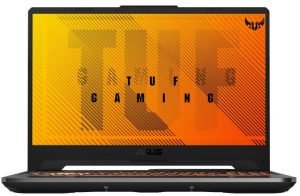
1. Remove the bottom plate
To take this notebook apart, you need to undo 11 Phillips-head screws. As usual, the one in the bottom right corner remains attached to the bottom panel and slightly lifts the edge so you can start the prying process from there.
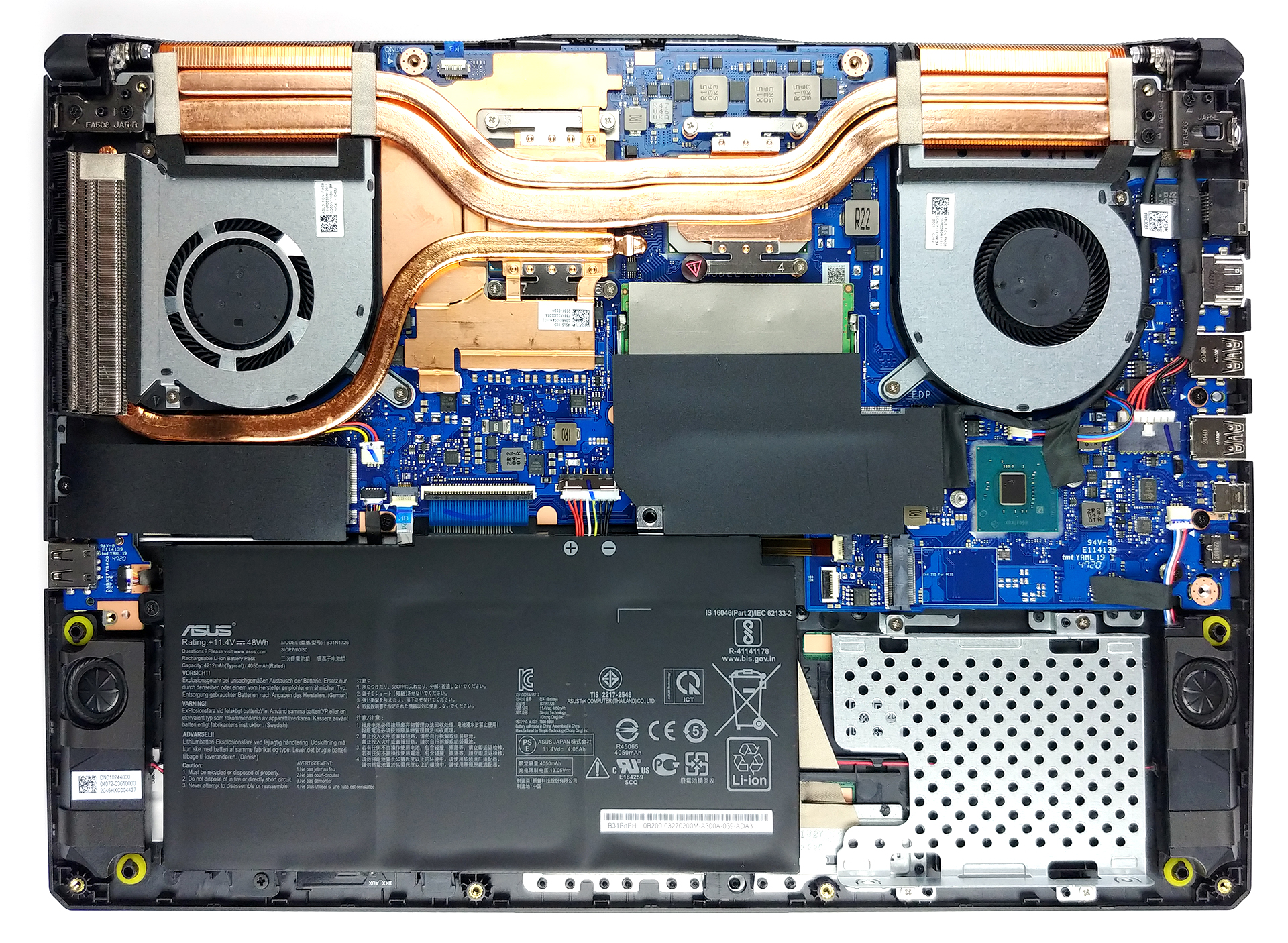
2. Battery
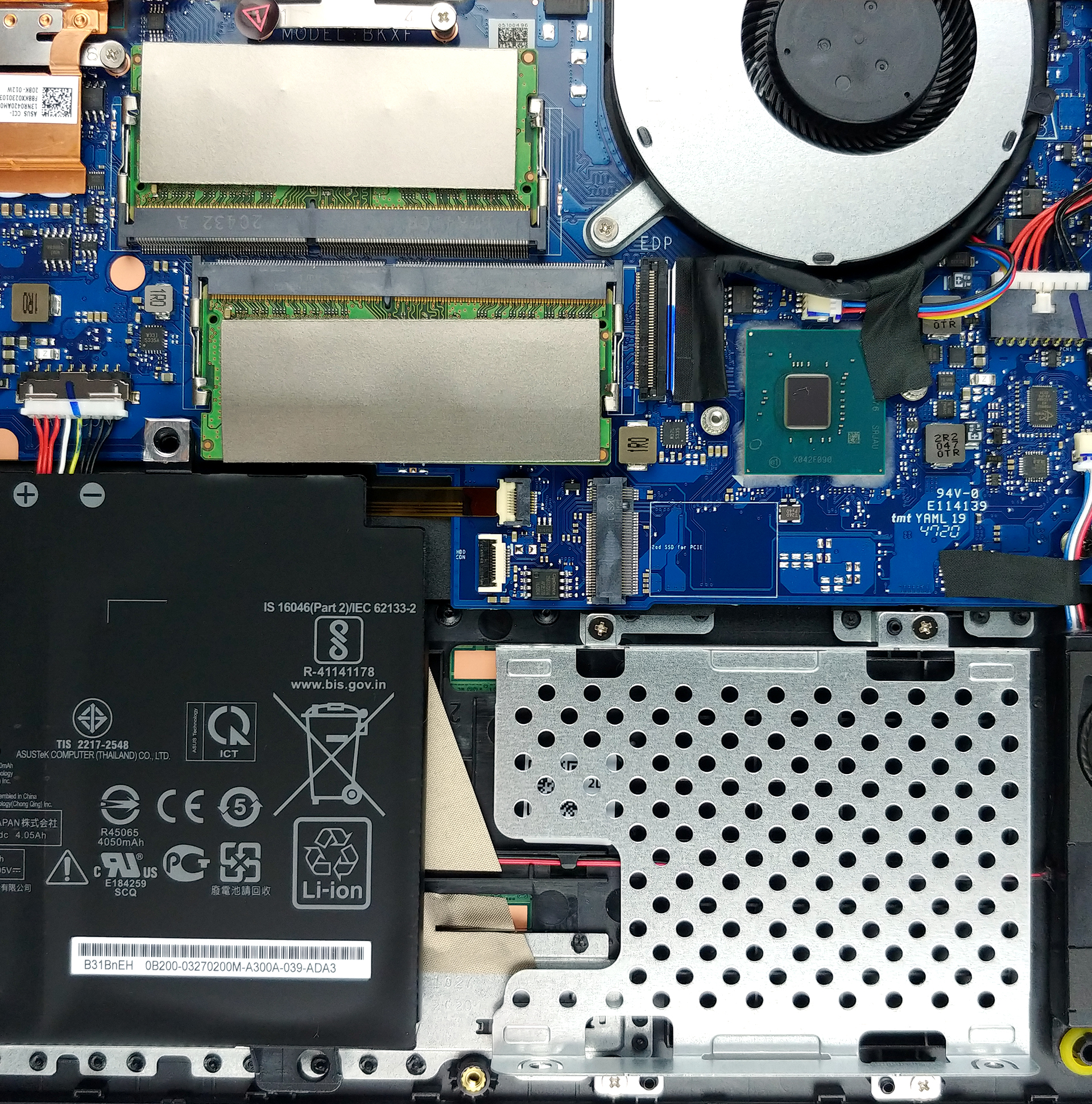
Inside we see a 48Wh battery pack. And thankfully, ASUS offers an option that comes with a 90Wh unit.
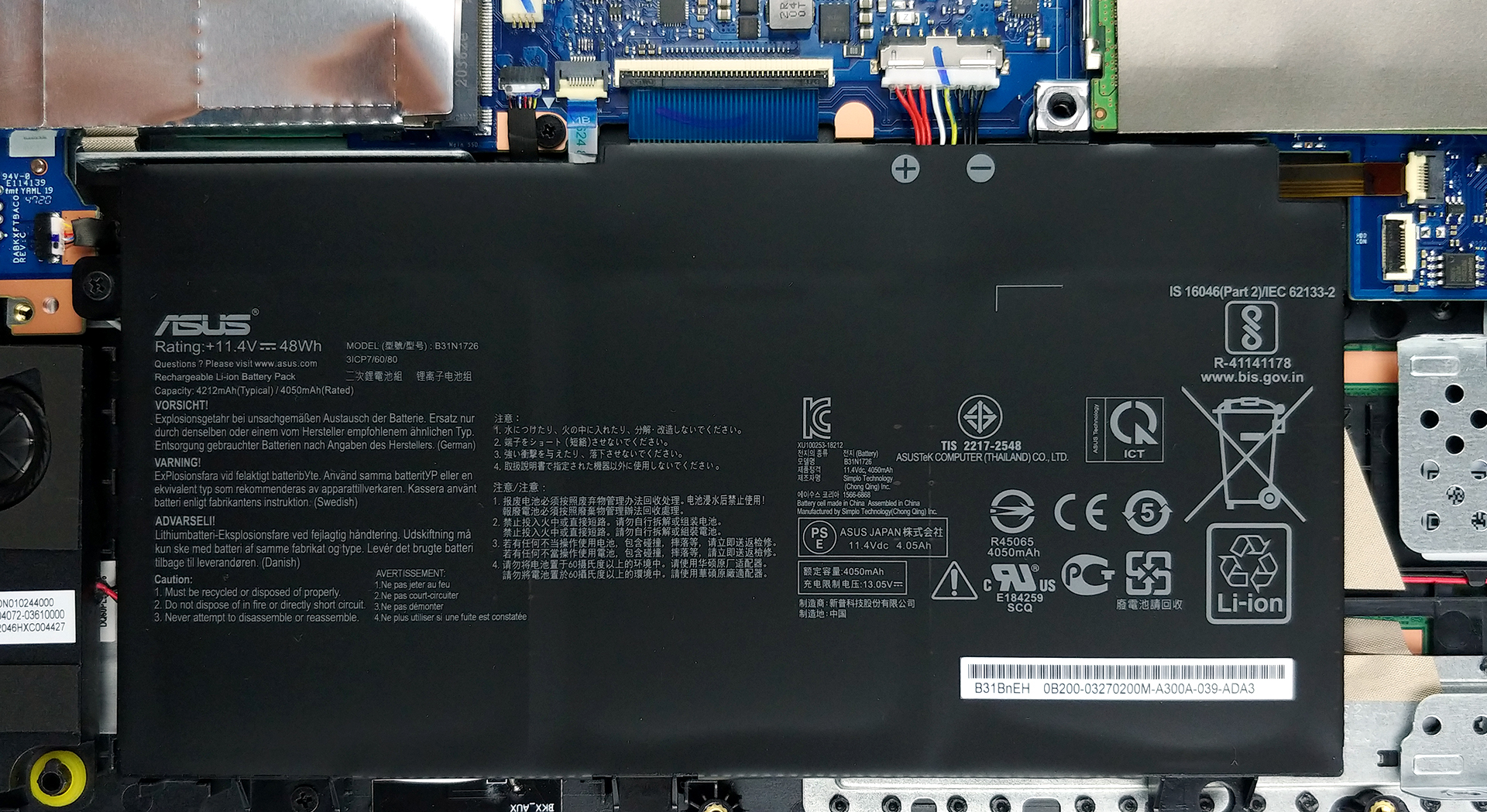
3. Мemory and storage
In terms of memory, there are two SODIMM slots, which should support up to 64GB of DDR4 RAM in dual-channel. Interestingly, there are two M.2 NVMe slots as well as a 2.5-inch SATA drive bay. However, if you manage to get a configuration with the larger battery, you won’t get the option to expand the storage with a 2.5-inch device.
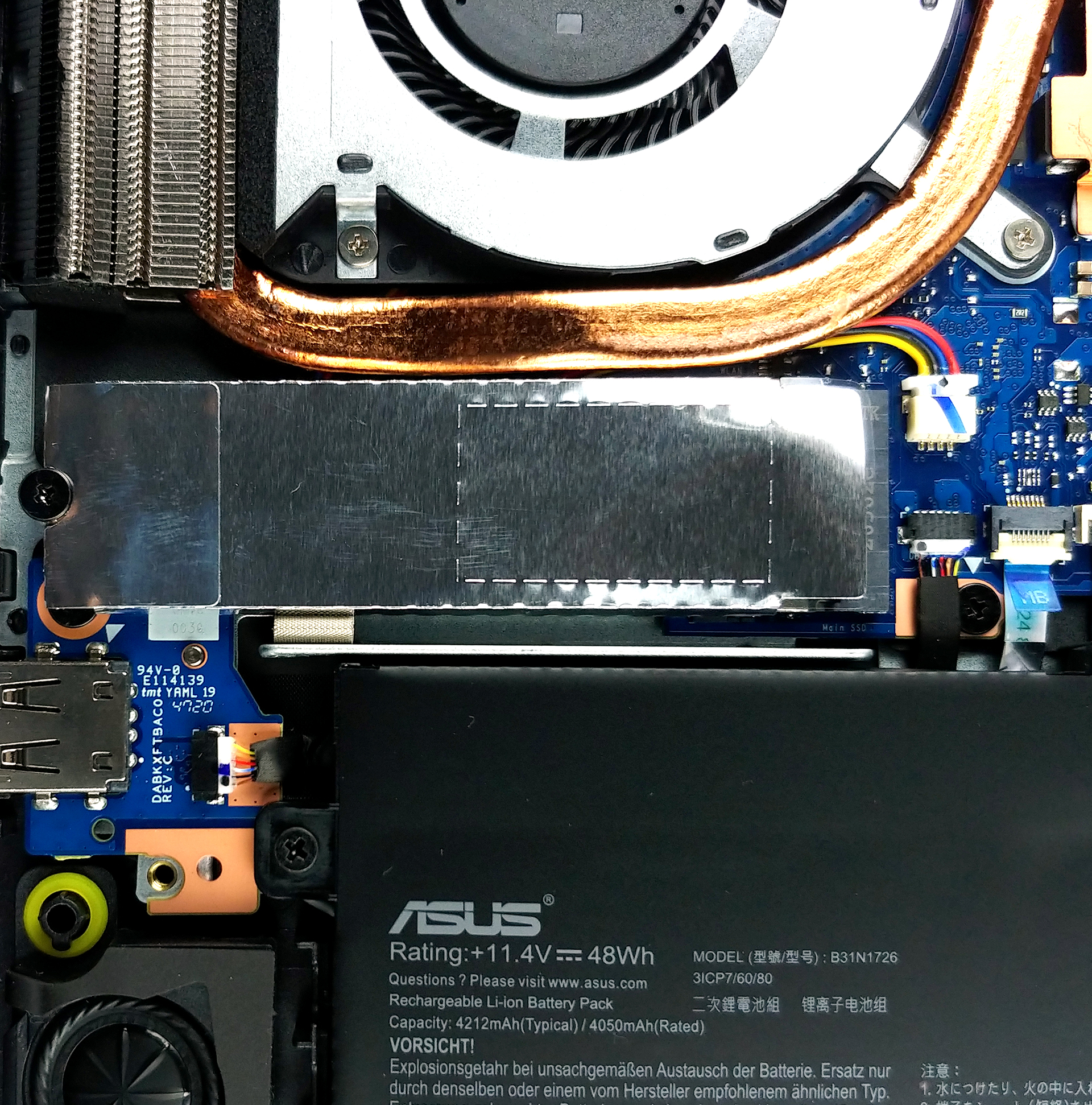
4. Cooling system
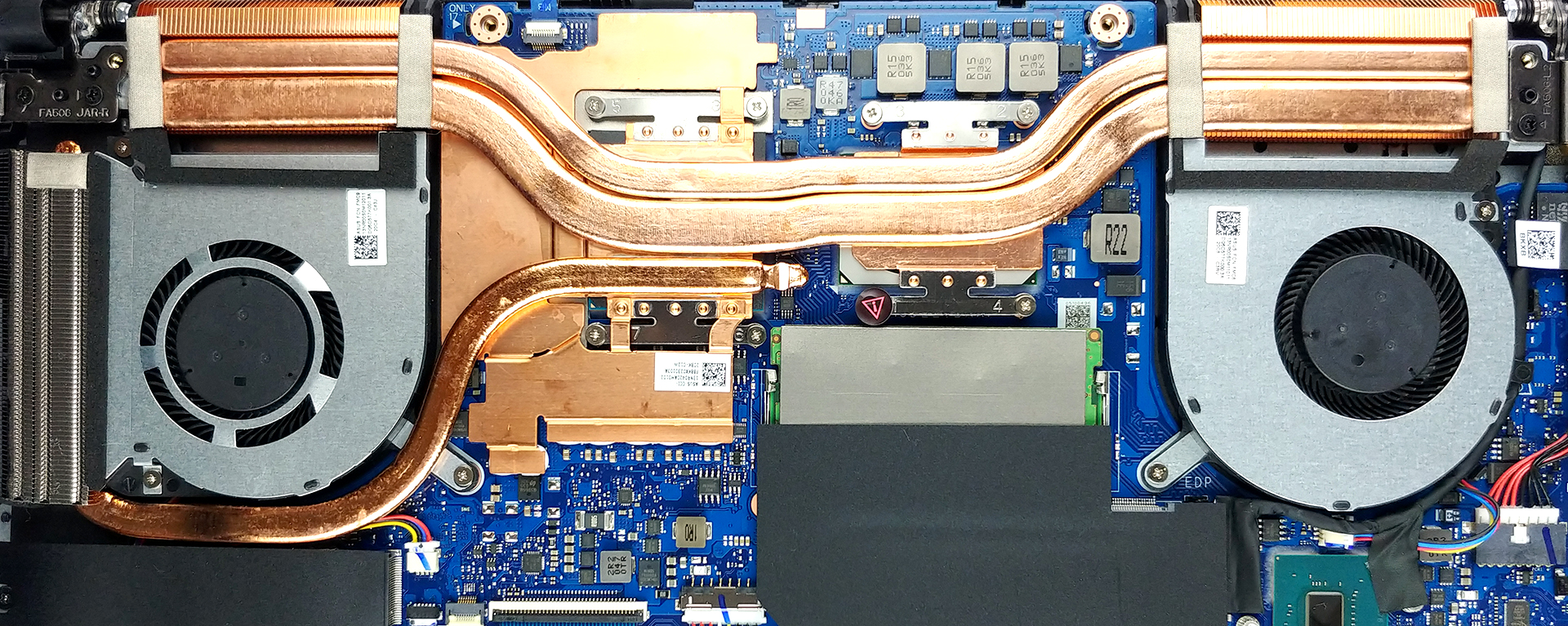
The cooling solution here includes two heat pipes shared between the CPU and the GPU, as well as a third one intended for the graphics card only. Additionally, there is a metal bracket that helps in dissipating the heat from the video memory modules. And although there are three heat sinks, ASUS opted against cooling the VRMs.
Check out all ASUS TUF Gaming F15 (FX506) prices and configurations in our Specs System or read more in our In-Depth review.
ASUS TUF Gaming F15 (FX506) 詳細なレビュー
ASUS' TUF series has come a long way since their first TUF FX504 laptop. Not only did they broaden their pallet by offering AMD and Intel choices, but they have made effort to separate the brand from the shadow of ROG.As Lao Tzu has once said, "Give a man a fish, and you feed him for a day. Teach him how to fish, and you feed him for a lifetime". Similarly, the TUF brand was thought the lessons of being a good laptop, which will prove more lucrative for the brand, than if they just leaned on getting people to buy the laptop just because of marketing, and the promises of the parent company[...]
長所
- Capable cooling
- Two M.2 PCIe slots and two RAM SODIMM slots
- The display doesn't flicker at any brightness level (AUO B156HAN08.2)
- Budget-concsious
- Wi-Fi 6 and an RGB backlight
短所
- 144Hz panel has slow pixel response times (AUO B156HAN08.2)
- Tiny Arrow keys
- Covers only 57% of the sRGB gamut
- No Thunderbolt connector and SD card reader
 Author: Alex Iliev

![[2026年8月] AmazonにおけるノートPC用GPUの世界販売ランキング ― Appleが首位を独走、NVIDIAのRTX 5060が専用GPU部門で首位を獲得](https://laptopmedia.com/wp-content/uploads/2026/09/Best-Selling-GPUs-GLOBAL-Top-10-400x225.jpg)
![[2026年8月] AmazonにおけるノートPC用CPUの世界売上ランキング ― アップルが低価格帯とハイエンドの両分野を席巻:2026年8月、A18 ProとM5がインテルとAMDを圧倒](https://laptopmedia.com/wp-content/uploads/2026/09/Best-Selling-CPUs-GLOBAL-Top-10-400x225.jpg)
![[2026年8月] Amazon Global:ノートPC売上ランキングトップ10――Appleの「MacBook Neo」がチャートを席巻する一方、低価格帯および中価格帯のWindowsノートPCは販売台数をめぐって熾烈な争いを繰り広げている](https://laptopmedia.com/wp-content/uploads/2026/09/Best-Selling-Laptops-GLOBAL-Top-10-400x225.jpg)
![[2026年8月] Amazonグローバルにおけるノートパソコンのベストセラーブランド――売上高ではAppleが首位、機種の豊富さではHPがトップ](https://laptopmedia.com/wp-content/uploads/2026/09/GLOBAL-Best-Brands-400x225.jpg)
![[2026年8月] Amazon Global:ゲーム用ノートPC売上ランキングトップ10――HP Victus 15が首位を獲得、手頃な価格帯のモデルがランキングを席巻](https://laptopmedia.com/wp-content/uploads/2026/09/Best-Selling-Gaming-Laptops-GLOBAL-Top-10-400x225.jpg)

I hve this laptop with core i5 10300h, can i upgrade processor in this laptop or is it hard soldered.
Can you add an HDD to the FX506H model? I have a space, but don’t know what connector I would need from the HDD to the motherboard. Also, is it possible to replace the battery and install the larger model?
You need an FX506/706 HDD FFC DD0BKXHD001 adapter
It came with the Laptop (F15/FX506) when I bought it.