Inside Lenovo Legion 5 Pro (16″) – disassembly and upgrade options
The Legion 5 Pro (16″) is one of Lenovo’s most important devices. It should be appealing both for gamers and content creators, and at the same time, it offers a good balance between price and performance.
Check out all Lenovo Legion 5 Pro (16″) prices and configurations in our Specs System or read more in our In-Depth review.
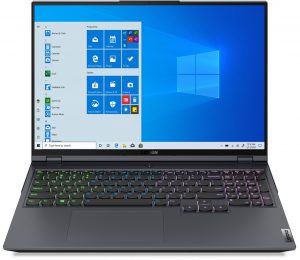
1. Remove the bottom plate
Taking this laptop apart requires the removal of the bottom panel. To do so, undo all 10 Phillips-head screws, and pry the panel with a plastic tool.
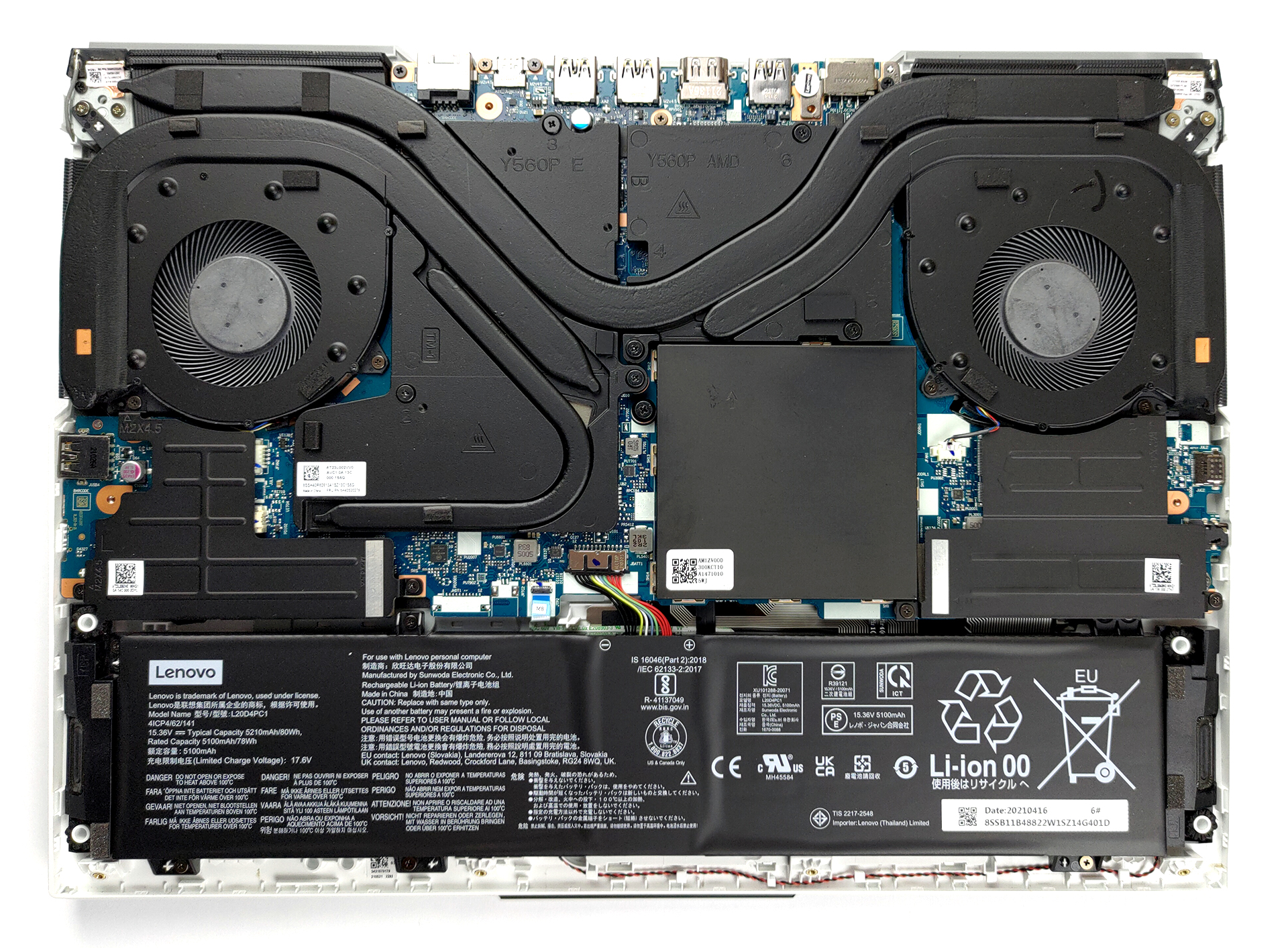
2. Battery
Lenovo has equipped this device with an 80Wh battery pack.
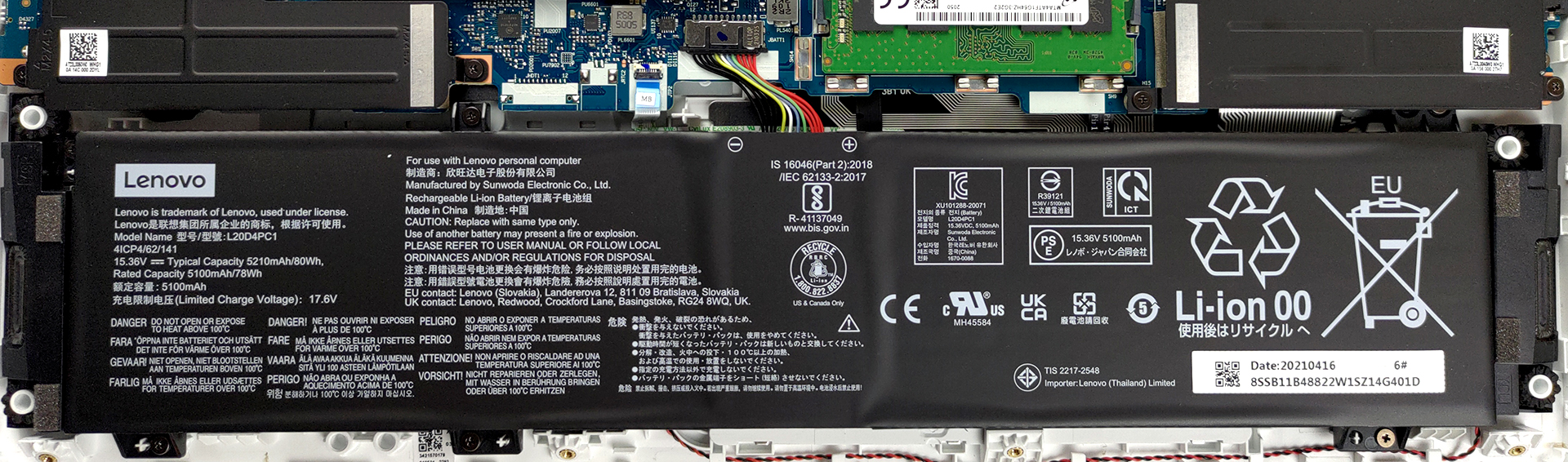
3. Мemory and storage
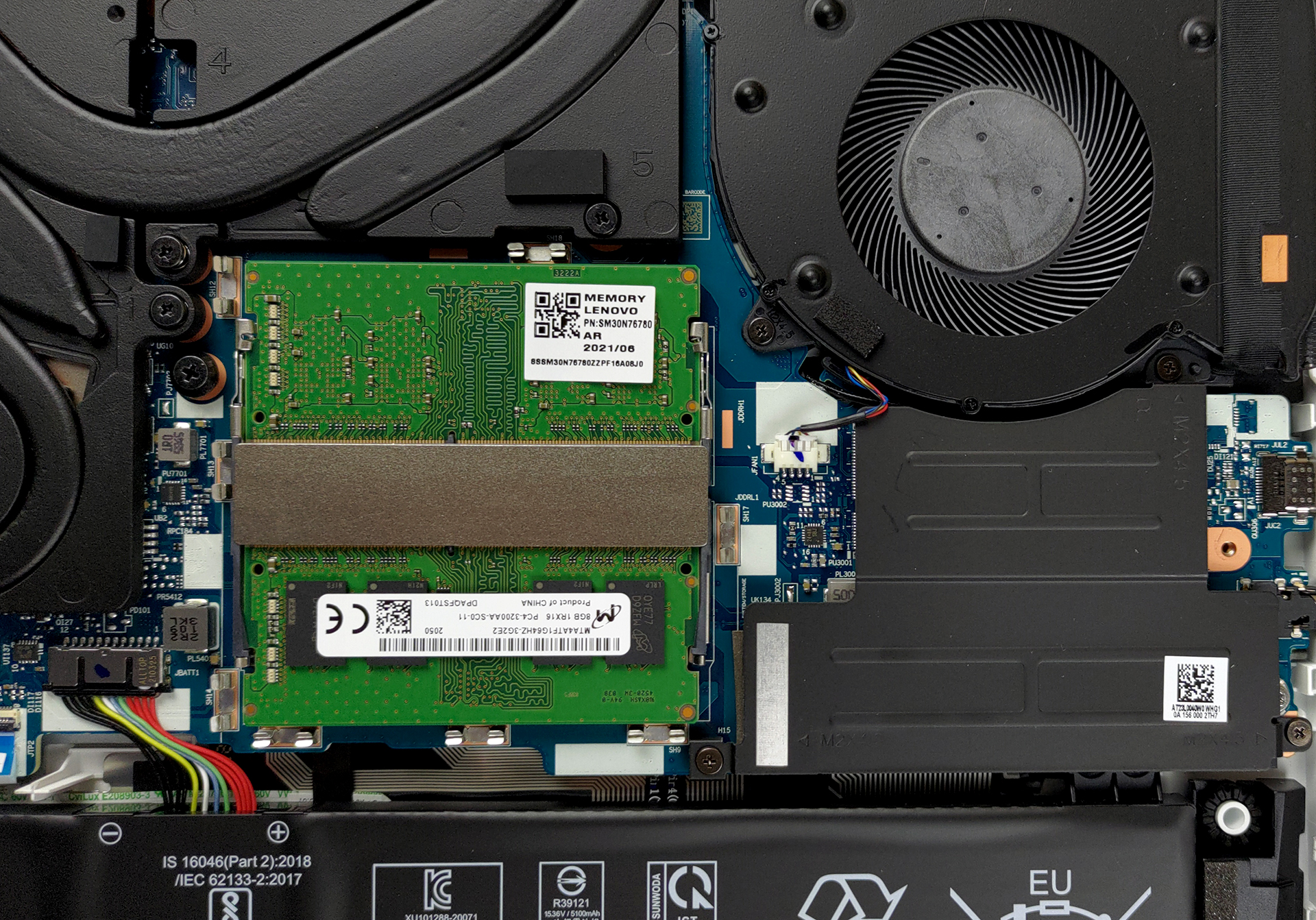
In terms of storage, there are two slots in the form of M.2 PCIe x4 connectors. Additionally, you get two SODIMM slots for up to 64GB of DDR4 RAM in dual-channel mode.
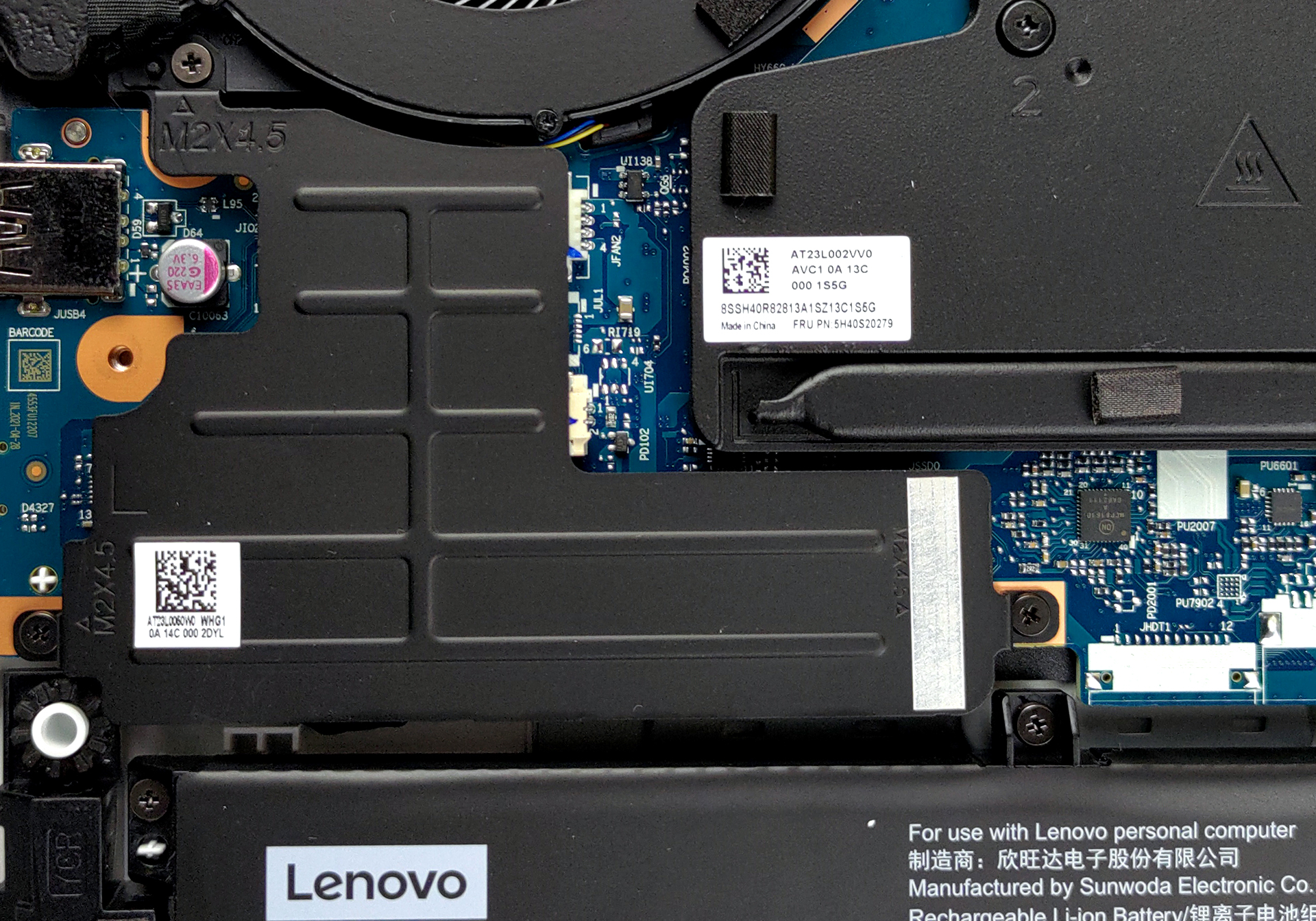
4. Cooling system
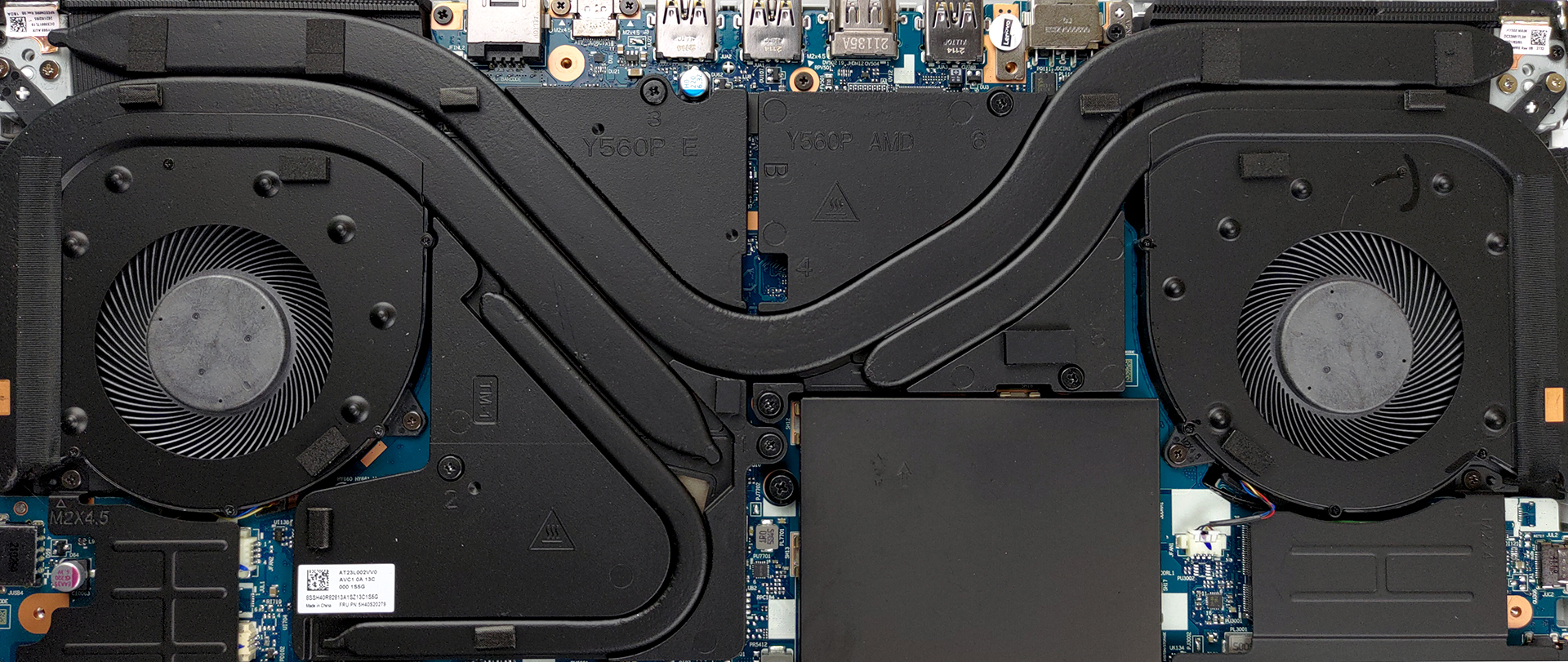
As you can see, the cooling solution comprises a total of four heat pipes. Two of them are absolutely massive, while the other two are slightly thinner. Thankfully, Lenovo has dedicated one of the smaller heat pipes to the graphics memory.
Check out all Lenovo Legion 5 Pro (16″) prices and configurations in our Specs System or read more in our In-Depth review.
Lenovo Legion 5 Pro (16" AMD, 2021) 詳細なレビュー
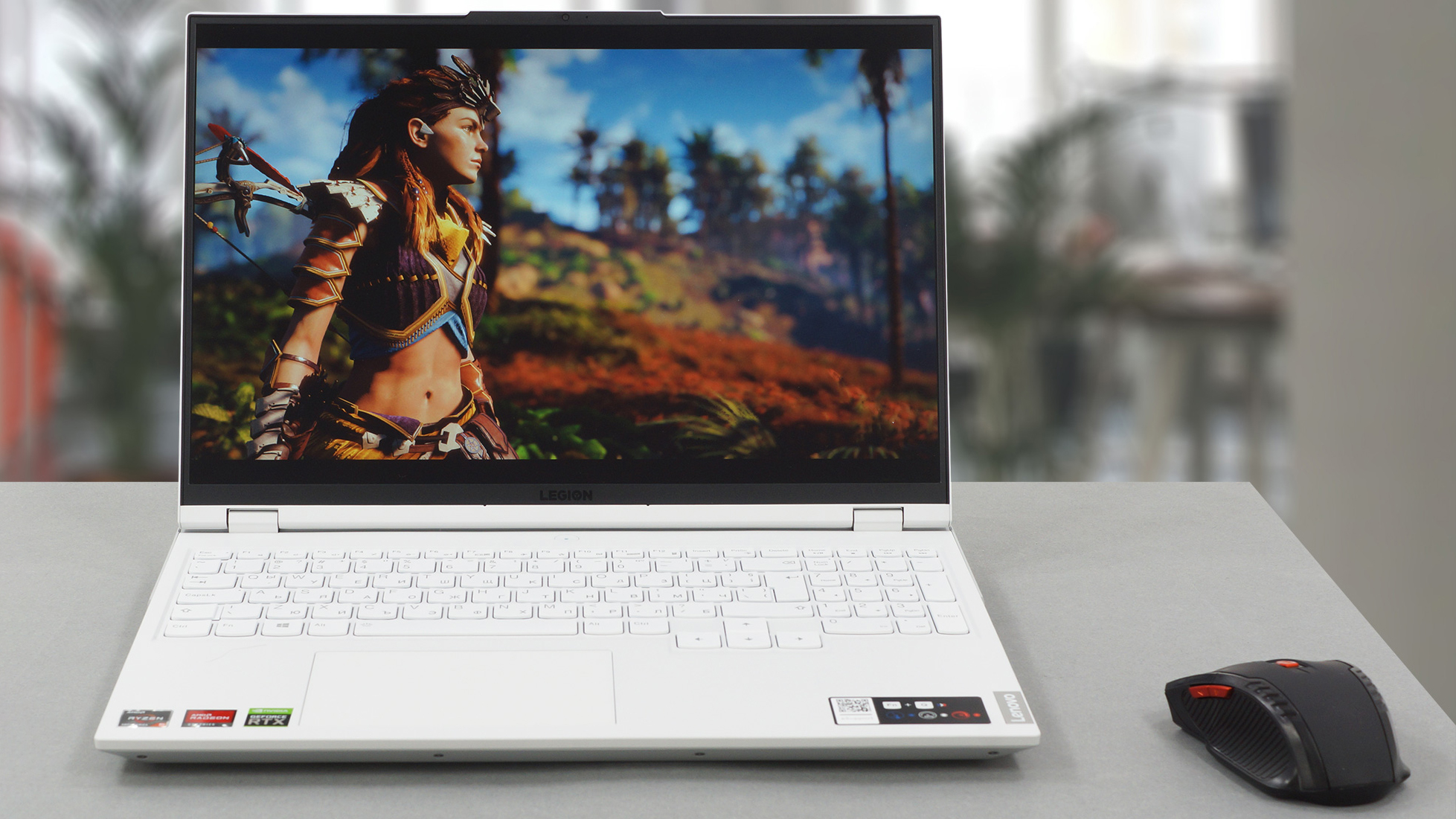
1月に発表されて以来、Lenovo Legion 5 Pro(16インチ)は市場で最も注目を集めているモデルです。ゲーマーやコンテンツ制作者、あるいは膨大なパフォーマンスを持つデバイスを必要としている人なら、どんな人でも興奮するはずです。レビューを始める前に知っておいていただきたいことは、第一に、この製品は低価格帯の製品でもなければ、予算を完全に使い果たしてしまうような製品でもないということです。次に、Ryzen 5000Hプロセッサを�[...]
長所
- 高いTGPのGPU
- 丈夫なアルミ製シャーシ
- 2x M.2 PCIeスロット、2x RAM SODIMMスロット(デュアルチャネル)、Wi-Fi 6
- sRGB色域の94%をカバーし、Gaming and Web design profile (MNG007DA1-1 (CSO1600))で正確な色表現が可能。
- レスポンスの速いパネル(MNG007DA1-1(CSO1600))。
- 高解像度と高い最大輝度(MNG007DA1-1(CSO1600))
- HDR + G-Sync(MNG007DA1-1(CSO1600))。
- 豊富なポート数
- 優れた入力デバイス
短所
- SDカードがない
- ボンネットの中は少し暖かい
 Author: Alex Iliev

![[2026年6月] Amazonグローバルにおけるノートパソコンのベストセラーブランド ― 販売台数と売上高の両面で、Appleが圧倒的な優位性を示す](https://laptopmedia.com/wp-content/uploads/2026/07/GLOBAL-Best-Brands-400x225.jpg)
![[2026年6月] アマゾン・グローバル:ノートパソコン売上ランキングトップ10――Appleの新型「MacBook Neo」が1位に躍り出て、手頃な価格帯で市場を再編](https://laptopmedia.com/wp-content/uploads/2026/07/Best-Selling-Laptops-GLOBAL-Top-10-400x225.jpg)
![[2026年6月] アマゾン・グローバル:ゲーム用ノートPC売上ランキングトップ10――エイサーの「Nitro V 16S AI」が販売台数で首位を独占、ASUSが総売上高で首位に立つ](https://laptopmedia.com/wp-content/uploads/2026/07/Best-Selling-Gaming-Laptops-GLOBAL-Top-10-400x225.jpg)
![[2026年6月] AmazonにおけるノートPC用GPUの世界販売ランキング ― NVIDIA RTX 5060が専用GPU部門で首位を獲得](https://laptopmedia.com/wp-content/uploads/2026/07/Best-Selling-GPUs-GLOBAL-Top-10-400x225.jpg)
![[2026年6月] AmazonにおけるノートPC用CPUの世界販売ランキング ― Apple M5が首位を独占、AMD Ryzen 7 260がプレミアム層で堅調なシェアを獲得](https://laptopmedia.com/wp-content/uploads/2026/07/Best-Selling-CPUs-GLOBAL-Top-10-400x225.jpg)
