Inside Lenovo ThinkBook 13s Gen 2 – disassembly and upgrade options
Lenovo’s ThinkBook 13s Gen 2 is an impressive machine, which doesn’t come without its disadvantages.
Check out all Lenovo ThinkBook 13s Gen 2 prices and configurations in our Specs System or read more in our In-Depth review.
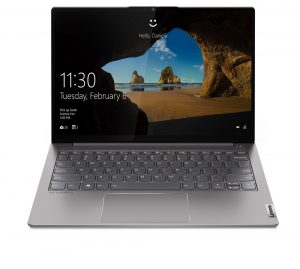
1. Remove the bottom plate
To take this laptop apart, you need to undo 9 Torx-head screws. Then just pry the bottom panel with a plastic tool and remove it from the chassis.
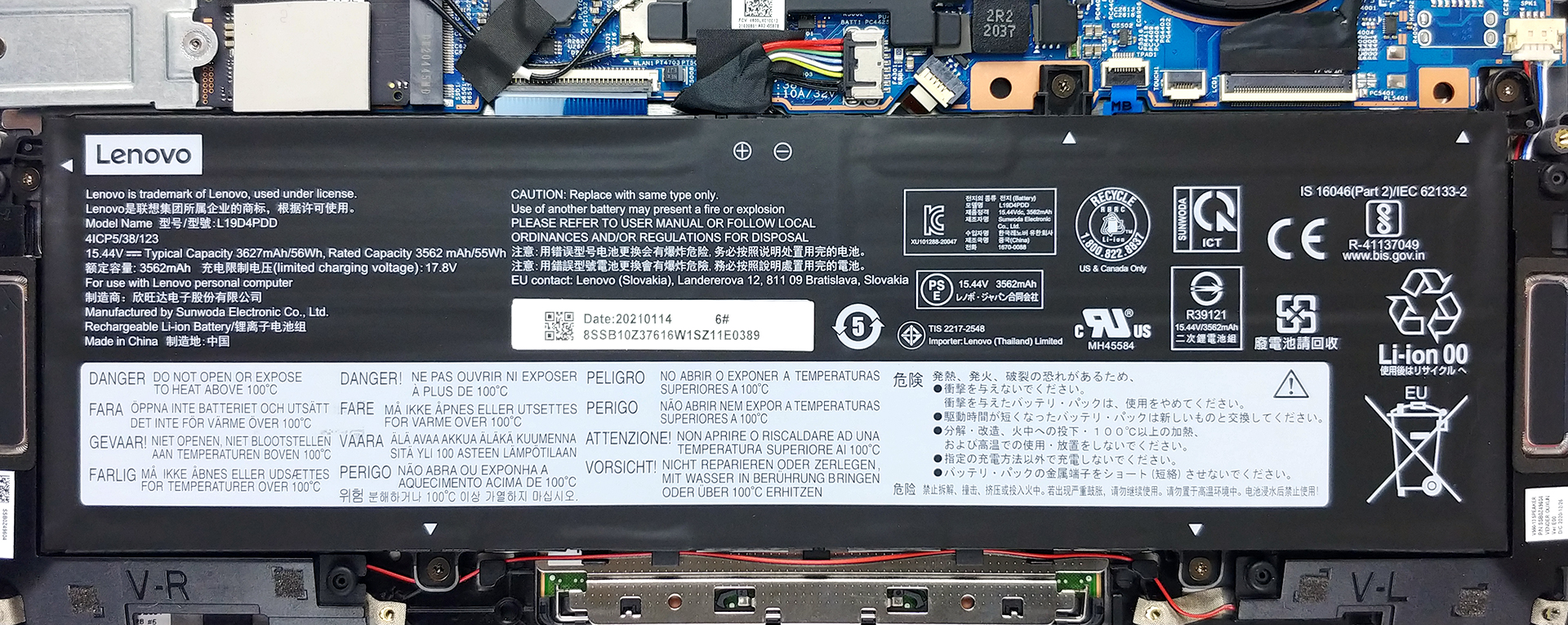
2. Battery
Here, the battery pack has a capacity of 56Wh which should be plenty for a 13-inch notebook.
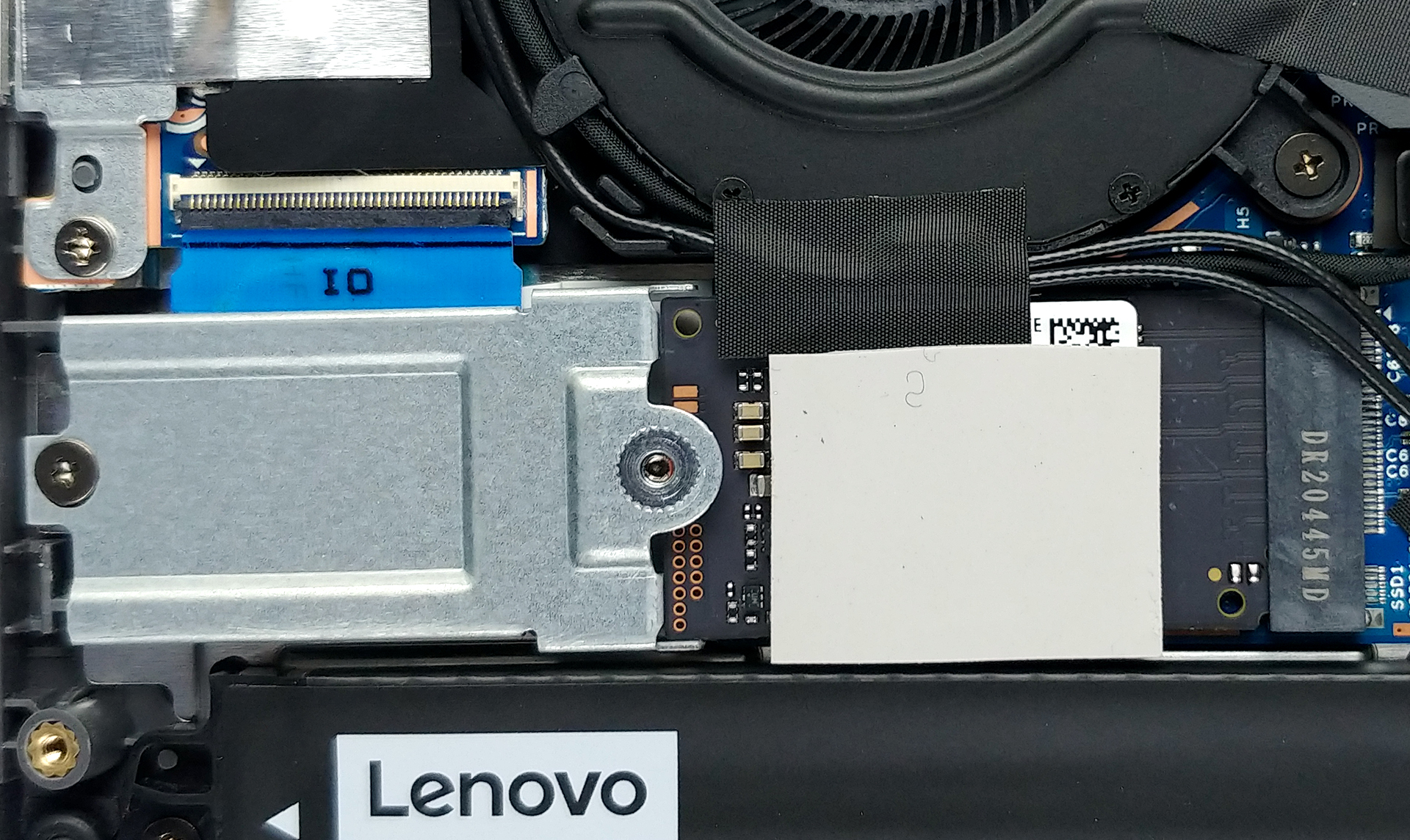
3. Мemory and storage
Unfortunately, all of the memory is soldered to the motherboard. Also, the laptop comes in configurations with 8 or 16GB of RAM, which is a downgrade from last year. On the bright side, the modules work at dual-channel. Storage-wise, there is one M.2 PCIe x4 slot.
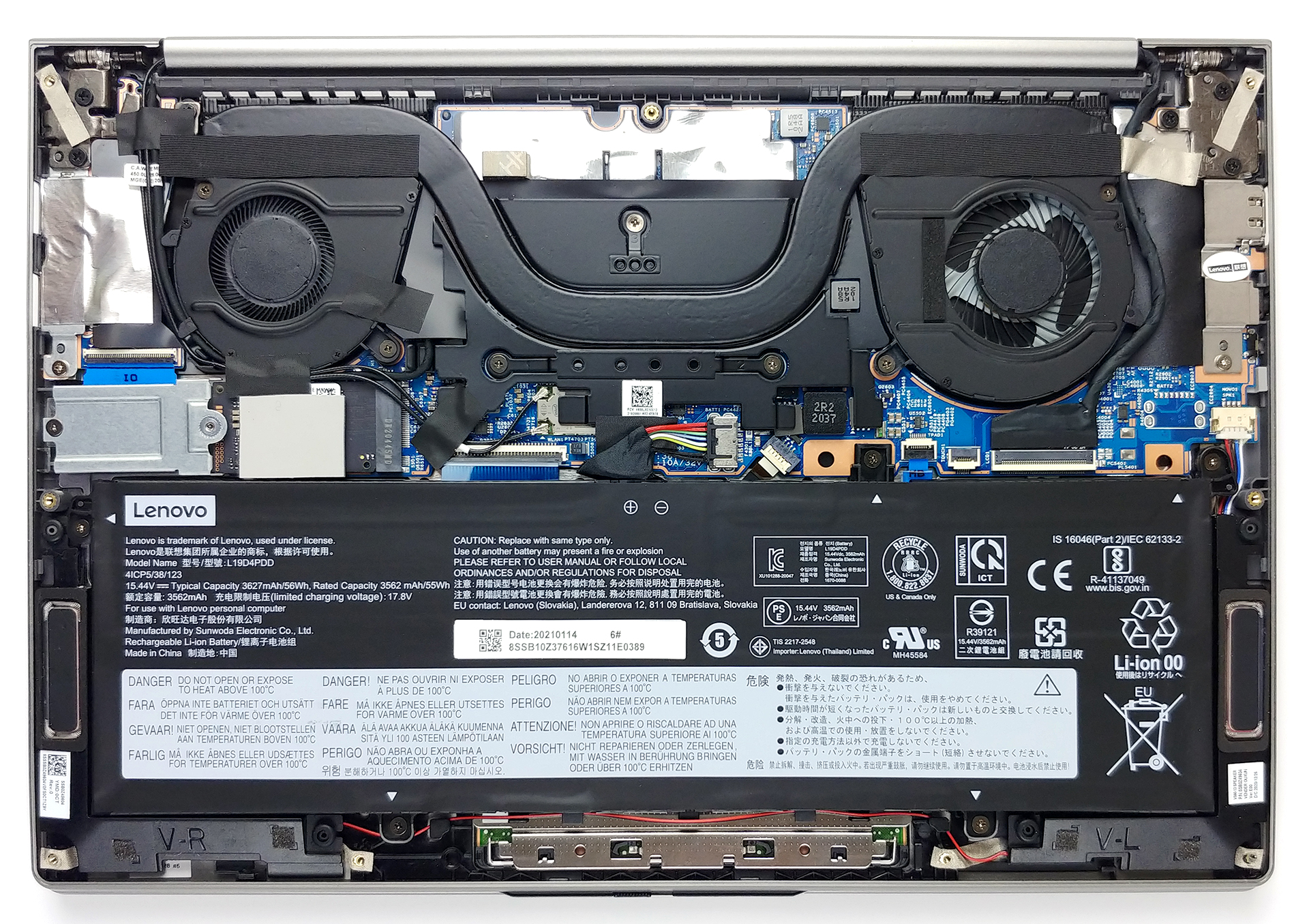
4. Cooling system
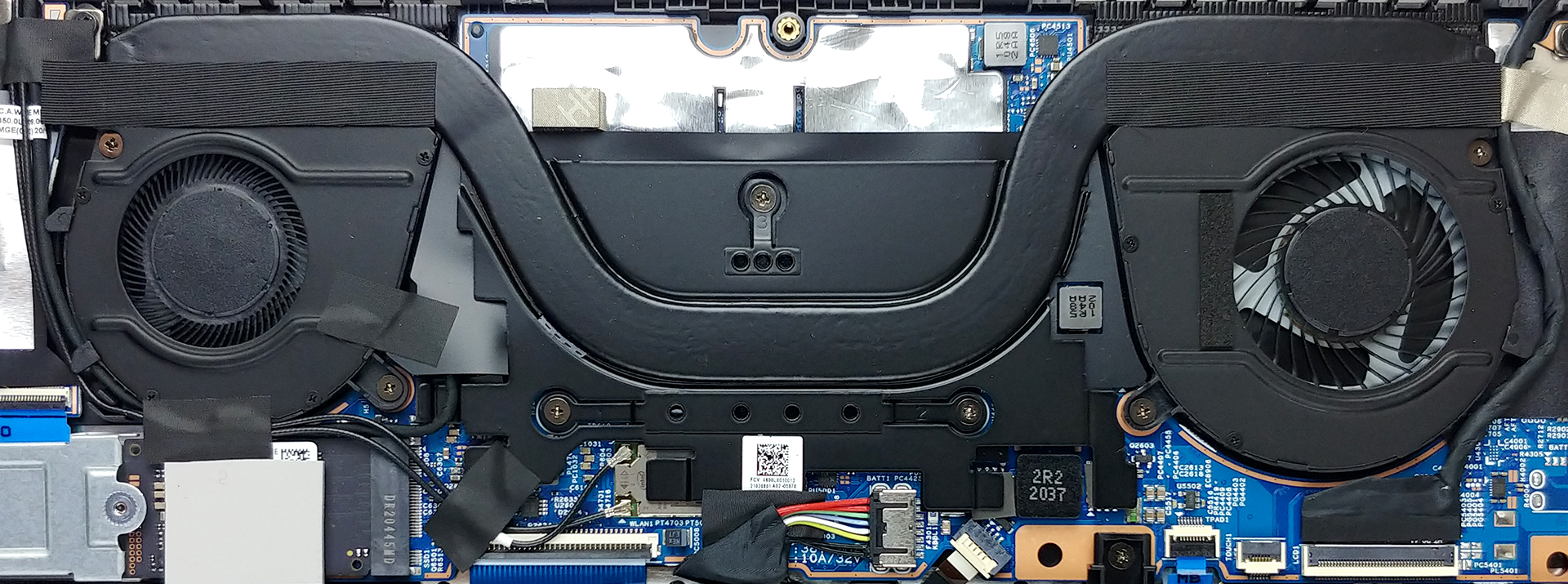
Once again, there is one rather thick heat pipe cooling the CPU, and it ends in two heat sinks, where the heat is dissipated by two differently-sized fans.
Check out all Lenovo ThinkBook 13s Gen 2 prices and configurations in our Specs System or read more in our In-Depth review.
Lenovo ThinkBook 13s Gen 2 (Intel) 詳細なレビュー
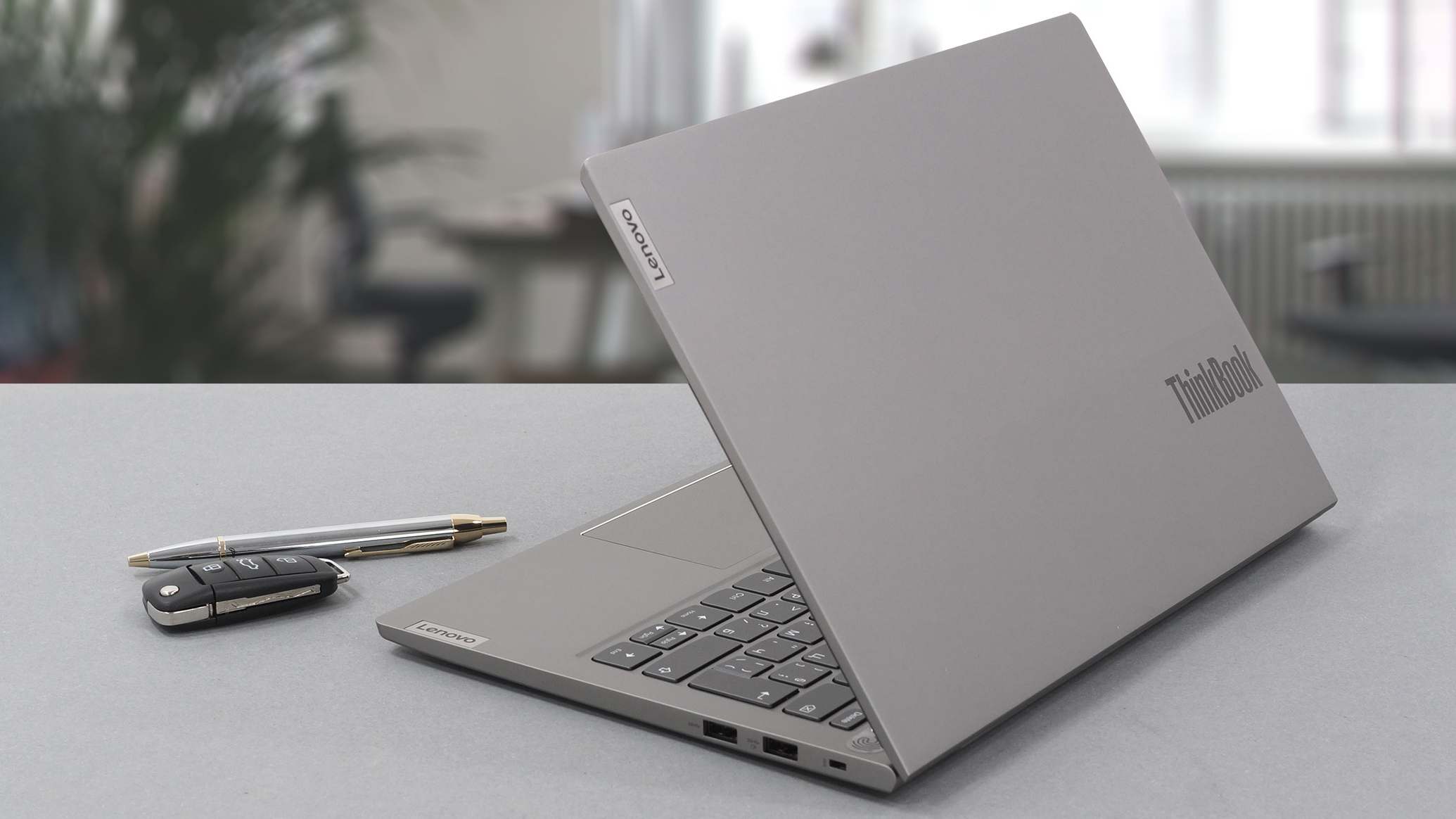
Obviously, the ThinkBook series is the newest addition to Lenovo's portfolio. And now that they release their second-generation devices, we expect to see some improvements. Today we have the follow-up of the first-ever ThinkBook that we tested. It is appropriately called - ThinkBook 13s Gen 2. It looks like a mild refresh on the outside, but the internals pack the latest and greatest Intel has in the ULV space.Yep, the Tiger Lake architecture is here, and we expect big feats from this little fella, given our experience with the last model. Interestingly, Lenovo went for a display with a 1[...]
長所
- Premium all-aluminum build
- Doesn't use PWM to adjust screen brightness (AUO B133HAN05.9)
- Covers 97% of sRGB and with our Gaming and Web design profile, the colors become extremely accurate (AUO B133HAN05.9)
- Good battery life
- 16:10 display with reasonably high maximum brightness and Dolby Vision support
- Impressive cooling solution and great performance
短所
- No SD card reader
- Soldered memory
- High color deviation in the bottom left corner
 Author: Alex Iliev

![[2026年6月] Amazonグローバルにおけるノートパソコンのベストセラーブランド ― 販売台数と売上高の両面で、Appleが圧倒的な優位性を示す](https://laptopmedia.com/wp-content/uploads/2026/07/GLOBAL-Best-Brands-400x225.jpg)
![[2026年6月] アマゾン・グローバル:ノートパソコン売上ランキングトップ10――Appleの新型「MacBook Neo」が1位に躍り出て、手頃な価格帯で市場を再編](https://laptopmedia.com/wp-content/uploads/2026/07/Best-Selling-Laptops-GLOBAL-Top-10-400x225.jpg)
![[2026年6月] アマゾン・グローバル:ゲーム用ノートPC売上ランキングトップ10――エイサーの「Nitro V 16S AI」が販売台数で首位を独占、ASUSが総売上高で首位に立つ](https://laptopmedia.com/wp-content/uploads/2026/07/Best-Selling-Gaming-Laptops-GLOBAL-Top-10-400x225.jpg)
![[2026年6月] AmazonにおけるノートPC用GPUの世界販売ランキング ― NVIDIA RTX 5060が専用GPU部門で首位を獲得](https://laptopmedia.com/wp-content/uploads/2026/07/Best-Selling-GPUs-GLOBAL-Top-10-400x225.jpg)
![[2026年6月] AmazonにおけるノートPC用CPUの世界販売ランキング ― Apple M5が首位を独占、AMD Ryzen 7 260がプレミアム層で堅調なシェアを獲得](https://laptopmedia.com/wp-content/uploads/2026/07/Best-Selling-CPUs-GLOBAL-Top-10-400x225.jpg)
