Inside Lenovo ThinkBook 14s Yoga – disassembly and upgrade options
A convertible with a huge fan and decent upgradability? Yes, please!
Check out all Lenovo ThinkBook 14s Yoga prices and configurations in our Specs System or read more in our In-Depth review.
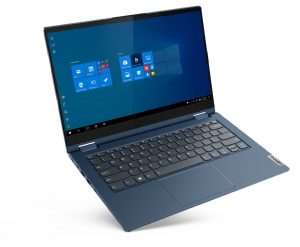
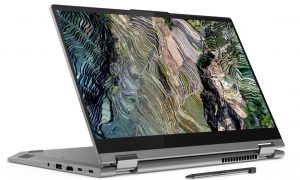
1. Remove the bottom plate
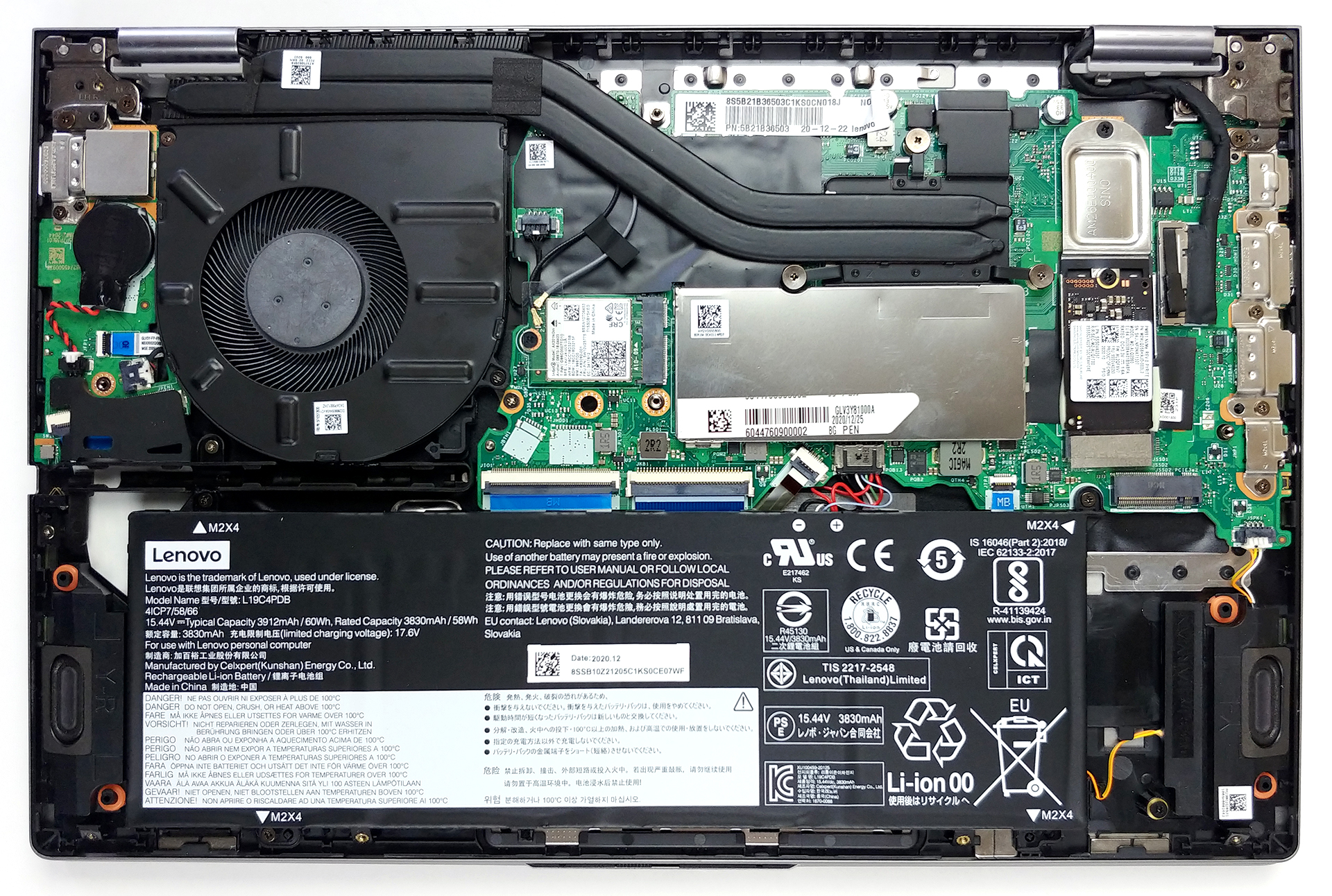
To get inside of this device, you have to undo 10 Torx-head screws. After that, pry the bottom panel with a plastic tool and lift it away from the chassis.
2. Battery
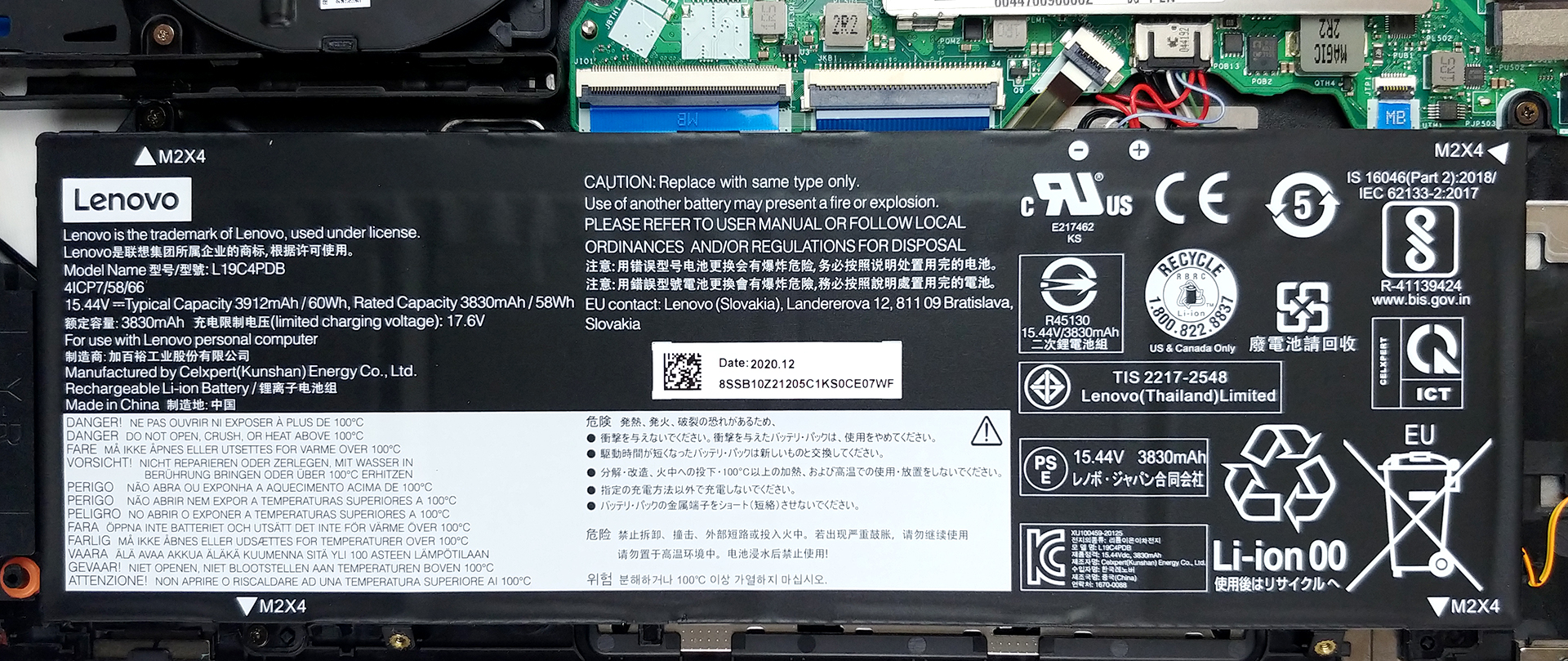
Here, we see a 60Wh battery pack, that will power the laptop, when you’re away from the charger.
3. Memory and storage
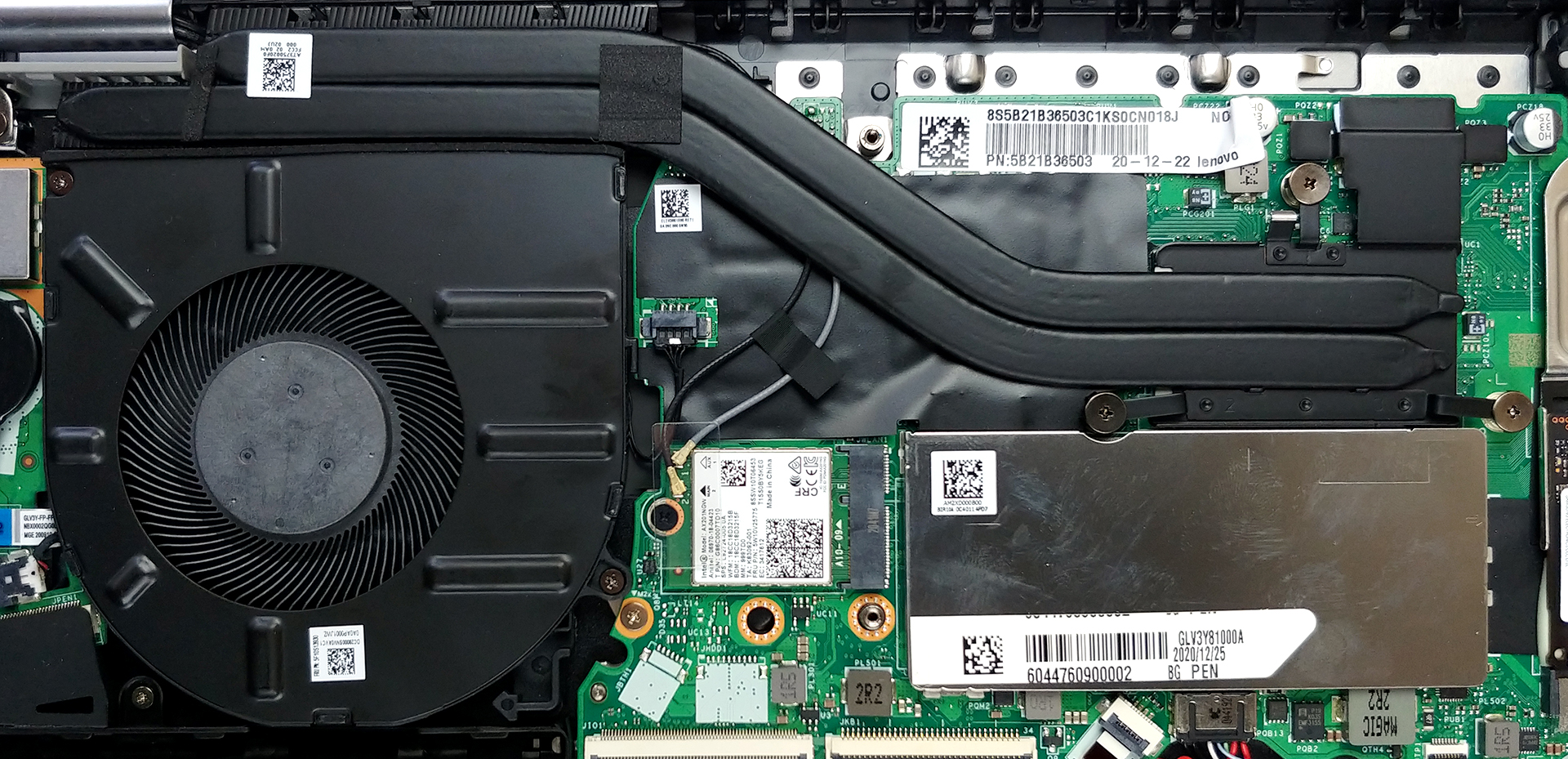
This laptop features 8GB of soldered memory to its motherboard, as well as one SODIMM slot for expansion up to 40GB in total. As for the storage, there are two M.2 PCIe x4 slots.
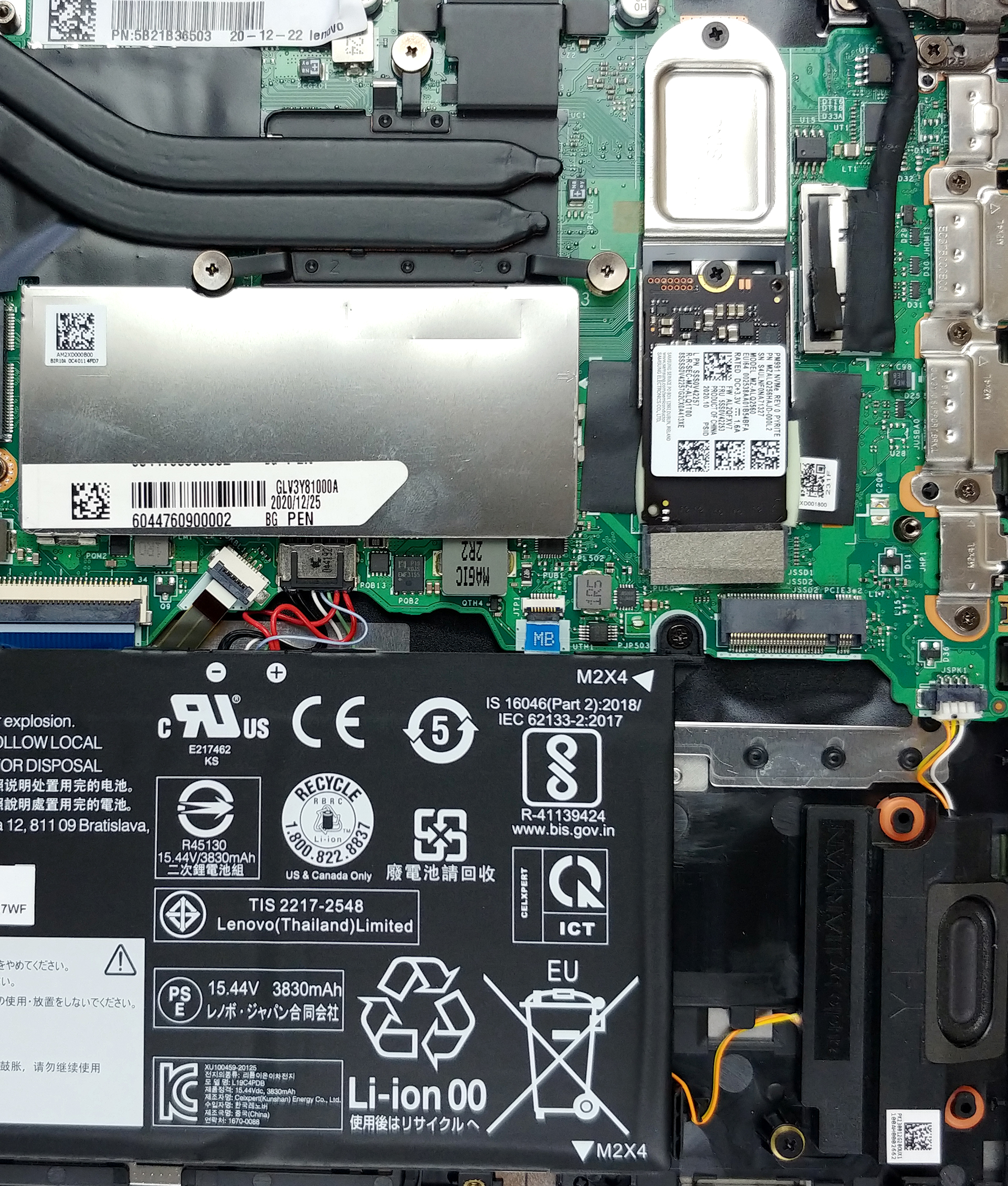
4. Cooling system
In terms of cooling, we see two heat pipes, a heat spreader, and a pretty big fan.
Check out all Lenovo ThinkBook 14s Yoga prices and configurations in our Specs System or read more in our In-Depth review.
Lenovo ThinkBook 14s Yoga 詳細なレビュー
疑問に思われるかもしれませんが、Lenovoはその上品なビジネスソリューションをコンバーチブル型のフォームファクターでも提供しているのです。この製品はThinkBook 14s Yogaと呼ばれ、両方の長所を組み合わせることを目指しています。世の中には多くの2-in-1がありますが、その大部分はYogaのサブブランドから来ています。このノートブックは、他のノートブックとどのように違うのでしょうか?まず第一に、ThinkBookシリーズに通常搭載されて�[...]
長所
- Thunderbolt 4、Wi-Fi 6接続、MicroSDカードリーダーを搭載しています。
- M.2 PCIeスロットが2つ、RAM-SODIMMスロットが1つ(合計40GBまでのRAM)+Wi-Fi 6に対応しています。
- sRGB色域の98%をカバーし、Gaming and Web design profile(BOE NV140FHM-N66)で正確な色表現が可能です。
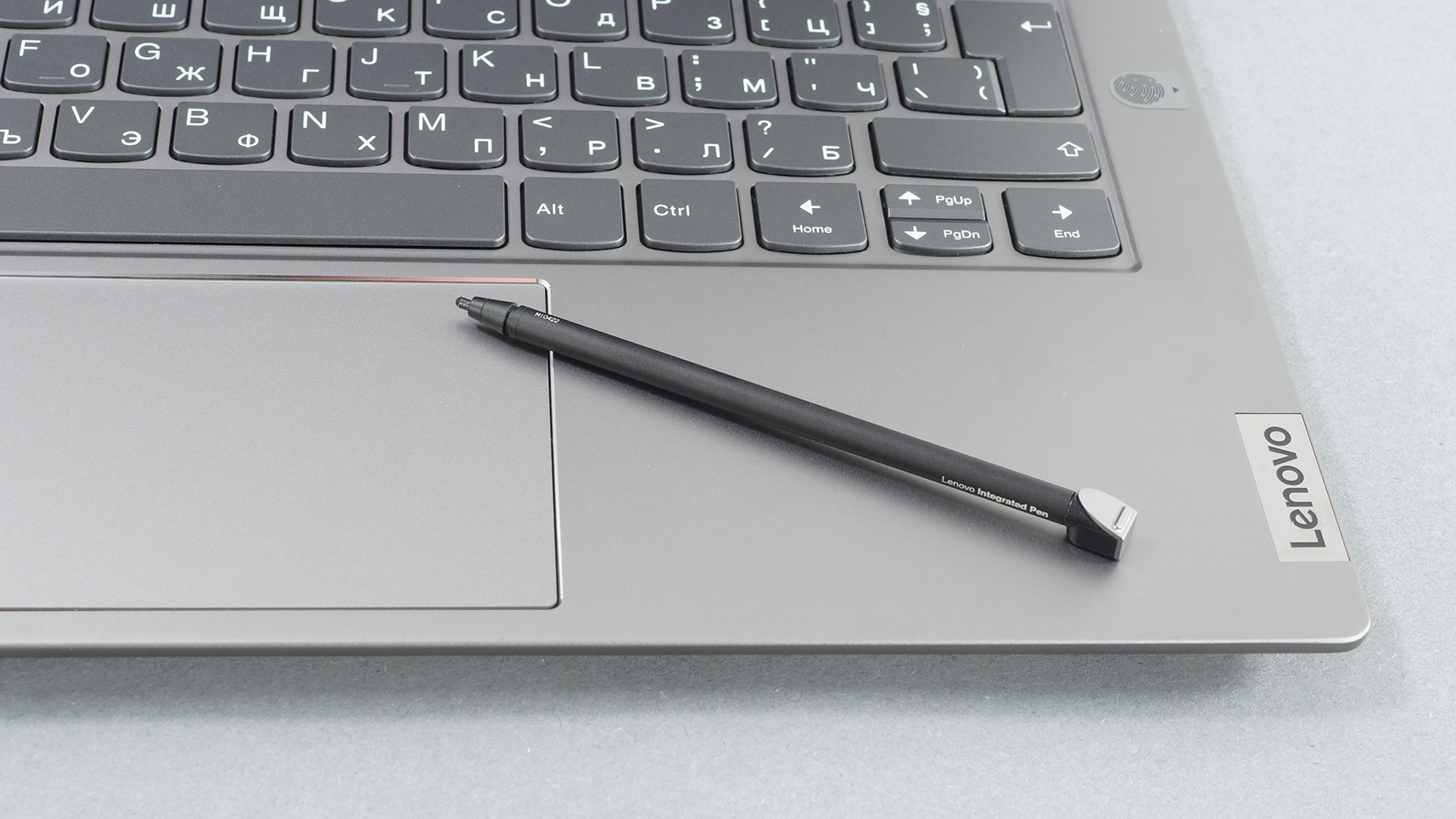
- 付属のスタイラス
- PWMフリーディスプレイ(BOE NV140FHM-N66)
- 優れたキーボード体験
- 優れたバッテリー駆動時間
短所
- 性能不足のiGPU
- タブレットモードではやや重さを感じる
 Author: Alex Iliev

![[2026年6月] Amazonグローバルにおけるノートパソコンのベストセラーブランド ― 販売台数と売上高の両面で、Appleが圧倒的な優位性を示す](https://laptopmedia.com/wp-content/uploads/2026/07/GLOBAL-Best-Brands-400x225.jpg)
![[2026年6月] アマゾン・グローバル:ノートパソコン売上ランキングトップ10――Appleの新型「MacBook Neo」が1位に躍り出て、手頃な価格帯で市場を再編](https://laptopmedia.com/wp-content/uploads/2026/07/Best-Selling-Laptops-GLOBAL-Top-10-400x225.jpg)
![[2026年6月] アマゾン・グローバル:ゲーム用ノートPC売上ランキングトップ10――エイサーの「Nitro V 16S AI」が販売台数で首位を独占、ASUSが総売上高で首位に立つ](https://laptopmedia.com/wp-content/uploads/2026/07/Best-Selling-Gaming-Laptops-GLOBAL-Top-10-400x225.jpg)
![[2026年6月] AmazonにおけるノートPC用GPUの世界販売ランキング ― NVIDIA RTX 5060が専用GPU部門で首位を獲得](https://laptopmedia.com/wp-content/uploads/2026/07/Best-Selling-GPUs-GLOBAL-Top-10-400x225.jpg)
![[2026年6月] AmazonにおけるノートPC用CPUの世界販売ランキング ― Apple M5が首位を独占、AMD Ryzen 7 260がプレミアム層で堅調なシェアを獲得](https://laptopmedia.com/wp-content/uploads/2026/07/Best-Selling-CPUs-GLOBAL-Top-10-400x225.jpg)
