Inside Lenovo ThinkPad E14 Gen 2 – disassembly and upgrade options
The second-generation ThinkPad E14 brings some useful features like two M.2 storage slots. Not in the last place, Lenovo has finally diverted to the Tiger Lake CPUs on a ThinkPad device.
Check out all Lenovo ThinkPad E14 Gen 2 prices and configurations in our Specs System or read more in our In-Depth review.
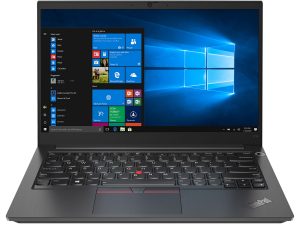
1. Remove the bottom plate
A total of 7 captive Phillips-head screws hold the bottom panel in place. After you undo them, you need to pry the panel with a plastic tool, preferably starting from the front edges.
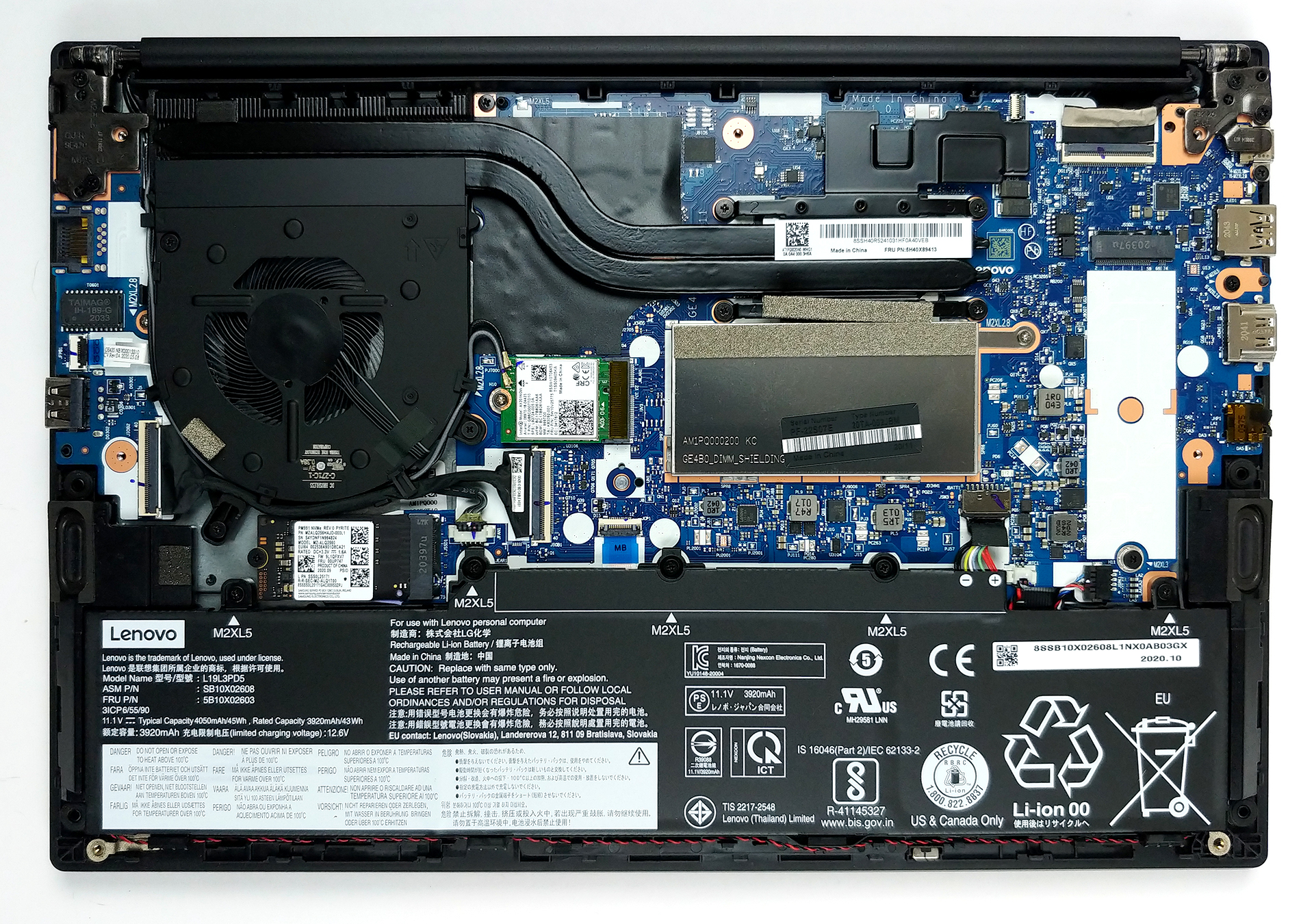
2. Battery
Lastly, the battery capacity you get to work with is 45Wh.
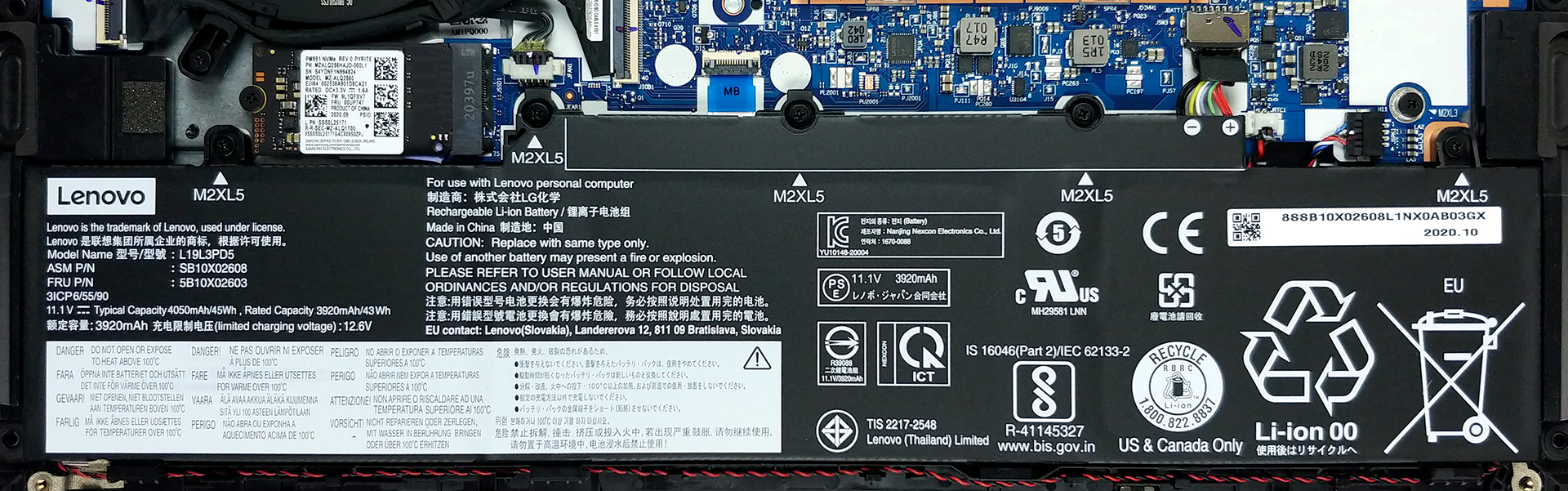
3. Memory and storage
Looking closely into upgradability, we see one RAM SODIMM slot, covered by a metal bracket. It fits up to 32GB of DDR4 memory, working at 3200 MHz. Moreover, Lenovo state that it may or may not be able to fit more, as the technology develops. And in terms of storage, there are two M.2 PCIe x4 slots – one with a length of 42mm, and one that is 80mm long.
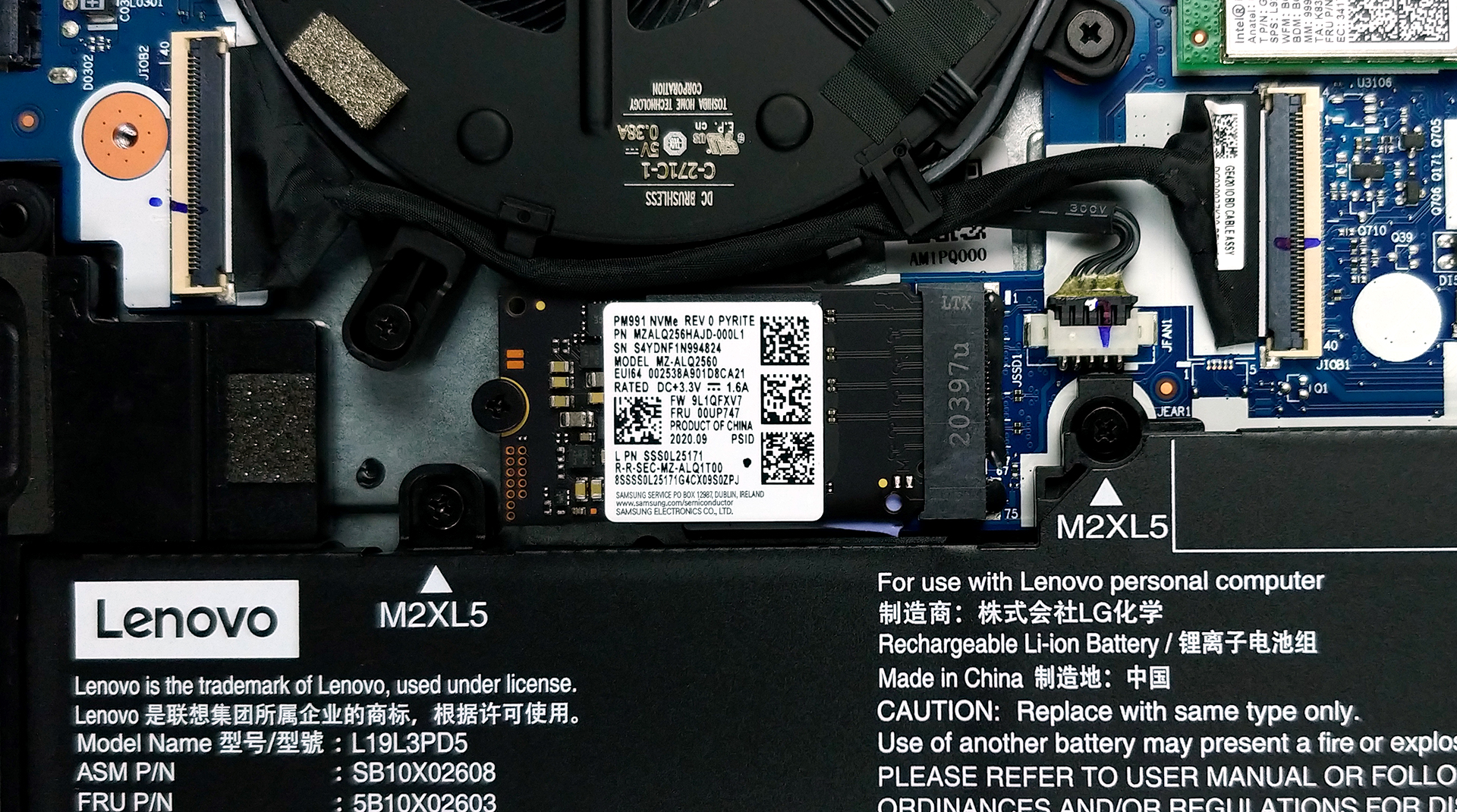
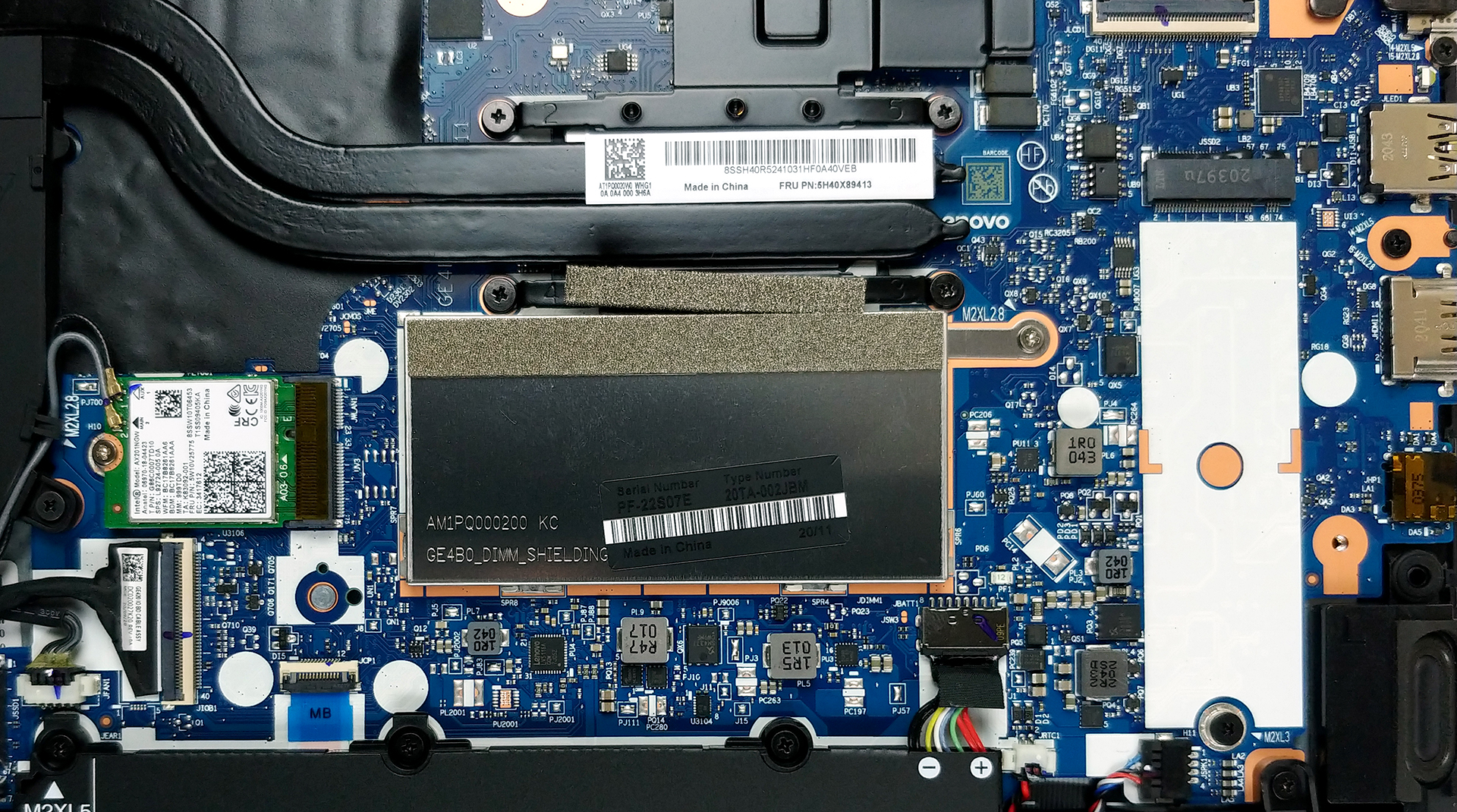
4. Cooling system
Despite the unpretentious processor we have in our unit, the laptop is fitted with two heat pipes and a fan of a decent size. Additionally, you can see a metal heat spreader placed on top of the VRMs.
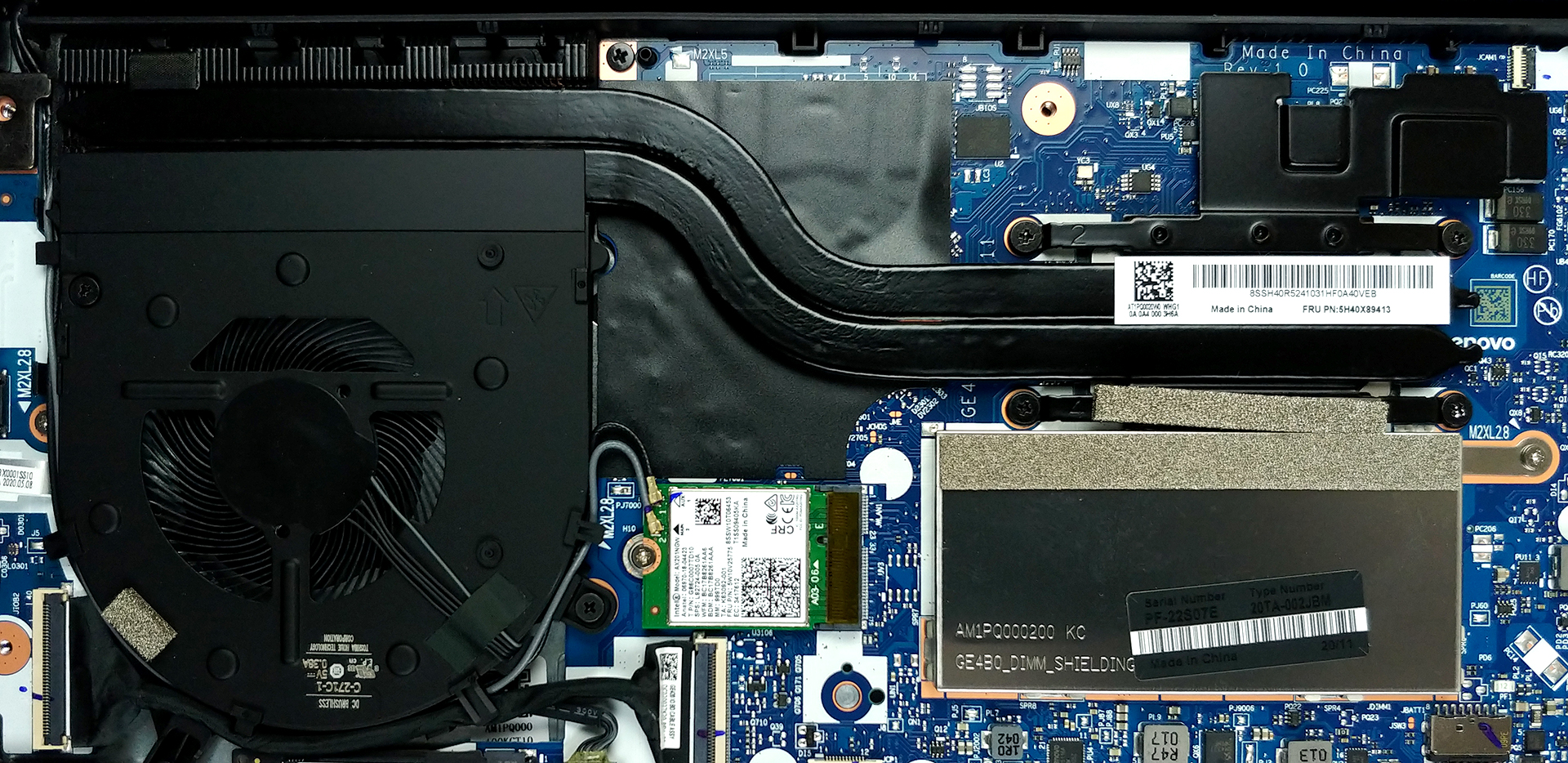
Check out all Lenovo ThinkPad E14 Gen 2 prices and configurations in our Specs System or read more in our In-Depth review.
 Author: Alex Iliev

![[2026年7月] AmazonにおけるノートPC用GPUの世界販売ランキング ― RTX 5060がハイエンド市場を席巻、低価格帯は依然としてインテルが優勢](https://laptopmedia.com/wp-content/uploads/2026/08/Best-Selling-GPUs-GLOBAL-Top-10-400x225.jpg)
![[2026年7月] AmazonにおけるノートPC用CPUの世界販売ランキング ― プレミアム部門はAppleが独占、総合首位はIntelが維持](https://laptopmedia.com/wp-content/uploads/2026/08/Best-Selling-CPUs-GLOBAL-Top-10-400x225.jpg)
![[2026年7月] Amazon.co.jpで最も売れているノートPCブランド――激しい競争の中、HPとLenovoが販売台数と売上高で首位を占める](https://laptopmedia.com/wp-content/uploads/2026/08/CO.JP-Best-Brands-2-400x225.jpg)
![[2026年7月] アマゾン・ジャパン:ノートパソコン売上ランキングトップ10――HP 15が市場を席巻する一方、ミドルレンジの生産性重視モデルが売上を牽引](https://laptopmedia.com/wp-content/uploads/2026/08/Best-Selling-Laptops-CO.JP-Top-10-1-400x225.jpg)
![[2026年7月] アマゾン・ジャパン:ゲーム用ノートPC売上ランキングトップ9――レノボ「LOQ 15」が市場を席巻し、圧倒的な1位を獲得](https://laptopmedia.com/wp-content/uploads/2026/08/Best-Selling-Gaming-Laptops-CO.JP-Top-10-1-400x225.jpg)

I have a brand new Thinkpad e14 2gen, I can´t upgrade it with a new 480gb WD Green M.2 2280 SSD because the notebook don´t recognize it. I couldn´t find any option in the bios and Windows 10 don´t “see” it either.
What can I do to do this upgrade?
Thanks for your help
The M.2 slot probably supports nVME drives only. WD Green has more subvariants, SATA & nVME too.