Inside Lenovo ThinkPad X1 Yoga – disassembly, internal photos and upgrade options
Just like its sibling, the Lenovo ThinkPad X1 Carbon, the ThinkPad X1 Yoga offers fairly easy access to the most commonly upgraded hardware as well as easy maintenance. You just need to have the appropriate screw and be a little careful when detaching the bottom plate.
If you are interested in price and availability of the Lenovo ThinkPad X1 Yoga, you can check it out here: http://amzn.to/1NKy7CT
1. Removing the bottom
As we already stated, you will need just a screw to remove all the bolts but before you do anything, make sure you’ve popped out the stylus pen as well.
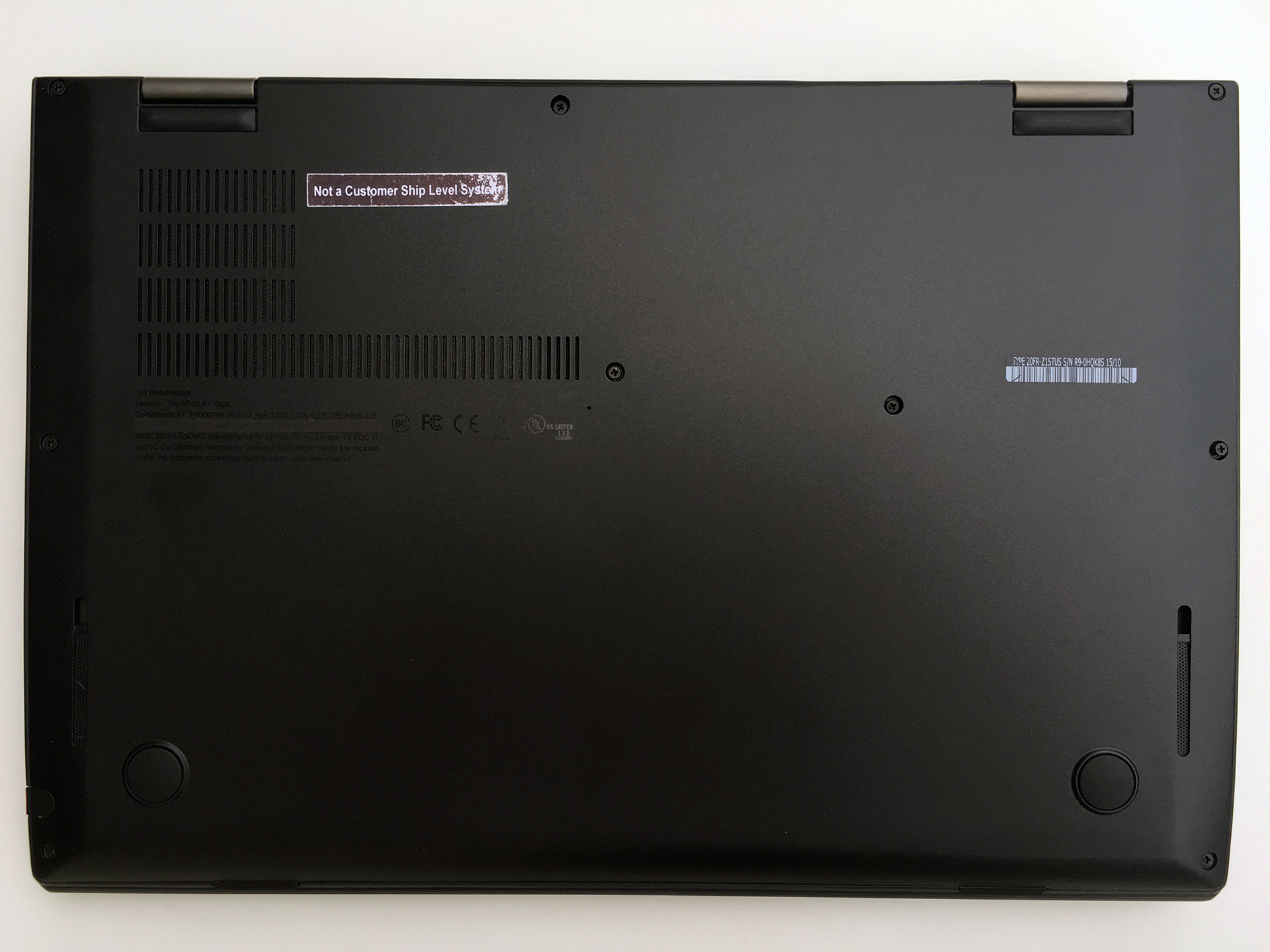
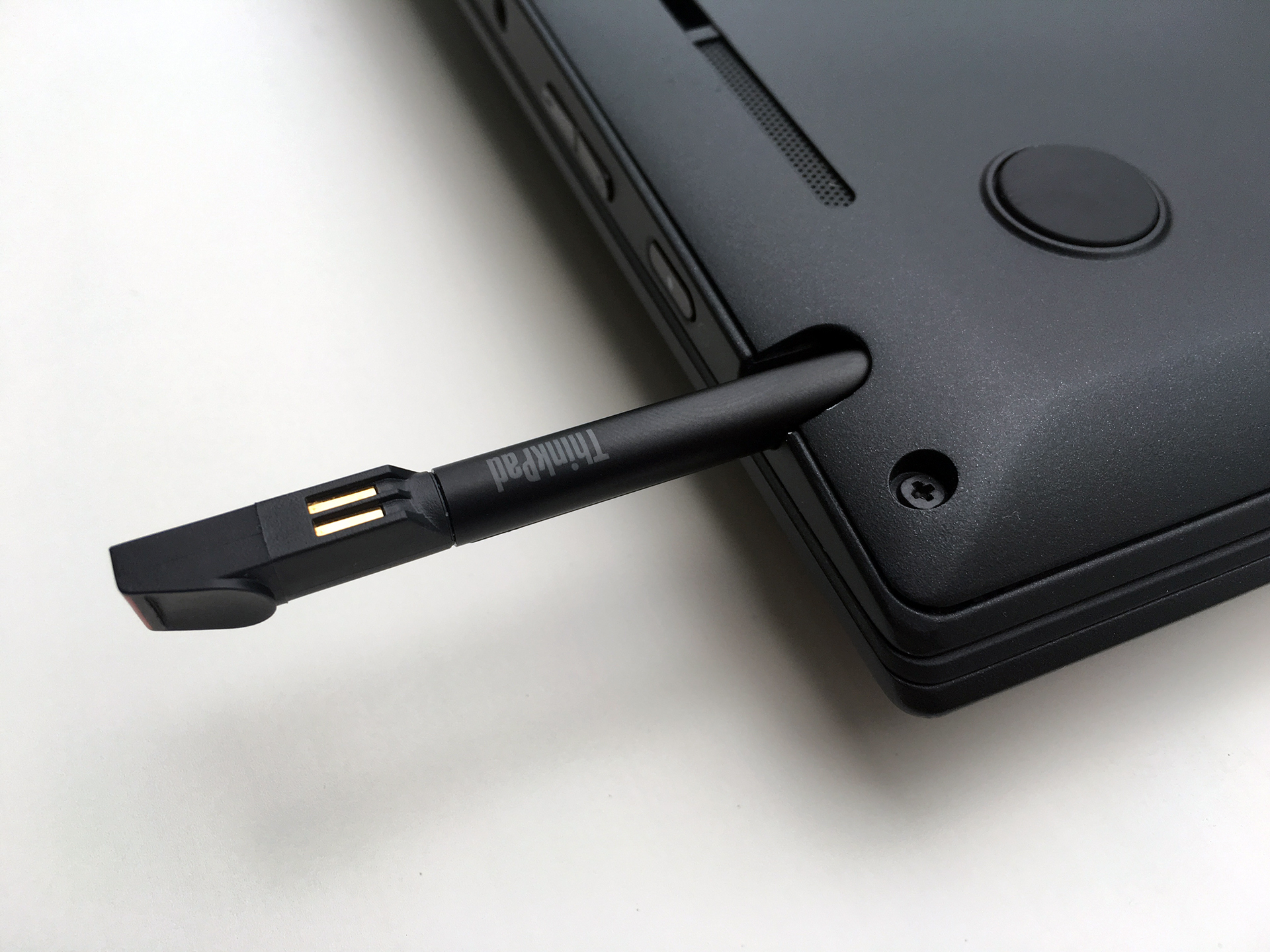
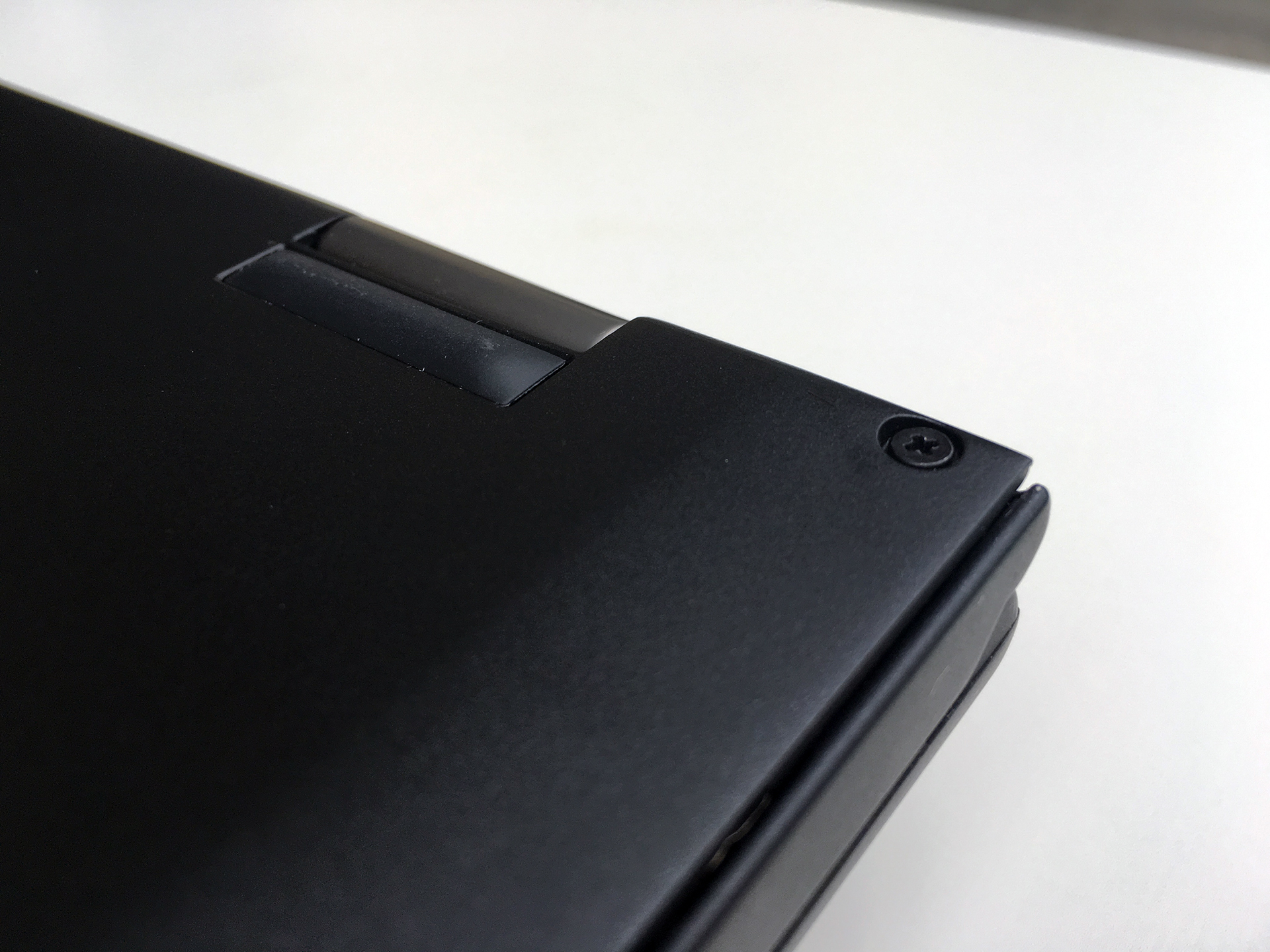
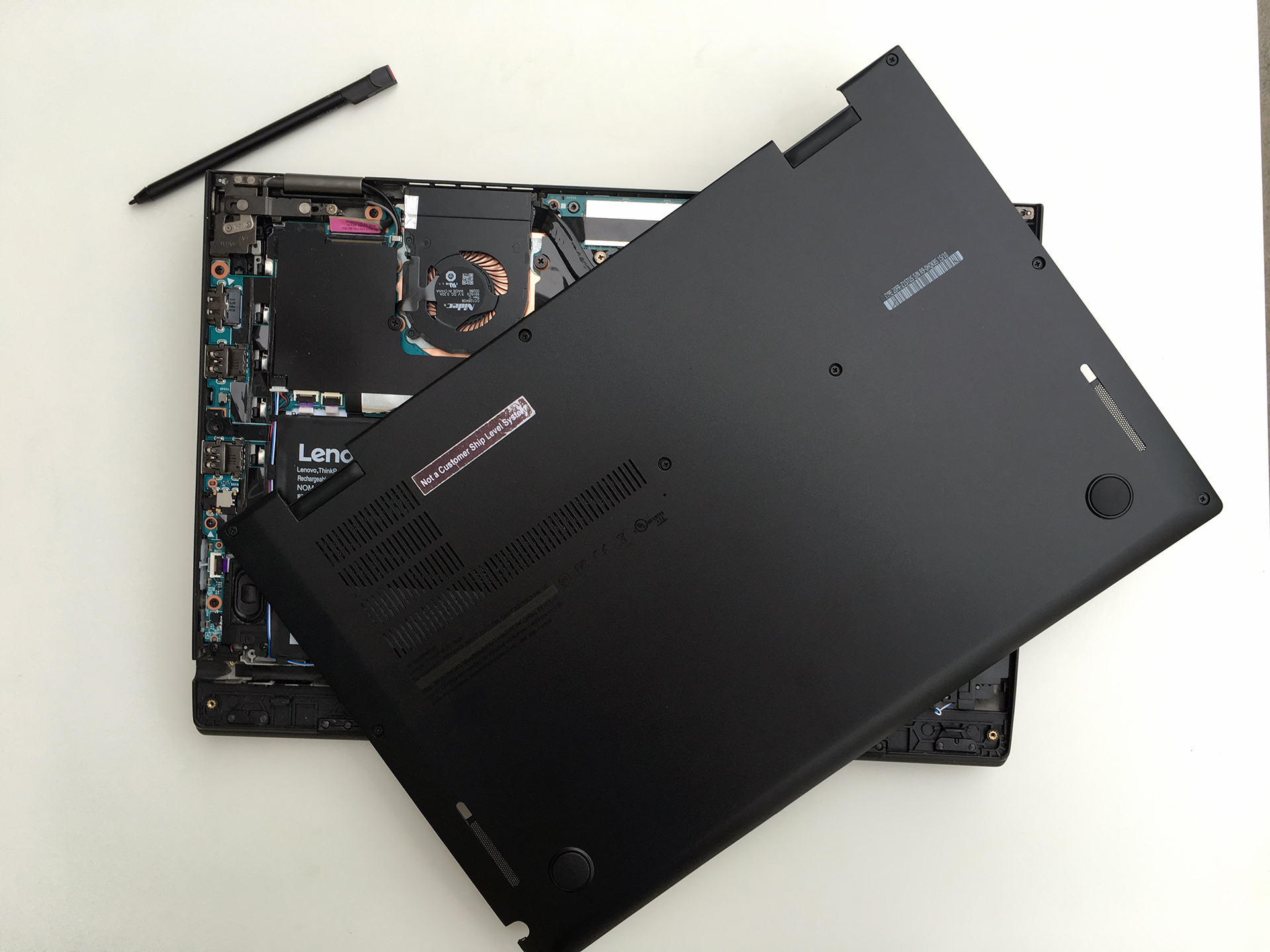
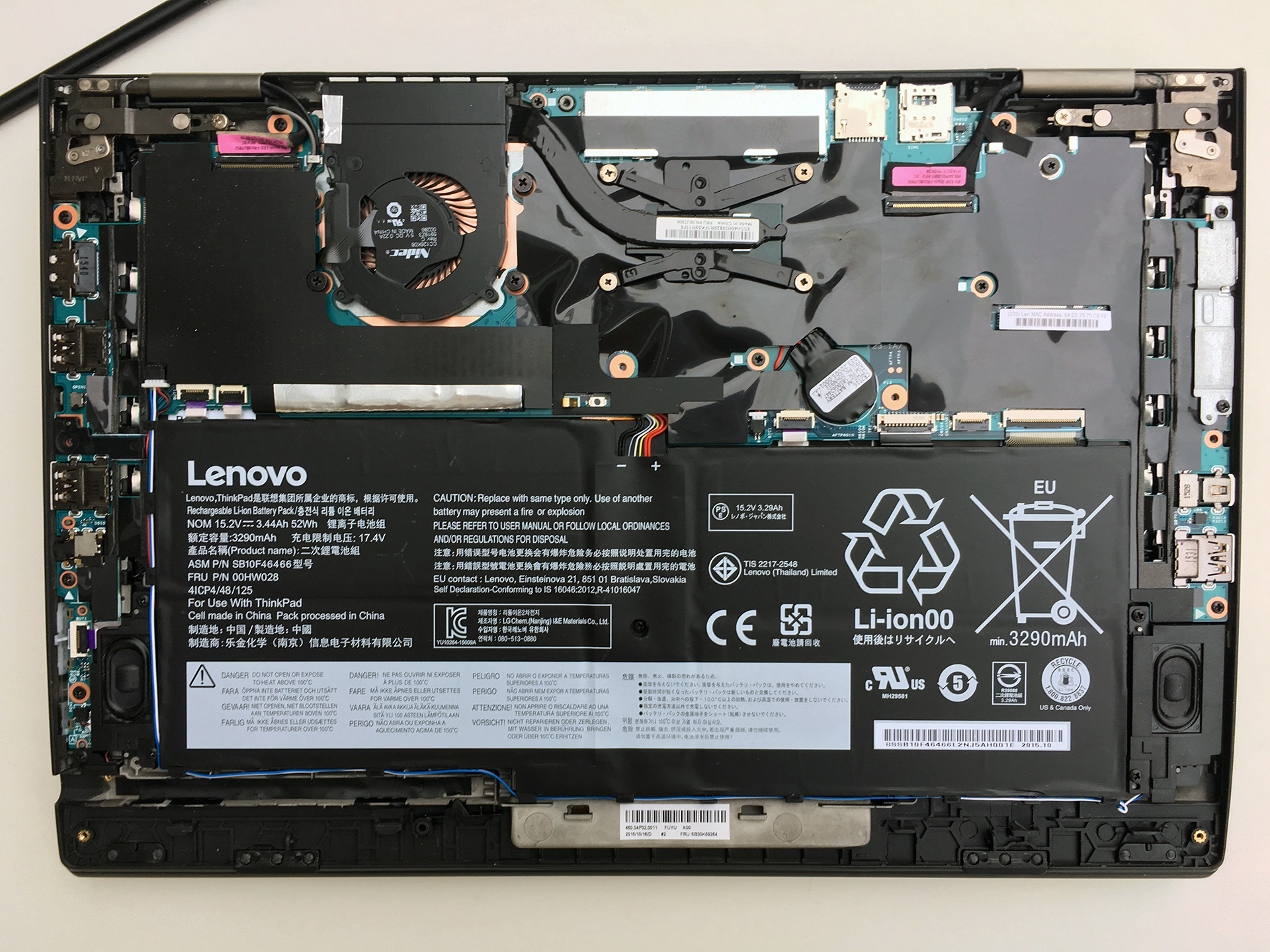
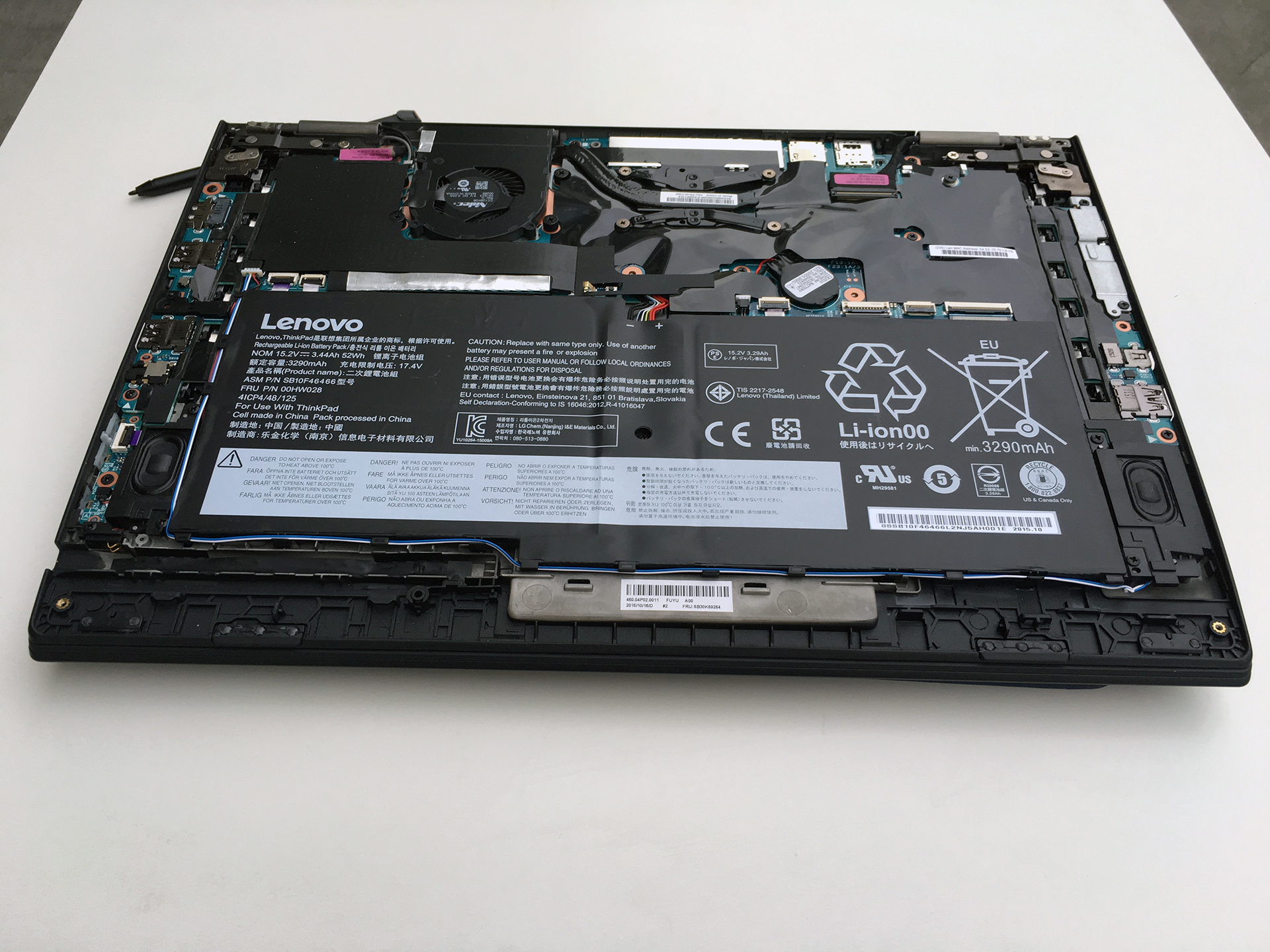
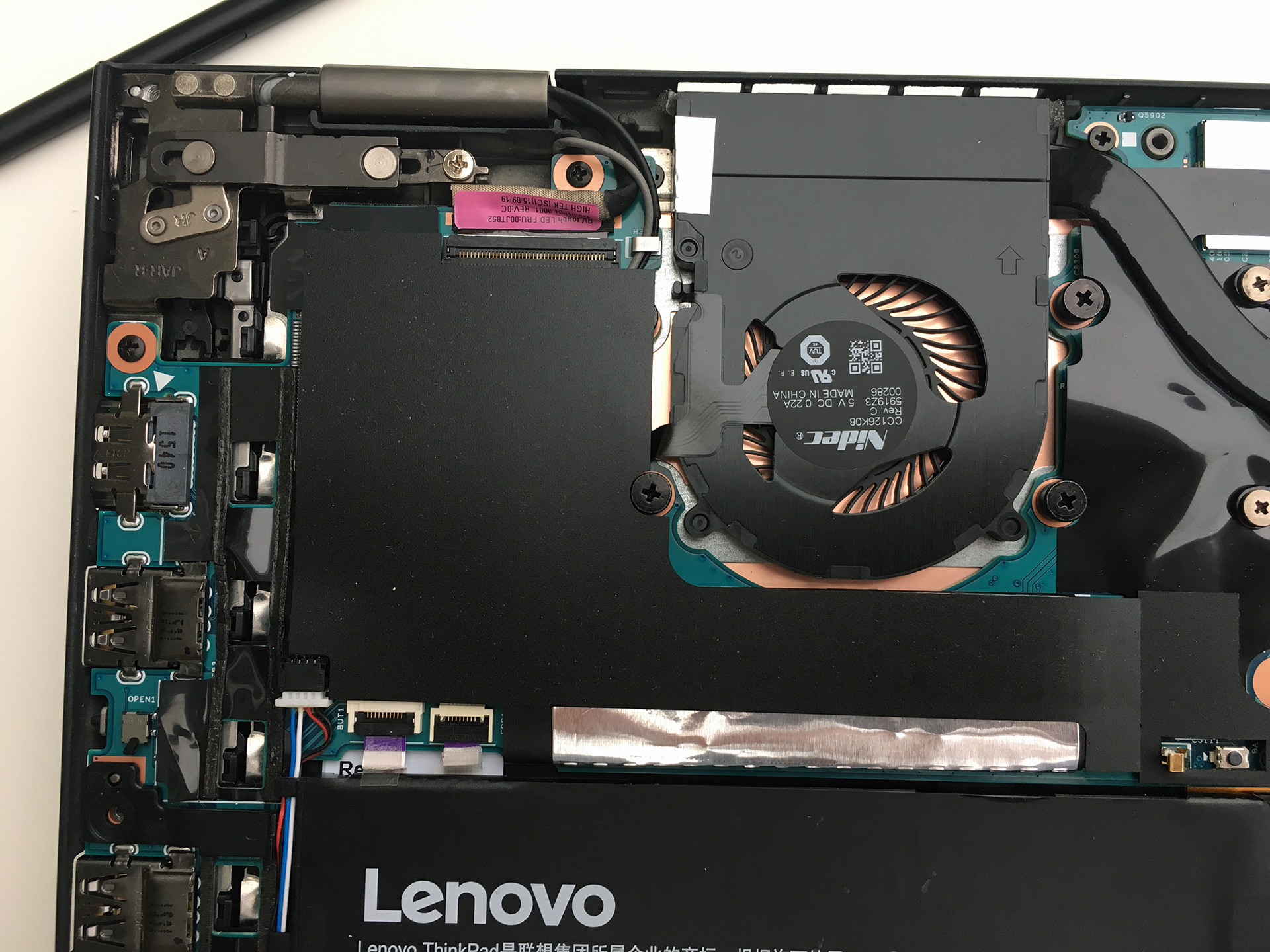
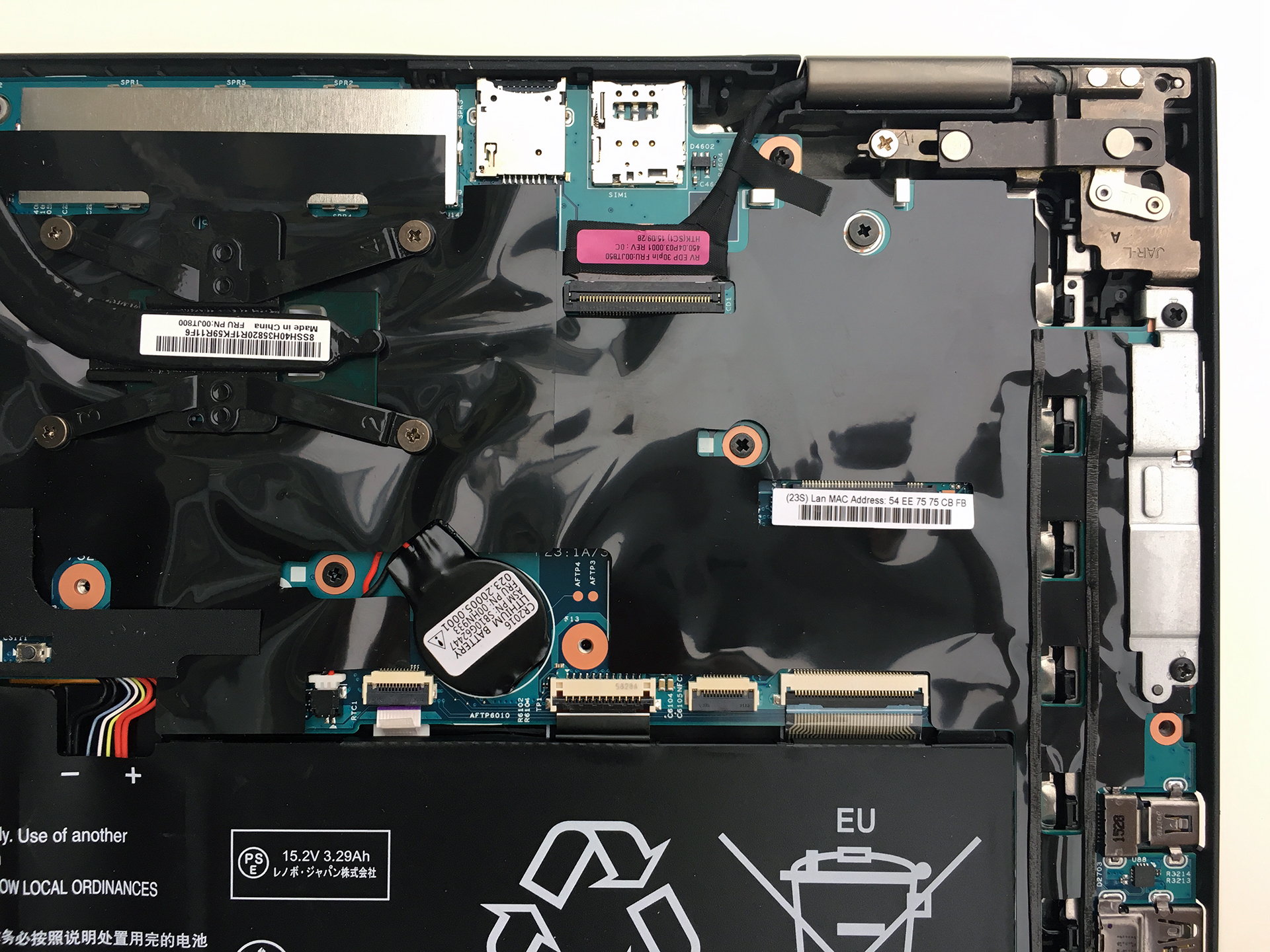
As you can see on the photos, you will gain access to most of the hardware without any hassle.
2. Storage options
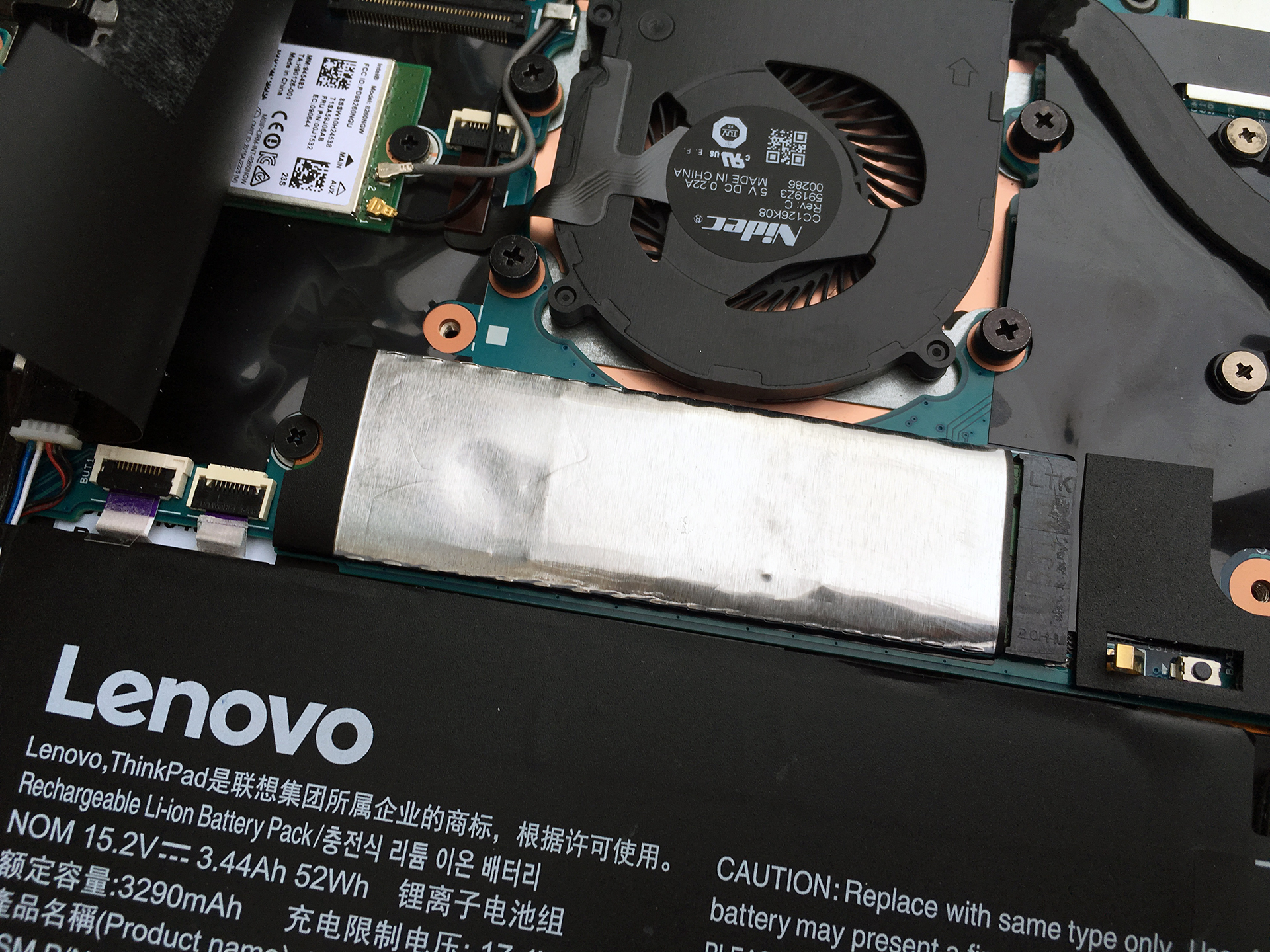
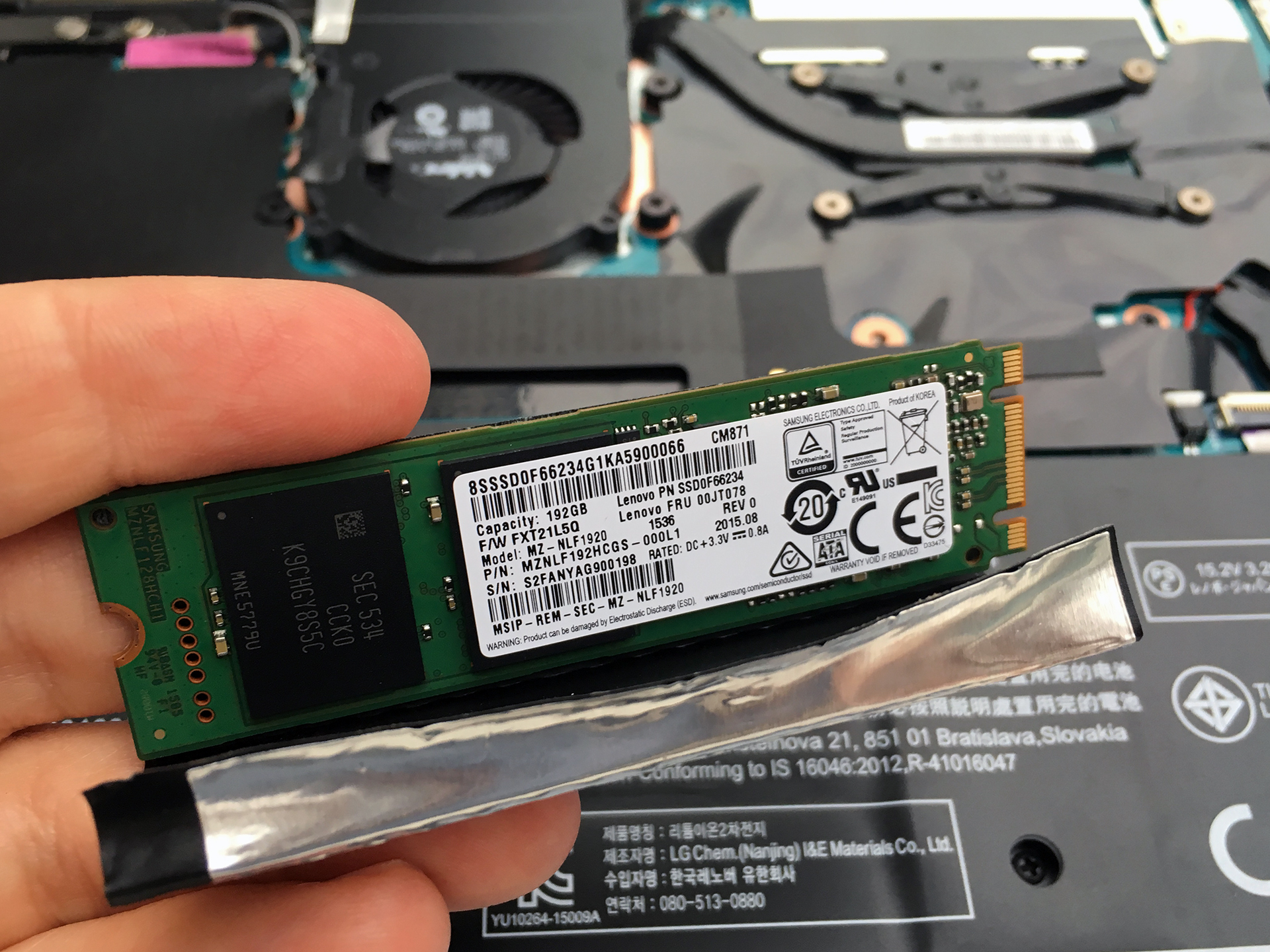
Just like other high-end slim convertibles, the X1 Yoga offers only an M.2 SSD standard. This device supports 2280 stick with NVMe controller and the slot uses an M-edge key connector meaning you can either use an M-edge drive or one with a B&M key. The slot is located right next to the cooling fan.

3. Other hardware
The Wi-Fi module is also located right next to the fan, near the upper left corner, next to the screen hinge. The device uses an Intel 8269NGW WLAN by Intel supporting 2×2 Wi-Fi and Bluetooth 4.1

The convertible also offers a fairly big battery rated at 52Wh.
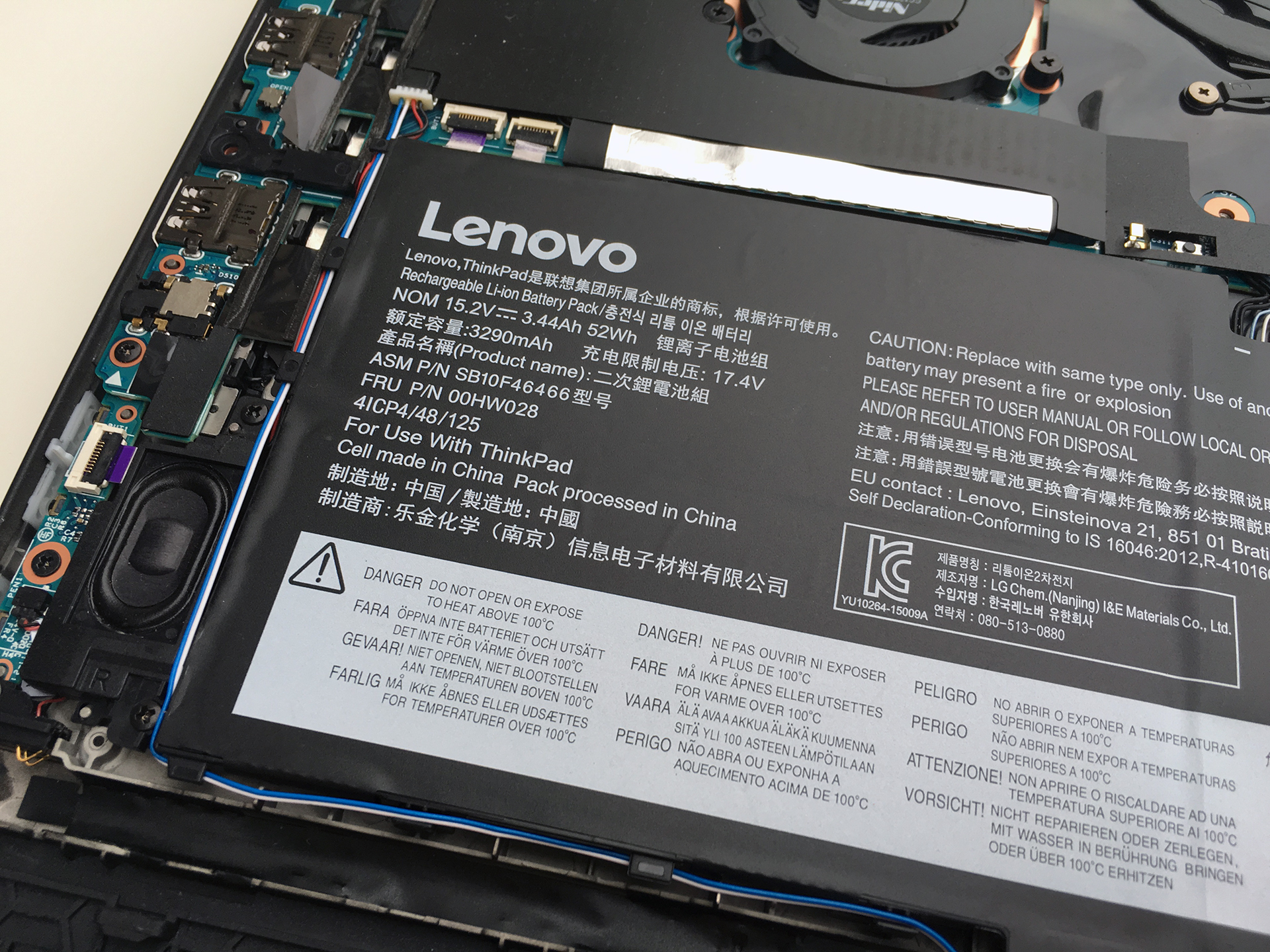
4. Cooling system
Well, the cooling system features a simple design with good enough cooling fan to keep the notebook running under heavy load without any signs of thermal throttling.
To find more about the notebook, go read our full extensive review.
 Author: LaptopMedia Team

![[2026年6月] Amazonグローバルにおけるノートパソコンのベストセラーブランド ― 販売台数と売上高の両面で、Appleが圧倒的な優位性を示す](https://laptopmedia.com/wp-content/uploads/2026/07/GLOBAL-Best-Brands-400x225.jpg)
![[2026年6月] アマゾン・グローバル:ノートパソコン売上ランキングトップ10――Appleの新型「MacBook Neo」が1位に躍り出て、手頃な価格帯で市場を再編](https://laptopmedia.com/wp-content/uploads/2026/07/Best-Selling-Laptops-GLOBAL-Top-10-400x225.jpg)
![[2026年6月] アマゾン・グローバル:ゲーム用ノートPC売上ランキングトップ10――エイサーの「Nitro V 16S AI」が販売台数で首位を独占、ASUSが総売上高で首位に立つ](https://laptopmedia.com/wp-content/uploads/2026/07/Best-Selling-Gaming-Laptops-GLOBAL-Top-10-400x225.jpg)
![[2026年6月] AmazonにおけるノートPC用GPUの世界販売ランキング ― NVIDIA RTX 5060が専用GPU部門で首位を獲得](https://laptopmedia.com/wp-content/uploads/2026/07/Best-Selling-GPUs-GLOBAL-Top-10-400x225.jpg)
![[2026年6月] AmazonにおけるノートPC用CPUの世界販売ランキング ― Apple M5が首位を独占、AMD Ryzen 7 260がプレミアム層で堅調なシェアを獲得](https://laptopmedia.com/wp-content/uploads/2026/07/Best-Selling-CPUs-GLOBAL-Top-10-400x225.jpg)

Hello – thank you for some very useful information. Just a quick question please: does that mean that this particular model (ThinkPad X1 Yoga) could be upgraded from an m.2 SSD to a PCIe SSD?
Is the battery glued into the computer, or is it easy to unscrew/remove/replace?
No, you can easily remove it. Just unscrew.
Thank you.
do you know where is the Bios battery? and is it removable?
Is the trackpad easily accessible and replaceable after removal of battery?
Useful information! By the way, do you have any idea about how the body chassis (some called it a, b, c, d body shell?) can be replaced? Grateful if you could consider making a tutorial on this / sharing some more information with us. Thank you 🙂
How much storage does it hold this X1 Yoga, the maximum of it
512GB of M2 ??
In theory, it should hold a 1TB M.2 PCIe NVMe SSD as well but 512GB for sure.
What about LTE card ? There is a slot for it including SIM card but no visible wires for Antenna (Main and Aux)
Our unit didn’t offer this option.
Hello – nice to see that the battery is fairly accessible. How about the keyboard – can it be removed and replaced easily??
Hi regarding RAM module where are they located ?