Inside Lenovo Z51-70 – disassembly, internal photos and upgrade options
Lenovo Z51 is one of those affordable multimedia machines on the market that falls into the mid-range segment. It won’t surprise you with powerful hardware or strong aluminum build, but the hardware is capable of running some of the latest games and it’s ideal for everyday work. But what about the hardware and upgrade options?
You can take a look at the available configurations here: http://amzn.to/1IjY9iM
1. Removing the keyboard
Unfortunately, the notebook requires almost full disassembly for you to upgrade any of the hardware inside. At the back of the notebook, you will find three screws that hold the keyboard in place and you will easily distinguish them by the tiny keyboard engravings next to the bolts. Remove all three of them. Then, use a thin plastic tool or pry up the keyboard tray from the top side.
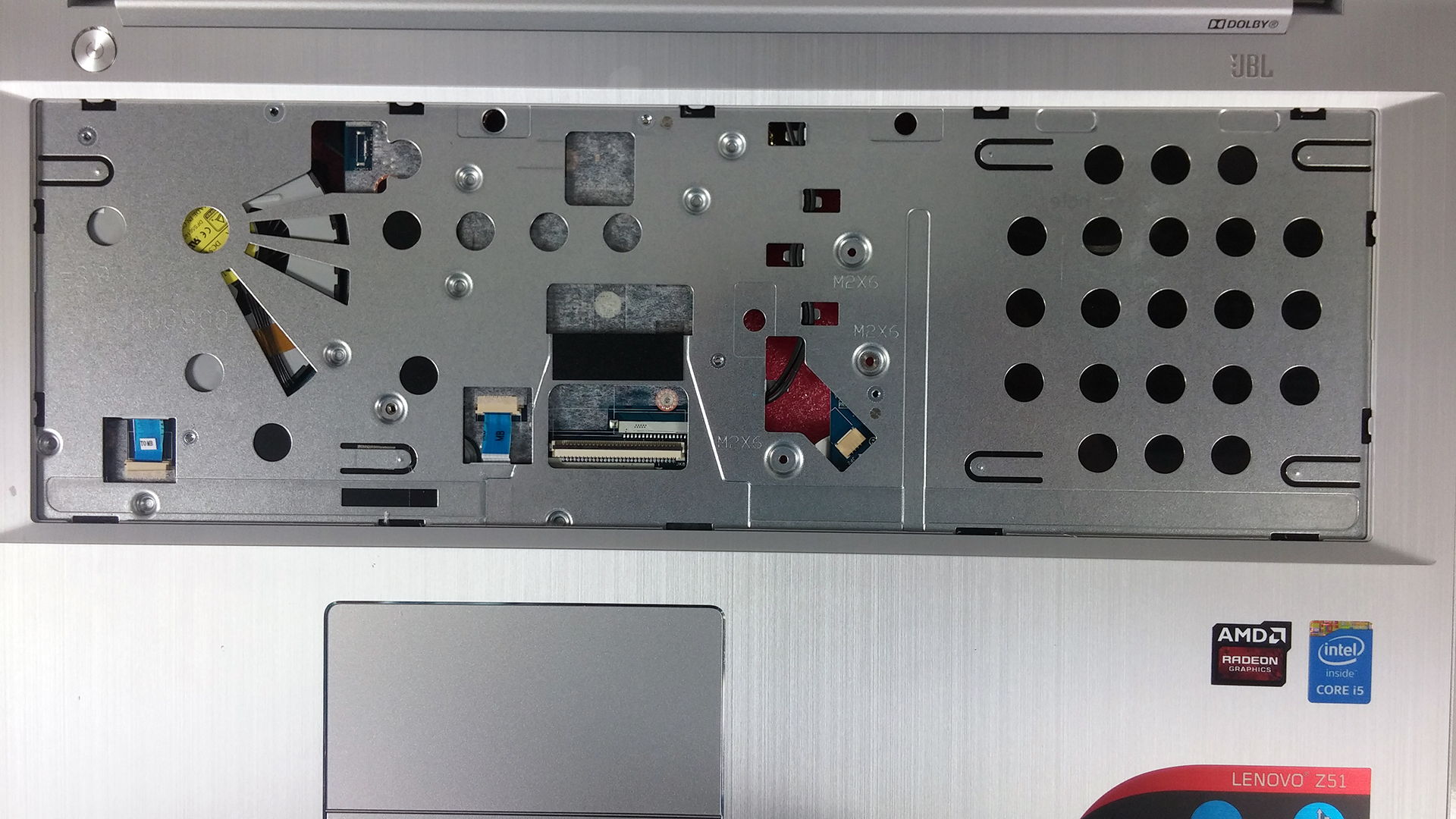
2. Removing the bottom piece
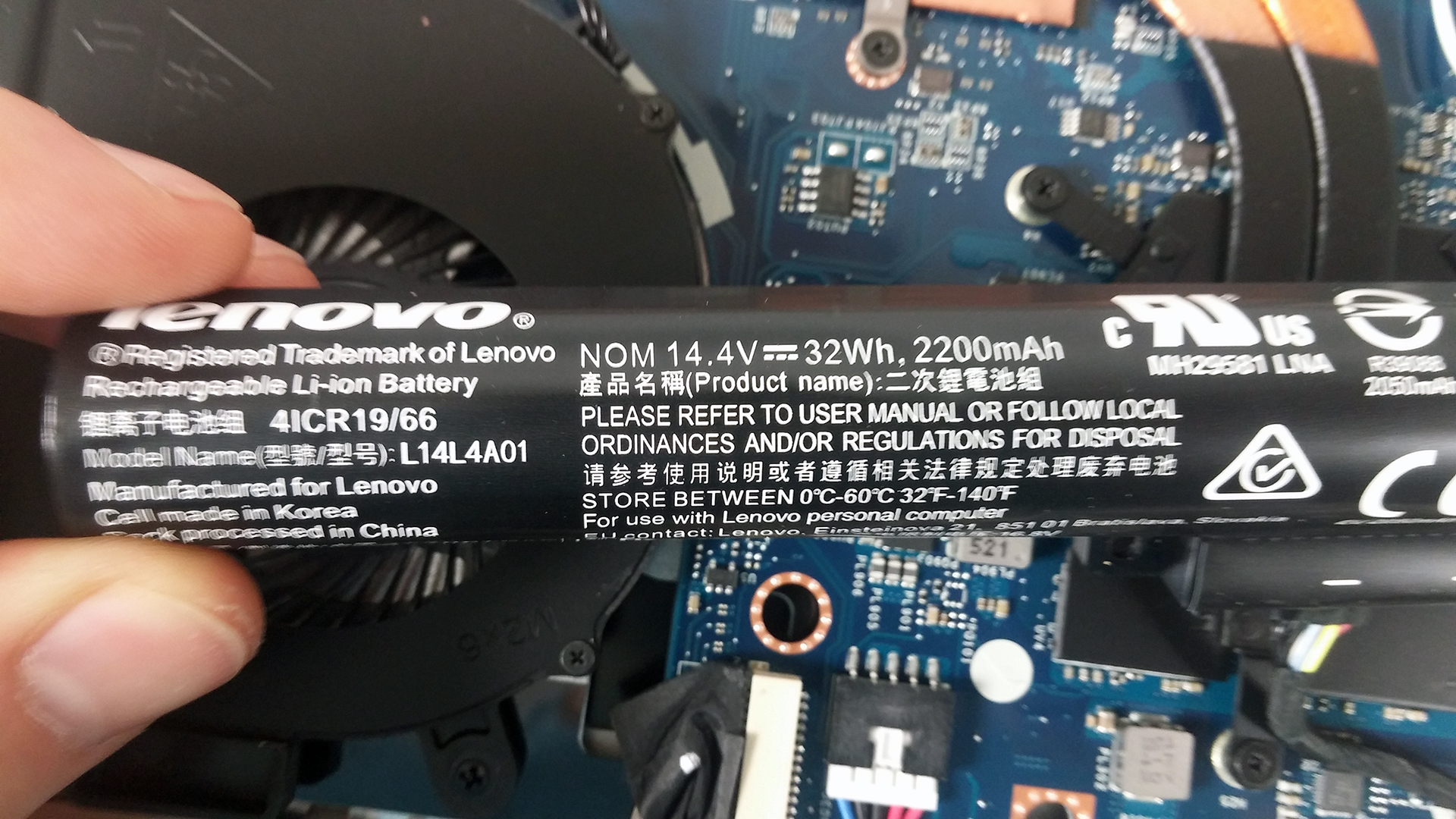
After you’ve removed the keyboard, with all the screws and cables under it, you can proceed by unscrewing the rest of the bolts around the bottom cover. Then detach the whole cover and before you do anything else, we suggest removing the battery first. Speaking of, it’s rated at 32Wh, 2200 mAh.
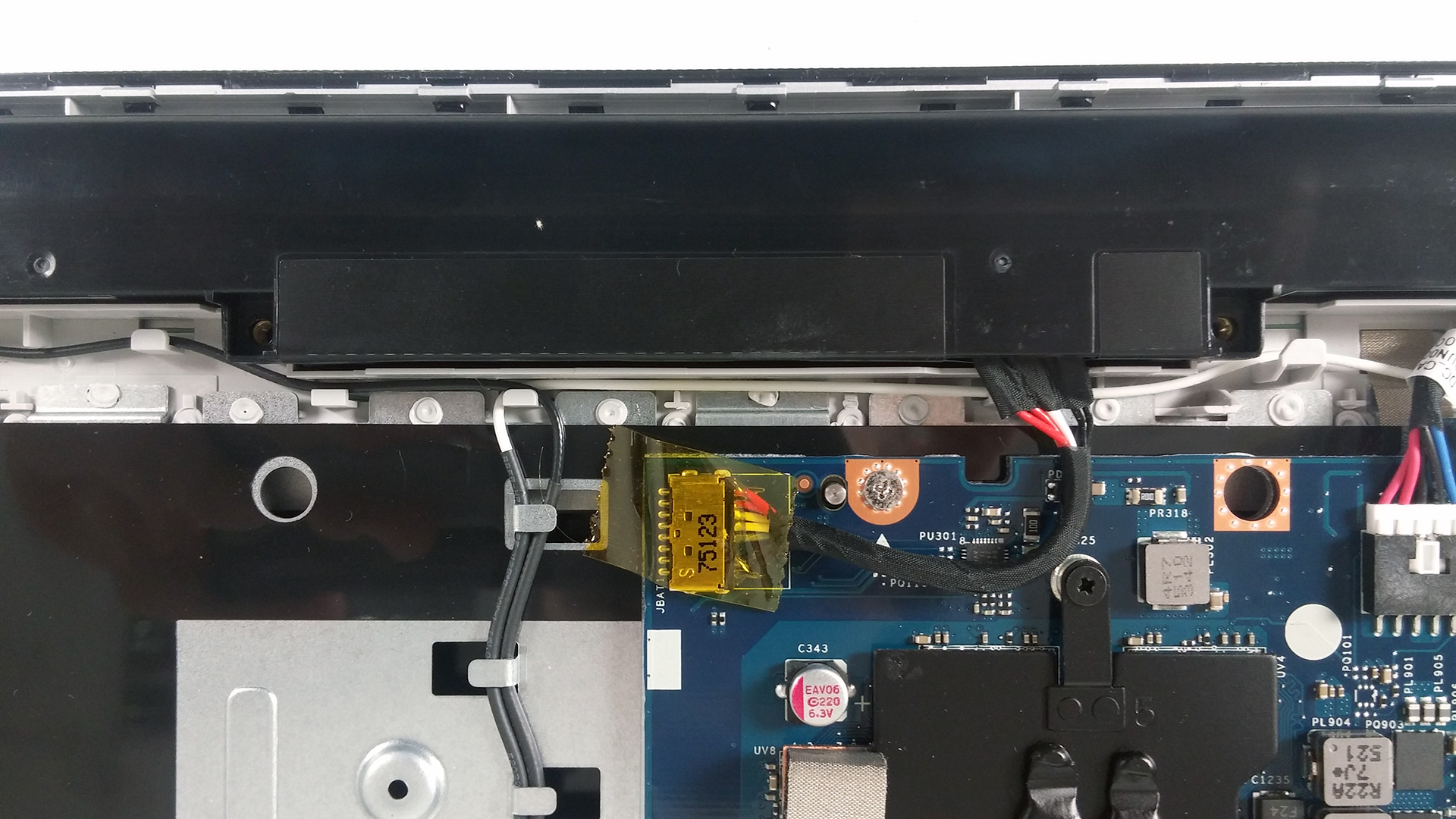
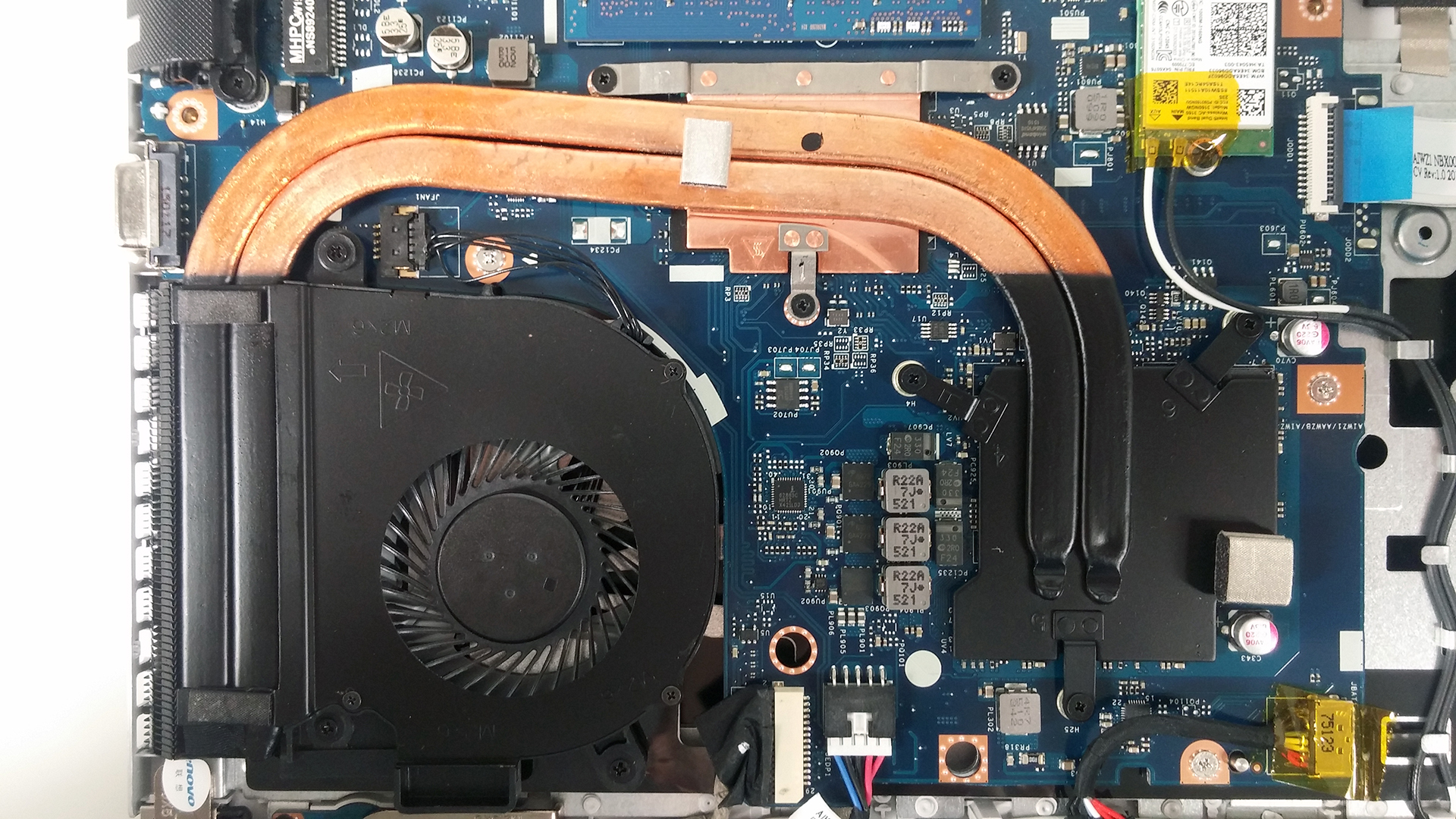
Anyway, you will see the “modest” cooling system that consists of two short heat pipes and the CPU and GPU near each other. We suspect they will share the heat during heavy load.

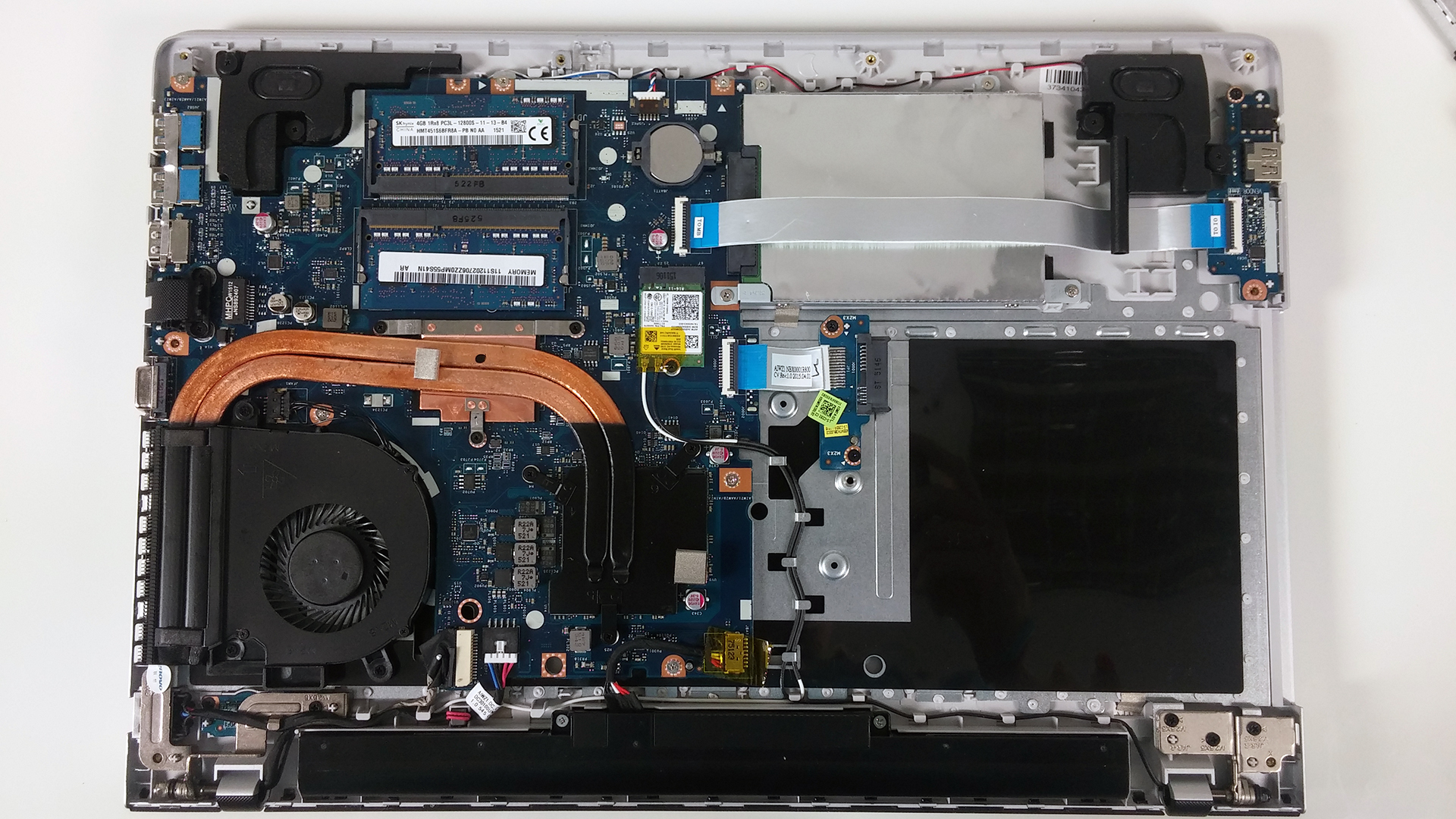
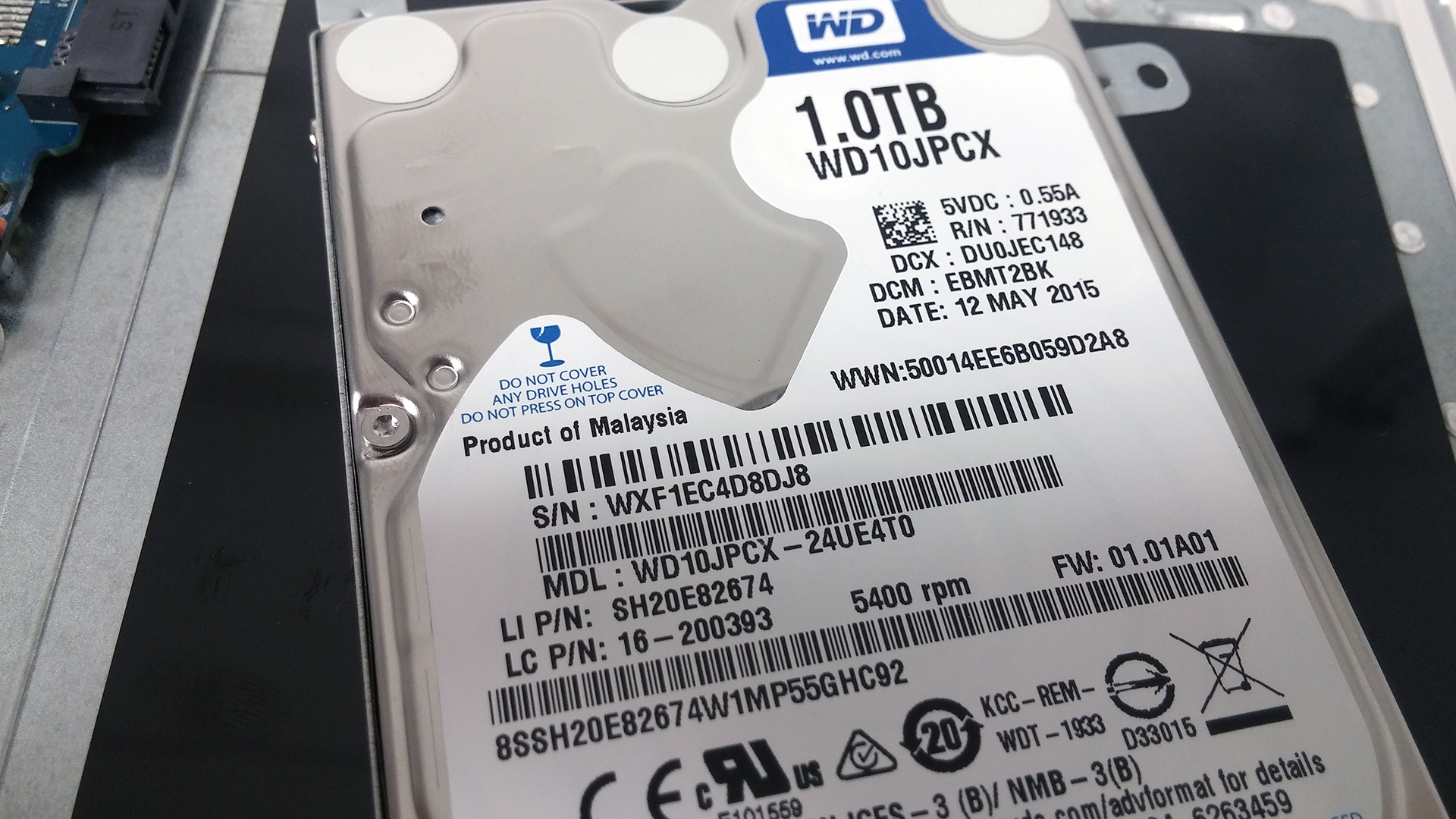
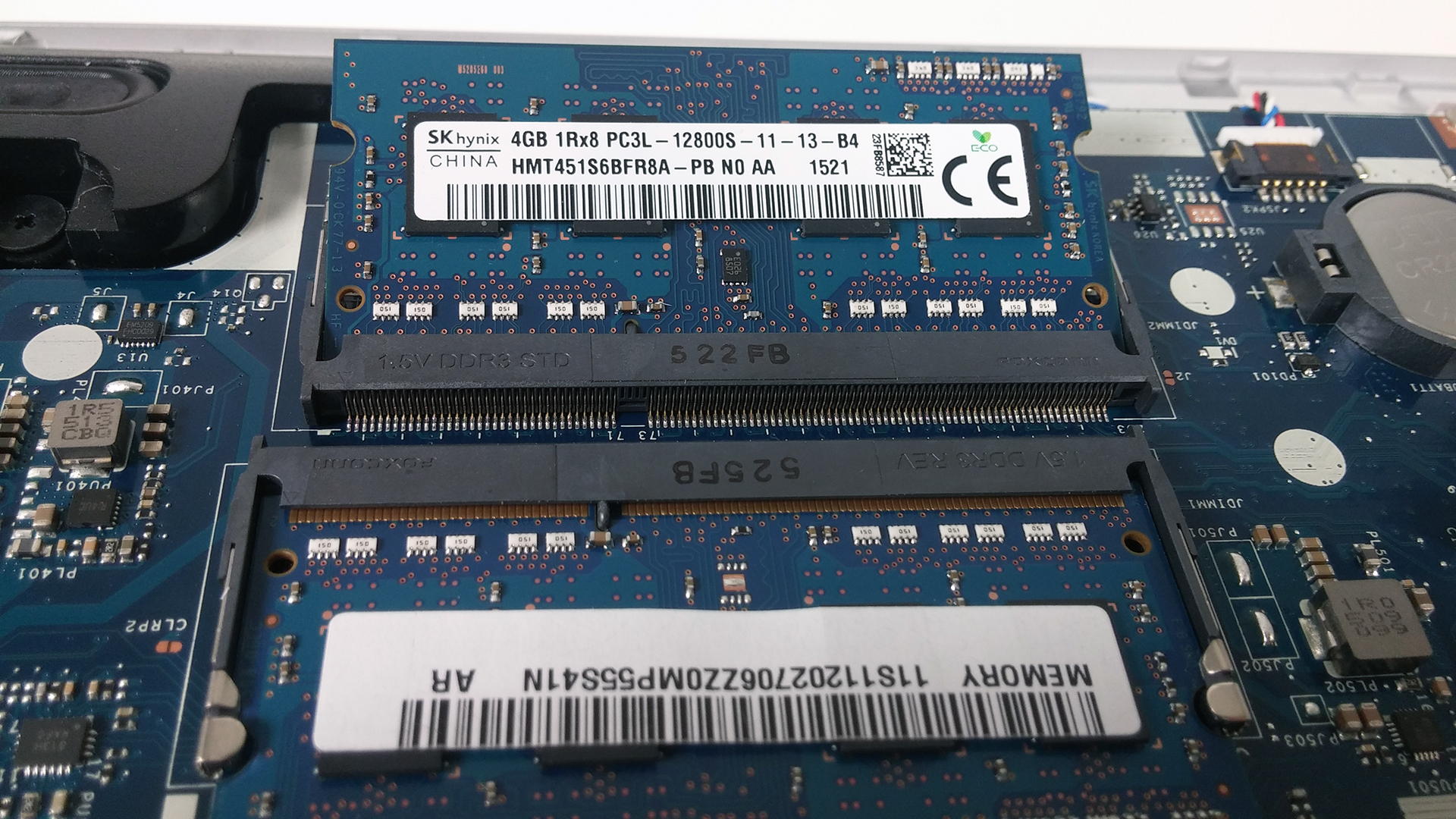
The Z51-70 doesn’t support M.2 SSDs, of course, given the price range, but you can always swap your optical drive for a 2.5-inch HDD or the stock HDD (1TB Western Digital @5400 rpm) with a 2.5-inch SSD. RAM slots are two and are occupied by two SK hynix 4GB chips.
Wait for our full review as we will publish more information about its screen, performance, heat management etc.
You can take a look at the available configurations here: http://amzn.to/1IjY9iM
 Author: LaptopMedia Team

![[2026年8月] Amazon Global:ノートPC売上ランキングトップ10――Appleの「MacBook Neo」がチャートを席巻する一方、低価格帯および中価格帯のWindowsノートPCは販売台数をめぐって熾烈な争いを繰り広げている](https://laptopmedia.com/wp-content/uploads/2026/09/Best-Selling-Laptops-GLOBAL-Top-10-400x225.jpg)
![[2026年8月] Amazonグローバルにおけるノートパソコンのベストセラーブランド――売上高ではAppleが首位、機種の豊富さではHPがトップ](https://laptopmedia.com/wp-content/uploads/2026/09/GLOBAL-Best-Brands-400x225.jpg)
![[2026年8月] Amazon Global:ゲーム用ノートPC売上ランキングトップ10――HP Victus 15が首位を獲得、手頃な価格帯のモデルがランキングを席巻](https://laptopmedia.com/wp-content/uploads/2026/09/Best-Selling-Gaming-Laptops-GLOBAL-Top-10-400x225.jpg)
![[2026年8月] Amazon.co.jpで最も売れているノートパソコンブランド――Appleが販売台数の好調を背景に、市場シェアと売上高で首位を独占](https://laptopmedia.com/wp-content/uploads/2026/09/CO.JP-Best-Brands-1-400x225.jpg)
![[August 2026] Best-Selling Laptop Brands on Amazon USA – Apple Dominates Market Revenue and Volume Despite Lower Model Diversity](https://laptopmedia.com/wp-content/uploads/2026/09/COM-Best-Brands-1-400x225.jpg)

Hello guys,
I appreciate your efforts and thank you for uploading such a good view of the inside look of this laptop which had helped me in making my decision to buy this laptop. The machine works great, has all the power to meet my needs but the only thing which disappointed me was the battery life so I was wondering if there are batteries available for this laptop which have more watthours (Wh) and happen to fit in the case as well. By the way im also planning to upgrade the hardrive to a faster SSD.
Where can i found it and How much?
Can i replace z51 gpu, my laptop crashes when i log in with gpu driver enabled,
I have the same problem.
Did you fix it yet ?