ASUS TUF Gaming A16 FA607 (2024)レビュー – 驚きの低価格ゲーミングノートPC
温度と快適さ、バッテリー駆動時間
CPU最大負荷
このテストでは、CPUコアを100%使用し、その周波数とチップ温度を監視します。最初の列は短い負荷(2~10秒)に対するコンピュータの反応を示し、2番目の列は本格的なタスク(15~30秒)をシミュレートし、3番目の列はビデオレンダリングのような長い負荷に対するノートパソコンの性能を示す良い指標となる。
平均コア周波数(基本周波数+X);CPU温度
| AMD Ryzen 9 7845HX(TDP 55W) | 0:02~0:10秒 | 0:15~0:30秒 | 10:00~15:00分 |
|---|---|---|---|
| ASUS TUF Gaming A16 FA607 (2024) | 4.34 GHz @ 78°C @ 121W | 4.16 GHz @ 76°C @ 102W | 3.96 GHz @ 85°C @ 93W |
| ASUS ROG Strix G17 G713P (2023) | 4.57 GHz @ 80°C @ 128W | 4.52 GHz @ 90°C @ 128W | 4.37 GHz @ 93°C @ 117W |
TUF Gaming A16 FA607(2024)に搭載されているRyzen 9 7845HXは、どのような使用状況でも高クロックを維持できる。確かに、Strix G17 G713Pは、特に長期的にはもう少し良い仕事をしているが、FA607が16インチの小型ラップトップであるのに対し、17.3インチのデバイスだ。
実際のゲーム
| NVIDIA GeForce RTX 4060 | GPU周波数/コア温度(2分後) | GPU周波数/コア温度(30分後) |
|---|---|---|
| ASUS TUF Gaming A16 FA607 (2024) | 2610 MHz @ 76°C @ 111W | 2610 MHz @ 80°C @ 113W |
| HP OMEN Transcend 16 (u1000) | 2625 MHz @ 75°C @ 113W | 2625 MHz @ 76°C @ 114W |
| ASUS Vivobook Pro 15 OLED (N6506) “フルスピードファンモード” | 2540 MHz @ 84°C @ 109W | 2564 MHz @ 82°C @ 108W |
| ASUS Vivobook Pro 15 OLED (N6506) “パフォーマンスファンモード” | 2247 MHz @ 76°C @ 85W | 2306 MHz @ 76°C @ 89W |
| レノボ Legion 5i (16、Gen 9) | 2715 MHz @ 73°C @ 111W | 2715 MHz @ 71°C @ 110W |
| エイサー Nitro 16 (AN16-41) | 2580 MHz @ 68°C @ 102W | 2595 MHz @ 66°C @ 102W |
| Acer Nitro 17 (AN17-51) 「ターボ」プリセット | 2520 MHz @ 78°C @ 112W | 2520 MHz @ 81°C @ 111W |
| Acer Nitro 17 (AN17-51) 「パフォーマンス」プリセット | 2490 MHz @ 73°C @ 108W | 2490 MHz @ 73°C @ 108W |
| ASUS TUF Gaming A15 (FA507、2023) | 2520 MHz @ 78°C @ 112W | 2520 MHz @ 81°C @ 111W |
| レノボ ThinkBook 16p Gen 4 | 2475 MHz @ 76°C @ 107W | 2475MHz @ 77°C @ 108W |
| HP Victus 16 (16-r0000) | 2520MHz @ 77°C @ 107W | 2520 MHz @ 76°C @ 107W |
モバイルGeForce RTX 4060は、30分間ゲームをした後でも2610 MHz + 113Wを維持できるため、GPU性能は良好だ。
全負荷時の快適さ
同じメーカーの他の多くのラップトップと同じように、3つの電源プリセットとマニュアルモードが用意されている。ターボ」モードではファンの音が大きいが、「パフォーマンス」プリセットを適用すると、CPU/GPU最大負荷時のノイズは許容範囲に収まる。外見上、キーボードは真ん中が少し暖かく感じるが、仕事には十分快適だ。
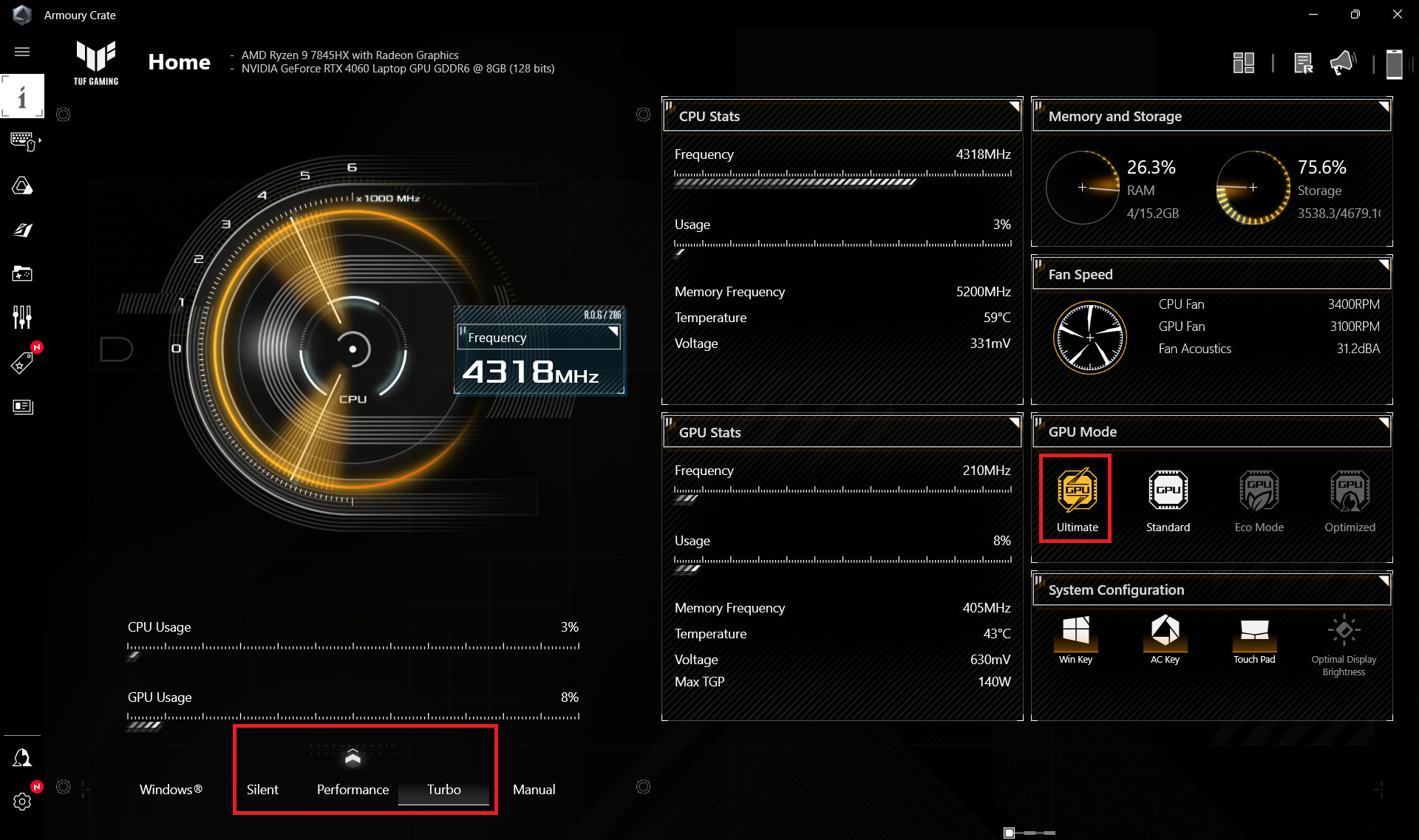

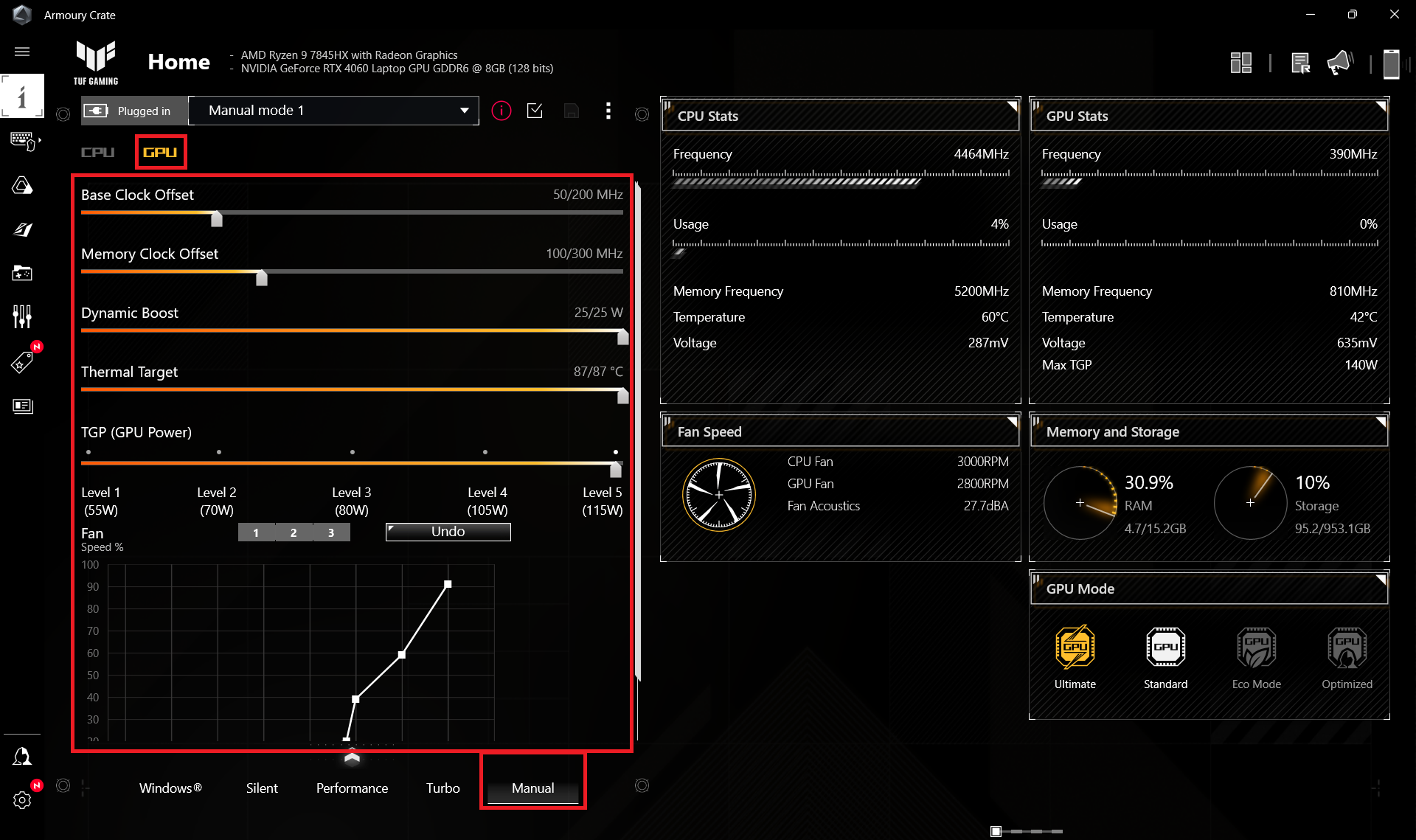
プロセッサーが力仕事をしているとき、ファンの回転速度は「ターボ」モードで~6000RPMとなり、うるさい。パフォーマンス」では、回転数は3000RPMを少し上回り、興味深いことに「サイレント」でも同じ回転数を期待できる。
 最大CPU負荷 “Turbo”
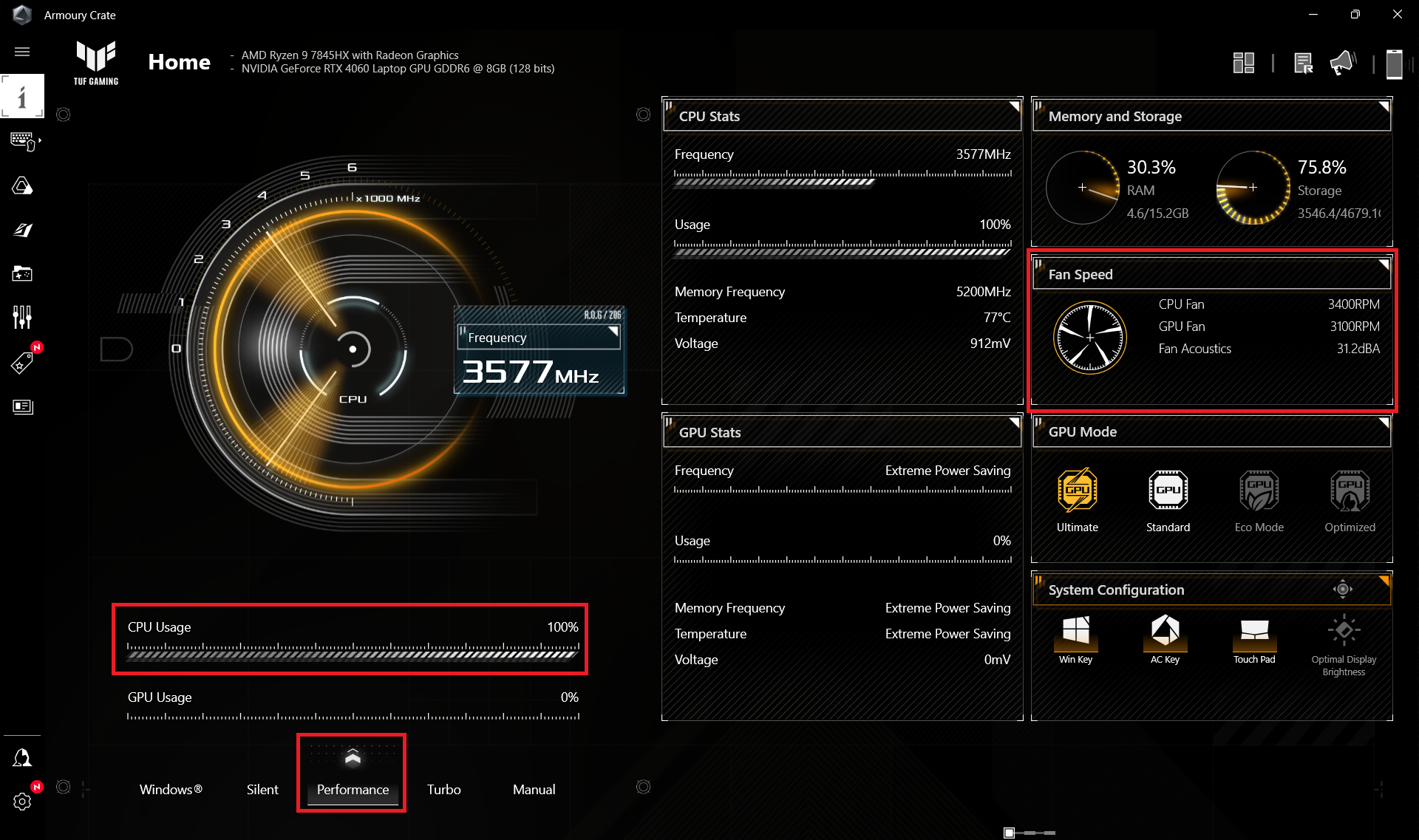 最大CPU負荷 “Performance”
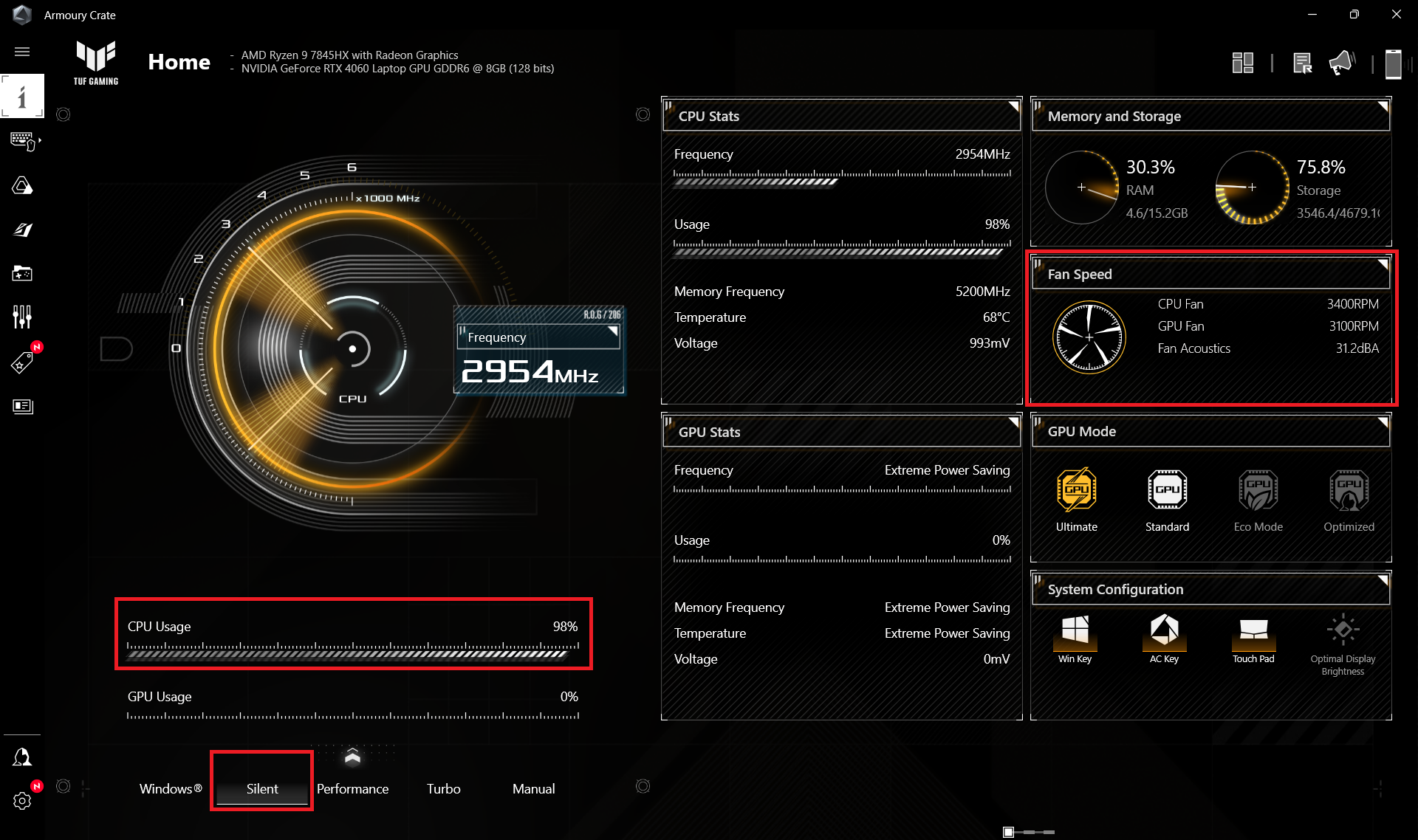 最大CPU負荷 “Silent”
Turbo」モードでのゲーム中、GPU TGPが~110Wである間、ファンはさらにアグレッシブに回転します(6600RPM)。Performance」プリセットを適用すると、コアクロック2175MHz、ファン回転数3900~4300rpmで、グラフィックスカードの電力制限は~80Wに達する。これは、重いゲームで許容できるパフォーマンスと、システムノイズを大幅に低減するのに十分です。Silent」モードでは、TGPが約53Wになります。
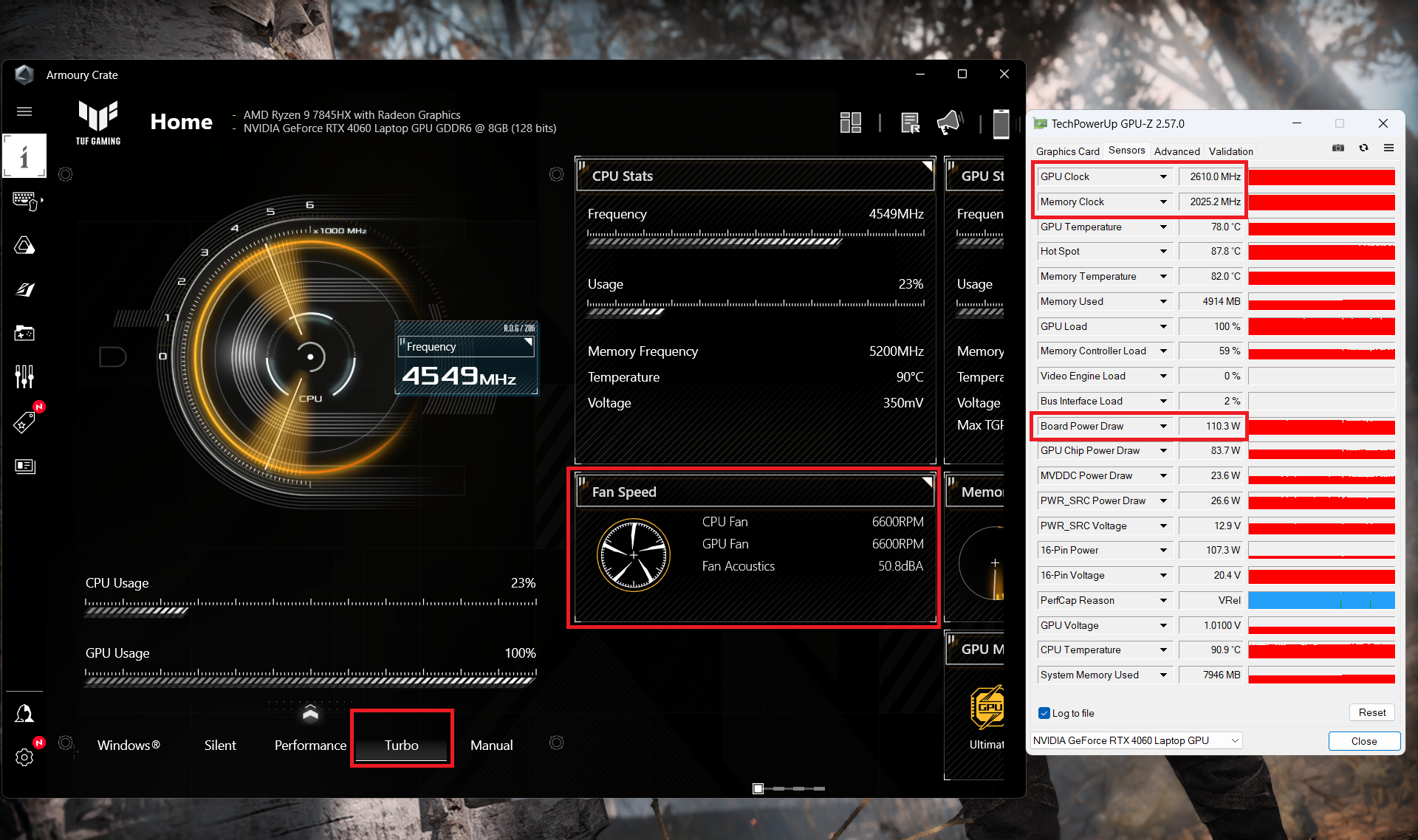 ゲーミング “ターボ”
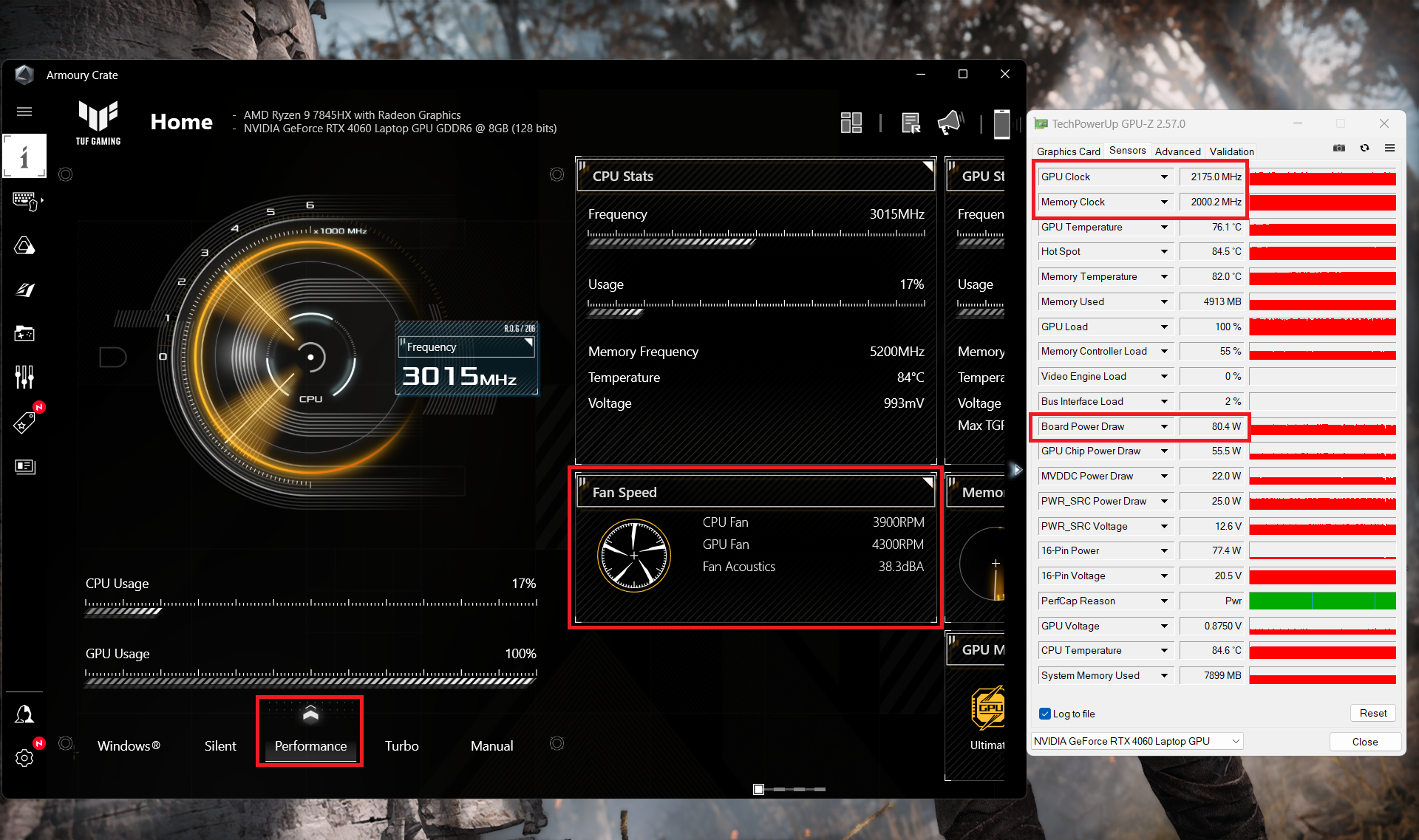 ゲーミング
ゲーミング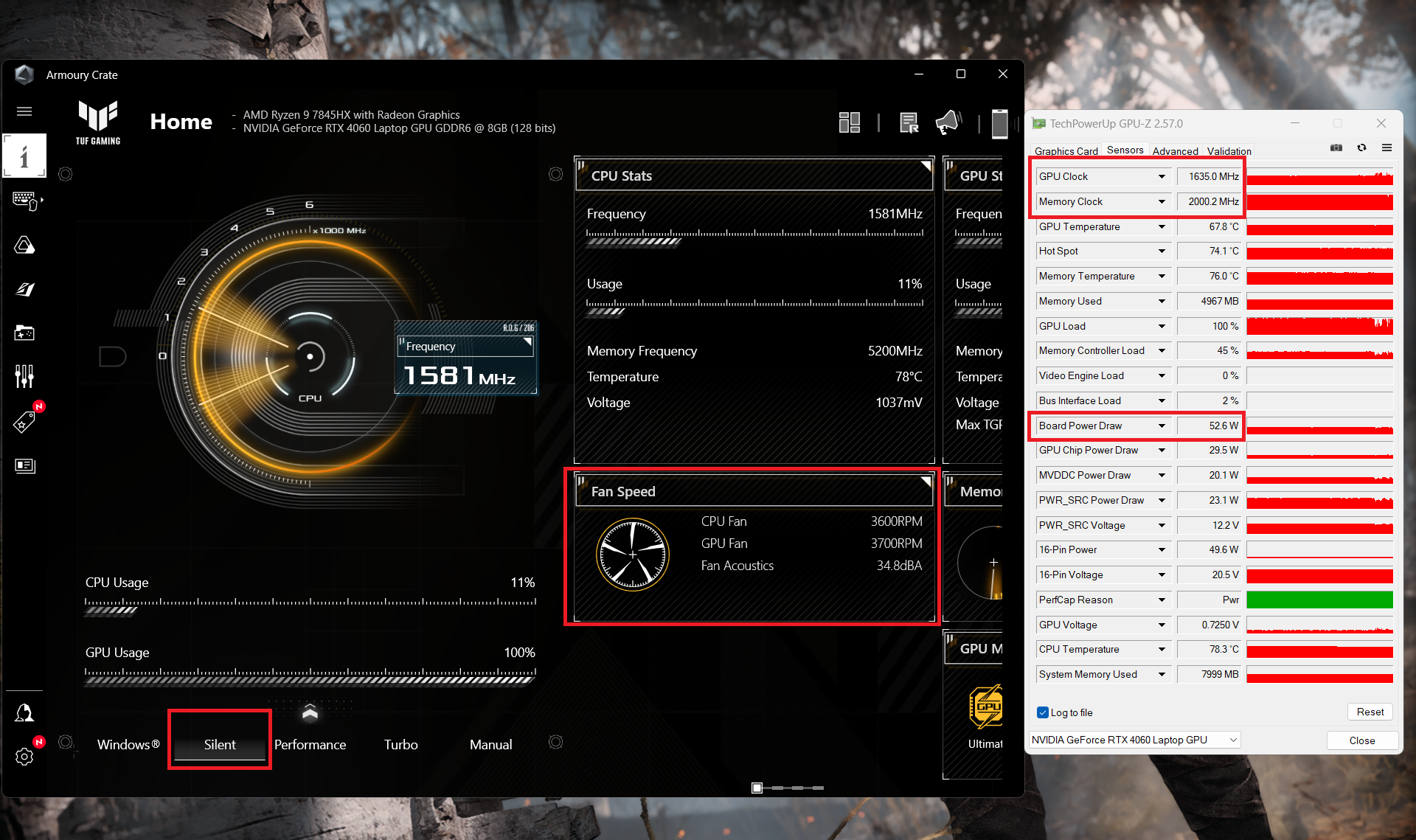 ゲーミング
ゲーミングバッテリー
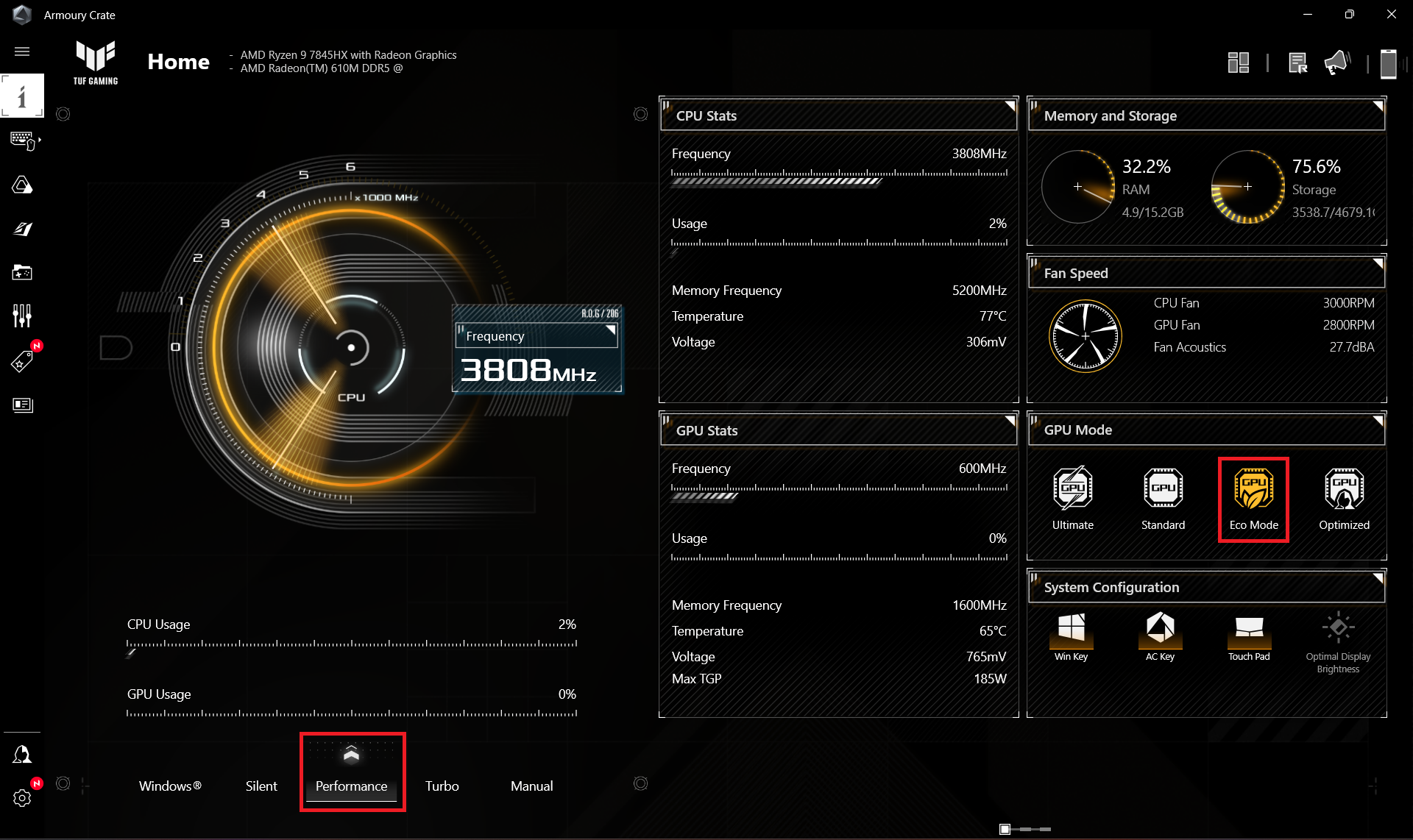
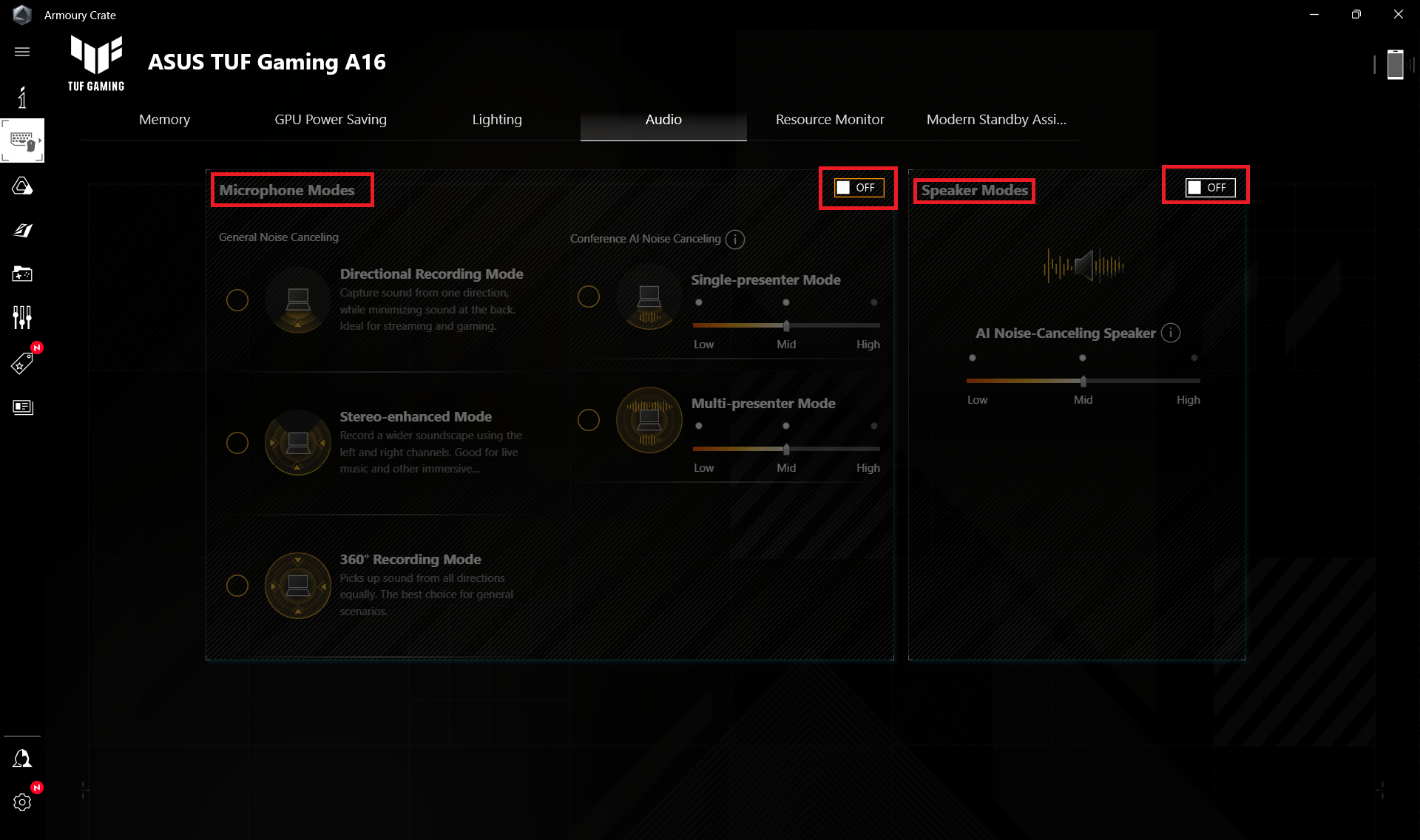
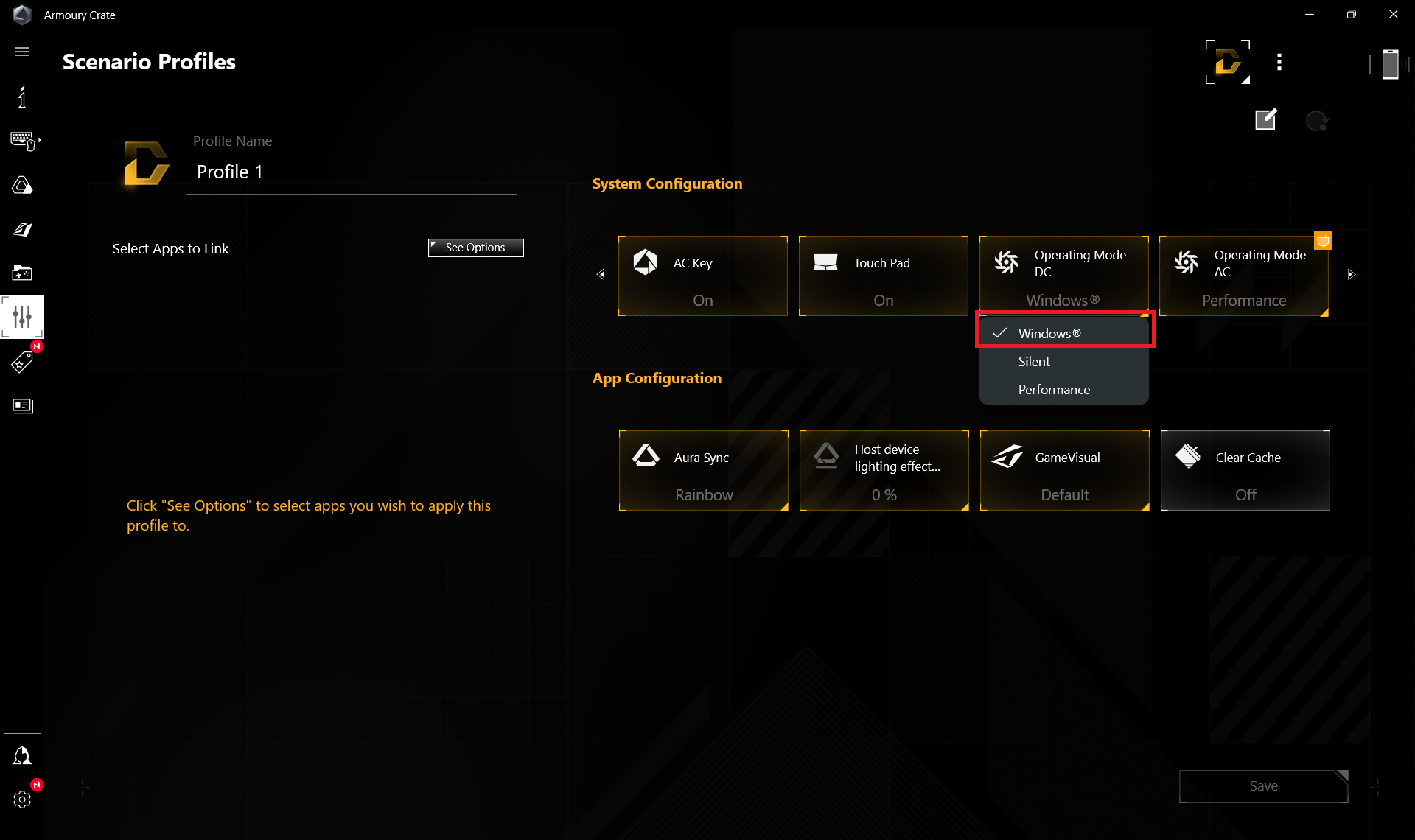
では、WindowsBetterパフォーマンス設定をオンにし、画面の明るさを120ニットに調整し、ノートブックをテストするプログラム以外はすべてオフにした状態でバッテリーテストを実施する。このノートブックの90Whバッテリーは、ウェブ閲覧で7時間42分、ビデオ再生で4時間33分持続する。これを実現するには、Armoury Crateアプリで「パフォーマンス」モードを選択する。そこで「Eco」モードを適用してiGPUを使用する。さらに、DCファンの動作モードを「Windows」プリセットに設定する。また、スピーカーとマイクの「AIノイズキャンセリング」をオフにすることもできます。
Windowsの “Power & Battery “メニューで “Balanced “プリセットを適用する必要があります。

輝度: 180 nits; 表示モード: SDR
完全放電までの時間: 長いほど良い


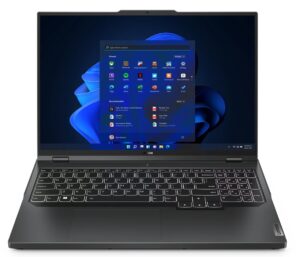
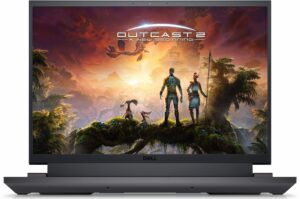
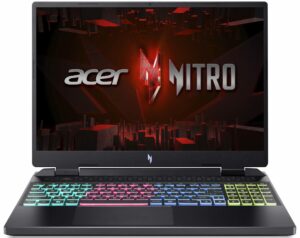
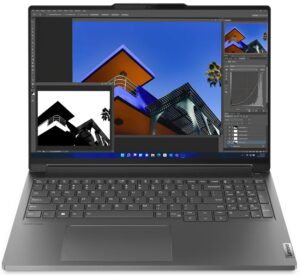
実生活の状況をシミュレートするため、70以上のウェブサイトを自動で閲覧する独自のスクリプトを使用しました。
 Author: Nikolay Palaozov
 Author: eng. Kroum NikolovHead of Engineering at LaptopMedia.com, inventor and innovator with 40+ years of experience in electronics and high technology.

![[2026年8月] Amazon Global:ノートPC売上ランキングトップ10――Appleの「MacBook Neo」がチャートを席巻する一方、低価格帯および中価格帯のWindowsノートPCは販売台数をめぐって熾烈な争いを繰り広げている](https://laptopmedia.com/wp-content/uploads/2026/09/Best-Selling-Laptops-GLOBAL-Top-10-400x225.jpg)
![[2026年8月] Amazonグローバルにおけるノートパソコンのベストセラーブランド――売上高ではAppleが首位、機種の豊富さではHPがトップ](https://laptopmedia.com/wp-content/uploads/2026/09/GLOBAL-Best-Brands-400x225.jpg)
![[2026年8月] Amazon Global:ゲーム用ノートPC売上ランキングトップ10――HP Victus 15が首位を獲得、手頃な価格帯のモデルがランキングを席巻](https://laptopmedia.com/wp-content/uploads/2026/09/Best-Selling-Gaming-Laptops-GLOBAL-Top-10-400x225.jpg)
![[2026年8月] Amazon.co.jpで最も売れているノートパソコンブランド――Appleが販売台数の好調を背景に、市場シェアと売上高で首位を独占](https://laptopmedia.com/wp-content/uploads/2026/09/CO.JP-Best-Brands-1-400x225.jpg)
![[August 2026] Best-Selling Laptop Brands on Amazon USA – Apple Dominates Market Revenue and Volume Despite Lower Model Diversity](https://laptopmedia.com/wp-content/uploads/2026/09/COM-Best-Brands-1-400x225.jpg)

Can you tell me abit more regarding the Hinges’ durability? Do you think that ASUS TUF’s “military grade” laptop hinges are better than other budget laptop such as Acer Nitro, HP Victus, and MSI GF63? I’m really curious about how they compare. Thank you very much in advance!
To receive the MIL-STD 810H certifications, ASUS laptops undergo 12 test methods and 26 procedures, but none of them relate to hinges, here’s the testing report:
https://www.asus.com/event/2023/productguide/asus_consumer_laptops_military_grade_testing_report_202303.pdf
The laptops we review are brand new from an online store. Although we haven’t encountered problems with their hinges, we can’t guarantee long-term reliability.
Overall, we’re satisfied with the build quality of ASUS laptops; it’s clear they’ve put considerable thought into it.
Can i know which model info of this TUF A16 that use 7945hx?
because when i referred to this link https://www.asus.com/laptops/for-gaming/tuf-gaming/asus-tuf-gaming-a16-2024/techspec/ it says that there only available with 7845hx and 7940hx?
You are correct, it’s a mistake on our end, and we’ve fixed it, sorry about that, it is a 7845HX indeed.
Oh no! The non-gaming battery life is 50% shorter than the 2023 model 🙁
Can I add a second SSD with a thermal protector? Or is the thermal protector incompatible
the screen is at 144 FPS, not 165, as indicated on the official website