HP ZBook Fury 16 G10 レビュー – 戦車のように頑丈で静音性に優れたパワフルなワークステーション
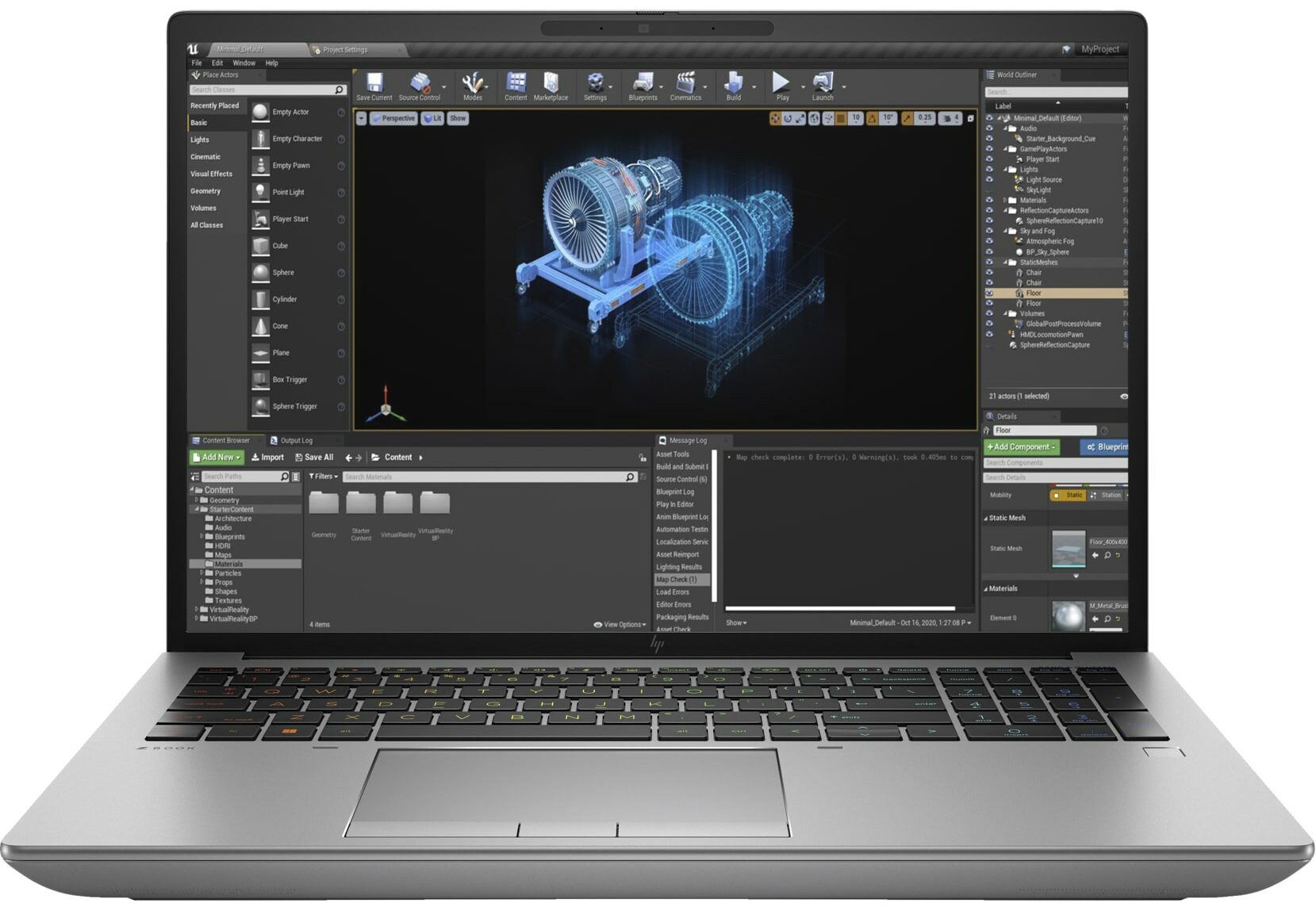
 4K / 8Kビデオ編集や3Dレンダリングのような長時間の高負荷作業用に高性能なモバイルワークステーションが必要な場合、これらのデバイスはゲーミングノートPCほど一般的ではないため、選択肢はやや限られる。それでも、HP ZBook Fury 16 G10は間違いなくヘビーデューティーな用途向けのマシンのカテゴリーに入る。もちろん、デスクトップ並みのパフォーマンスを提供するのが主な目的なので、薄くて軽いノートパソコンではない。ほとんどの場合、このようなノートPCは机の上に置かれ、充電器は常に接続されているため、どんな負荷がかかっても最大限のパワーを発揮する。
このガジェットにはハイエンドのハードウェアが搭載されている。これには、インテル第13世代Raptor Lake HX CPUとNVIDIA RTX Ada世代ラップトップGPUが含まれる。トップはRTX 5000 Ada Generationで、モバイルGeForce RTX 4090と同様にAD103チップをベースにしている。最も強力なCPUオプションは、24コアのCore i9-13950HXだ。
奇妙なことに、HPはベースとなるディスプレイオプションは1080pの15.6インチIPSユニットだとしている。他のパネルは16インチモデルだ。いわゆるDreamColor Displayは、解像度3840×2400、リフレッシュレート120Hzを誇る。同じ解像度のOLEDタッチスクリーンもある。私たちは、より控えめな1200p 60Hzのディスプレイを搭載したノートパソコンを購入した。セキュリティを重視するなら、メーカーはSureView対応スクリーンを提供している。
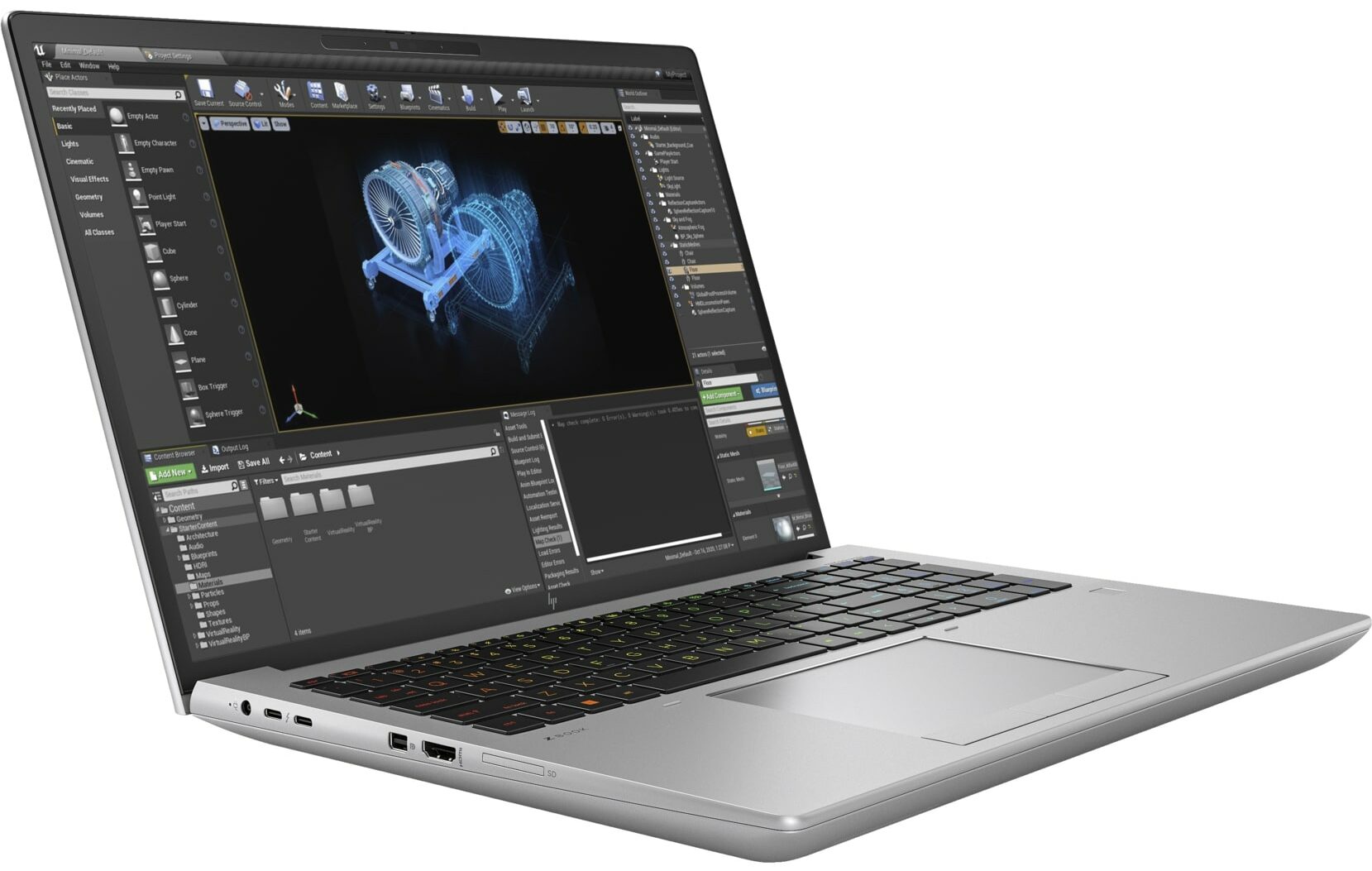
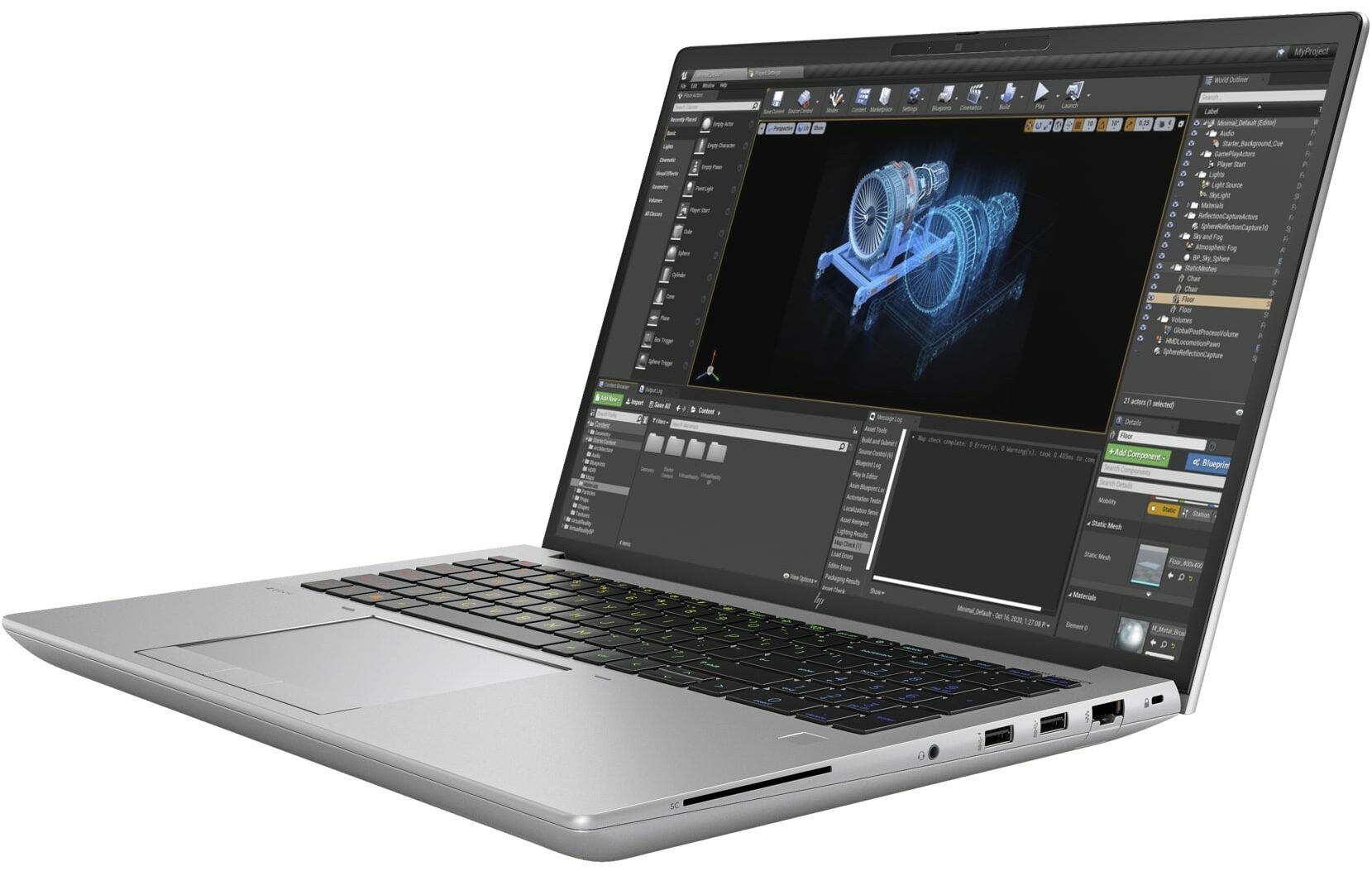
このような高価なパワーハウスが、優れたI/O、IRカメラ、指紋リーダー、バックライト付きキーボード、タンパーロック、自己修復BIOS、dTPM 2.0チップ、LTE / 5Gモジュール、NFCなどの機能(一部はオプション)を満載していることは驚きではない。
価格と構成はスペック・システムでご確認いただけます: https://laptopmedia.com/series/hp-zbook-fury-16-g10/
Contents
スペック, ドライバー, 箱の中身
HP ZBook Fury 16 G10 - スペック
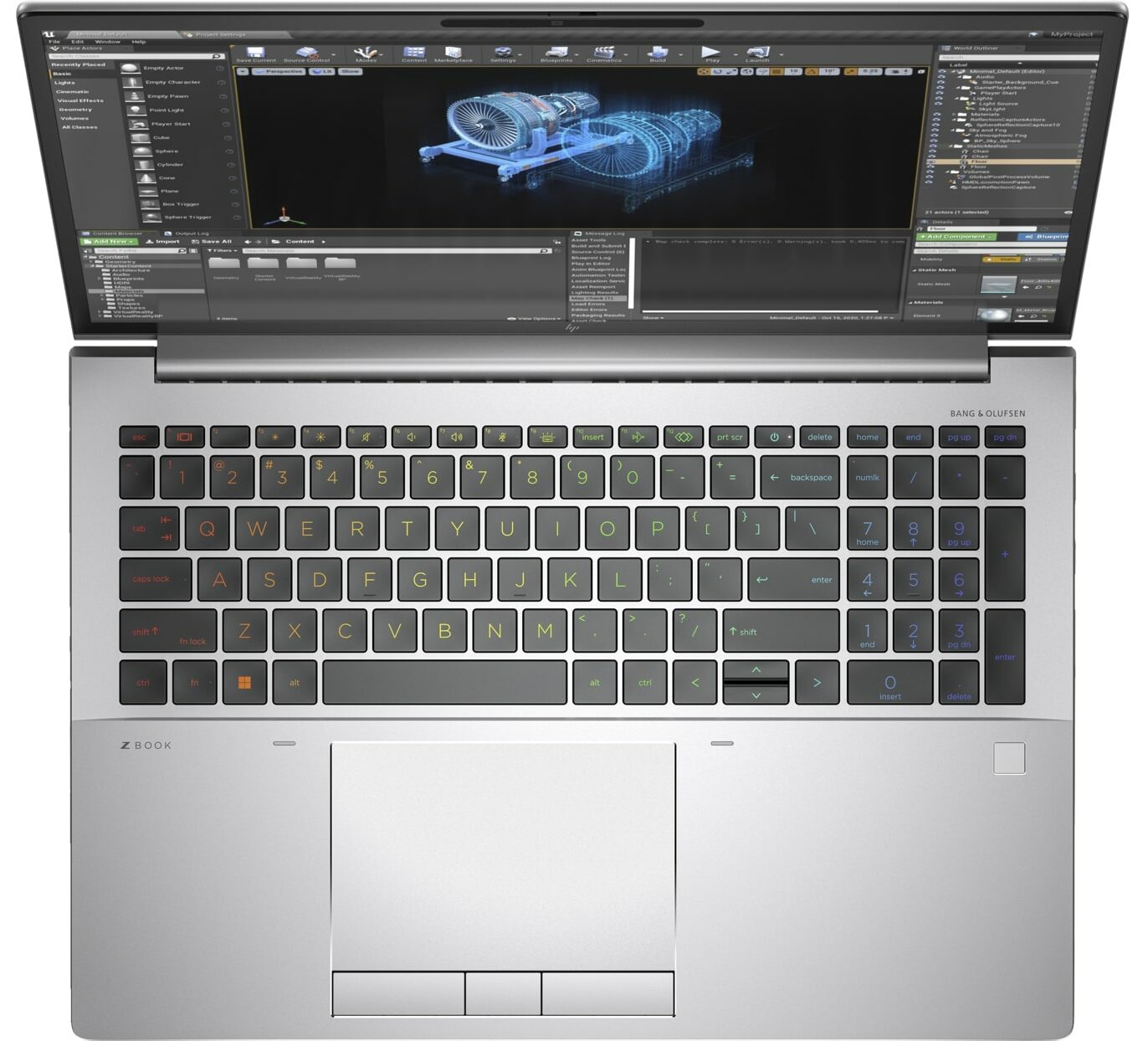
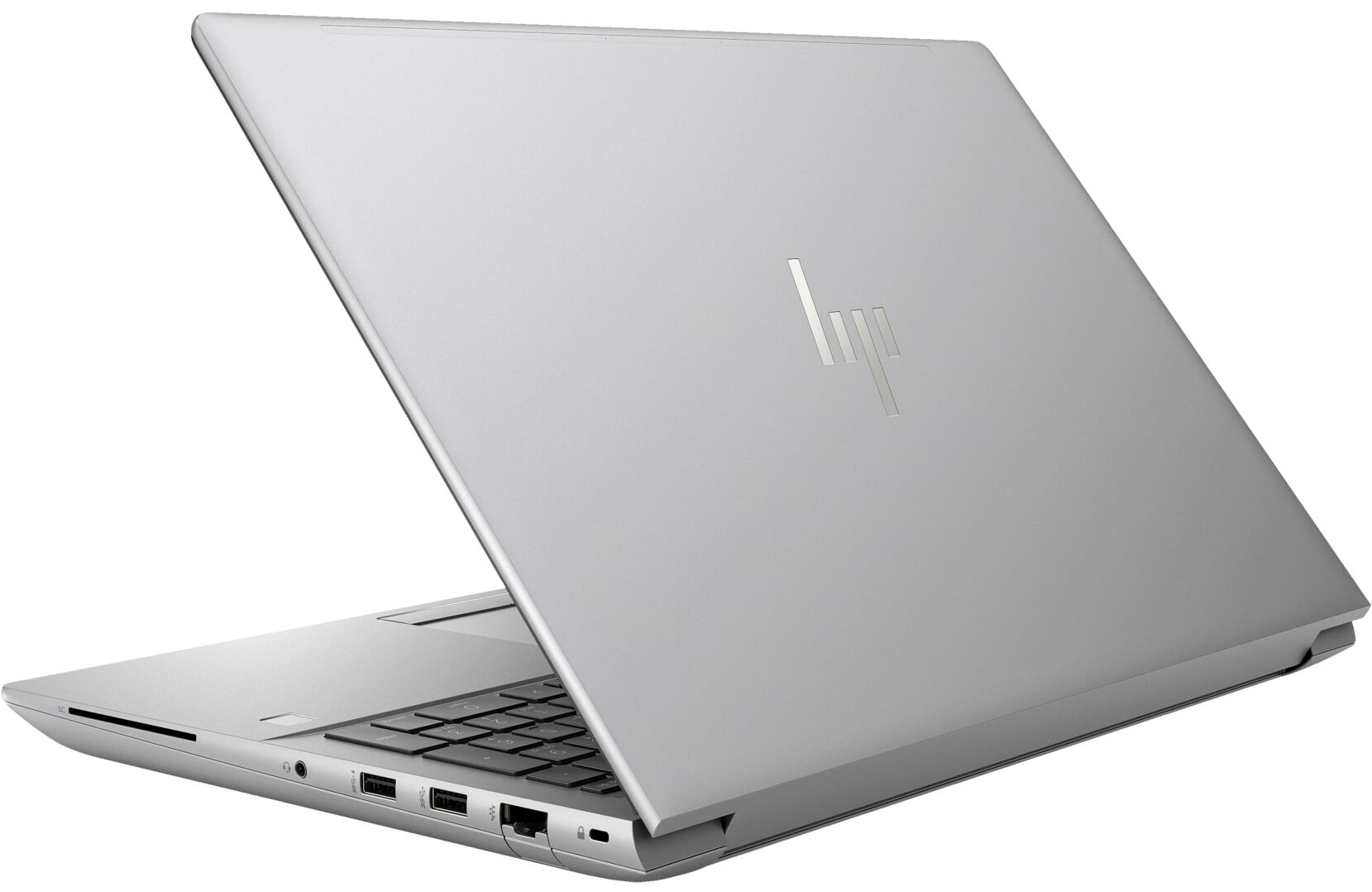
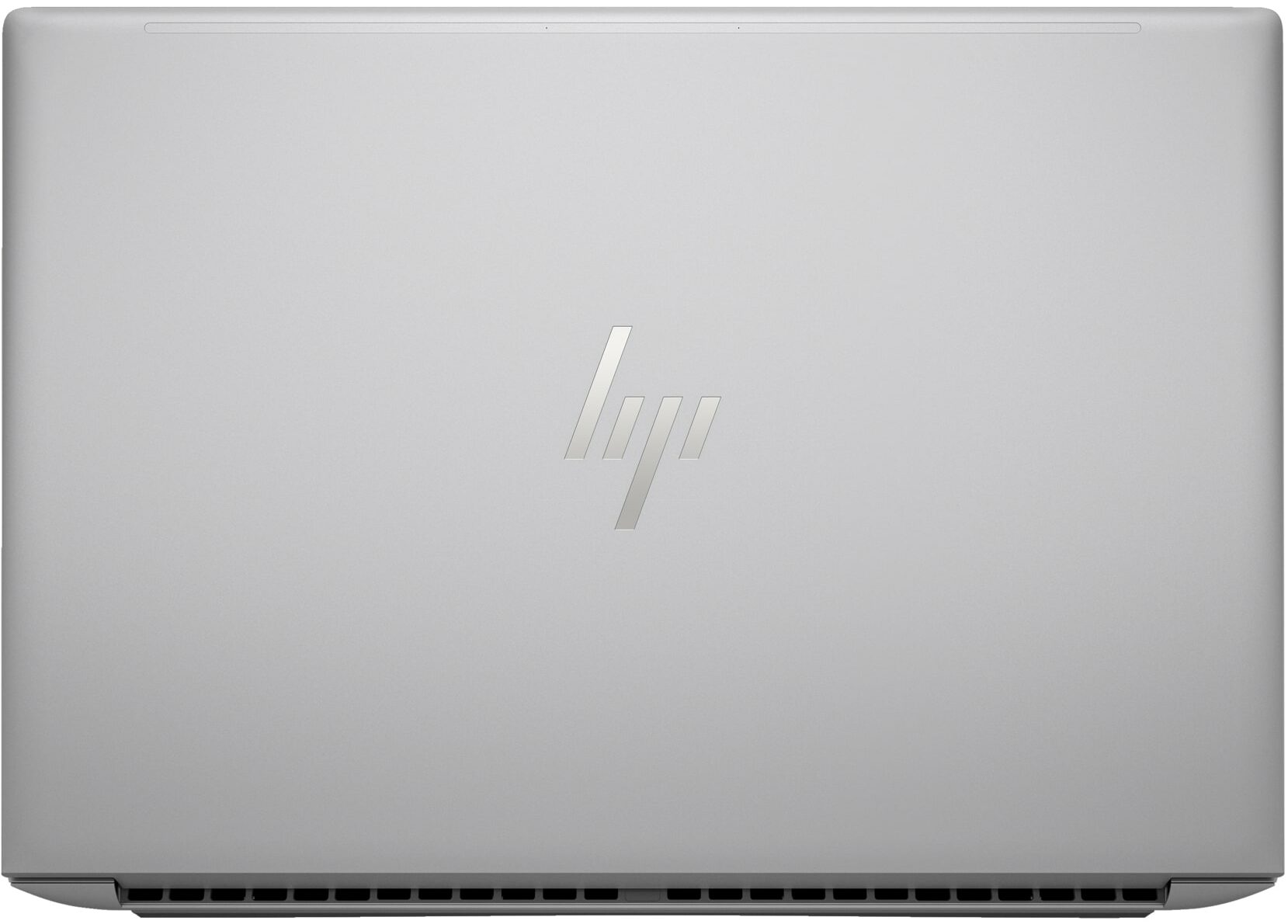
- GPU
- NVIDIA RTX 2000 Ada Generation (65W) #85 トップGPU内 Intel UHD Graphics 770 #312 トップGPU内NVIDIA RTX A2000 (Laptop) NVIDIA RTX A1000 (Laptop) NVIDIA RTX 5000 Ada Generation (Laptop) NVIDIA RTX 4000 Ada Generation (Laptop) NVIDIA RTX 3500 Ada Generation (Laptop) NVIDIA RTX 3000 Ada Generation (Laptop) NVIDIA RTX 2000 Ada Generation (Laptop) NVIDIA GeForce RTX 4090 (Laptop)

- HDD/SSD
- 最大 2000GB SSD + 最大 1000GB HDD
- M.2スロット
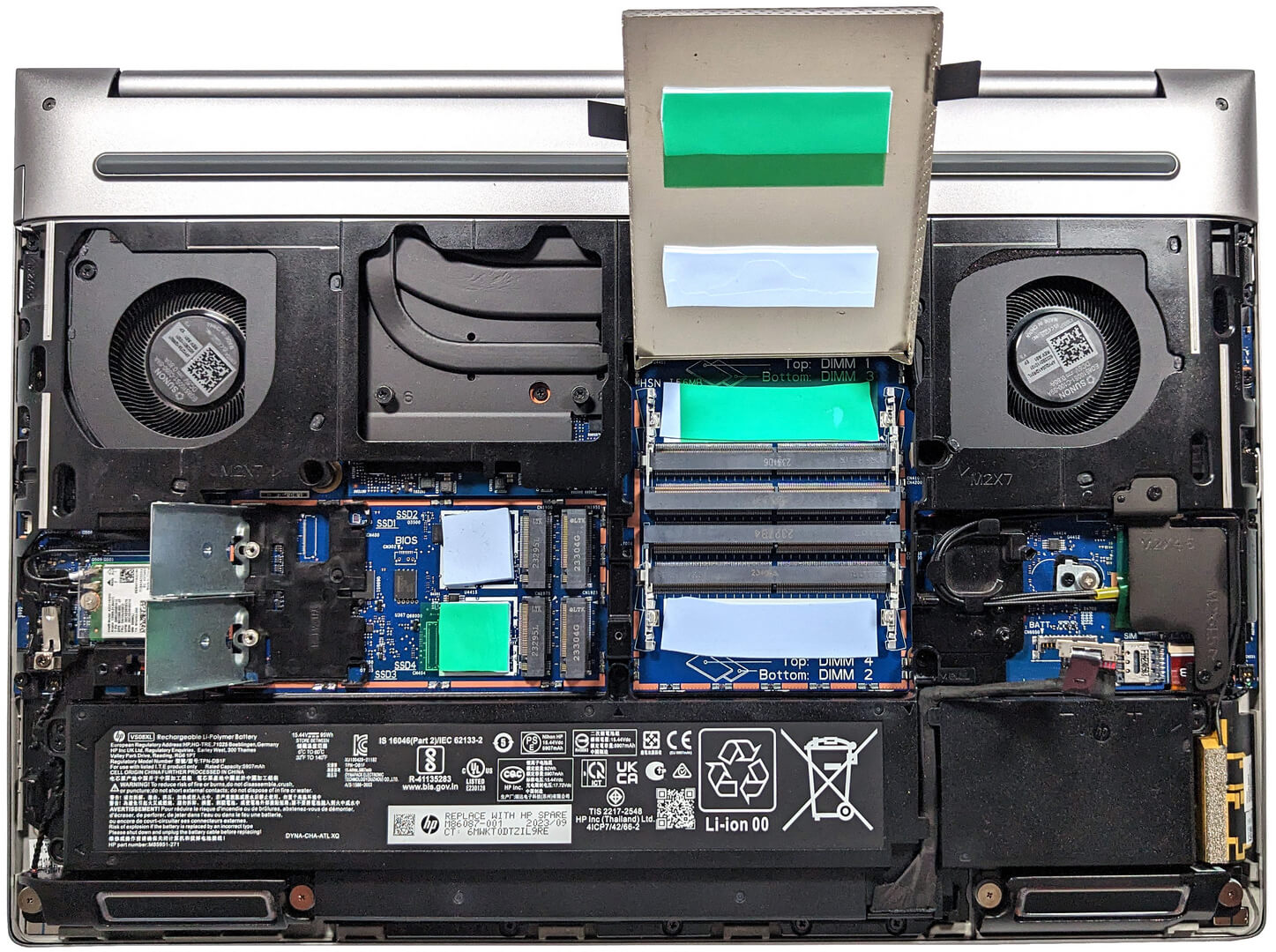
- 4x 2280 M.2 NVMe PCIe 4.0 x4 写真を見る
- RAM
- up to 128GB
- OS
- Windows 11 Pro, Windows 11 Home, DOS
- バッテリー
- 95Wh, 95Wh, 8-cell
- 本体素材
- Aluminum
- 寸法
- 362.96 x 250.69 x 27.7 - 28.60 mm (14.29" x 9.87" x 1.09")
- 重量
- 2.35 kg (5.2 lbs)
- ポートと接続性
- 1x USB Type-A
- 3.2 Gen 1 (5 Gbps)
- 1x USB Type-A
- 3.2 Gen 1 (5 Gbps), Sleep and Charge
- 2x USB Type-C
- 4.0, Thunderbolt 4, Power Delivery (PD), DisplayPort, Sleep and Charge
- HDMI
- 2.1
- ディスプレイポート ミニ
- カードリーダー
- SD (SD, SDHC, SDXC)
- Ethernet LAN
- 10, 100, 1000 Mbit/s
- Wi-Fi
- 802.11ax
- Bluetooth
- 5.2
- オーディオジャック
- 3.5mm Combo Jack
- 特徴
- 指紋リーダー
- optional
- Webカメラ
- 5MP IR auto tracking camera
- バックライトキーボード
- optional
- マイク
- HP World Facing dual array digital microphones
- スピーカー
- 2x Stereo Speakers with discrete amps, Audio by Bang & Olufsen
- 光学ドライブ
- optional
- セキュリティロックスロット
- Nano Security Lock
すべて HP ZBook Fury 16 G10 構成
ドライバ
このノートブックのすべてのドライバとユーティリティはこちらでご覧いただけます: https://support.hp.com/us-en/drivers/hp-zbook-fury-16-g10-mobile-workstation-pc/2101628542
箱の中身
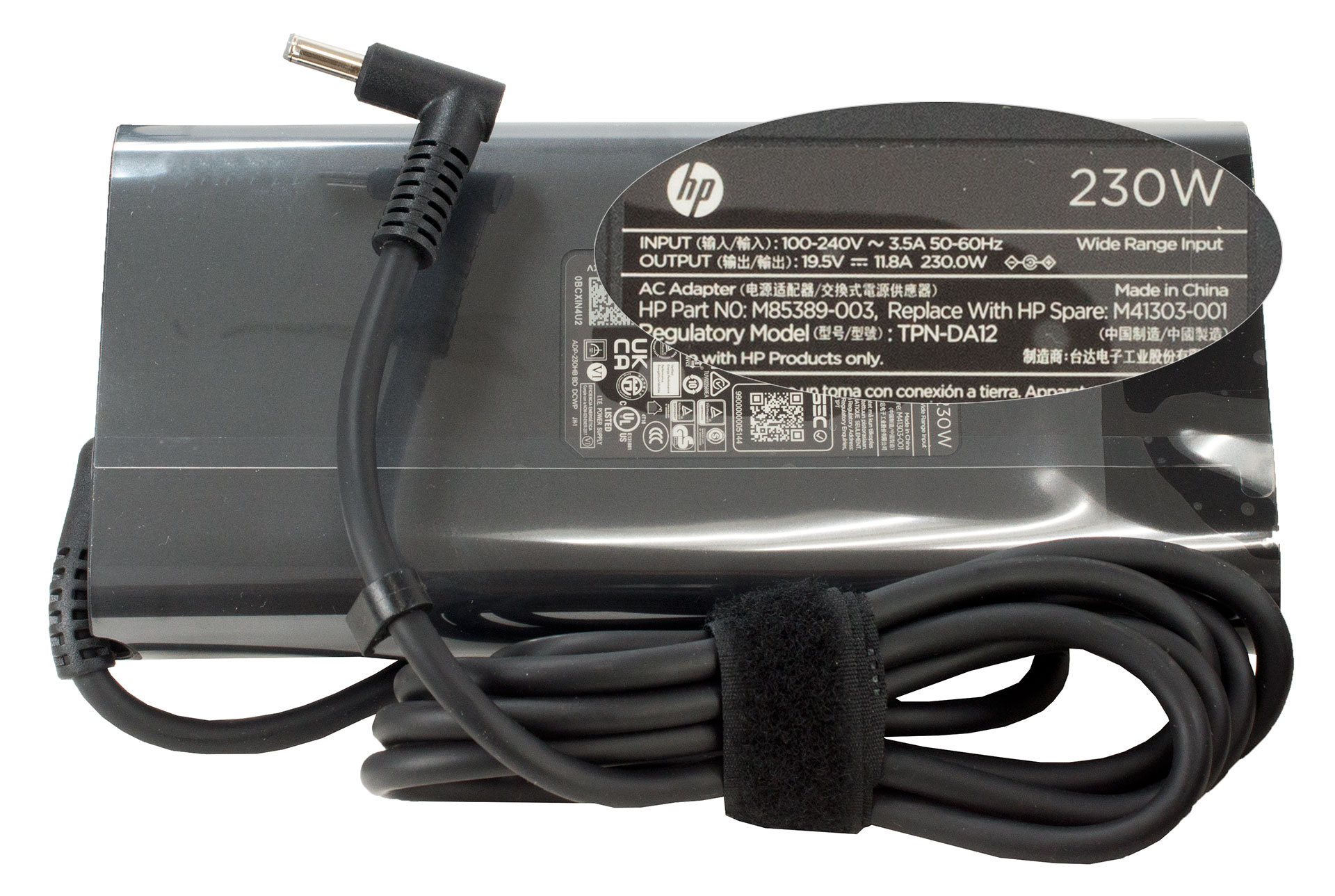
箱の中には、いくつかのマニュアルとノートパソコン本体が入っていました。デバイスの電源に応じて、樽型プラグアダプターは150W、200W、230Wのモデルがあります。
 Author: Nikolay Palaozov
 Author: eng. Kroum NikolovHead of Engineering at LaptopMedia.com, inventor and innovator with 40+ years of experience in electronics and high technology.

![[2026年8月] AmazonにおけるノートPC用GPUの世界販売ランキング ― Appleが首位を独走、NVIDIAのRTX 5060が専用GPU部門で首位を獲得](https://laptopmedia.com/wp-content/uploads/2026/09/Best-Selling-GPUs-GLOBAL-Top-10-400x225.jpg)
![[2026年8月] AmazonにおけるノートPC用CPUの世界売上ランキング ― アップルが低価格帯とハイエンドの両分野を席巻:2026年8月、A18 ProとM5がインテルとAMDを圧倒](https://laptopmedia.com/wp-content/uploads/2026/09/Best-Selling-CPUs-GLOBAL-Top-10-400x225.jpg)
![[2026年8月] Amazon Global:ノートPC売上ランキングトップ10――Appleの「MacBook Neo」がチャートを席巻する一方、低価格帯および中価格帯のWindowsノートPCは販売台数をめぐって熾烈な争いを繰り広げている](https://laptopmedia.com/wp-content/uploads/2026/09/Best-Selling-Laptops-GLOBAL-Top-10-400x225.jpg)
![[2026年8月] Amazonグローバルにおけるノートパソコンのベストセラーブランド――売上高ではAppleが首位、機種の豊富さではHPがトップ](https://laptopmedia.com/wp-content/uploads/2026/09/GLOBAL-Best-Brands-400x225.jpg)
![[2026年8月] Amazon Global:ゲーム用ノートPC売上ランキングトップ10――HP Victus 15が首位を獲得、手頃な価格帯のモデルがランキングを席巻](https://laptopmedia.com/wp-content/uploads/2026/09/Best-Selling-Gaming-Laptops-GLOBAL-Top-10-400x225.jpg)

Thanks for the comprehensive review, it’s one of the few quality reviews out there. I’m glad HP kept the physical touchpad buttons. I suppose the laptop designers have no idea how IMPORTANT these physical buttons can be to the design & engineering industries (e.g. architectural and urban design, and perhaps the entire creative industry). We need the middle button to quickly pan/rotate views in 3D modelling / simulation software, and the physical left/right keys for fast, precise clicking without any sluggishness / accidental clicking and dragging. Not everyone wants to carry around a mouse and separate keyboard. After all, this is… 続きを読む »
I don´t think people are doing 3d modeling at a café or in a plane, and need full control of the camera all the time. They have a standard usb mouse or a 3d connexion if they need that feature. I get it, I’use middle mouse drag and even more complex gestures in SideFX Houdini, but when you’re on your laptop on the go, you do with what you have.