ASUS FX553
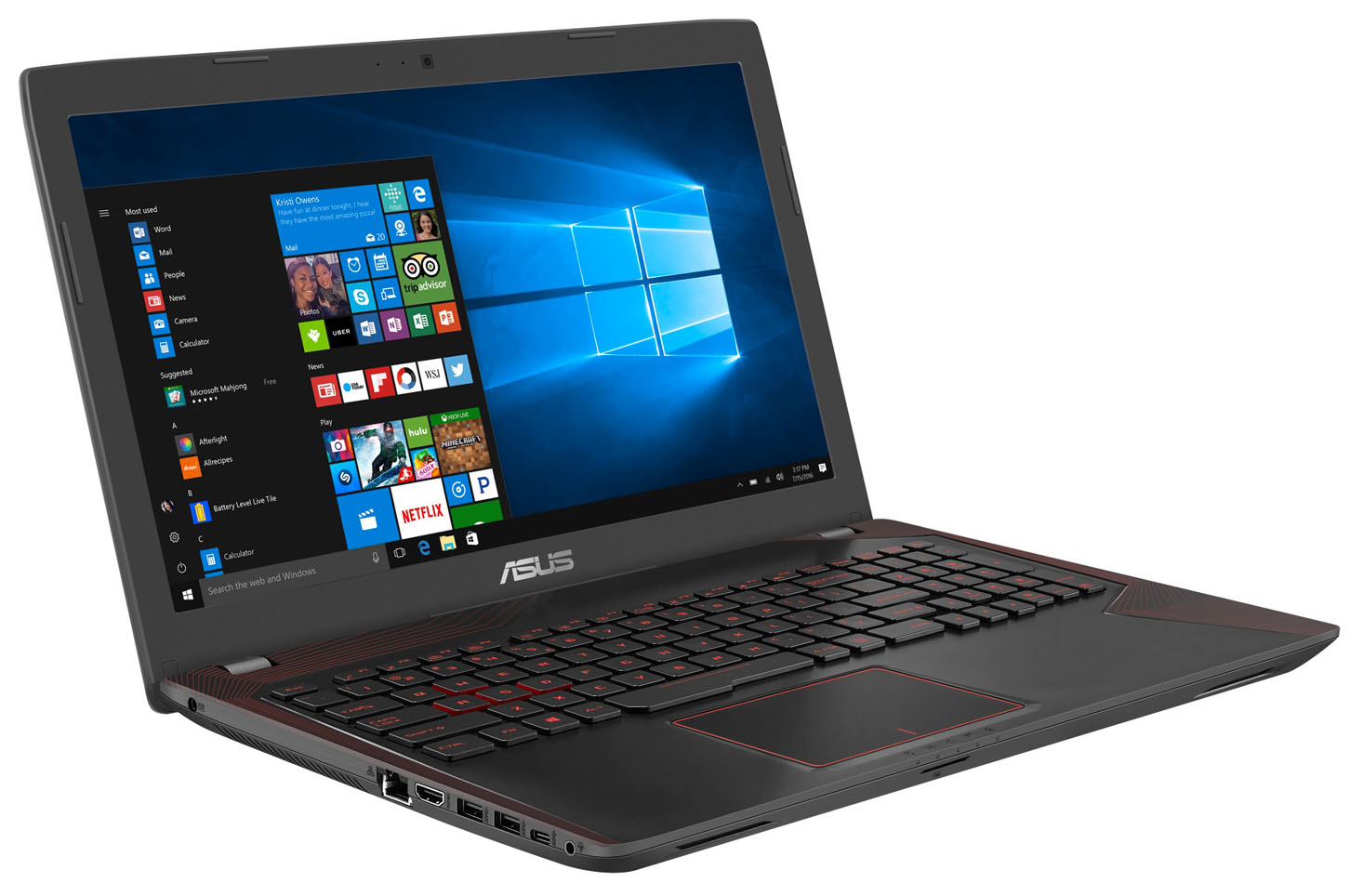
ASUS FX553 - スペック



- HDD/SSD
- 最大 256GB SSD + 最大 1000GB HDD
- M.2スロット
- 1x 2280 PCIe NVMe (M key)
- RAM
- up to 16GB
- OS
- Windows 10 Home, Windows 10 Pro
- バッテリー
- 48Wh, 4-cell
- 本体素材
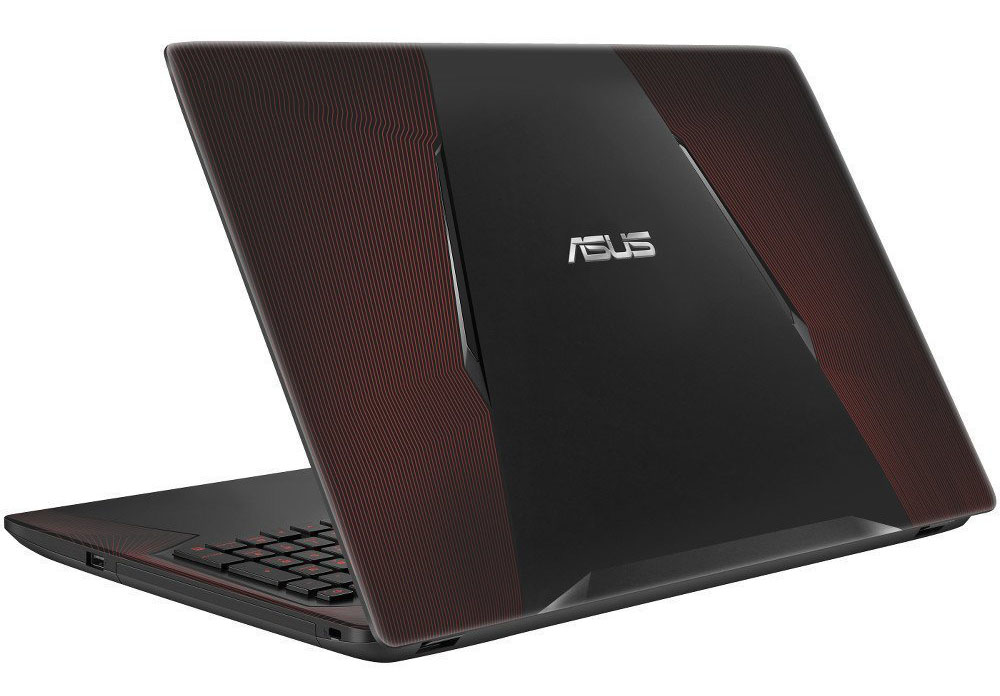
- Aluminum
- 寸法
- 383 x 255 x 30 mm (15.08" x 10.04" x 1.18")
- 重量
- 2.50 kg (5.5 lbs)
- ポートと接続性
- 1x USB Type-A
- 2.0
- 2x USB Type-A
- 3.2 Gen 1 (5 Gbps)
- 1x USB Type-C
- 3.2 Gen 1 (5 Gbps)
- HDMI
- 1
- カードリーダー
- SD, MMC, MS
- Ethernet LAN
- 10, 100, 1000 Mbit/s
- Wi-Fi
- 802.11a/b/g/n
- Bluetooth
- 4.0
- オーディオジャック
- combo audio/microphone jack
- 特徴
- 指紋リーダー
- Webカメラ
- HD webcam
- バックライトキーボード
- optional
- マイク
- Array microphone
- スピーカー
- 光学ドライブ
- セキュリティロックスロット
すべて ASUS FX553 構成

...用のプロファイルを購入 BOE NT156FHM-N41 / 15.6”, Full HD (1920 x 1080), TN
効率的で健康に優しいプロファイルを受け取ることに加え、LaptopMediaの製品を購入することで、可能な限り客観的なレビューを作成するためにデバイスをテストする私たちのラボの開発を支援することにもなります。

Office Work / Web Design
If your field is office work or web design, or you just want your monitor's color set to be as accurate as possible for the Internet color space, this profile will prove to be useful.

Gaming and Movie Nights
We developed this profile especially for games and movies. It makes fine nuances in dark scenes easier to discern during long sessions in front of the display.

Health-Guard
This profile reduces the negative impact of Pulse-Width Modulation (PWM) and the Blue Light spectrum, while keeping colors perceptually accurate for this panel.
3つのプロファイルをすべて33%割引で入手

ASUS FX553 詳細なレビュー
A few weeks ago we did a review of the ASUS ROG Strix GL553VE gaming laptop with the GTX 1050 Ti on board. But aside from the pricier GTX 1050 Ti configuration, ASUS is offering a more budget-friendly variant with GTX 1050 and we really hope it's just about the same notebook with just a different GPU on board. That's because we liked the GL553VE with the small exception of the price.What you may have already noticed from the headline, the model we are reviewing isn't named ASUS ROG Strix GL553VD but instead carries the simple name FX553VD. Even so, both laptops are absolutely identical[...]
長所
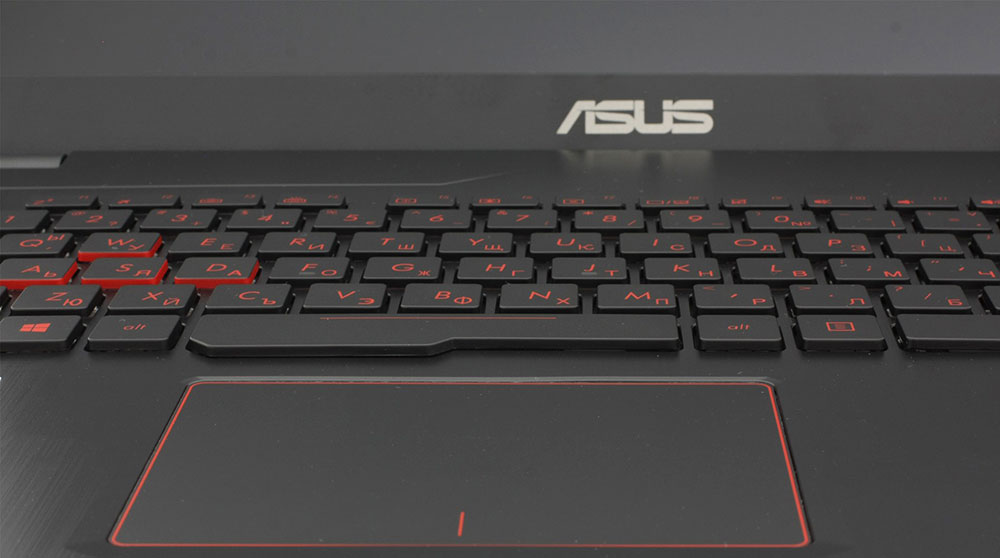
- Excellent keyboard
- Better battery life than before
- Bright IPS panel with wide sRGB coverage and high contrast - excellent for gaming and multimedia
- The cooling system keeps the surface extremely cool even during heavy workload
短所
- Not the best build quality in its price range
- Wobbly touchpad
- The screen uses PWM from 0 to 99% brightness (our Health-Guard profile fixes that)
- High inner temperatures during heavy workload, CPU throttling


![[2026年9月] Amazonグローバルにおけるノートパソコンのベストセラーブランド – アップルが売上シェア70%超で市場を席巻](https://laptopmedia.com/wp-content/uploads/2026/10/GLOBAL-Best-Brands-400x225.jpg)
![[2026年9月] アマゾン・グローバル:ノートパソコン売上ランキングトップ10――アップルの「MacBook Neo」が1位を獲得、手頃な価格帯とハイエンド機種が市場を席巻](https://laptopmedia.com/wp-content/uploads/2026/10/Best-Selling-Laptops-GLOBAL-Top-10-400x225.jpg)
![[2026年9月] Amazon Global:ゲーム用ノートPC売上ランキングトップ10 – ASUS ROG Strix G16が記録的な販売台数を記録し、市場を席巻](https://laptopmedia.com/wp-content/uploads/2026/10/Best-Selling-Gaming-Laptops-GLOBAL-Top-10-400x225.jpg)
![[2026年9月] AmazonにおけるノートPC用GPUの世界販売ランキング ― プレミアムノートPC市場ではAppleのM5チップがNVIDIAを圧倒したが、トップ10入りを果たした専用GPUはRTX 5060のみだった](https://laptopmedia.com/wp-content/uploads/2026/10/Best-Selling-GPUs-GLOBAL-Top-10-400x225.jpg)
![[2026年9月] AmazonにおけるノートPC用CPUの世界販売ランキング ― プレミアム市場が独走状態となる中、AppleのM5がIntelを圧倒](https://laptopmedia.com/wp-content/uploads/2026/10/Best-Selling-CPUs-GLOBAL-Top-10-400x225.jpg)
