ASUS X570 (M570 / K570)
ASUS X570 (M570 / K570) - スペック
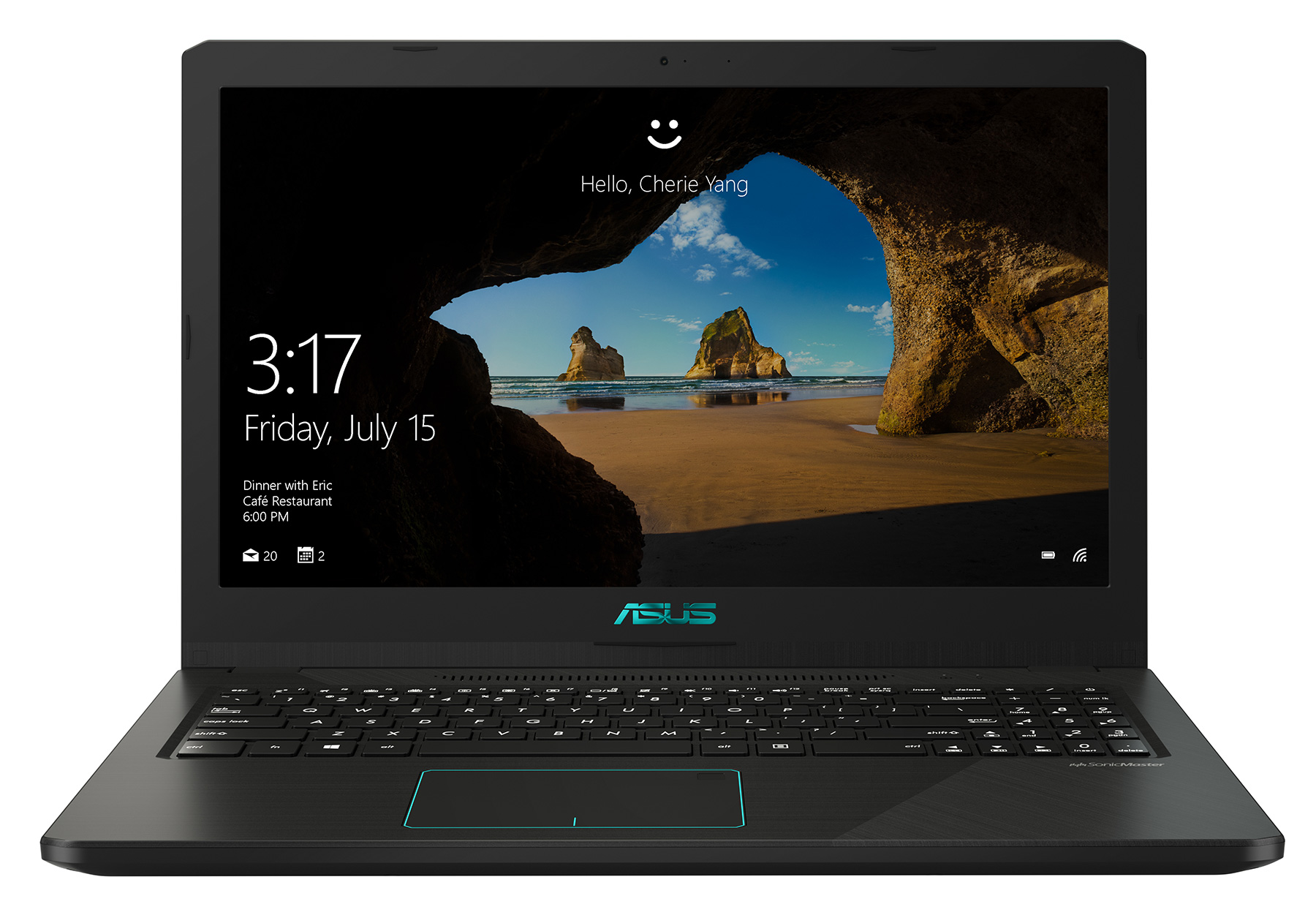
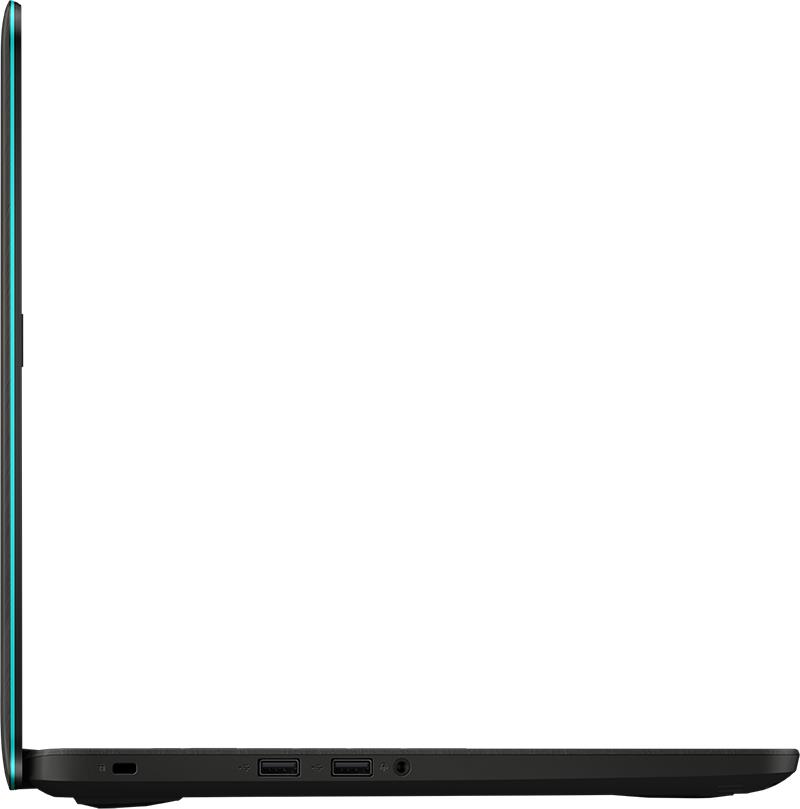
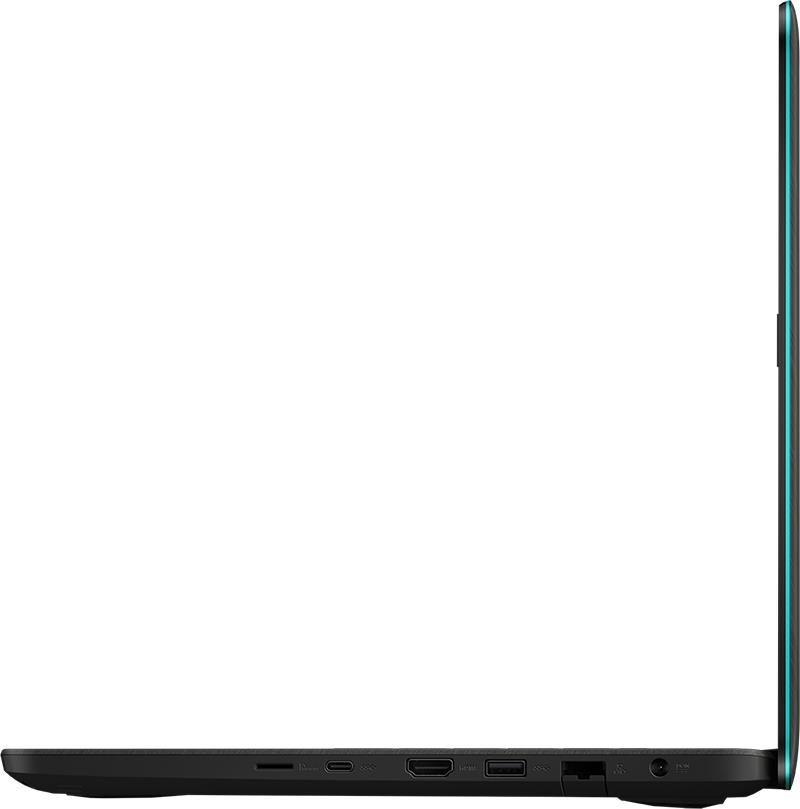
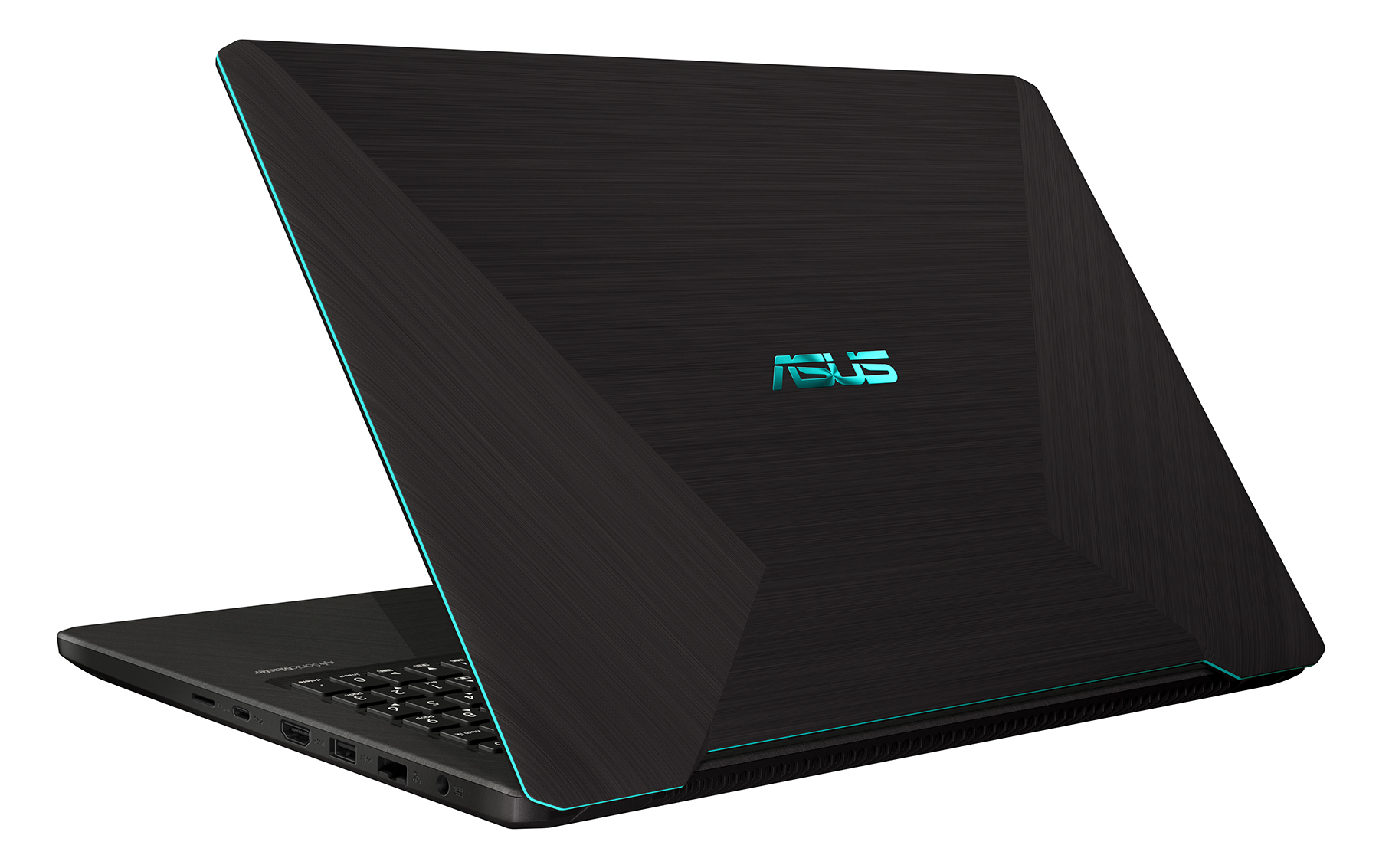

- HDD/SSD
- 最大 1000GB SSD + 最大 2000GB HDD
- RAM
- up to 32GB
- OS
- Windows 10 Home, No OS
- バッテリー
- 48Wh, 3-cell, 48Wh
- 寸法
- 375 x 256 x 21.9 mm (14.76" x 10.08" x 0.86")
- 重量
- 1.90 kg (4.2 lbs)
- ポートと接続性
- 1x USB Type-C
- 3.2 Gen 1 (5 Gbps)
- 1x USB Type-A
- 3.2 Gen 1 (5 Gbps)
- 2x USB Type-A
- 2.0
- HDMI
- 1.4
- カードリーダー
- microSD (SD/SDHC/SDXC)
- Ethernet LAN
- 10/100/1000 Mbps
- Wi-Fi
- 802.11ac
- Bluetooth
- 4.1
- 特徴
- 指紋リーダー
- optional
- Webカメラ
- VGA
- バックライトキーボード
- optional
- マイク
- Analog Microphone
- スピーカー
- 2x 2W
- 光学ドライブ
- セキュリティロックスロット
- Kensington Lock
すべて ASUS X570 (M570 / K570) 構成
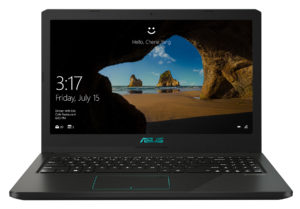

...用のプロファイルを購入 Innolux N156HGA-EAB / 15.6”, Full HD (1920 x 1080), TN
効率的で健康に優しいプロファイルを受け取ることに加え、LaptopMediaの製品を購入することで、可能な限り客観的なレビューを作成するためにデバイスをテストする私たちのラボの開発を支援することにもなります。

Office Work
Office Workは、テキストや表を見たり、ウェブサーフィンにほとんどの時間を費やすユーザーに主に使用されるべきです。このプロファイルは、フラットなガンマカーブ(2.20)、ネイティブな色温度、知覚的に正確な色を維持することで、より良い鮮明さと明瞭さを提供することを目指しています。

Design and Gaming
このプロファイルは、プロとして色を扱うデザイナーや、ゲームや映画向けです。Design and Gamingは、ディスプレイパネルの性能を最大限に引き出し、WebおよびHDTVのsRGB IEC61966-2-1規格(D65ホワイトポイント)で可能な限り正確な色を再現します。

3つのプロファイルをすべて33%割引で入手

CPU性能
ここでは、すべてのCPUに搭載されているCPUの価格/性能差を確認することができます。 ASUS X570 (M570 / K570) シリーズ.
結果はCinebench R23のCPUテストによるもの(スコアが高いほど優れています)
GPU性能
ここでは、すべてのCPUに搭載されているGPUの価格/性能差を確認することができます。 ASUS X570 (M570 / K570) シリーズ.
結果は3DMark Time Spy (Graphics)のものです。数値が高いほど良い。
ASUS X570 (M570 / K570) 詳細なレビュー
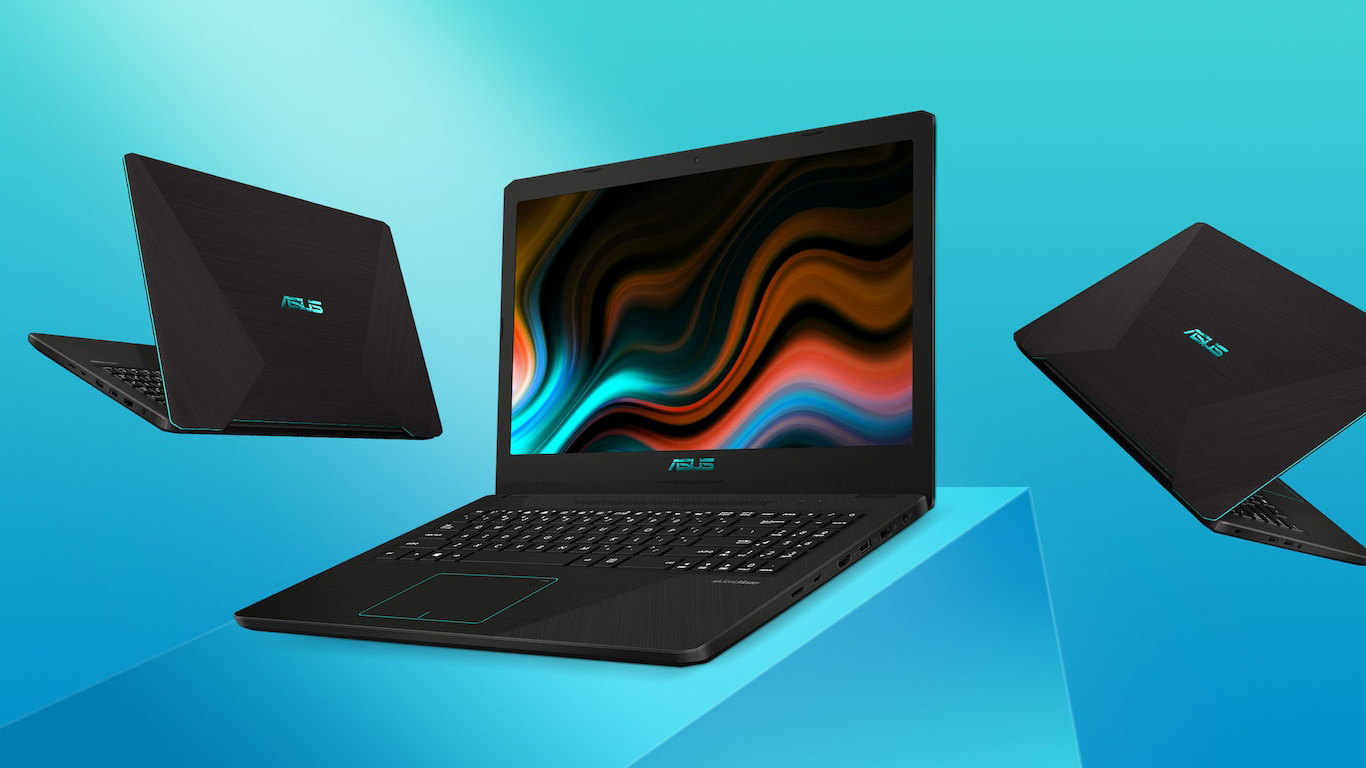
This is another laptop that comes by a couple of different names and configurations. You can see it as the VivoBook M570/X570/K570 and is equipped with either an Intel or AMD processors. So for the sake of clarity and ease, we are going to call this notebook the VivoBook K570, and we want to point out that we're reviewing the AMD CPU version of this model, which features an NVIDIA GeForce GTX 1050.We know, there is a lot to digest for the beginning of a review, but it is better to put things straight from the beginning. So, as of now, the VivoBook K570 can be configured with either an IPS[...]
長所
- Clicky keyboard with lots of key travel
- Interesting AMD + NVIDIA combo
- One of the most affordable gaming notebooks
- Its TN panel has quick response times
- Doesn't use aggressive PWM to adjust its brightness levels
短所
- Budget build quality
- TN panel with narrow viewing angles and poor contrast ratio
- Difficult to upgrade
- Runs hot during gaming


![[2026年9月] Amazonグローバルにおけるノートパソコンのベストセラーブランド – アップルが売上シェア70%超で市場を席巻](https://laptopmedia.com/wp-content/uploads/2026/10/GLOBAL-Best-Brands-400x225.jpg)
![[2026年9月] アマゾン・グローバル:ノートパソコン売上ランキングトップ10――アップルの「MacBook Neo」が1位を獲得、手頃な価格帯とハイエンド機種が市場を席巻](https://laptopmedia.com/wp-content/uploads/2026/10/Best-Selling-Laptops-GLOBAL-Top-10-400x225.jpg)
![[2026年9月] Amazon Global:ゲーム用ノートPC売上ランキングトップ10 – ASUS ROG Strix G16が記録的な販売台数を記録し、市場を席巻](https://laptopmedia.com/wp-content/uploads/2026/10/Best-Selling-Gaming-Laptops-GLOBAL-Top-10-400x225.jpg)
![[2026年9月] AmazonにおけるノートPC用GPUの世界販売ランキング ― プレミアムノートPC市場ではAppleのM5チップがNVIDIAを圧倒したが、トップ10入りを果たした専用GPUはRTX 5060のみだった](https://laptopmedia.com/wp-content/uploads/2026/10/Best-Selling-GPUs-GLOBAL-Top-10-400x225.jpg)
![[2026年9月] AmazonにおけるノートPC用CPUの世界販売ランキング ― プレミアム市場が独走状態となる中、AppleのM5がIntelを圧倒](https://laptopmedia.com/wp-content/uploads/2026/10/Best-Selling-CPUs-GLOBAL-Top-10-400x225.jpg)
